Work profiles
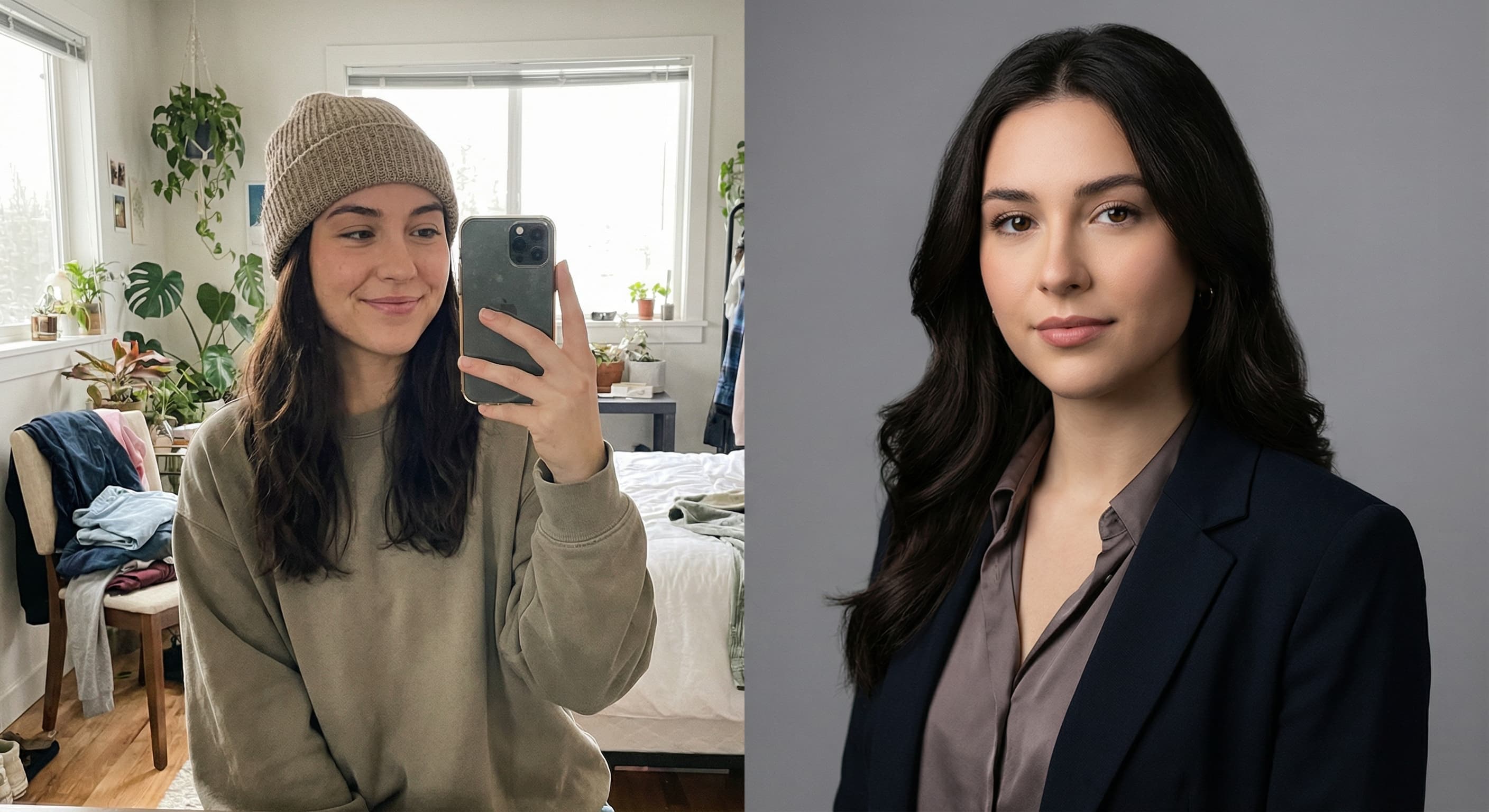
“Turn this selfie into a professional headshot with a blurred office background.”
Upload a decent selfie or casual photo and Made prepares it for LinkedIn: professional framing, a clean modern background, business-appropriate attire, and flattering light.
Work profiles“Turn this selfie into a professional headshot with a blurred office background.”
Sharp, front-lit, just you in frame — a window-light selfie works better than a dim night photo.
Blazer or business casual, and the backdrop mood: soft office, neutral studio, or subtle outdoor.
A profile photo has one job — being recognizably you on a good day. Regenerate if it drifts.
LinkedIn displays a circle: face centered, head and top of shoulders filling most of the frame.
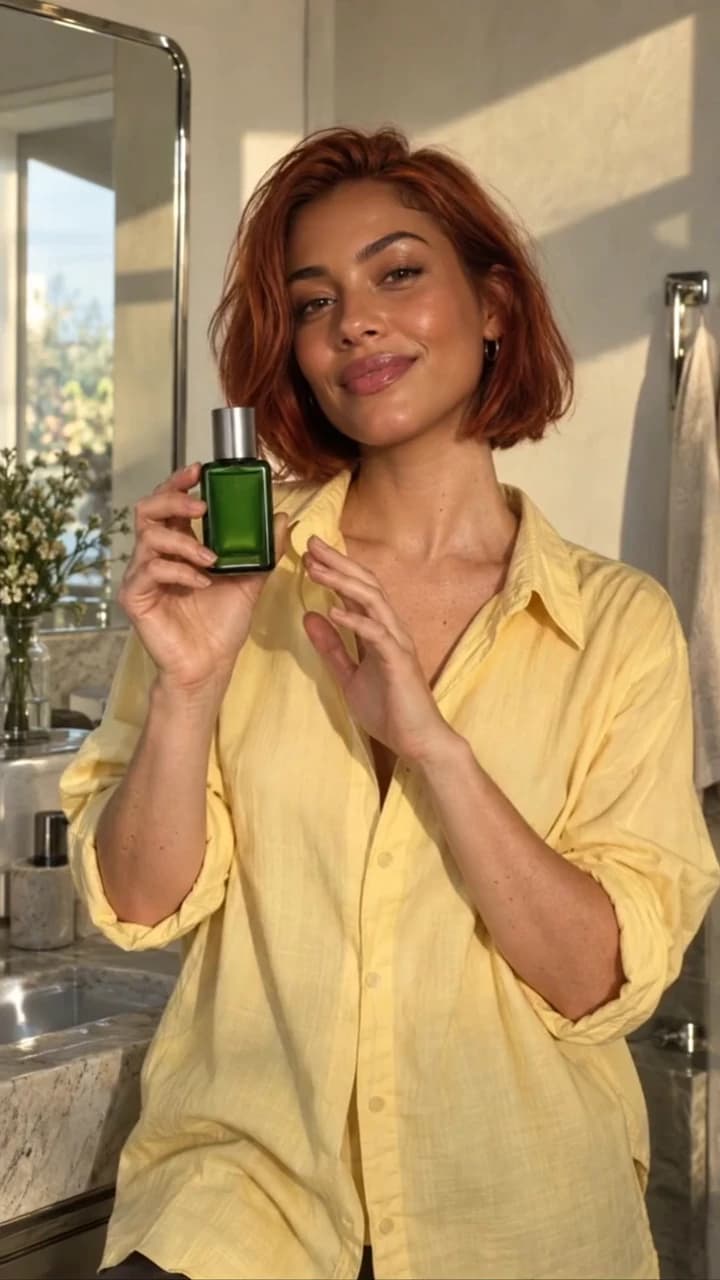
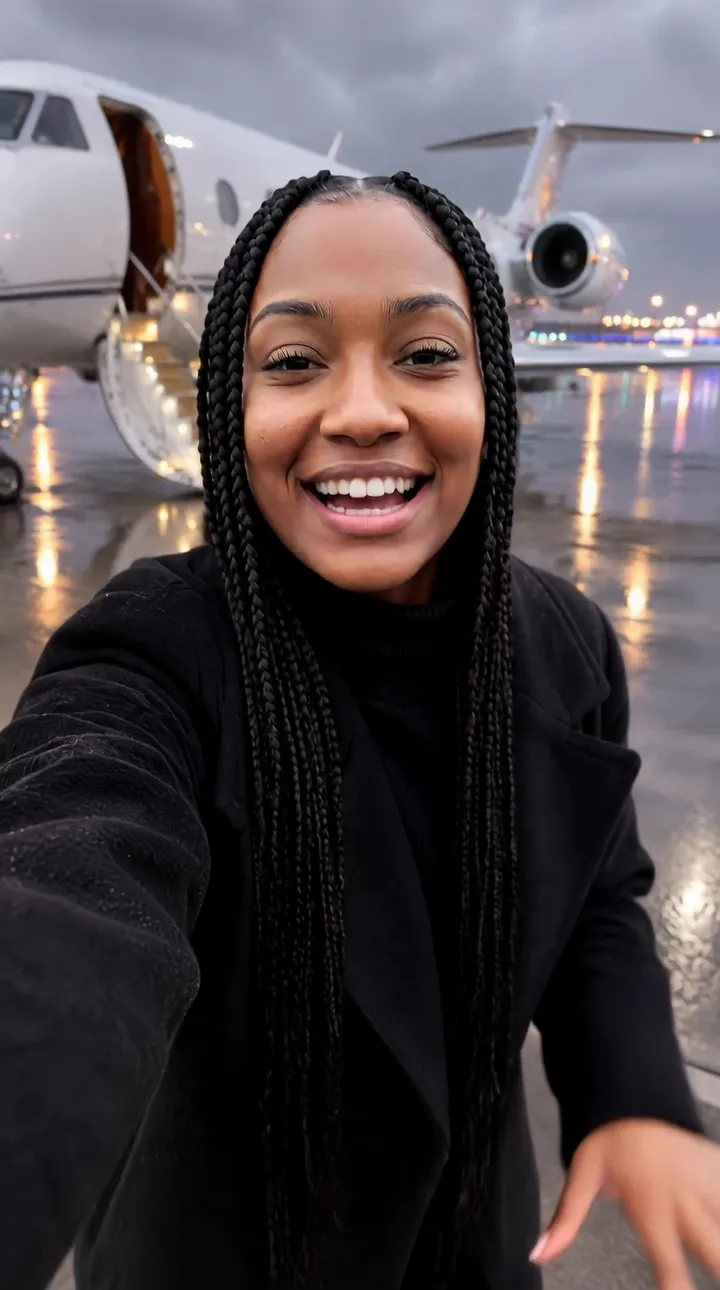
Real results from Made. Use a prompt to load it into the studio above, then add your own photo.
“Turn this selfie into a professional headshot with a blurred office background.”
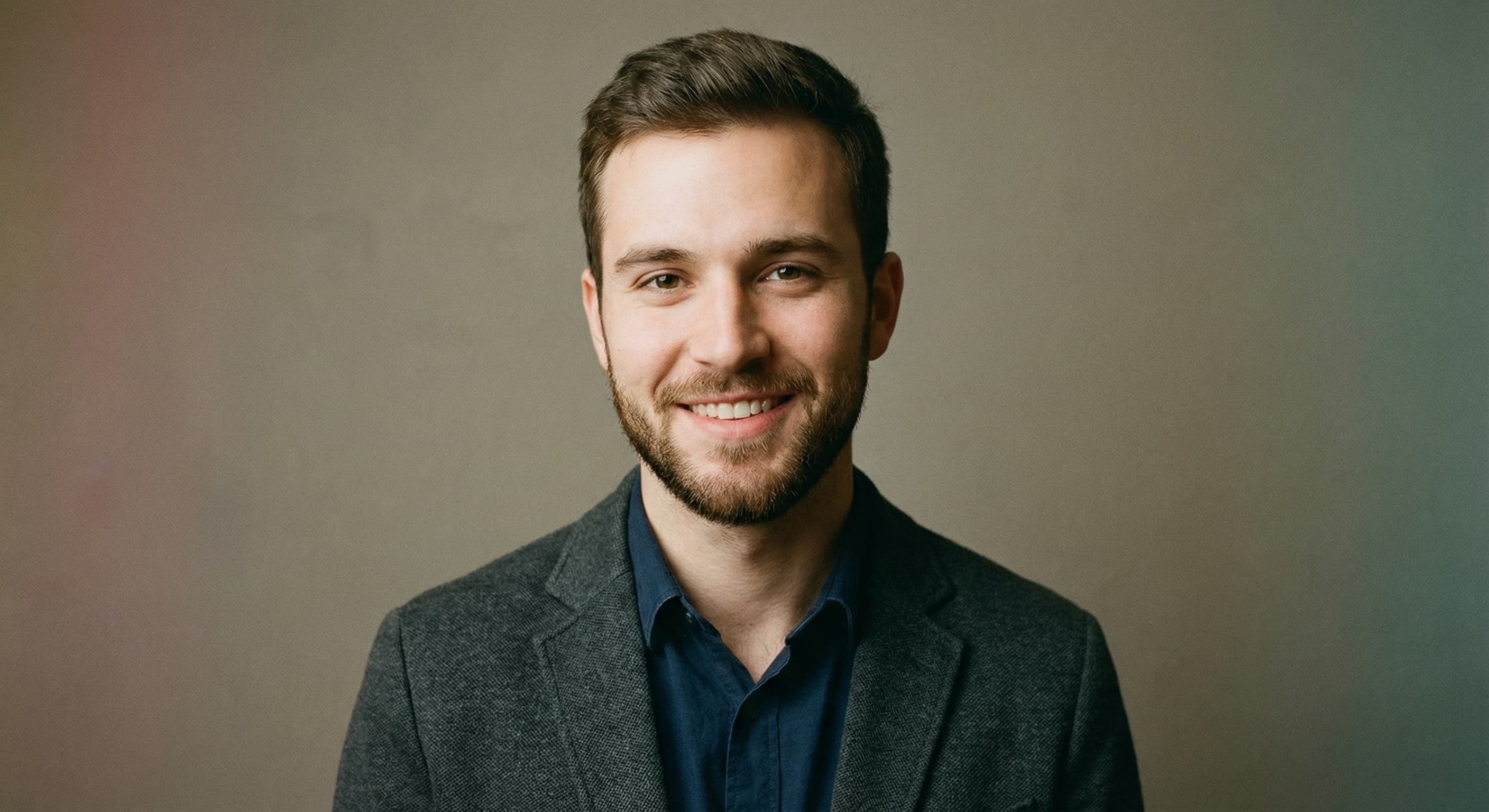
“Make this a clean corporate headshot for a job application.”
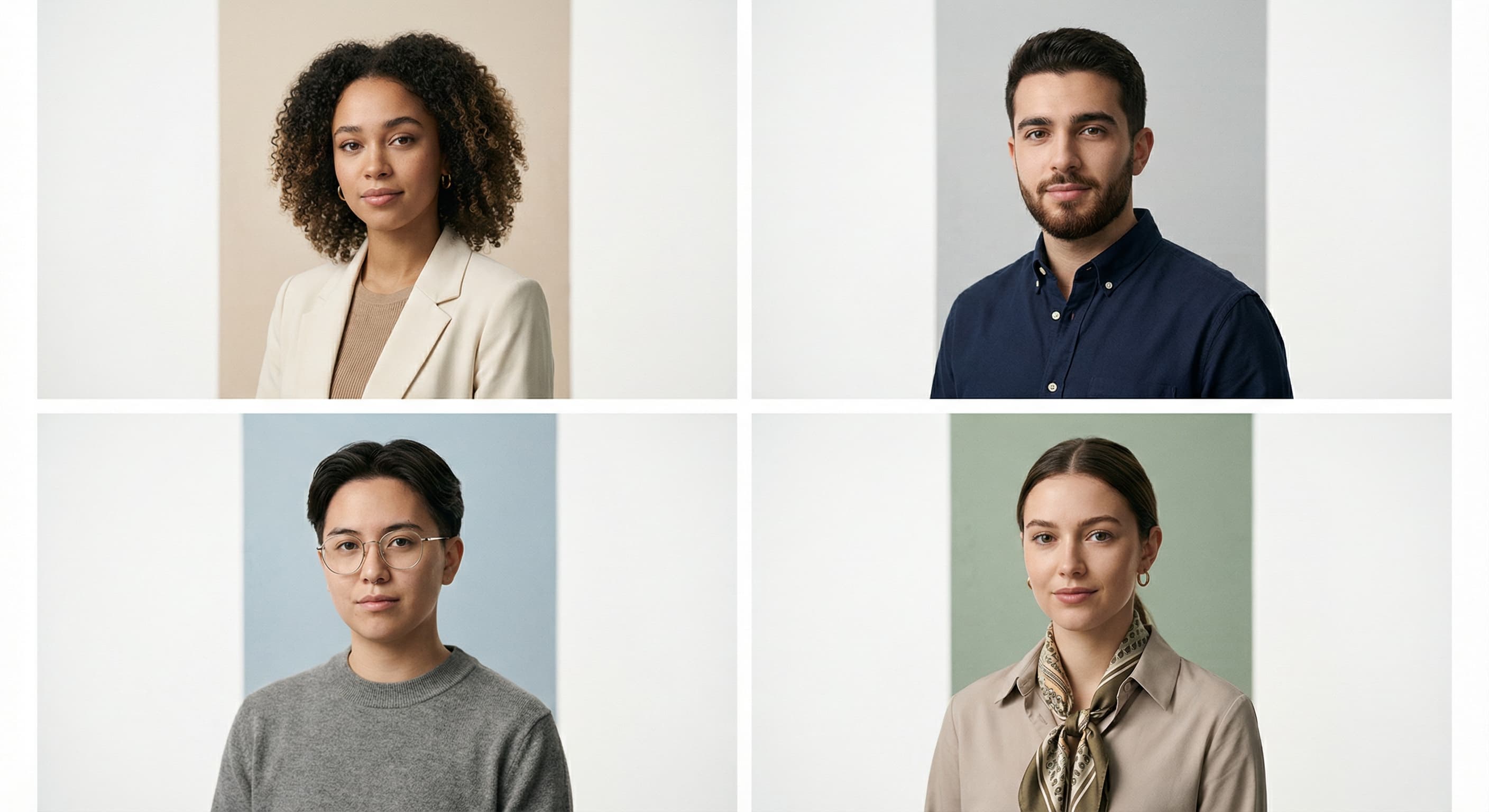
“Style this photo to match our team directory: gray background, even lighting.”
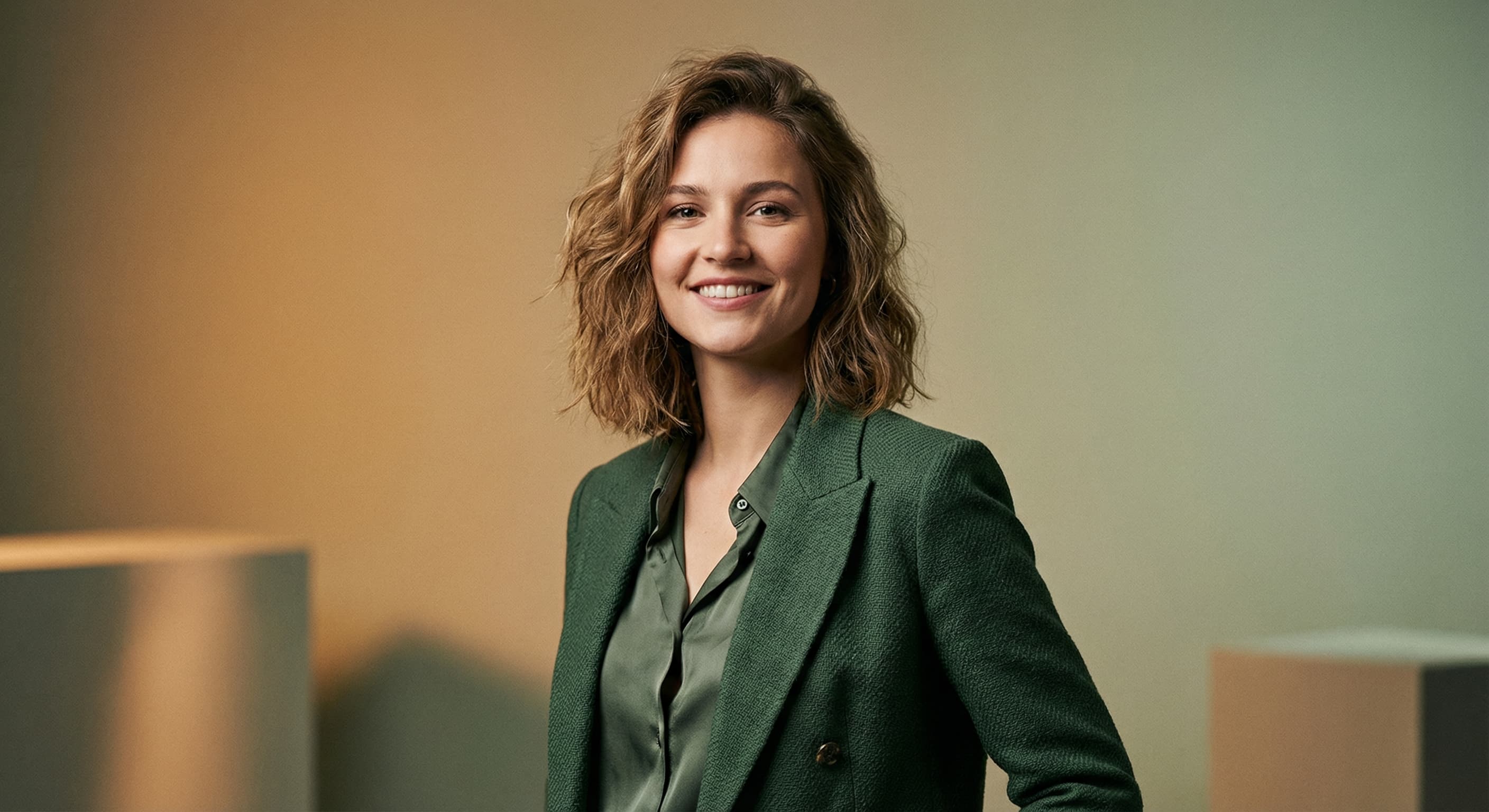
“Create a polished personal-brand headshot with warm professional lighting.”
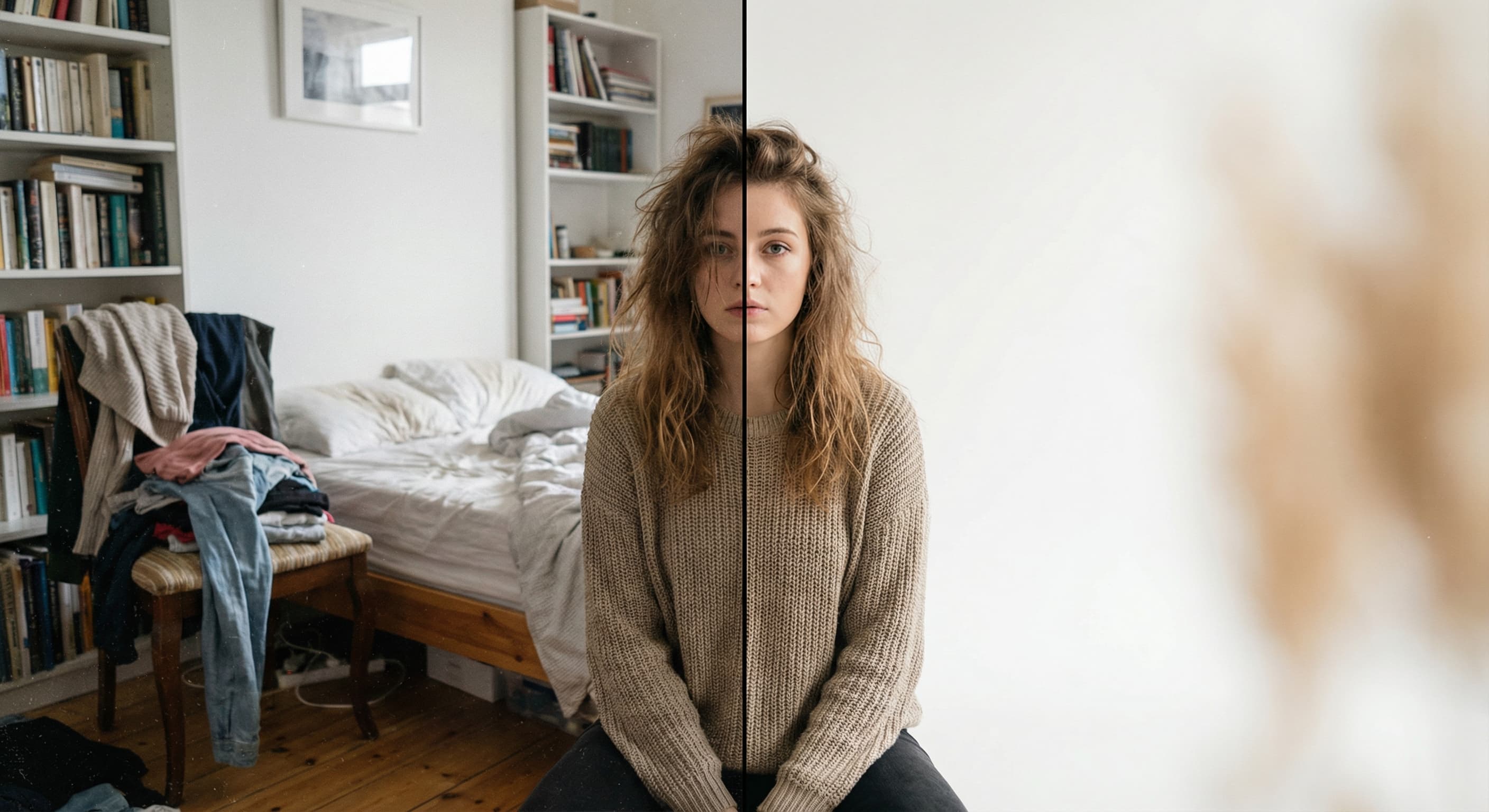
“Replace the background with a neutral studio backdrop.”
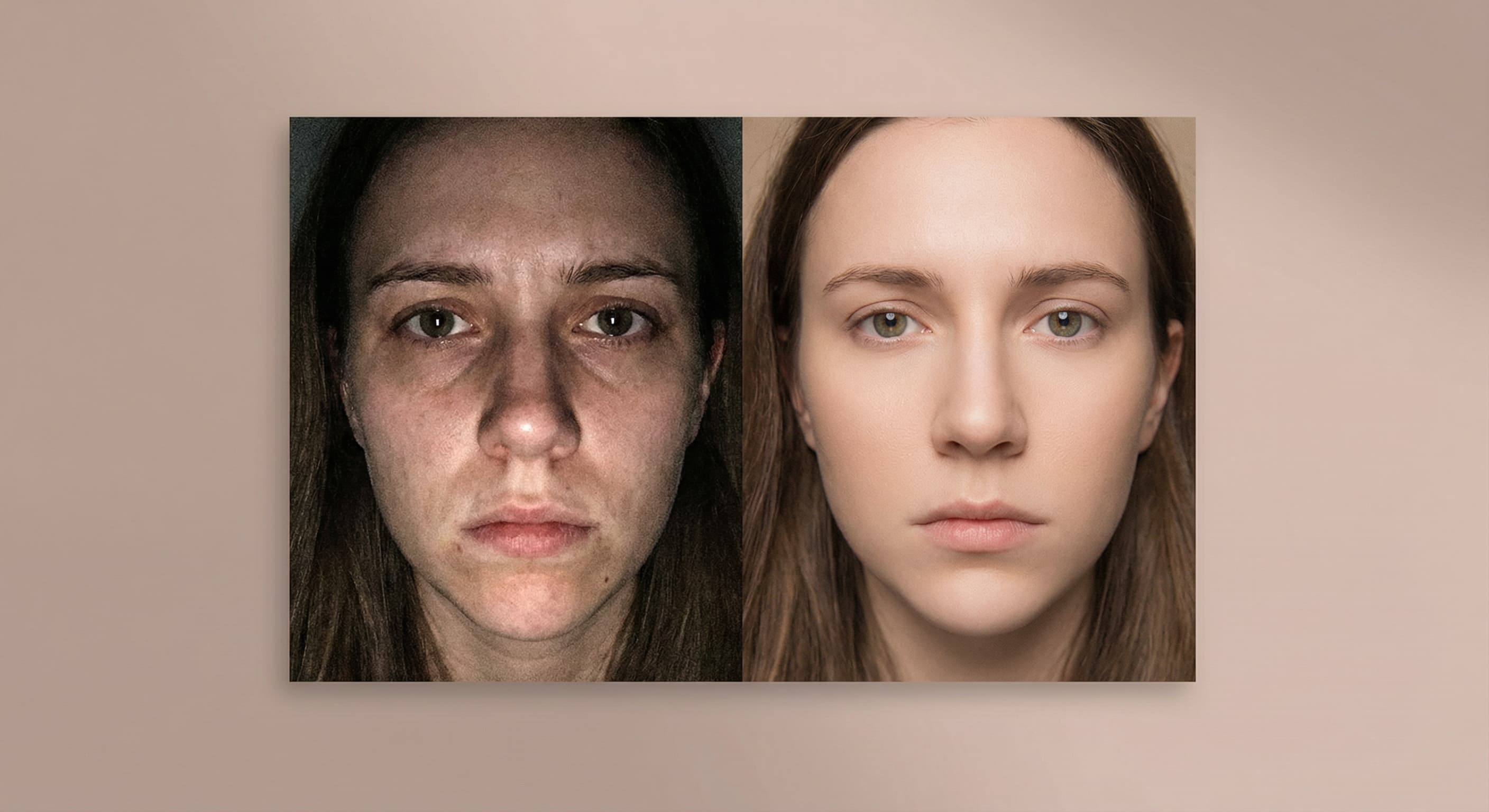
“Fix the lighting so it looks like a professional studio shoot.”
Checked against the running tool on 2026-09-03.
Improving attire, background, and lighting on your own photo is widely accepted — it is the digital version of dressing up for a photographer. The line is recognizability: the photo must genuinely look like present-day you. Colleagues being surprised when they meet you means it went too far.
The edit targets clothing, background, and light; your facial features stay yours. Likeness can drift slightly in some generations — pick the output where you look like yourself on a good day, and regenerate any that don’t.
It matters less than you’d think — attire can be changed in the edit (“navy blazer over a white shirt”). What the edit cannot fix: heavy shadows across the face, motion blur, or a face angled away from the camera.
Soft, unobtrusive, slightly blurred: neutral office tones, warm gray studio, or muted outdoor greenery. Avoid busy scenes and pure white passport-style backgrounds — they read as ID photos, not profiles.
Upload at 400×400 minimum; LinkedIn accepts up to 7680×4320 and displays a circle crop. Generate the photo here, then use Image Resizer if you want an exact square before uploading.
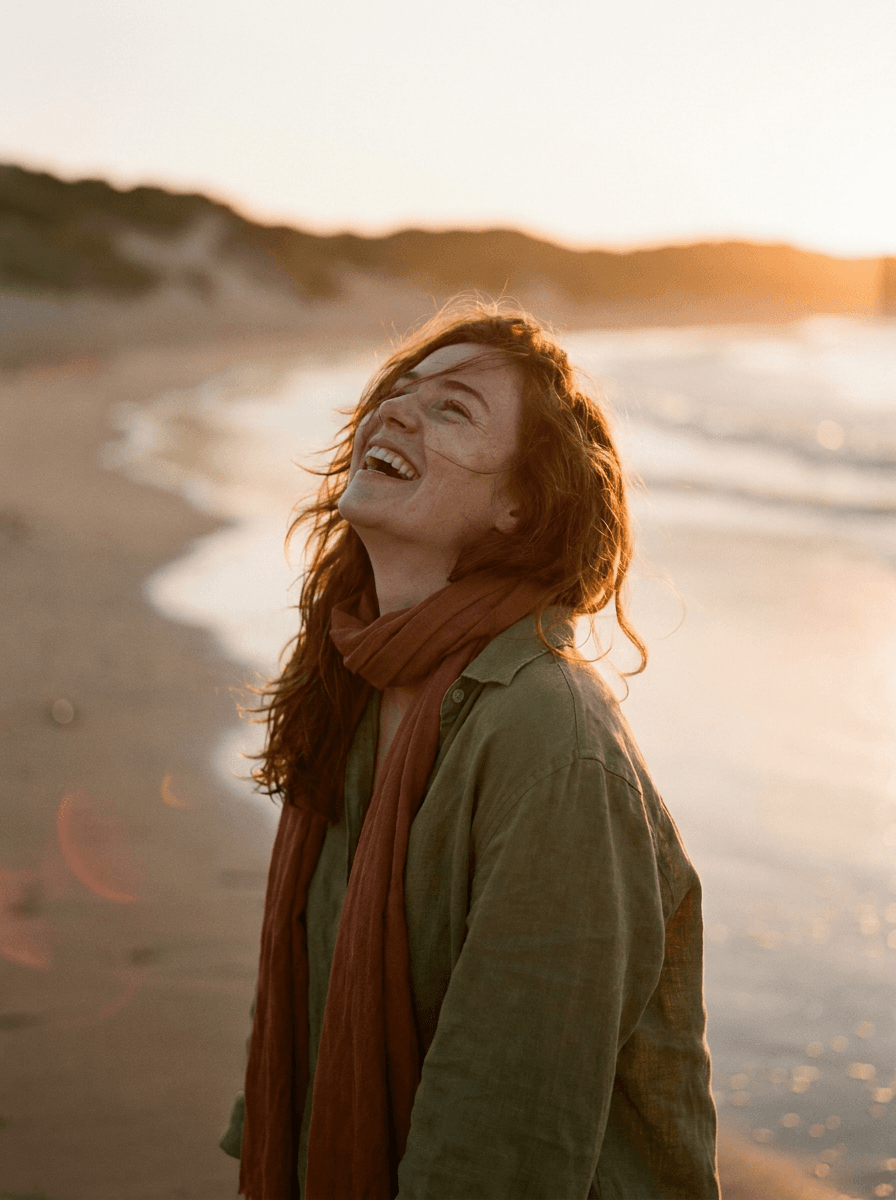
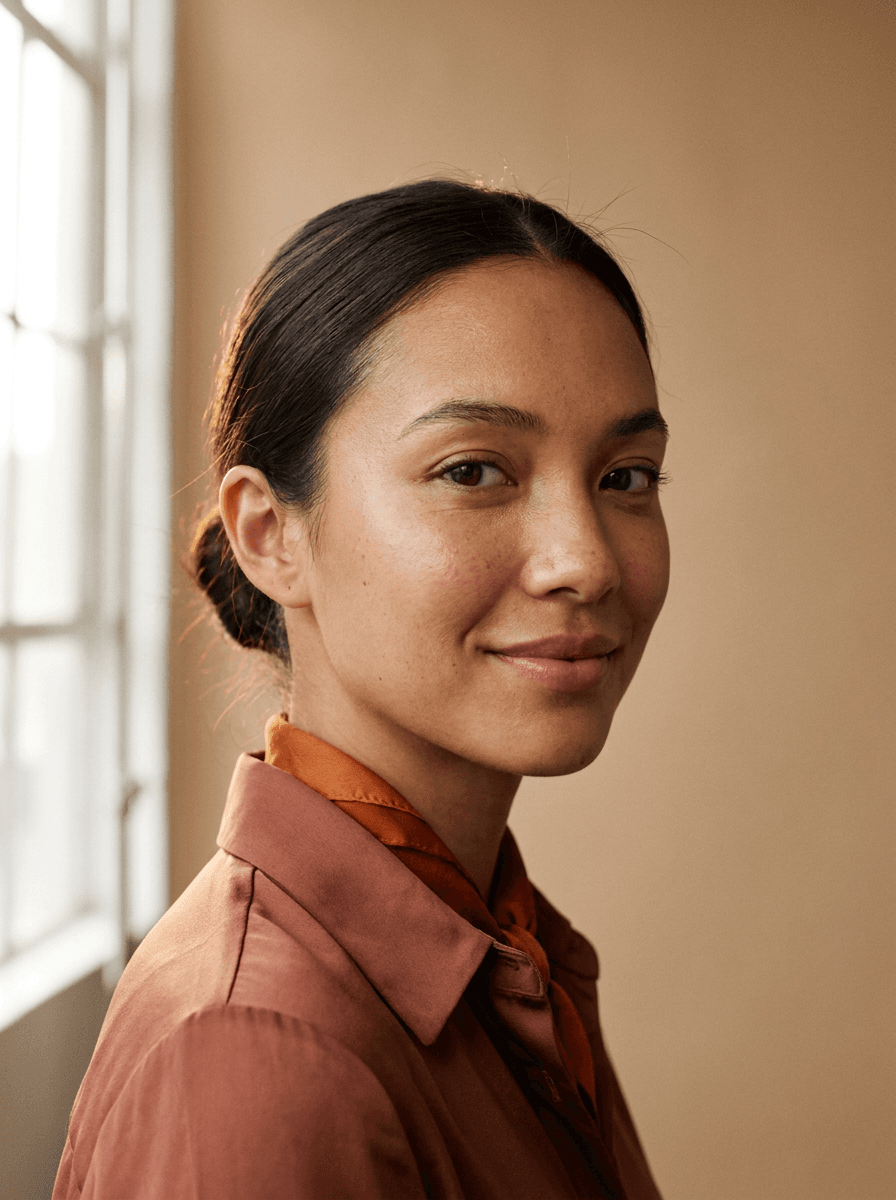
 New
New
 +
+ New
New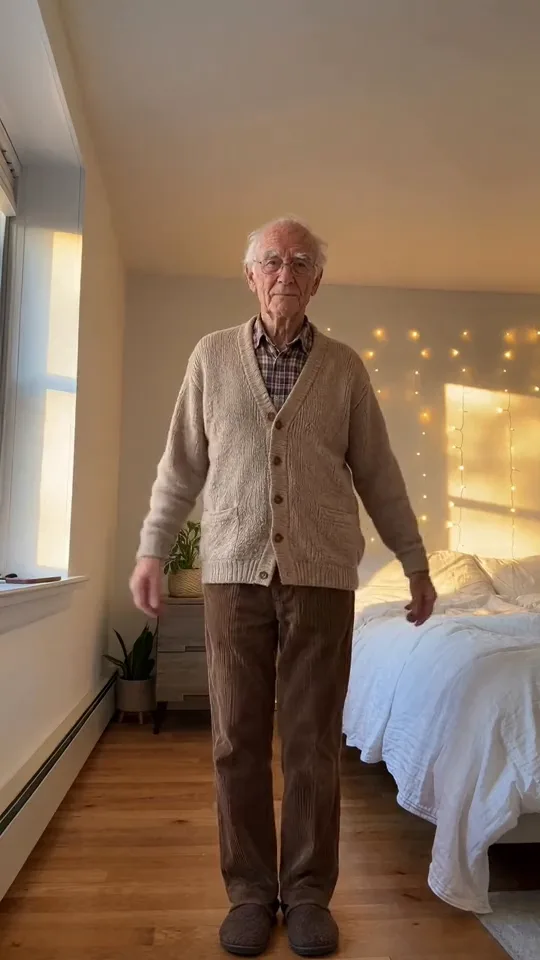
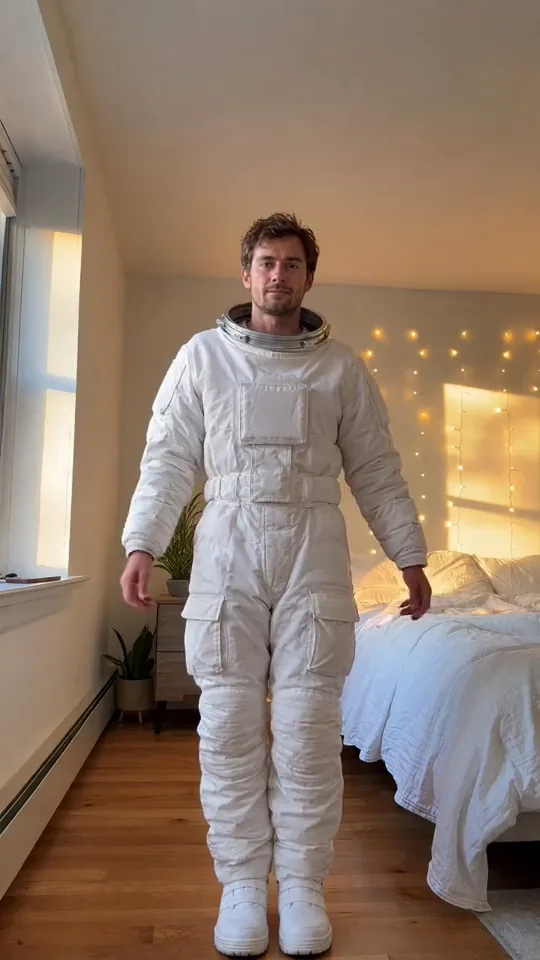

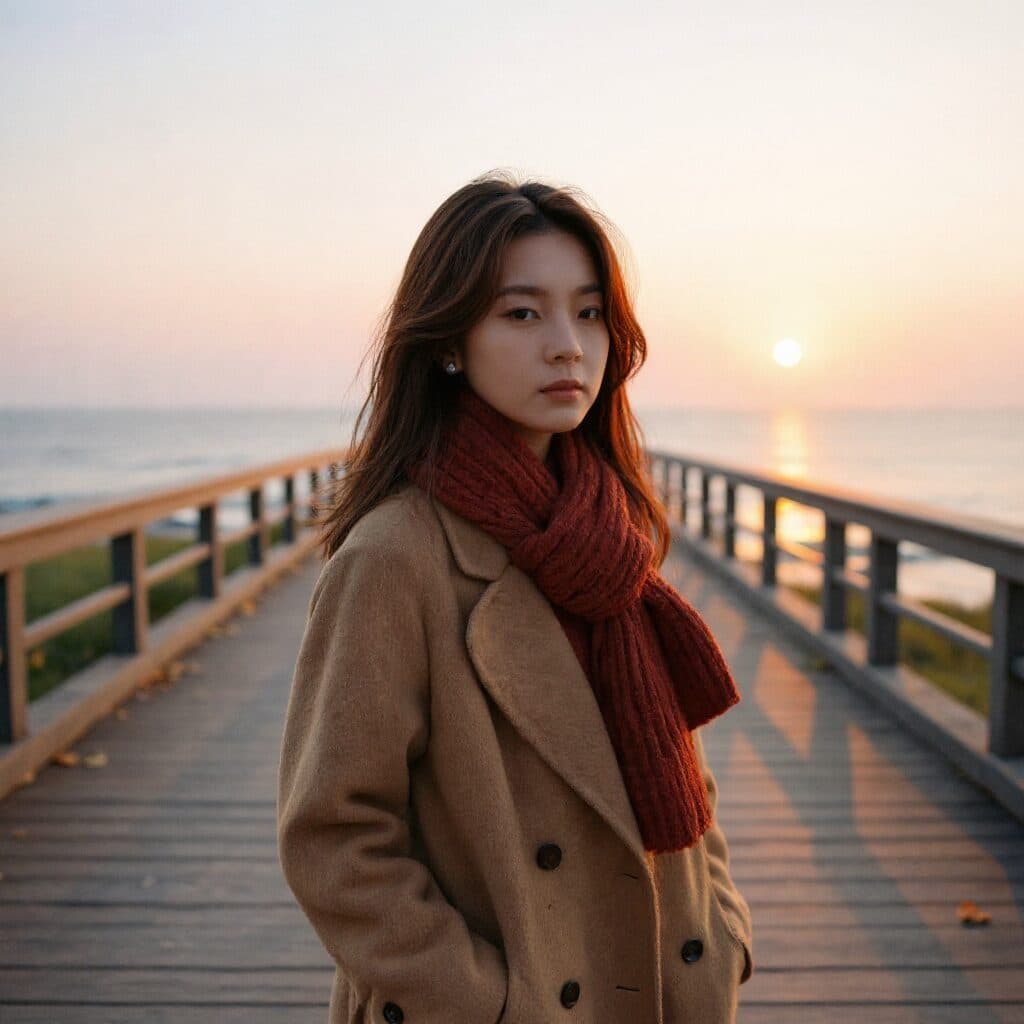
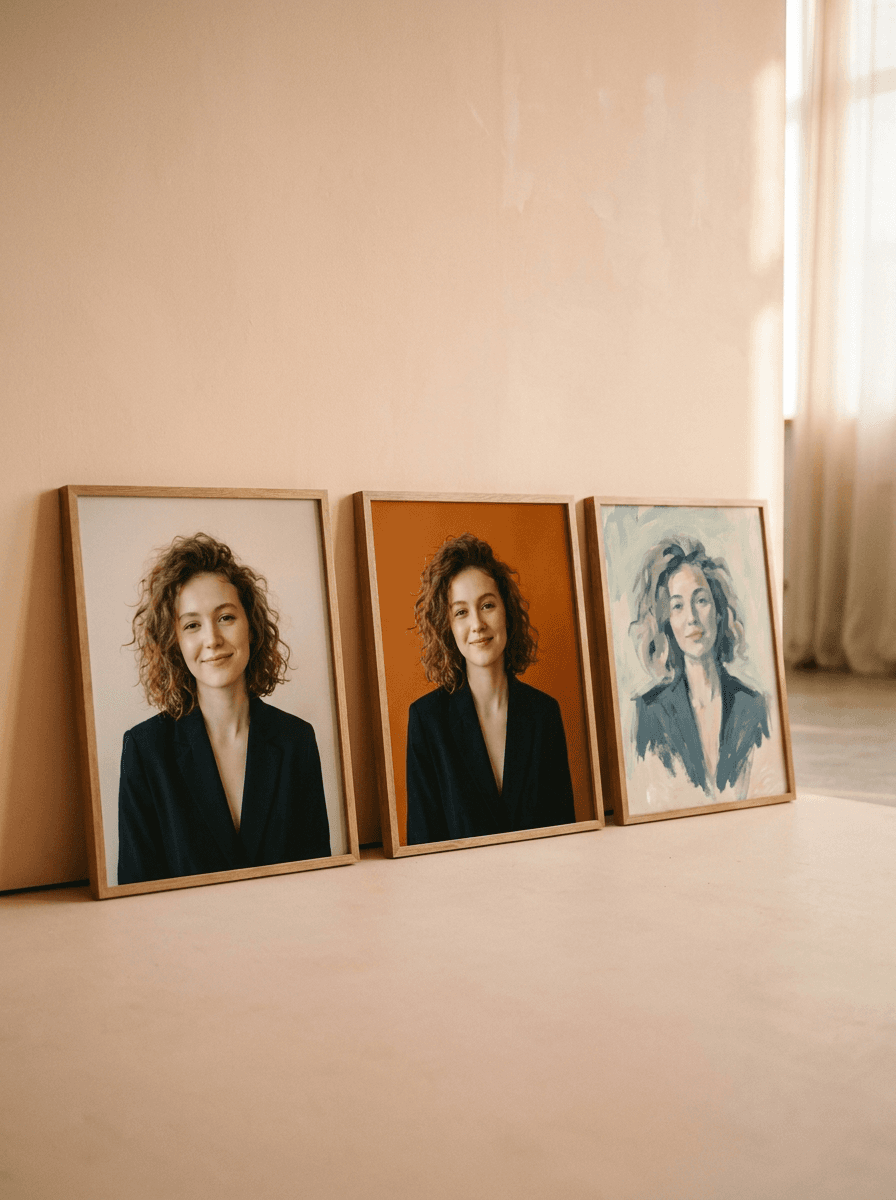
See what each one makes, then open it in Made.