Work profiles
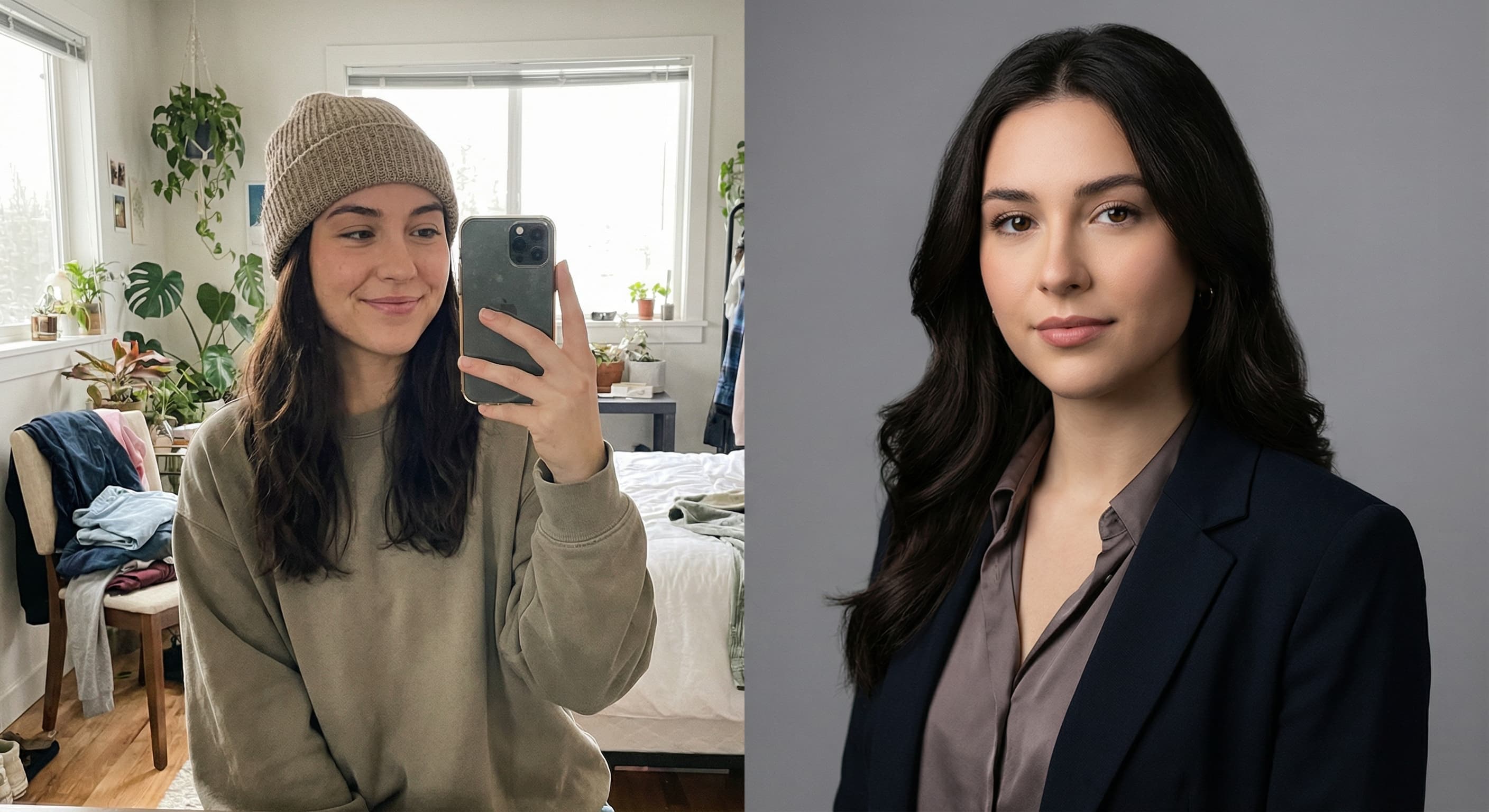
“Turn this selfie into a professional headshot with a blurred office background.”
Upload a clear front-facing photo and Made prepares it in passport style: plain light background, head-and-shoulders crop, and even lighting. Finish by resizing to your country’s exact required dimensions.
Work profiles“Turn this selfie into a professional headshot with a blurred office background.”
Face the camera straight on, neutral expression, even light, hair off the face — the pose cannot be fixed afterward.
Made replaces the background with a plain light one and frames head and shoulders.
Use Image Resizer for the exact dimensions (US 2×2 in, EU 35×45 mm, and so on).
Verify head-size ratio, expression, and glasses rules against your issuing authority before submitting.
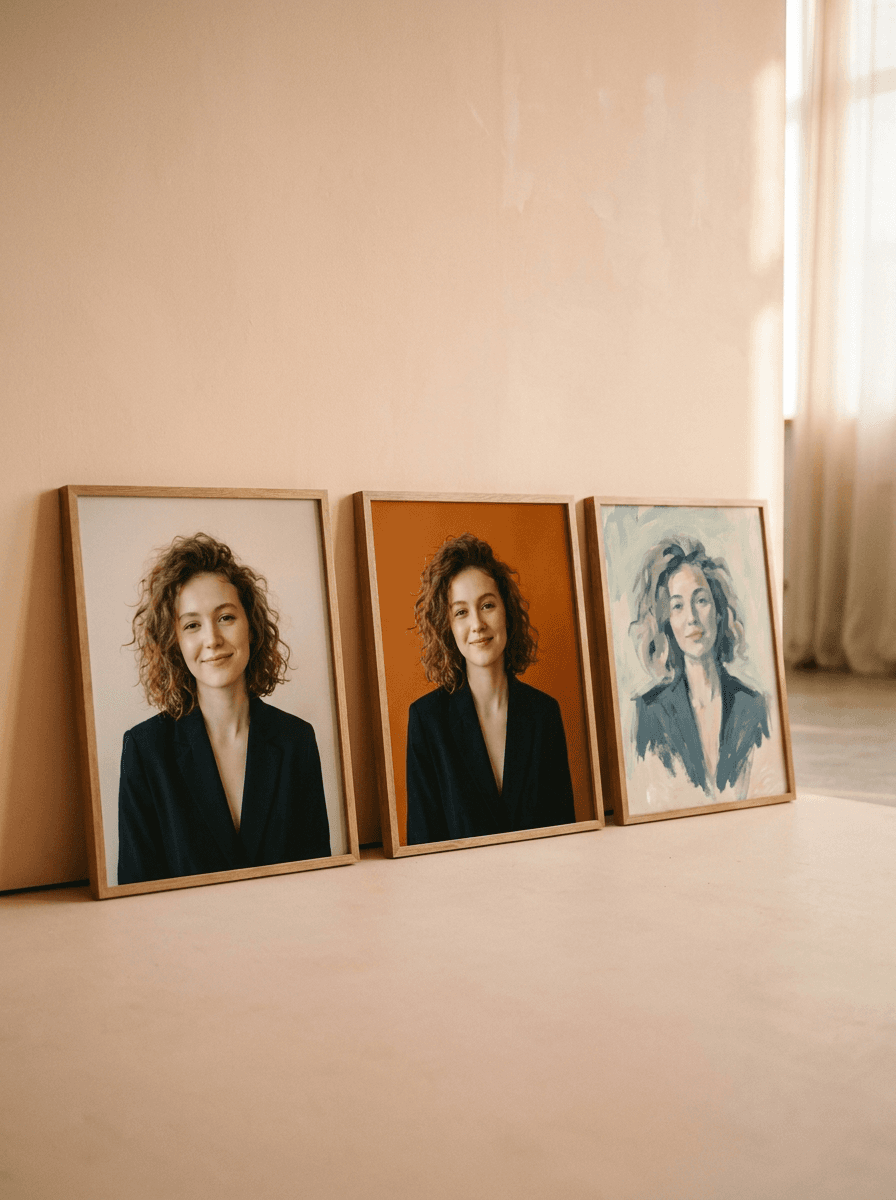
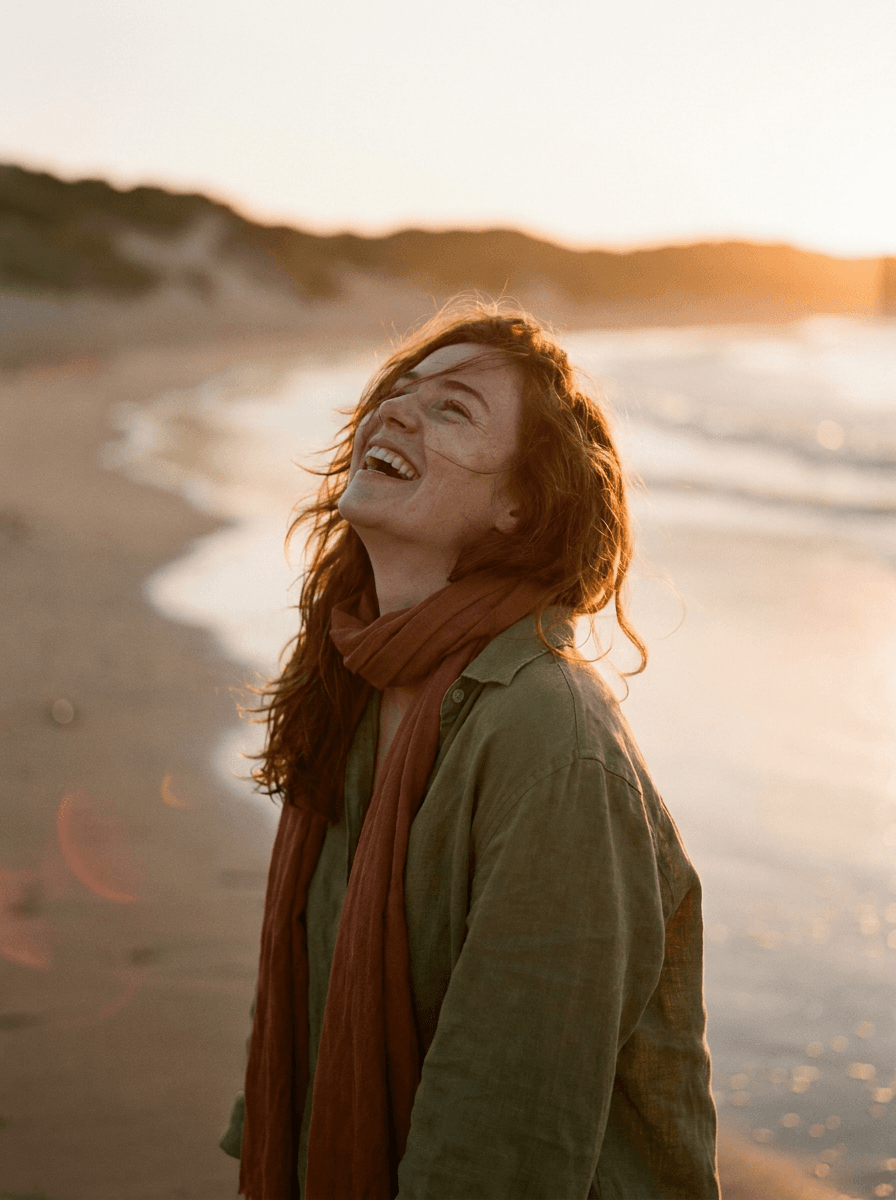
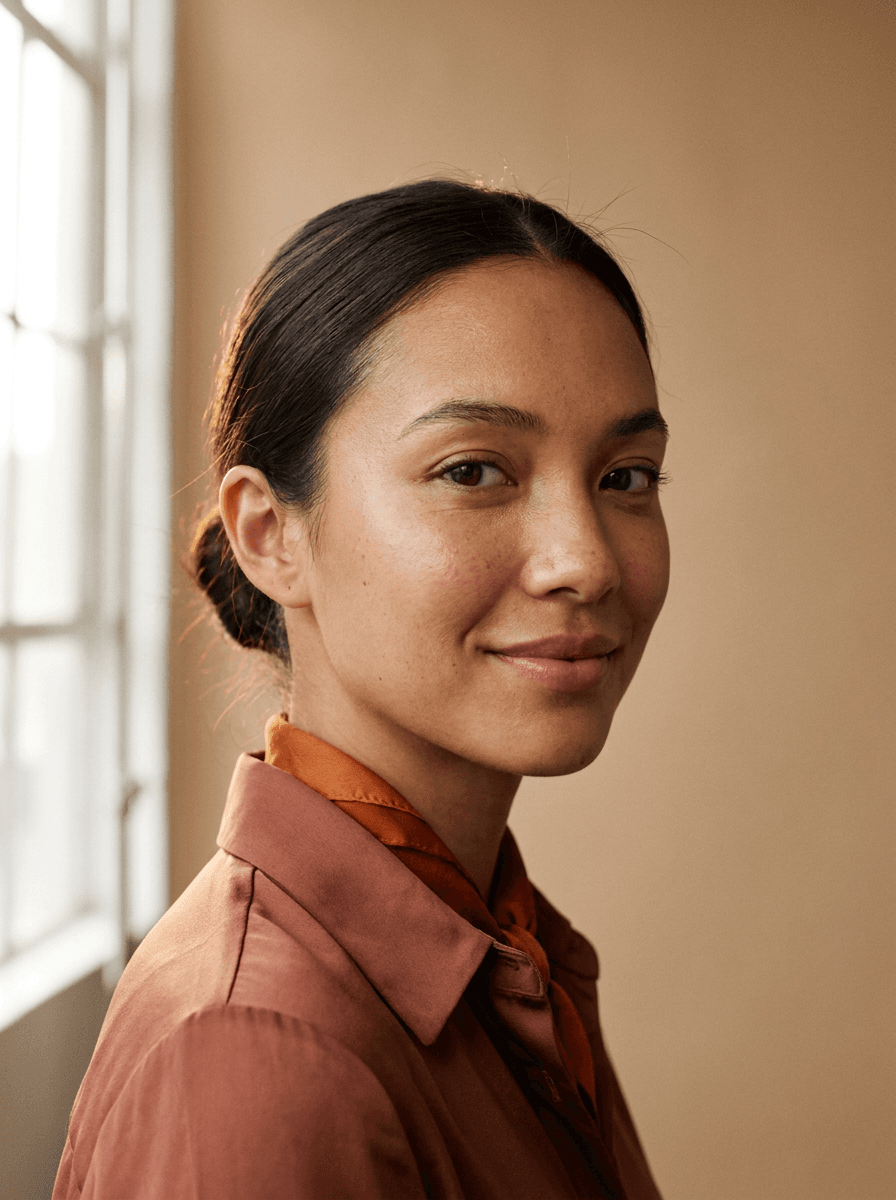
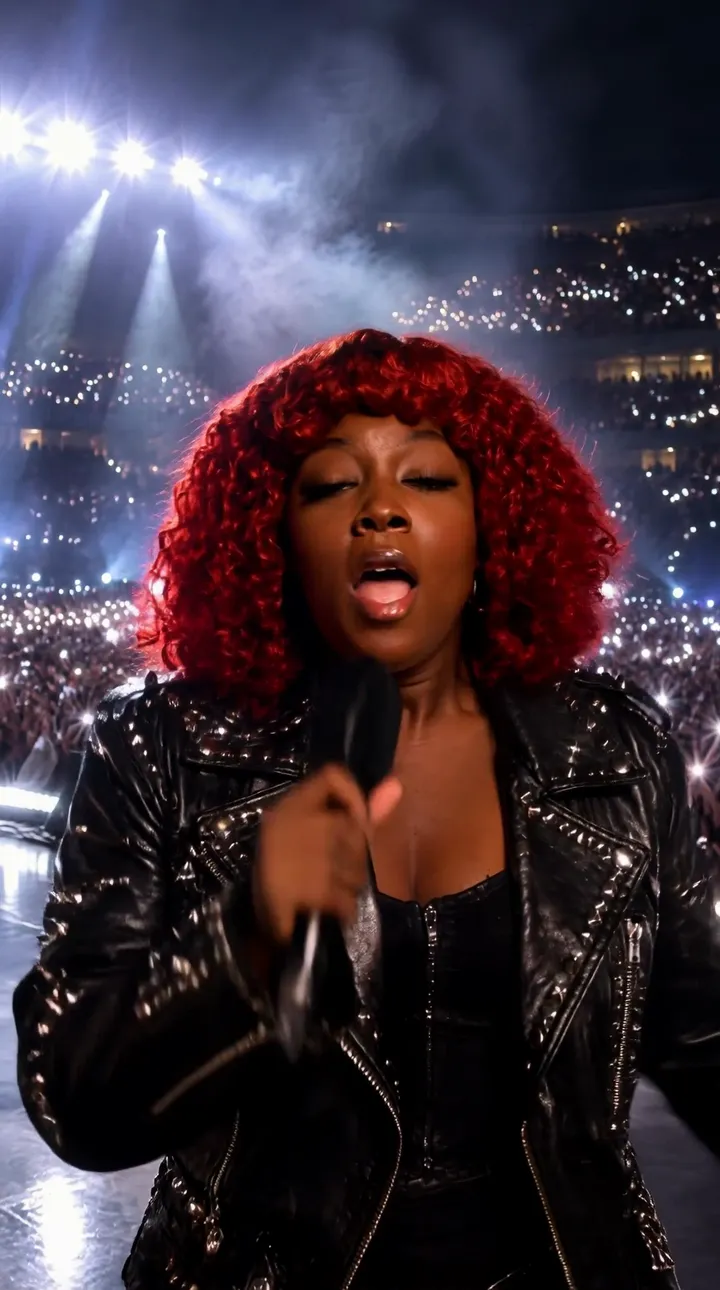
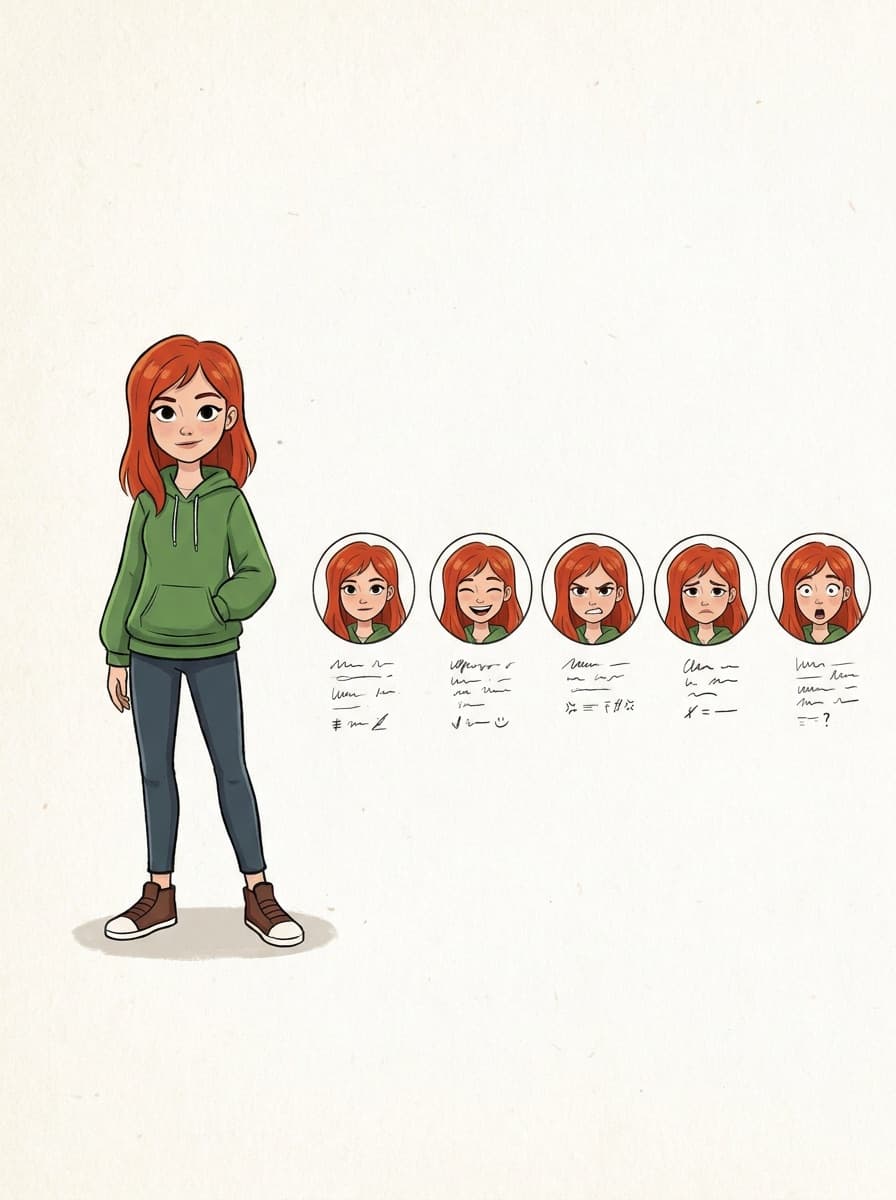
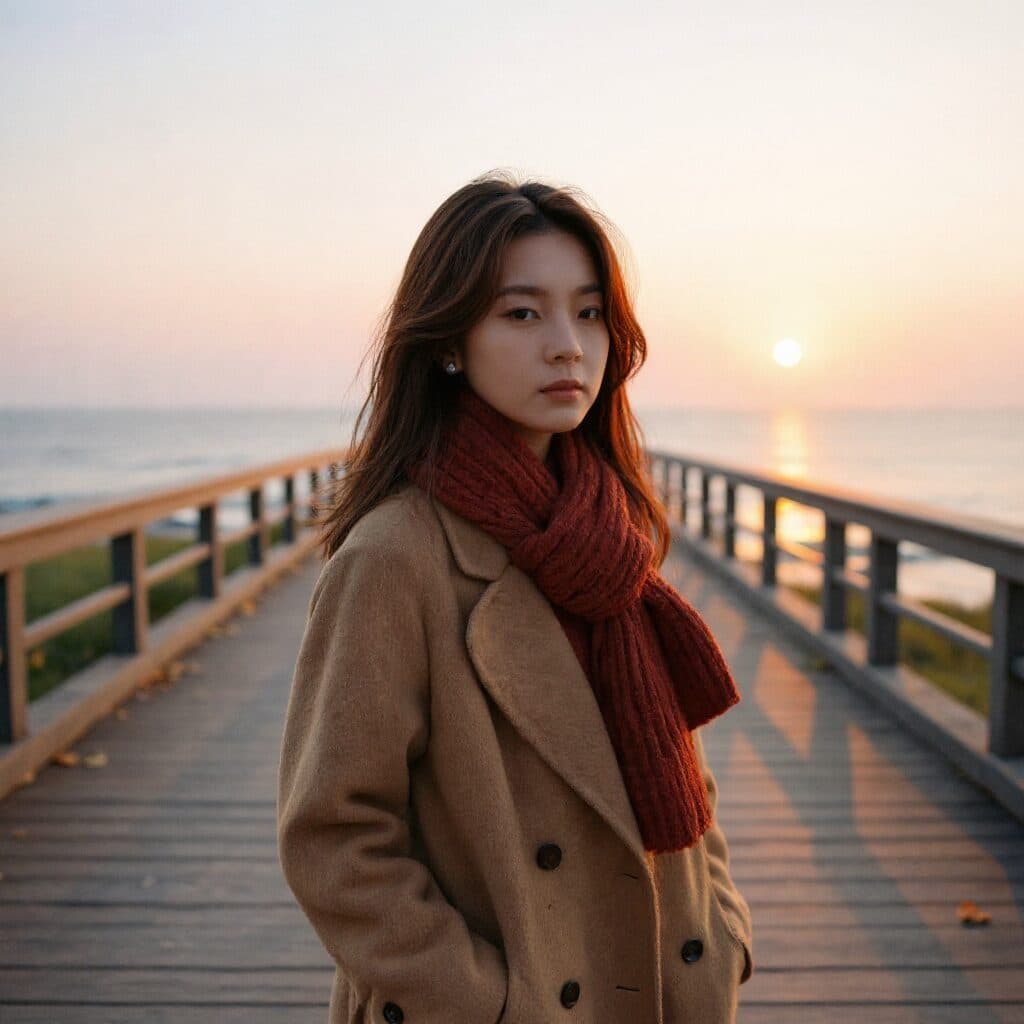
Real results from Made. Use a prompt to load it into the studio above, then add your own photo.
“Turn this selfie into a professional headshot with a blurred office background.”
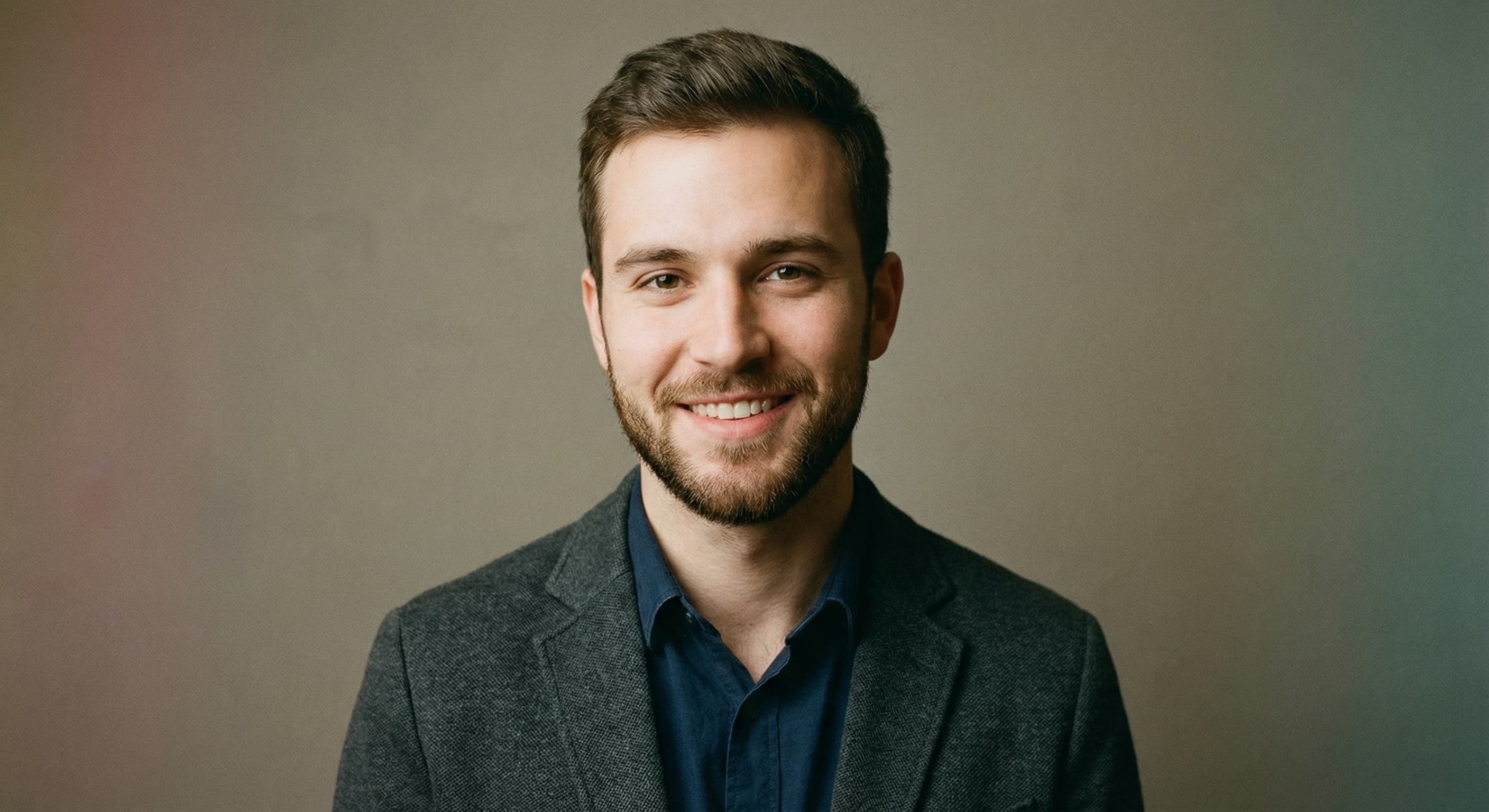
“Make this a clean corporate headshot for a job application.”
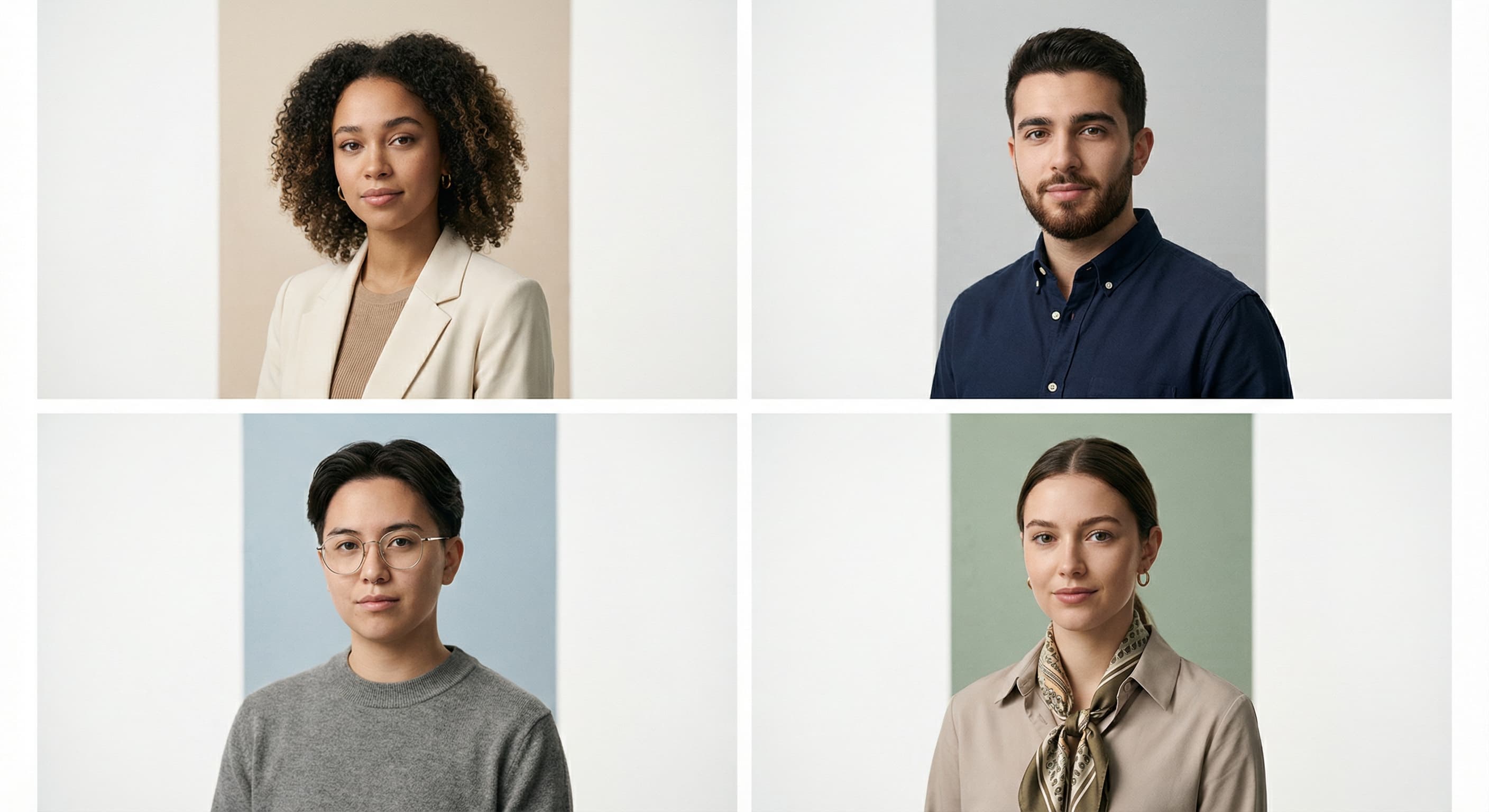
“Style this photo to match our team directory: gray background, even lighting.”
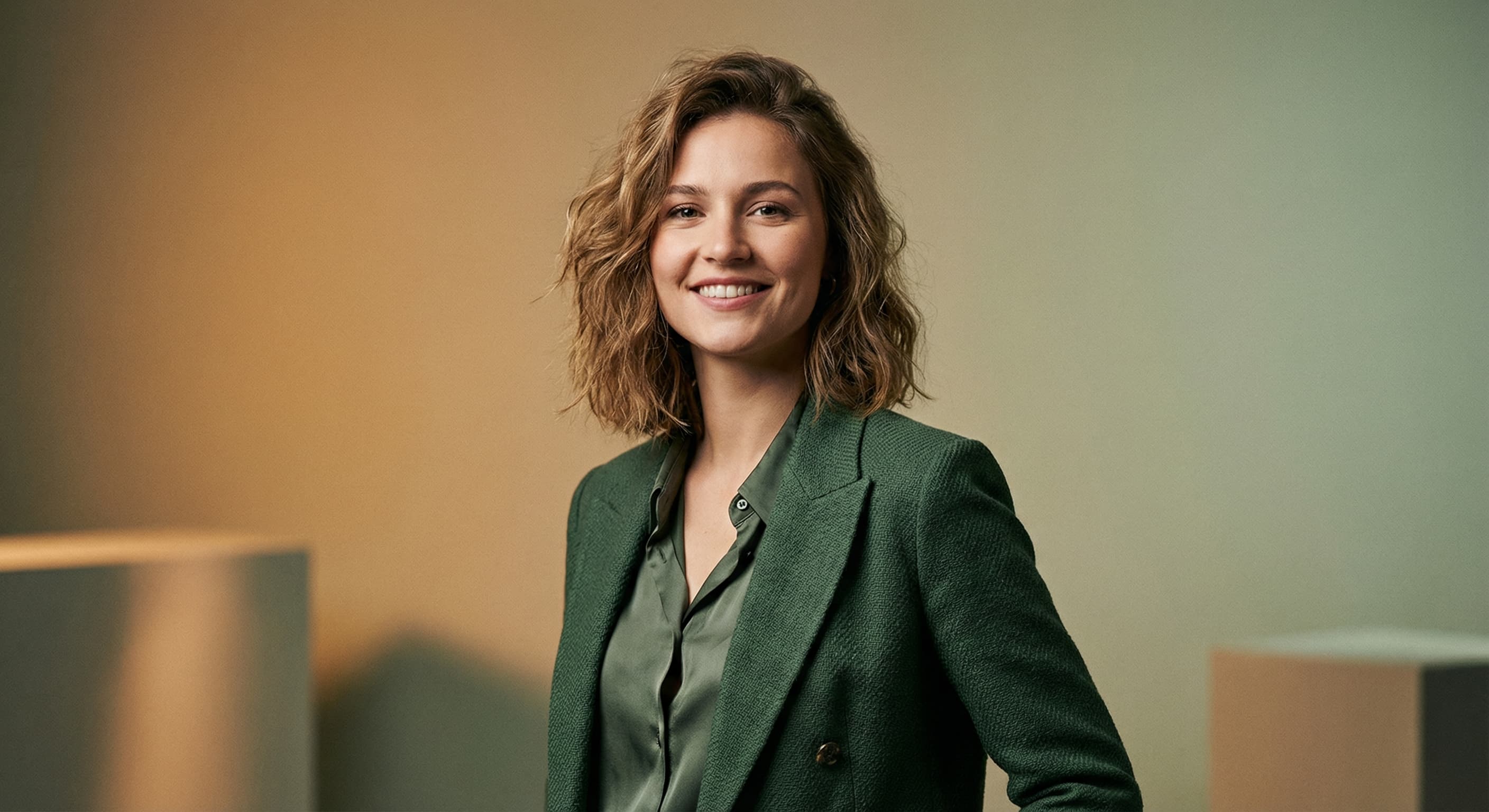
“Create a polished personal-brand headshot with warm professional lighting.”
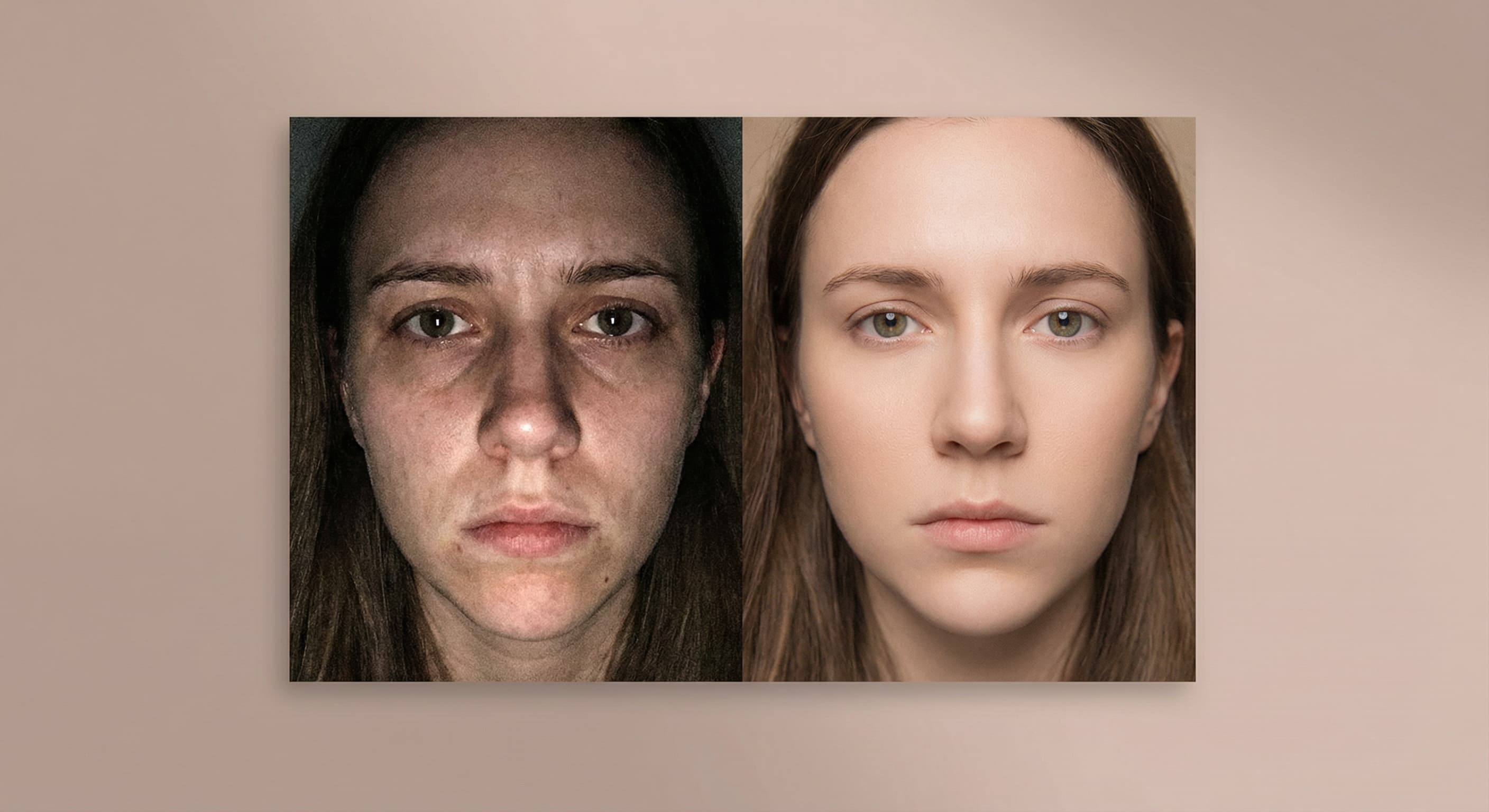
“Replace the background with a neutral studio backdrop.”
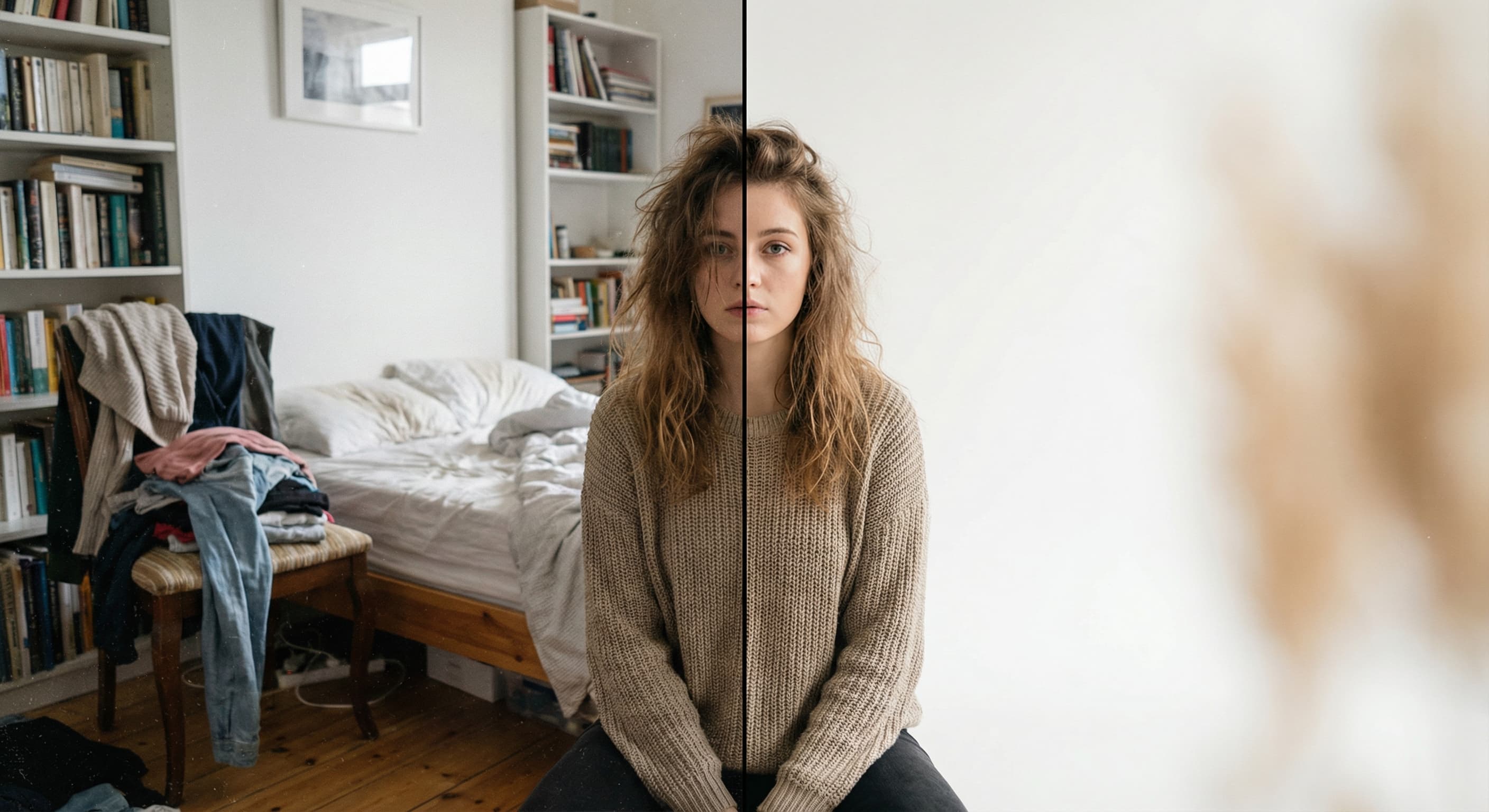
“Fix the lighting so it looks like a professional studio shoot.”
Checked against the running tool on 2026-09-03.
It produces the correct style — plain background, front-facing, even light — but acceptance is decided by your issuing authority, and some (including the US State Department) prohibit digitally altered photos beyond basic formatting. Background cleanup and cropping are commonly fine; never edit facial features, and check your country’s current rules before submitting.
They differ by country: the US wants 2×2 inches with the head 1–1.375 inches tall; most of Europe uses 35×45 mm. Prepare the photo here, then use Image Resizer for the exact pixel or print dimensions your application specifies.
Stand facing the camera in front of any background, in even indoor daylight, neutral expression, eyes open, hair off the face, no heavy shadows. The tool fixes the background and framing — it cannot fix a tilted head or a smile that rules prohibit.
No, and it should not — altering facial features in an identity photo can get an application rejected and may be unlawful in some contexts. Retake the source photo instead; the formatting is the part Made automates.
Yes — photograph the child lying on any plain surface, face up, eyes open, and let the tool handle background and crop. Child photos have relaxed expression rules in most countries, but the same no-retouching principle applies.
 New
New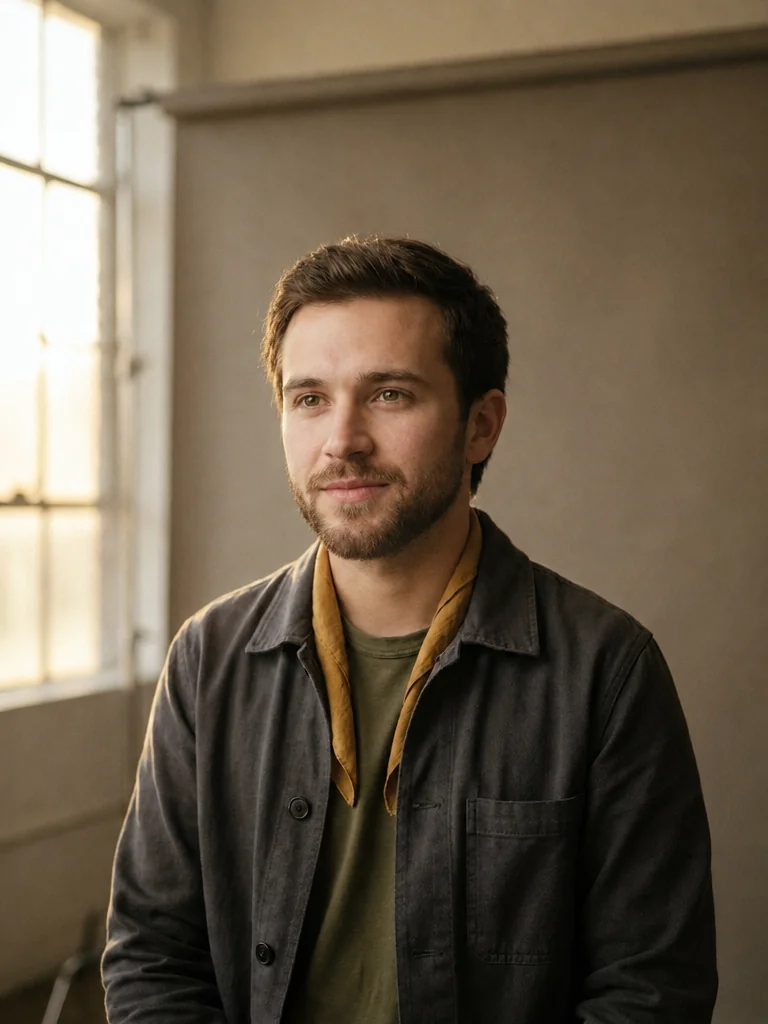
 +
+ New
New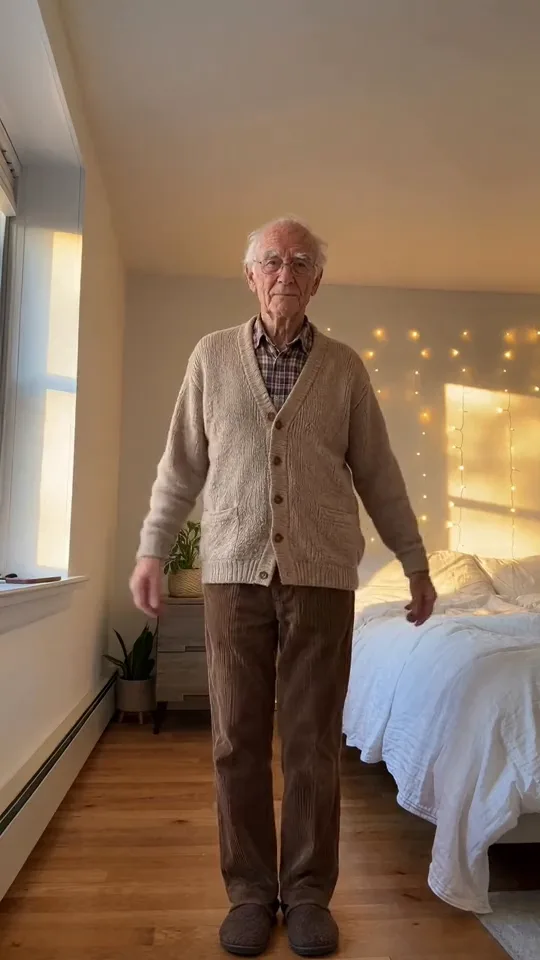
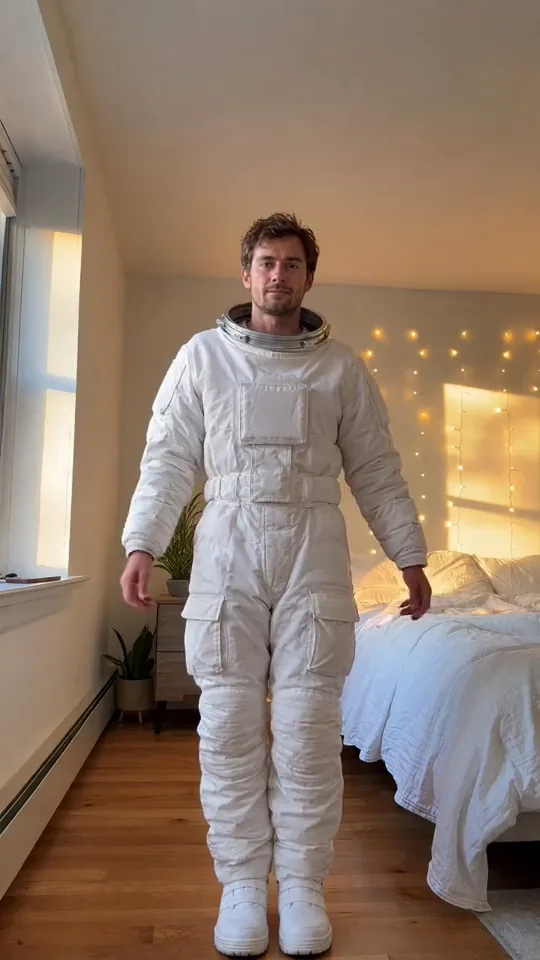
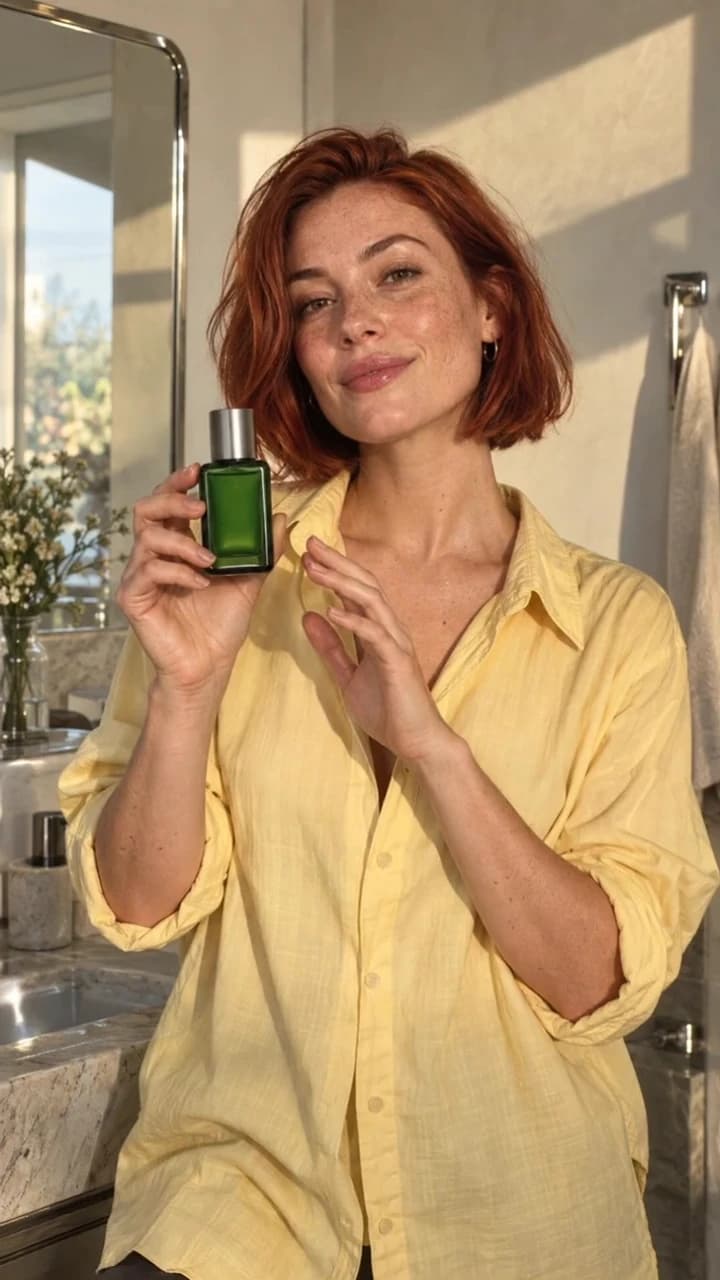
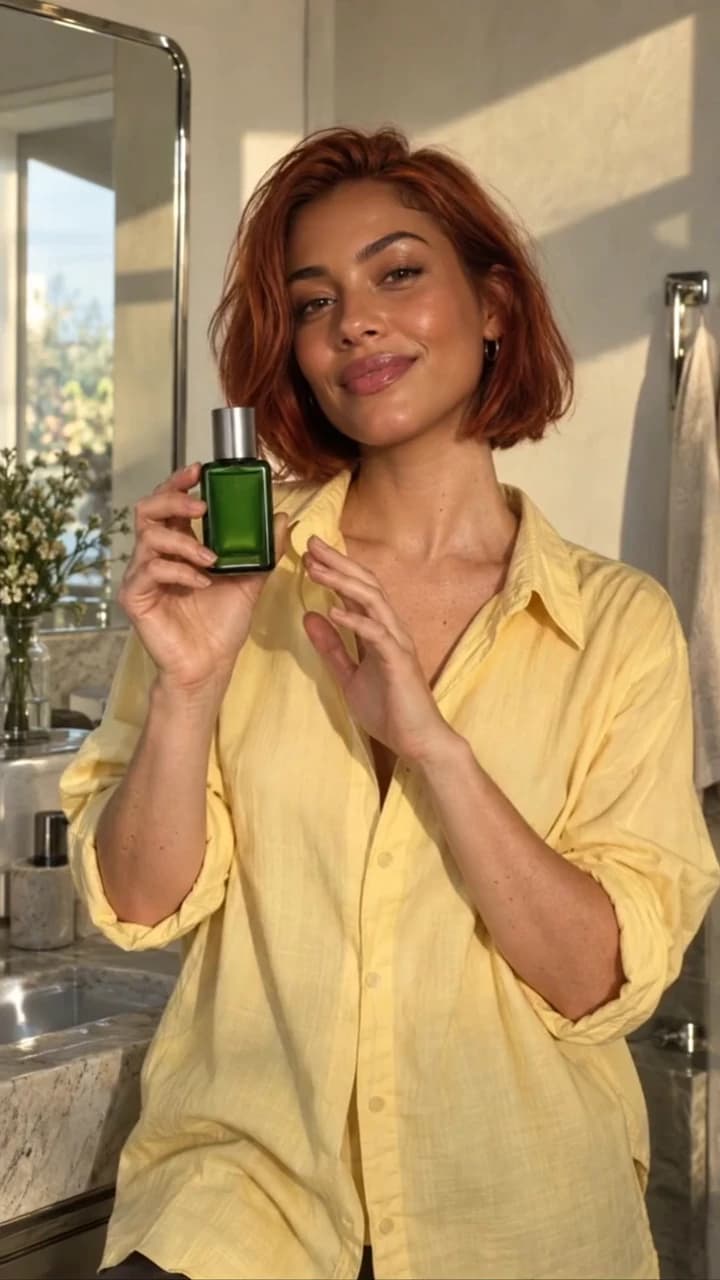
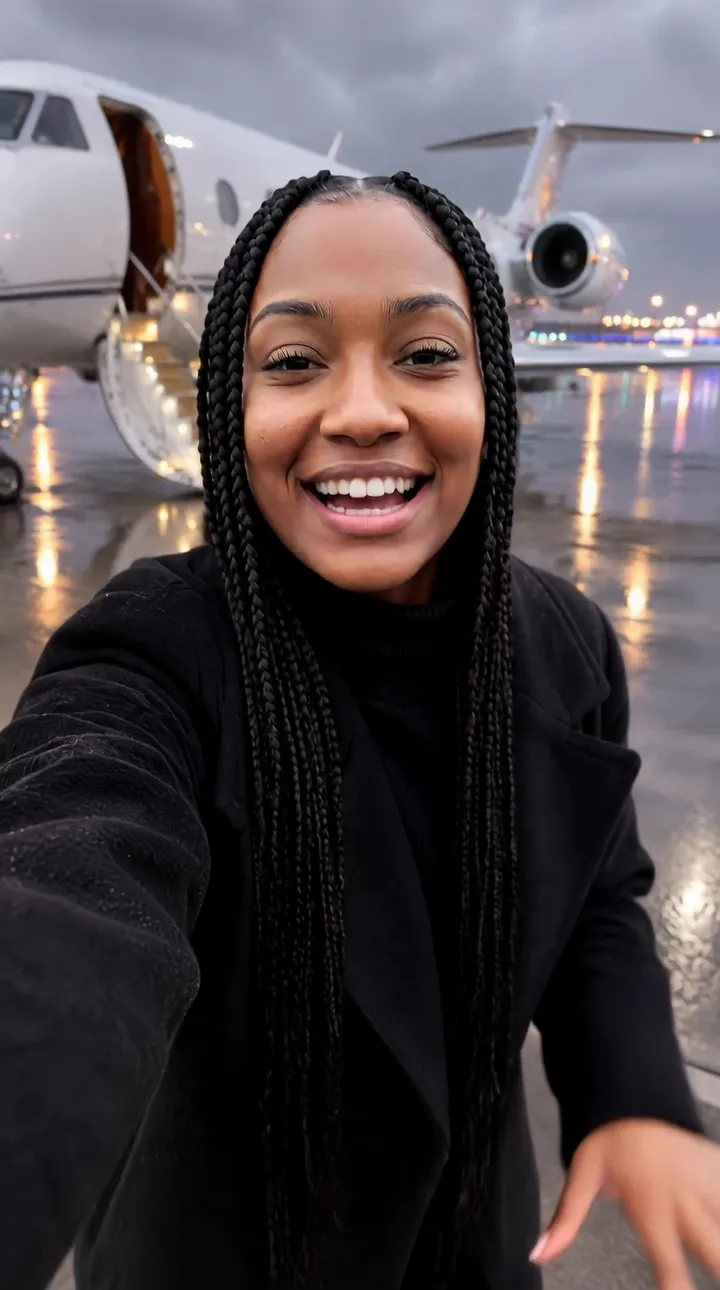
See what each one makes, then open it in Made.