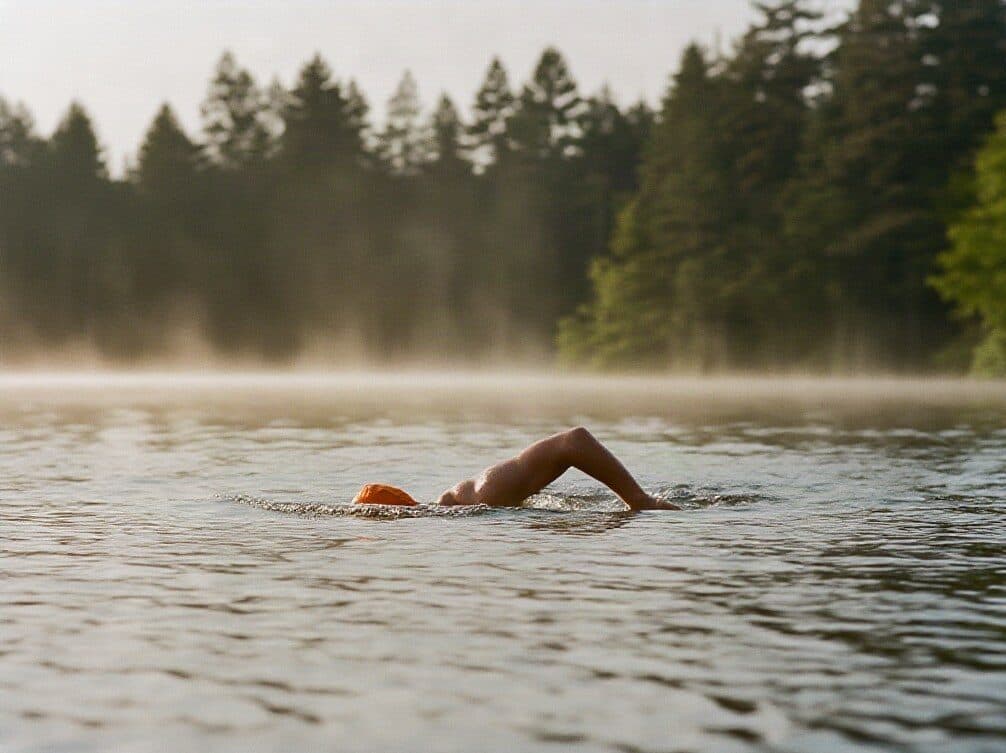
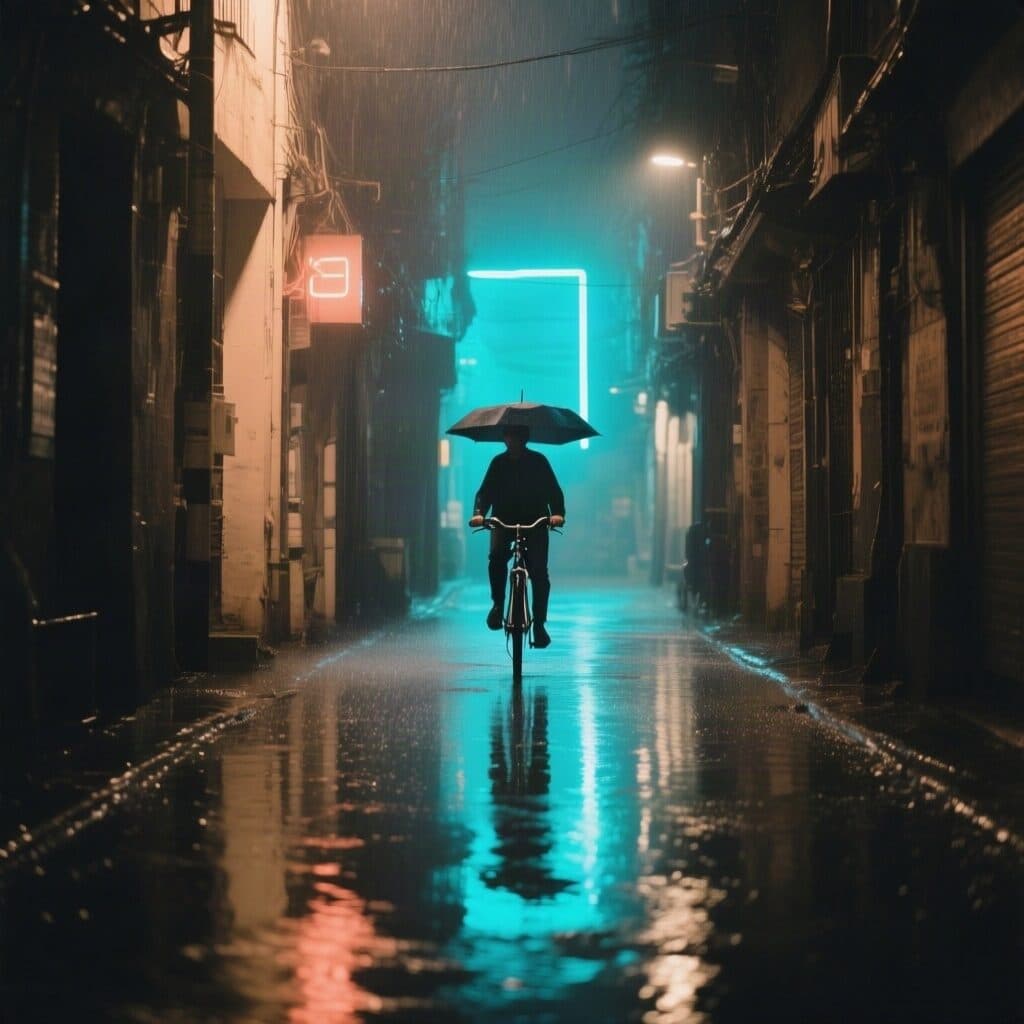
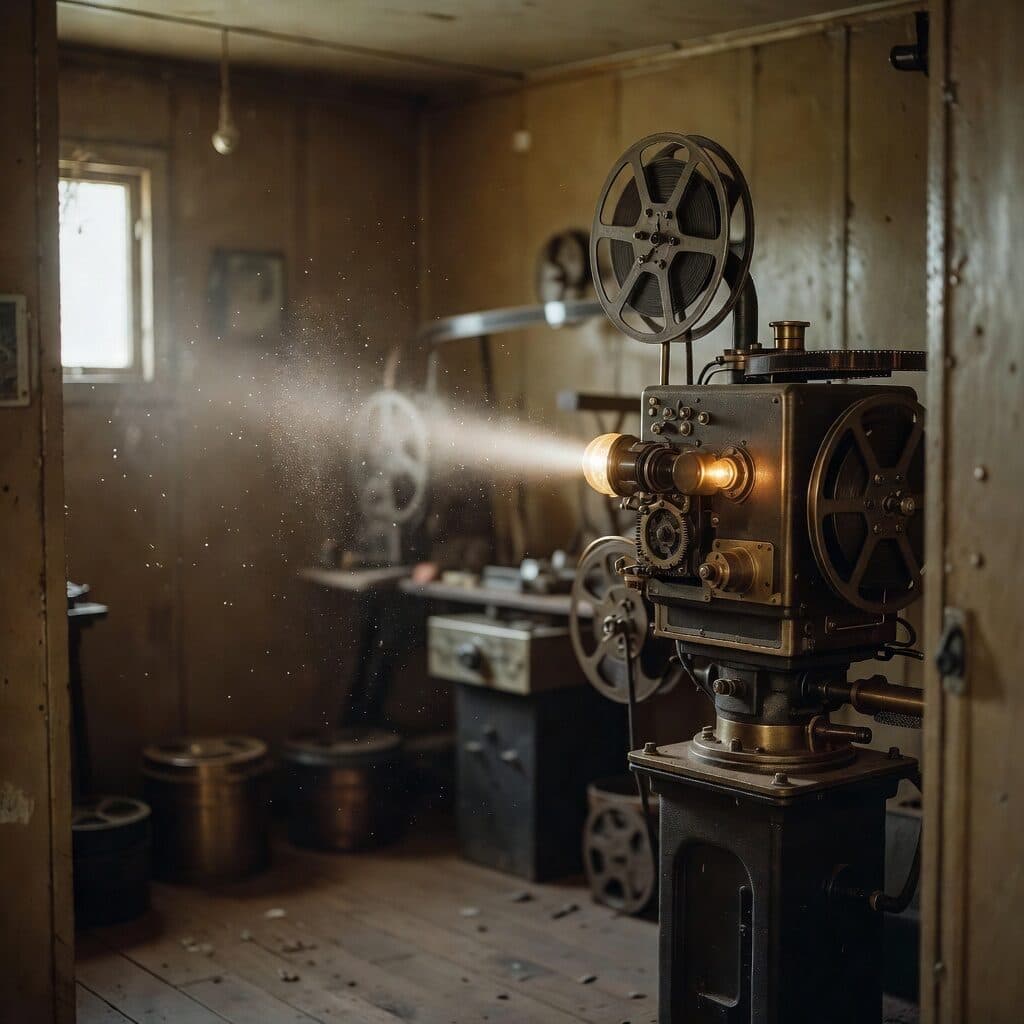
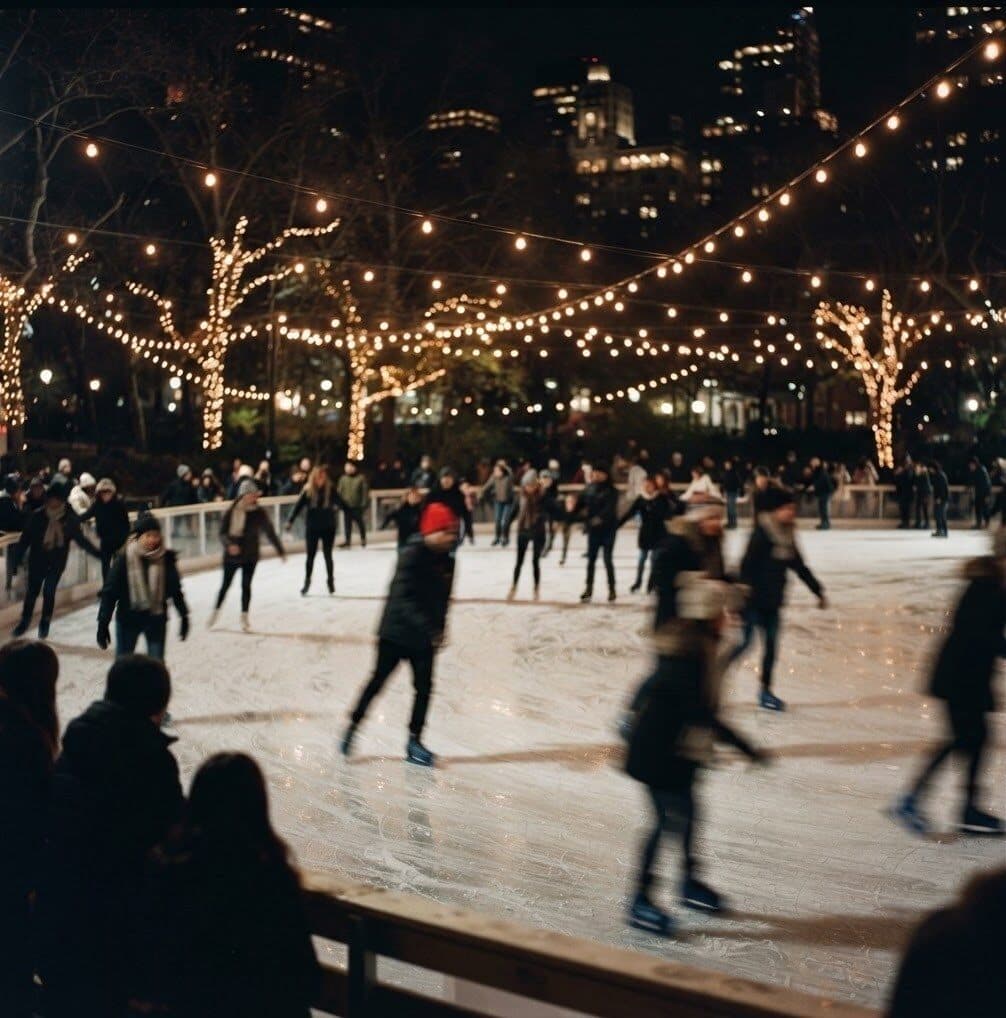
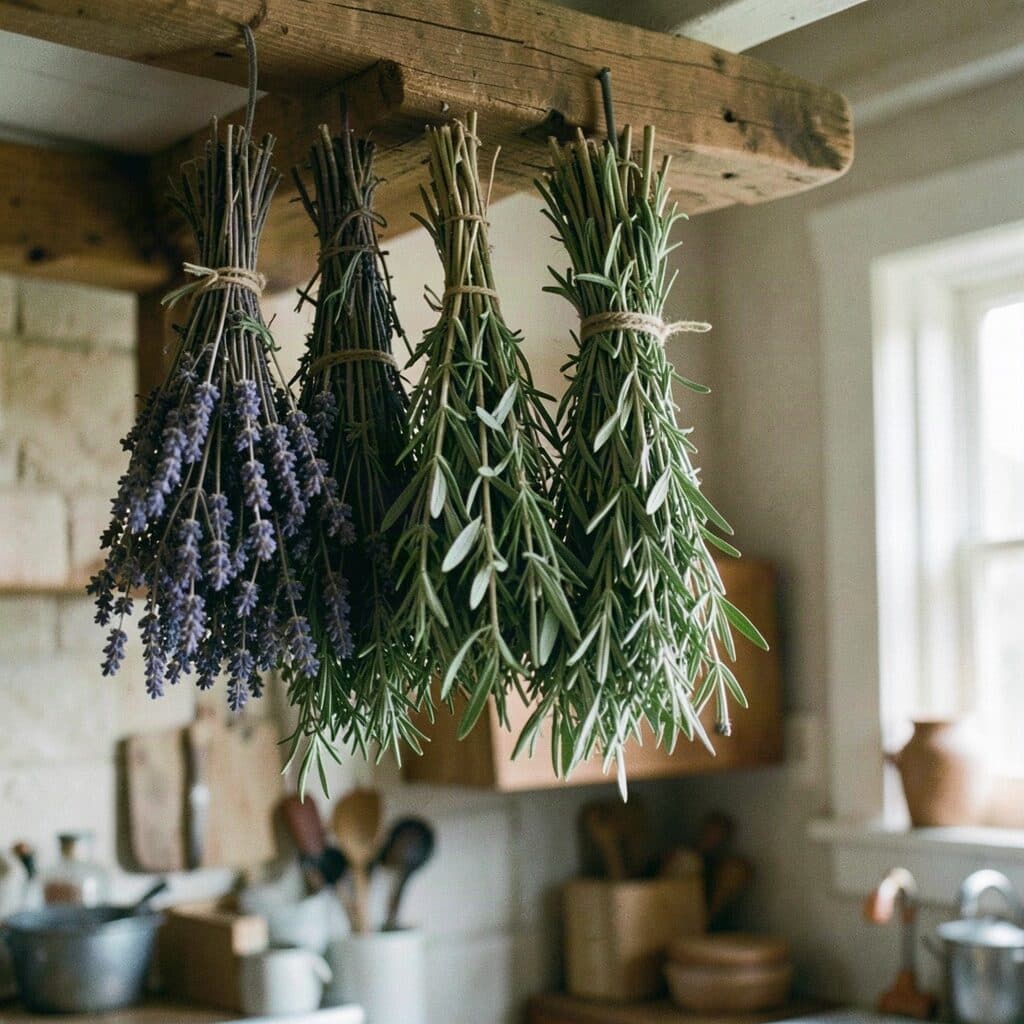
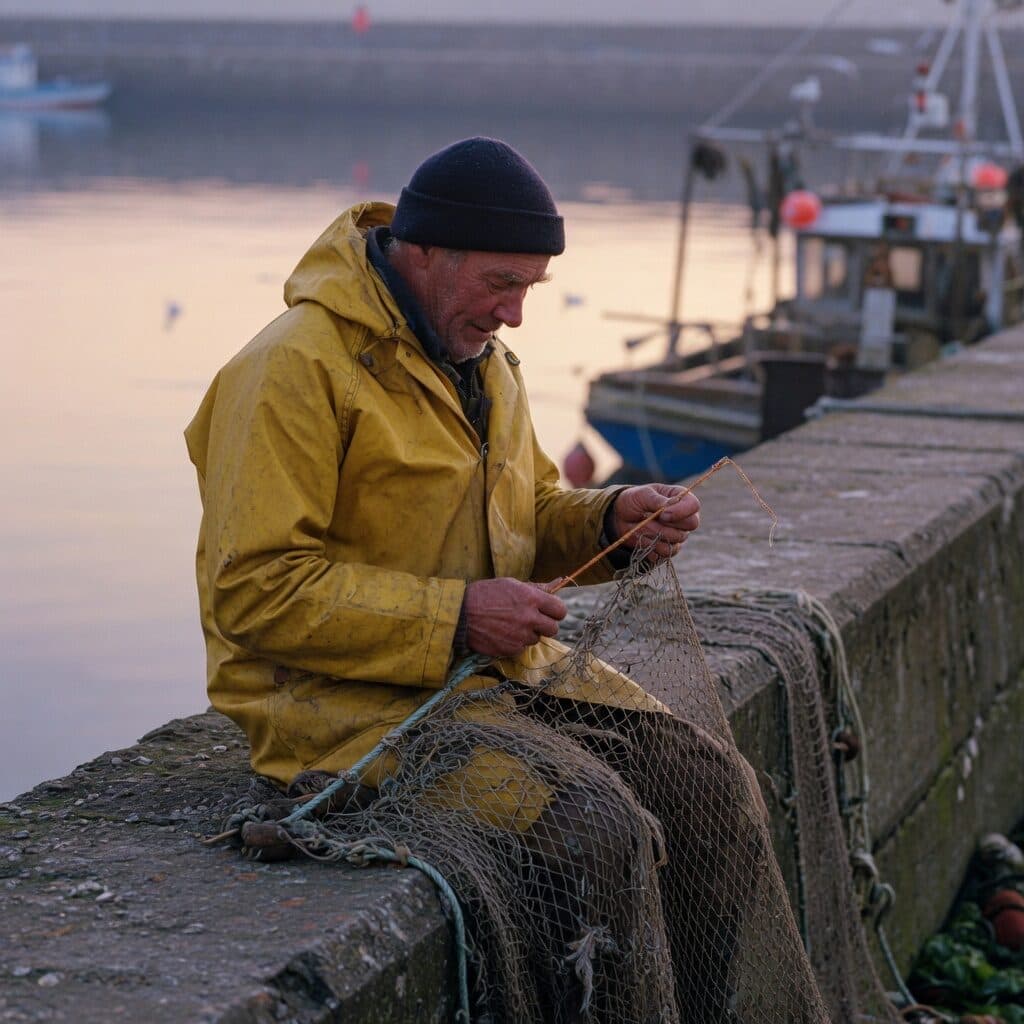
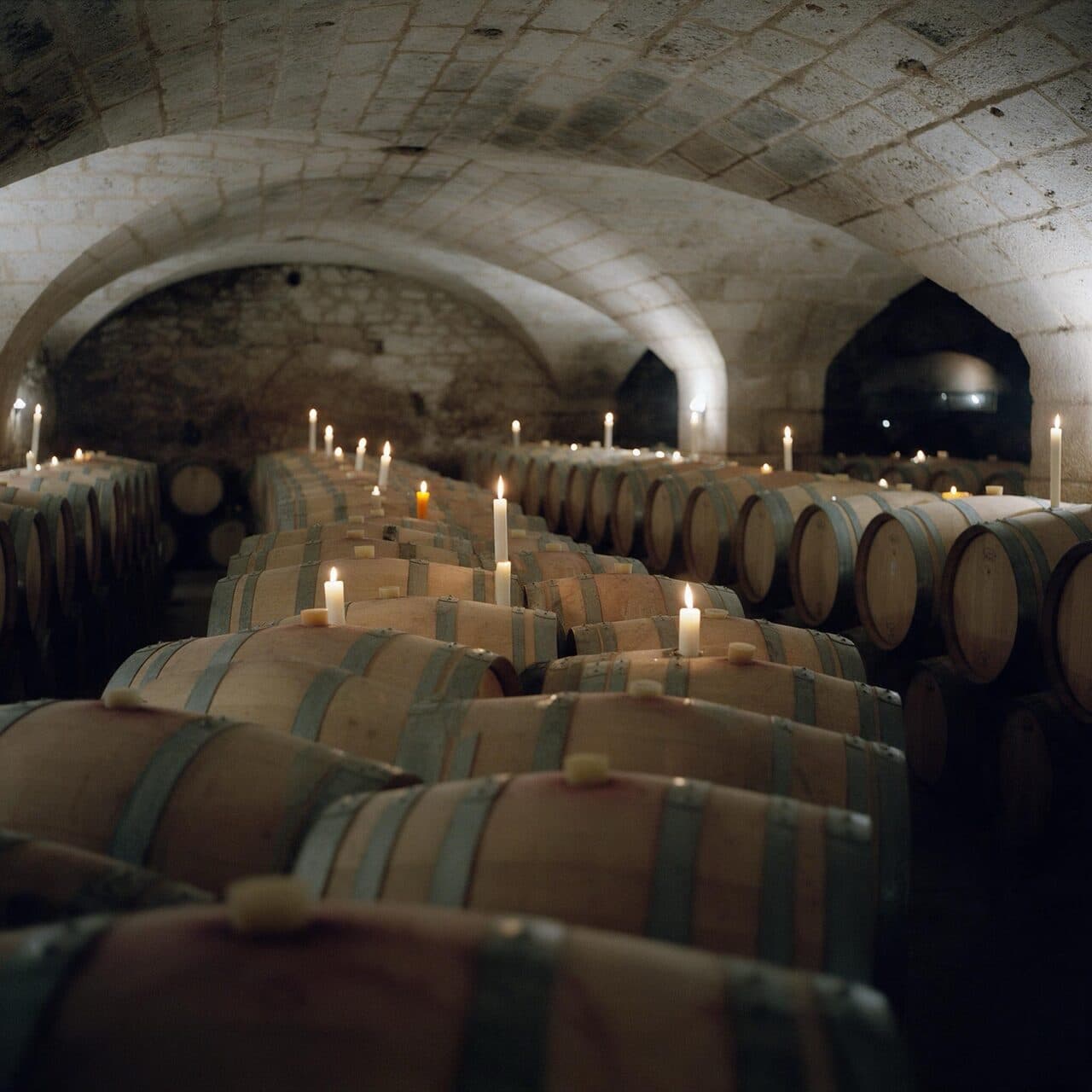
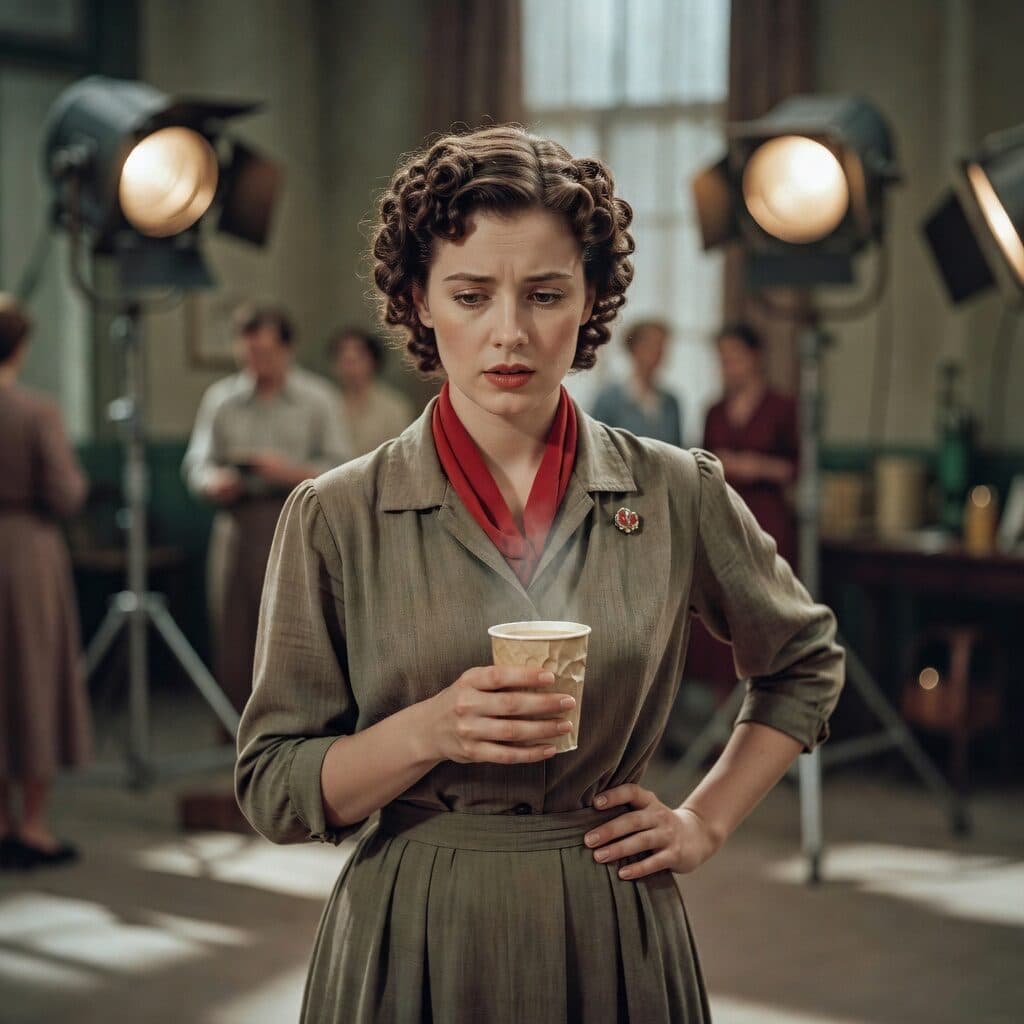
Image to video. Start from a still you made and describe the motion. Kling 2.5 Turbo poured this latte in one take.
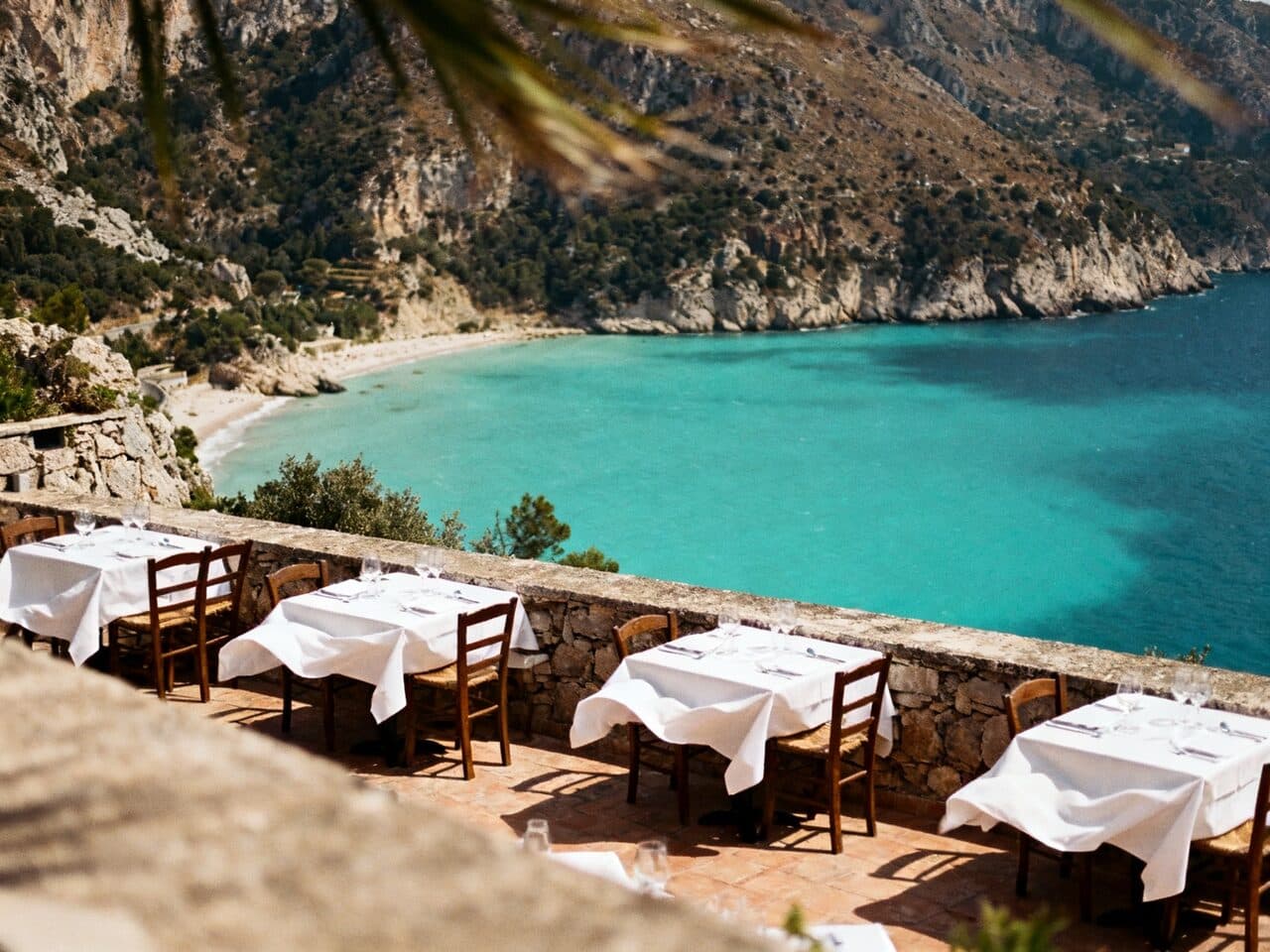
AI image generator with every top model
Nano Banana Pro, GPT Image 2, Seedream 5 and 22 more models in one prompt bar. Each image’s price shows before you generate.
Create image nowWhat the Made image generator does
Everything between the idea and the finished image — generating, editing, upscaling and animating — in one workspace, on one balance.
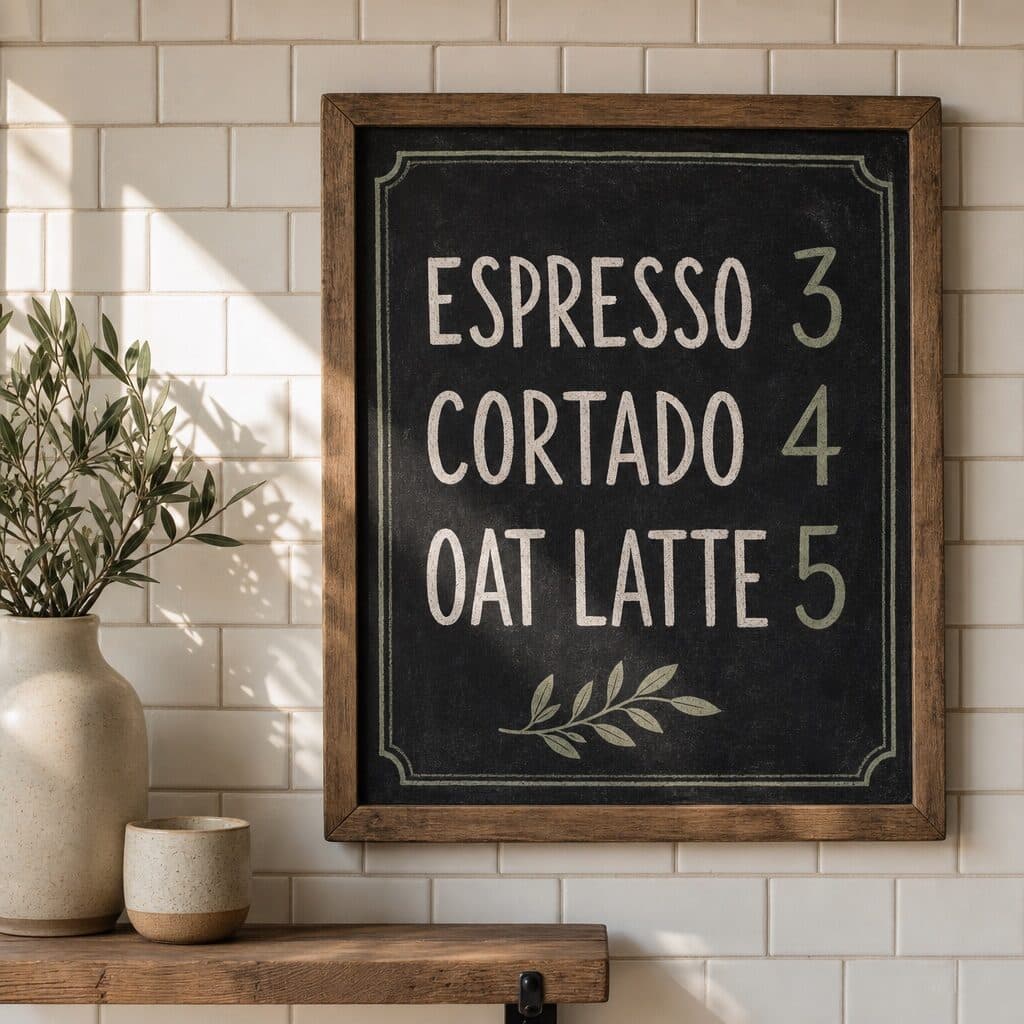
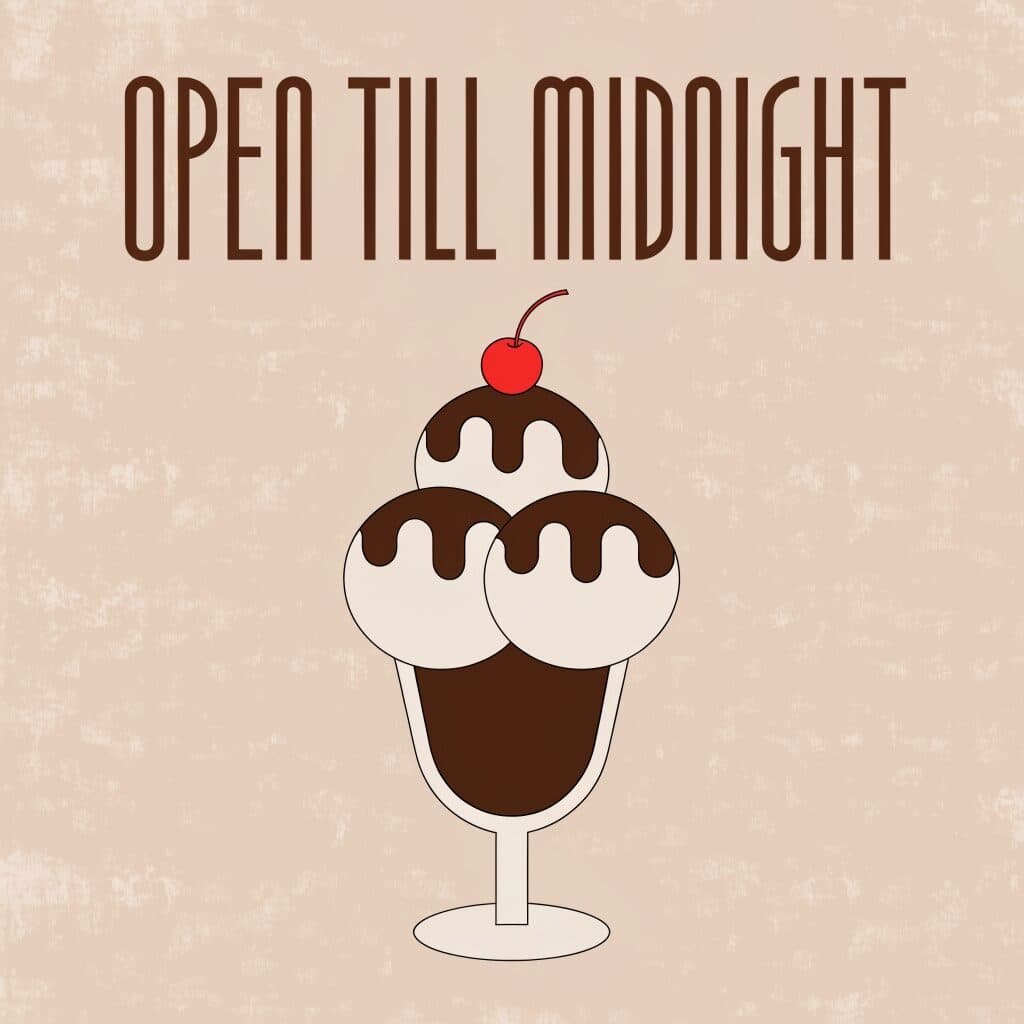
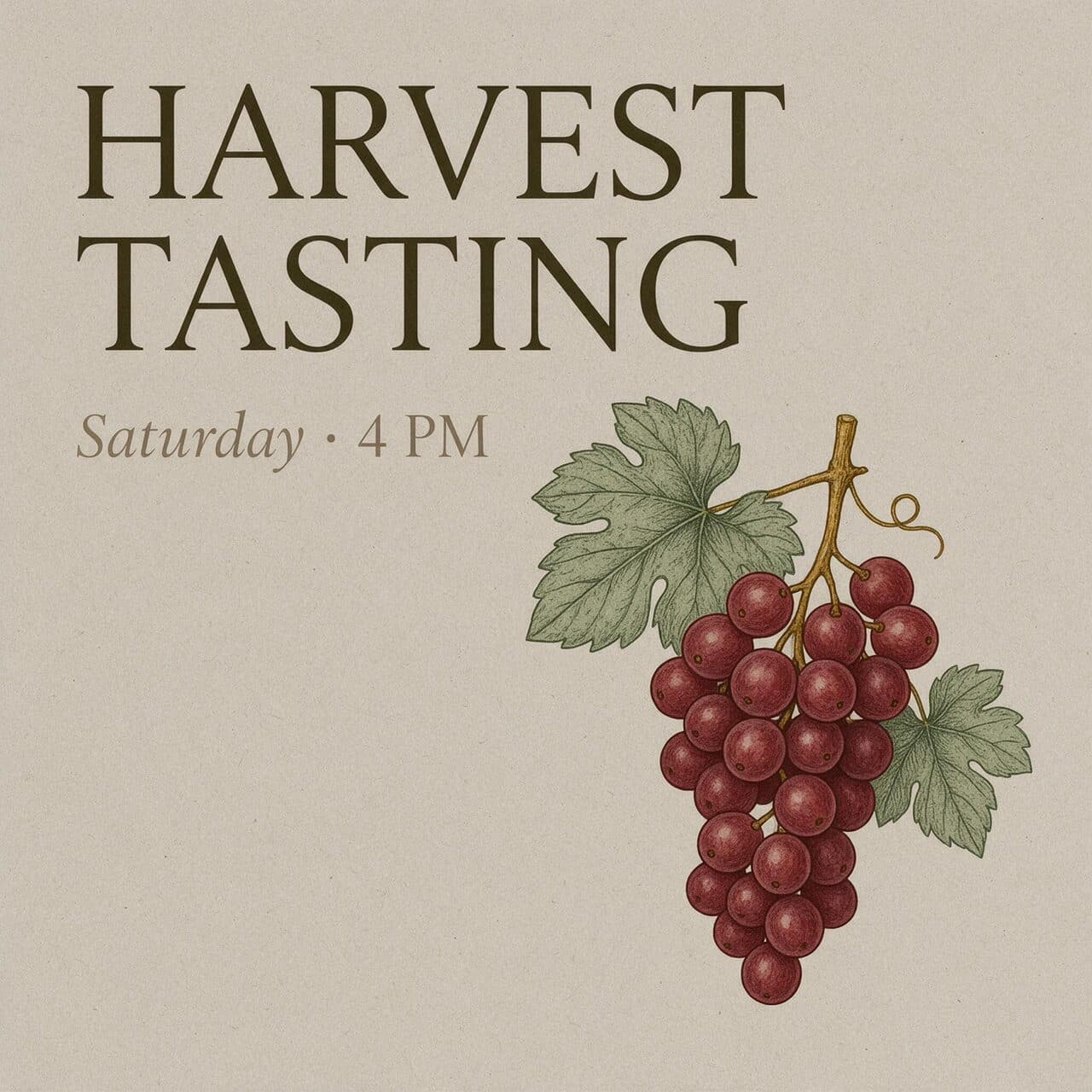
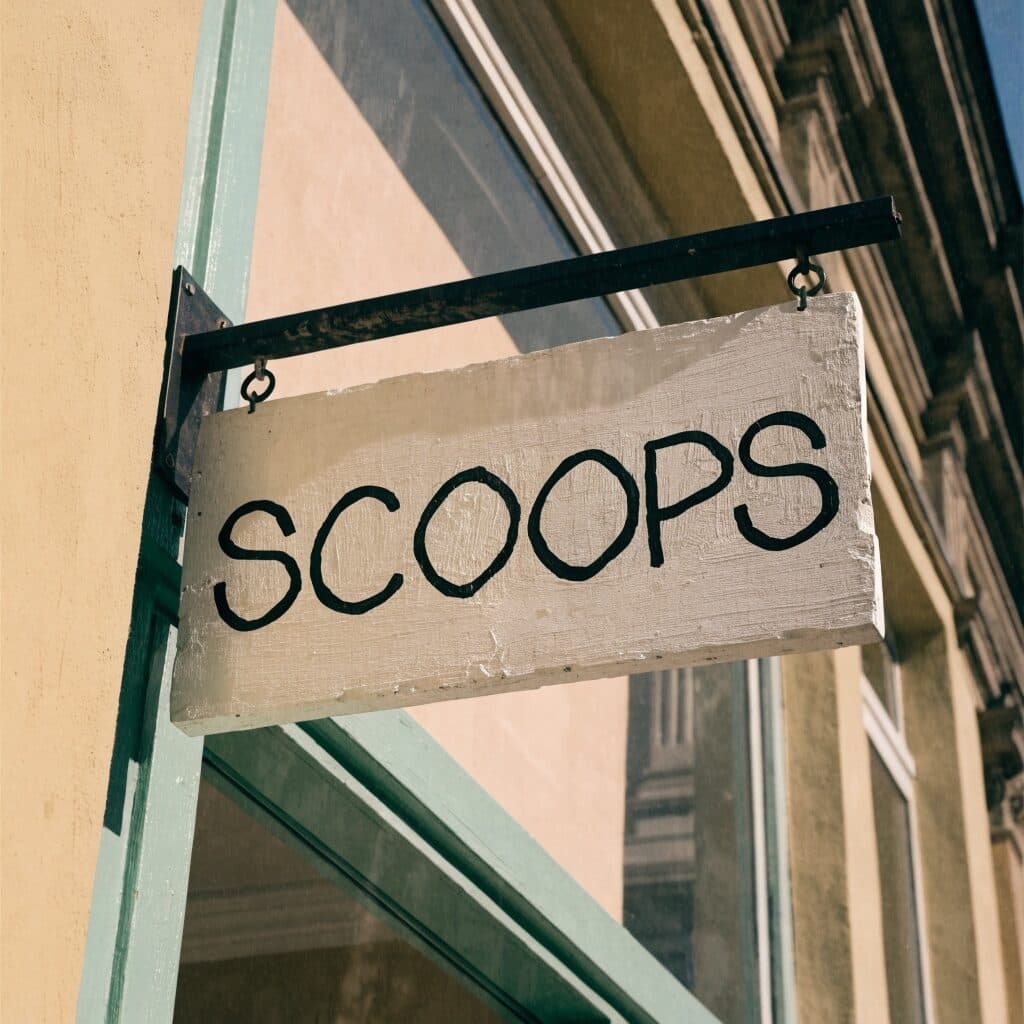
Text that comes out spelled right
Headlines, posters, labels and packaging. GPT Image 2, Recraft 4.1 and Seedream 5 Pro set short type cleanly — all three examples here are unedited Made outputs.
From image to video in one click
Open any image you made and press Animate — WAN 2.2 5B turns it into a clip. Want more control? Send it to Veo 3.1, Kling or Seedance as the first frame.
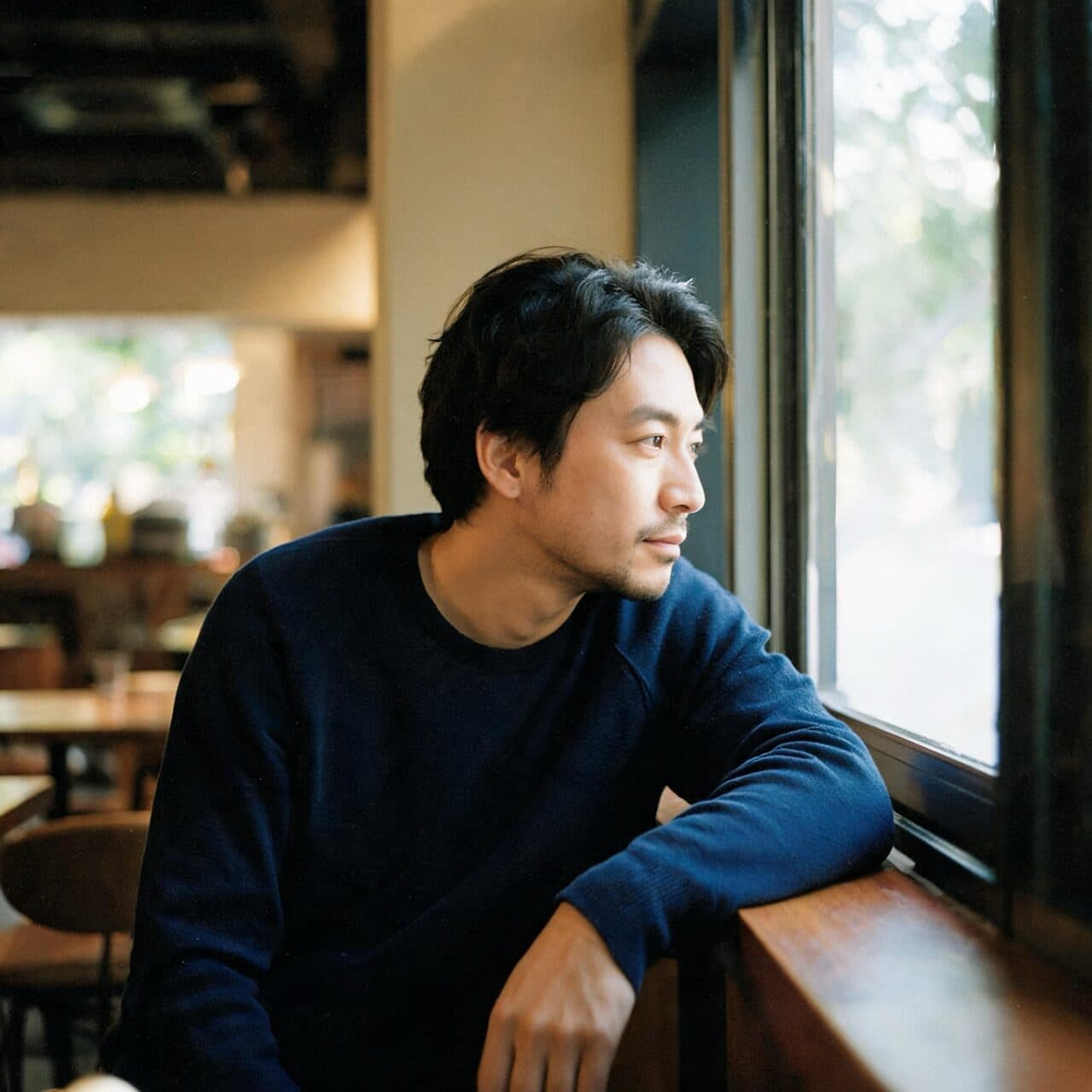 Your photo
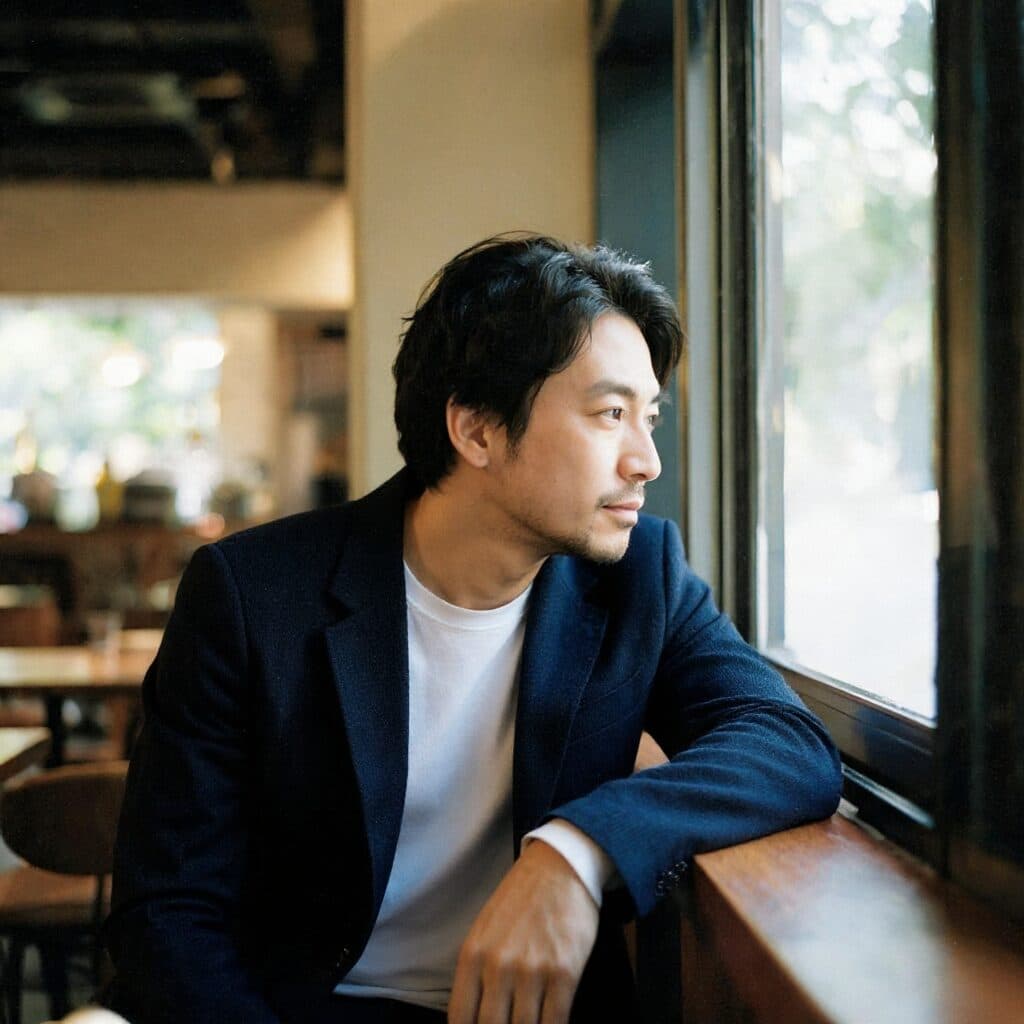 New outfit
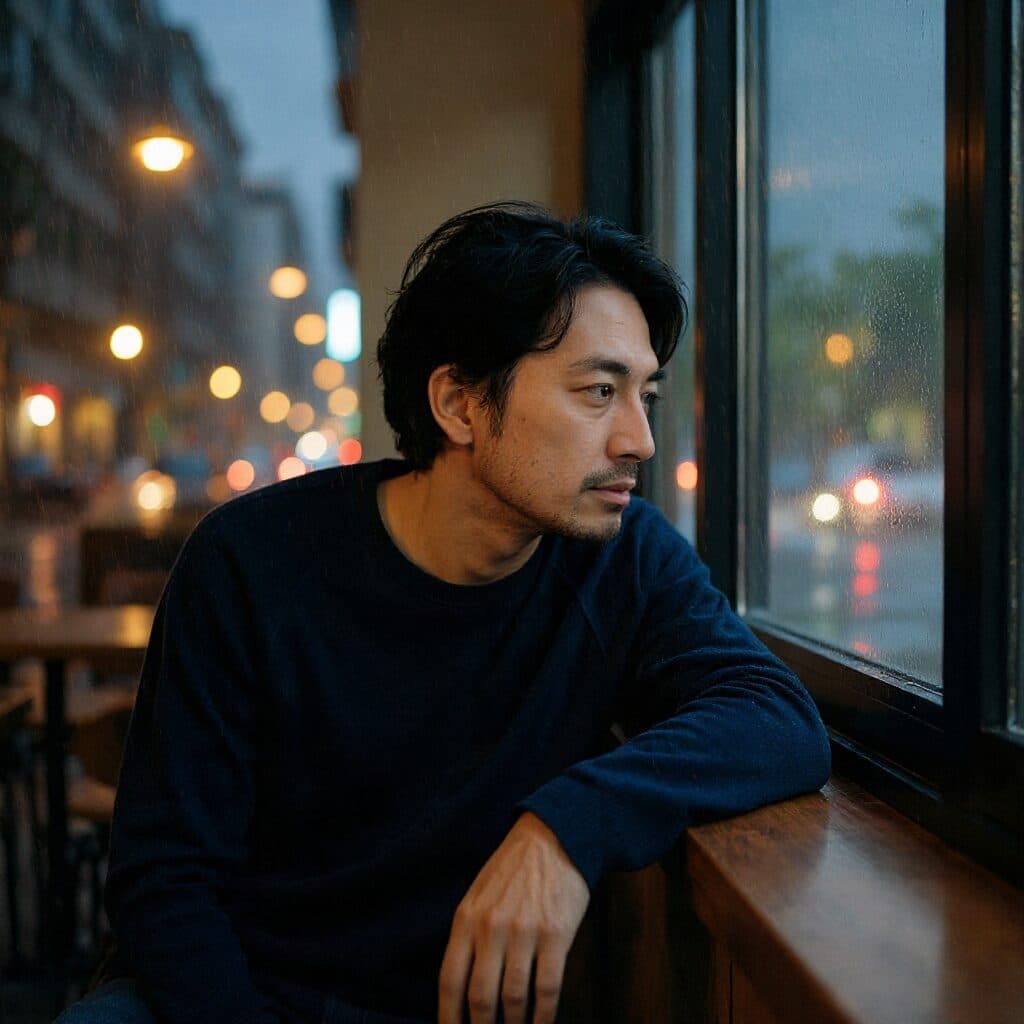 New setting
One face across every frame
Attach a photo and describe the change. Flux Kontext and Seedream 5 Pro Edit keep the face, hair and build while the outfit or the setting changes — both results here came from the one reference.
Top models in a single place
Nano Banana Pro, GPT Image 2, Seedream 5, FLUX.2, Grok Imagine, Recraft and Krea — 25 image models in one prompt bar. Switch in a click; the price on the button changes with the model.
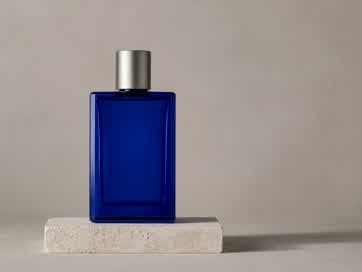 Source, 362 px
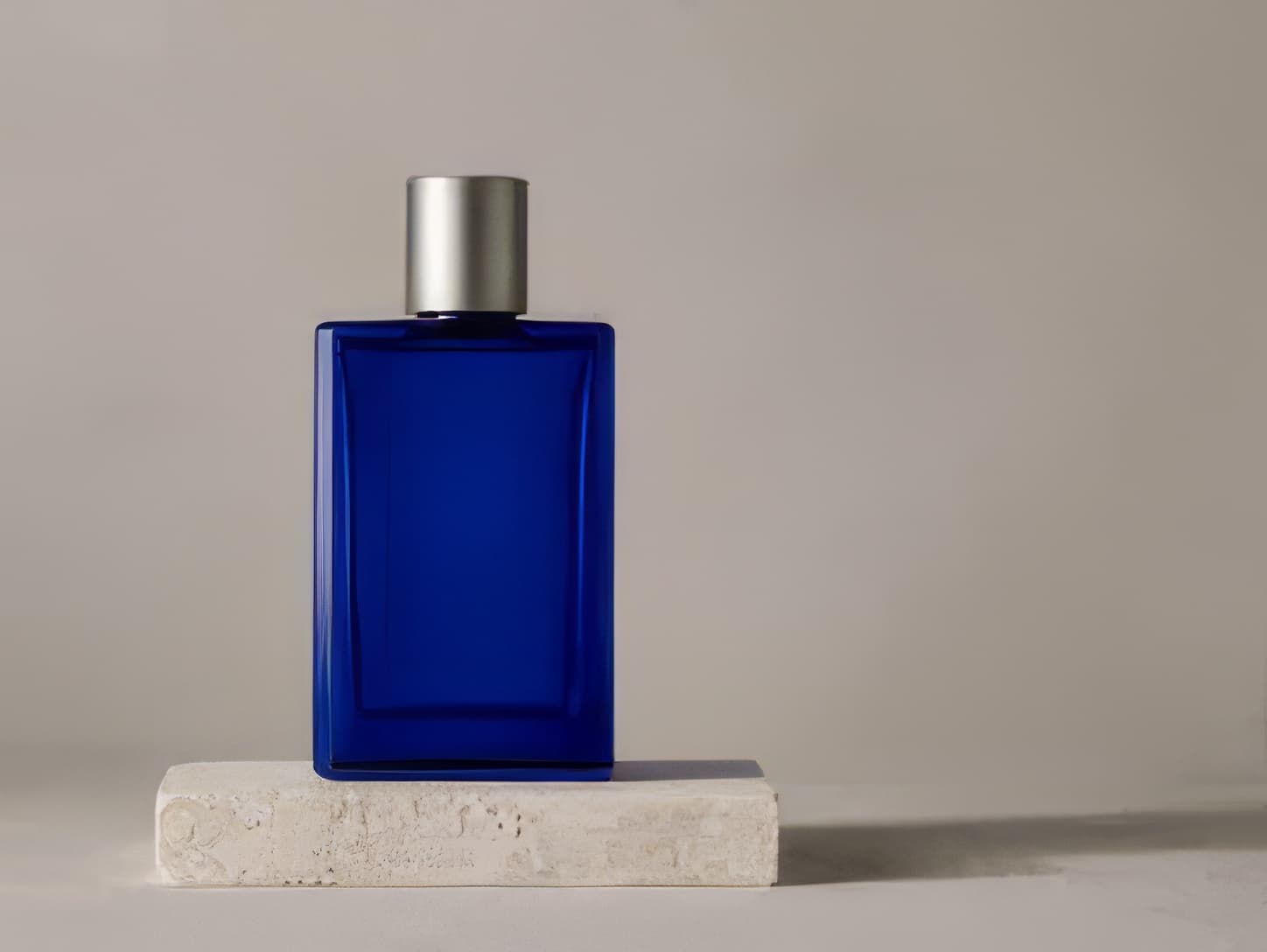 Topaz 4×
Up to 4K when it counts
Choose 4K on Nano Banana Pro or Nano Banana 2 for print and tight crops, or run any image through Topaz for a 2× or 4× upscale.
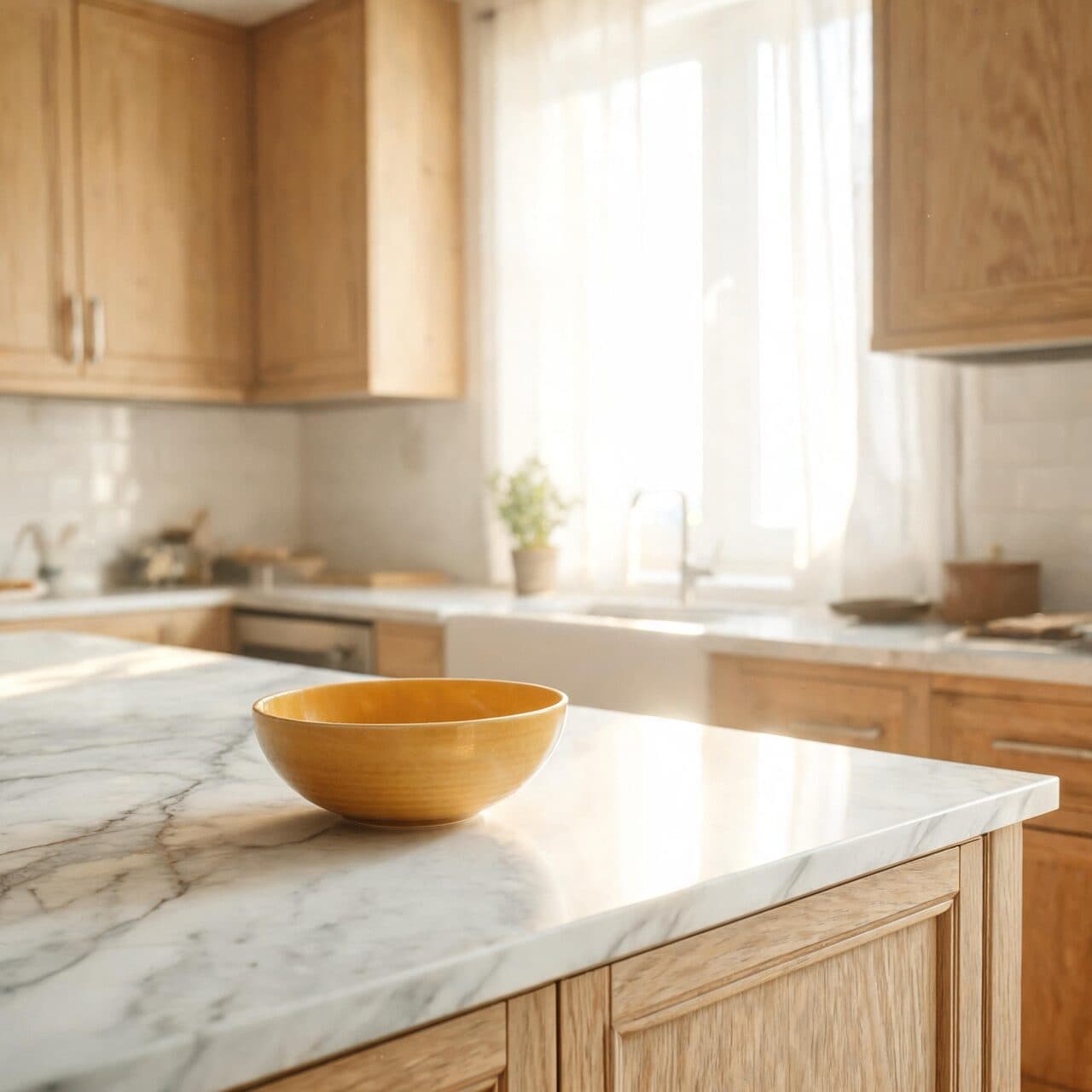 Original
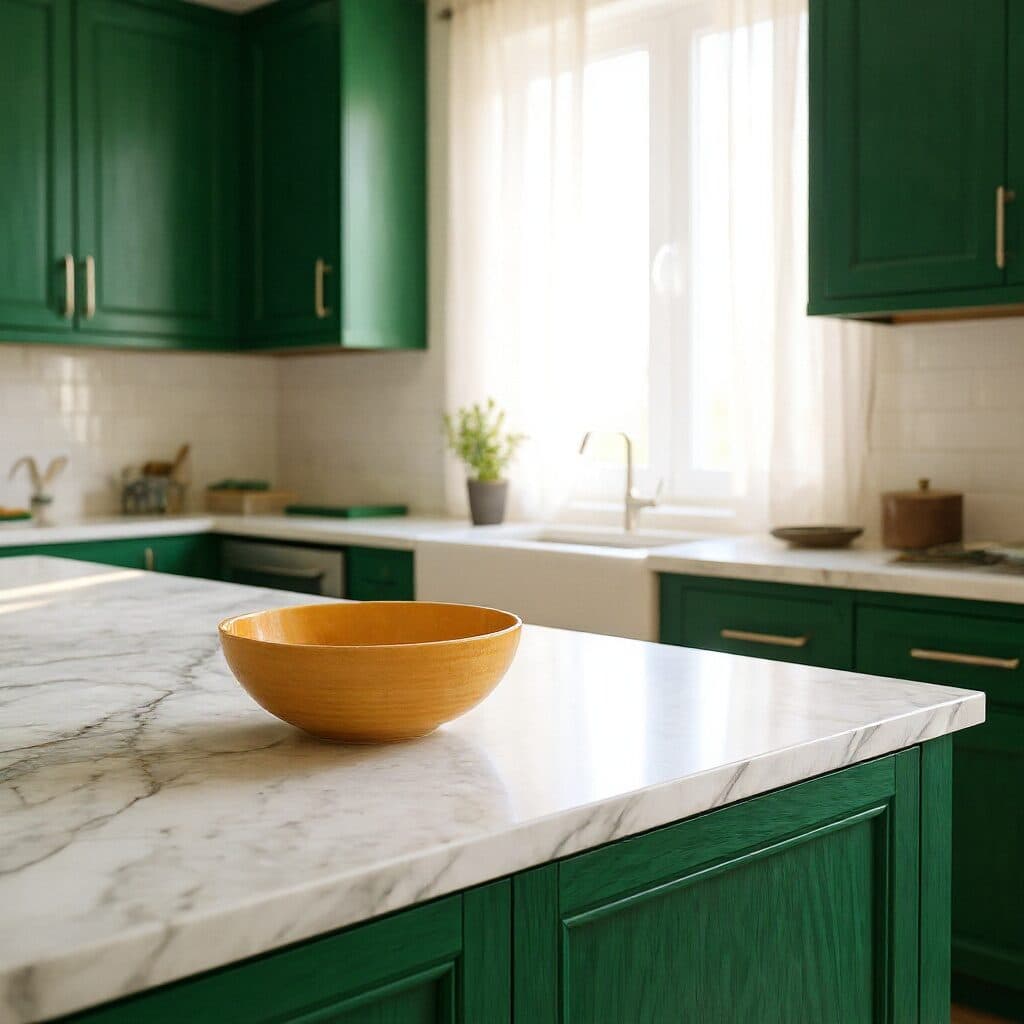 Edited with Flux Kontext
Edit anything without regenerating
Upload an image and say what should change. Here Flux Kontext repainted only the cabinets — the room, the light and the camera stayed exactly where they were.
Every model. One prompt bar.
Nano Banana Pro, GPT Image 2, FLUX.2, Seedream 5 and the rest in one workspace. Pick the model, set the ratio and resolution, and see the price before you press Generate.
Built for every creator. Product shots, feeds, posters, storyboards and campaigns — open one, see what it was made with, and start from the same prompt.
Made with Kling 3 Pro
AI video generator
Kling, Veo, Seedance and WAN turn a prompt — or any image you made — into video, with sound when you want it. Each clip is priced by the second, and the price shows before you generate.
Try the video generatorFrom still to motion
Sound in the same take. Veo 3.1 writes the dialogue, room tone and effects together with the picture.
Motion transfer. Copy the moves from any clip onto a new character, frame for frame. The source performance is inset bottom right.
Lip sync. Give an existing clip a new voice track and Kling LipSync re-times the mouth to match.
 320p
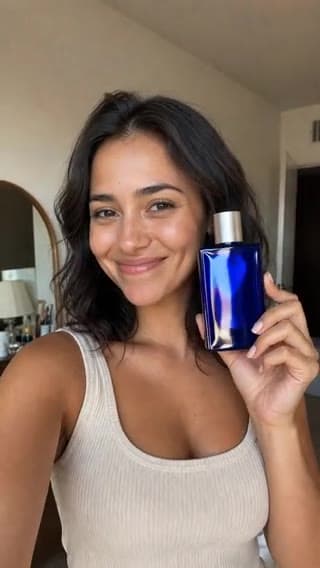
320p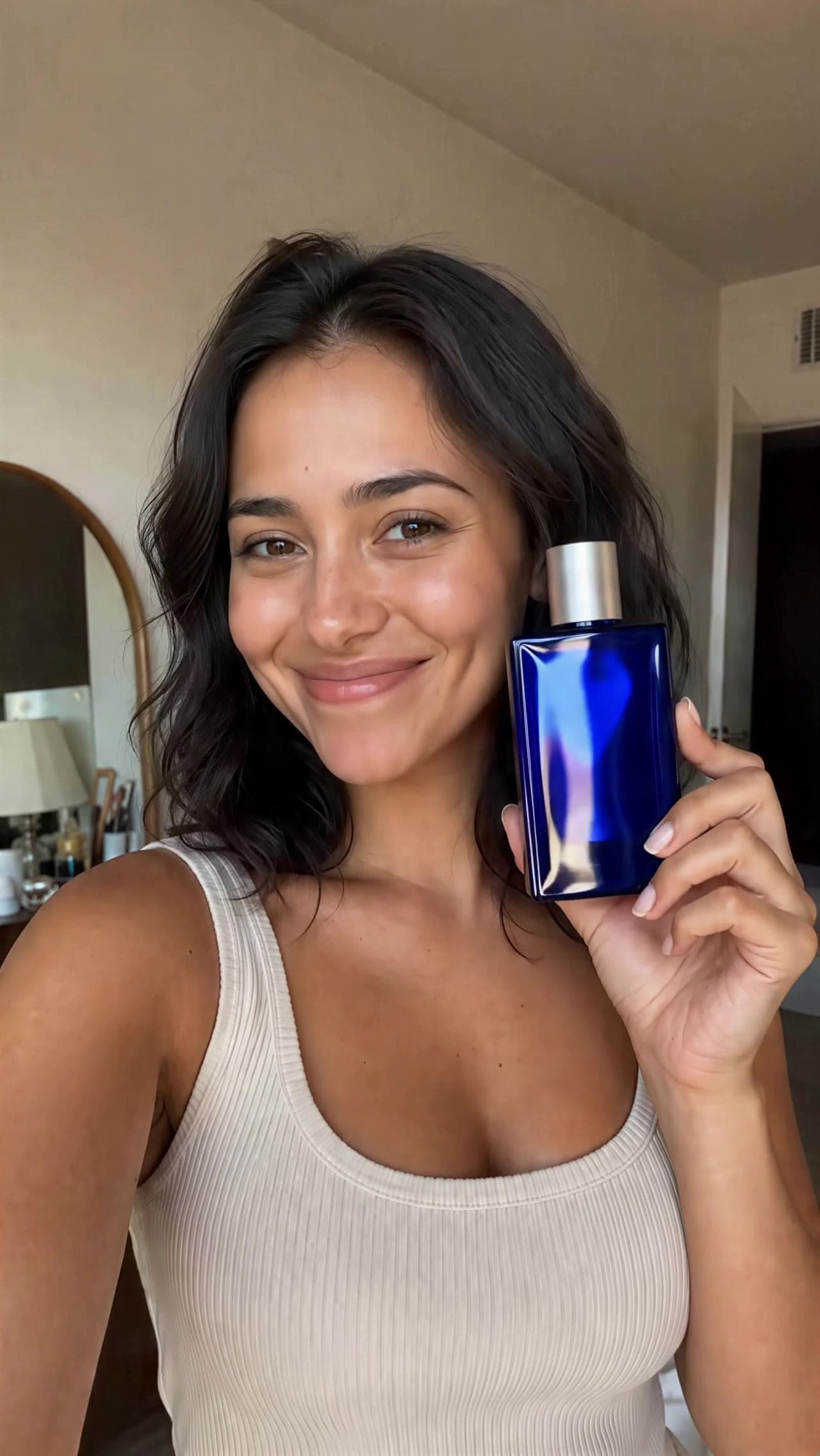 4×
4×Upscale to 4×. SeedVR2 took this 320p phone clip to 4× resolution.
Pick your plan
Every model, no subscription · unused credits roll over · failed generations refunded
Credits equal your payment minus the actual card processing fee. Estimates use 2.9% + $0.30 for US cards; international cards may cost more. The exact amount appears on your receipt.
- ✓ Every model
- ✓ One-time payment
- ✓ Credits never expire
- ✓ Failed runs refunded
Learn from prompts that actually ran
Every guide pairs the exact prompt with the unedited output and what it cost. Copy one, change a detail, and run it on the same model.
Browse the prompt library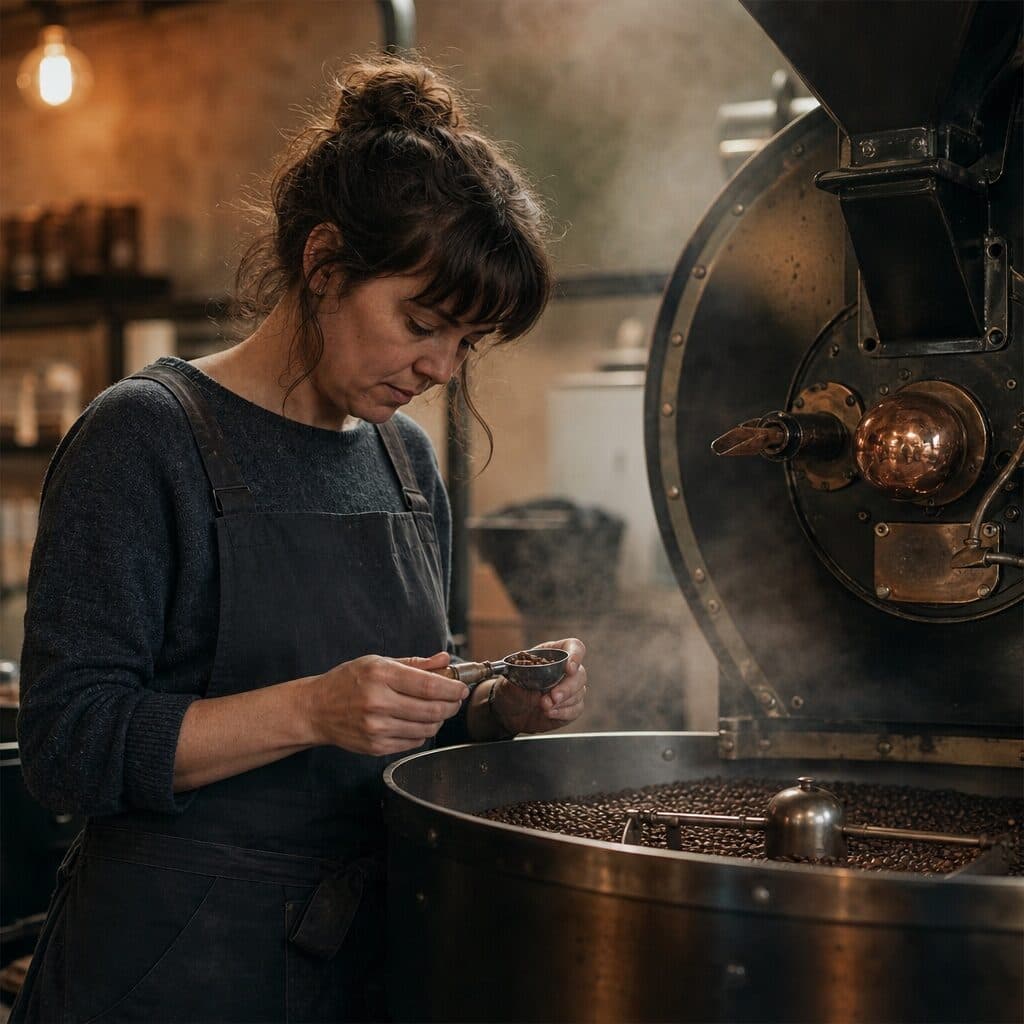
GPT Image 2 prompt guide
6 tested prompts
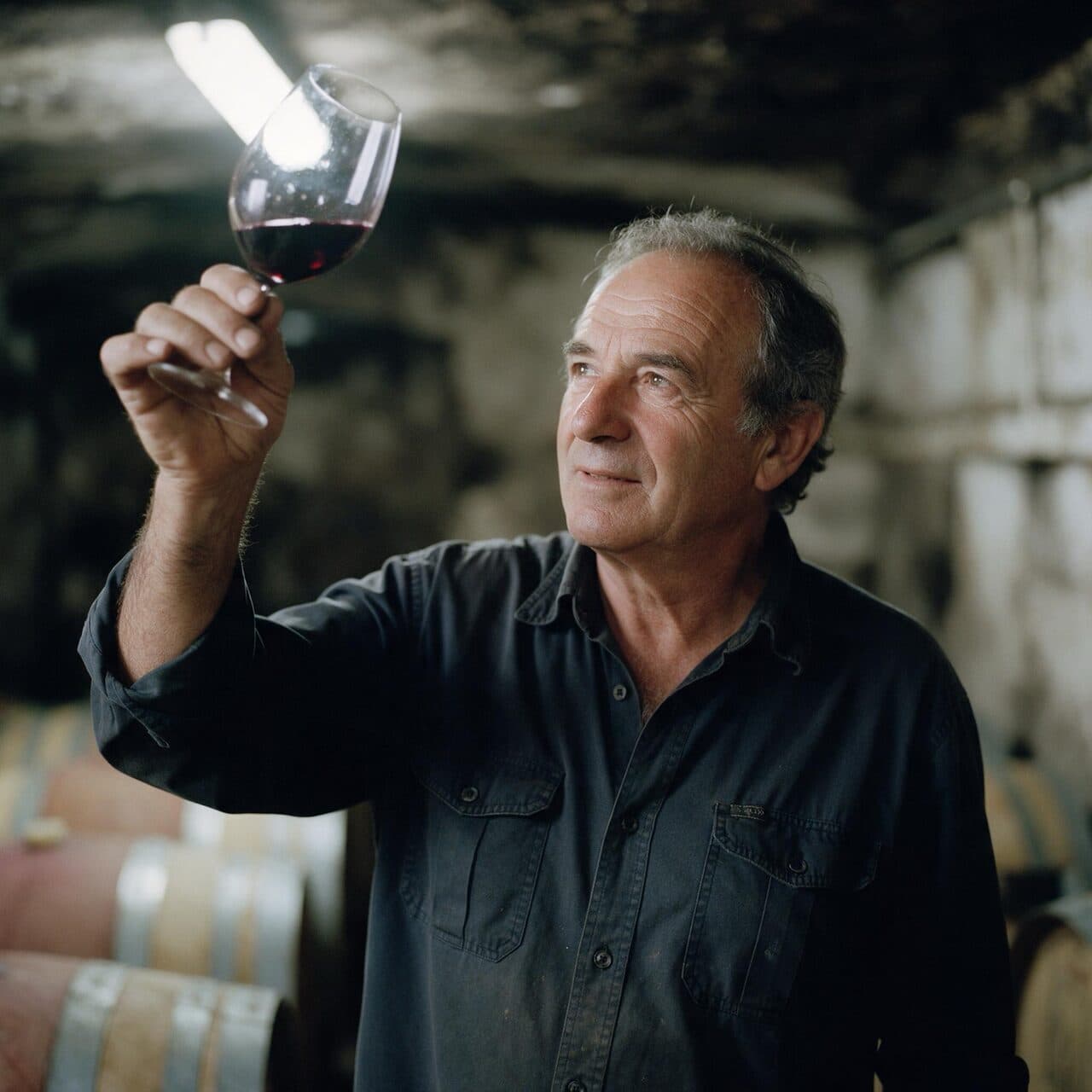
Seedream 5 Pro prompt guide
6 tested prompts
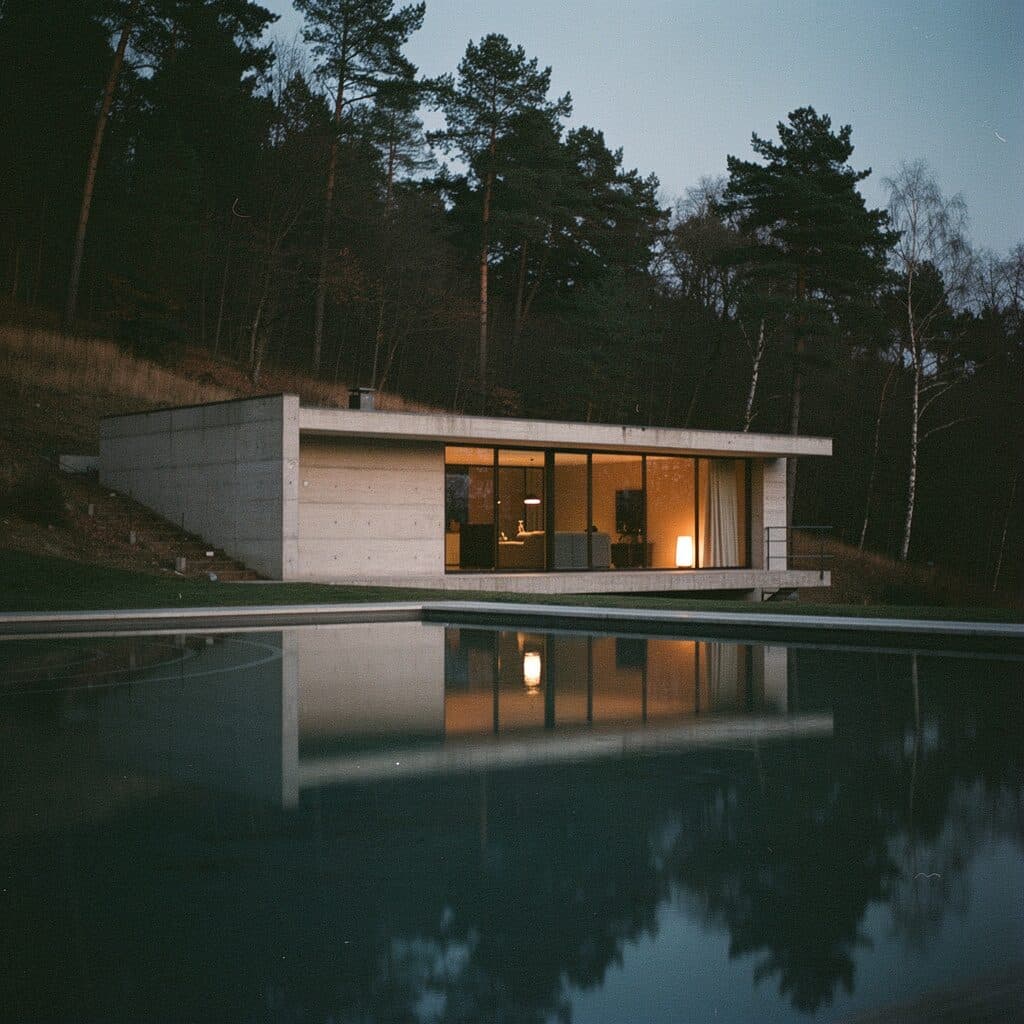
Flux 2 Pro prompt guide
6 tested prompts
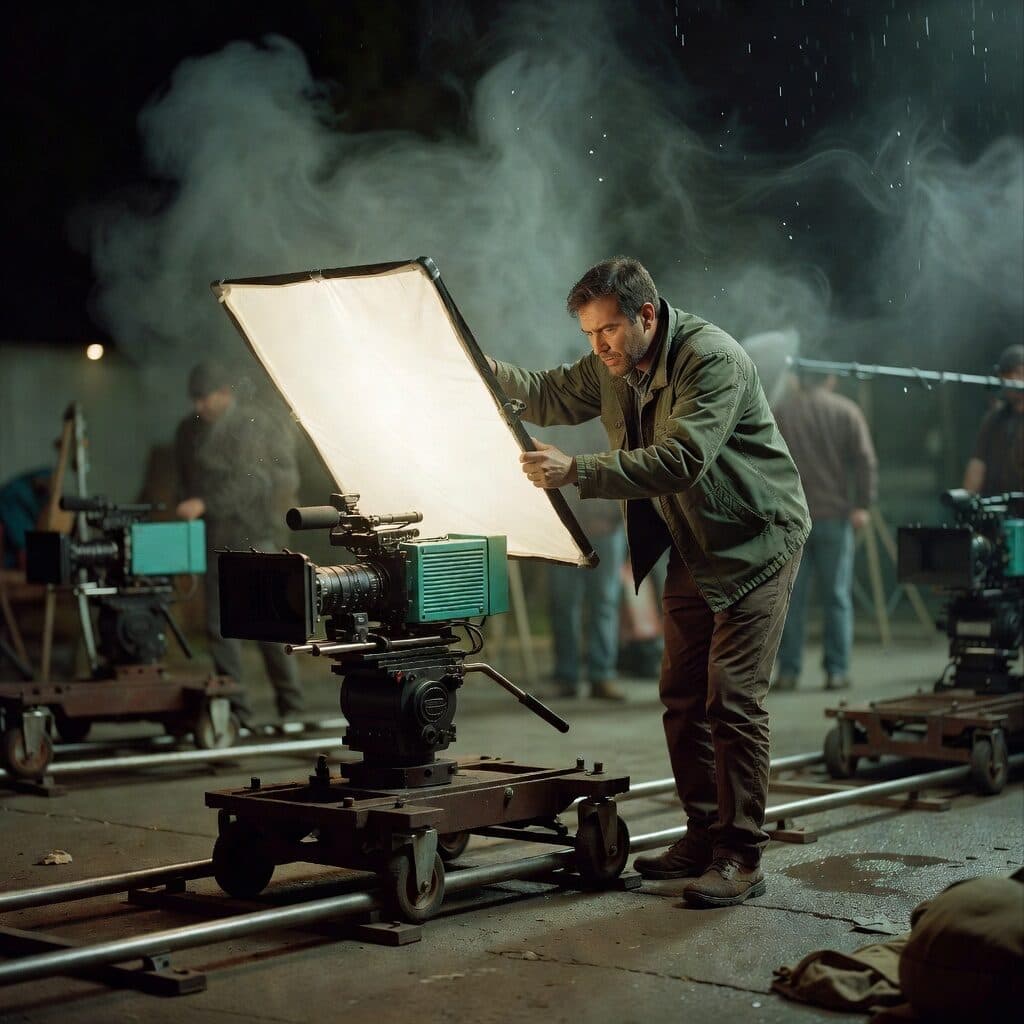
Grok Imagine Image prompt guide
6 tested prompts
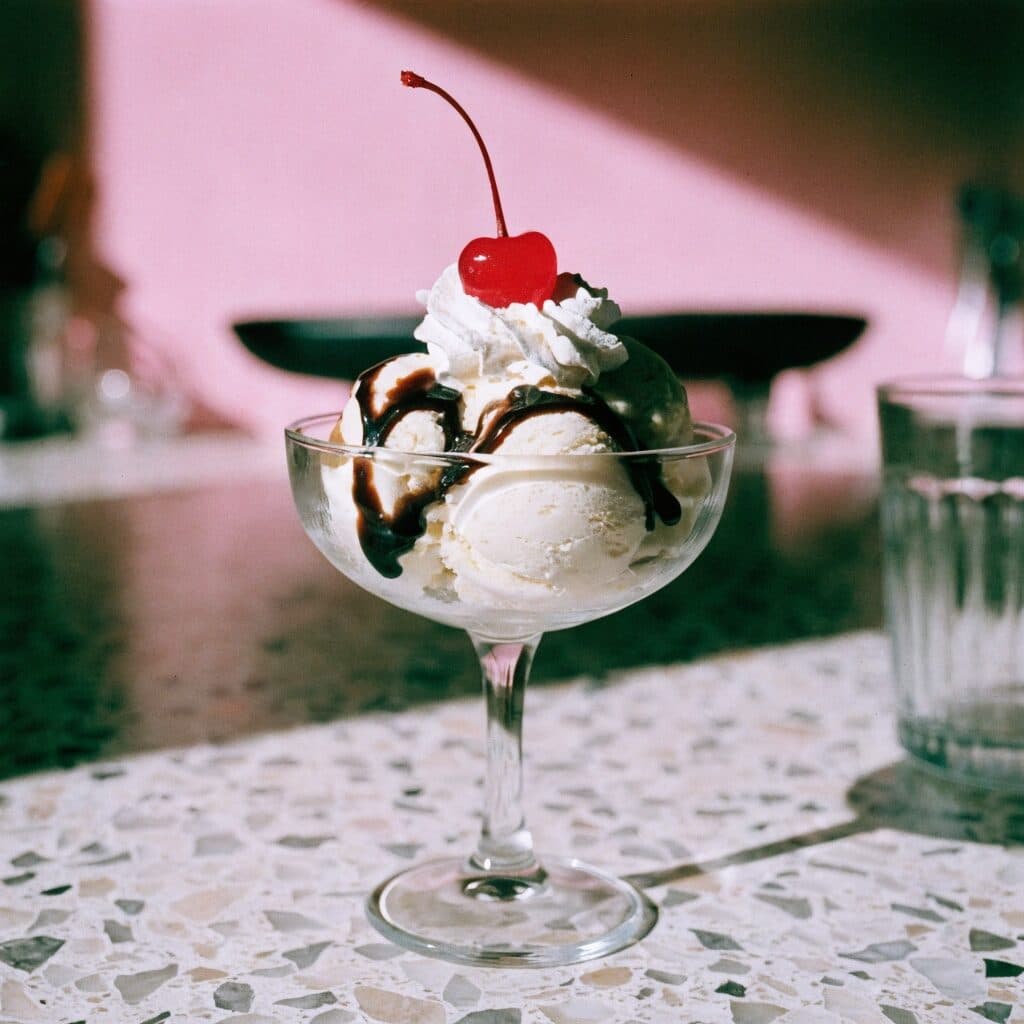
Recraft 4.1 prompt guide
6 tested prompts
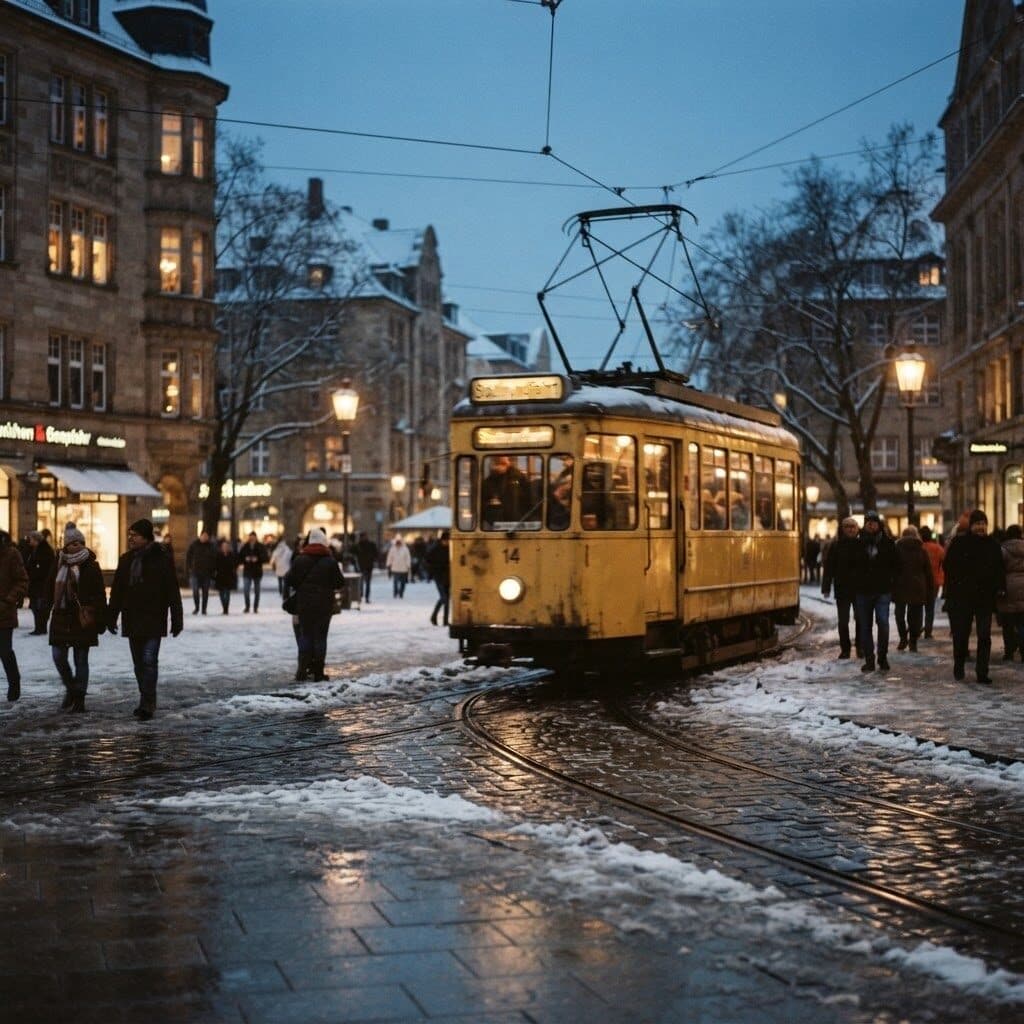
Nano Banana 2 Lite prompt guide
6 tested prompts
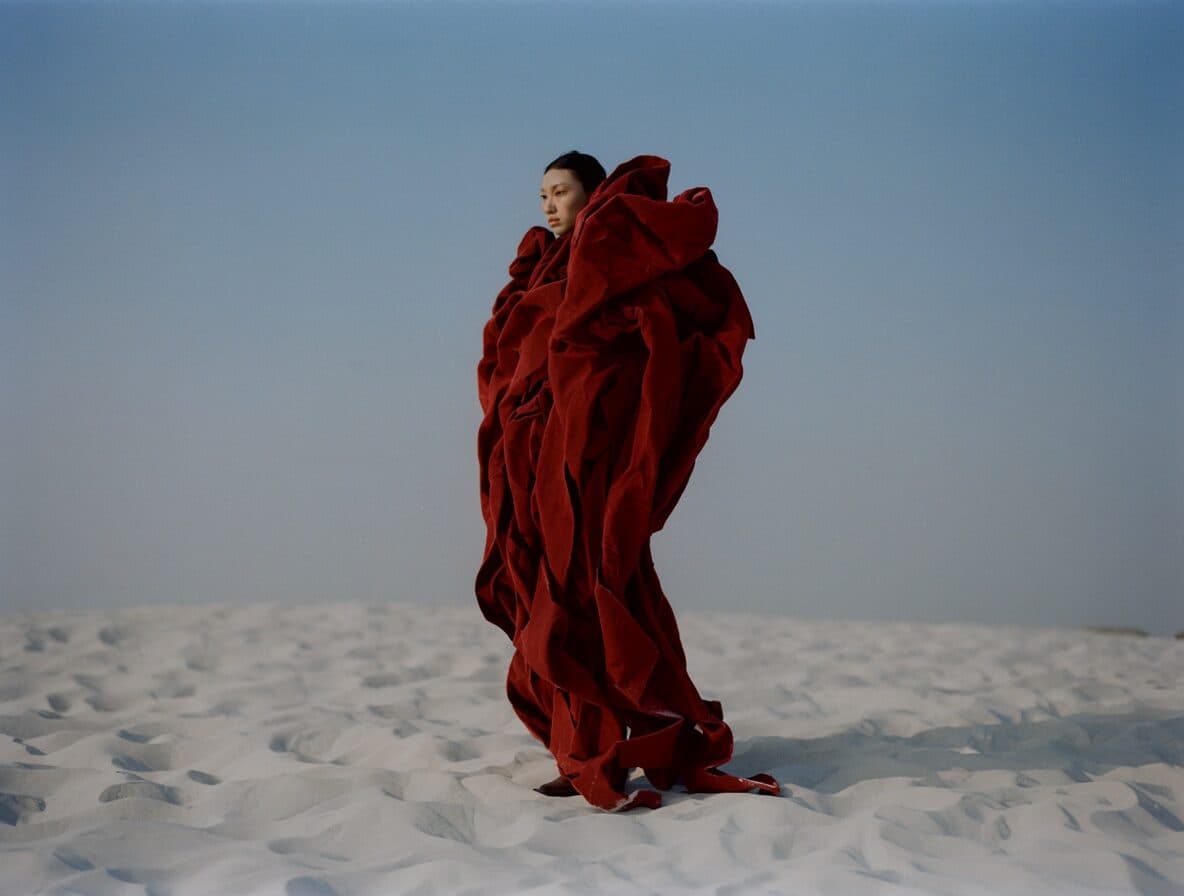
Krea 2 prompt guide
6 tested prompts
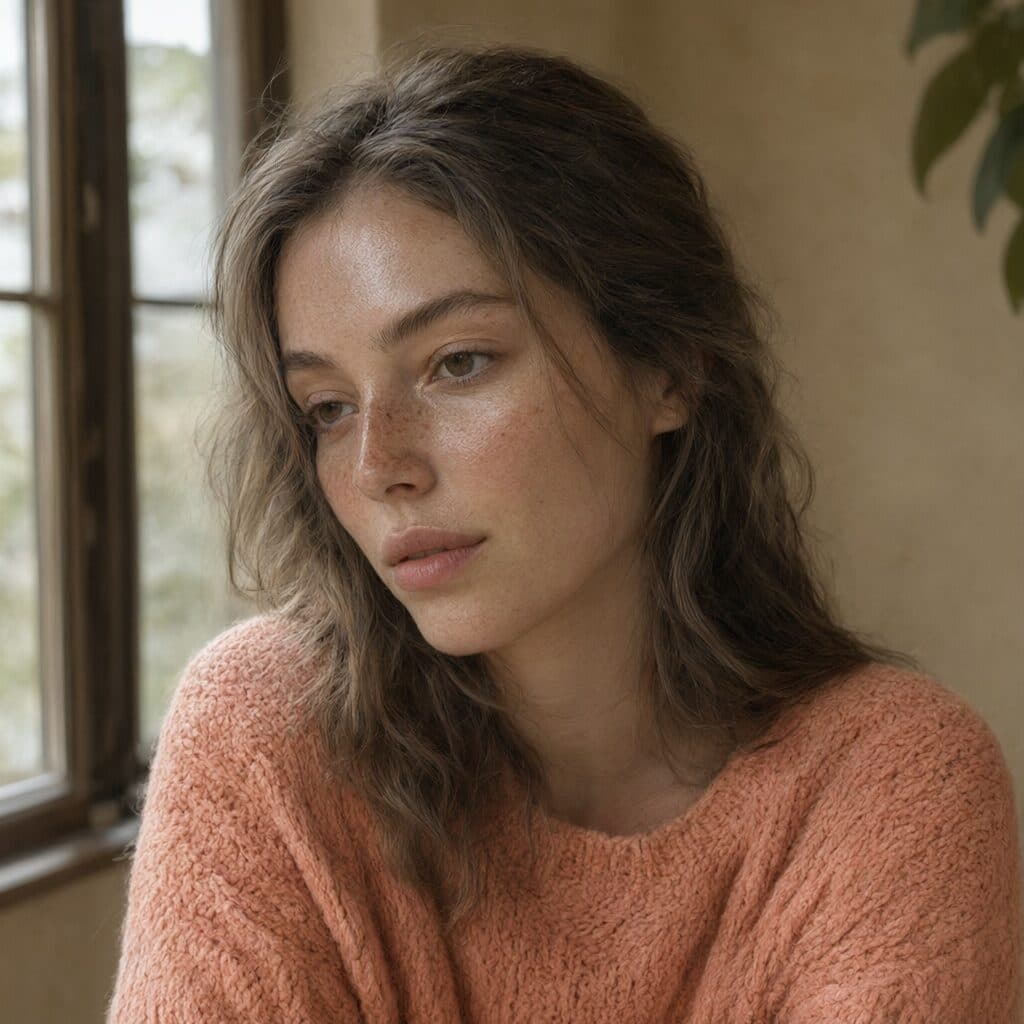
Qwen Image 3 prompt guide
6 tested prompts
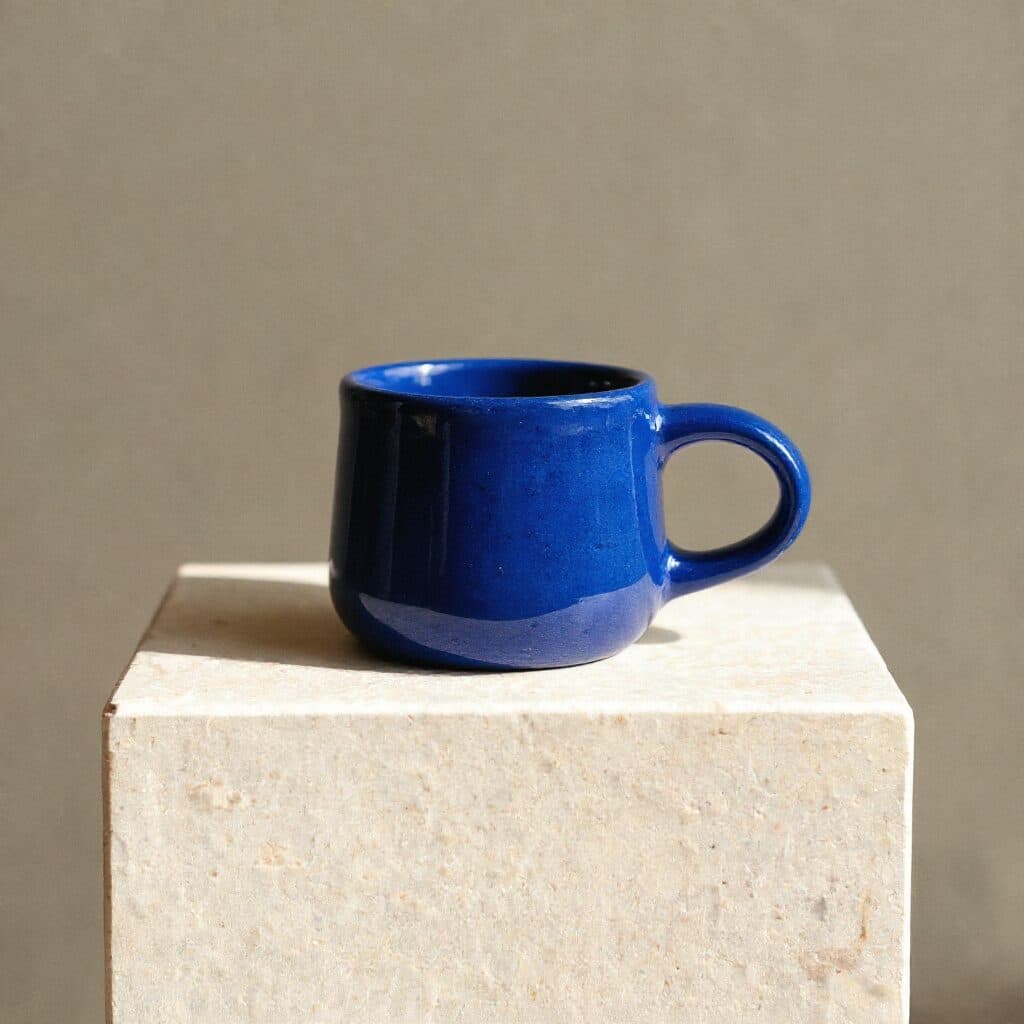
Flux Kontext Max prompt guide
6 tested prompts

Seedream 5 Lite prompt guide
6 tested prompts
Still have questions?
Straight answers about models, prices and rights.
What AI image models are available on Made?
25 text-to-image models: Nano Banana Pro, Nano Banana 2.1, Nano Banana 2, GPT Image 2, Seedream 5 Pro, Flux 2 Pro, Grok Imagine Image, Recraft 4.1, Krea 2, Qwen Image 3, Flux 1.1 Pro, Flux Kontext Max, FLUX.2 Klein, GPT Image 2.5 Fast, GPT Image 2.5 Flare, GPT Image 2.5 Sunburst, Grok Imagine Image 2.0, Grok Imagine Image Quality, Muse Image, Nano Banana, Nano Banana 2 Lite, Qwen Image, Seedream 4.0, Seedream 5 Lite and Z Image. Pick one from the menu in the prompt bar; the price on the Generate button changes with it.
What is the maximum image resolution I can generate?
Nano Banana Pro and Nano Banana 2 render up to 4K. Most other models output 1–2K. For anything else, Topaz upscales an image 2× or 4×. The price for the size you pick shows on the Generate button.
Can Made generate accurate text inside images?
Yes, for short type. GPT Image 2, Nano Banana Pro, Seedream 5 Pro and FLUX.2 Pro set headlines and labels reliably when you put the exact words in quotes. Long paragraphs still come out wrong sometimes, so set body copy in your layout tool.
Can I keep the same character consistent across multiple images?
Attach a photo of the person and describe the change. Flux Kontext and Seedream 5 Pro Edit keep the face, hair and build while the outfit or the setting changes — the examples on this page were made that way from a single reference.
Can I turn my AI images into video?
Yes. Open any image in Assets and press Animate — WAN 2.2 5B makes a clip from it. Or choose Veo 3.1, Kling or Seedance in the model menu and attach the image as the first frame.
What aspect ratios and formats are supported?
It depends on the model. Nano Banana Pro offers 1:1, 2:3, 3:2, 3:4, 4:3, 4:5, 5:4, 9:16, 16:9 and 21:9; Nano Banana 2 adds extreme panoramas such as 4:1 and 8:1. The ratio menu only shows what the selected model accepts. Images download as PNG or JPG.
Can I edit part of an image without regenerating the whole thing?
Yes. Upload the image, choose an edit model such as Flux Kontext or Seedream 5 Pro Edit, and describe only the change — “recolor the chair olive green” or “replace the background with a rooftop at golden hour.” Everything you don’t mention stays as it was.
How much does it cost?
Each image is paid for in credits, and its price shows on the Generate button before you generate. It depends on the model and the size you pick. Credits come with a plan, unused credits roll over, and failed generations are refunded.
Can I use the images commercially?
Yes. Images you generate on Made are yours to use in personal and commercial work — ads, products, websites and social posts — subject to each model provider’s content rules.
Can I generate images from Claude, ChatGPT or my own code?
Yes. The same credits work through the REST API and the Made MCP connector, so agents such as Claude can generate and edit images at the same prices as the editor.
Explore more on Made
- Nano Banana Pro
- Nano Banana 2
- Nano Banana 2.1
- Nano Banana
- Seedream 4.0
- Qwen Image
- Flux Kontext Max
- Flux 1.1 Pro
- Flux Kontext Pro
- Restore Image
- Z Image
- GPT Image 2
- GPT Image 2.5 Flare
- GPT Image 2.5 Sunburst
- GPT Image 2.5 Fast
- Grok Imagine Image 2.0
- Muse Image
- Qwen Image 3
- Seedream 5 Lite
- Seedream 5 Pro Edit
- Krea 2
- Topaz Image Upscale
- Flux 2 Pro
- FLUX.2 Klein
- Seedream 5 Pro
- Recraft 4.1
- Nano Banana 2 Lite
- Grok Imagine Image
- Grok Imagine Image Quality
- AI Video Generator
- Video Motion Transfer
- Recast
- Object Swap
- Background Changer
- AI Product Photography
- Object Remover
- AI Headshot Generator
- AI Photoshoot Generator
- Photo to Anime
- Made Agent
- Prompt library
- All models
- Price sheet
- MCP connector
- Developer API