Input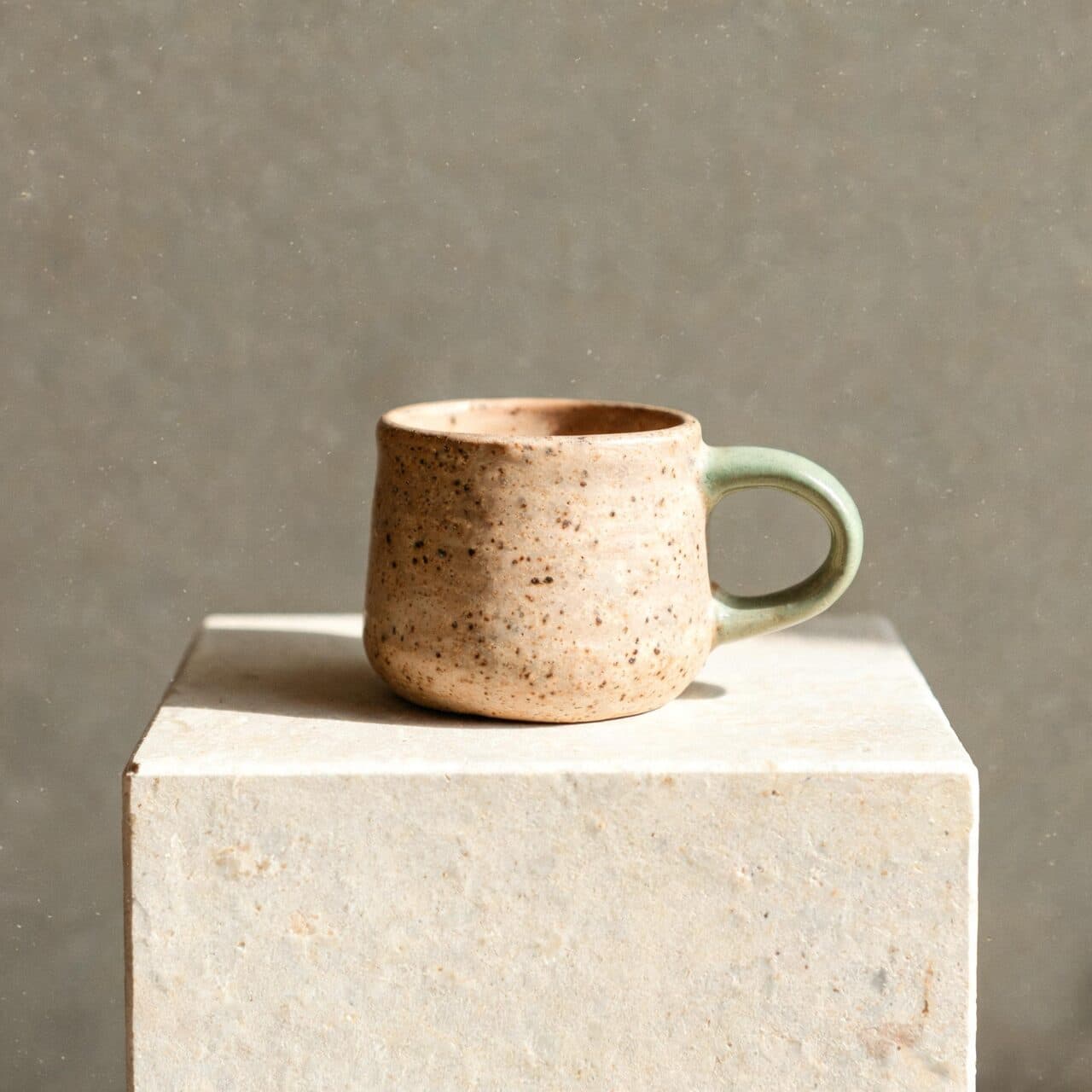
Output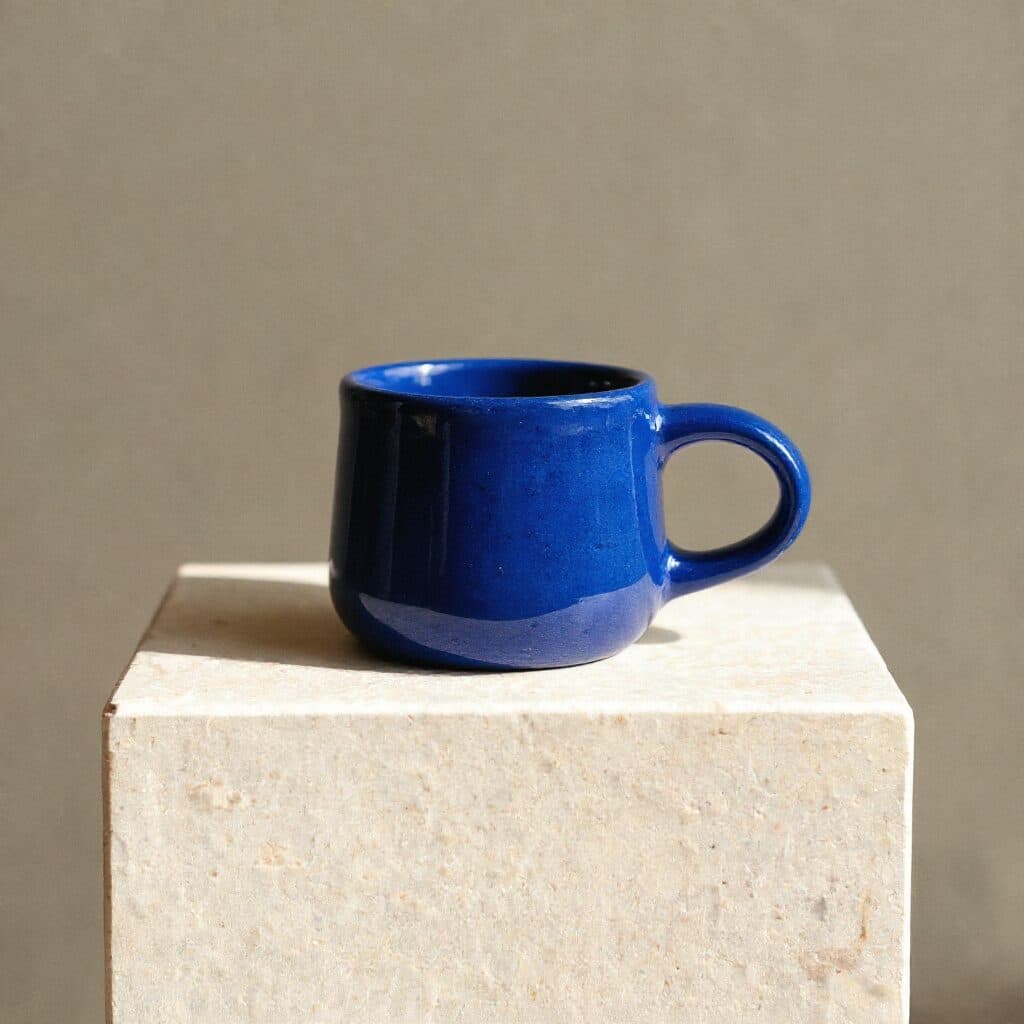
Flux Kontext Max: Glaze color edit
“Change only the mug glaze to deep glossy cobalt blue. Keep the mug shape, speckles, plinth, wall, light and shadows unchanged.”
Black Forest Labs · image model
0.8 credits / image · every plan · price breakdown · API playground
Upload one source image and describe what should change—and what must stay unchanged.
Made with Flux Kontext Max · Glaze color edit
Flux Kontext Max is the higher-quality Kontext option for changing a selected part of a source image while preserving the subject, composition, and surrounding details.
Original results
These examples use media produced for Made. Prompts are included when the production record allows them.
“Change only the mug glaze to deep glossy cobalt blue. Keep the mug shape, speckles, plinth, wall, light and shadows unchanged.”
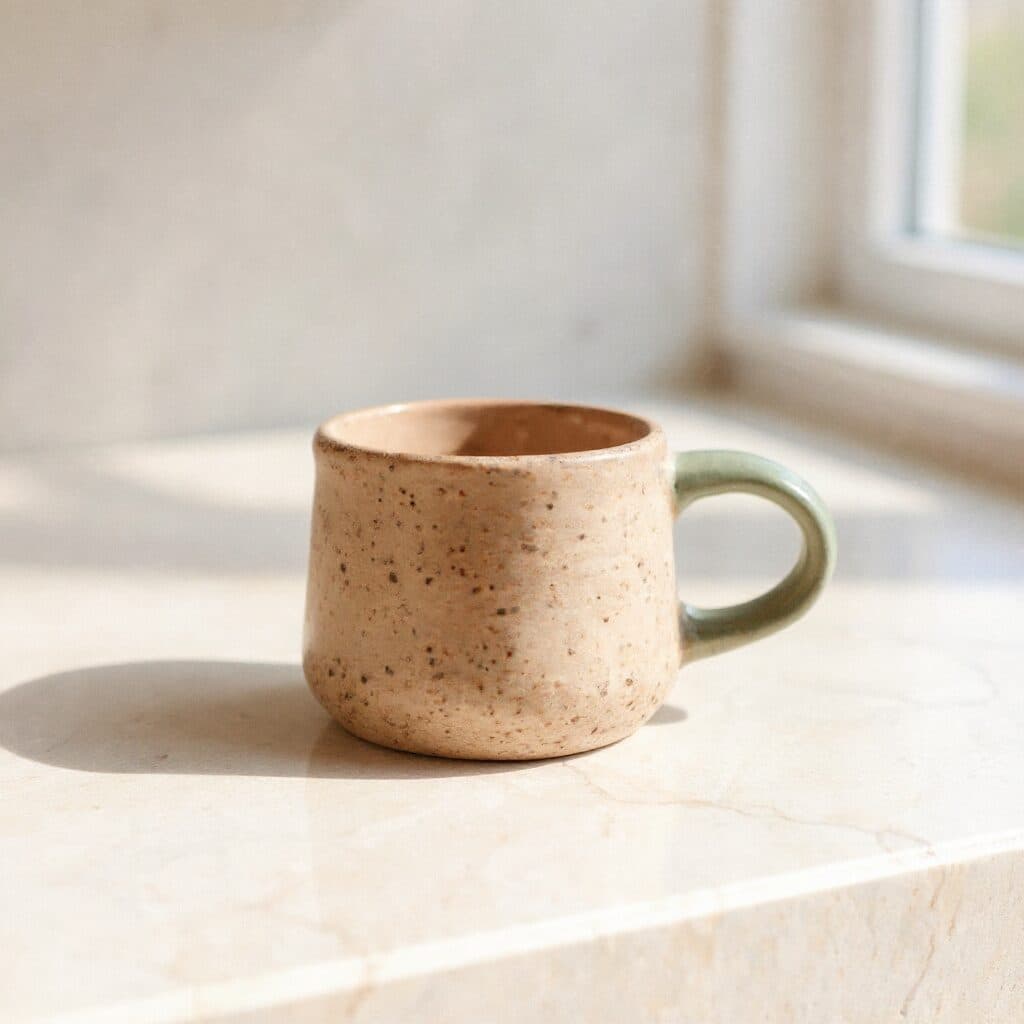
“Replace only the background with a white marble kitchen counter and soft morning window light. Keep the mug and its shadow unchanged.”
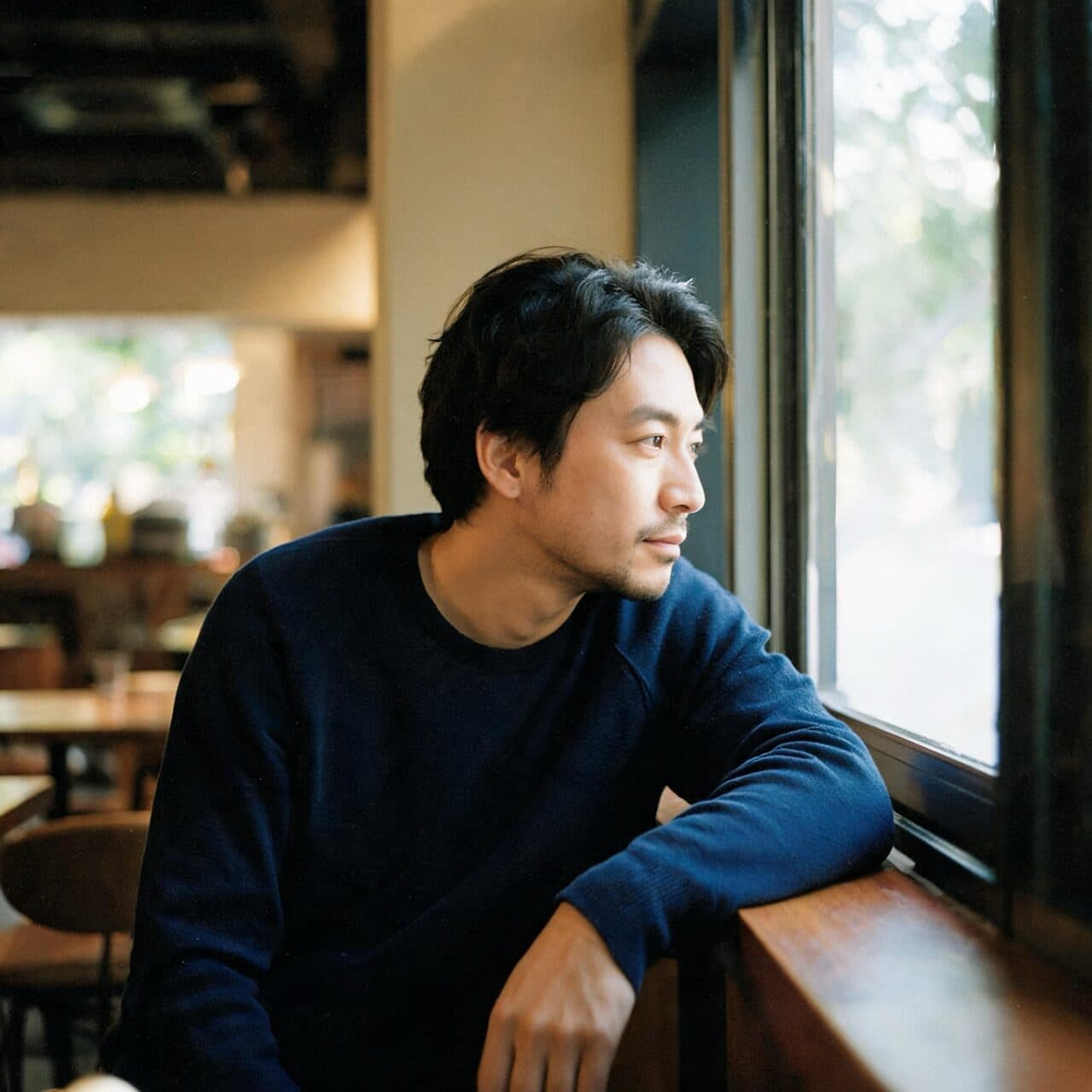
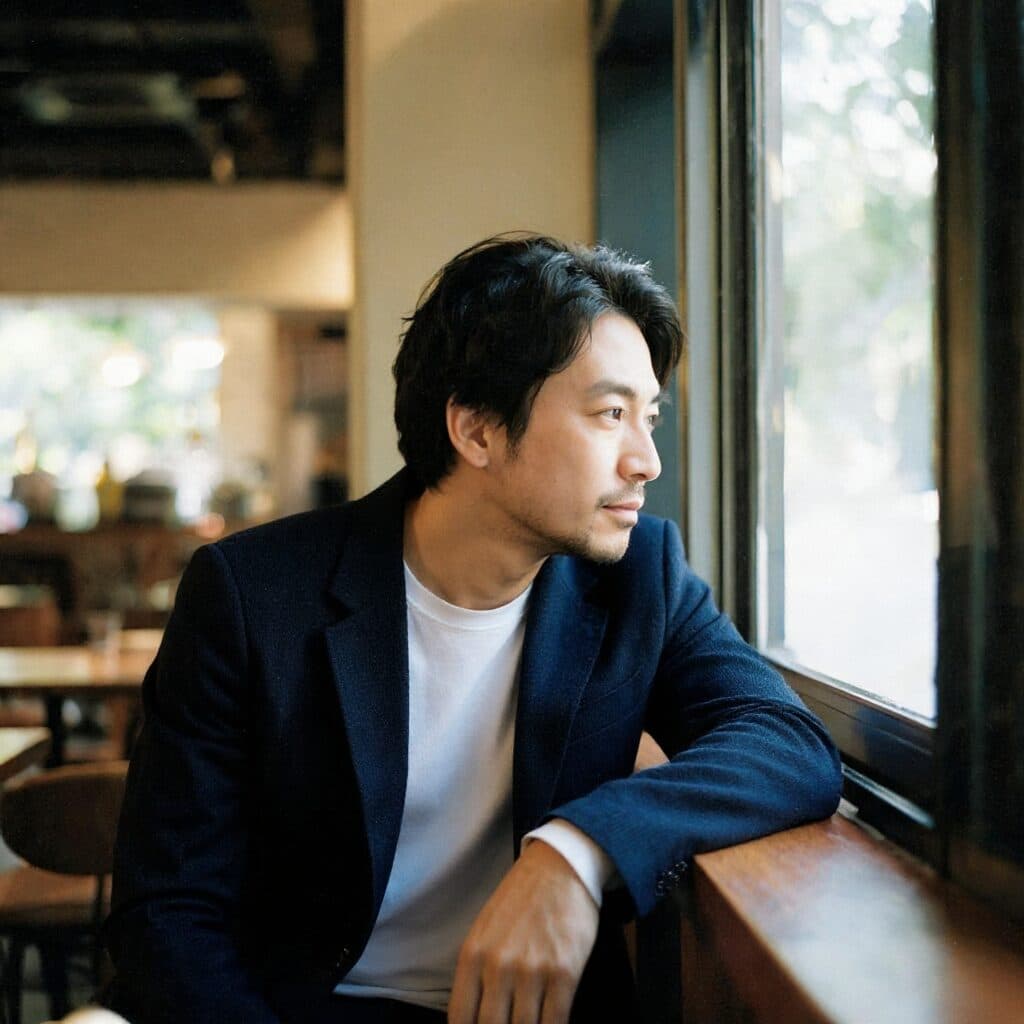
“Change only the navy crewneck into a dark wool blazer over a white T-shirt. Keep his face, hair, pose, window and light unchanged.”

“Change only the view outside the window to a rainy evening street with blurred city lights. Keep the man, his clothing and the interior unchanged.”
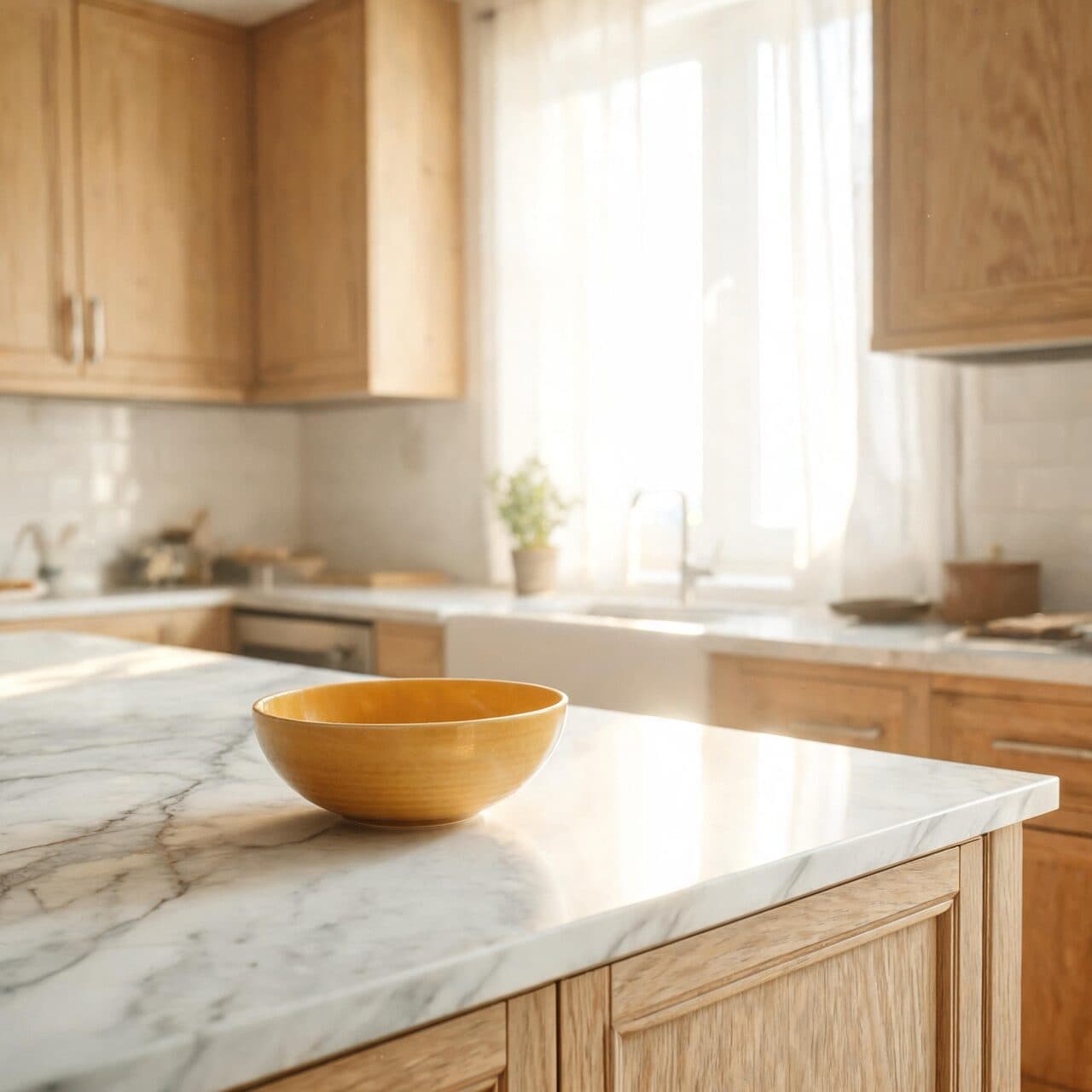
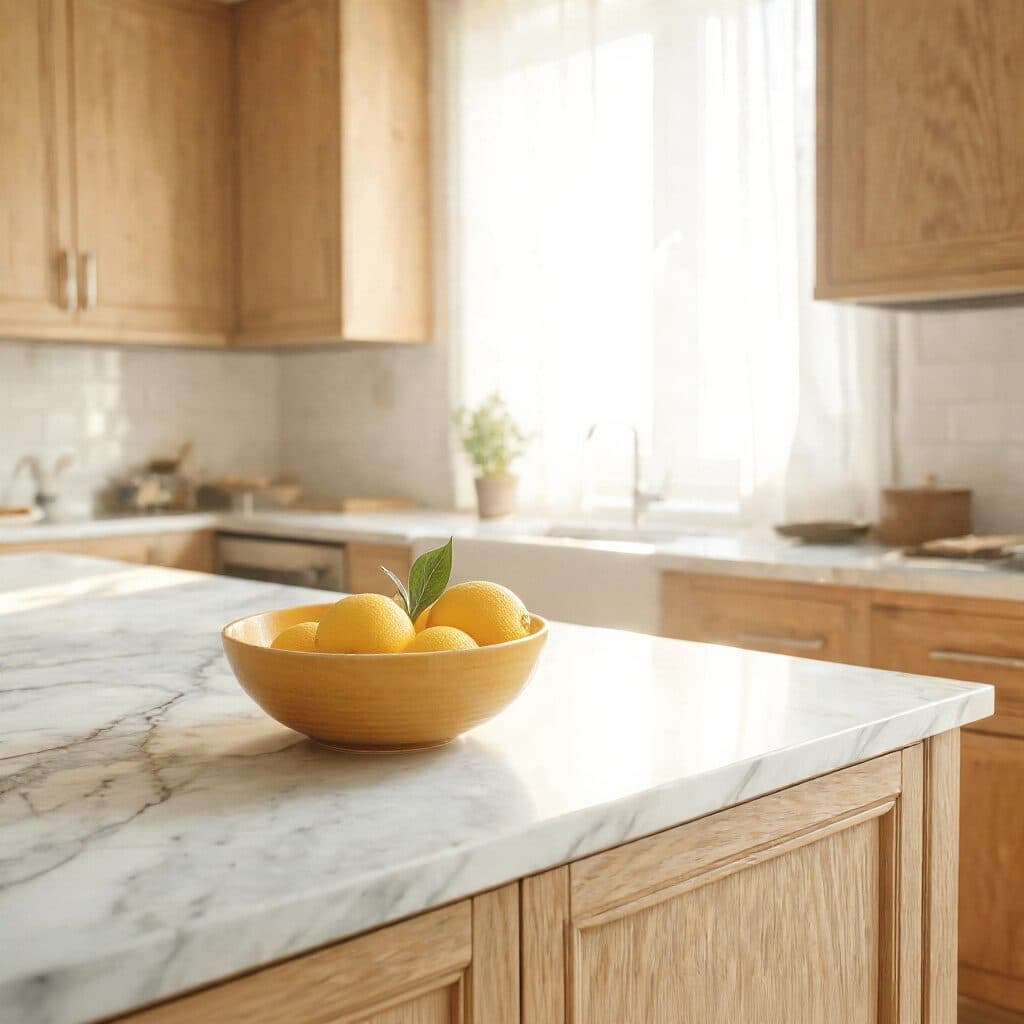
“Fill the empty fruit bowl with bright lemons and a few leaves. Keep the cabinets, counter, light and camera angle unchanged.”
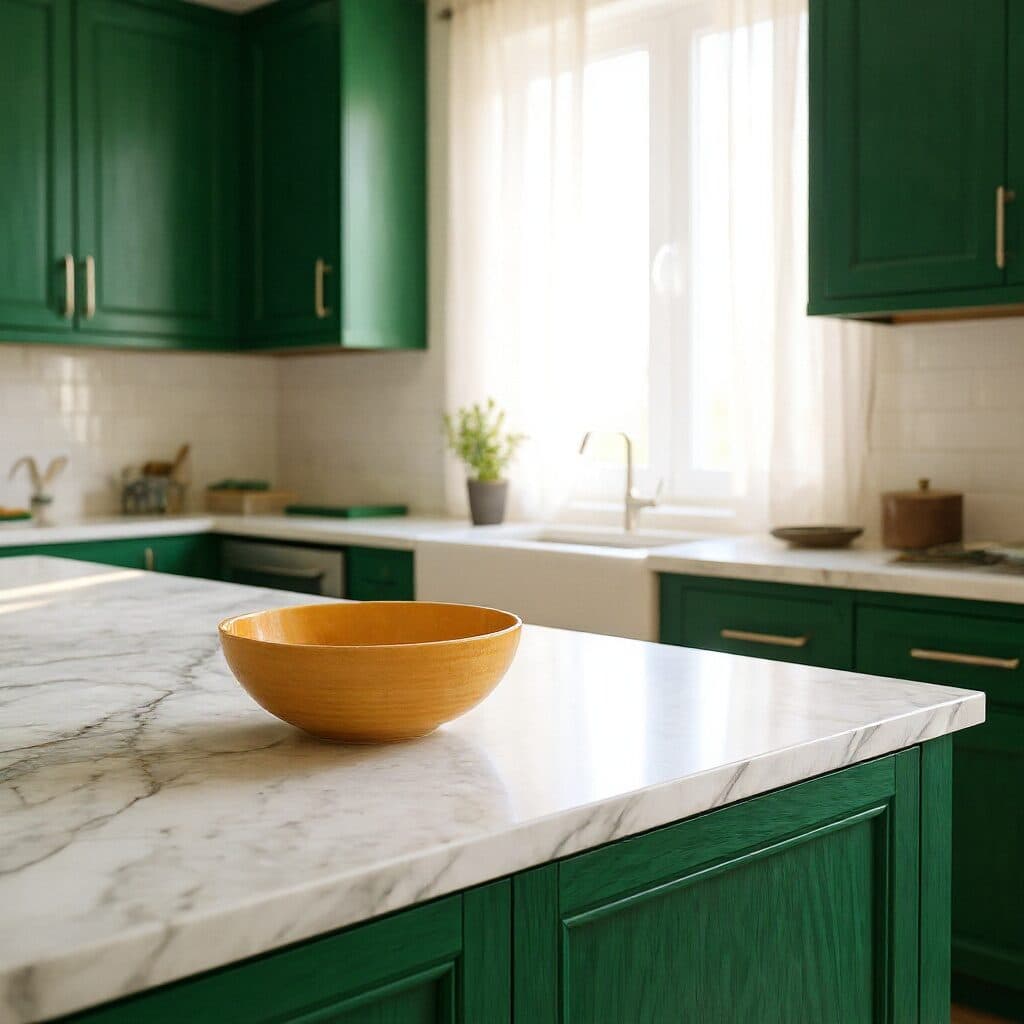
“Change only the cabinet fronts to deep forest green paint. Keep the counter, bowl, light and perspective unchanged.”
These are the controls exposed by Made, which may be narrower than a provider’s full API.
Start with an image where the subject and the area to change are clearly visible.
State the intended change first, using precise object, color, material, or background language.
List the identity, composition, lighting, objects, and textures that should remain unchanged.
Inspect protected regions at full size before downloading or asking for a narrower revision.
0.8 credits / image — the full breakdown, verified.
6 tested prompts with the outputs they produced.
Side-by-side prices and specs, with a straight verdict.
Side-by-side prices and specs, with a straight verdict.
Side-by-side prices and specs, with a straight verdict.
Side-by-side prices and specs, with a straight verdict.
Side-by-side prices and specs, with a straight verdict.
Side-by-side prices and specs, with a straight verdict.
agent
Upload an image or describe the result you need. Made Auto interprets the request, selects an available Made tool, and keeps follow-up edits in one conversation.
Explore model →image
Flux 1.1 Pro is a flexible image-generation model in Made for polished concepts, product visuals, and photorealistic scenes from descriptive prompts.
Explore model →image
Restore Image is a focused Made workflow for reducing scratches, fading, and visible damage while preserving the recognizable people and composition in a source photo.
Explore model →Skip the complex menus and toolbars. Edit Images With Text Prompts. Our AI photo editor understands what you want. Type "remove the background" or "make it brighter" and watch it happen instantly.
See the tool →Upload an image and Made separates the foreground subject from its surroundings, returning a transparent PNG you can reuse in product listings, profiles, and designs.
See the tool →Enlarge photos 2× or 4× with Topaz and get the detail back, or upscale video with SeedVR2 or FLUX 3. Drop a file to see the exact price before you pay.
See the tool →It applies natural-language edits to an uploaded image, with an emphasis on preserving context and delivering the highest-quality Kontext workflow.