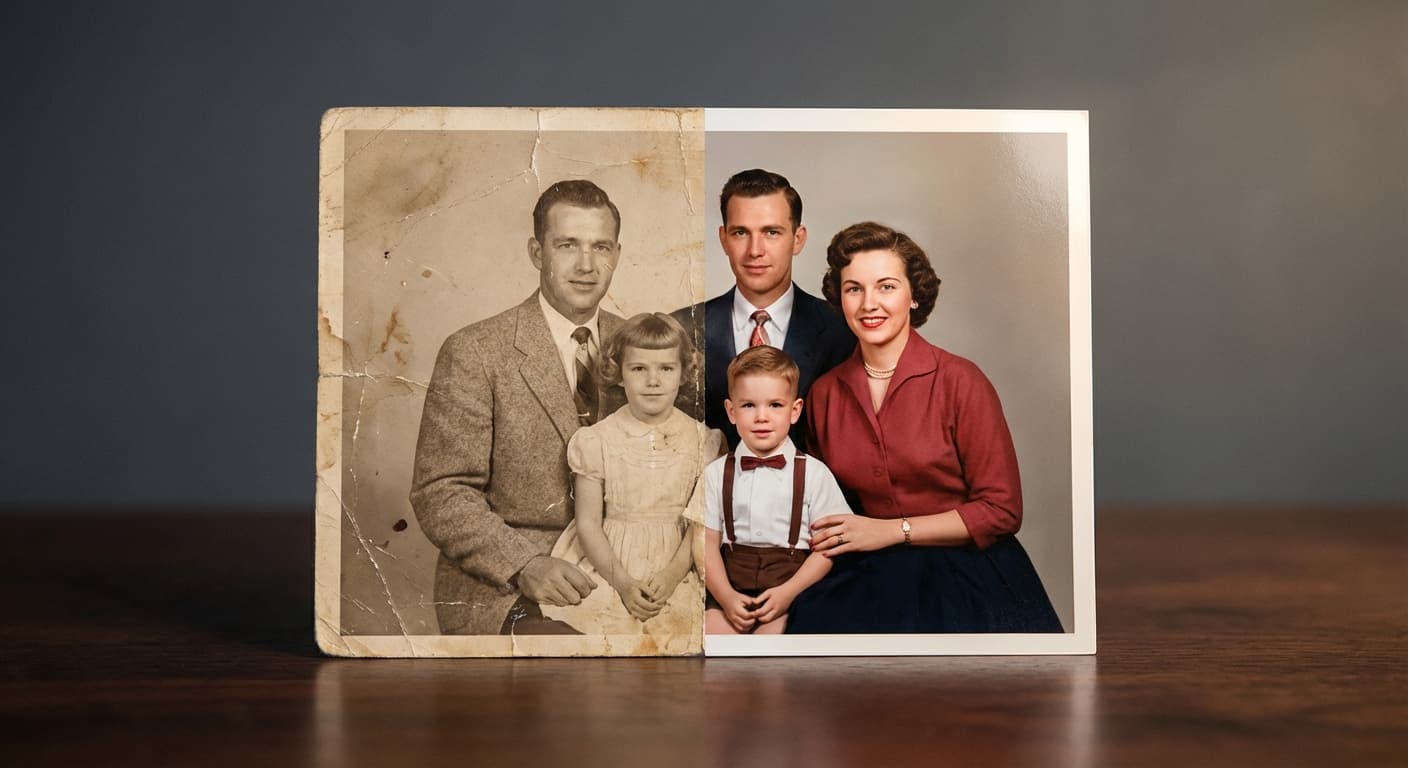
Restore an aged portrait
“Repair age damage while preserving the person’s identity and natural texture.”
FLUX Kontext Apps · image model
4 credits / image · every plan · price breakdown · API playground
Upload one source image. The workflow requires an existing photo and returns a restored PNG.
Made with Restore Image · Restore an aged portrait
Restore Image is a focused Made workflow for reducing scratches, fading, and visible damage while preserving the recognizable people and composition in a source photo.
Original results
These examples use media produced for Made. Prompts are included when the production record allows them.
“Repair age damage while preserving the person’s identity and natural texture.”
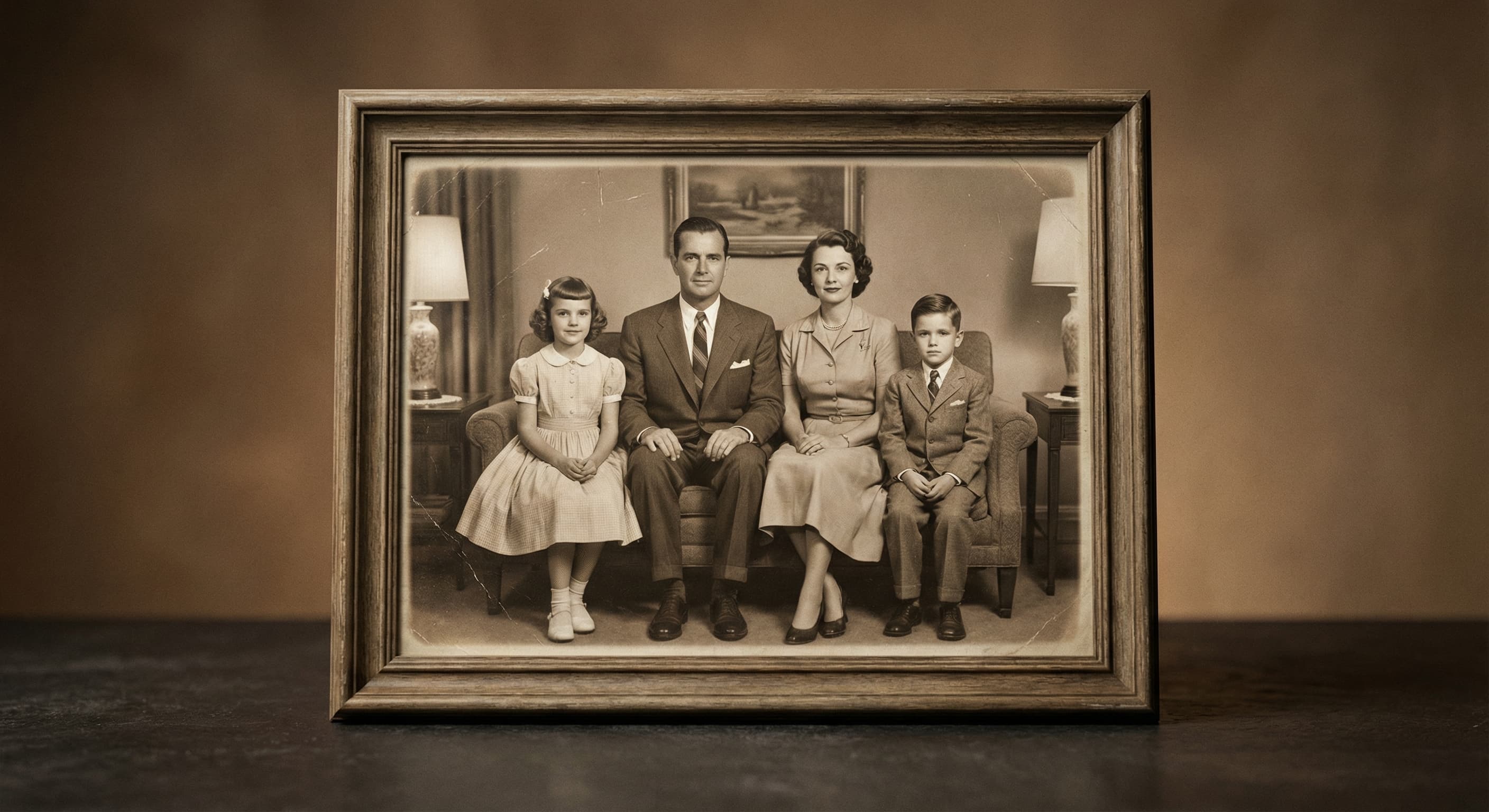
“Recover contrast and detail without changing the people in the photo.”
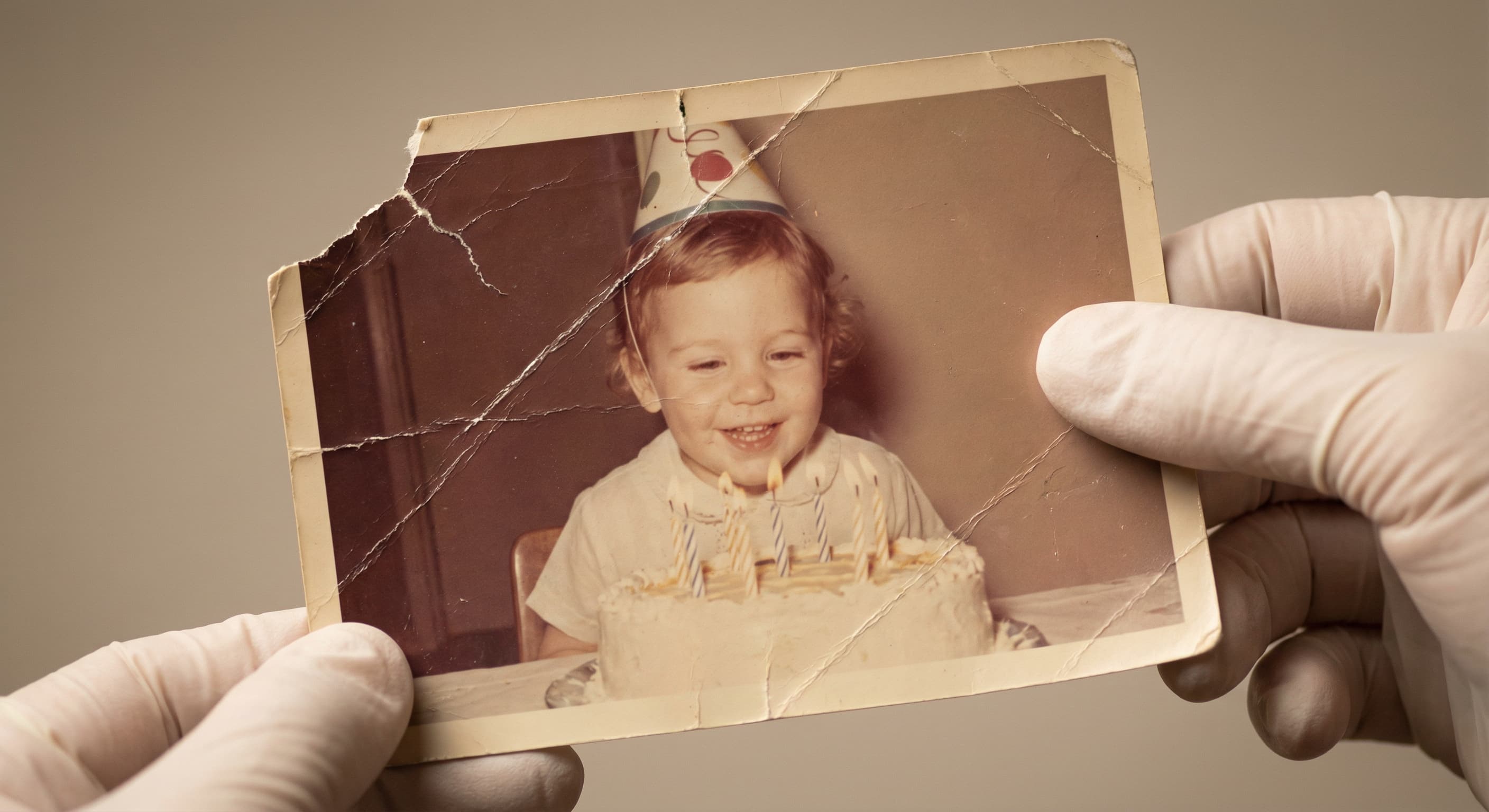
“Repair the visible scratches and torn areas.”
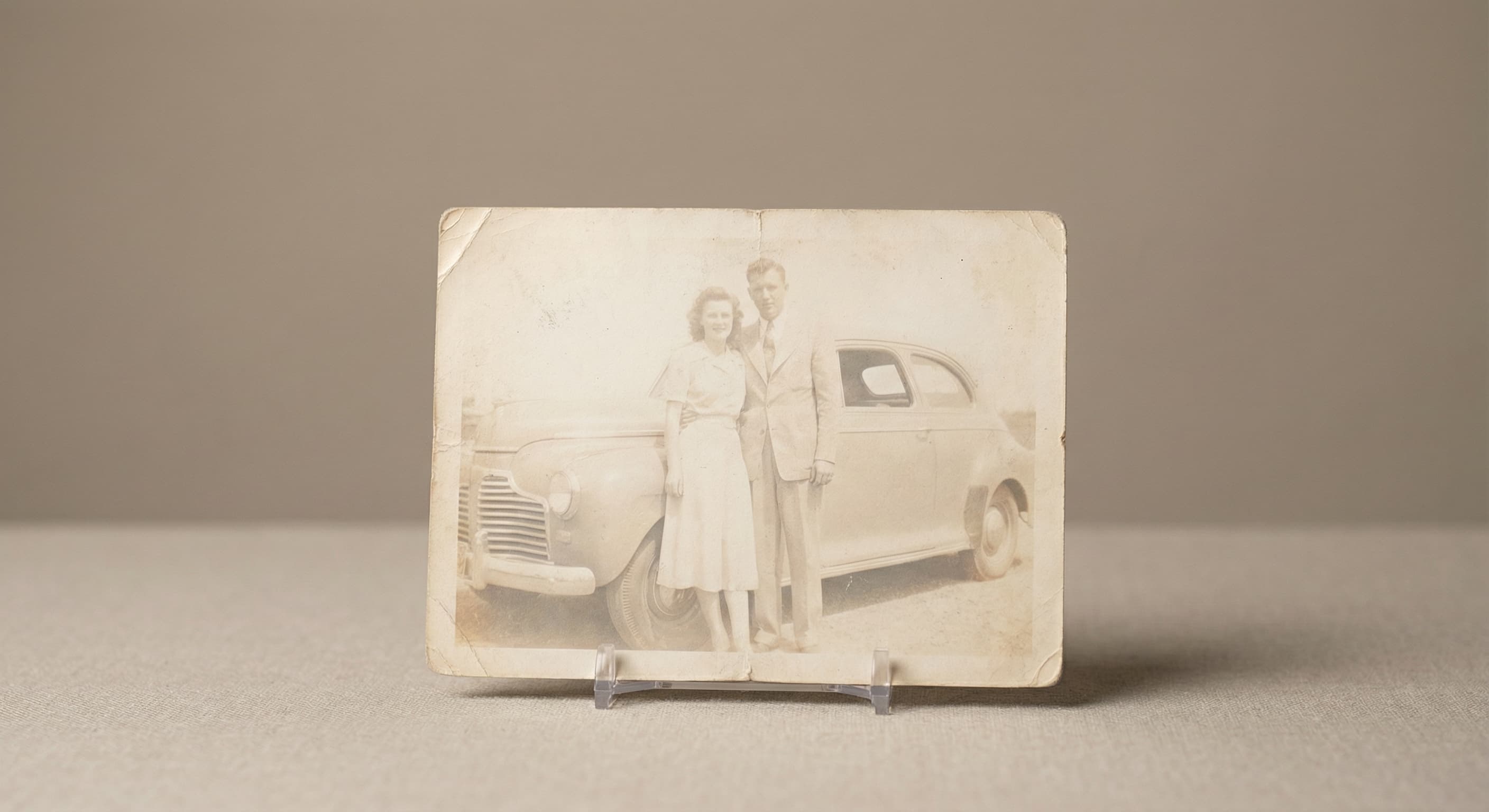
“Restore faded tones and keep the colors believable.”
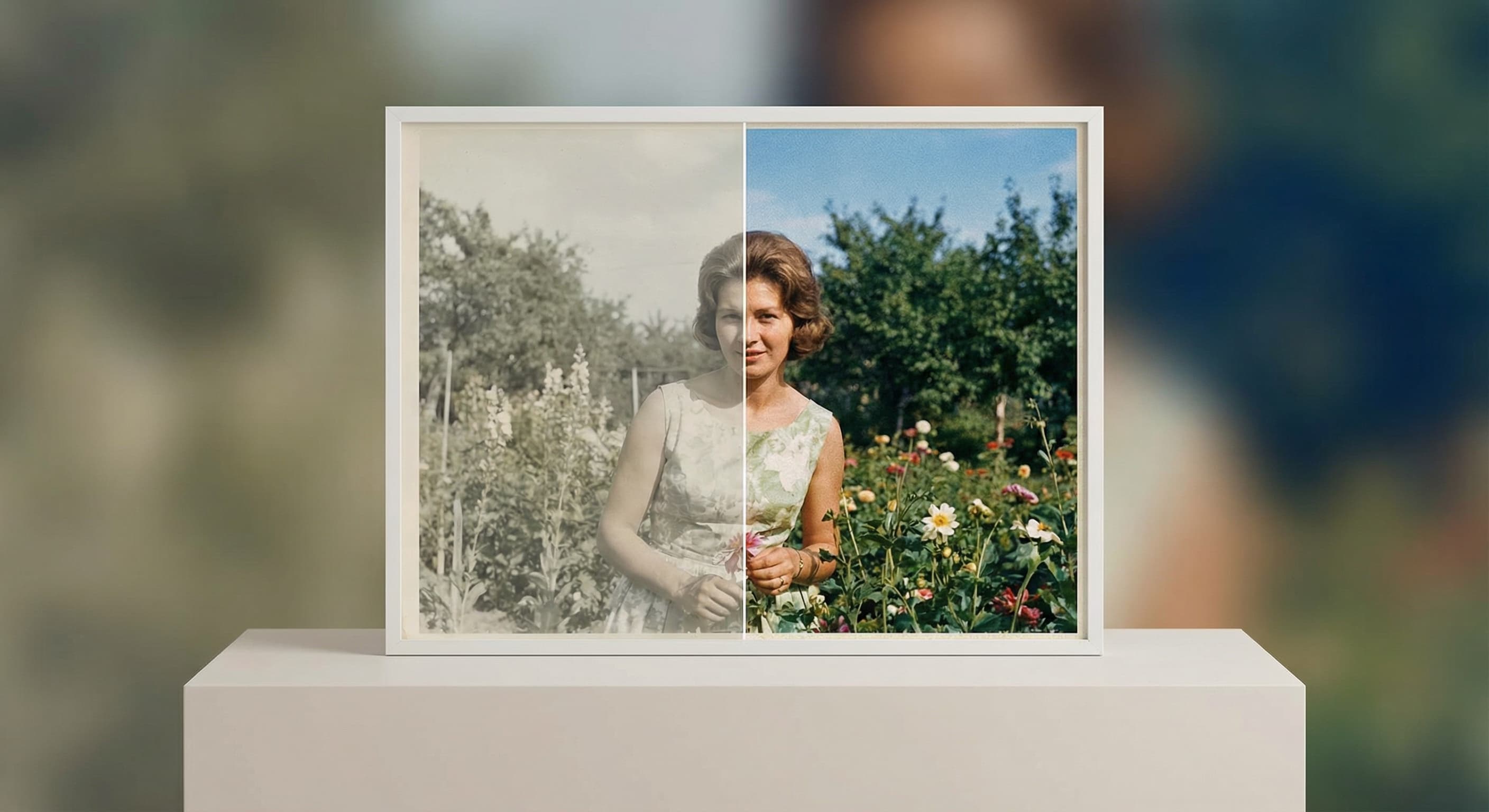
“Recover natural-looking color from the aged print.”
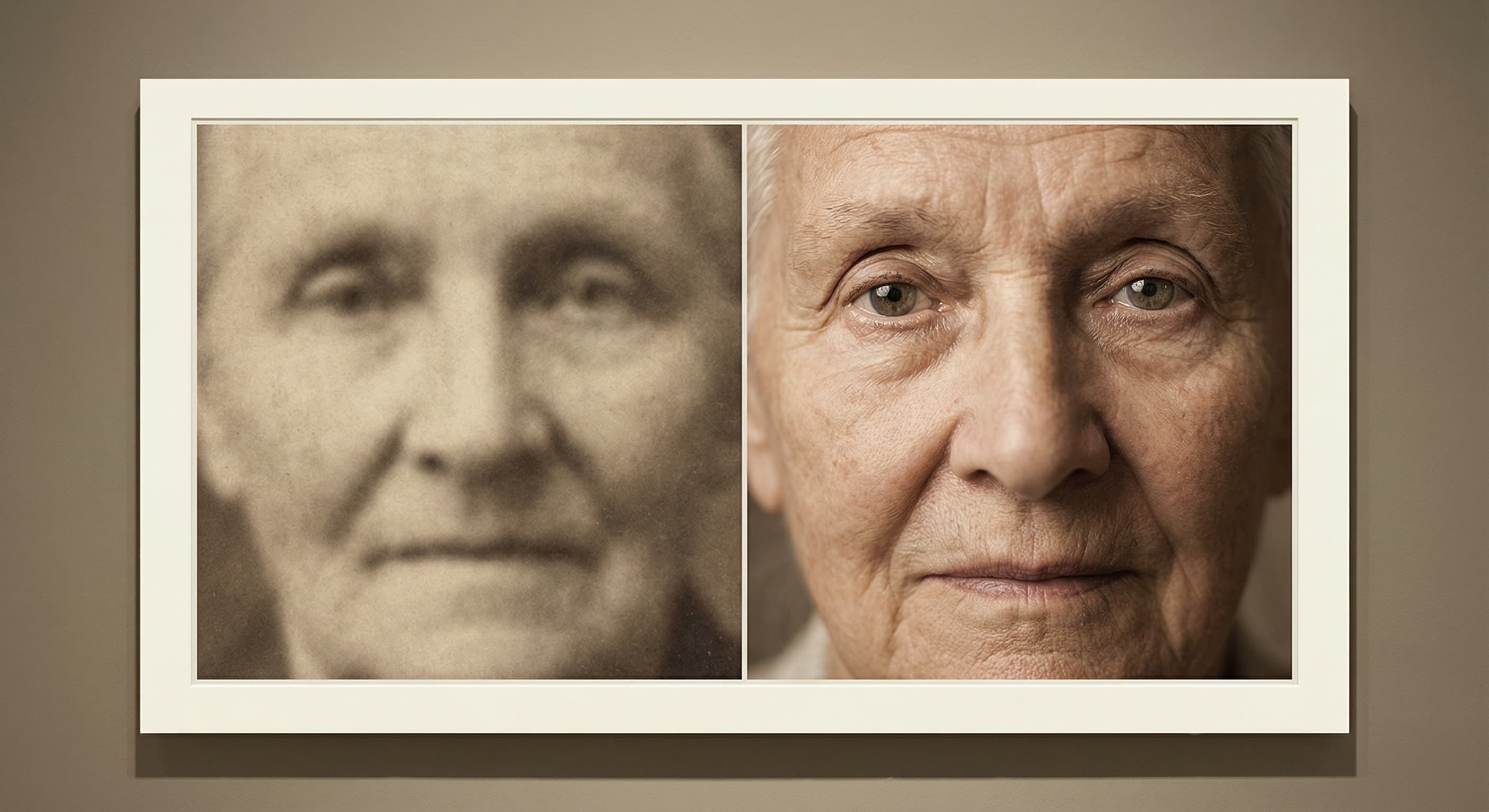
“Improve the readable detail while avoiding an artificial plastic finish.”
These are the controls exposed by Made, which may be narrower than a provider’s full API.
Use the highest-quality scan or photo of the print that you have.
Mention fading, scratches, tears, blur, or color loss that should be addressed.
Keep the Restore Image model selected and start the workflow.
Compare faces, hands, text, and historical details with the source before downloading.
agent
Upload an image or describe the result you need. Made Auto interprets the request, selects an available Made tool, and keeps follow-up edits in one conversation.
Explore model →image
Flux 1.1 Pro is a flexible image-generation model in Made for polished concepts, product visuals, and photorealistic scenes from descriptive prompts.
Explore model →image
Nano Banana Pro runs Google’s Gemini 3 Pro Image, the top tier of the Nano Banana family, generating and editing images at 1K, 2K, or 4K with legible in-image text and faithful identity across edits.
Explore model →Skip the complex menus and toolbars. Edit Images With Text Prompts. Our AI photo editor understands what you want. Type "remove the background" or "make it brighter" and watch it happen instantly.
Open tool →Enlarge photos 2× or 4× with Topaz and get the detail back, or upscale video with SeedVR2. Drop a file to see the exact price before you pay.
Open tool →It is intended for visible aging such as fading, scratches, tears, and lost contrast, plus general detail enhancement.