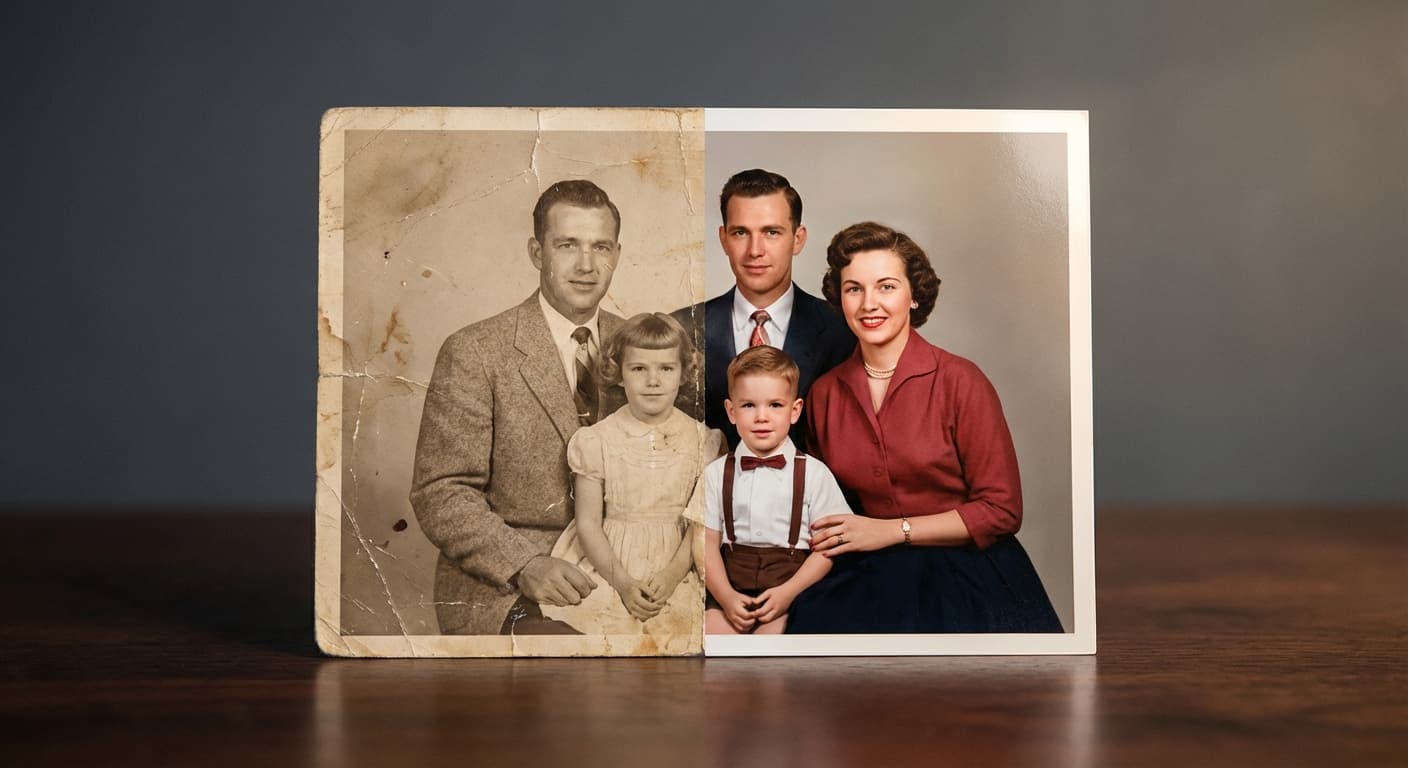
Restore an aged portrait
“Repair age damage while preserving the person’s identity and natural texture.”
Every prompt below was generated with Restore Image in Made, and the output next to it is what came back — not a curated stock image. Copy a prompt as a starting point, then use the guide underneath to adapt it.
Original results
These examples use media produced for Made. Prompts are included when the production record allows them.
“Repair age damage while preserving the person’s identity and natural texture.”
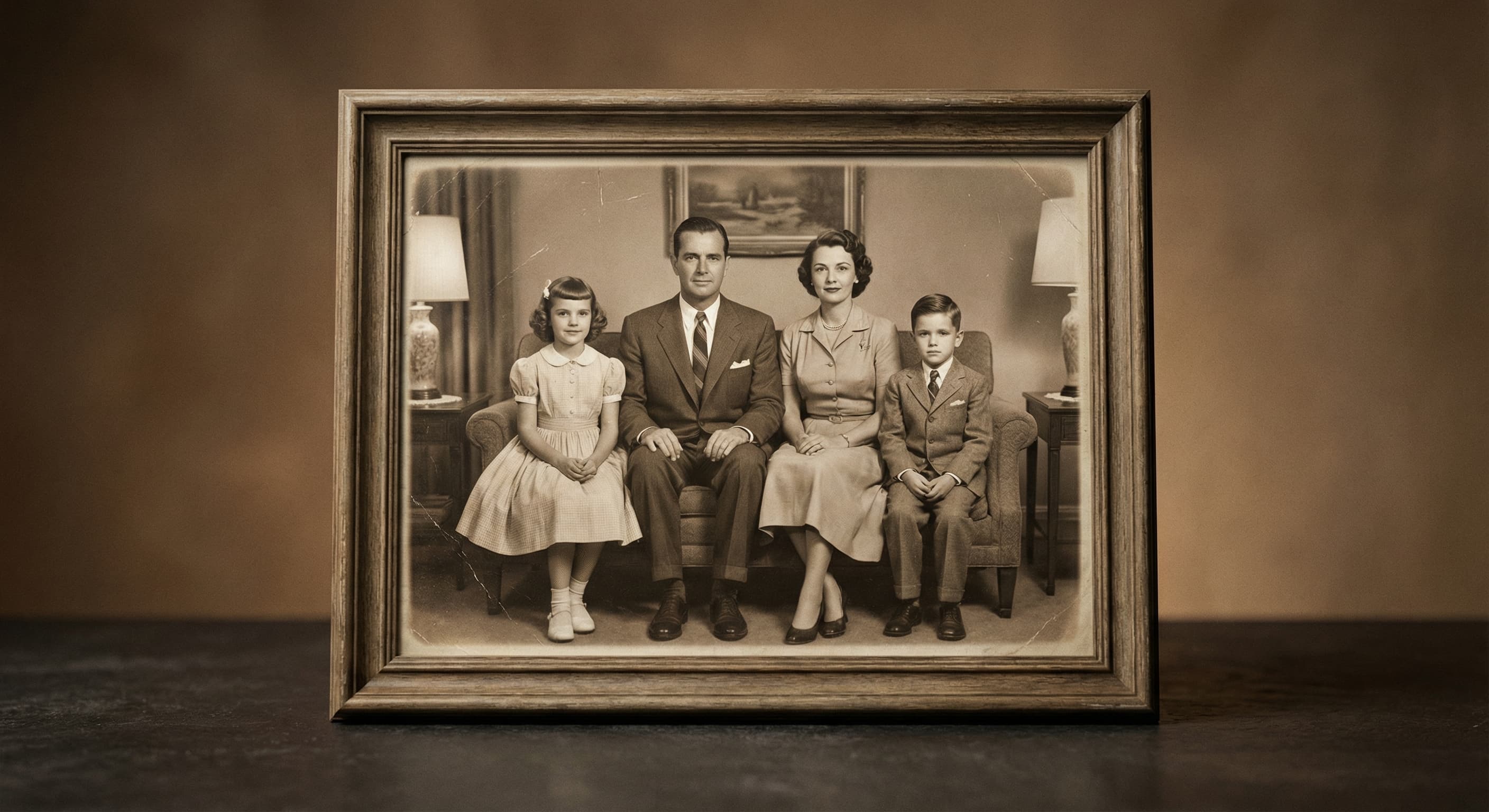
“Recover contrast and detail without changing the people in the photo.”
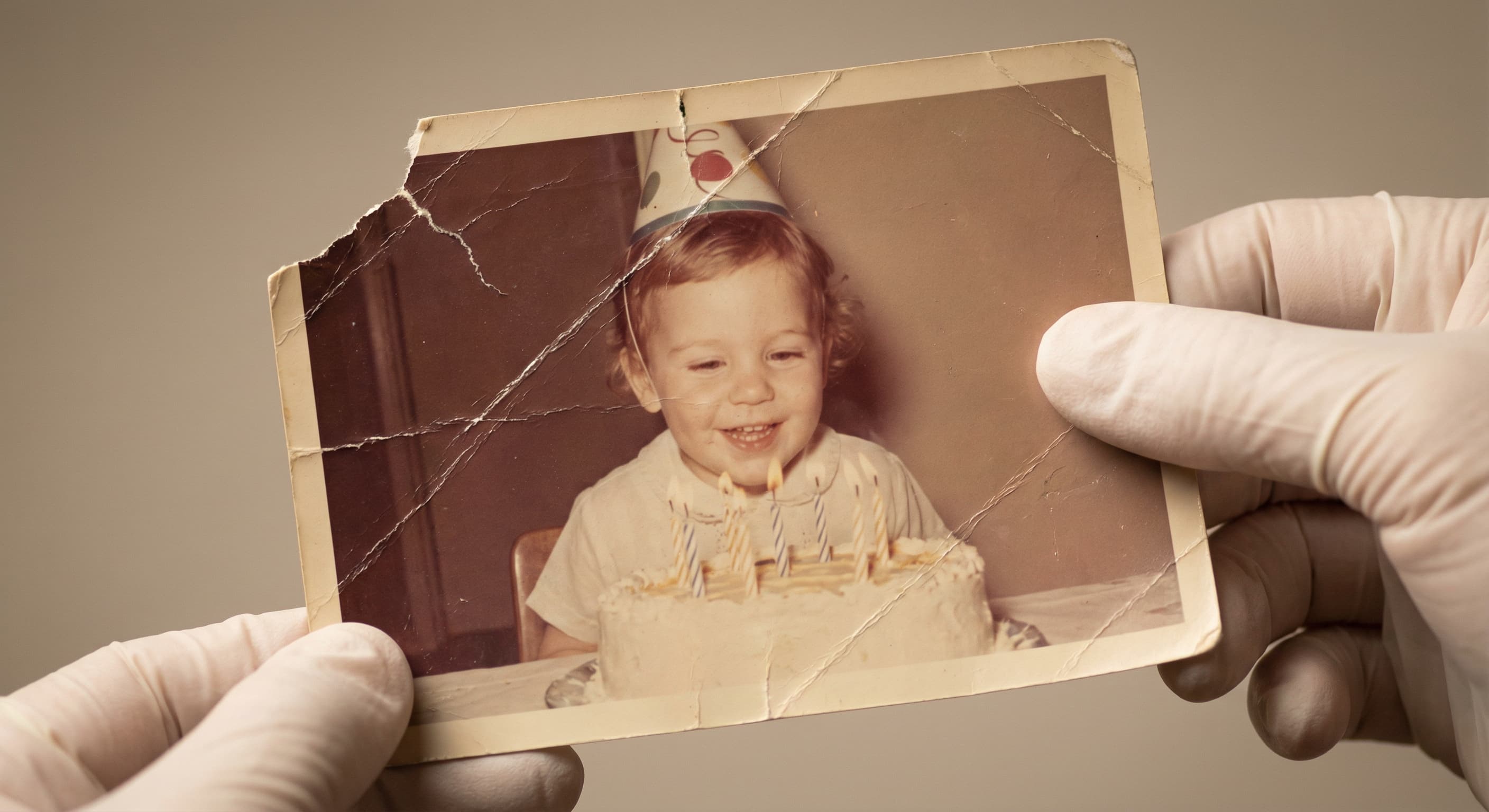
“Repair the visible scratches and torn areas.”
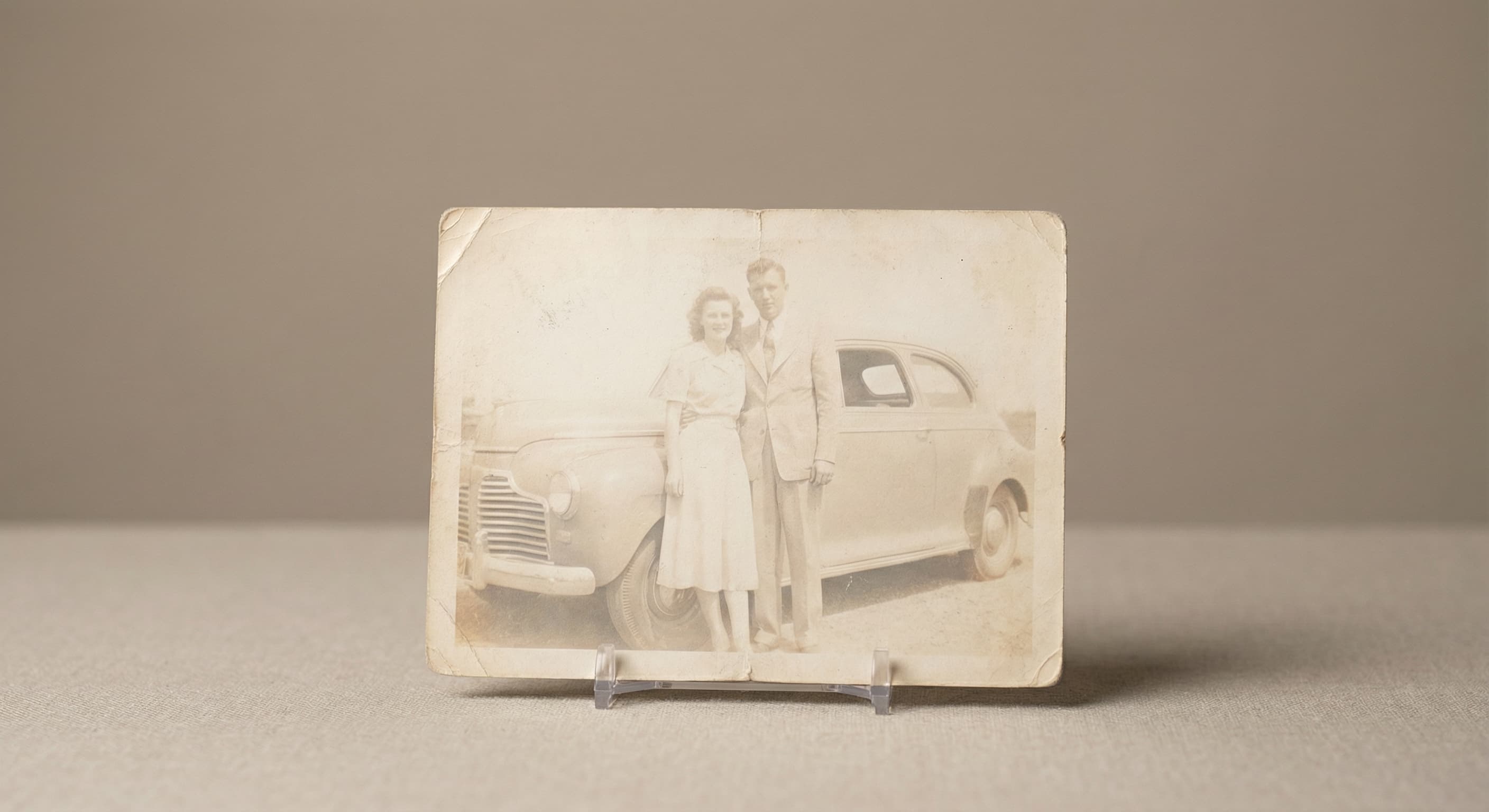
“Restore faded tones and keep the colors believable.”
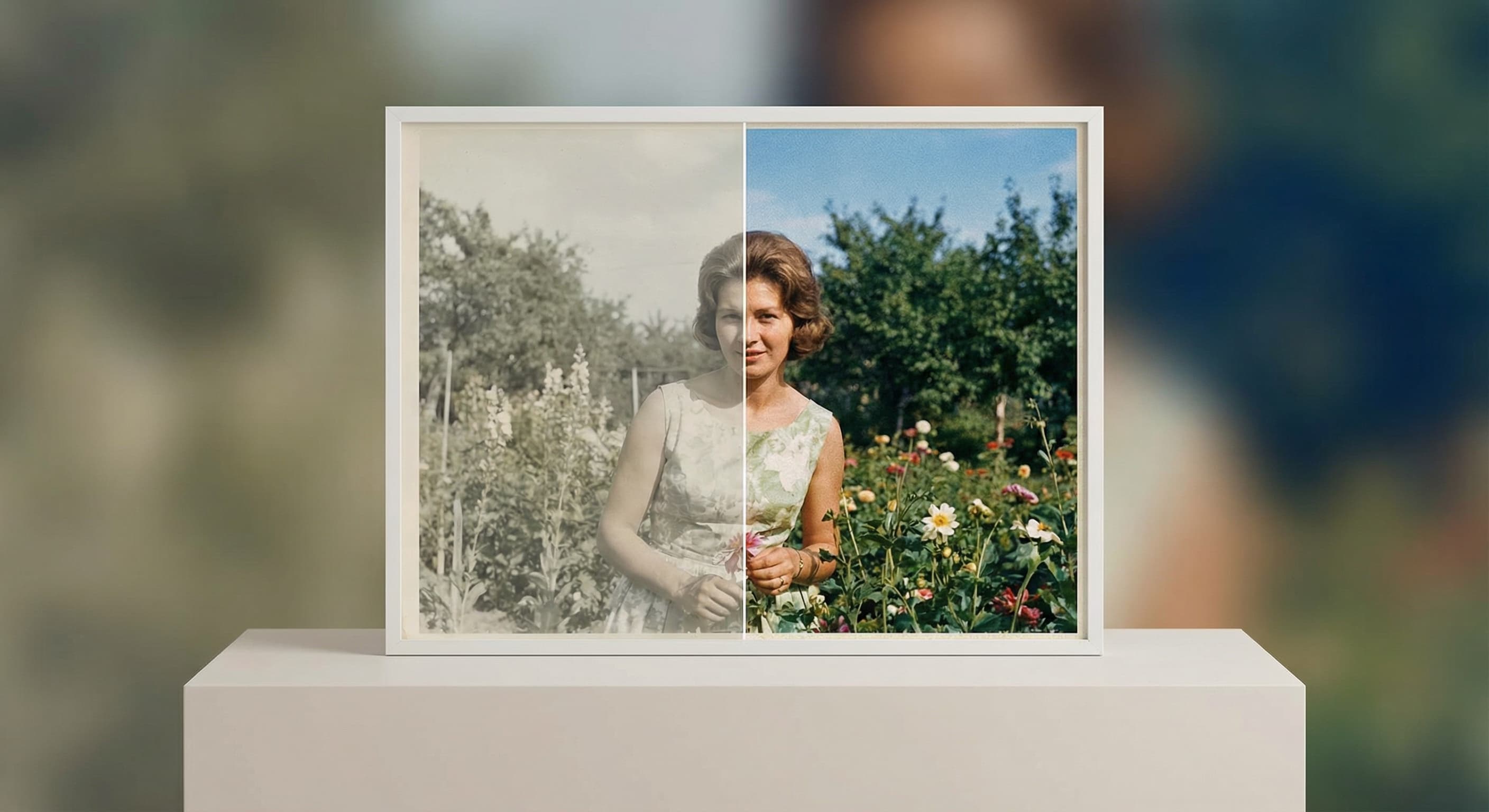
“Recover natural-looking color from the aged print.”
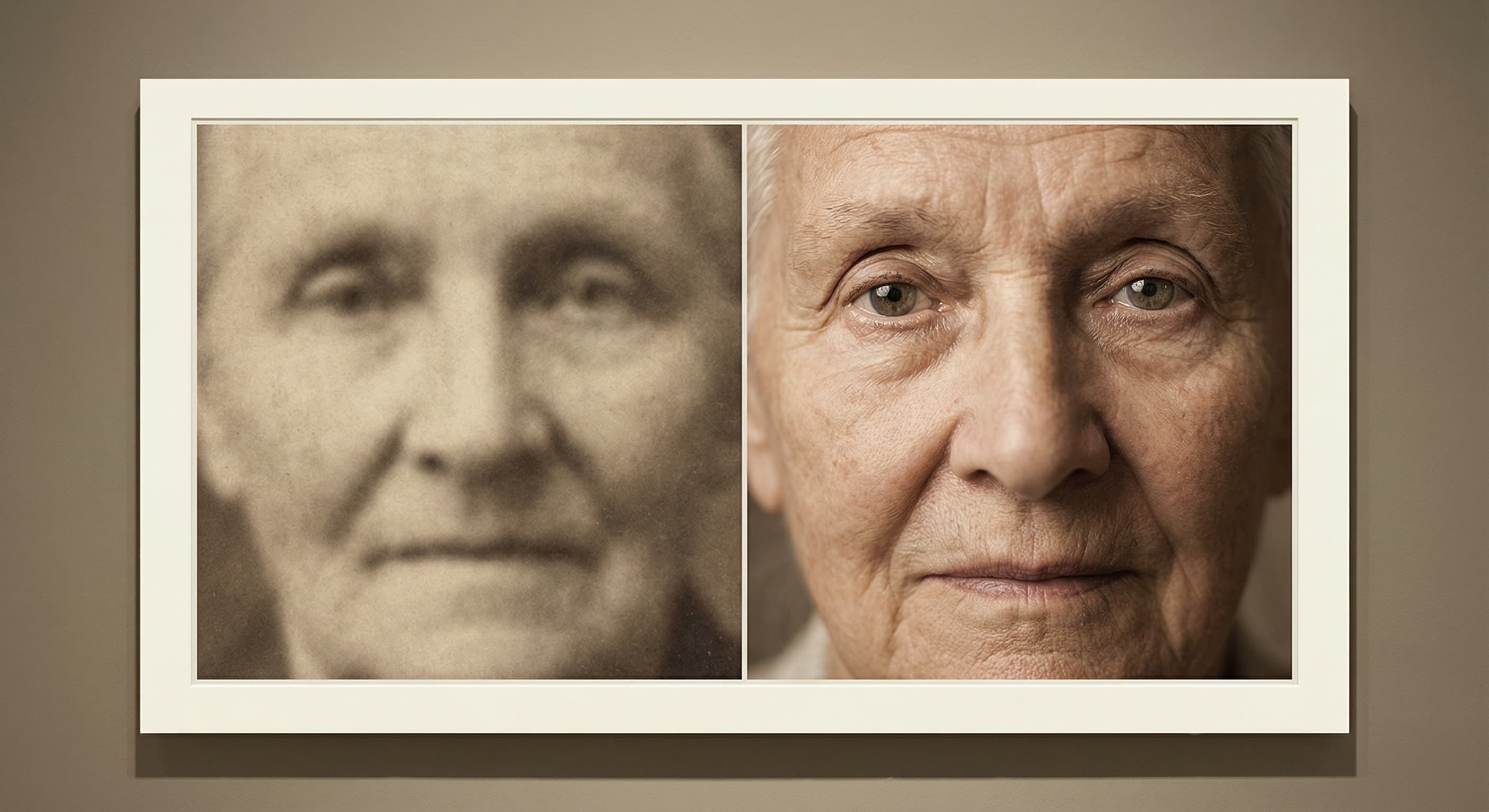
“Improve the readable detail while avoiding an artificial plastic finish.”
Use the highest-quality scan or photo of the print that you have.
Mention fading, scratches, tears, blur, or color loss that should be addressed.
Keep the Restore Image model selected and start the workflow.
Compare faces, hands, text, and historical details with the source before downloading.
Iteration is cheap here: Restore Image costs 4 credits / image, so rewriting a prompt and rerunning it is a normal part of the workflow, not a budget decision. See the full Restore Image pricing breakdown.
It is intended for visible aging such as fading, scratches, tears, and lost contrast, plus general detail enhancement.
More tested prompts across all models live in the prompt library, and the full Restore Image capability rundown is on the model page.