made

Flux Kontext Max prompts that actually ran

Every prompt below was generated with Flux Kontext Max in Made, and the output next to it is what came back — not a curated stock image. Copy a prompt as a starting point, then use the guide underneath to adapt it.

Original results

Flux Kontext Max prompts and their outputs

These examples use media produced for Made. Prompts are included when the production record allows them.

InputSource image before flux kontext max: product background replacement
Outputcobalt product bottle moved onto a burgundy silk background with Flux Kontext Max in Made

Flux Kontext Max: Product background replacement

Replace only the warm gray studio background with softly folded deep burgundy silk. Keep the cobalt bottle, cap, plinth, camera angle, scale, reflections, and lighting unchanged.

InputSource image before flux kontext max: single-object color edit
Outputproduct bottle changed from cobalt blue to amber with Flux Kontext Max in Made

Flux Kontext Max: Single-object color edit

Change only the bottle glass from cobalt blue to translucent amber orange. Preserve the bottle shape, cap, plinth, background, composition, shadow, and reflections.

InputSource image before flux kontext max: wardrobe replacement
Outputportrait subject wearing a new ivory linen jacket with Flux Kontext Max in Made

Flux Kontext Max: Wardrobe replacement

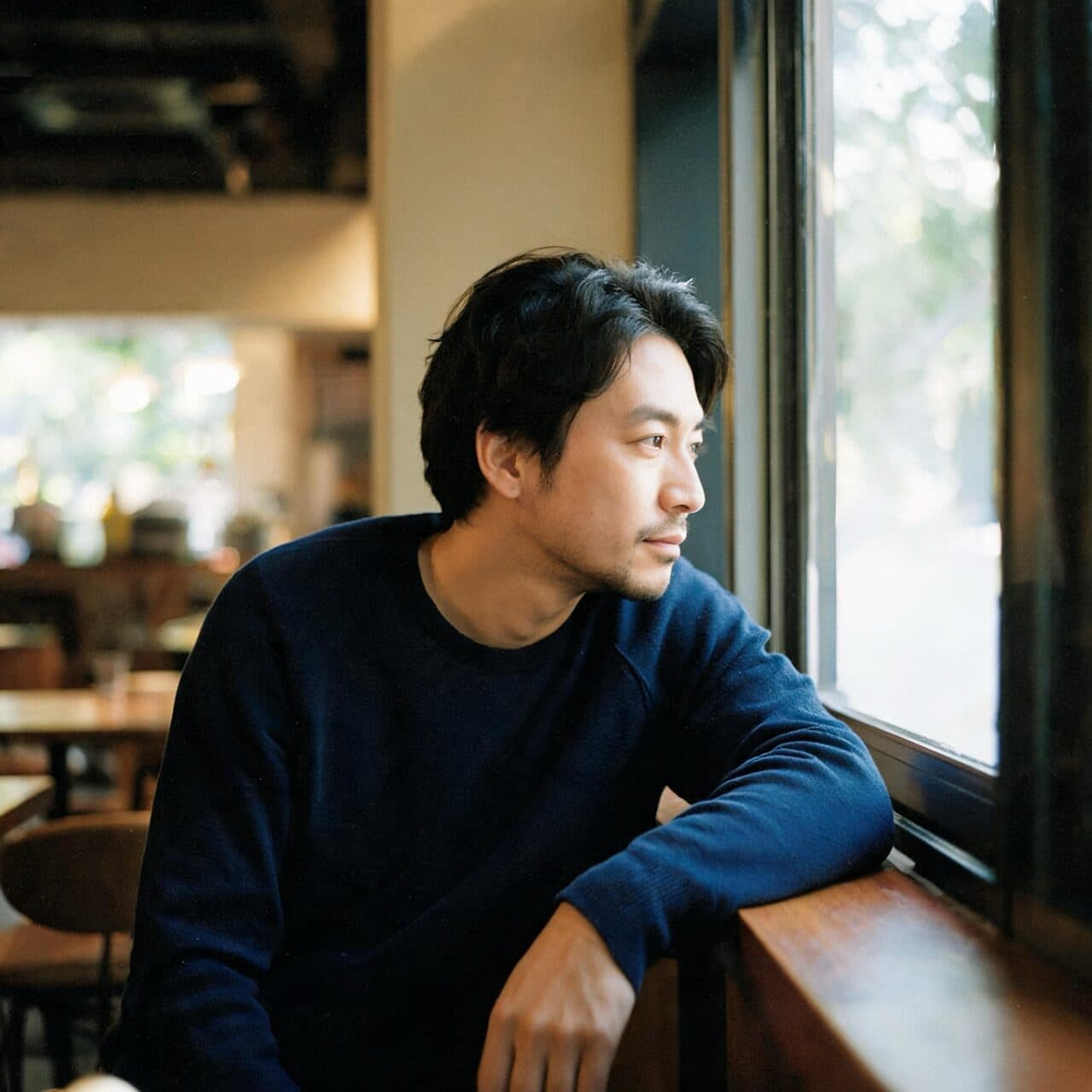
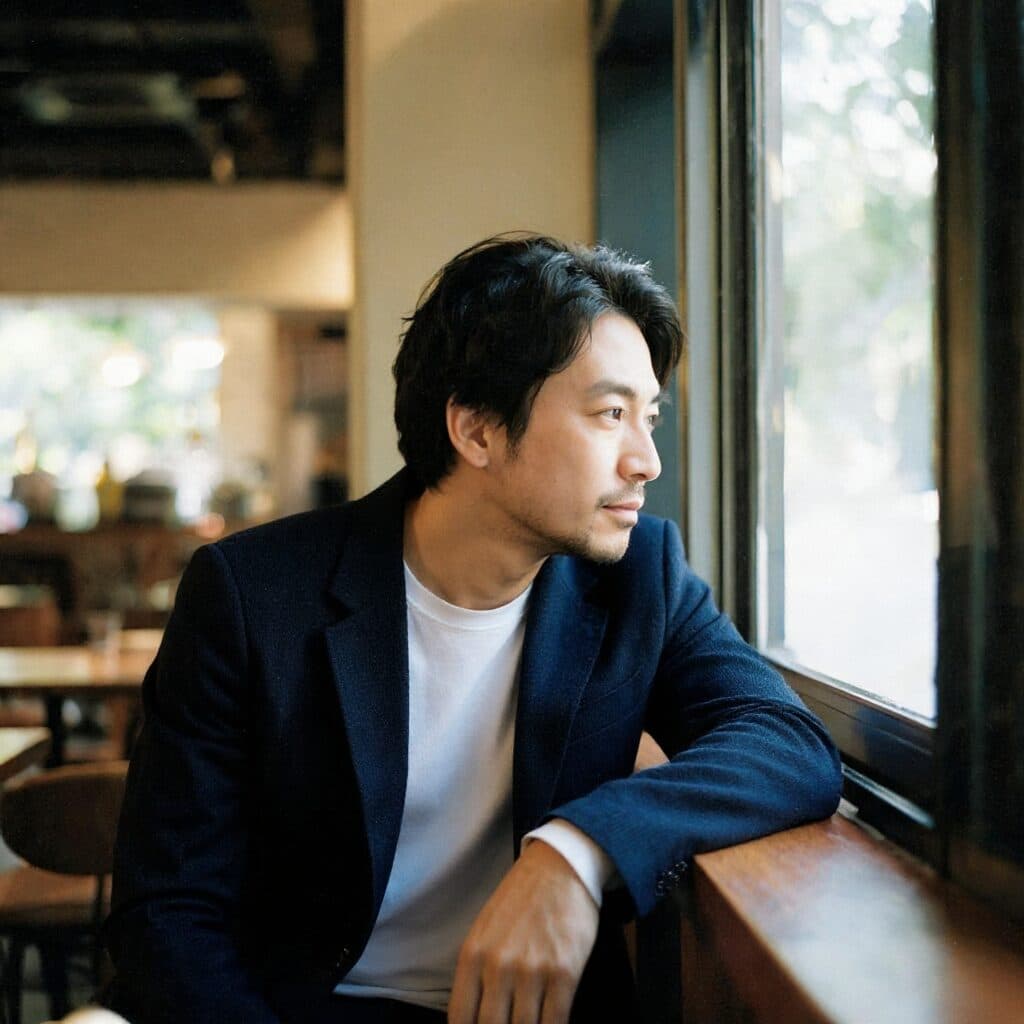
Change only the charcoal shirt into a tailored ivory linen jacket over a plain white shirt. Preserve the person’s identity, face, hair, body, pose, hands, studio, plant, window, framing, and lighting.

InputSource image before flux kontext max: background replacement
Outputportrait subject placed on a city rooftop with Flux Kontext Max in Made

Flux Kontext Max: Background replacement

Replace only the studio background with a realistic quiet rooftop at golden hour and a softly blurred city skyline. Preserve the person’s identity, face, hair, clothing, body, pose, hands, scale, and framing.

InputSource image before flux kontext max: add one object
Outputliving room with an abstract painting added to the wall with Flux Kontext Max in Made

Flux Kontext Max: Add one object

Add one large framed abstract painting centered on the blank wall using cobalt blue and muted coral shapes. Preserve all architecture, furniture, plants, materials, perspective, and daylight.

InputSource image before flux kontext max: material and color edit
Outputliving room chair changed from rust fabric to olive boucle with Flux Kontext Max in Made

Flux Kontext Max: Material and color edit

Change only the rust lounge chair upholstery to deep olive-green boucle. Preserve its shape and position, plus the sofa, table, wall, architecture, plants, lighting, and camera perspective.

How to write a Flux Kontext Max prompt

  1. 1

    Upload the cleanest source

    Start with an image where the subject and the area to change are clearly visible.

  2. 2

    Name one main edit

    State the intended change first, using precise object, color, material, or background language.

  3. 3

    Protect the rest

    List the identity, composition, lighting, objects, and textures that should remain unchanged.

  4. 4

    Compare before and after

    Inspect protected regions at full size before downloading or asking for a narrower revision.

What Flux Kontext Max responds well to

Prompt for these jobs

  • Product color, material, and background changes
  • Portrait wardrobe or environment edits
  • Adding one controlled object to an existing scene
  • Edits where source composition and identity matter

Check the output for

  • Even a targeted prompt can subtly change an unmentioned texture, reflection, facial detail, or object position.
  • Pixel-perfect masks, exact brand graphics, and production retouching still need a manual image editor.

Iteration is cheap here: Flux Kontext Max costs $0.08 / image at the provider's wholesale rate, so rewriting a prompt and rerunning it is a normal part of the workflow, not a budget decision. See the full Flux Kontext Max pricing breakdown.

Questions, answered

Flux Kontext Max prompts FAQ

Need a specific answer? Contact support

It applies natural-language edits to an uploaded image, with an emphasis on preserving context and delivering the highest-quality Kontext workflow.

More tested prompts across all models live in the prompt library, and the full Flux Kontext Max capability rundown is on the model page.