made
PricingLog inGet it made
film crew on a night shoot with a camera dolly generated with Grok Imagine Image in Made

xAI · image model

Grok Imagine ImageGenerate images

2 credits / image · every plan · price breakdown · API playground

Edit your own photo →

Made with Grok Imagine Image · Night shoot

Grok Imagine Image is xAI’s standard image tier in Made — fast text-to-image generation and reference-based editing at 2 credits per image, across thirteen aspect ratios from ultrawide 2:1 to tall 1:2.

Original results

Grok Imagine Image examples made in Made

These examples use media produced for Made. Prompts are included when the production record allows them.

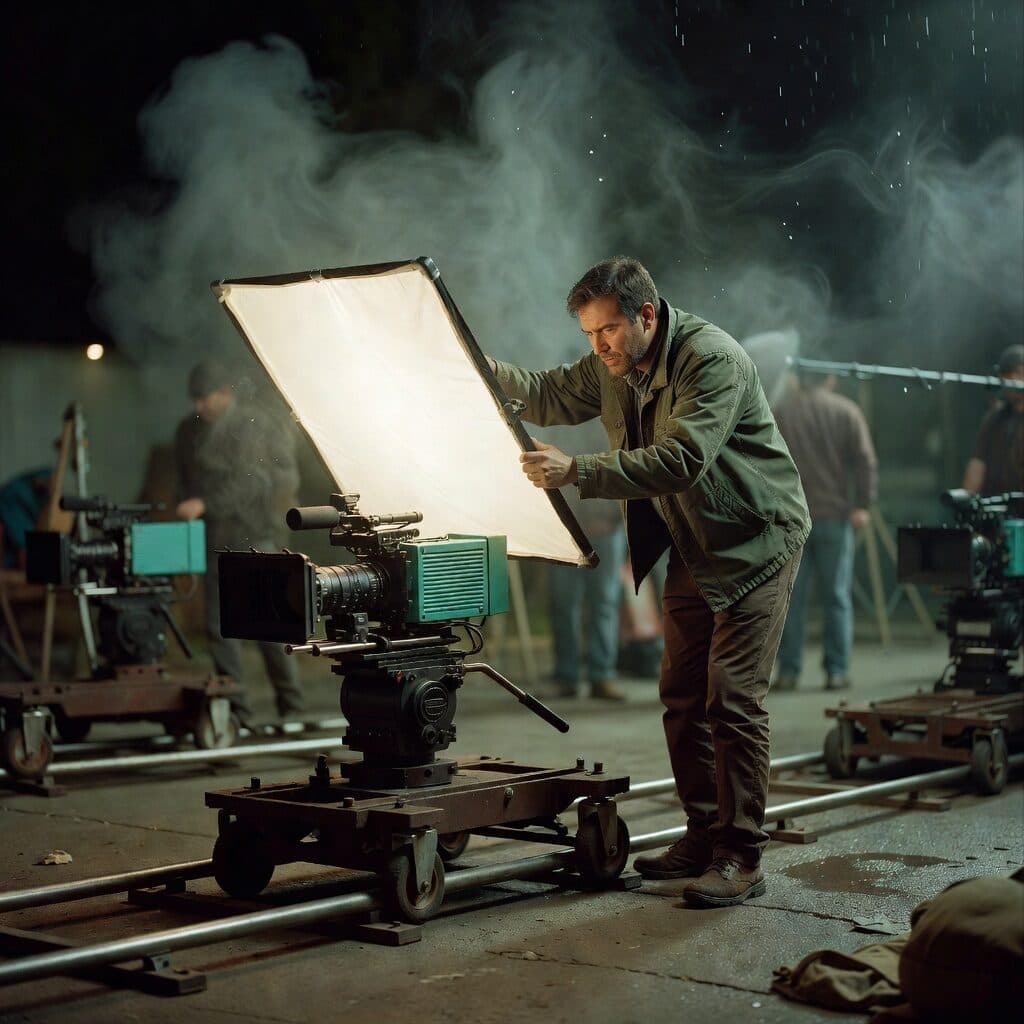
film crew on a night shoot with a camera dolly generated with Grok Imagine Image in Made

Grok Imagine Image: Night shoot

“Behind the scenes of a small film set at night: a cinema camera on a dolly track, a crew member adjusting a large softbox, mist from a rain machine. 35mm film still, soft natural light, muted earth tones with one teal accent, shallow depth of field, subtle film grain, candid and unposed, no text, logos, or watermark.”
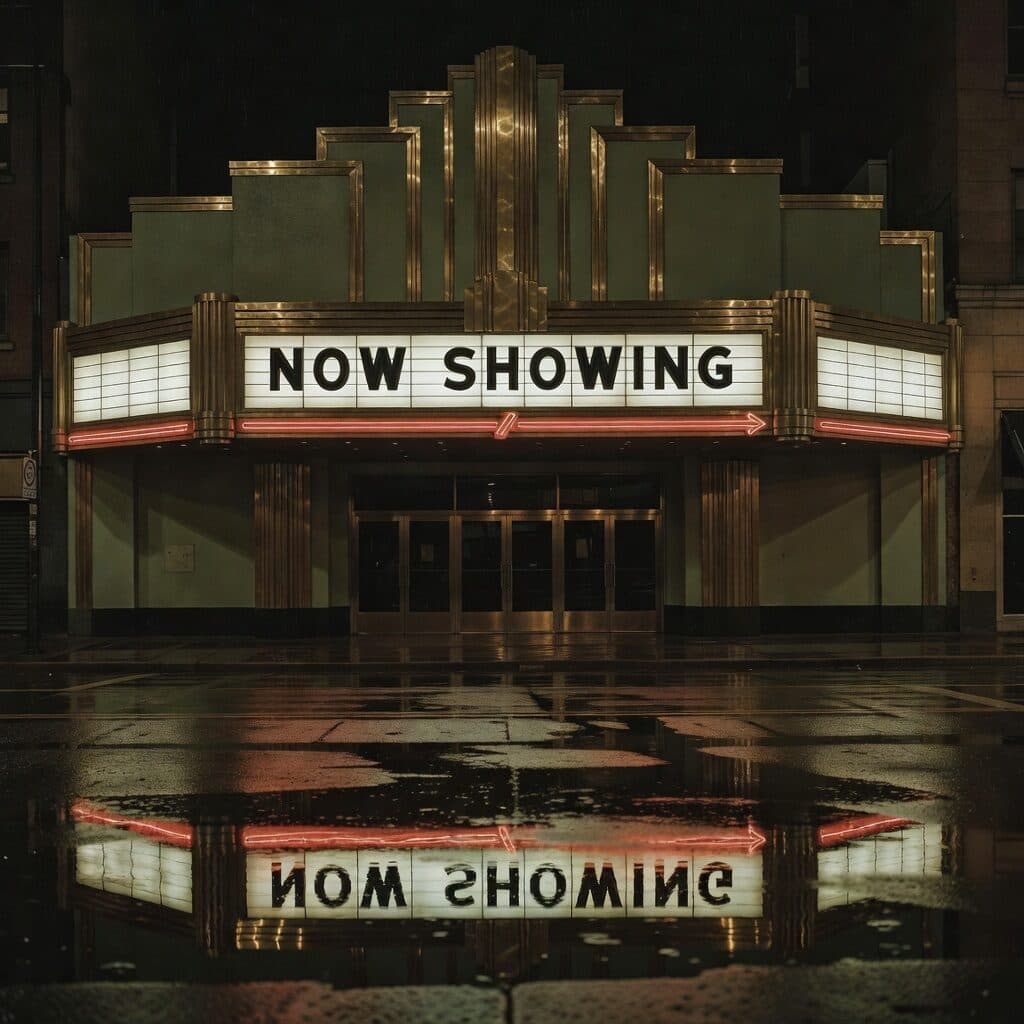
art deco cinema marquee reading NOW SHOWING generated with Grok Imagine Image in Made

Grok Imagine Image: Cinema marquee

“Full-bleed night photograph of an art deco cinema marquee with lightbox letters reading exactly "NOW SHOWING", wet street reflections below, no border or frame. 35mm film still, muted earth tones with one neon red accent, subtle film grain, sharp legible lettering, no other words or logos.”

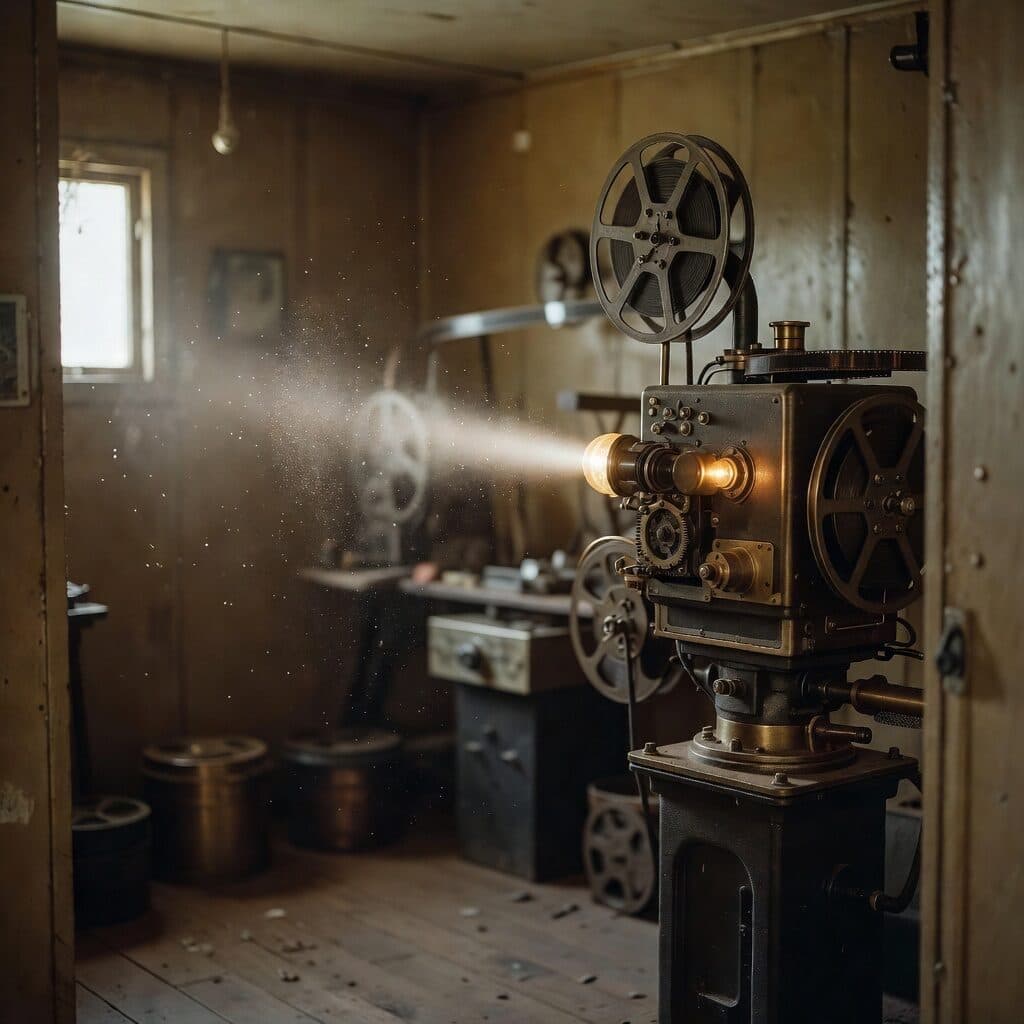
35mm projector running in a projection booth generated with Grok Imagine Image in Made

Grok Imagine Image: Projection booth

“Old projection booth with a 35mm film projector running, dust drifting through the projector beam. 35mm film still, soft natural light, muted earth tones with one amber accent, shallow depth of field, subtle film grain, candid and unposed, no text, logos, or watermark.”
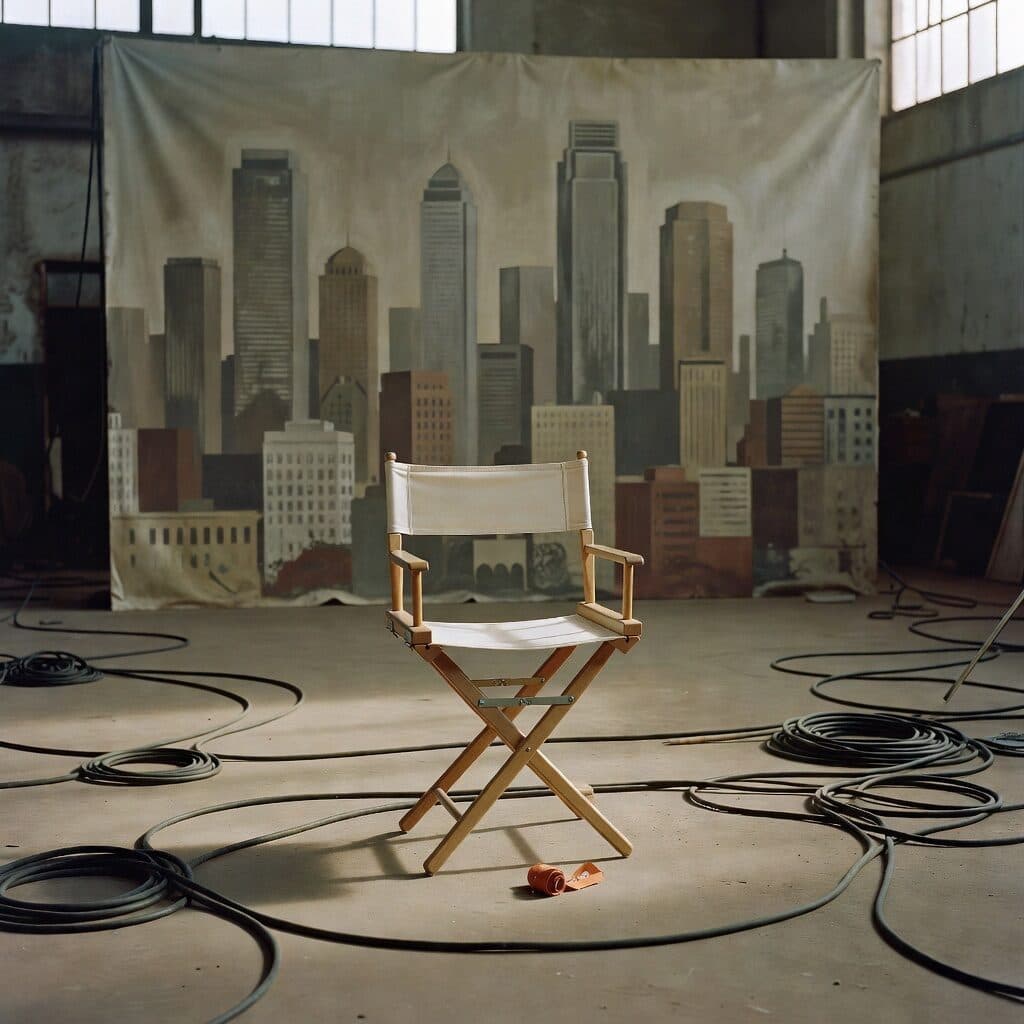
director's chair on an empty warehouse set generated with Grok Imagine Image in Made

Grok Imagine Image: Empty set

“Empty canvas director's chair in a warehouse set with a painted city-skyline backdrop, cables coiled on the floor. 35mm film still, soft natural light, muted earth tones with one orange accent, shallow depth of field, subtle film grain, candid and unposed, no text, logos, or watermark.”
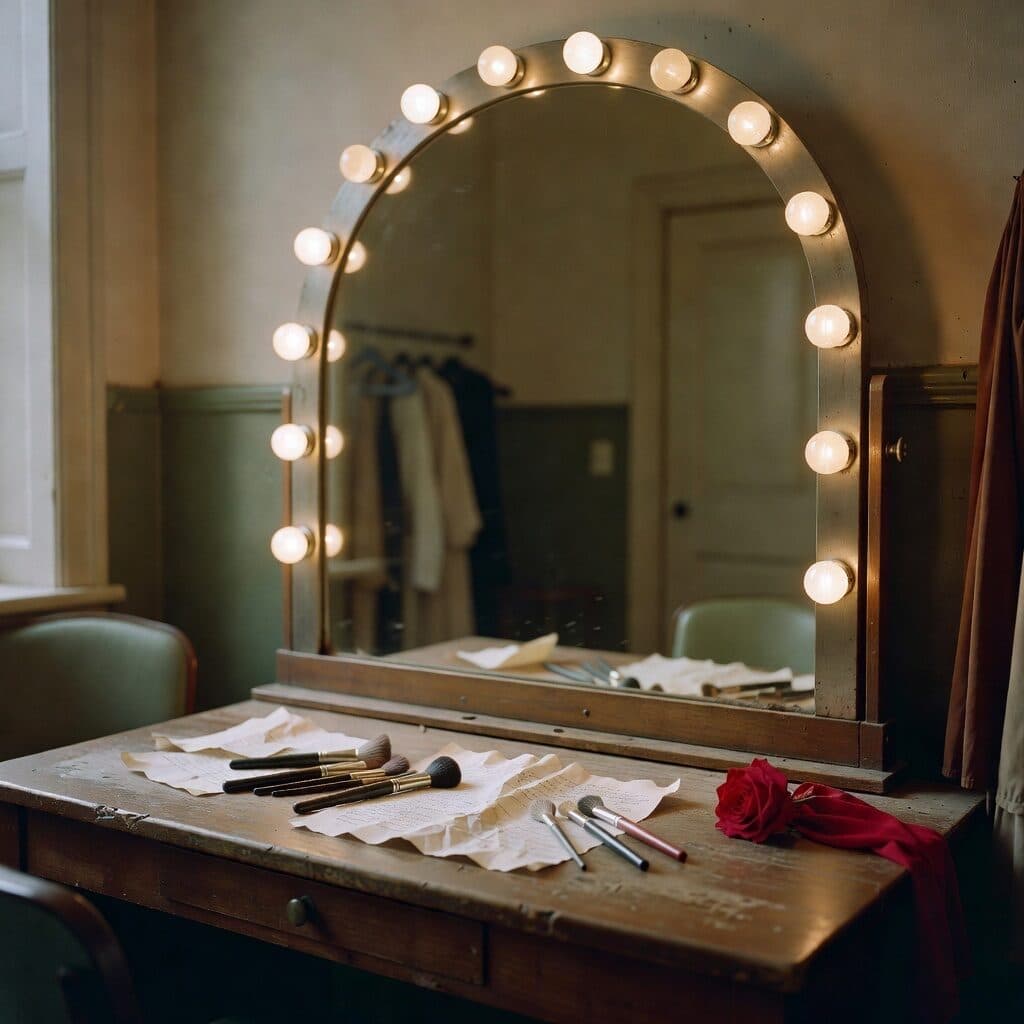
dressing room mirror ringed with bulbs generated with Grok Imagine Image in Made

Grok Imagine Image: Dressing room

“Actor's dressing room mirror ringed with bulbs, makeup brushes and a script on the counter, no one in the reflection. 35mm film still, soft natural light, muted earth tones with one rose accent, shallow depth of field, subtle film grain, candid and unposed, no text, logos, or watermark.”
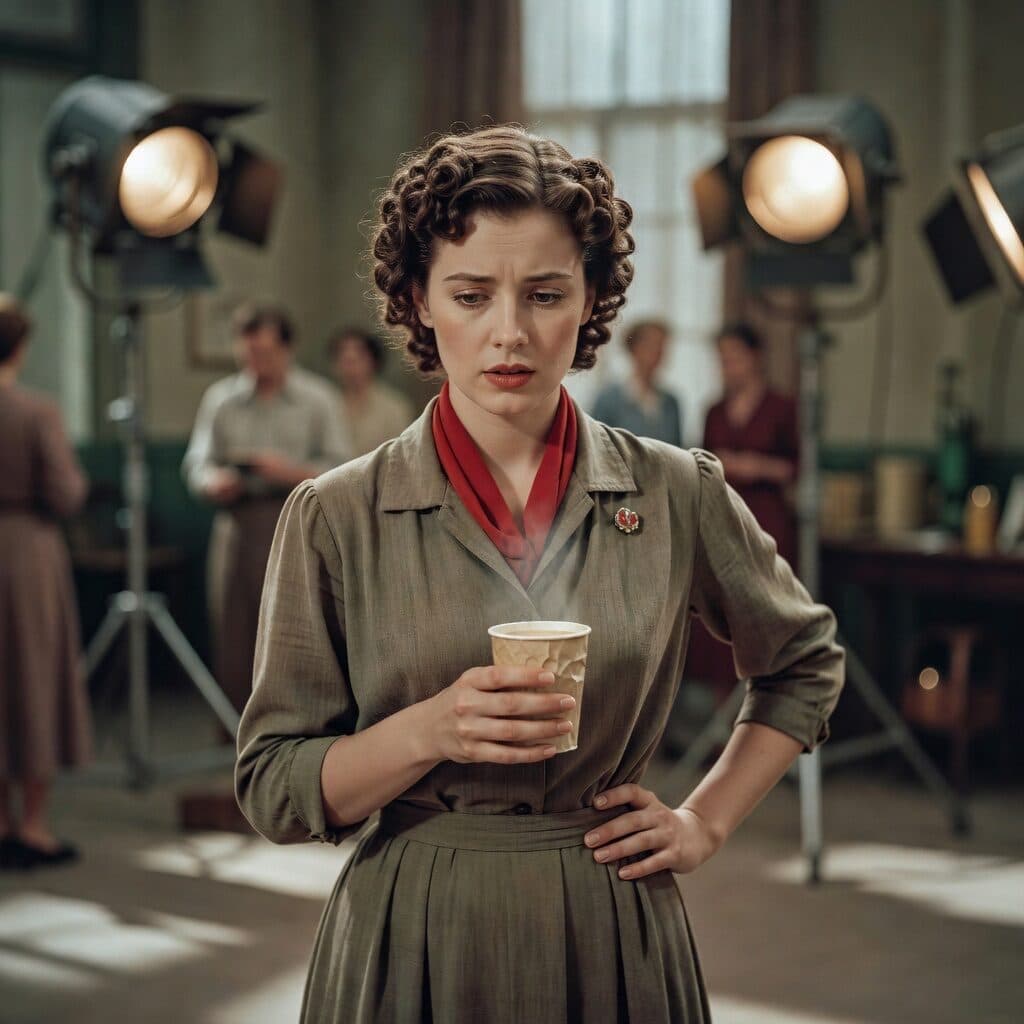
actress in 1940s costume between takes generated with Grok Imagine Image in Made

Grok Imagine Image: Between takes

“Candid portrait of an actress in 1940s costume with pin curls waiting between takes, holding a paper cup of coffee, set lights behind her. 35mm film still, soft natural light, muted earth tones with one crimson accent, shallow depth of field, subtle film grain, candid and unposed, no text, logos, or watermark.”

Where Grok Imagine Image fits best

Best uses

  • High-volume exploration at 2 credits per image
  • Unusual formats from ultrawide 2:1 to tall 1:2
  • Reference-based edits from one or more source images
  • Fast drafts before a quality-tier or flagship pass

Limits to know

  • Made pins output to the 1K tier; the provider’s 2K tier is exposed on the Quality tier instead.
  • It is the speed-and-cost tier — demanding photorealism lands below the Grok Imagine Quality tier and Image 2.0.

Specifications in Made

These are the controls exposed by Made, which may be narrower than a provider’s full API.

Aspect ratios
2:1, 20:9, 19.5:9, 16:9, 4:3, 3:2, 1:1, 2:3, 3:4, 9:16, 9:19.5, 9:20, 1:2
Resolution
1K (Made pins the billed tier)
Duration
Not applicable
Output formats
JPG, PNG, WebP
Reference images
1
Processing
Fast generation via fal.ai; queue time varies with capacity.

How to use Grok Imagine Image in Made

  1. 1

    Describe the image

    Lead with the subject, then composition, materials, lighting, and style in concrete language.

  2. 2

    Pick a shape

    Choose from thirteen aspect ratios — including device-native tall formats like 9:19.5 and 9:20.

  3. 3

    Add sources for edits

    Upload one or more images and describe the change to route the request to the editing endpoint.

  4. 4

    Iterate cheaply

    At 2 credits per image, generate several takes and promote the best brief to the Quality tier.

Questions, answered

Grok Imagine Image FAQ

Need a specific answer? Contact support

It is the standard tier of xAI’s Grok Imagine image family — fast text-to-image generation and reference-based editing at the family’s lowest cost.