made
PricingLog inGet it made
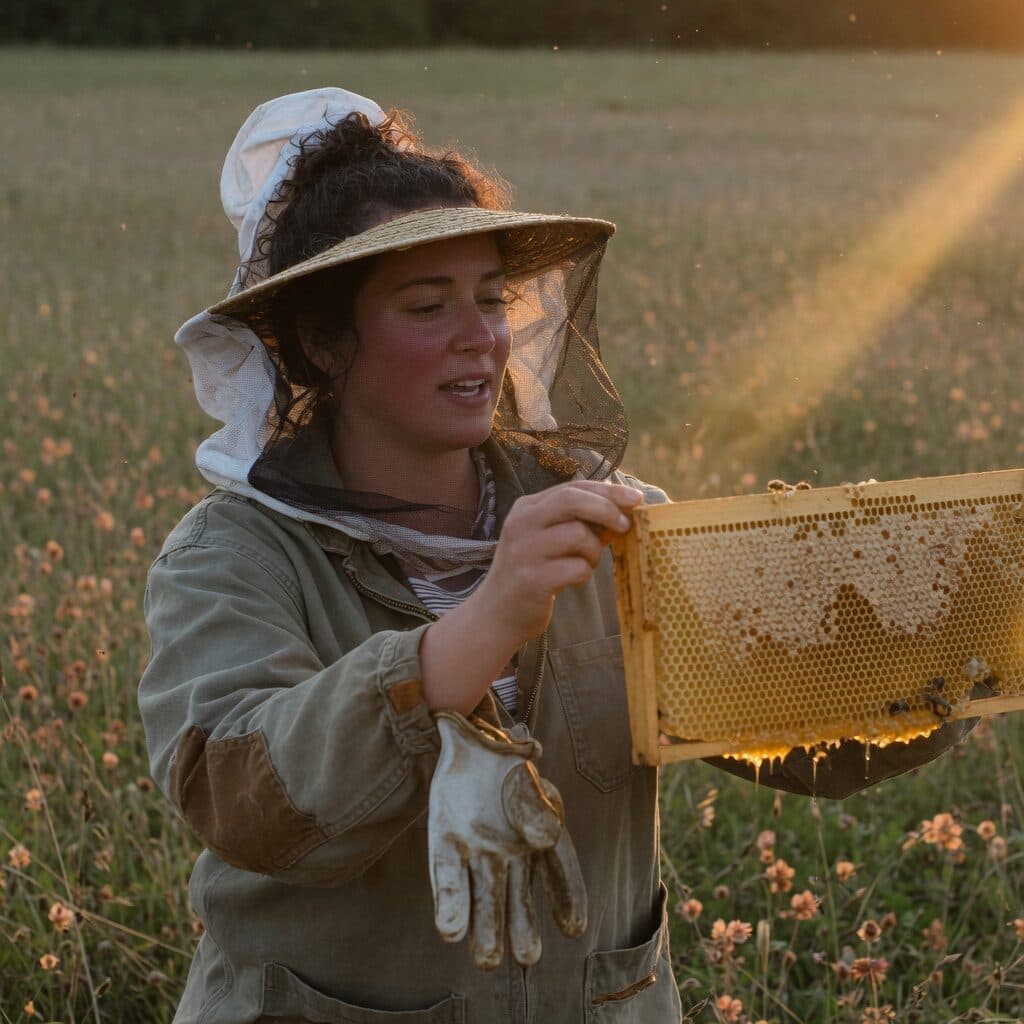
beekeeper holding a honeycomb frame at golden hour generated with Grok Imagine Image Quality in Made

xAI · image model

Grok Imagine Image QualityGenerate high-fidelity images

from 5 credits / image · every plan · price breakdown · API playground

Edit your own photo →

Made with Grok Imagine Image Quality · Beekeeper

Grok Imagine Image Quality is the quality-tuned tier of xAI’s Grok Imagine family in Made — higher-fidelity generation and reference-based editing with a selectable 1K or 2K output resolution across thirteen aspect ratios.

Original results

Grok Imagine Image Quality examples made in Made

These examples use media produced for Made. Prompts are included when the production record allows them.

beekeeper holding a honeycomb frame at golden hour generated with Grok Imagine Image Quality in Made

Grok Imagine Image Quality: Beekeeper

“Candid portrait of a beekeeper with her veil pushed back, holding up a honeycomb frame in a meadow at golden hour. 35mm film still, soft natural light, muted earth tones with one honey accent, shallow depth of field, subtle film grain, candid and unposed, no text, logos, or watermark.”
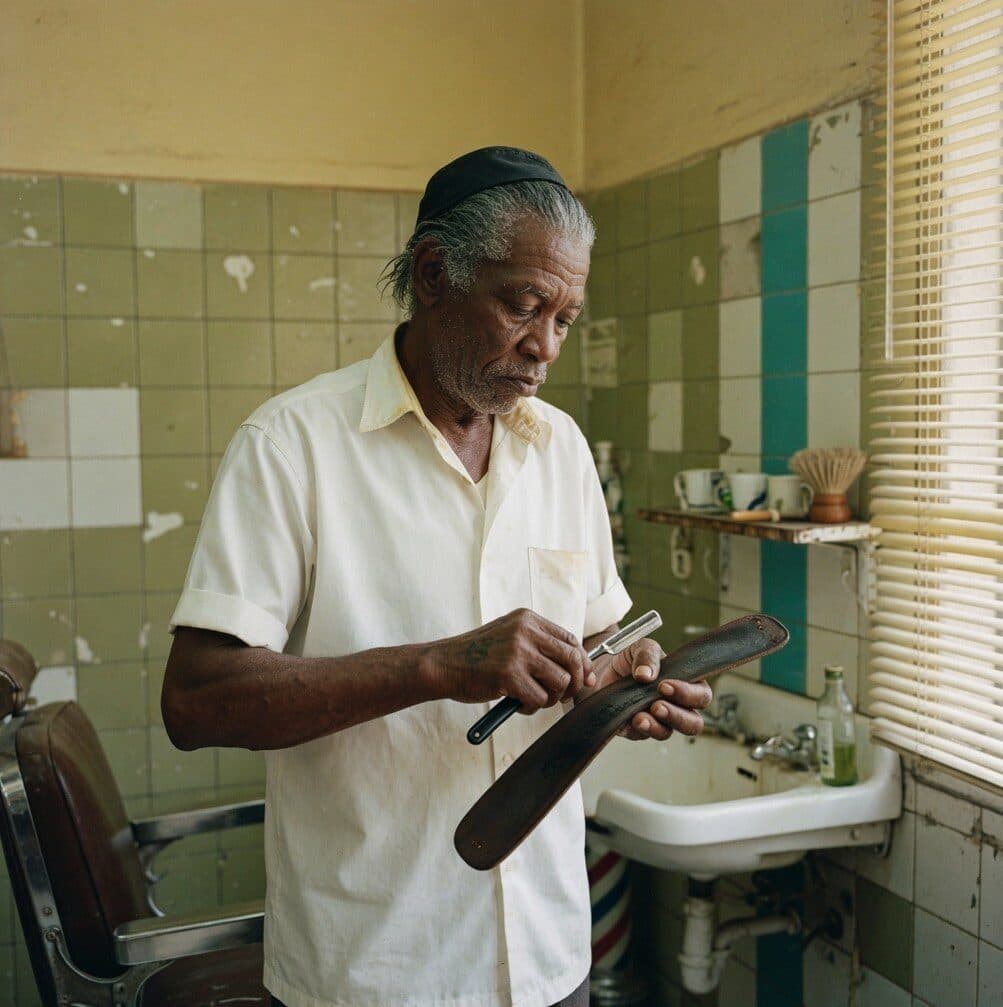
old barber stropping a razor in a tiled shop generated with Grok Imagine Image Quality in Made

Grok Imagine Image Quality: Barber

“Candid portrait of an old barber in a crisp white shirt stropping a straight razor in a tiled barbershop, morning light. 35mm film still, soft natural light, muted earth tones with one teal accent, shallow depth of field, subtle film grain, candid and unposed, no text, logos, or watermark.”
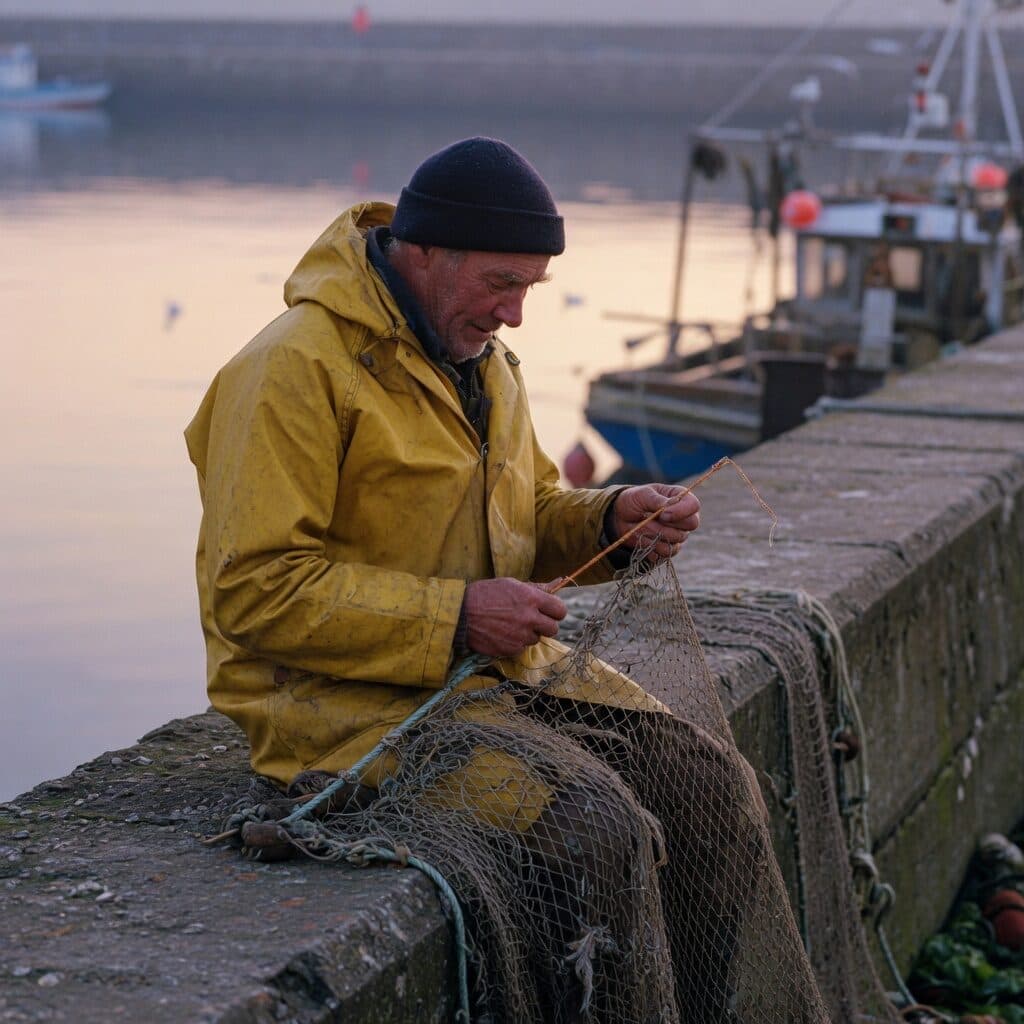
fisherman mending nets on a harbor wall generated with Grok Imagine Image Quality in Made

Grok Imagine Image Quality: Fisherman

“Weathered fisherman in a yellow oilskin coat, hood down, mending a net with both hands on a harbor wall at dawn. 35mm film still, soft natural light, muted earth tones with one yellow accent, shallow depth of field, subtle film grain, candid and unposed, no text, logos, or watermark.”
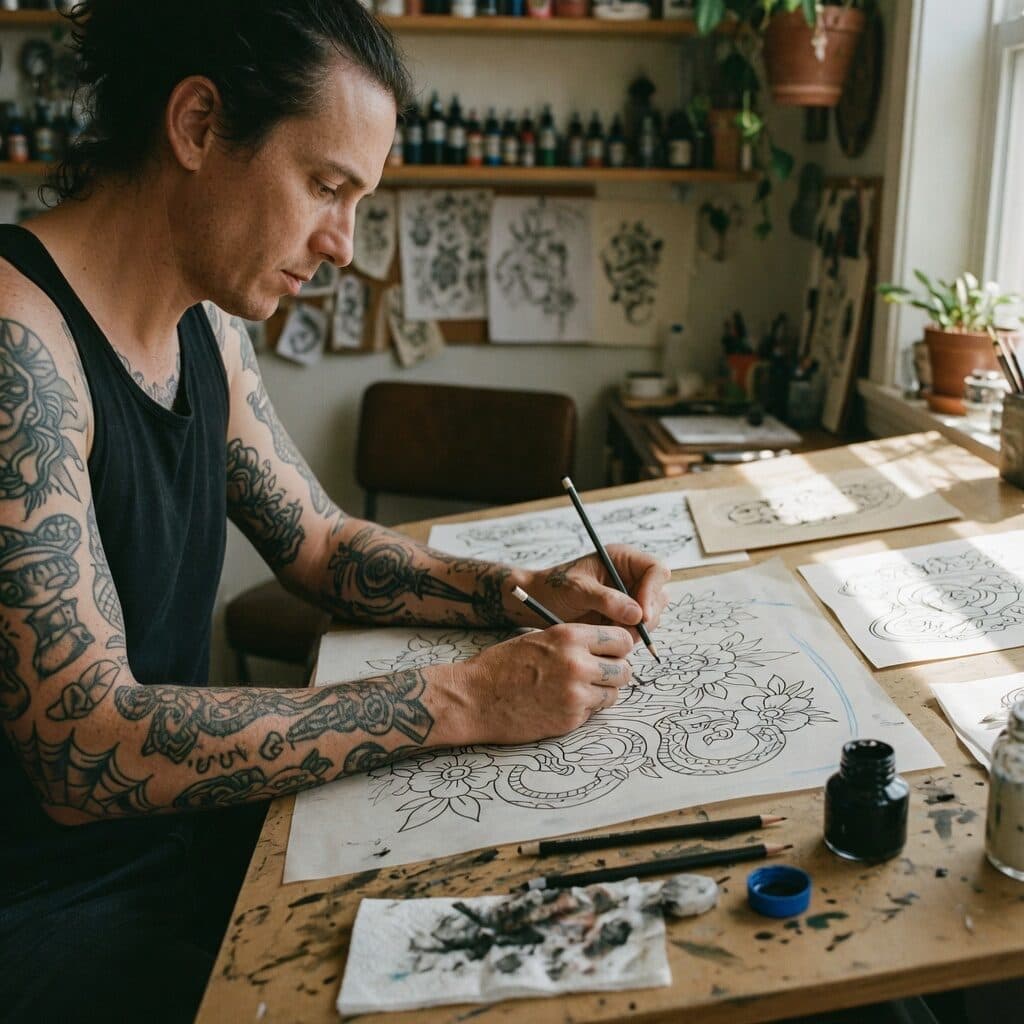
tattoo artist sketching at a drafting table generated with Grok Imagine Image Quality in Made

Grok Imagine Image Quality: Tattoo artist

“Tattoo artist with inked forearms sketching a design at a drafting table in a sunlit studio. 35mm film still, soft natural light, muted earth tones with one ink blue accent, shallow depth of field, subtle film grain, candid and unposed, no text, logos, or watermark.”
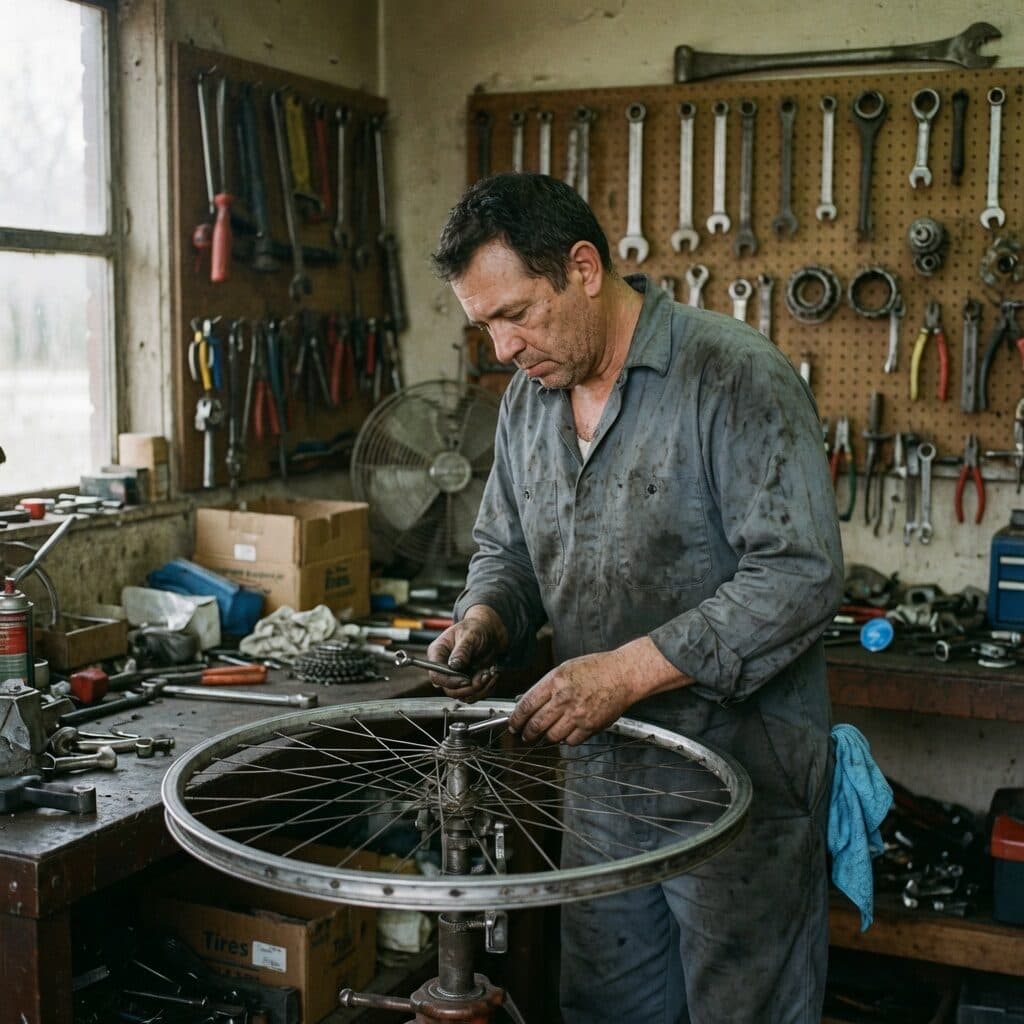
bike mechanic truing a wheel in a workshop generated with Grok Imagine Image Quality in Made

Grok Imagine Image Quality: Bike mechanic

“Bike mechanic in a grease-stained work shirt truing a wheel in a small workshop, tools on a pegboard behind. 35mm film still, soft natural light, muted earth tones with one cobalt accent, shallow depth of field, subtle film grain, candid and unposed, no text, logos, or watermark.”

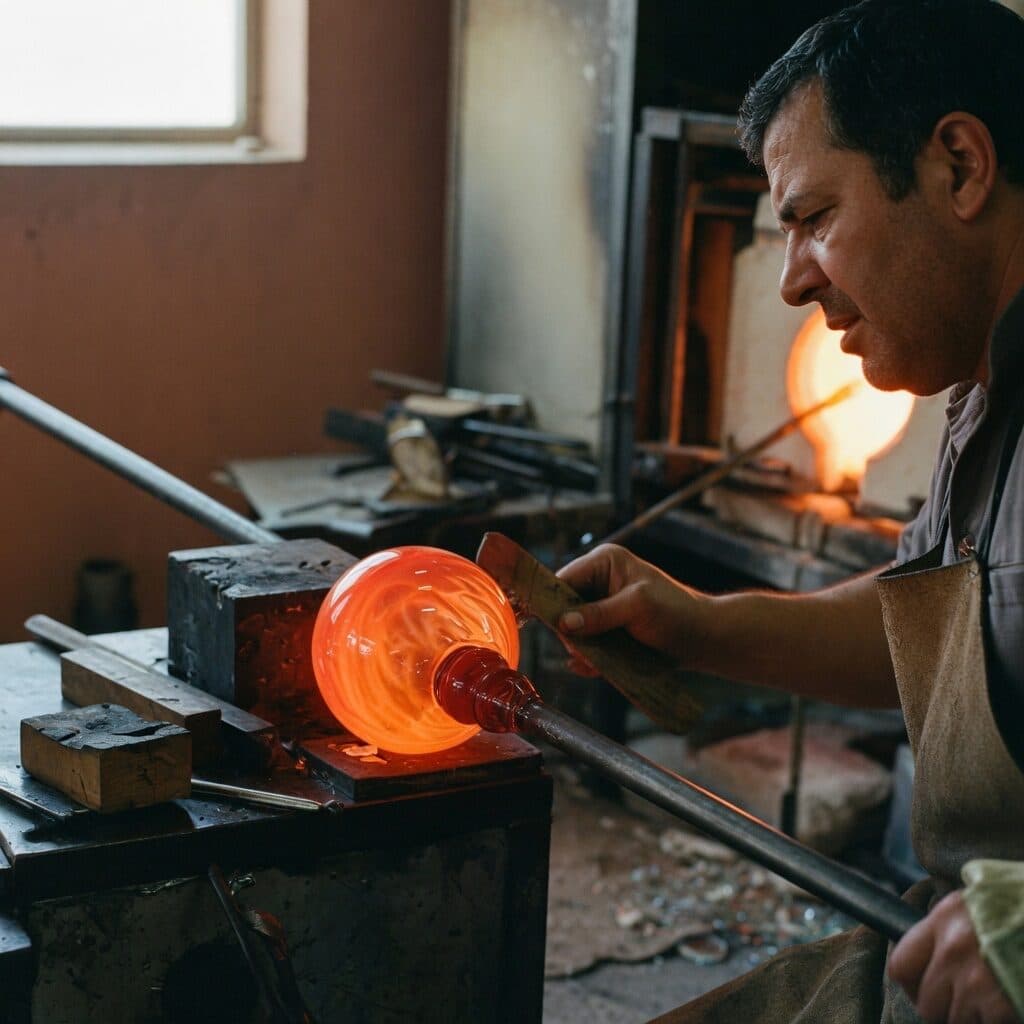
glassblower shaping glowing glass by the furnace generated with Grok Imagine Image Quality in Made

Grok Imagine Image Quality: Glassblower

“Glassblower shaping a glowing gather at the end of a blowpipe, furnace light across their face. 35mm film still, soft natural light, muted earth tones with one orange accent, shallow depth of field, subtle film grain, candid and unposed, no text, logos, or watermark.”

Where Grok Imagine Image Quality fits best

Best uses

  • Finished assets where the standard tier falls short
  • Selectable 2K output without leaving the Grok family
  • Reference-based edits at higher fidelity
  • Unusual formats from ultrawide 2:1 to tall 1:2

Limits to know

  • It costs 5 to 7 credits per image versus 2 on the standard tier — iterate there first, then promote the brief.
  • Resolution tops out at 2K; print-scale work needs an upscale step afterward.

Specifications in Made

These are the controls exposed by Made, which may be narrower than a provider’s full API.

Aspect ratios
2:1, 20:9, 19.5:9, 16:9, 4:3, 3:2, 1:1, 2:3, 3:4, 9:16, 9:19.5, 9:20, 1:2
Resolution
1K, 2K
Duration
Not applicable
Output formats
JPG, PNG, WebP
Reference images
1
Processing
Slower than the standard tier; queue time varies with capacity.

How to use Grok Imagine Image Quality in Made

  1. 1

    Bring a proven brief

    Iterate on the 2-credit standard tier first, then run the winning prompt here for the finished asset.

  2. 2

    Pick shape and resolution

    Choose from thirteen aspect ratios and select 1K or 2K output — 2K bills at the higher rate.

  3. 3

    Add sources for edits

    Upload one or more images and describe the change to route the request to the quality edit endpoint.

  4. 4

    Review fine detail

    Inspect text, faces, and materials at full size — fidelity is what this tier is paying for.

Questions, answered

Grok Imagine Image Quality FAQ

Need a specific answer? Contact support

It is the quality-tuned tier of xAI’s Grok Imagine image family, trading speed and cost for higher-fidelity generation and editing at 1K or 2K.