
made
PricingLog inGet it made
festival crowd at dusk with confetti generated with Grok Imagine Image 2.0 in Made

xAI · image model

Grok Imagine Image 2.0Generate images

from 4 credits / image · every plan · price breakdown · API playground

Edit your own photo →

Made with Grok Imagine Image 2.0 · Festival crowd

Grok Imagine Image 2.0 is xAI’s newest image model in Made, covering fast text-to-image generation and reference-based editing at 1K or 2K across thirteen aspect ratios.

Original results

Grok Imagine Image 2.0 examples made in Made

These examples use media produced for Made. Prompts are included when the production record allows them.

festival crowd at dusk with confetti generated with Grok Imagine Image 2.0 in Made

Grok Imagine Image 2.0: Festival crowd

“Festival crowd at dusk with confetti suspended in the air and stage lights washing over raised hands. 35mm film still, soft natural light, muted earth tones with one magenta accent, shallow depth of field, subtle film grain, candid and unposed, no text, logos, or watermark.”
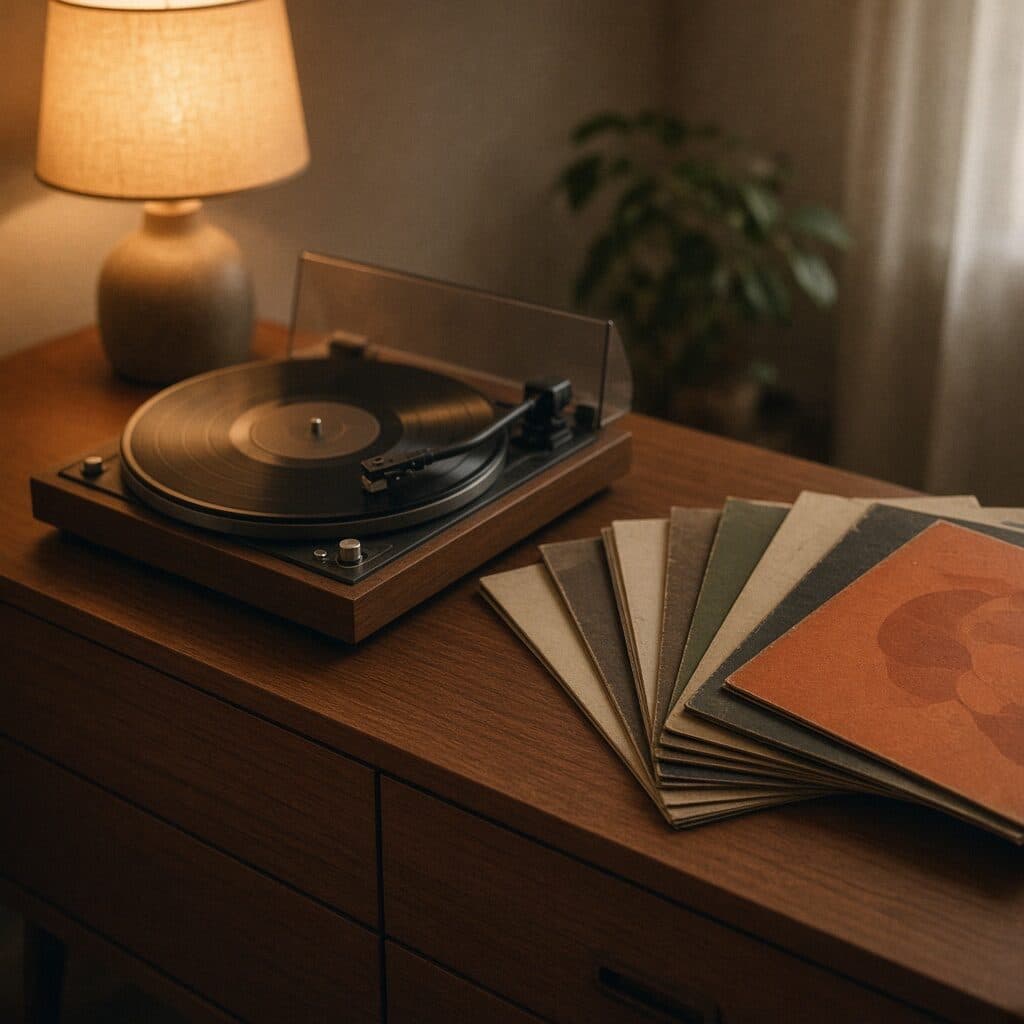
turntable and vinyl records on a sideboard generated with Grok Imagine Image 2.0 in Made

Grok Imagine Image 2.0: Vinyl still life

“Vinyl records and a turntable on a teak sideboard lit by a warm lamp, sleeves fanned out. 35mm film still, soft natural light, muted earth tones with one orange accent, shallow depth of field, subtle film grain, candid and unposed, no text, logos, or watermark.”
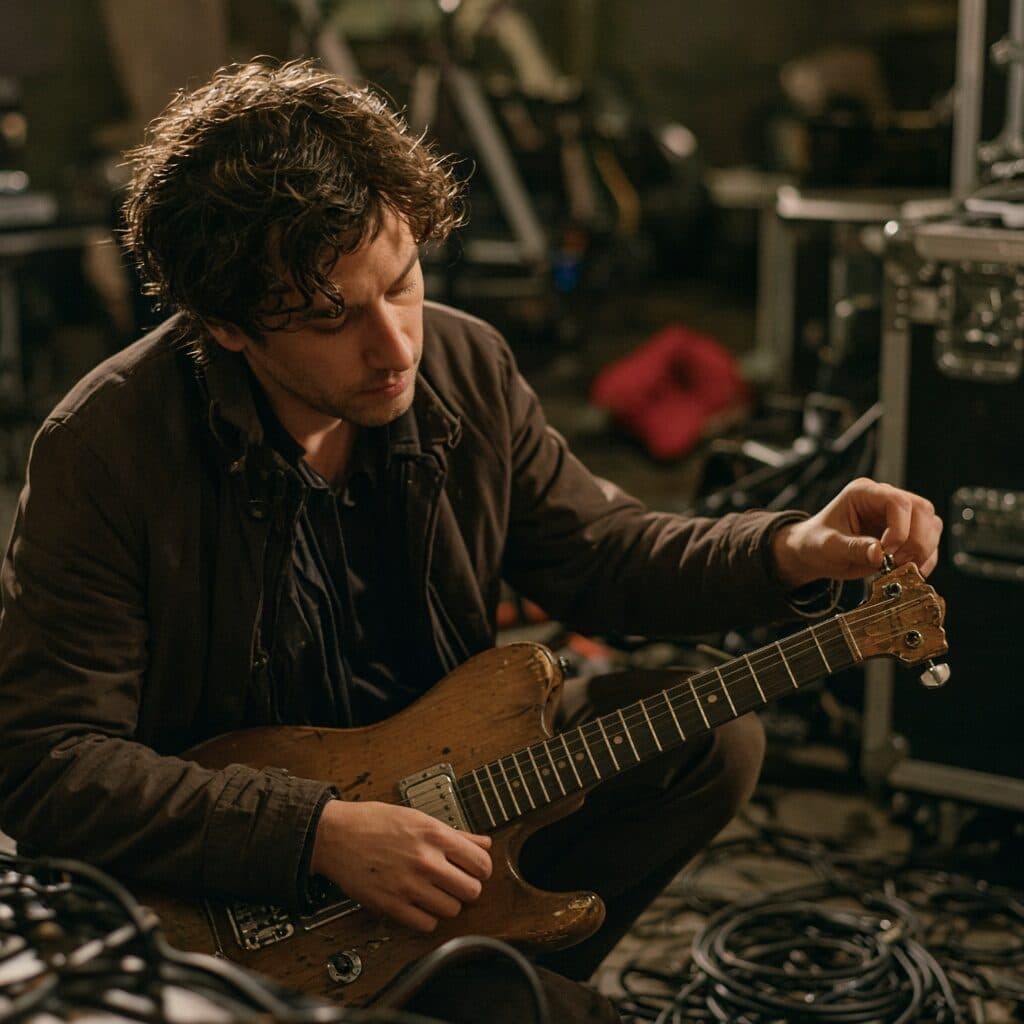
guitarist tuning backstage generated with Grok Imagine Image 2.0 in Made

Grok Imagine Image 2.0: Backstage

“Guitarist tuning a guitar backstage among road cases and cables, tungsten light. 35mm film still, soft natural light, muted earth tones with one red accent, shallow depth of field, subtle film grain, candid and unposed, no text, logos, or watermark.”
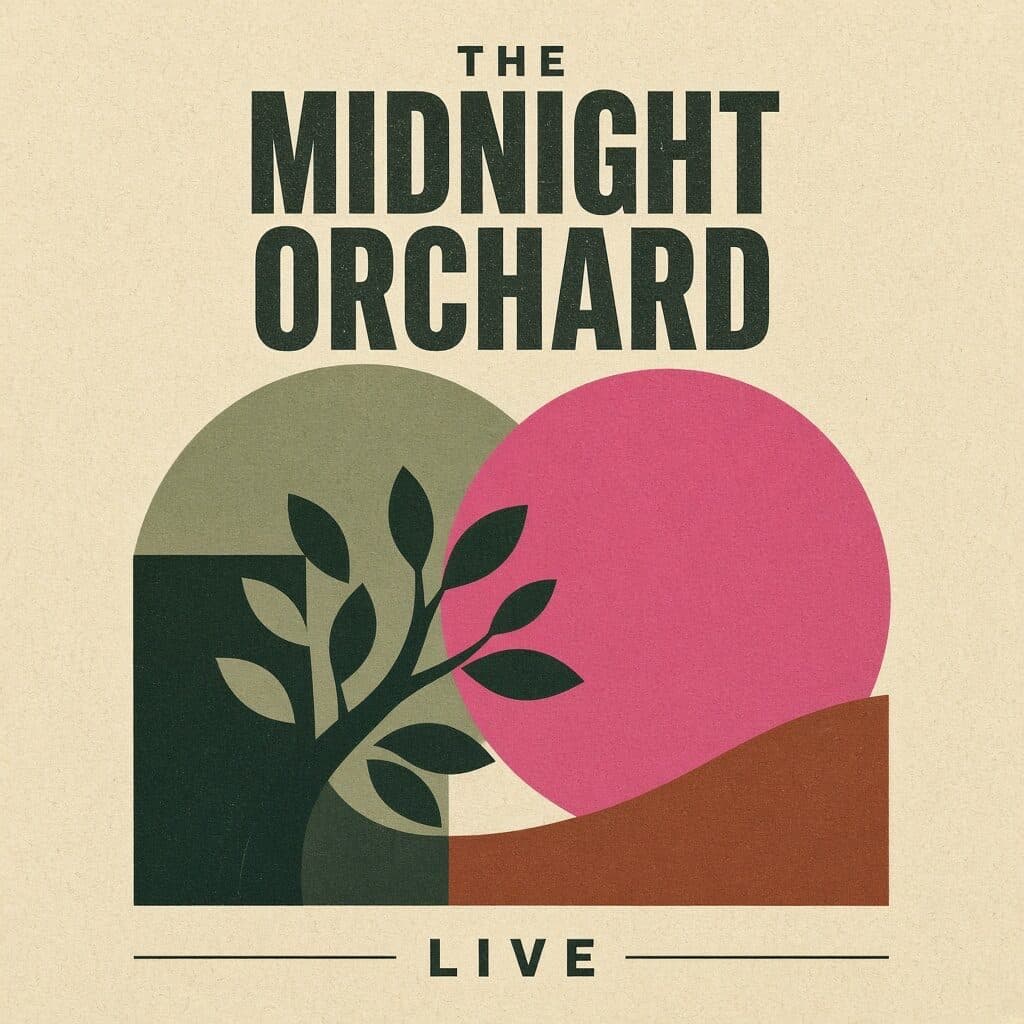
screen-printed gig poster generated with Grok Imagine Image 2.0 in Made

Grok Imagine Image 2.0: Gig poster

“Screen-printed gig poster with bold overlapping shapes and a headline reading exactly "THE MIDNIGHT ORCHARD" with a smaller line "LIVE". Clean editorial design, muted earth tones with one hot pink accent, subtle paper texture, sharp legible type, no other words or logos.”

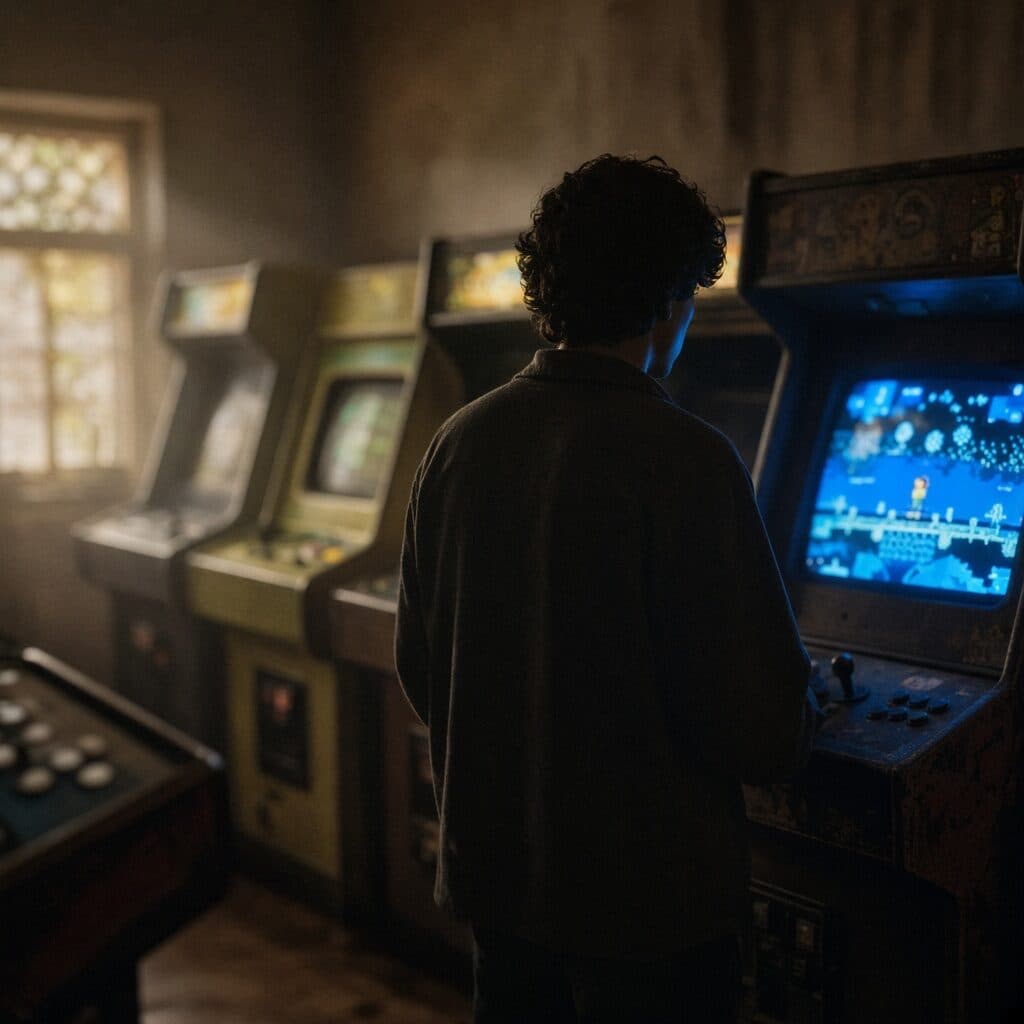
retro arcade with a lone player generated with Grok Imagine Image 2.0 in Made

Grok Imagine Image 2.0: Arcade

“Retro arcade with glowing cabinets and a lone player silhouetted against the screens. 35mm film still, soft natural light, muted earth tones with one electric blue accent, shallow depth of field, subtle film grain, candid and unposed, no text, logos, or watermark.”
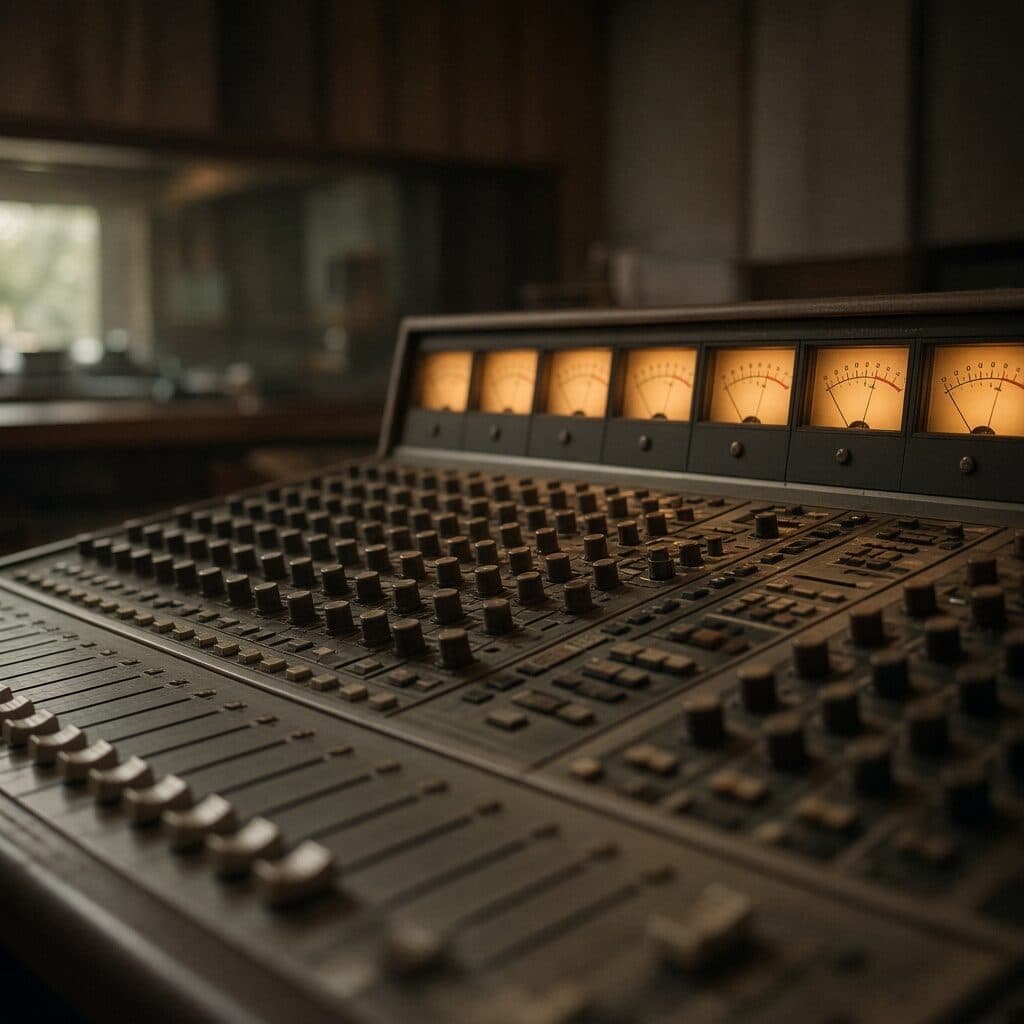
analog mixing console in a dim studio generated with Grok Imagine Image 2.0 in Made

Grok Imagine Image 2.0: Studio console

“Analog mixing console in a dim recording studio, VU meters glowing amber. 35mm film still, soft natural light, muted earth tones with one amber accent, shallow depth of field, subtle film grain, candid and unposed, no text, logos, or watermark.”

Where Grok Imagine Image 2.0 fits best

Best uses

  • Low-cost, fast concept generation
  • Unusual formats from ultrawide 2:1 to tall 1:2
  • Reference-based edits from one or more source images
  • High-volume exploration before a premium model pass

Limits to know

  • Resolution tops out at 2K; print-scale work needs an upscale step afterward.
  • Quality tiers stop at medium, so demanding photorealism can land below flagship models like GPT Image 2.

Specifications in Made

These are the controls exposed by Made, which may be narrower than a provider’s full API.

Aspect ratios
2:1, 20:9, 19.5:9, 16:9, 4:3, 3:2, 1:1, 2:3, 3:4, 9:16, 9:19.5, 9:20, 1:2
Resolution
1K, 2K
Duration
Not applicable
Output formats
JPG, PNG, WebP
Reference images
1
Processing
Fast generation via fal.ai; queue time varies with capacity.

How to use Grok Imagine Image 2.0 in Made

  1. 1

    Describe the image

    Lead with the subject, then composition, materials, lighting, and style in concrete language.

  2. 2

    Pick shape and resolution

    Choose from thirteen aspect ratios — including device-native tall formats — at 1K or 2K.

  3. 3

    Add sources for edits

    Upload one or more images and describe the change to route the request to the editing endpoint.

  4. 4

    Review and iterate

    Inspect text, faces, and fine detail; the low cost per image makes rapid variation cheap.

Questions, answered

Grok Imagine Image 2.0 FAQ

Need a specific answer? Contact support

It is xAI’s newest Grok Imagine image model, covering text-to-image generation and reference-based editing at 1K or 2K.