Log inUpgrade
sunlit living room corner generated with Muse Image in Made

Meta · image model

Muse ImageGenerate and edit images

0.1 credits / image · every plan · price breakdown · API playground

Edit your own photo →

Made with Muse Image · Living room corner

Muse Image is Meta’s first image model, built for precise edits that change only what you ask, coherent multi-turn editing, multi-reference composition, and accurate rendered text — at 1 credit per image.

Original results

Muse Image examples made in Made

These examples use media produced for Made. Prompts are included when the production record allows them.

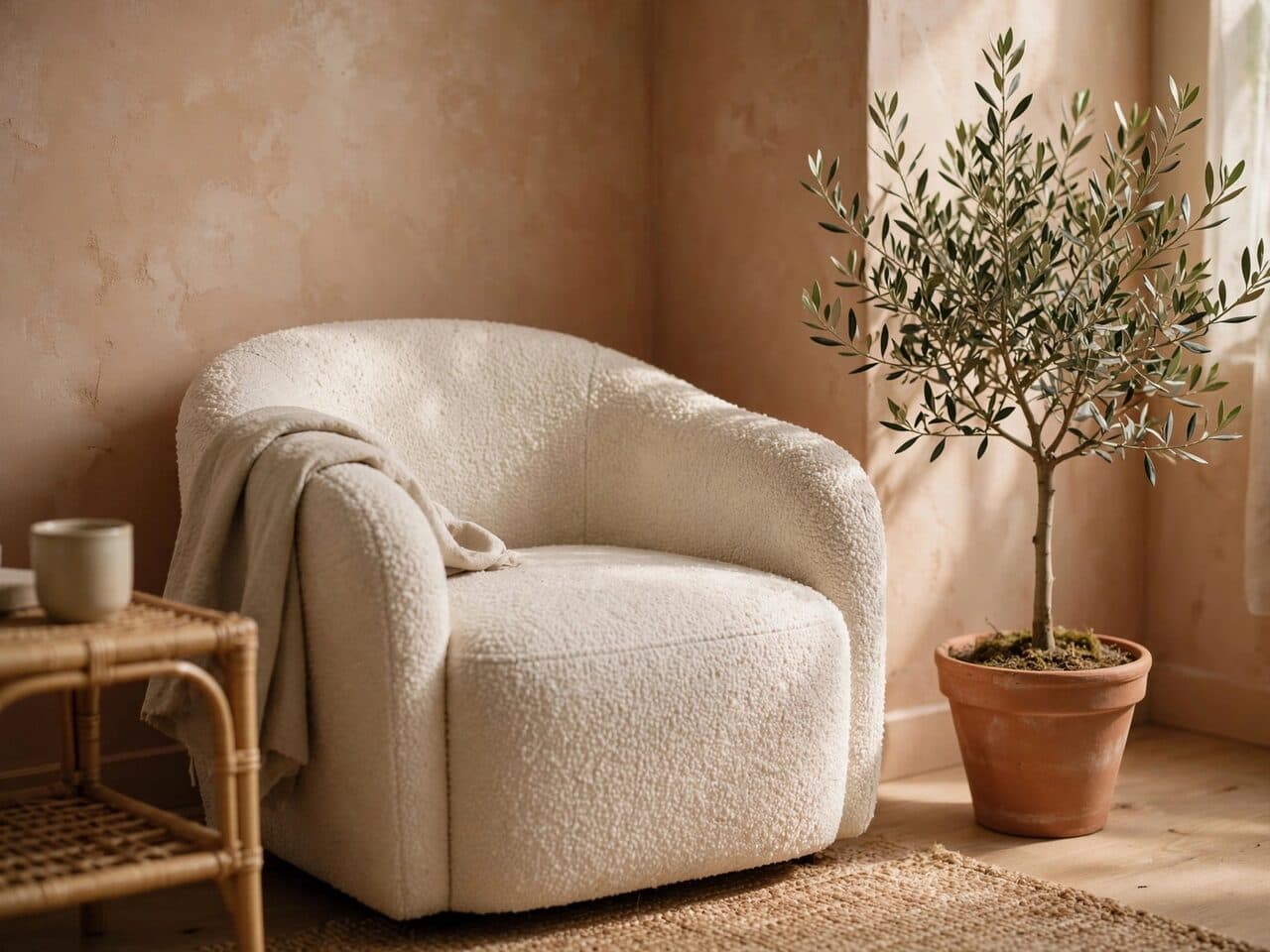
sunlit living room corner generated with Muse Image in Made

Muse Image: Living room corner

“Sunlit living room corner with a boucle armchair, a small olive tree and limewashed terracotta walls. 35mm film still, soft natural light, muted earth tones with one olive accent, shallow depth of field, subtle film grain, candid and unposed, no text, logos, or watermark.”
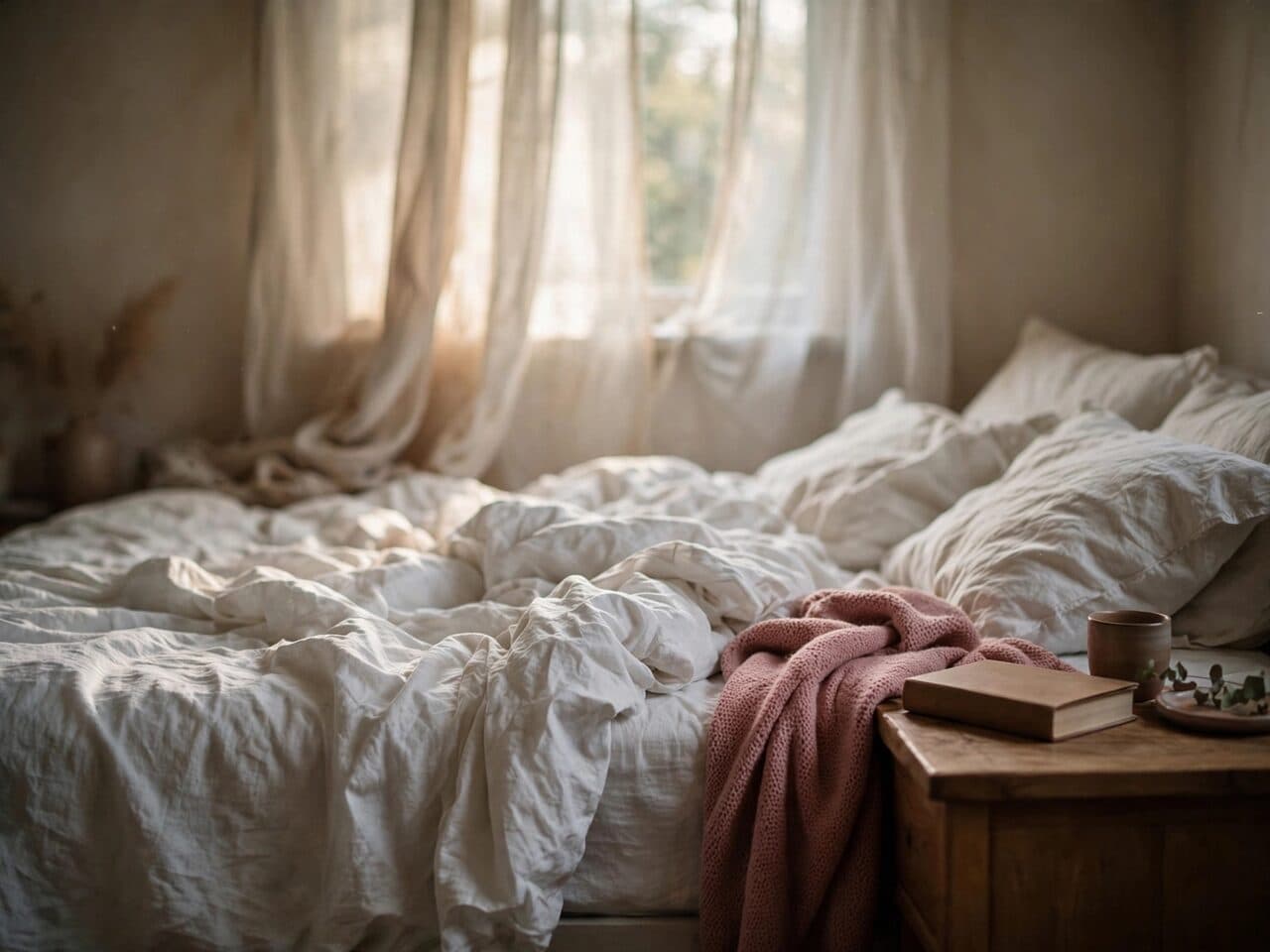
bedroom in morning light generated with Muse Image in Made

Muse Image: Morning bedroom

“Bedroom with rumpled white linen, morning light through sheer curtains, a book on the nightstand. 35mm film still, soft natural light, muted earth tones with one dusty rose accent, shallow depth of field, subtle film grain, candid and unposed, no text, logos, or watermark.”
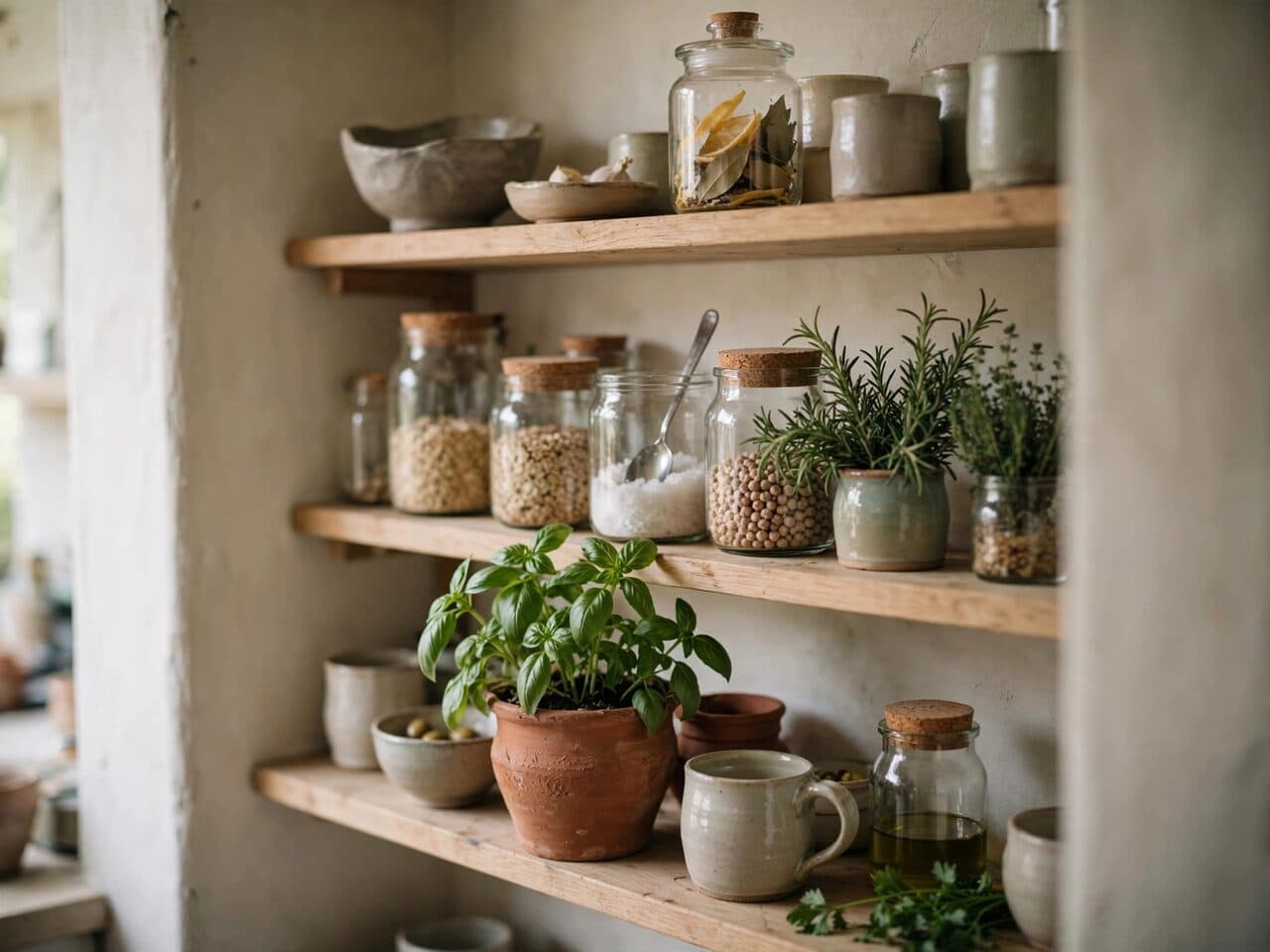
open kitchen shelving with ceramics generated with Muse Image in Made

Muse Image: Kitchen shelving

“Open kitchen shelving with handmade ceramics, glass jars and fresh herbs, soft daylight. 35mm film still, soft natural light, muted earth tones with one terracotta accent, shallow depth of field, subtle film grain, candid and unposed, no text, logos, or watermark.”
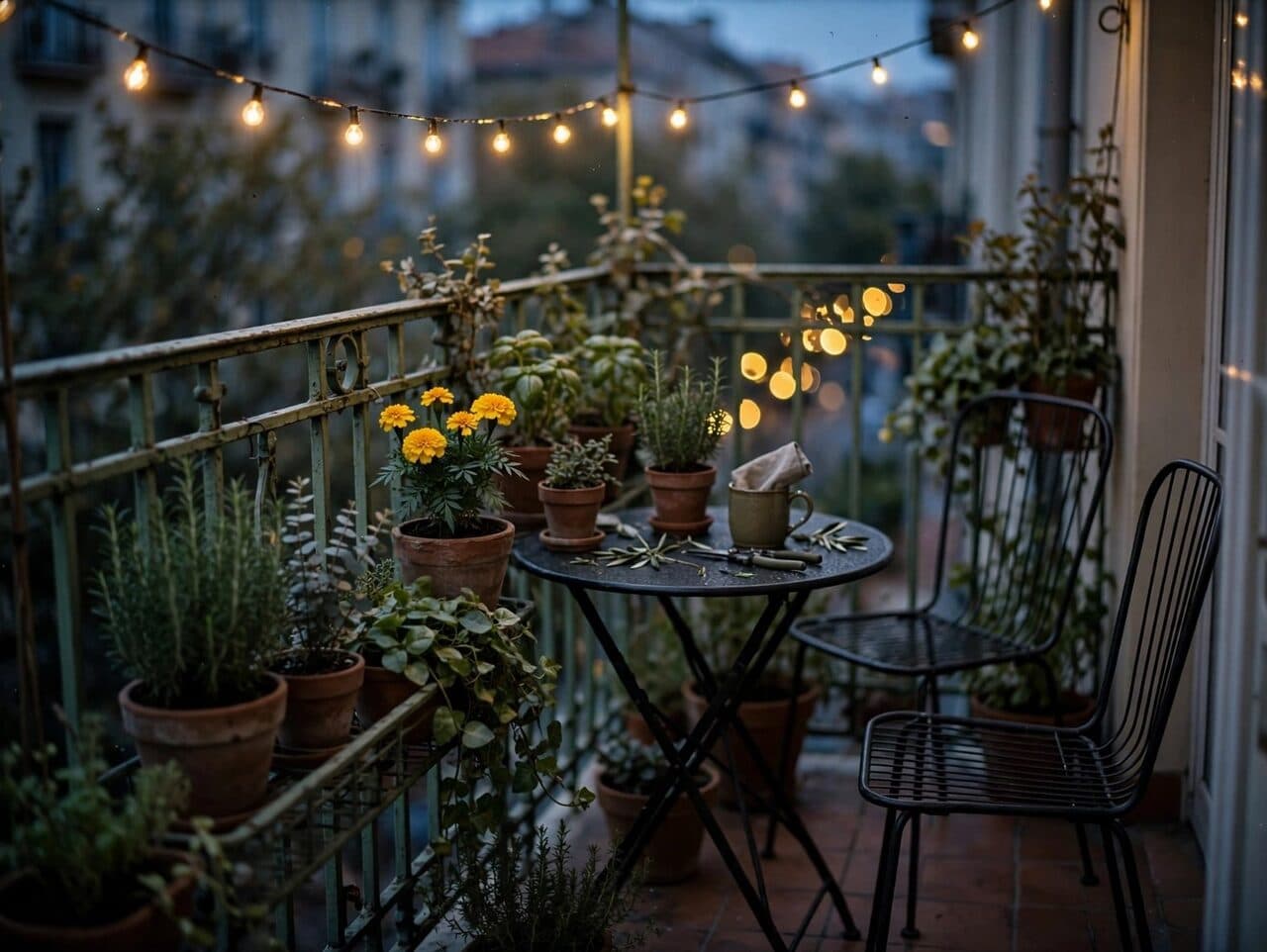
balcony garden at dusk generated with Muse Image in Made

Muse Image: Balcony garden

“Small balcony garden with potted plants and a bistro set at dusk, string lights just turning on. 35mm film still, soft natural light, muted earth tones with one warm yellow accent, shallow depth of field, subtle film grain, candid and unposed, no text, logos, or watermark.”
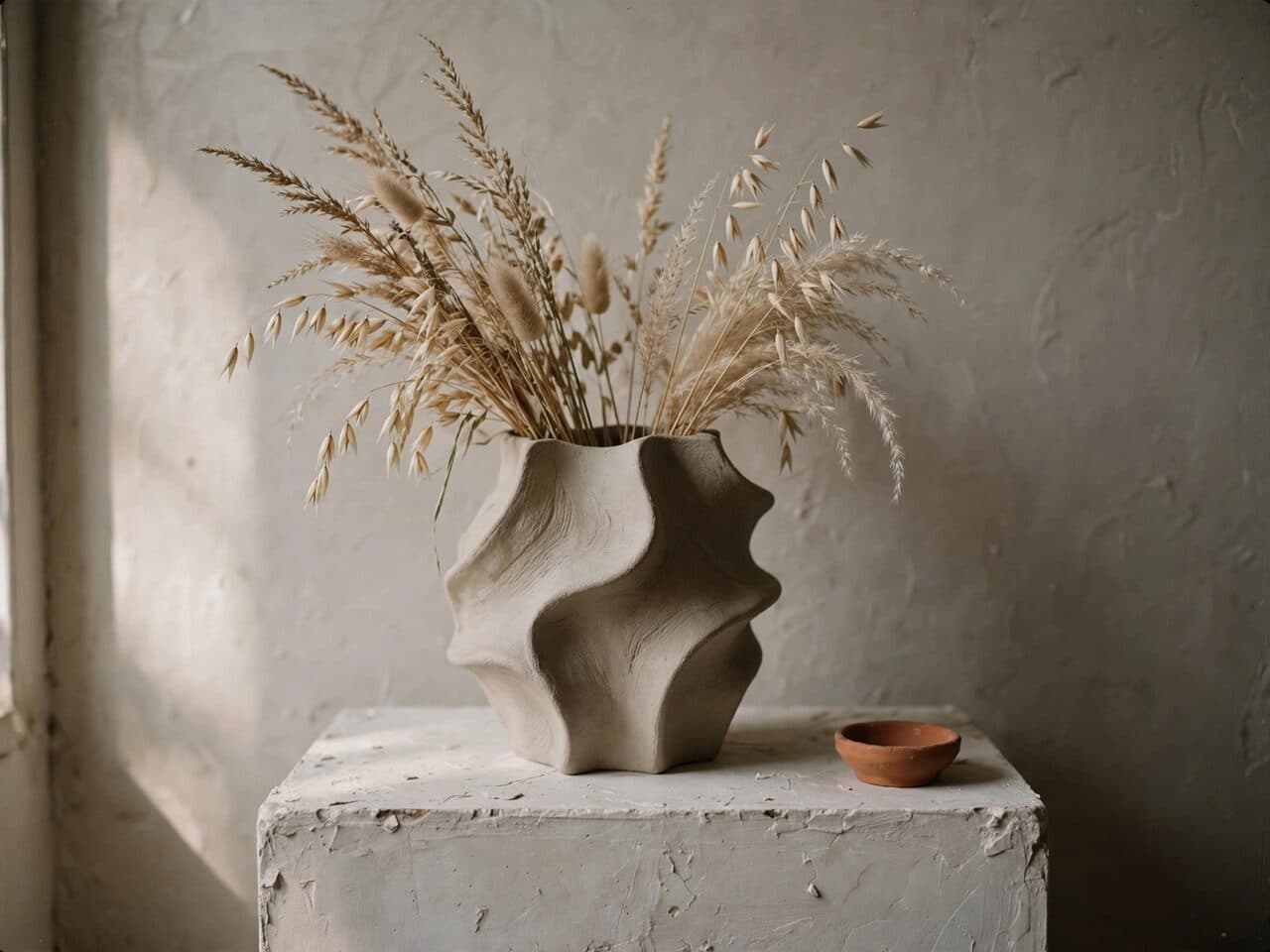
sculptural vase with dried grasses generated with Muse Image in Made

Muse Image: Vase on plinth

“Sculptural ceramic vase with dried grasses on a plaster plinth against a warm grey wall. 35mm film still, soft natural light, muted earth tones with one terracotta accent, shallow depth of field, subtle film grain, candid and unposed, no text, logos, or watermark.”

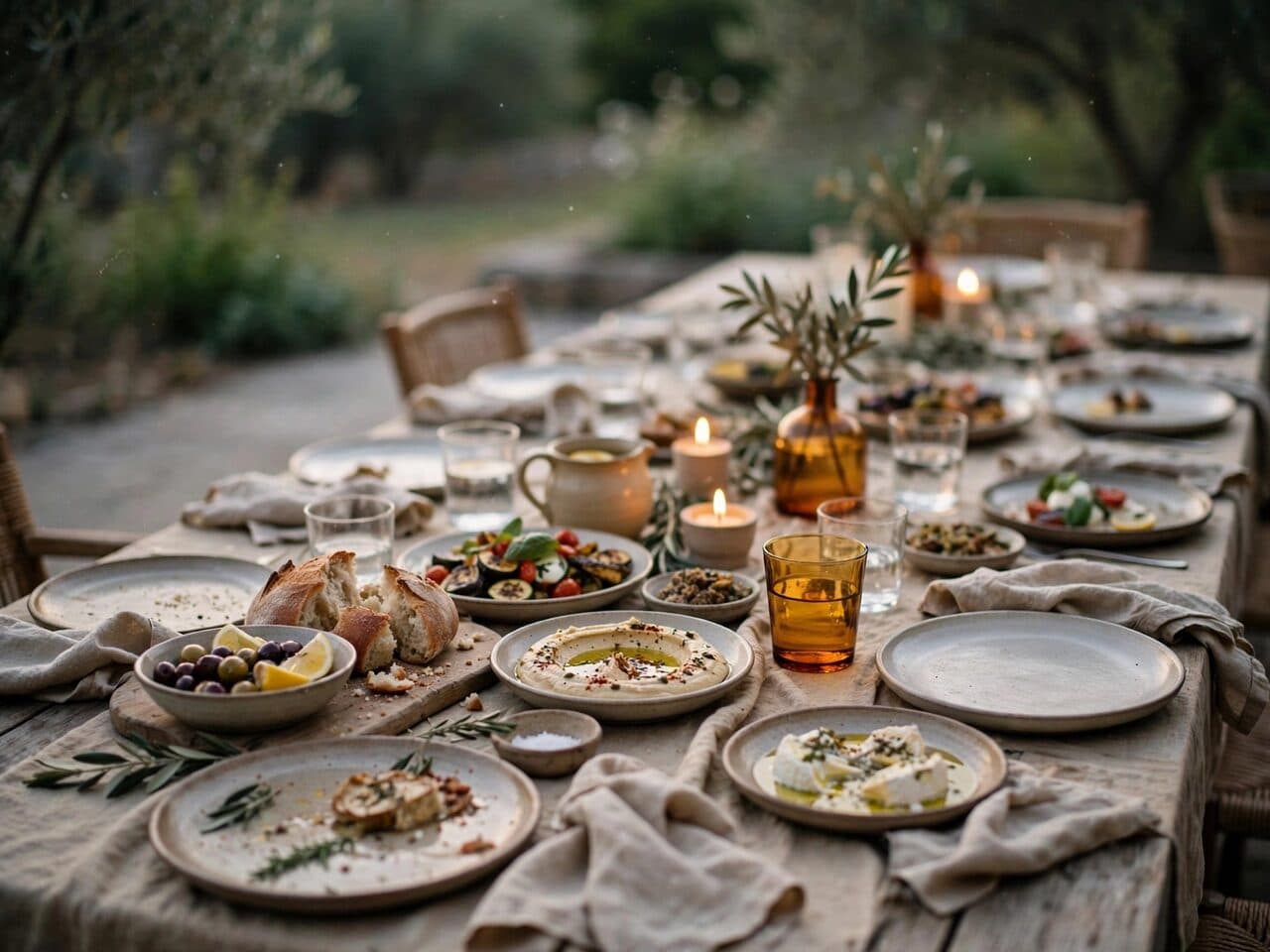
dinner table set for friends generated with Muse Image in Made

Muse Image: Dinner table

“Long dining table set for friends on a late summer evening, candles, linen and shared plates. 35mm film still, soft natural light, muted earth tones with one amber accent, shallow depth of field, subtle film grain, candid and unposed, no text, logos, or watermark.”

Where Muse Image fits best

Best uses

  • Precise edits that leave the rest of the image untouched
  • Composing one image from multiple references
  • Readable typography, plots, and even QR codes
  • High-volume generation at 1 credit per image

Limits to know

  • It is a brand-new model line; style range is less proven than mature families like FLUX or Seedream.
  • Made returns PNG output; other formats need a conversion step.

Specifications in Made

These are the controls exposed by Made, which may be narrower than a provider’s full API.

Aspect ratios
21:9, 16:9, 4:3, 3:2, 1:1, 2:3, 3:4, 9:16, 9:21
Resolution
Provider default
Duration
Not applicable
Output formats
PNG
Reference images
10
Processing
Fast single-pass generation; progress appears in the generation view.

How to use Muse Image in Made

  1. 1

    Write a precise brief

    Describe the subject, composition, and any exact display text in quotes.

  2. 2

    Add references for edits

    Upload one image to edit, or several to compose from — then describe the change.

  3. 3

    Pick a format

    Choose from nine aspect ratios, from 21:9 banners to 9:21 portrait.

  4. 4

    Iterate in turns

    Muse keeps edits coherent across turns — refine one instruction at a time.

Questions, answered

Muse Image FAQ

Need a specific answer? Contact support

It is Meta’s first image generation model, hosted on fal, focused on precise instruction-based editing, multi-reference composition, and accurate text rendering.