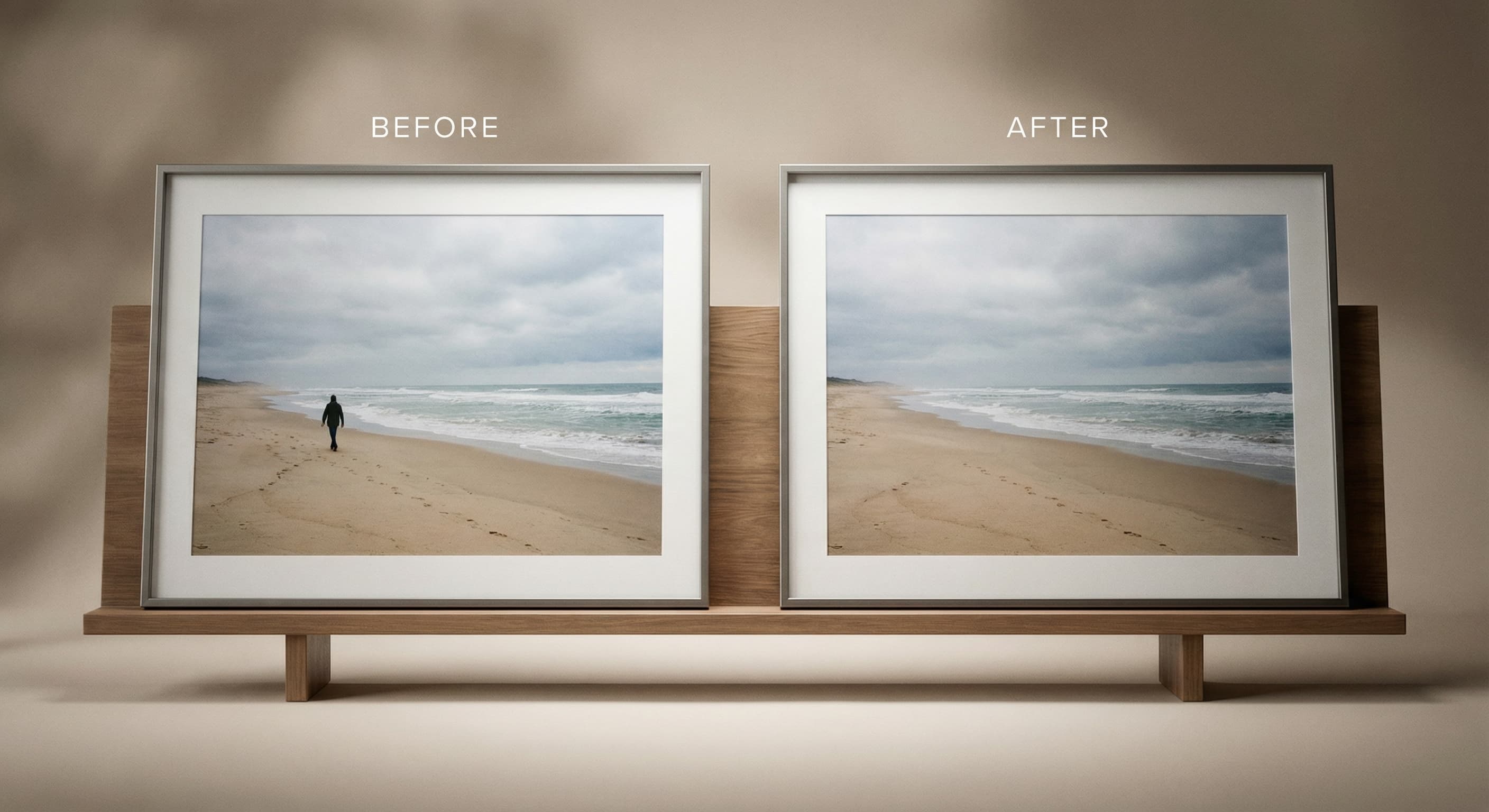
Object Remover
Upload a photo and say what should go: a person, a car, a coffee cup. Made erases it and fills the space with background that matches the scene.
Sign in to run it. It’s paid in credits, shown before you run it.

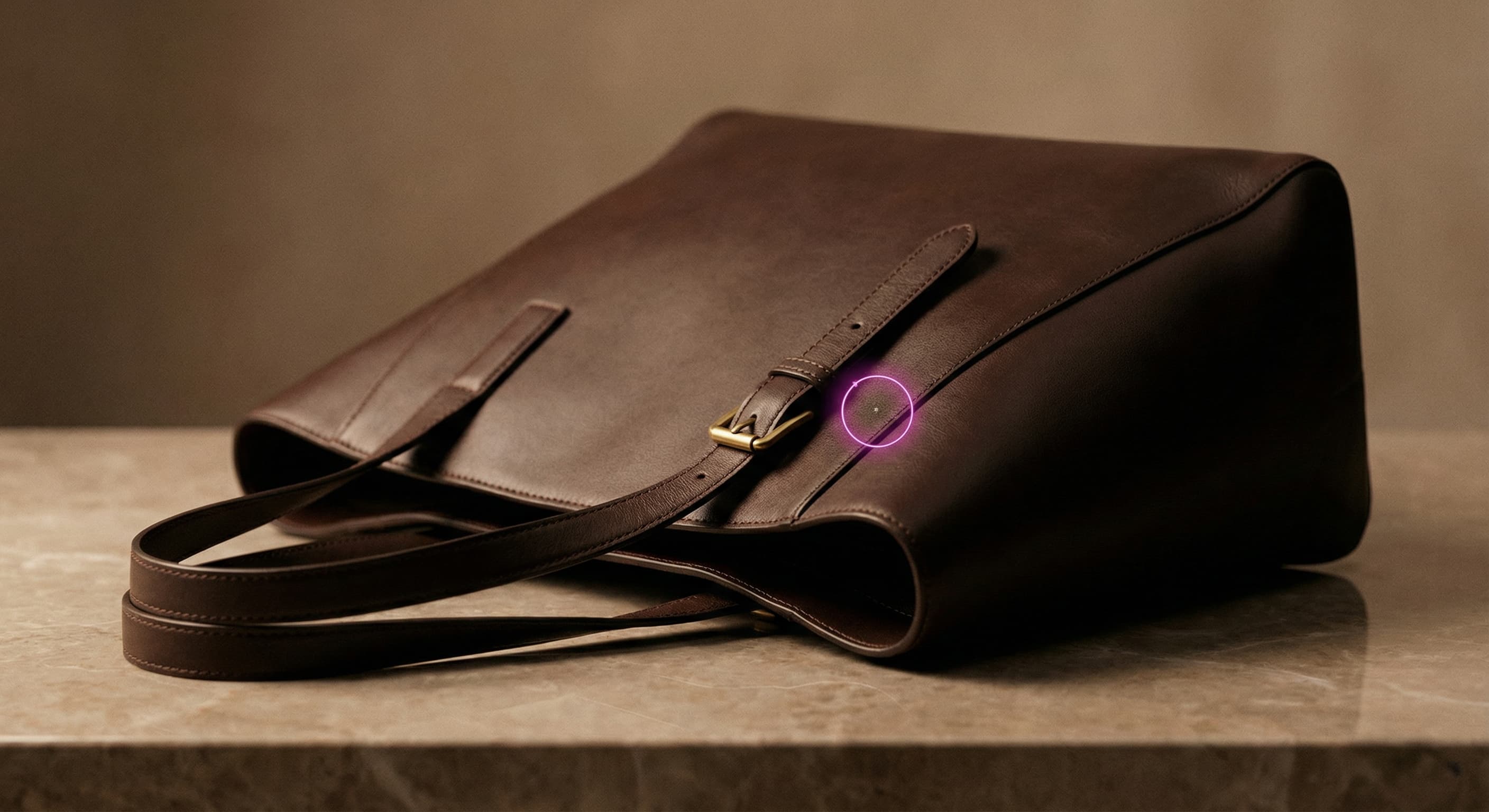
How to use Object Remover
- 1
Upload one image
Choose a JPEG, PNG, or WebP where the thing you want gone is clearly visible.
- 2
Say what to remove
Name it the way you would to a friend: “the coffee cup on the table”, “the person in the red shirt”. Color and position help.
- 3
Let Made erase it
The model removes it and fills the space with background that matches the rest of the photo.
- 4
Compare and download
Flip between Before and After, check the filled area, then download the PNG. Run it again on the result to remove the next thing.
Object Remover examples
Real results from Made. Open Object Remover to try it on your own photo.
Photobombers
Product cleanup

Real estate photos
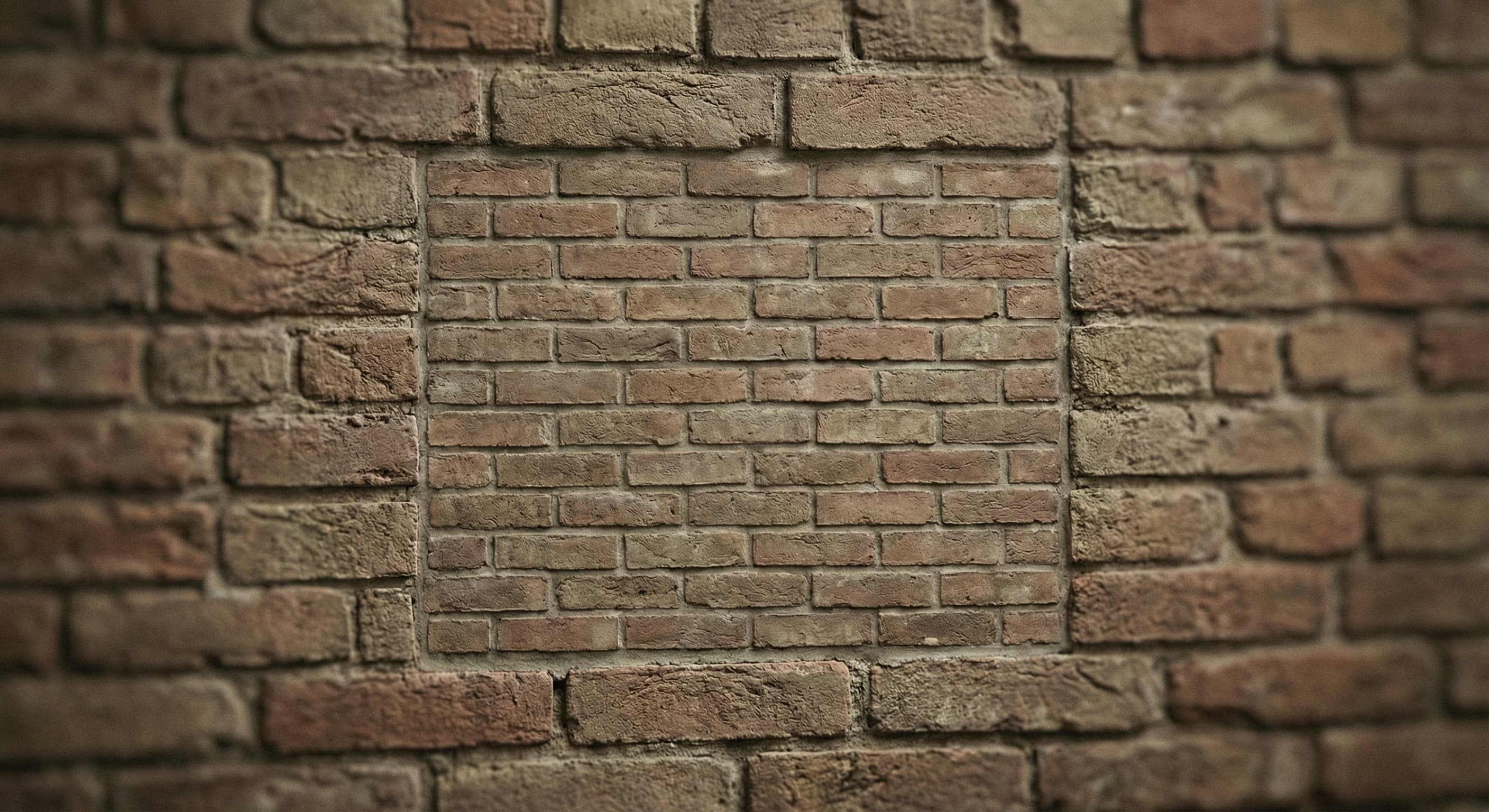
Busy backgrounds
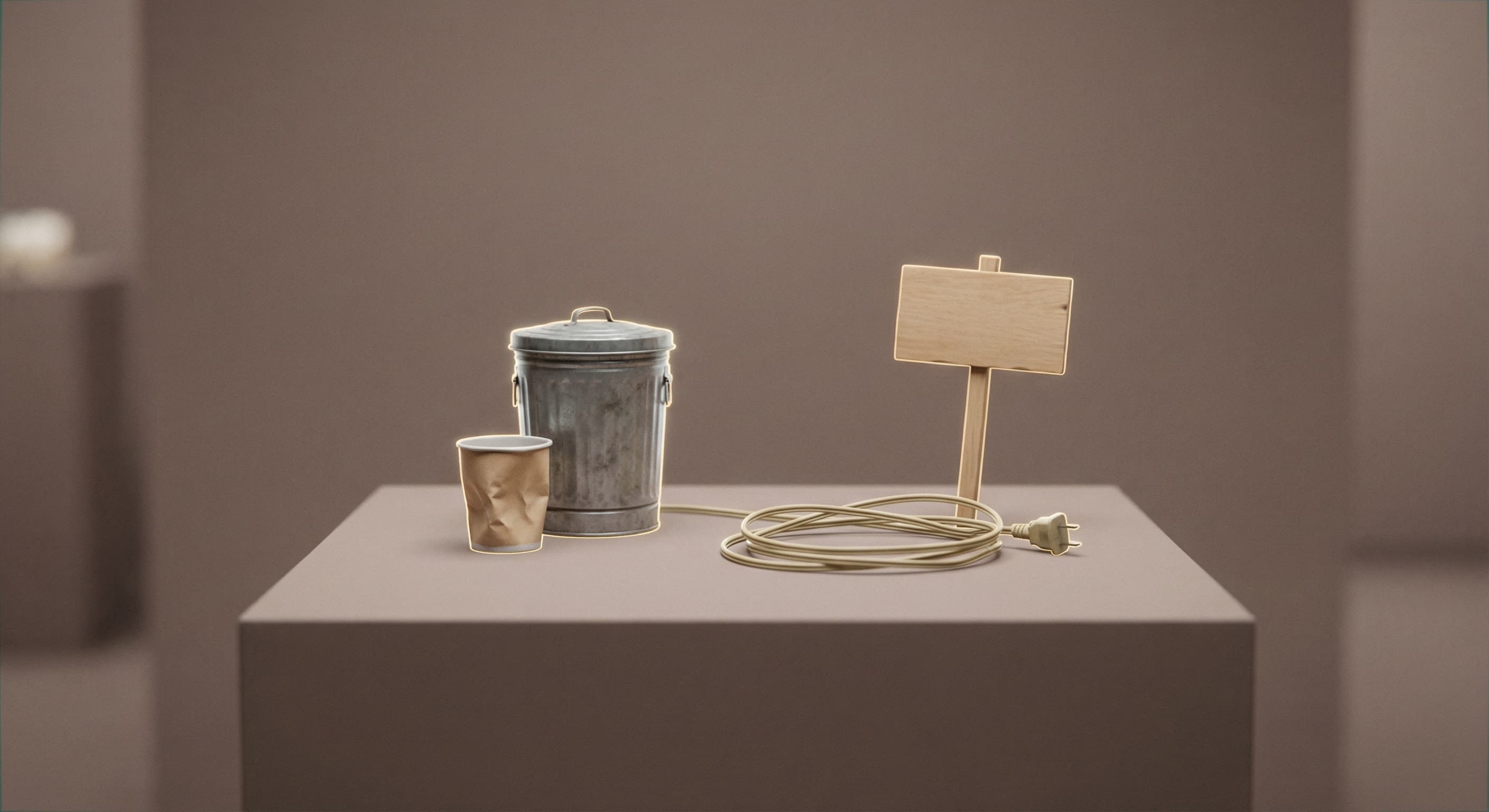
Clean final shot
What people use it for
- Photobombers and strangersDescribe the person you want removed — “person in the red shirt” — and Made erases them and rebuilds the background behind them.
- Product photo cleanupRemove cables, price tags, and stray props from a product shot before it goes into a listing or ad.
- Real estate and interiorsTake clutter, bins, and personal items out of a room photo without reshooting the space.
- Travel and social photosErase cars, signs, and other distractions so the subject of the shot stays the focus.
Remove an unwanted object from a photo
What it does
- Input
- JPEG, PNG, or WebP image, plus a few words naming what to remove
- Output
- PNG at the photo’s shape, about 1 megapixel, with the object erased
- How it works
- Made sends the photo and the name of the thing to remove to FLUX Kontext object removal on fal.ai, which erases it and repaints the space to match the scene.
- Access
- Sign in to run it. It’s paid in credits, shown before you run it.
Formats and limits
- Input formats
- JPEG, PNG, WebP, HEIC
- Output format
- PNG, about 1 megapixel at the photo’s shape
- Selection
- A few words naming the object or person; no brushing needed
- Processing model
- FLUX Kontext object removal on fal.ai
- Limits
- One thing per run is most reliable; it can’t remove clothing
Checked against the running tool on 2026-09-29.
Questions about Object Remover
How does the AI object remover work?
You name what to remove and Made sends the photo to FLUX Kontext object removal on fal.ai. The model finds it, erases it, and repaints the space with background that matches the rest of the scene.
What is the difference between Object Remover and Background Remover?
Object Remover erases one thing and keeps the rest of the photo. Background Remover does the opposite: it keeps the subject and removes everything behind it, returning a transparent PNG.
Do I have to select the object manually?
No. Type a few words, like “the coffee cup on the table”. If several things match, add a color or a position: “the man on the left”.
Can I remove several objects at once?
Naming one thing per run is the most reliable. Run it again on the result to remove the next one; each pass starts from the cleaned photo.
What fills the space where the object was?
New background painted to match the scene around it. Walls, grass, sand, and sky fill cleanly; busy patterns or things overlapping other people are worth a close look.
What resolution is the result?
About 1 megapixel at your photo’s shape, as a PNG. For a larger file, run the result through Image Upscaler.
How much does it cost?
It’s priced per photo, in credits. The price is on the Generate button before you run it.
Specific Object Remover workflows
More photo fixes
Background Remover
A clean transparent cutout in one step

Image Upscaler
Sharpen and enlarge up to 4×
AI Photo Editor
Edit any photo by describing the change

Expand Image
Extend any photo past its edges

Edit Text
Change the words in any image
Photo Restoration
Repair scratches, tears and fading
Photo Colorizer
Natural color for black-and-white photos
Unblur Image
Sharpen soft and blurry photos
Text Remover
Erase captions, dates and watermarks
Background Changer
Put your subject in a new sceneRelated models
See what each one makes, then open it in Made.