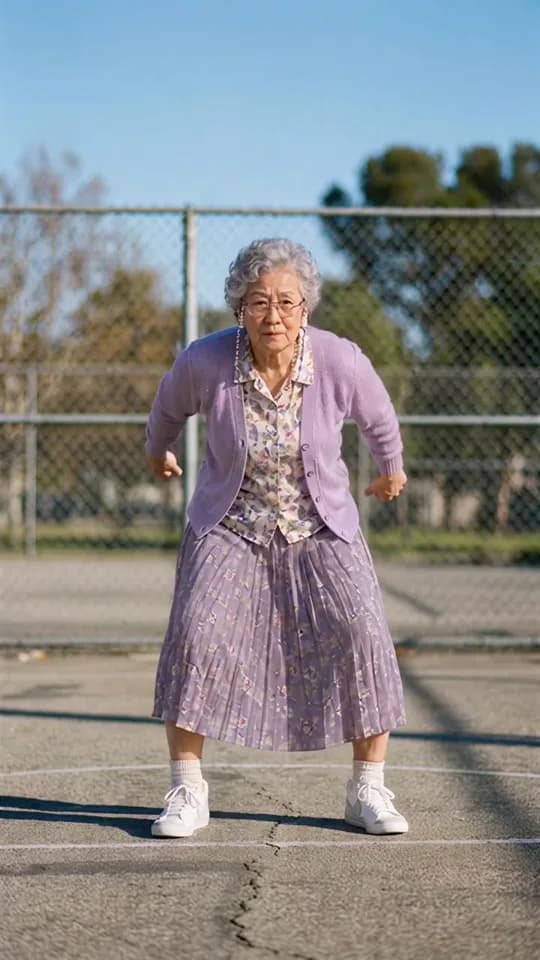
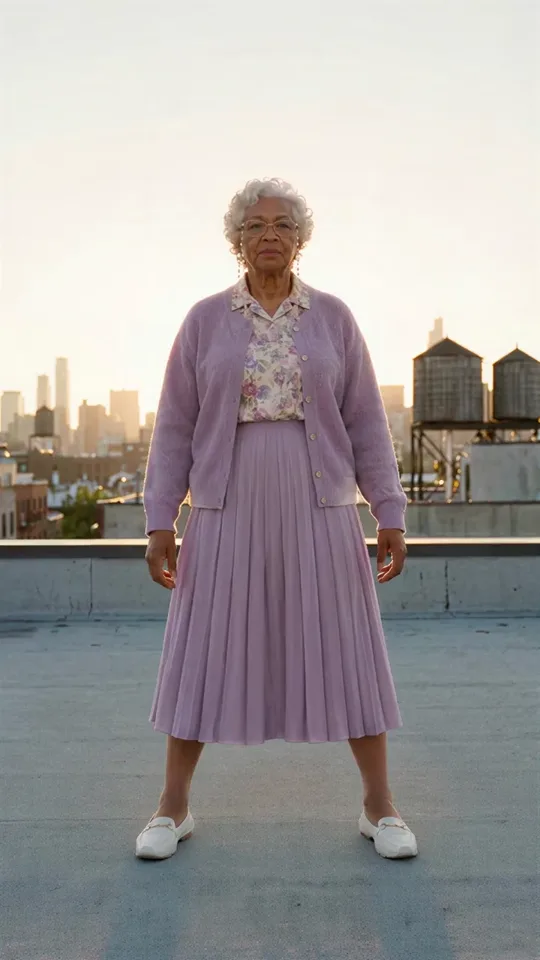
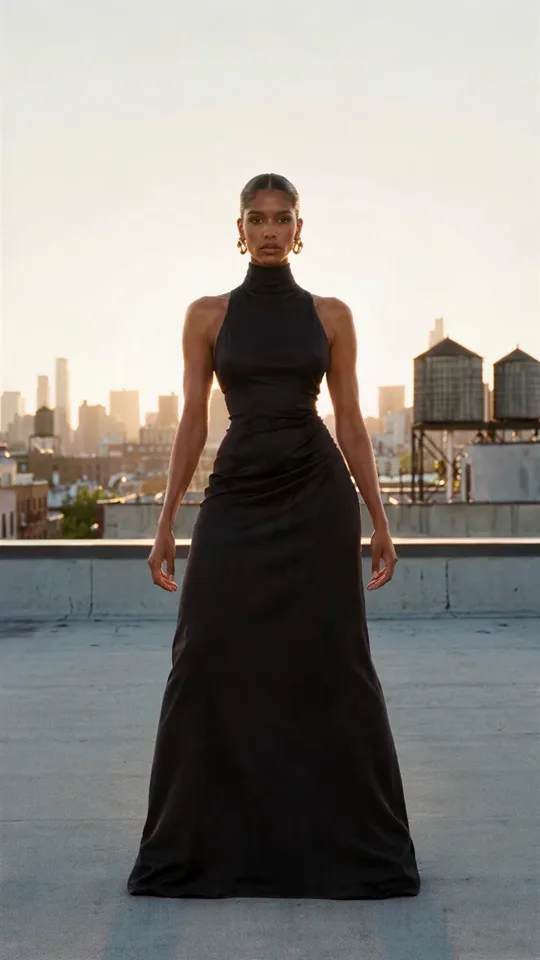
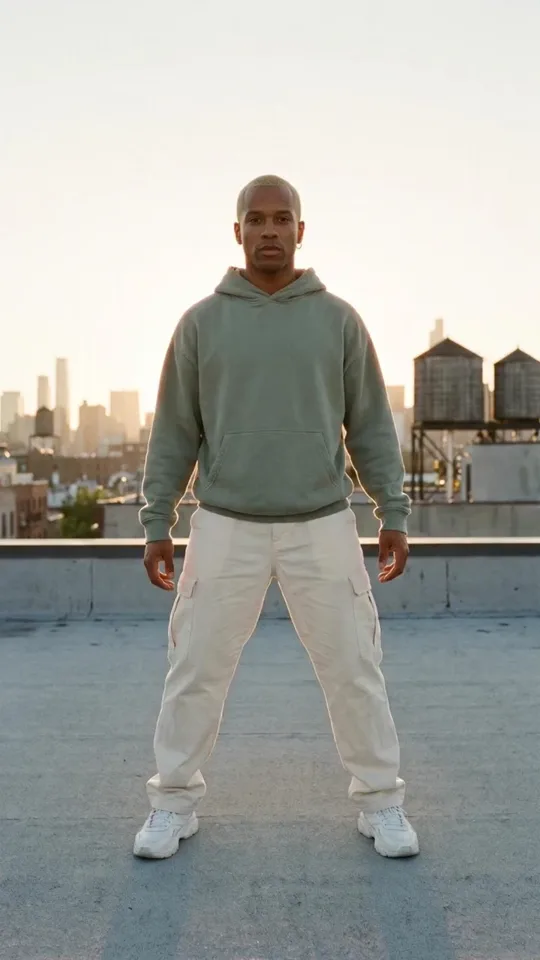
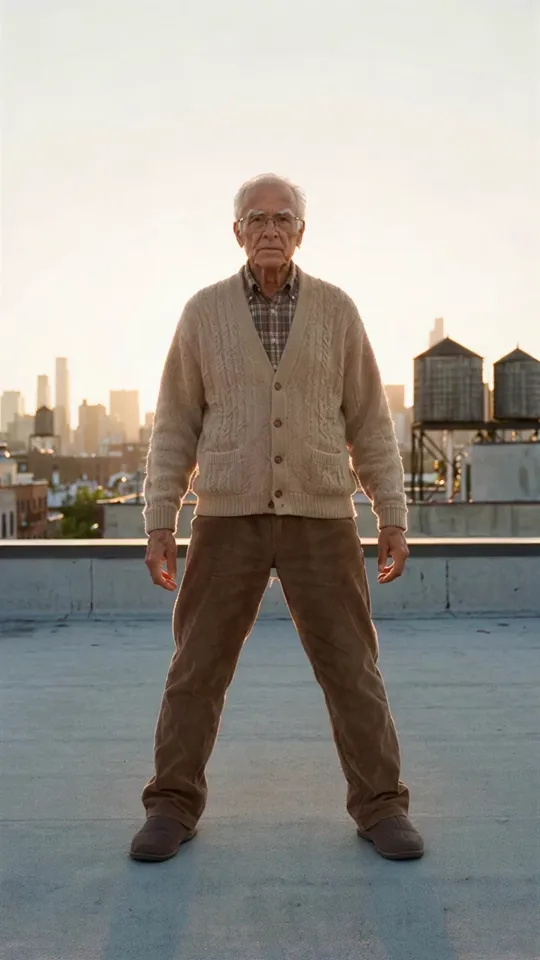
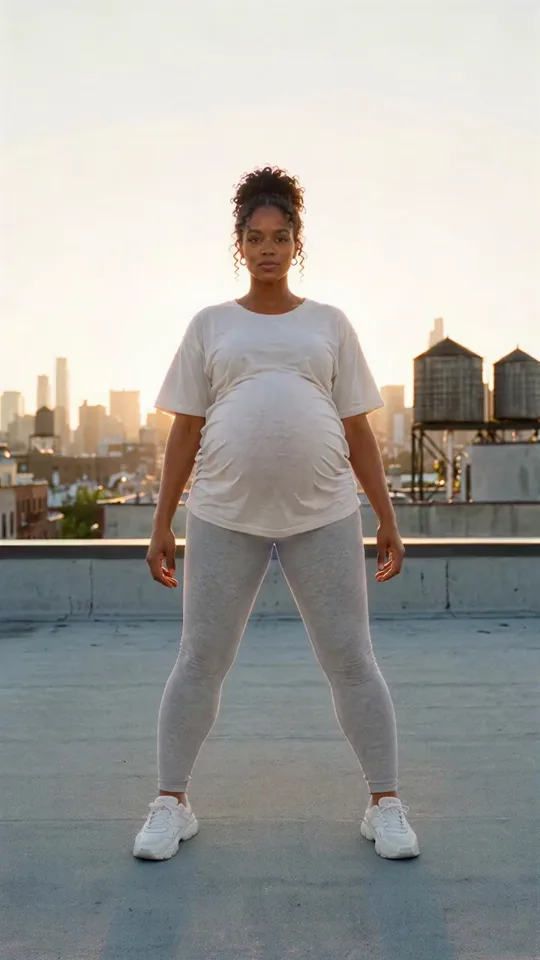
made
Made with Recast ProRecast
Pick a trend from the Motion Library or film yourself,
then become anyone. Same moves, same place.
made
Motion Library
Every recast here started as a Motion Library clip. Pick one and make it yours.
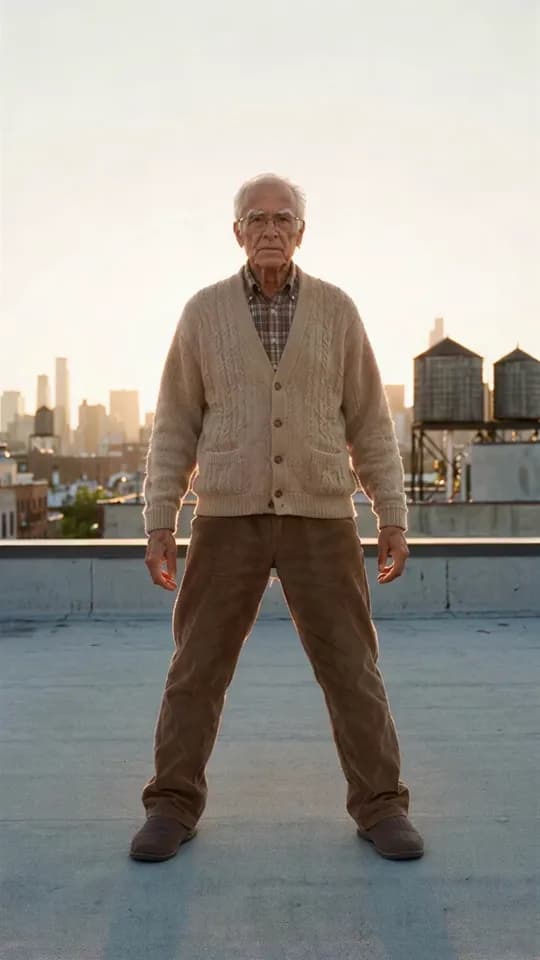
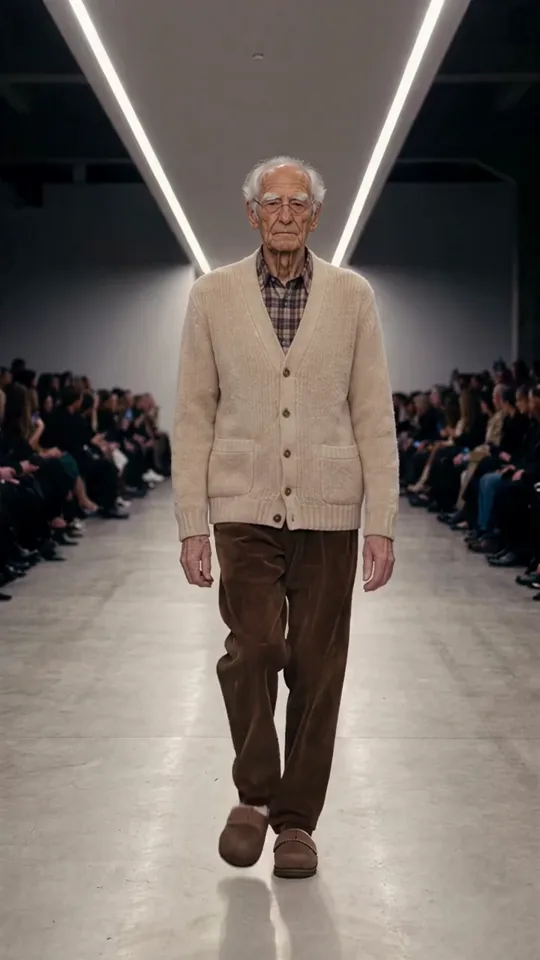
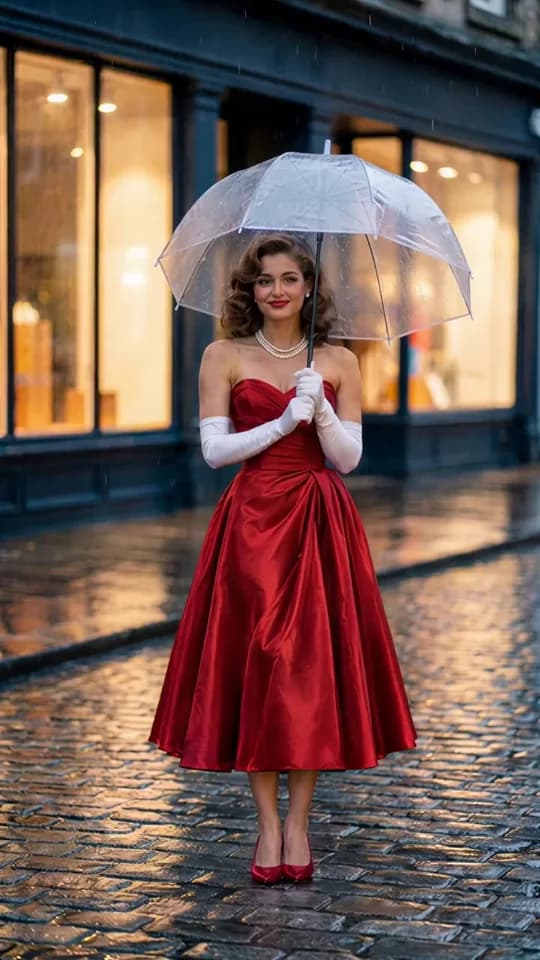

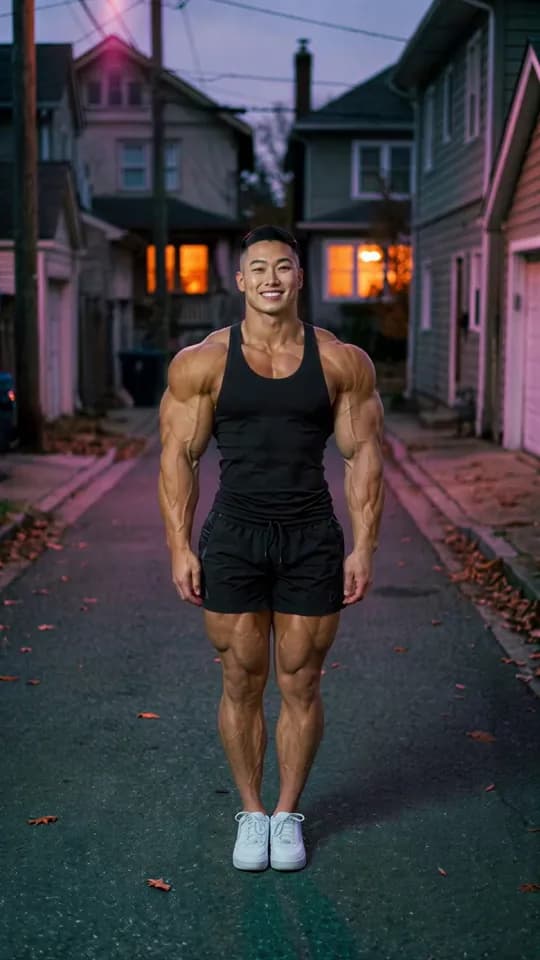
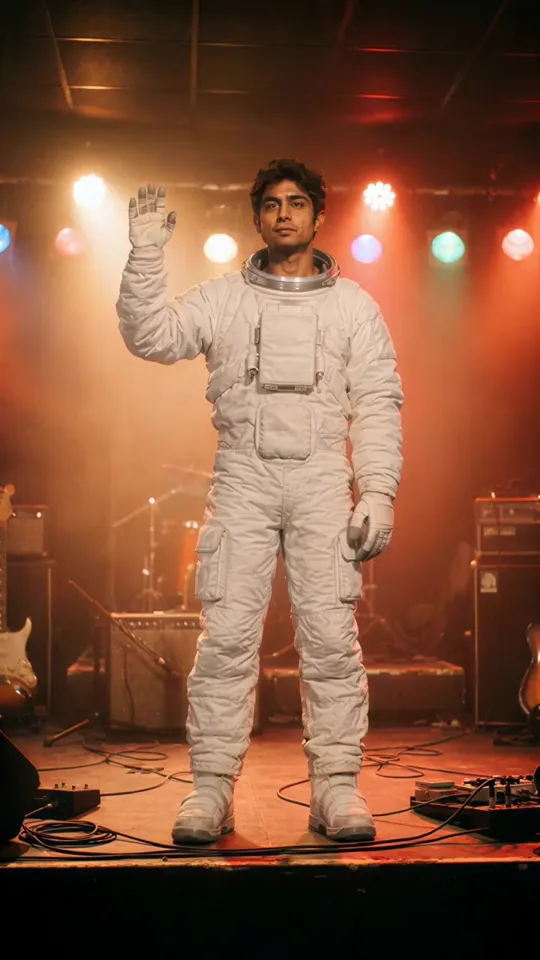

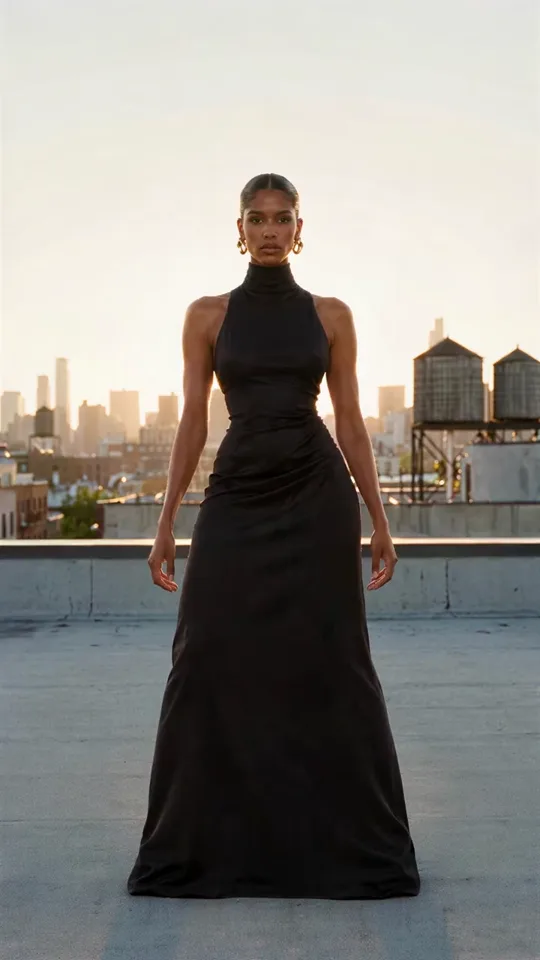

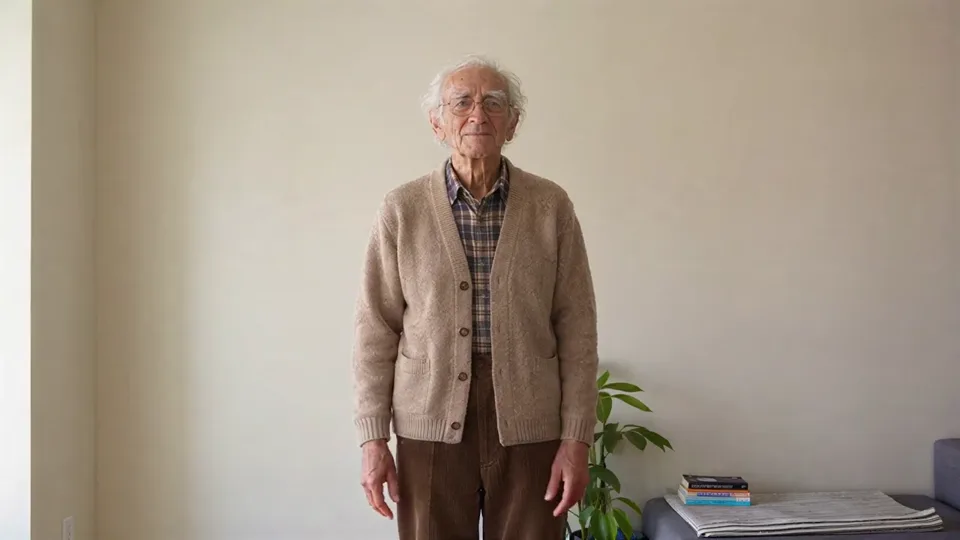
SOURCE VIDEORECAST · GRANDPA, 85
What it’s for
One take. Anyone.
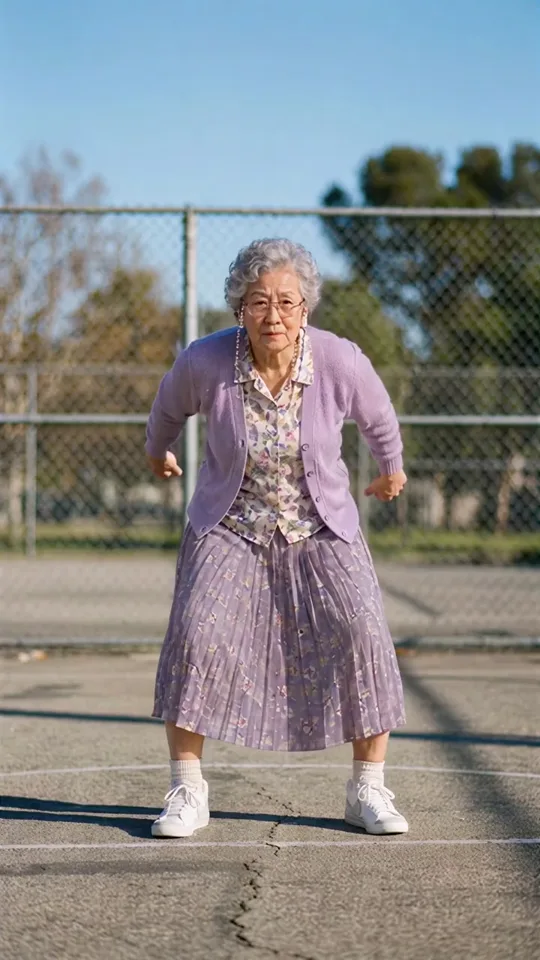
Original
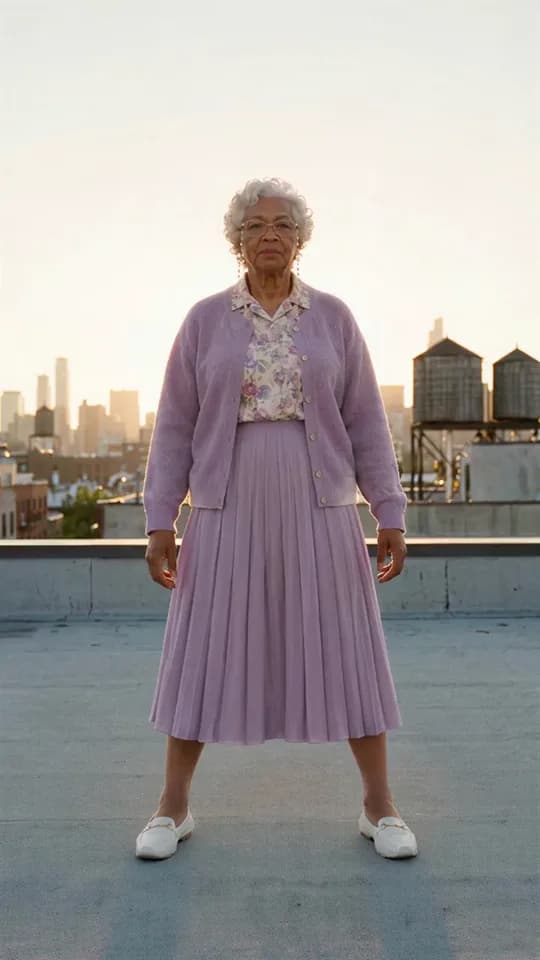
Grandma, 80
How it works
Make your next version
Before
After
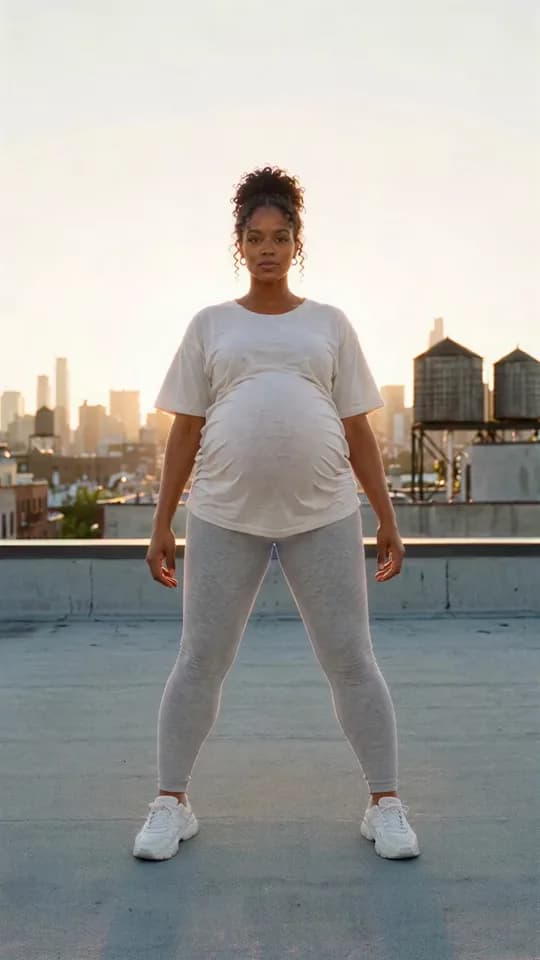
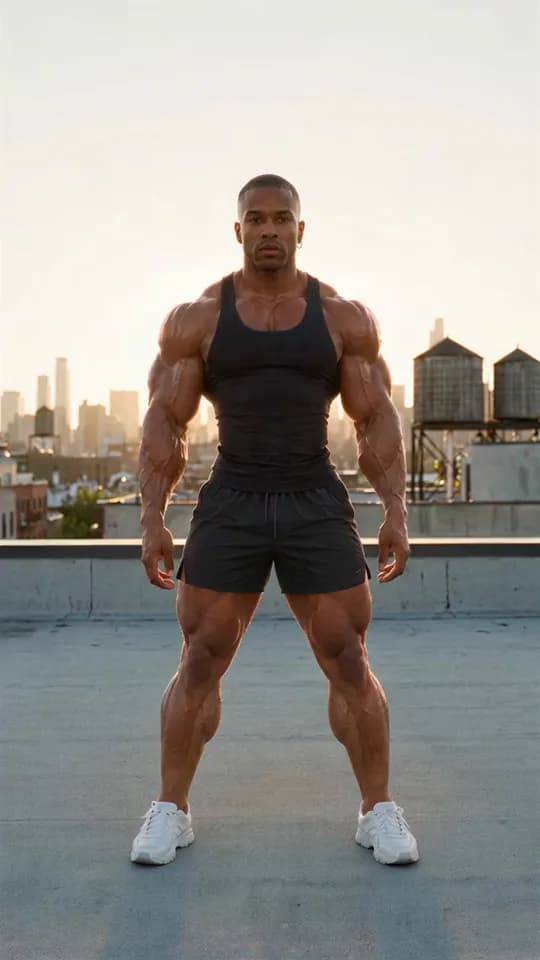
Pick a look: Grandpa, Supermodel, nine months pregnant and more. Made puts that person into the clip’s first frame, then into the whole clip.
- 01
Pick a clip
Choose a video from the Motion Library or upload your own. Recast Pro accepts 4–30 seconds; Recast Lite accepts 4–15 seconds.
- 02
Add your references
Add up to 10 images of characters, products or clothes. Use the optional prompt to describe what should change.
- 03
Generate your video
Choose Recast Pro or Recast Lite. Check the price on Generate, then make your video.
A closer look
Someone new. Same everything else.
Who you become
Pick who
you become.
A ready-made look or a photo of your character. Switch between the original and the recast, then try it on a trend or your own clip.
Recreate this recastSame spin.
Someone else.
Drag across the clip: the same jump, the same spin, at the same moments. Only the person changed.
Try this recastSOURCE VIDEORECAST · GRANDMA, 80
Still have questions?
Everything you need to make your first recast.
How does Recast work?
Add a reference video, then up to 10 images of the characters, products or clothes you want in it. You can add an optional prompt under Options. Choose Recast Pro or Recast Lite and check the price on Generate before making the video.
What is the difference between Pro and Lite?
Recast Pro accepts source clips of 4–30 seconds and keeps the original soundtrack. Recast Lite accepts source clips of 4–15 seconds and generates audio with the video. Both offer 480p, 720p and 1080p.
Can I recast a trend instead of my own clip?
Yes. Select from the Motion Library, then add your references or describe what should change.
What should I film?
Use a clear MP4 or MOV with the person or object in view. Pro accepts 4–30 seconds and Lite accepts 4–15 seconds. Longer clips are trimmed to the selected model’s limit before upload.
How much does it cost?
The tool shows the estimated credit cost on Generate before anything runs and checks the final price before submitting. Each generation is priced by the length of your clip and the selected model. The price updates when you change the resolution or switch between Pro and Lite.
Does it keep my voice?
Recast Pro restores your original soundtrack after editing. Recast Lite generates audio with the video, so its soundtrack can change.
Can I use my own character?
Yes. Add a character photo under Attachments. You can also add product or clothing references and describe what should change in the prompt.
What quality do I get?
Both Recast Pro and Lite offer 480p, 720p and 1080p. The lowest resolution is selected by default; choose another under Options.
Are the examples real?
The examples are generated videos made from clips in Made’s Motion Library. The original clips are AI generated. Your result depends on the source, references, prompt and selected model.