Motion study
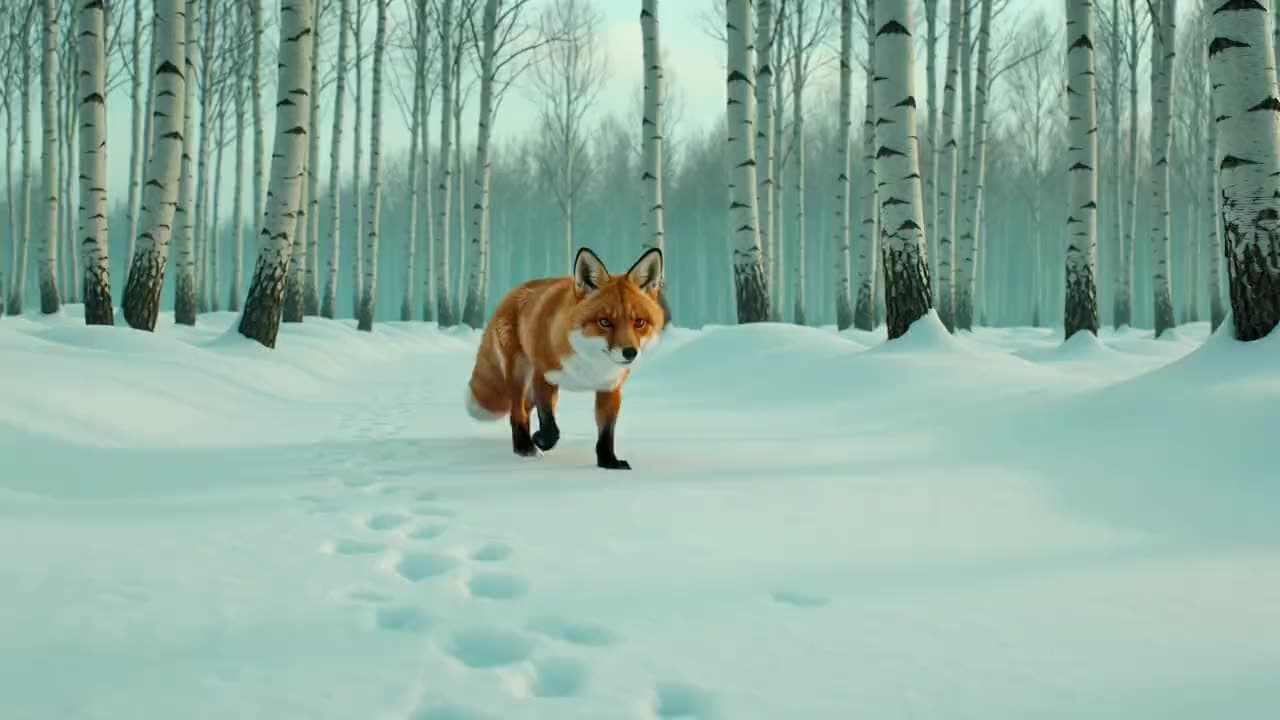
“Clip: a red fox trots through birch snow, pauses, ears rotating, breath fogging in the cold air”
xAI · video model
8 credits / second · every plan · price breakdown · API playground
Made with Grok Imagine Video · Motion study
Grok Imagine Video is xAI’s first-generation video model in Made, generating low-cost 1 to 15 second clips at 720p from a text prompt or a start image, in seven aspect ratios.
Original results
These examples use media produced for Made. Prompts are included when the production record allows them.
“Clip: a red fox trots through birch snow, pauses, ears rotating, breath fogging in the cold air”
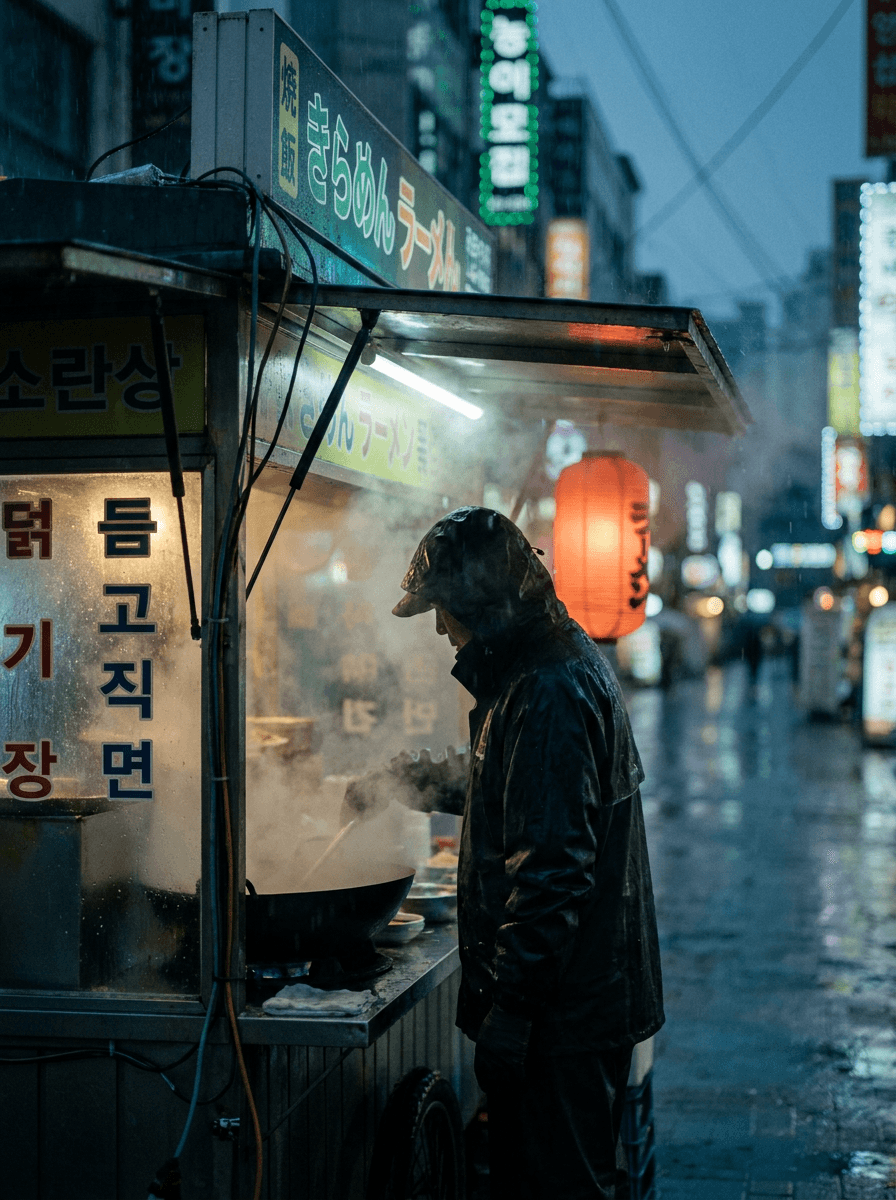
“Rain streaks the neon as steam billows, the vendor tosses noodles in a flaming wok, camera dollying in”
“Clip: lasers sweep a festival crowd as the DJ drops the beat, confetti bursting in slow motion”
“Use this image as the opening composition.”

“Set the scene as a still before describing its motion.”

“Plan the shot as a still, then hand the motion to the model.”
These are the controls exposed by Made, which may be narrower than a provider’s full API.
Describe the subject, motion, and camera path in one or two concrete sentences.
Upload a still to animate; Made routes the request to the image-to-video endpoint.
Pick one of seven aspect ratios and any duration from 1 to 15 seconds.
Check motion and continuity, then refine one instruction at a time — short cheap takes make iteration fast.
video
Grok Imagine Video 1.5 is xAI’s current video model in Made, generating 1 to 15 second clips with audio on by default at 480p to 1080p, from a text prompt or a start image.
Explore model →image
Grok Imagine Image is xAI’s standard image tier in Made — fast text-to-image generation and reference-based editing at 2 credits per image, across thirteen aspect ratios from ultrawide 2:1 to tall 1:2.
Explore model →video
MiniMax H3 Max Turbo is a fal-exclusive fast tier of the H3 Max video model, generating 5 to 15 second clips at 768P — the cheapest capable video generation in the Made library.
Explore model →Turn any image into a captivating video. Upload a photo, describe the motion you want, and watch AI bring it to life with realistic movement, cinematic camera work, and professional quality.
Open tool →Create scroll-stopping product photos and marketing visuals in seconds. Describe your shot, pick your style, and get professional images ready for your store, social feed, or ad campaign.
Open tool →It is xAI’s first-generation Grok Imagine video model, generating low-cost short clips from a text prompt or a start image.