Motion study
“Clip: a red fox trots through birch snow, pauses, ears rotating, breath fogging in the cold air”
Every prompt below was generated with Grok Imagine Video in Made, and the output next to it is what came back — not a curated stock image. Copy a prompt as a starting point, then use the guide underneath to adapt it.
Original results
These examples use media produced for Made. Prompts are included when the production record allows them.
“Clip: a red fox trots through birch snow, pauses, ears rotating, breath fogging in the cold air”
“Rain streaks the neon as steam billows, the vendor tosses noodles in a flaming wok, camera dollying in”
“Clip: lasers sweep a festival crowd as the DJ drops the beat, confetti bursting in slow motion”
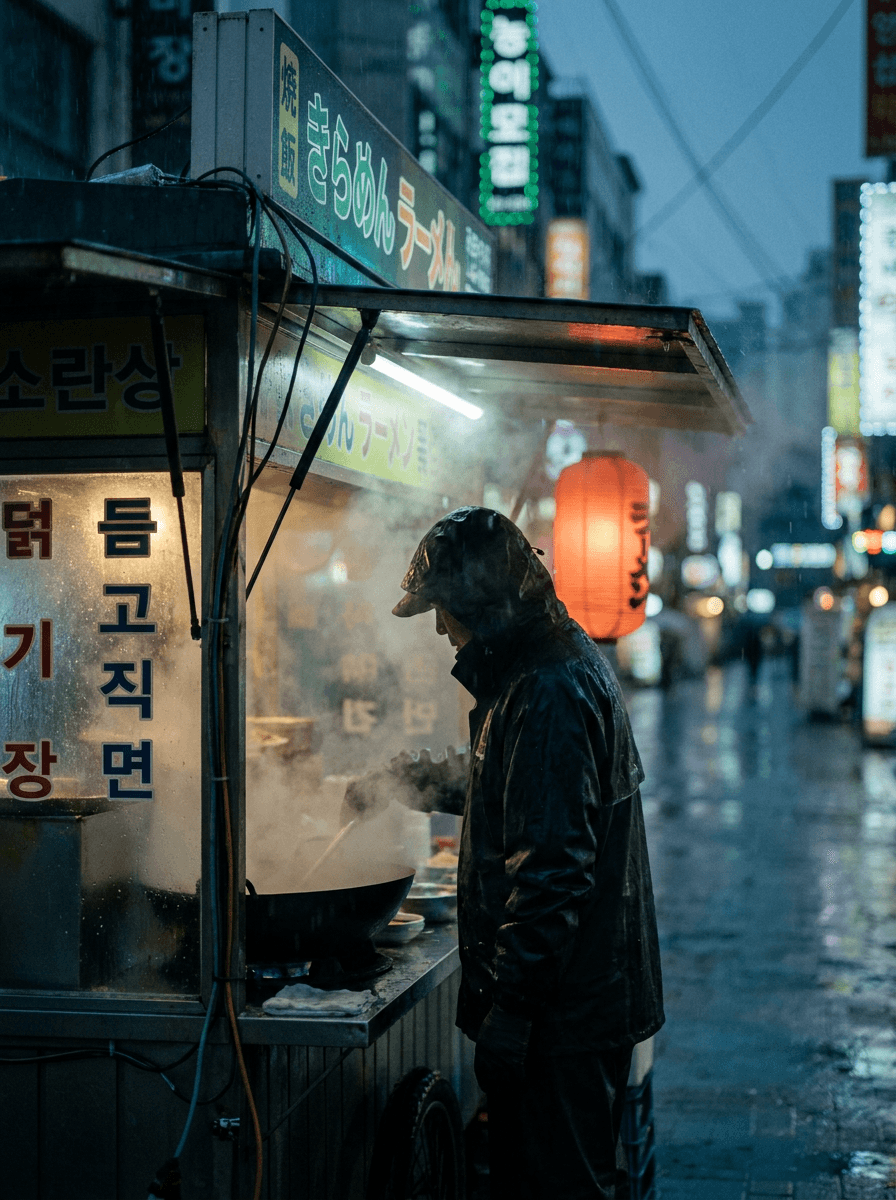
“Use this image as the opening composition.”
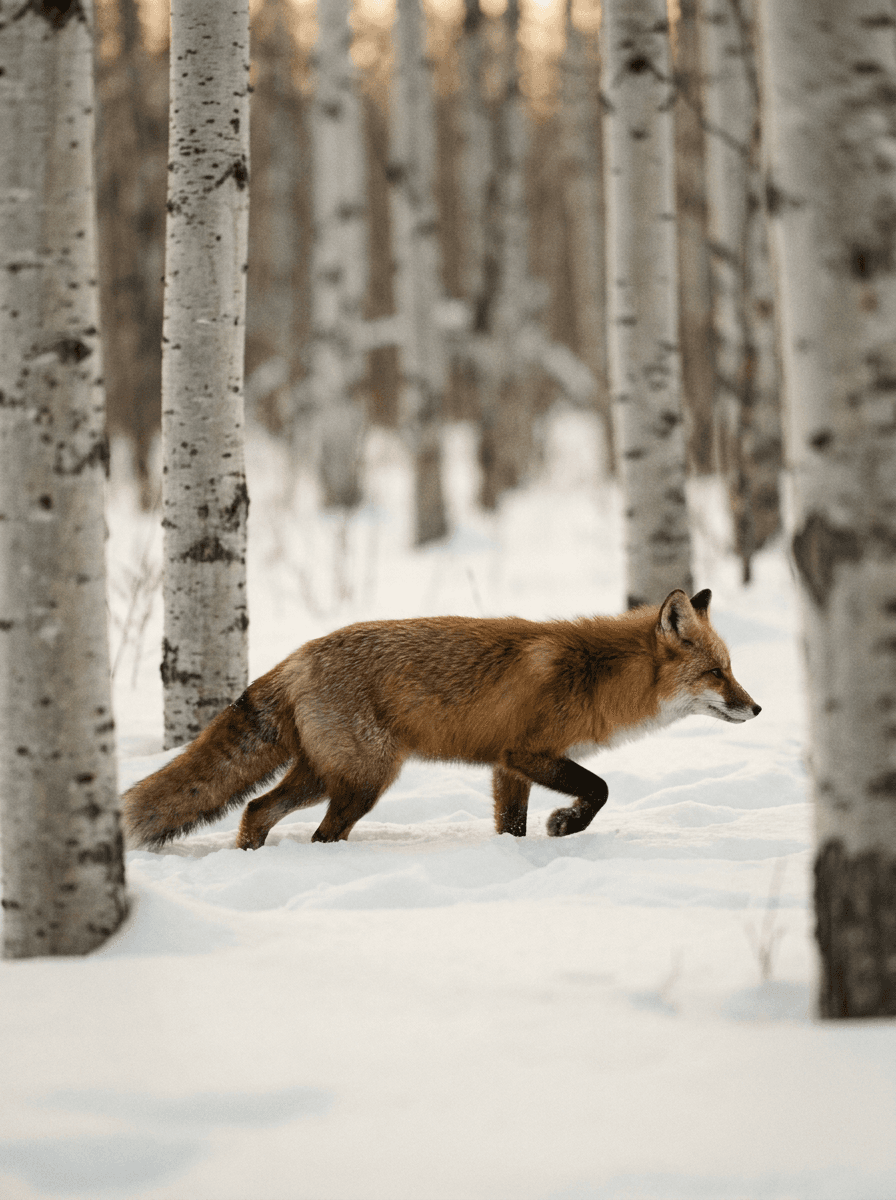
“Set the scene as a still before describing its motion.”
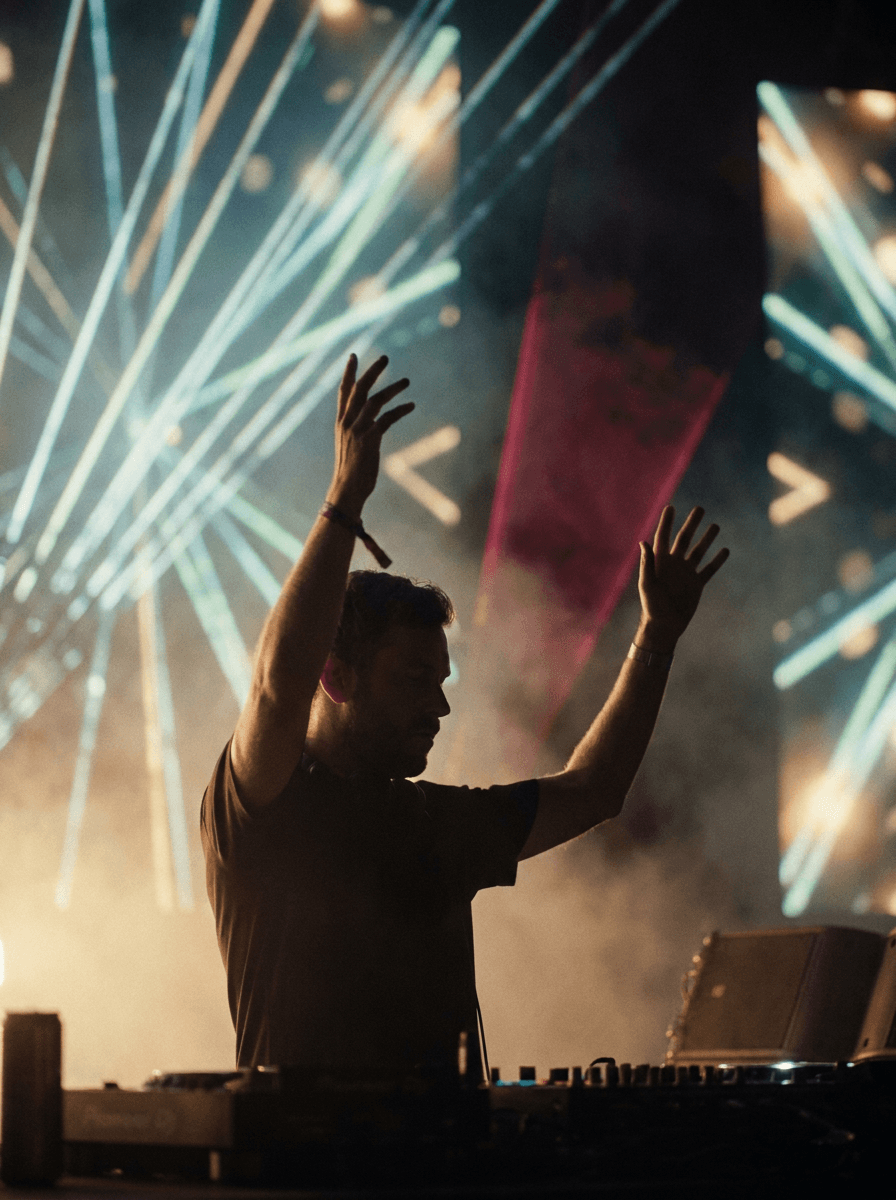
“Plan the shot as a still, then hand the motion to the model.”
Describe the subject, motion, and camera path in one or two concrete sentences.
Upload a still to animate; Made routes the request to the image-to-video endpoint.
Pick one of seven aspect ratios and any duration from 1 to 15 seconds.
Check motion and continuity, then refine one instruction at a time — short cheap takes make iteration fast.
Iteration is cheap here: Grok Imagine Video costs 8 credits / second, so rewriting a prompt and rerunning it is a normal part of the workflow, not a budget decision. See the full Grok Imagine Video pricing breakdown.
It is xAI’s first-generation Grok Imagine video model, generating low-cost short clips from a text prompt or a start image.
More tested prompts across all models live in the prompt library, and the full Grok Imagine Video capability rundown is on the model page.