Motion study with audio
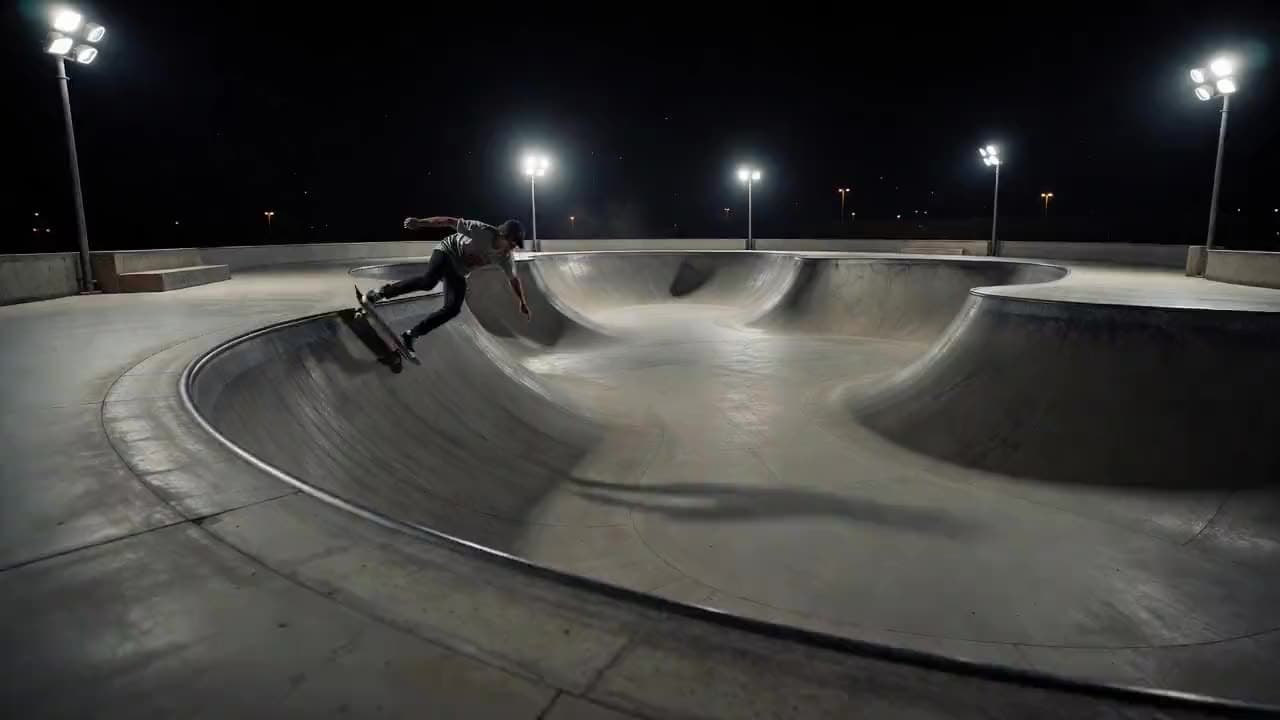
“A skater carves around a concrete bowl under stadium lights, wheels rasping, the camera tracking low along the lip.”
xAI · video model
from 8 credits / second · every plan · price breakdown · API playground
Made with Grok Imagine Video 1.5 · Motion study with audio
Grok Imagine Video 1.5 is xAI’s current video model in Made, generating 1 to 15 second clips with audio on by default at 480p to 1080p, from a text prompt or a start image.
Original results
These examples use media produced for Made. Prompts are included when the production record allows them.
“A skater carves around a concrete bowl under stadium lights, wheels rasping, the camera tracking low along the lip.”
“The neon sign flickers and hums over the wet lot, rain starting to fall, a slow push toward the glow.”
“A husky sprints across a frozen lake at sunrise, powder snow bursting with each stride, low tracking shot, crisp wind.”
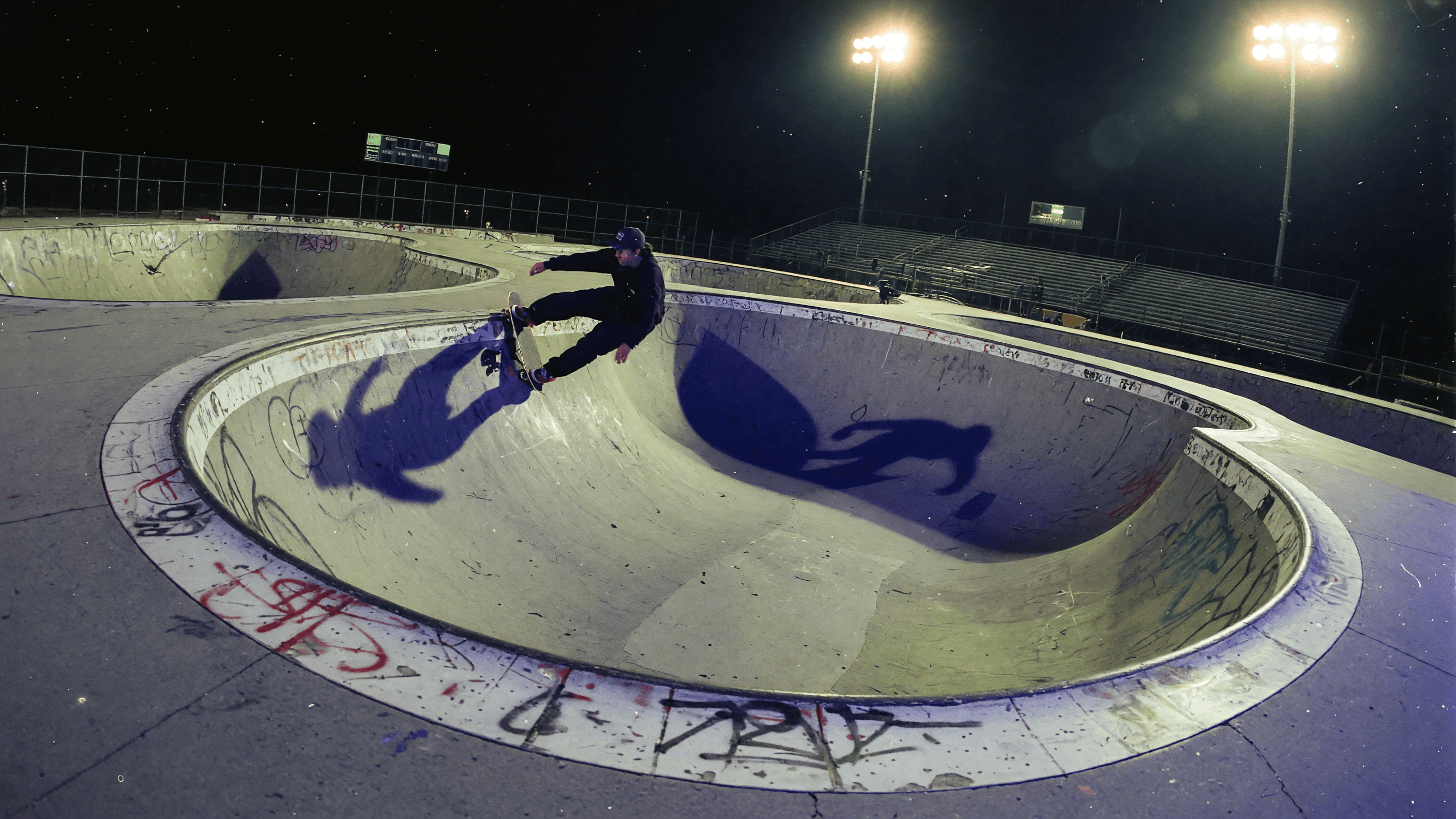
“Set the scene as a still before describing its motion.”
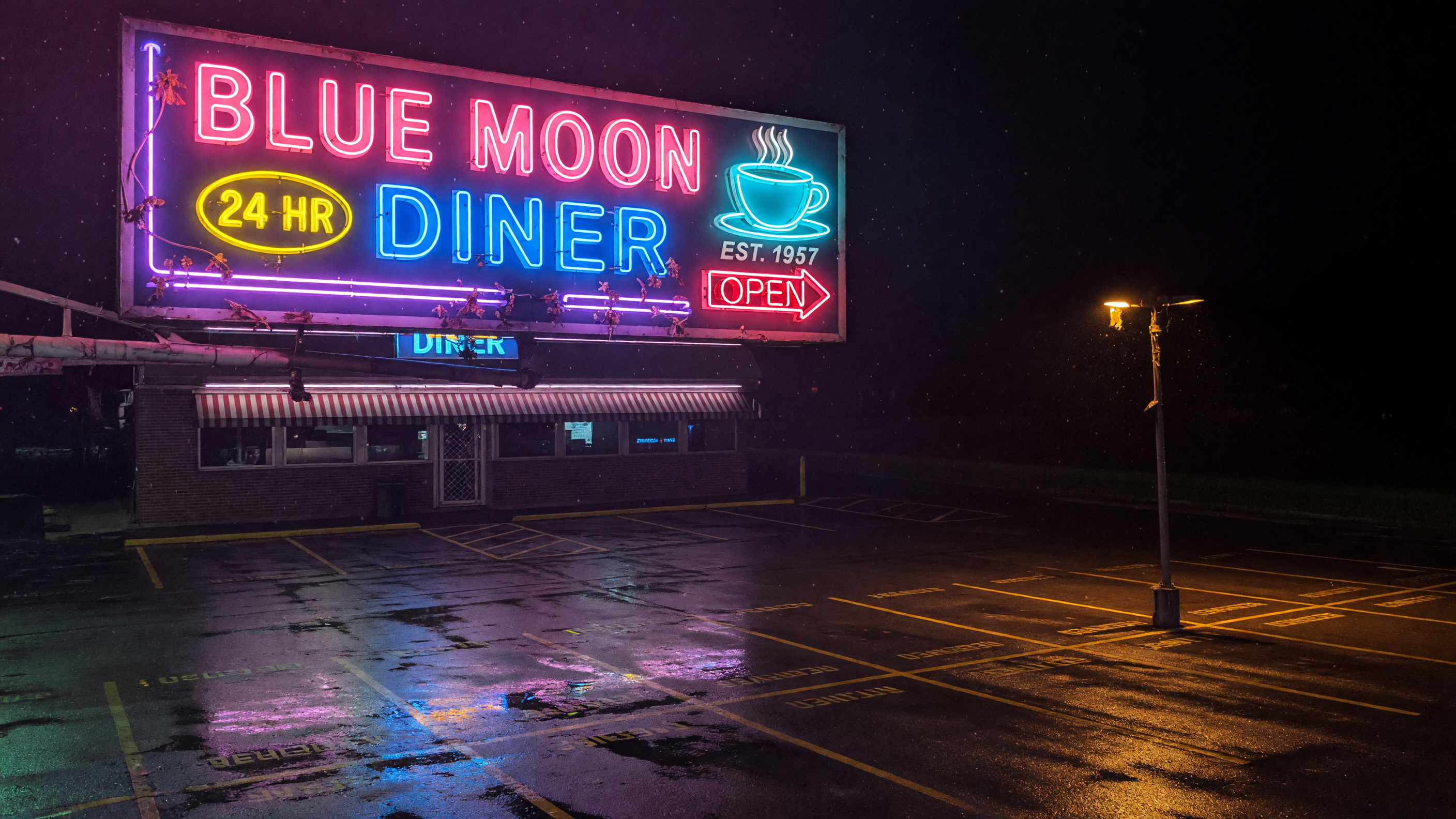
“Use this image as the opening composition.”

“Plan the shot as a still, then hand the motion to the model.”
These are the controls exposed by Made, which may be narrower than a provider’s full API.
Describe the subject, motion, camera path, and the sound the clip should carry — audio is on by default.
Upload a still to animate; note that input images carry a small surcharge.
Pick one of seven aspect ratios, a resolution, and any duration from 1 to 15 seconds.
Check motion, audio, and continuity, then refine one instruction at a time.
from 8 credits / second — the full breakdown, verified.
6 tested prompts with the outputs they produced.
Side-by-side prices and specs, with a straight verdict.
Side-by-side prices and specs, with a straight verdict.
Side-by-side prices and specs, with a straight verdict.
Side-by-side prices and specs, with a straight verdict.
Side-by-side prices and specs, with a straight verdict.
Side-by-side prices and specs, with a straight verdict.
image
Grok Imagine Image 2.0 is xAI’s newest image model in Made, covering fast text-to-image generation and reference-based editing at 1K or 2K across thirteen aspect ratios.
Explore model →video
MiniMax H3 Max is a speed-focused, post-trained variant of the H3 video model, generating 5 to 15 second clips at 480P, 768P, or 1080P with strong prompt adherence — often in a few seconds.
Explore model →video
WAN 2.2 Turbo is Made’s fast iteration option for short text-to-video and image-to-video clips, with portrait and landscape output controls.
Explore model →Turn any image into a captivating video. Upload a photo, describe the motion you want, and watch AI bring it to life with realistic movement, cinematic camera work, and professional quality.
Open tool →Create scroll-stopping product photos and marketing visuals in seconds. Describe your shot, pick your style, and get professional images ready for your store, social feed, or ad campaign.
Open tool →It is xAI’s current Grok Imagine video model, generating short clips with audio from text or a start image.