Motion study with audio
“A skater carves around a concrete bowl under stadium lights, wheels rasping, the camera tracking low along the lip.”
Every prompt below was generated with Grok Imagine Video 1.5 in Made, and the output next to it is what came back — not a curated stock image. Copy a prompt as a starting point, then use the guide underneath to adapt it.
Original results
These examples use media produced for Made. Prompts are included when the production record allows them.
“A skater carves around a concrete bowl under stadium lights, wheels rasping, the camera tracking low along the lip.”
“The neon sign flickers and hums over the wet lot, rain starting to fall, a slow push toward the glow.”
“A husky sprints across a frozen lake at sunrise, powder snow bursting with each stride, low tracking shot, crisp wind.”
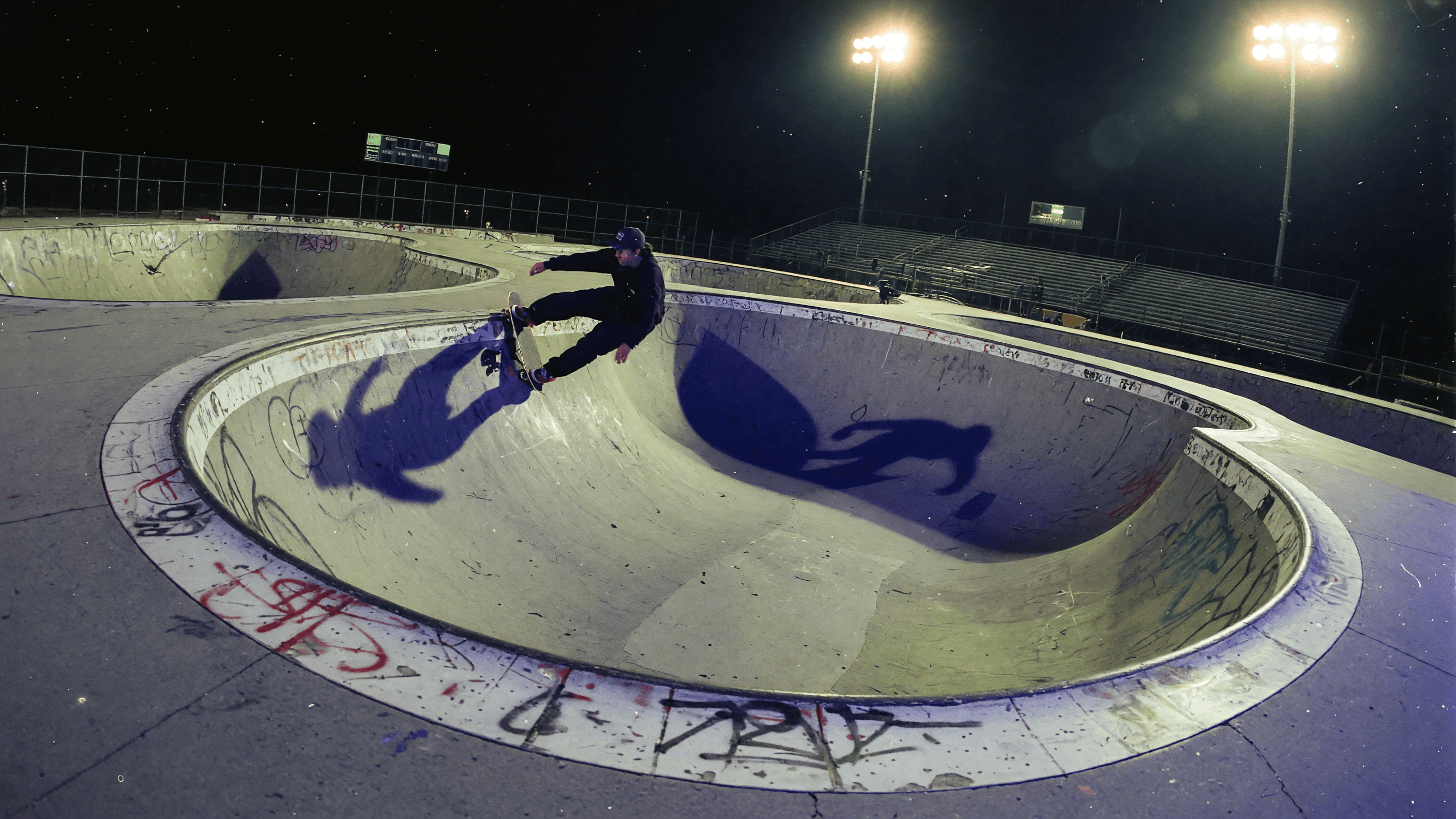
“Set the scene as a still before describing its motion.”
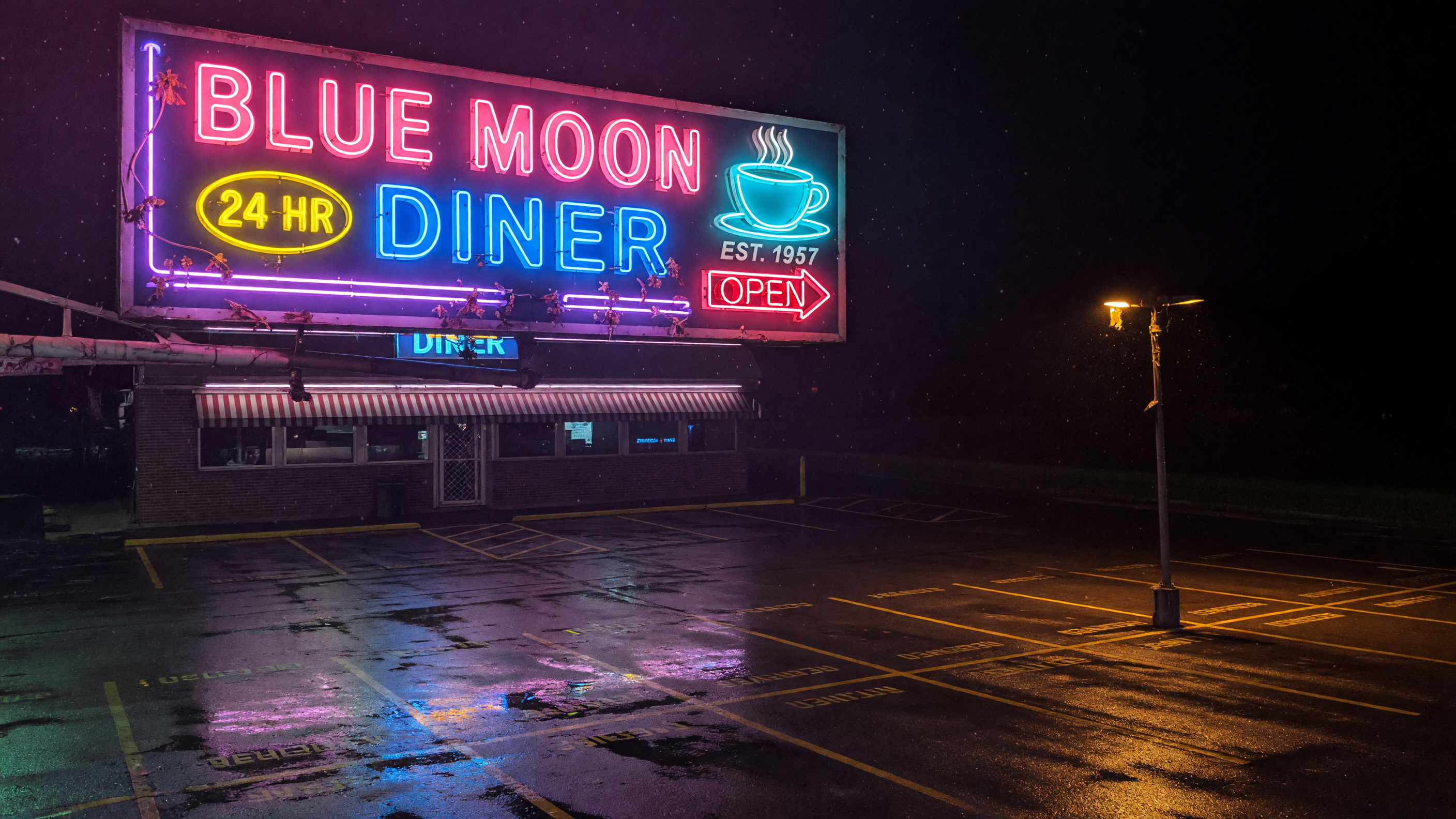
“Use this image as the opening composition.”
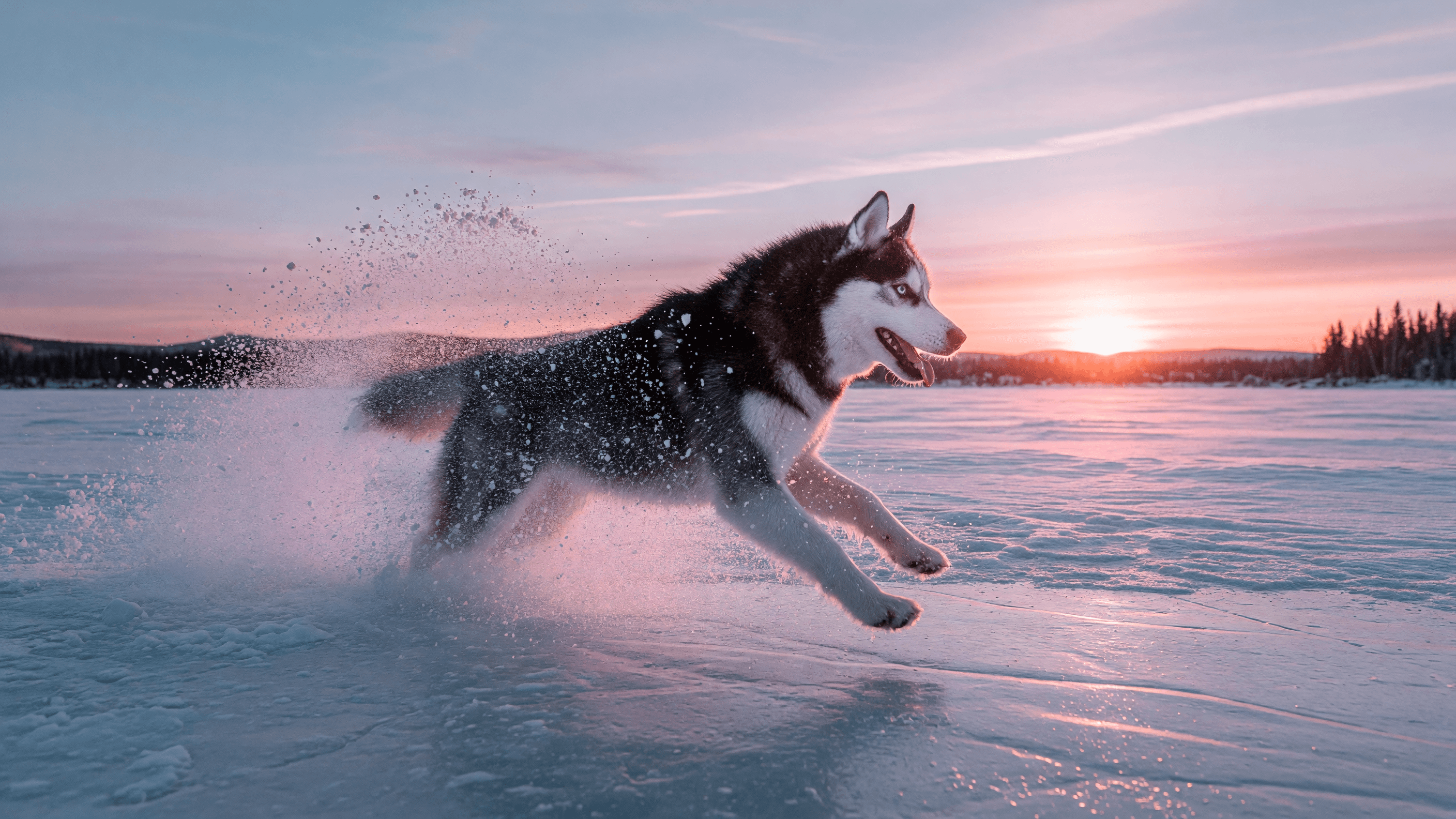
“Plan the shot as a still, then hand the motion to the model.”
Describe the subject, motion, camera path, and the sound the clip should carry — audio is on by default.
Upload a still to animate; note that input images carry a small surcharge.
Pick one of seven aspect ratios, a resolution, and any duration from 1 to 15 seconds.
Check motion, audio, and continuity, then refine one instruction at a time.
Iteration is cheap here: Grok Imagine Video 1.5 costs from 8 credits / second, so rewriting a prompt and rerunning it is a normal part of the workflow, not a budget decision. See the full Grok Imagine Video 1.5 pricing breakdown.
It is xAI’s current Grok Imagine video model, generating short clips with audio from text or a start image.
More tested prompts across all models live in the prompt library, and the full Grok Imagine Video 1.5 capability rundown is on the model page.