Motion study
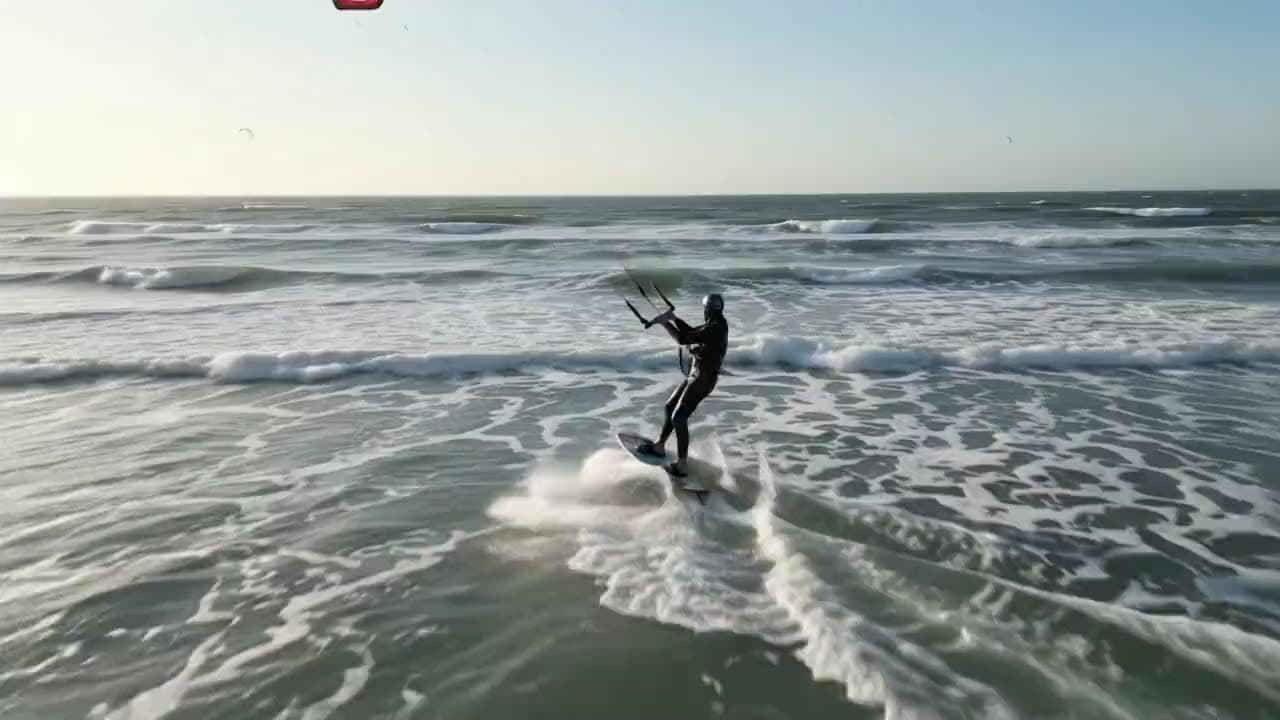
“A kite surfer cuts across whitecaps in strong afternoon wind, spray trailing off the board, a drone camera pacing them just above the water.”
Google · video model
from 0.3 credits / second · every plan · price breakdown · API playground
Made with Gemini Omni Flash 1.1 · Motion study
Gemini Omni Flash 1.1 is the current version of Google’s fast multimodal video model, generating 3 to 10 second clips from text or a start image with sharper motion and stronger prompt adherence than v1.
Original results
These examples use media produced for Made. Prompts are included when the production record allows them.
“A kite surfer cuts across whitecaps in strong afternoon wind, spray trailing off the board, a drone camera pacing them just above the water.”
“Animate the scene: the kite dips and recovers, spray kicks off the board, the drone camera keeps pace.”
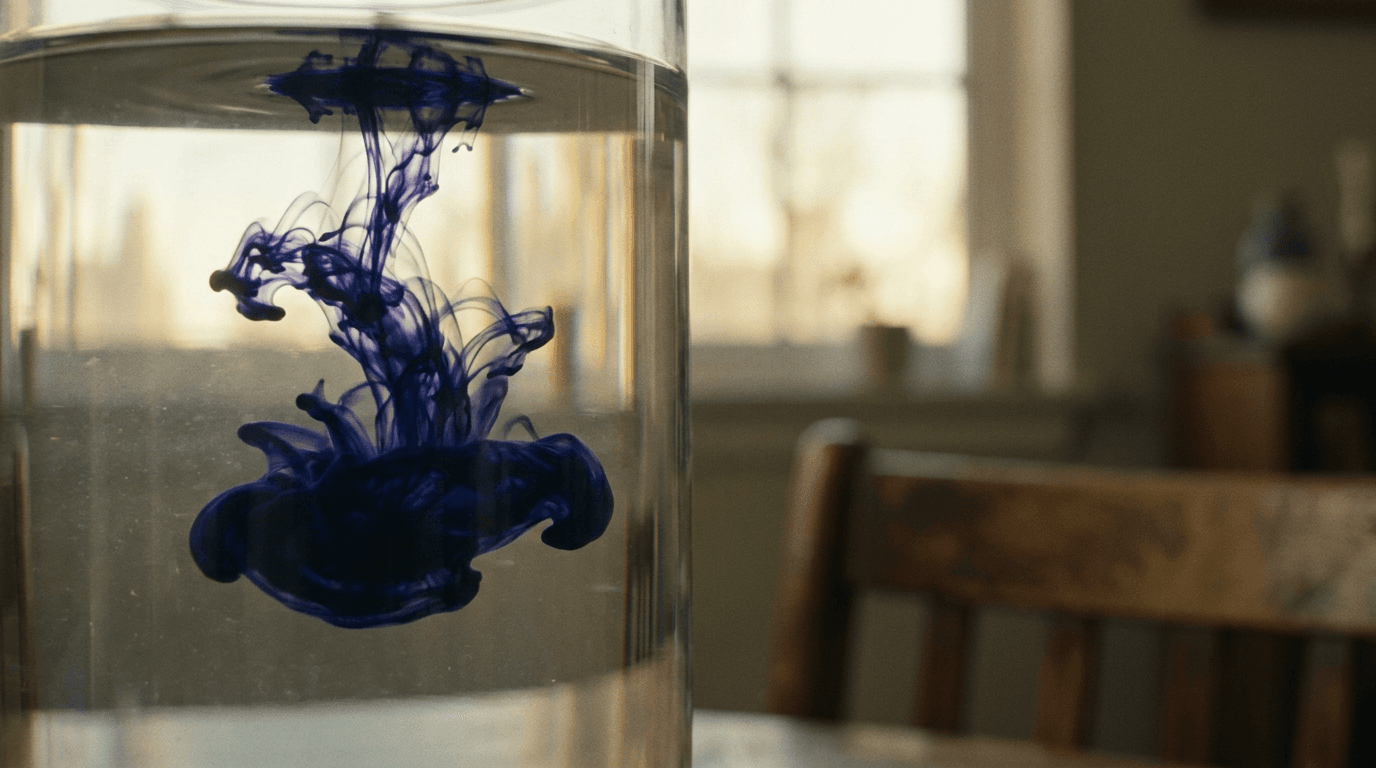
“Indigo ink blooms through clear water in macro, tendrils unfurling in slow motion against warm backlight, the camera slowly rotating.”

“Use this image as the opening composition.”
“Set the scene as a still before describing its motion.”

“Plan the shot as a still, then hand the motion to the model.”
These are the controls exposed by Made, which may be narrower than a provider’s full API.
Write a prompt on its own, or add a start image — and optionally an end frame — to anchor the clip.
v1.1 follows multi-element prompts closely; name subjects, motion, and camera in one pass.
Pick 16:9 or 9:16, a duration between 3 and 10 seconds, and a resolution from 360p to 4K.
Check adherence against the brief and adjust one element at a time.
video
Gemini Omni Flash is Google’s multimodal Gemini Omni video model, generating 3 to 10 second clips at 24 FPS from a text prompt or a start image in landscape or portrait.
Explore model →video
Kling O3 Pro is Kling AI’s realism-focused O3 line, generating 3 to 15 second clips with steady, believable motion and optional start and end frames for controlled transitions.
Explore model →video
MiniMax H3 Max Turbo is a fal-exclusive fast tier of the H3 Max video model, generating 5 to 15 second clips at 768P — the cheapest capable video generation in the Made library.
Explore model →Turn any image into a captivating video. Upload a photo, describe the motion you want, and watch AI bring it to life with realistic movement, cinematic camera work, and professional quality.
See the tool →Create scroll-stopping product photos and marketing visuals in seconds. Describe your shot, pick your style, and get professional images ready for your store, social feed, or ad campaign.
See the tool →It is the current version of Google’s fast Gemini Omni video model, with sharper motion and stronger prompt adherence than the v1 model Made also carries.