Dialogue with lip-sync
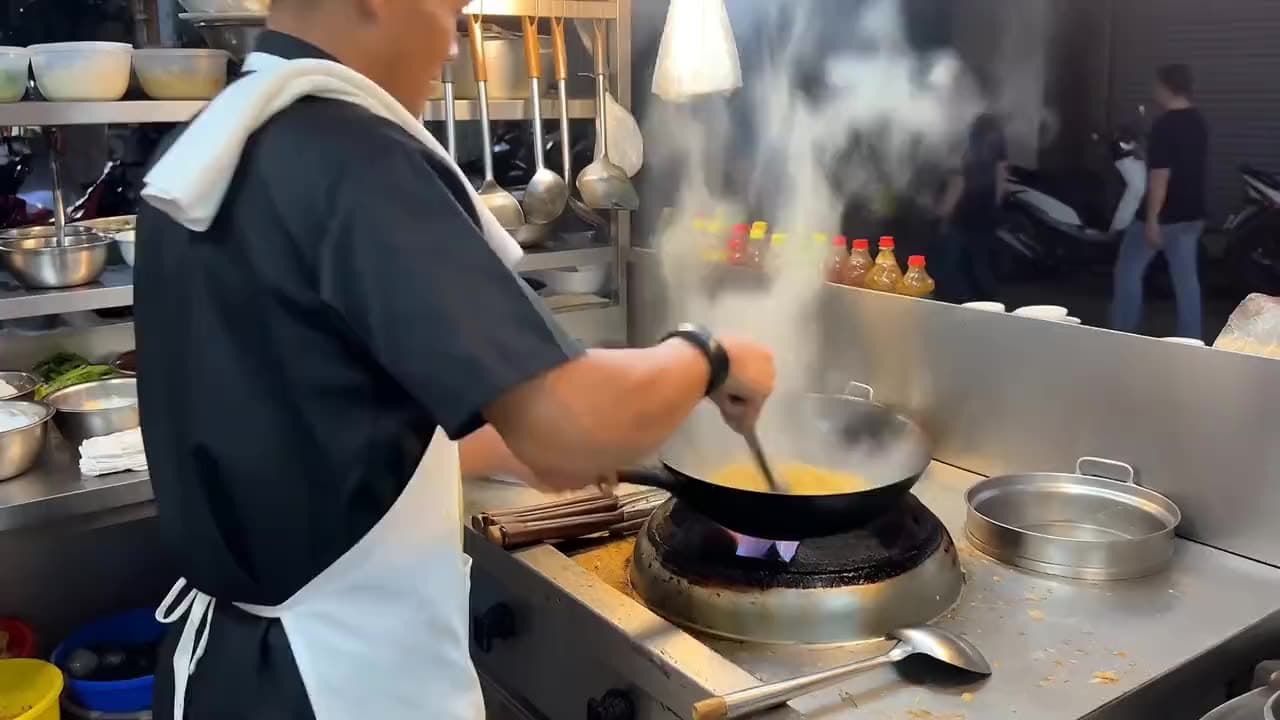
“A street food chef looks up at the camera mid-service and says “best noodles in the city, trust me” with a grin, woks flaming behind, handheld framing.”
Alibaba · video model
from 1.4 credits / second · every plan · price breakdown · API playground
Made with Happy Horse 1.1 · Dialogue with lip-sync
Happy Horse 1.1 is Alibaba’s flagship video model — a long-running #1 on the Artificial Analysis Video Arena — generating 3 to 15 second clips at 1080p with native audio and multilingual lip-sync.
Original results
These examples use media produced for Made. Prompts are included when the production record allows them.
“A street food chef looks up at the camera mid-service and says “best noodles in the city, trust me” with a grin, woks flaming behind, handheld framing.”
“Animate the scene: steam rises, the chef tosses the wok once, ambient market sound builds, the camera holds steady.”
“Horses gallop through shallow water at sunrise, spray catching the light in slow motion, hooves drumming, a low tracking shot alongside.”
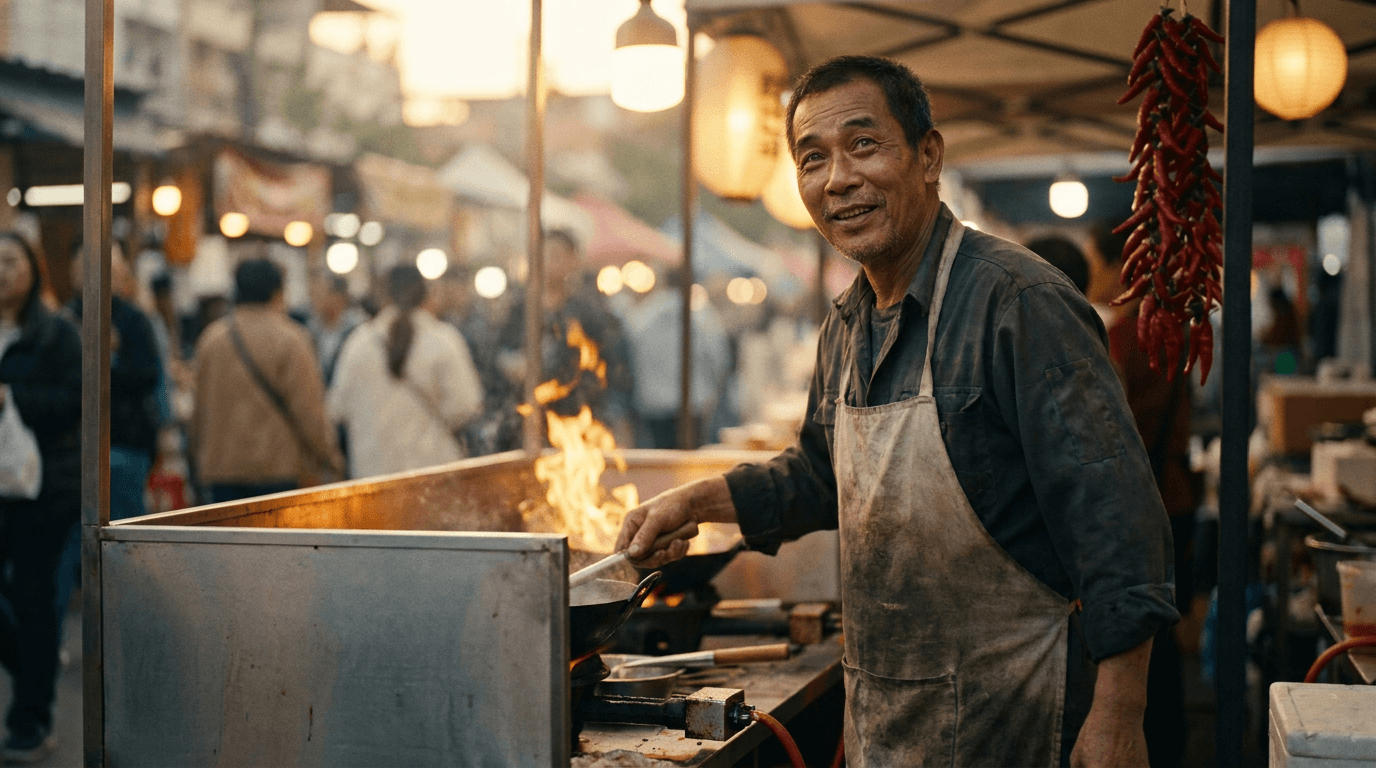
“Use this image as the opening composition.”
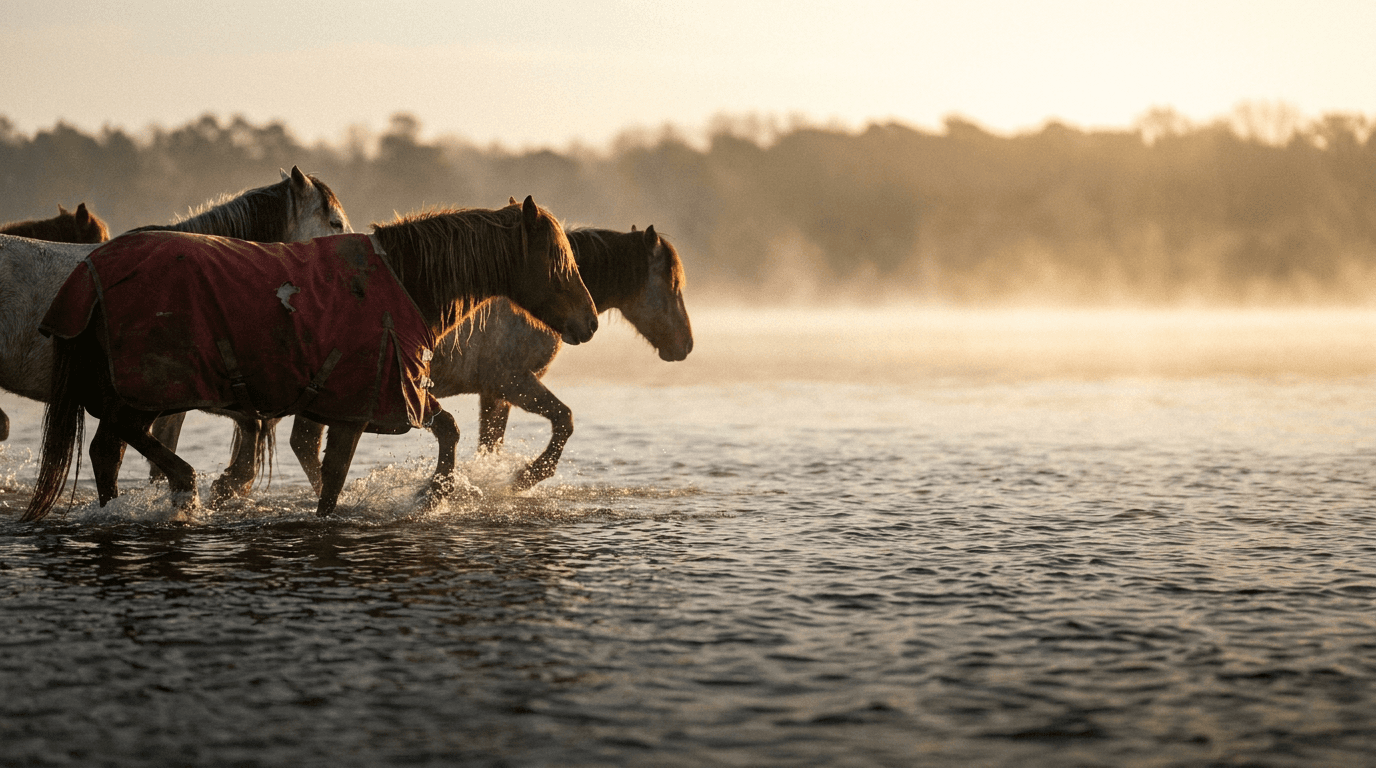
“Set the scene as a still before describing its motion and sound.”

“Plan the shot as a still, then hand the motion to the model.”
These are the controls exposed by Made, which may be narrower than a provider’s full API.
Describe the subject, motion, and camera; put spoken lines in quotes for lip-synced delivery.
Upload a still to animate at 1080p while keeping its composition.
Pick one of nine aspect ratios and a duration between 3 and 15 seconds.
Check lip-sync, audio, and motion continuity, then refine one instruction at a time.
video
FLUX 3 is Black Forest Labs’ first video model, generating 5 to 20 second clips with natively synchronized audio from a text prompt or a start image, in seven aspect ratios up to 2:1.
Explore model →video
Kling 3 Pro is the benchmark tier of Kling AI’s third-generation video model, generating 3 to 15 second clips with optional native audio and the cinematic motion the Kling line is known for.
Explore model →video
WAN 3.0 is Alibaba’s WAN 3.0 video model at its standard speed and price, generating 2 to 30 second clips at up to 1080p with audio included. WAN 3.0 Prime runs the same inputs faster for about 40% more per second.
Explore model →Turn any image into a captivating video. Upload a photo, describe the motion you want, and watch AI bring it to life with realistic movement, cinematic camera work, and professional quality.
See the tool →Create scroll-stopping product photos and marketing visuals in seconds. Describe your shot, pick your style, and get professional images ready for your store, social feed, or ad campaign.
See the tool →It is Alibaba’s flagship video model, which took the #1 Elo spot on the Artificial Analysis Video Arena in 2026, generating 1080p clips with native audio and multilingual lip-sync.