Motion study with audio
“A ceramicist shapes a spinning bowl on a pottery wheel in a sunlit studio, wet clay glistening, the camera slowly circling as the wheel hums and tools clink.”

Black Forest Labs · video model
1.7 credits / second · every plan · price breakdown · API playground
Made with FLUX 3 · Motion study with audio
FLUX 3 is Black Forest Labs’ first video model, generating 5 to 20 second clips with natively synchronized audio from a text prompt or a start image, in seven aspect ratios up to 2:1.
Original results
These examples use media produced for Made. Prompts are included when the production record allows them.
“A ceramicist shapes a spinning bowl on a pottery wheel in a sunlit studio, wet clay glistening, the camera slowly circling as the wheel hums and tools clink.”
“Bring the studio to life: dust drifts through the window light, the camera pushes in slowly, quiet room tone with the wheel starting to spin.”
“Rain begins over a neon-lit night market, umbrellas opening one by one, sizzling food carts and distant chatter, a slow dolly forward through the crowd.”
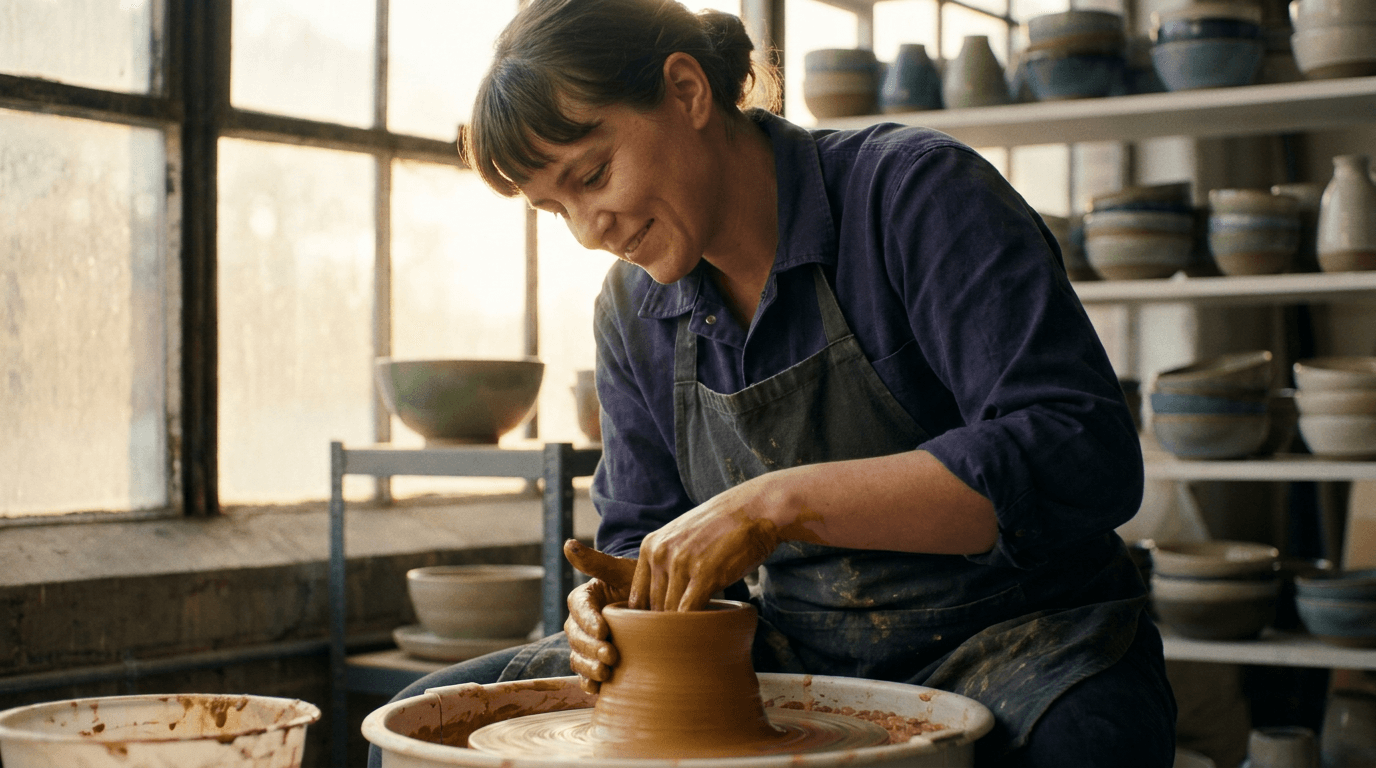
“Use this image as the opening composition.”

“Set the scene as a still before describing its motion and sound.”
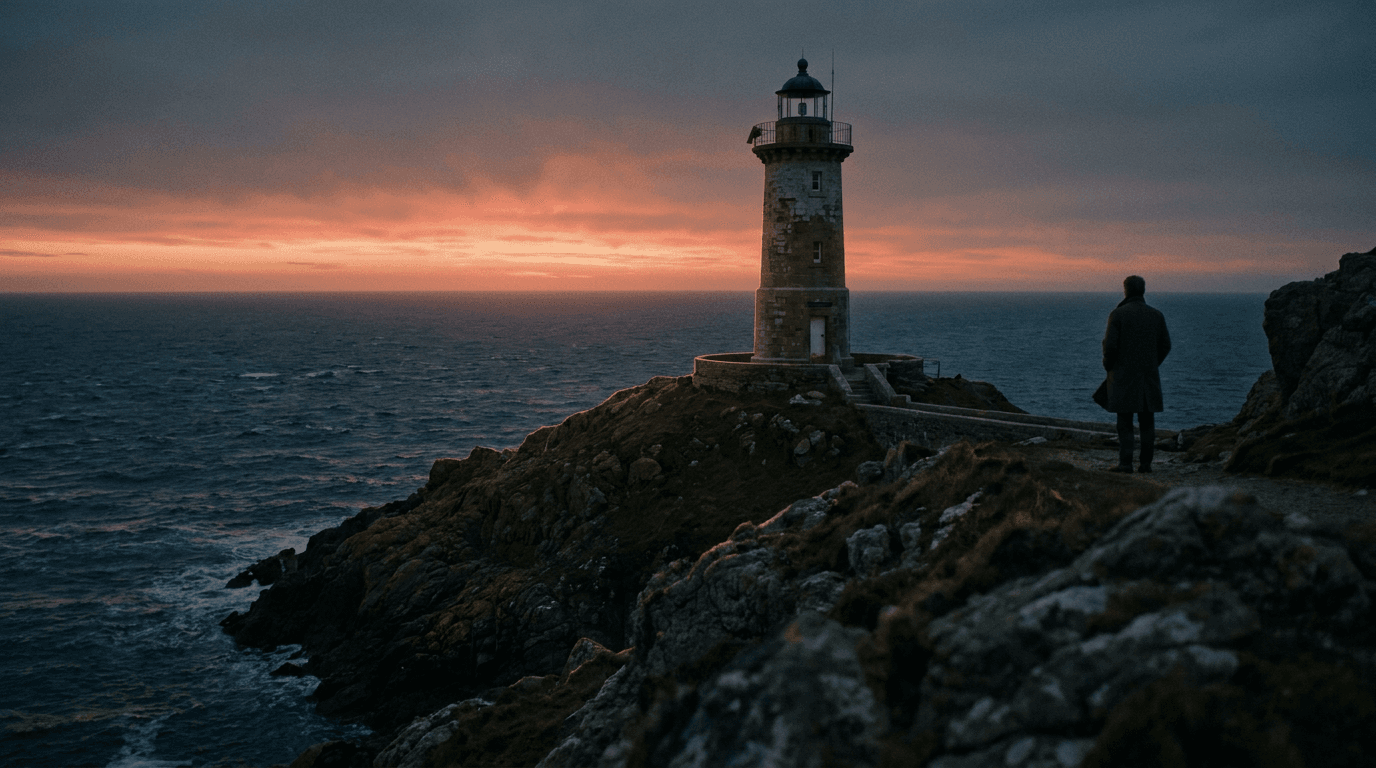
“Plan the shot as a still, then hand the motion to the model.”
These are the controls exposed by Made, which may be narrower than a provider’s full API.
Describe the subject, motion, camera path, and the audio the clip should carry — sound is generated natively.
Upload a still to animate; FLUX 3 keeps its composition and adds matching motion and audio.
Pick one of seven aspect ratios and any duration from 5 to 20 seconds.
Check motion, audio sync, and continuity, then adjust one instruction at a time.
video
Happy Horse 1.1 is Alibaba’s flagship video model — a long-running #1 on the Artificial Analysis Video Arena — generating 3 to 15 second clips at 1080p with native audio and multilingual lip-sync.
Explore model →video
Kling 3 Pro is the benchmark tier of Kling AI’s third-generation video model, generating 3 to 15 second clips with optional native audio and the cinematic motion the Kling line is known for.
Explore model →video
Seedance 2.5 is ByteDance’s newest video model in Made, generating clips up to 30 seconds in a single pass with native audio at 480p to 1080p — the longest single-shot ceiling in the Made library.
Explore model →Turn any image into a captivating video. Upload a photo, describe the motion you want, and watch AI bring it to life with realistic movement, cinematic camera work, and professional quality.
See the tool →Create scroll-stopping product photos and marketing visuals in seconds. Describe your shot, pick your style, and get professional images ready for your store, social feed, or ad campaign.
See the tool →It is Black Forest Labs’ first video model, launched in July 2026, generating clips up to 20 seconds with natively synchronized audio from text or a start image.