Motion study with audio
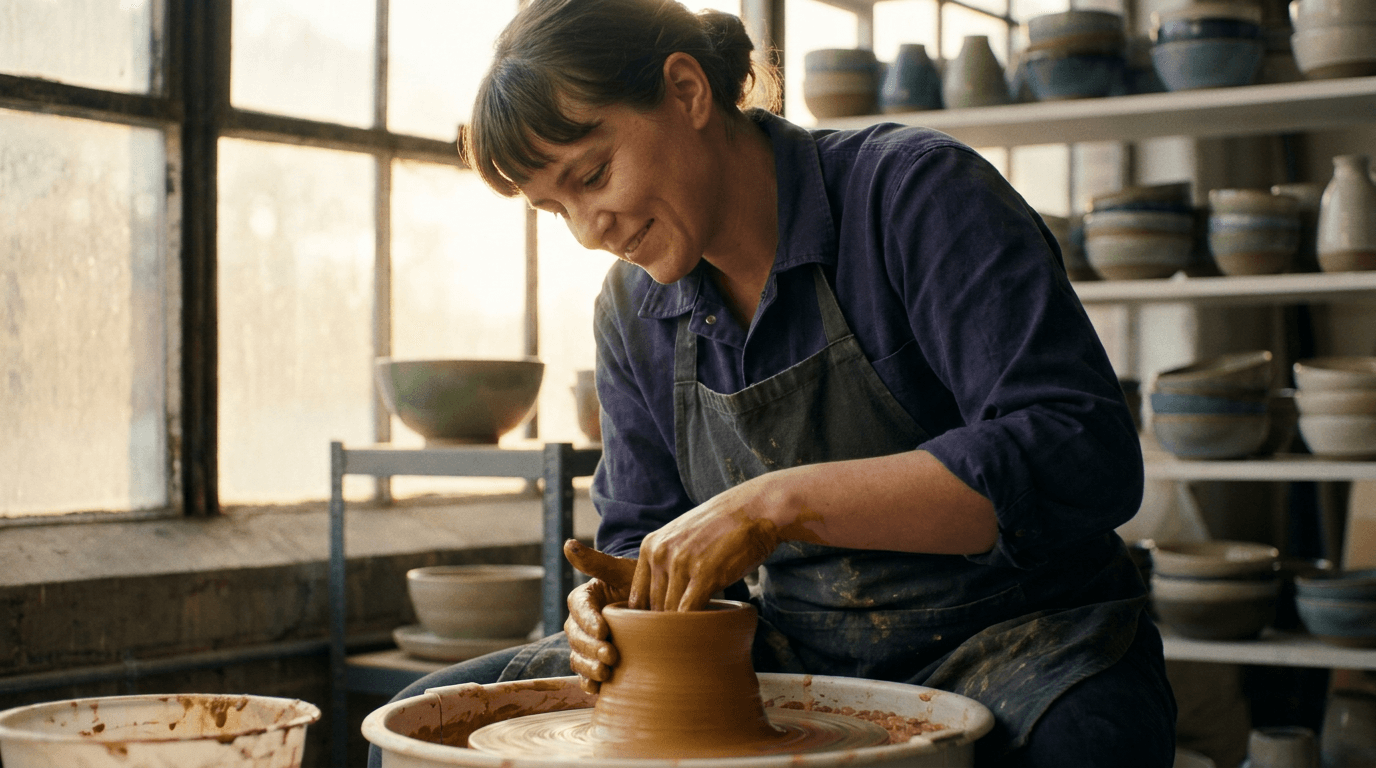
“A ceramicist shapes a spinning bowl on a pottery wheel in a sunlit studio, wet clay glistening, the camera slowly circling as the wheel hums and tools clink.”
Every prompt below was generated with FLUX 3 in Made, and the output next to it is what came back — not a curated stock image. Copy a prompt as a starting point, then use the guide underneath to adapt it.
Original results
These examples use media produced for Made. Prompts are included when the production record allows them.
“A ceramicist shapes a spinning bowl on a pottery wheel in a sunlit studio, wet clay glistening, the camera slowly circling as the wheel hums and tools clink.”
“Bring the studio to life: dust drifts through the window light, the camera pushes in slowly, quiet room tone with the wheel starting to spin.”
“Rain begins over a neon-lit night market, umbrellas opening one by one, sizzling food carts and distant chatter, a slow dolly forward through the crowd.”
“Use this image as the opening composition.”

“Set the scene as a still before describing its motion and sound.”
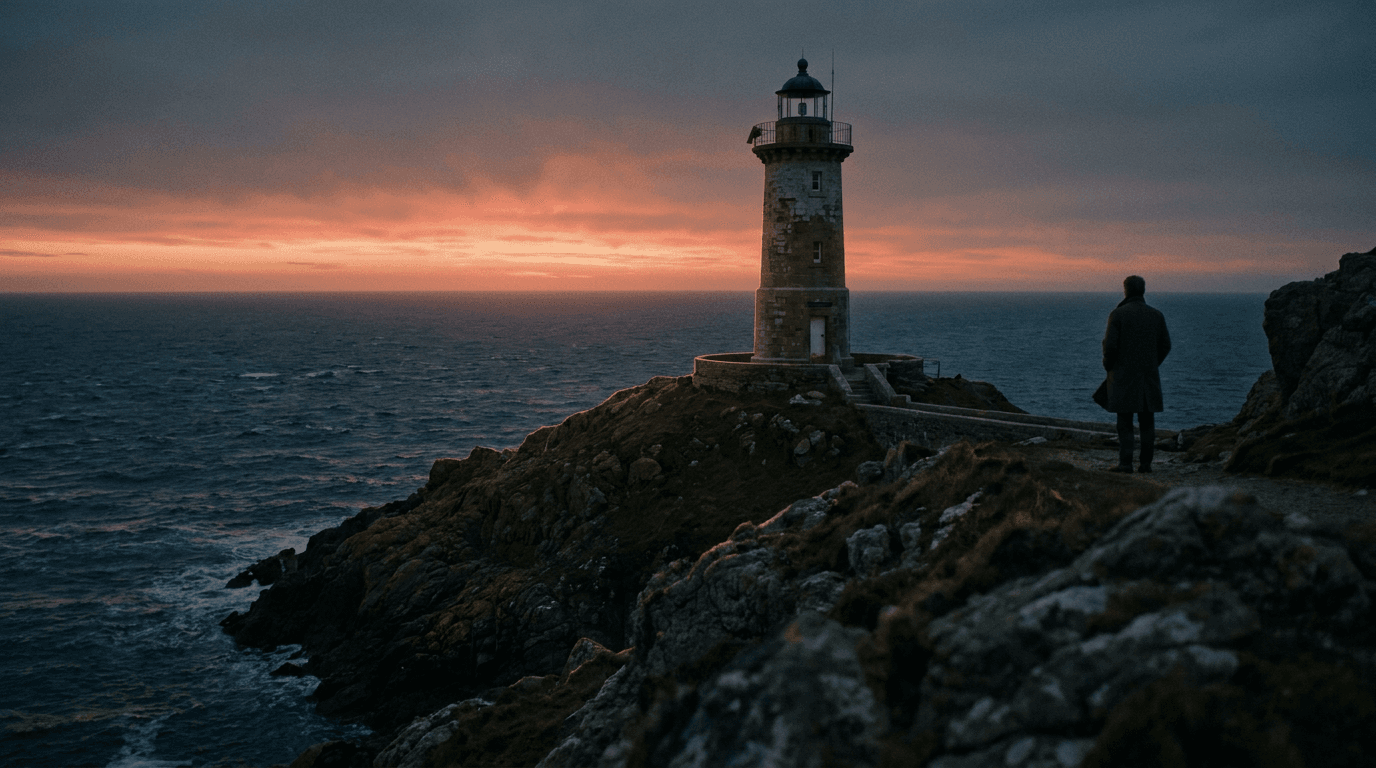
“Plan the shot as a still, then hand the motion to the model.”
Describe the subject, motion, camera path, and the audio the clip should carry — sound is generated natively.
Upload a still to animate; FLUX 3 keeps its composition and adds matching motion and audio.
Pick one of seven aspect ratios and any duration from 5 to 20 seconds.
Check motion, audio sync, and continuity, then adjust one instruction at a time.
Iteration is cheap here: FLUX 3 costs 1.7 credits / second, so rewriting a prompt and rerunning it is a normal part of the workflow, not a budget decision. See the full FLUX 3 pricing breakdown.
It is Black Forest Labs’ first video model, launched in July 2026, generating clips up to 20 seconds with natively synchronized audio from text or a start image.
More tested prompts across all models live in the prompt library, and the full FLUX 3 capability rundown is on the model page.