Motion study (image-to-video)
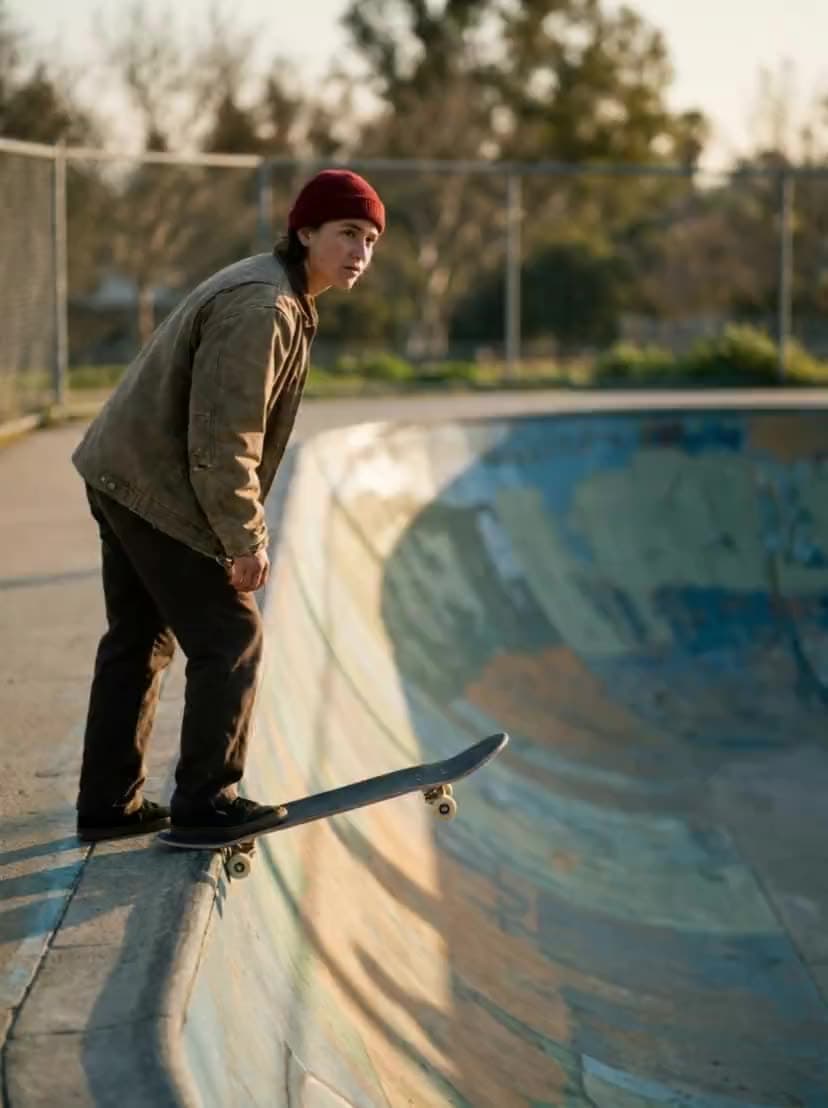
“She drops in and carves a long arc, camera tracking alongside, hair and shirt streaming”
Kling AI · video model
0.42 credits / second · every plan · price breakdown · API playground
Add a start image, then describe the motion and camera you want.
Made with Kling 2.5 Turbo · Motion study (image-to-video)
Kling 2.5 Turbo is Kling AI’s fast image-to-video model in Made — every generation starts from an image you supply, animated into a 5 or 10 second clip that keeps the still’s composition.
Original results
These examples use media produced for Made. Prompts are included when the production record allows them.
“She drops in and carves a long arc, camera tracking alongside, hair and shirt streaming”
“The pour completes a rosetta, steam drifts, the camera slowly pushes in on the cup”
“Lanterns sway in the wind, rain intensifies, a bicycle rolls through the puddles toward camera”
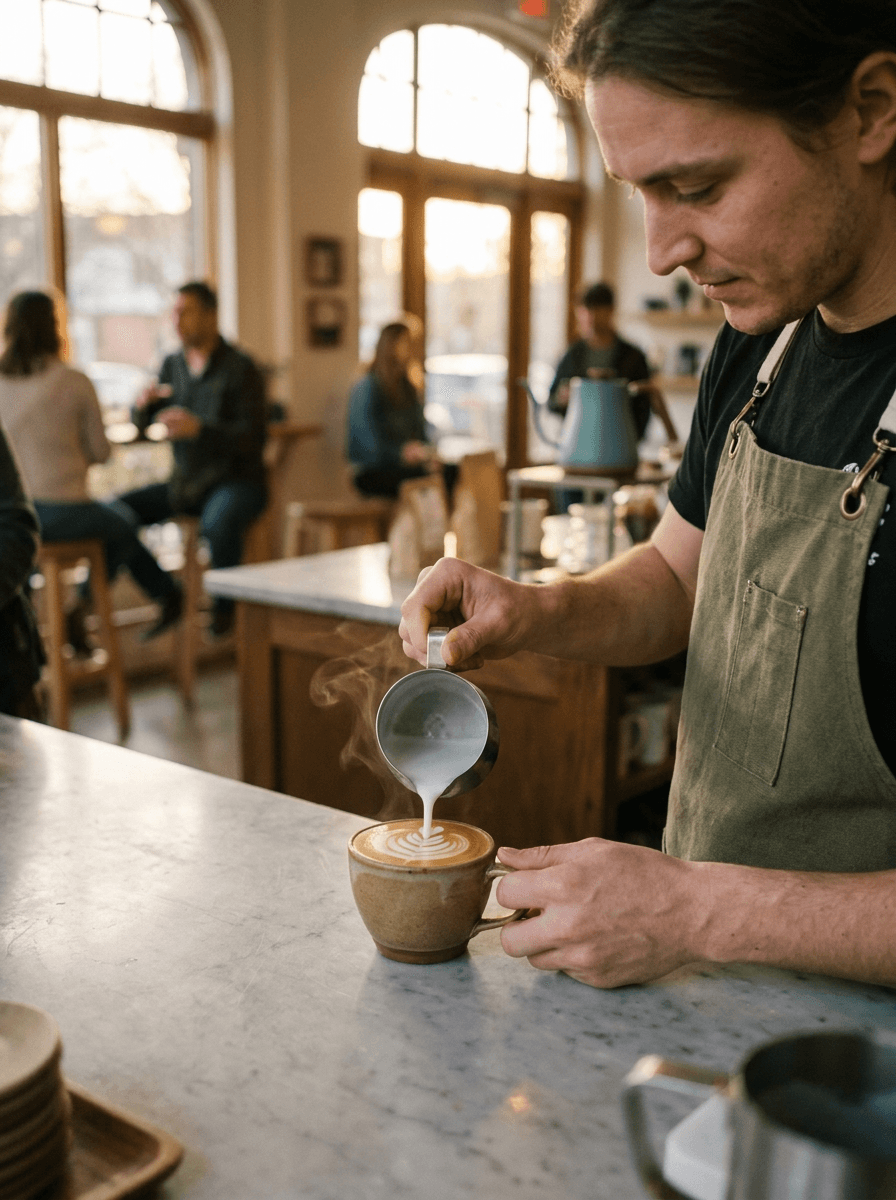
“Use this image as the opening composition.”
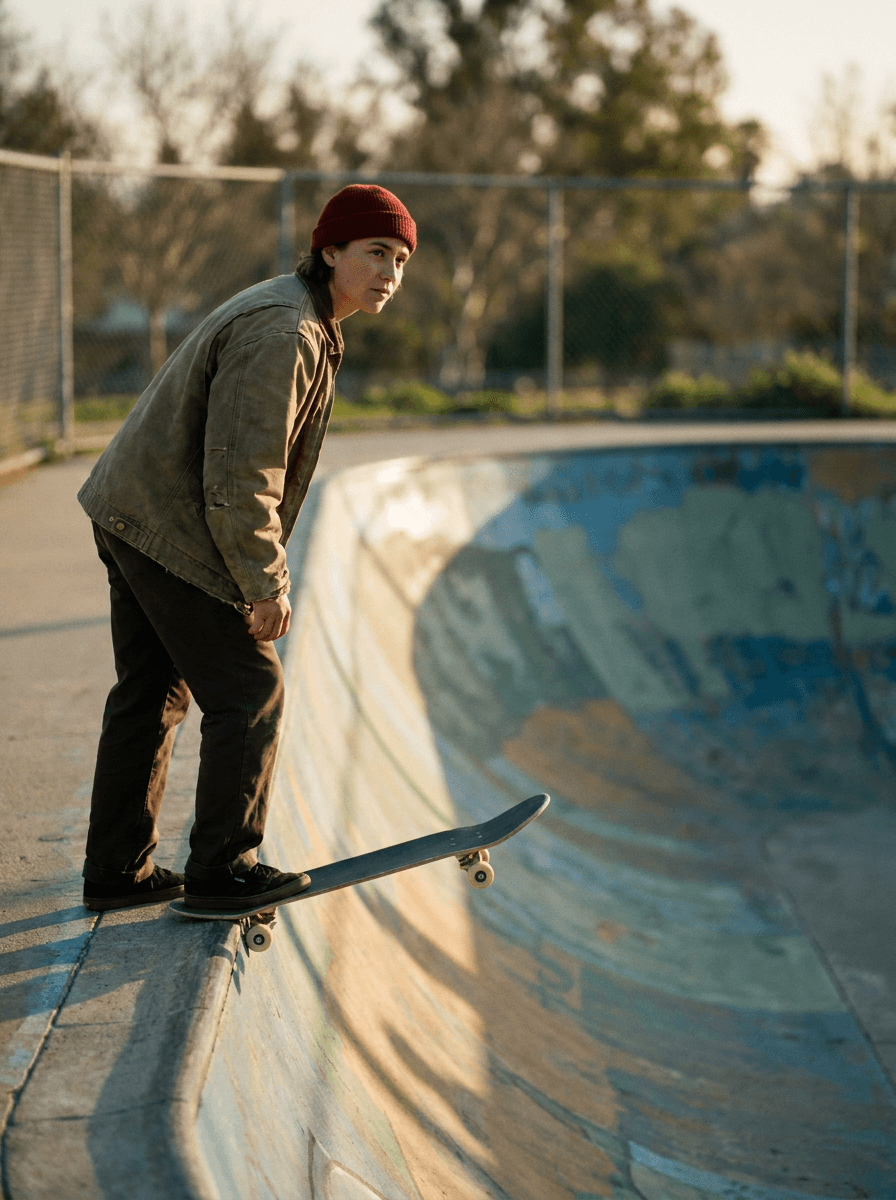
“Set the scene as a still before describing its motion.”
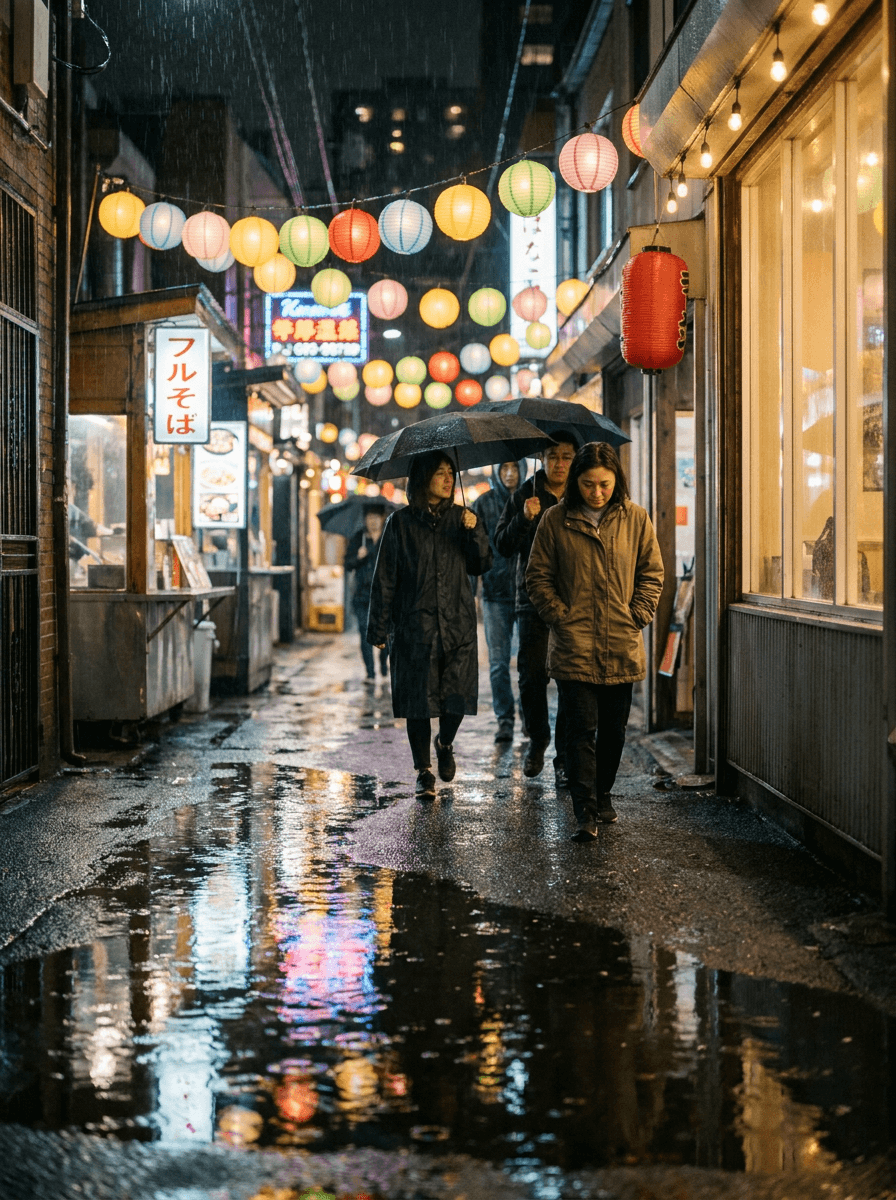
“Plan the shot as a still, then hand the motion to the model.”
These are the controls exposed by Made, which may be narrower than a provider’s full API.
Upload the still to animate — every Kling 2.5 Turbo generation requires one. Generate it with an image model first if needed.
Say what moves and how the camera behaves; the model keeps the start image’s composition and look.
Choose 5 or 10 seconds; cost scales per second of output.
Check that motion respects the still’s geometry, then adjust one instruction at a time.
0.42 credits / second — the full breakdown, verified.
6 tested prompts with the outputs they produced.
Side-by-side prices and specs, with a straight verdict.
Side-by-side prices and specs, with a straight verdict.
Side-by-side prices and specs, with a straight verdict.
Side-by-side prices and specs, with a straight verdict.
Side-by-side prices and specs, with a straight verdict.
Side-by-side prices and specs, with a straight verdict.
video
Kling 2.6 Pro is Kling AI’s cinematic 2.x flagship in Made, generating stable, controlled 5 or 10 second clips from a text prompt or a start image — with an optional end frame for smoother image-to-video transitions.
Explore model →video
Kling 3 Pro is the benchmark tier of Kling AI’s third-generation video model, generating 3 to 15 second clips with optional native audio and the cinematic motion the Kling line is known for.
Explore model →video
WAN 2.2 Turbo is Made’s fast iteration option for short text-to-video and image-to-video clips, with portrait and landscape output controls.
Explore model →Turn any image into a captivating video. Upload a photo, describe the motion you want, and watch AI bring it to life with realistic movement, cinematic camera work, and professional quality.
See the tool →Create scroll-stopping product photos and marketing visuals in seconds. Describe your shot, pick your style, and get professional images ready for your store, social feed, or ad campaign.
See the tool →It is Kling AI’s fast image-to-video model at the standard tier, animating a supplied still into a 5 or 10 second clip.