Motion study (image-to-video)
“She drops in and carves a long arc, camera tracking alongside, hair and shirt streaming”
Every prompt below was generated with Kling 2.5 Turbo in Made, and the output next to it is what came back — not a curated stock image. Copy a prompt as a starting point, then use the guide underneath to adapt it.
Original results
These examples use media produced for Made. Prompts are included when the production record allows them.
“She drops in and carves a long arc, camera tracking alongside, hair and shirt streaming”
“The pour completes a rosetta, steam drifts, the camera slowly pushes in on the cup”
“Lanterns sway in the wind, rain intensifies, a bicycle rolls through the puddles toward camera”
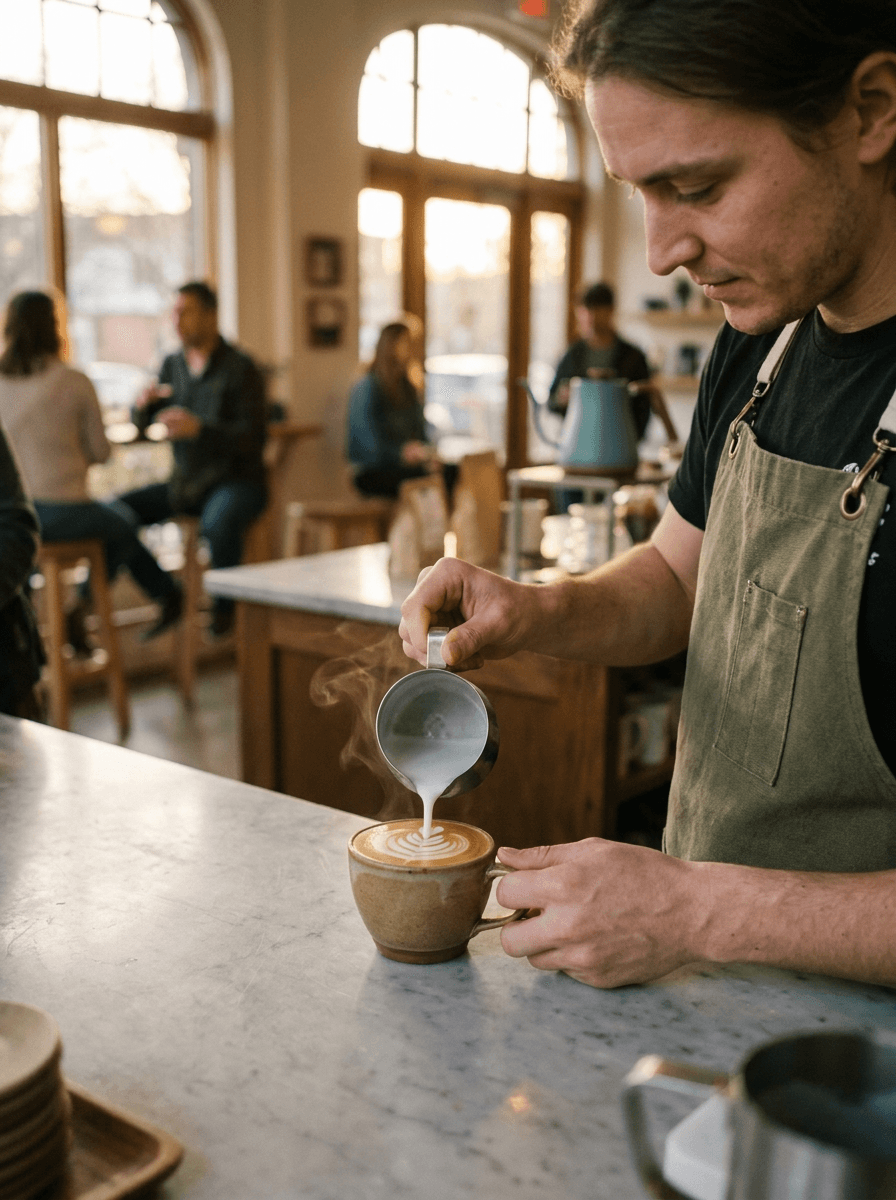
“Use this image as the opening composition.”
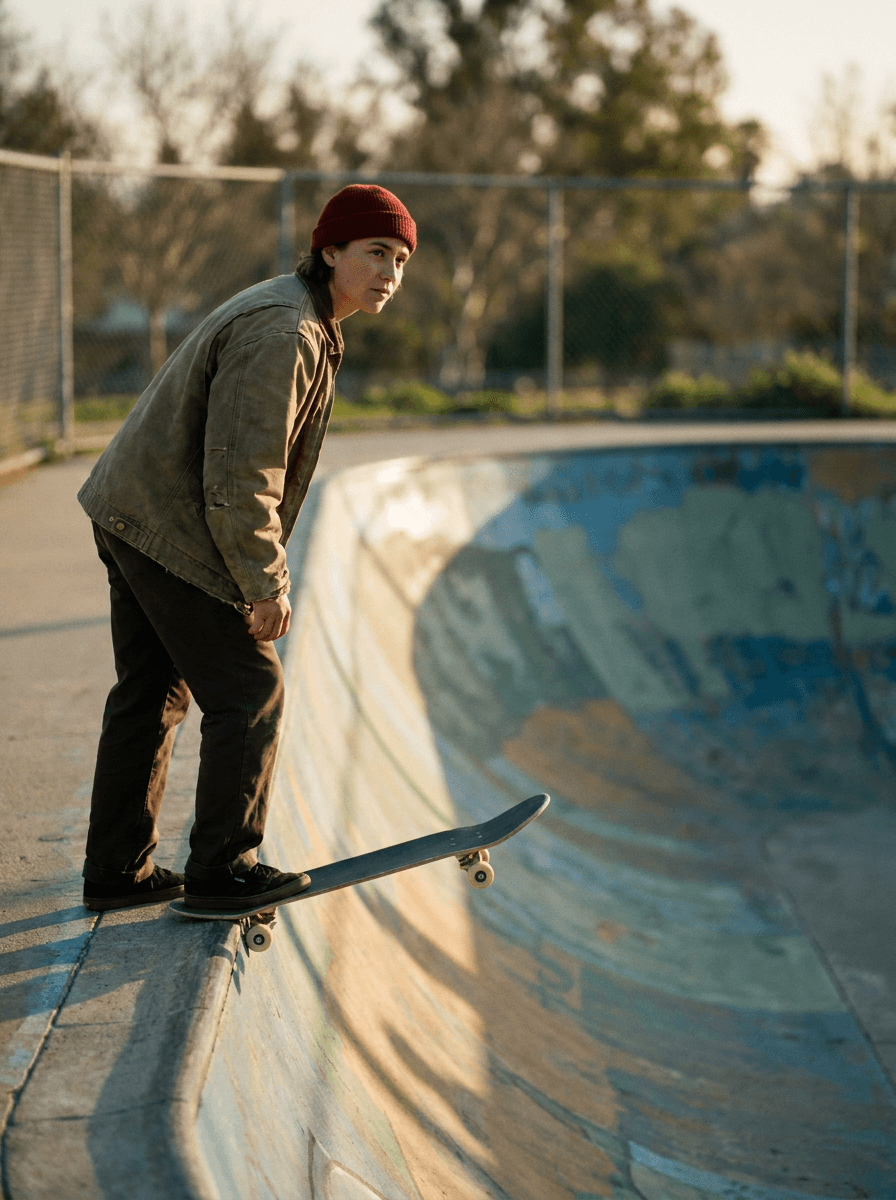
“Set the scene as a still before describing its motion.”
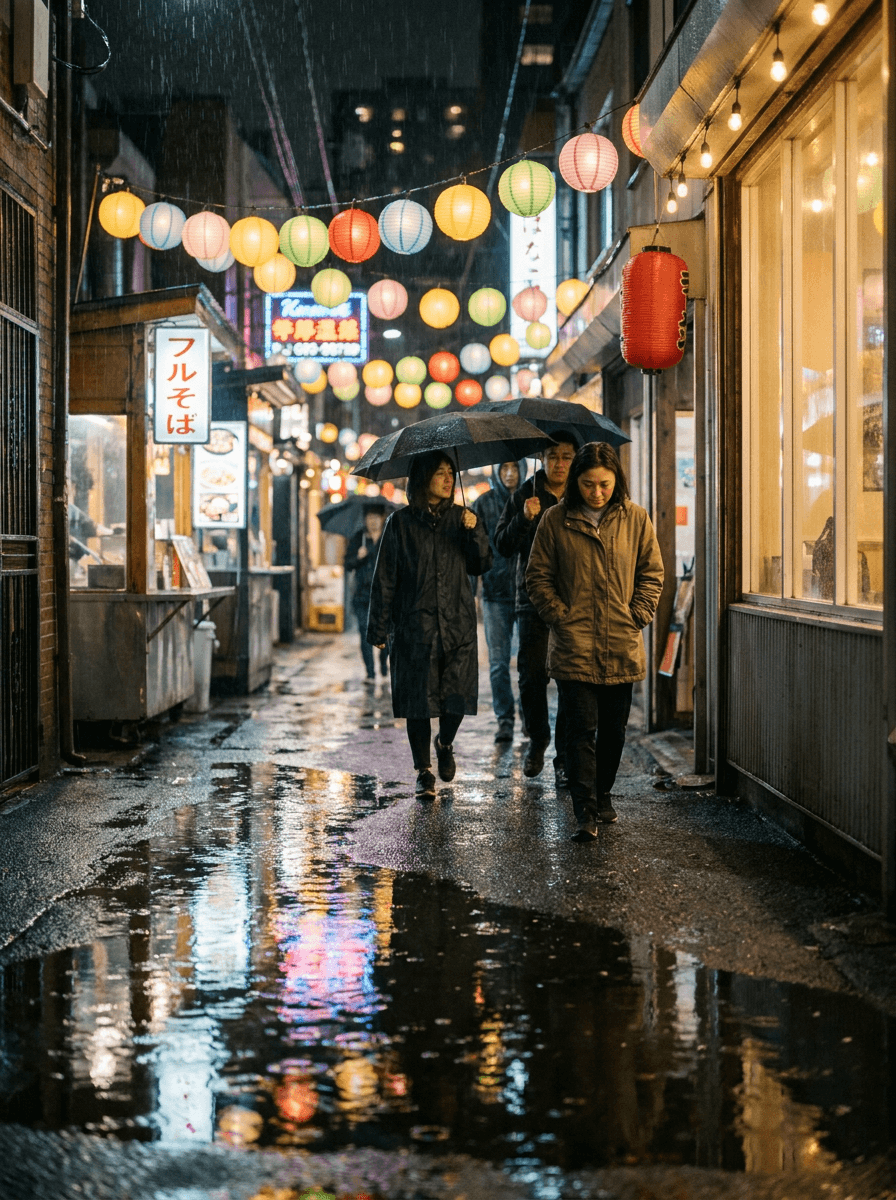
“Plan the shot as a still, then hand the motion to the model.”
Upload the still to animate — every Kling 2.5 Turbo generation requires one. Generate it with an image model first if needed.
Say what moves and how the camera behaves; the model keeps the start image’s composition and look.
Choose 5 or 10 seconds; cost scales per second of output.
Check that motion respects the still’s geometry, then adjust one instruction at a time.
Iteration is cheap here: Kling 2.5 Turbo costs 0.42 credits / second, so rewriting a prompt and rerunning it is a normal part of the workflow, not a budget decision. See the full Kling 2.5 Turbo pricing breakdown.
It is Kling AI’s fast image-to-video model at the standard tier, animating a supplied still into a 5 or 10 second clip.
More tested prompts across all models live in the prompt library, and the full Kling 2.5 Turbo capability rundown is on the model page.