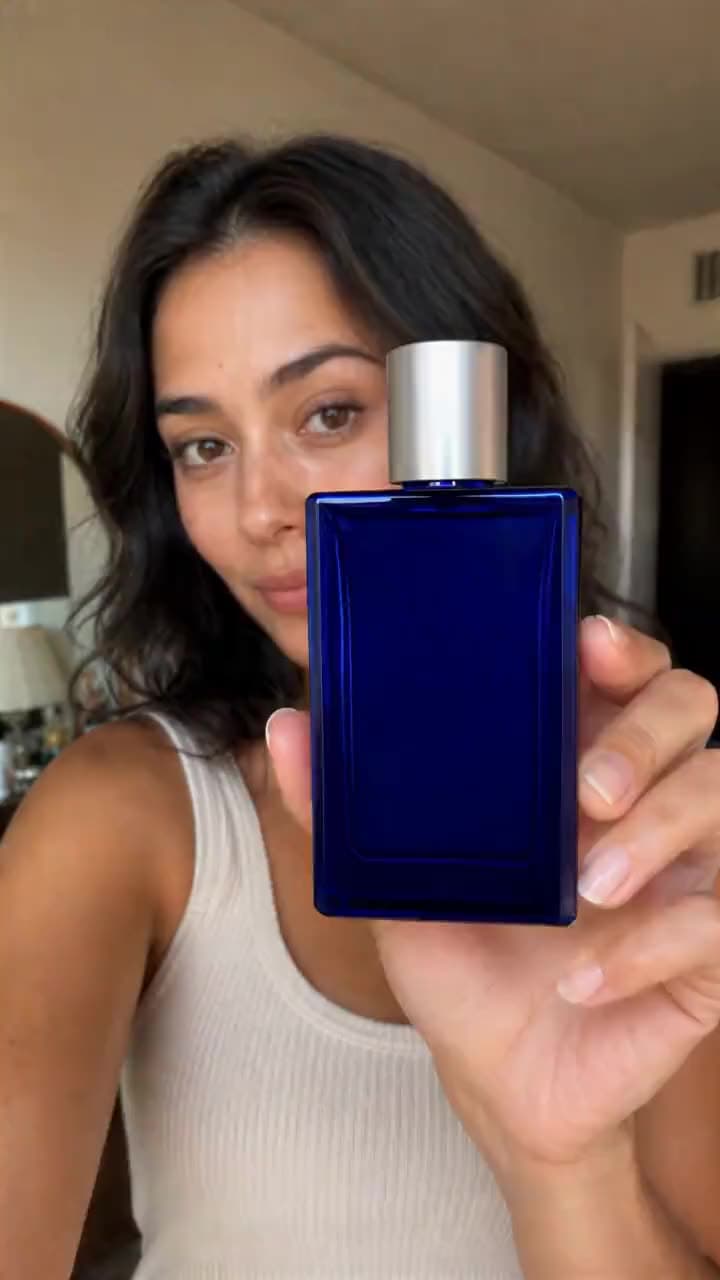
ByteDance · video model
SeedVR2 Video UpscaleUpscale video
2.5 credits / video · every plan · price breakdown · API playground
Upload a video
Add the video to upscale and pick 2× or 4× — no prompt needed.
Made with SeedVR2 Video Upscale · Product clip at 2×
SeedVR2 is ByteDance’s video restoration model, upscaling any clip 2× or 4× with temporal consistency — frames stay coherent instead of flickering — from a single video input, no prompt required.
Original results
SeedVR2 Video Upscale examples made in Made
These examples use media produced for Made. Prompts are included when the production record allows them.
The 360p source clip
Creator clip at 4×
The 320p source clip
Input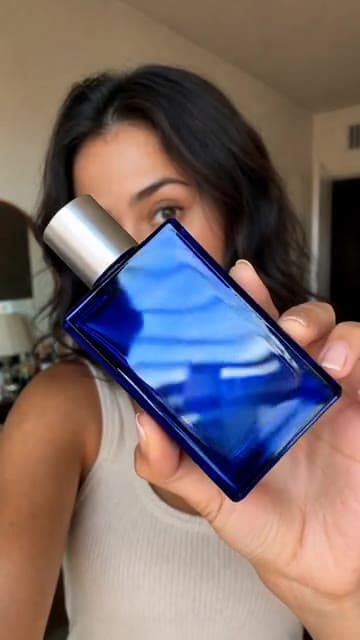
Output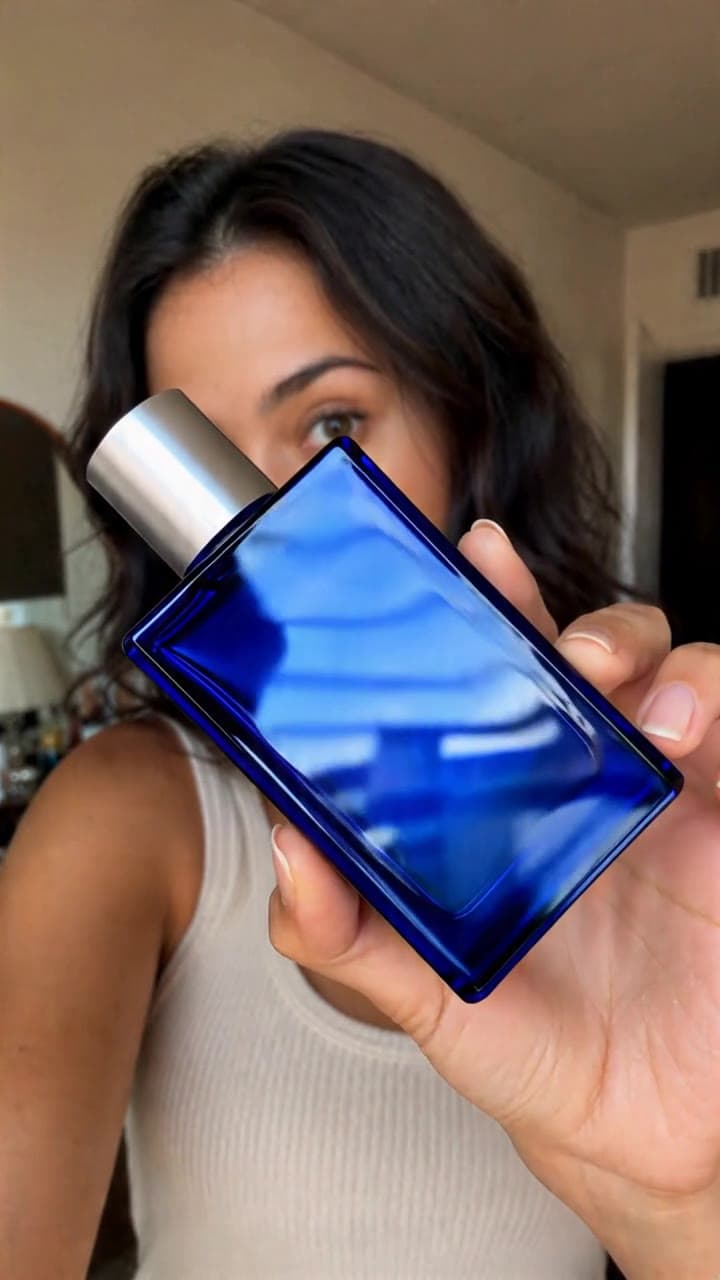
Same frame at 2×
Input
Output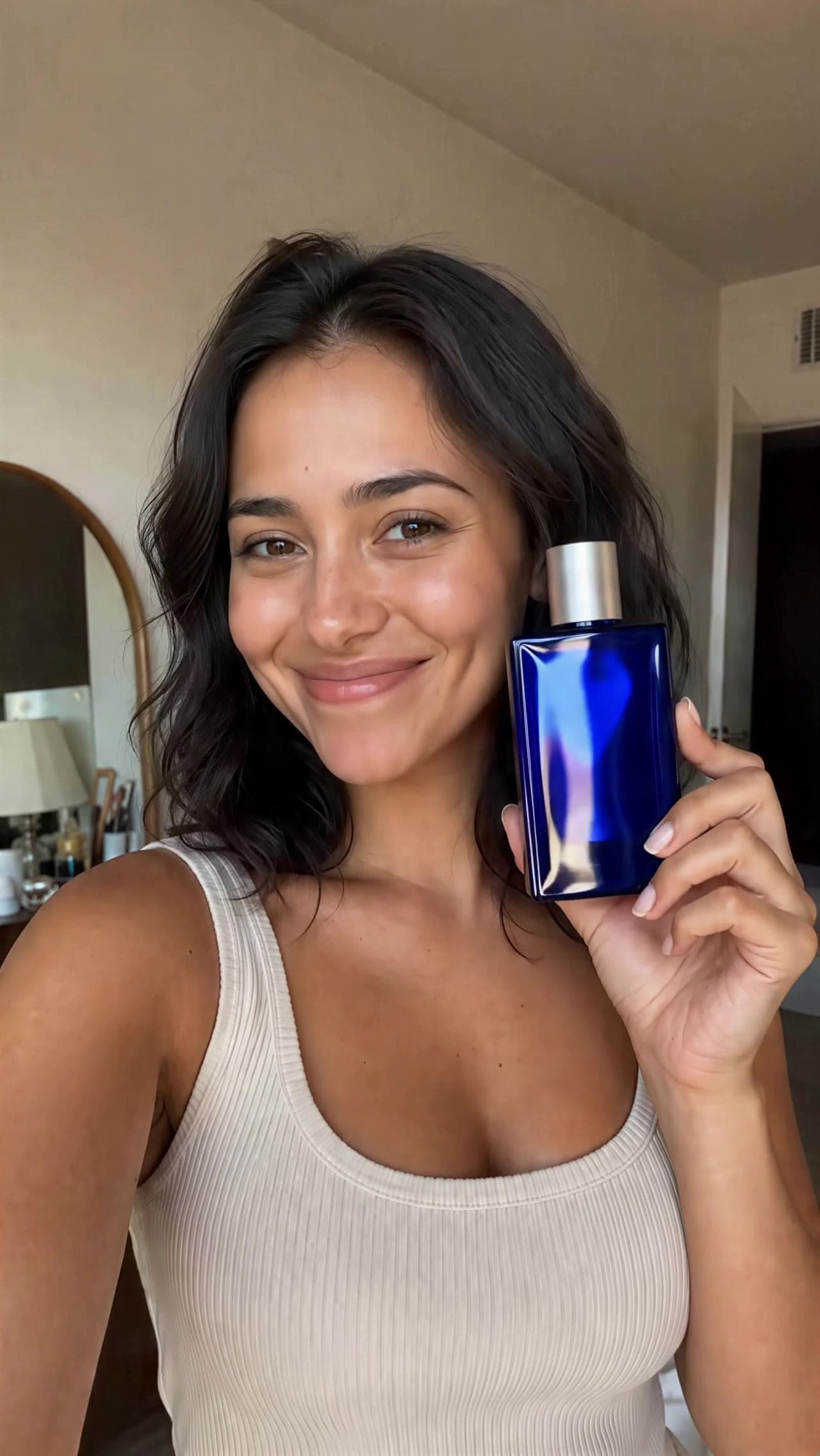
Same frame at 4×
Where SeedVR2 Video Upscale fits best
Best uses
- Upscaling AI-generated clips to delivery resolution
- Restoring low-resolution or compressed footage
- Temporally consistent detail without frame flicker
- Preparing 360p–540p sources for 1080p masters
Limits to know
- It is billed by output data — 0.01 credits per megapixel of output (width × height × frames) — so long or high-resolution outputs cost more; Made quotes the exact price before generation.
- It restores what the footage implies; it cannot re-frame, extend, or edit the clip’s content.
Specifications in Made
These are the controls exposed by Made, which may be narrower than a provider’s full API.
- Aspect ratios
- Matches the input video
- Resolution
- 2× or 4× the input, billed per megapixel of output
- Duration
- Matches the input video
- Output formats
- MP4
- Reference images
- 1
- Processing
- Scales with clip length and output size; progress appears in the generation view.
How to use SeedVR2 Video Upscale in Made
- 1
Add the video
Upload the clip to upscale — there is no prompt to write.
- 2
Pick the factor
Choose 2× for finished clips or 4× for small, degraded sources.
- 3
Check the quote
Cost follows output megapixels — resolution times frame count — and Made shows it before you run.
- 4
Compare frames
Scrub the output against the source; detail should hold steadily across frames, not shimmer.
Go deeper on SeedVR2 Video Upscale
Compare relevant models
image
Topaz Image Upscale
Topaz Image Upscale runs Topaz Labs’ precision upscaling models — the professional standard for enlargement — recovering real detail at 2× or 4× from a single input image, no prompt required.
Explore model →video
Kling LipSync
Kling LipSync takes a video of a person and a new audio track and regenerates realistic lip movement to match — swap the script, the language, or the voice without reshooting a frame.
Explore model →video
WAN 3.0
WAN 3.0 is Alibaba’s WAN 3.0 video model at its standard speed and price, generating 2 to 30 second clips at up to 1080p with audio included. WAN 3.0 Prime runs the same inputs faster for about 40% more per second.
Explore model →Continue with a related tool
AI Video Generator
Turn any image into a captivating video. Upload a photo, describe the motion you want, and watch AI bring it to life with realistic movement, cinematic camera work, and professional quality.
See the tool →Image Upscaler
Enlarge photos 2× or 4× with Topaz and get the detail back, or upscale video with SeedVR2 or FLUX 3. Drop a file to see the exact price before you pay.
See the tool →Image to Video Generator
Upload a still photo, describe the motion or pick a suggestion, and MiniMax H3 Max animates it into a five-second MP4 clip with camera movement and subject motion.
See the tool →It is ByteDance’s diffusion-based video restoration model, upscaling clips 2× or 4× while keeping detail consistent from frame to frame.