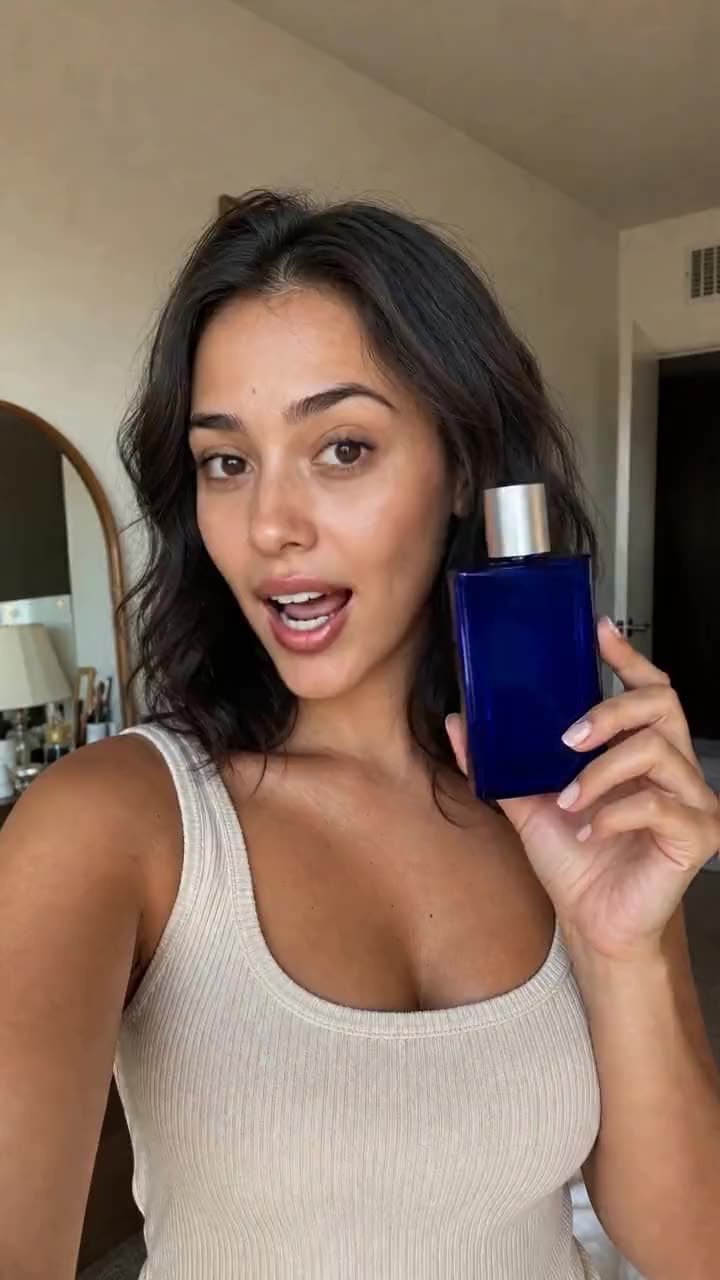
Kling AI · video model
Kling LipSyncRe-voice any video
0.14 credits / second · every plan · price breakdown · API playground
Upload a video and audio
Add a video of a person and the audio it should speak — no prompt needed.
Made with Kling LipSync · Re-voiced to a new track
Kling LipSync takes a video of a person and a new audio track and regenerates realistic lip movement to match — swap the script, the language, or the voice without reshooting a frame.
Original results
Kling LipSync examples made in Made
These examples use media produced for Made. Prompts are included when the production record allows them.
The original take
Second clip, different voice
The original second take
Input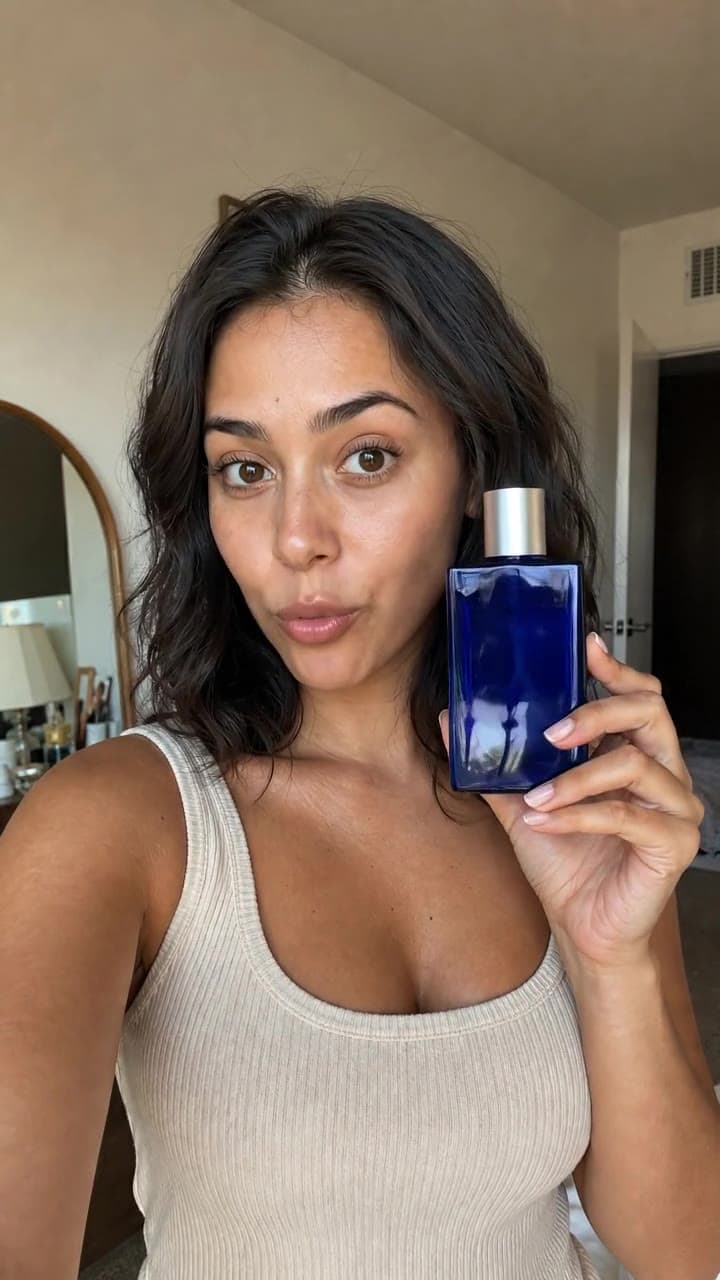
Output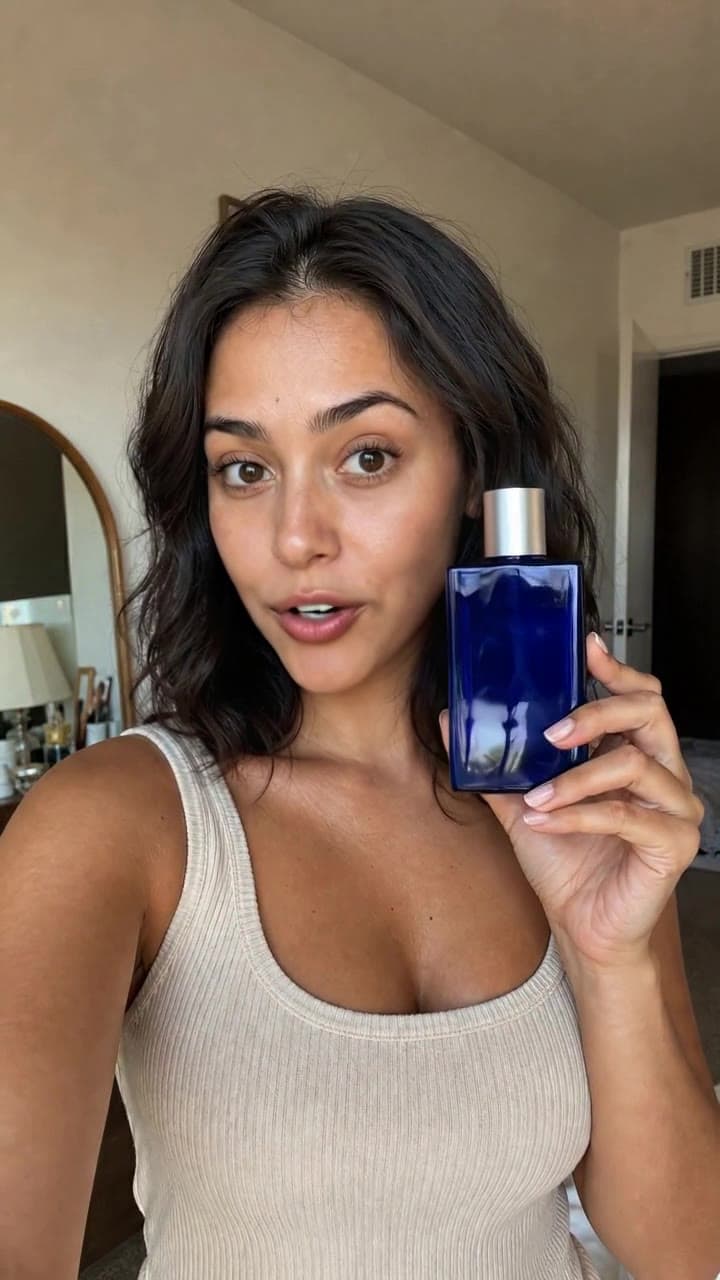
Same frame, new mouth shape
Input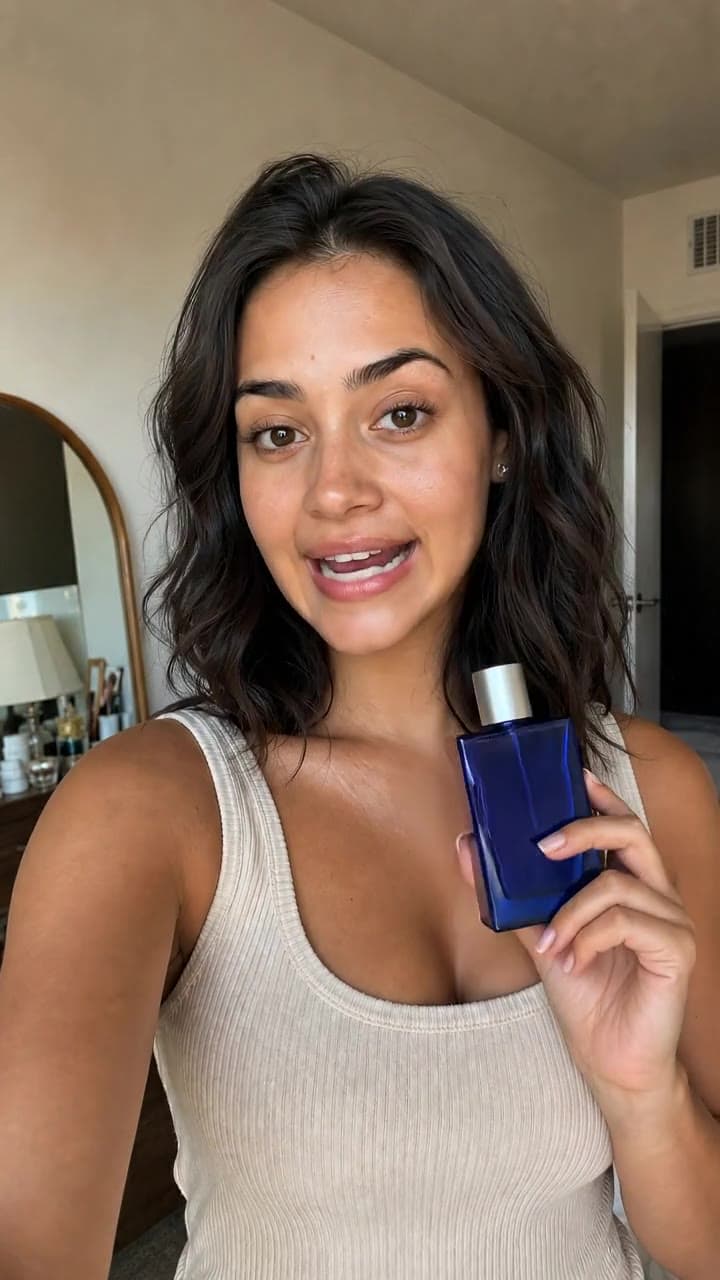
Output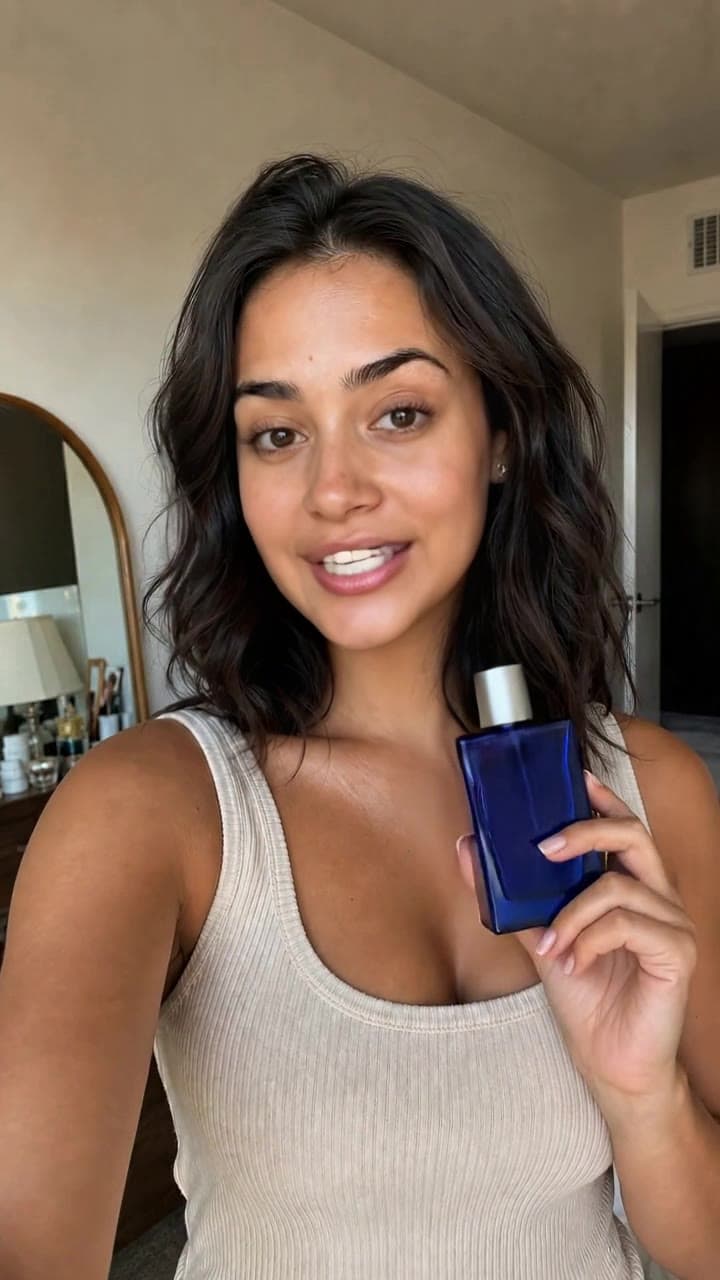
Second clip, same frame
Where Kling LipSync fits best
Best uses
- Re-voicing UGC and creator footage with a new script
- Dubbing a clip into another language with matching mouth movement
- Fixing flubbed lines without reshooting
- Localizing one performance across many voice tracks
Limits to know
- Billing follows input video length at 0.14 credits a second in started 5-second increments — a 3-second clip bills as 5 seconds.
- It needs a clearly visible face; profiles, occlusions, and multiple speakers degrade the sync.
Specifications in Made
These are the controls exposed by Made, which may be narrower than a provider’s full API.
- Aspect ratios
- Matches the input video
- Resolution
- Matches the input video
- Duration
- Matches the input video
- Output formats
- MP4
- Reference images
- 1
- Processing
- Scales with clip length; progress appears in the generation view.
How to use Kling LipSync in Made
- 1
Add the video
Upload a clip with one clearly visible face — the rest of the frame is left untouched.
- 2
Add the audio
Upload the track the person should speak: a new script, a translation, or a different voice.
- 3
Check the quote
Billing follows the input video’s length in 5-second steps; Made shows the exact price first.
- 4
Review the sync
Check mouth shapes against hard consonants; regenerate with cleaner audio if the sync drifts.
Go deeper on Kling LipSync
Compare relevant models
video
VEED Fabric 1.0
VEED Fabric 1.0 animates a single photo to speak any audio track — face, mouth, and subtle head motion are generated to match the voice, producing a talking video as long as the audio.
Explore model →video
Happy Horse 1.1
Happy Horse 1.1 is Alibaba’s flagship video model — a long-running #1 on the Artificial Analysis Video Arena — generating 3 to 15 second clips at 1080p with native audio and multilingual lip-sync.
Explore model →video
Kling 3 Pro
Kling 3 Pro is the benchmark tier of Kling AI’s third-generation video model, generating 3 to 15 second clips with optional native audio and the cinematic motion the Kling line is known for.
Explore model →Continue with a related tool
AI Video Generator
Turn any image into a captivating video. Upload a photo, describe the motion you want, and watch AI bring it to life with realistic movement, cinematic camera work, and professional quality.
See the tool →Image to Video Generator
Upload a still photo, describe the motion or pick a suggestion, and MiniMax H3 Max animates it into a five-second MP4 clip with camera movement and subject motion.
See the tool →AI Image Generator
Create scroll-stopping product photos and marketing visuals in seconds. Describe your shot, pick your style, and get professional images ready for your store, social feed, or ad campaign.
See the tool →It is Kling AI’s audio-to-video lip-sync model: give it a video of a person and an audio track, and it regenerates the mouth region so the person convincingly speaks the new audio.