VEED · video model
VEED Fabric 1.0Turn a photo into a talking video
from 0.8 credits / second · every plan · price breakdown · API playground
Upload a photo and audio
Add one photo and the audio it should speak — no prompt needed.
Made with VEED Fabric 1.0 · Photo to talking video at 720p
VEED Fabric 1.0 animates a single photo to speak any audio track — face, mouth, and subtle head motion are generated to match the voice, producing a talking video as long as the audio.
Original results
VEED Fabric 1.0 examples made in Made
These examples use media produced for Made. Prompts are included when the production record allows them.
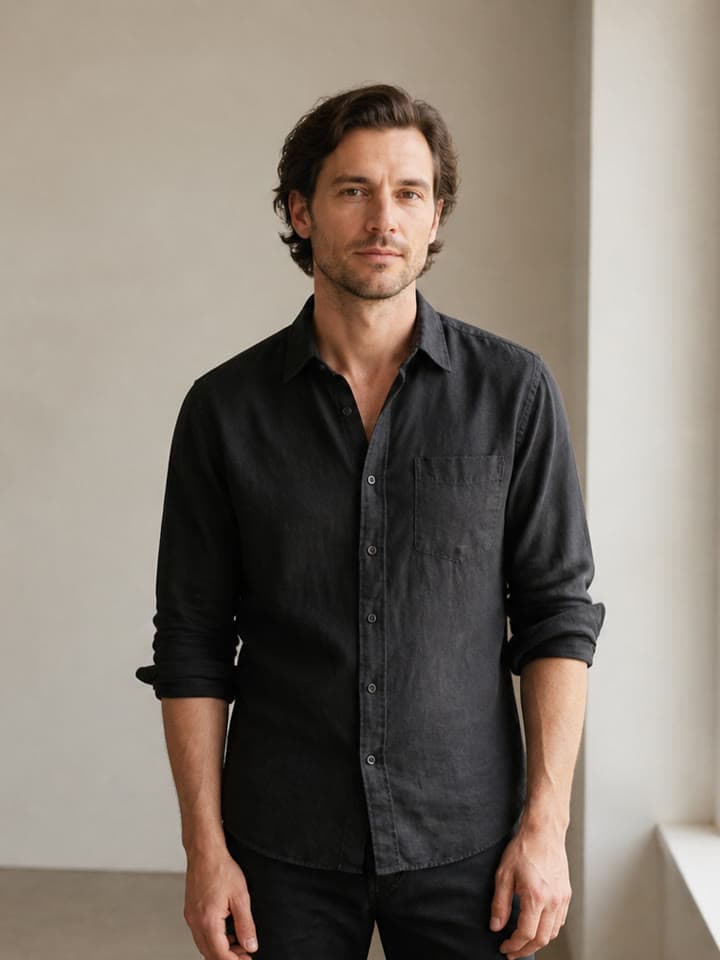
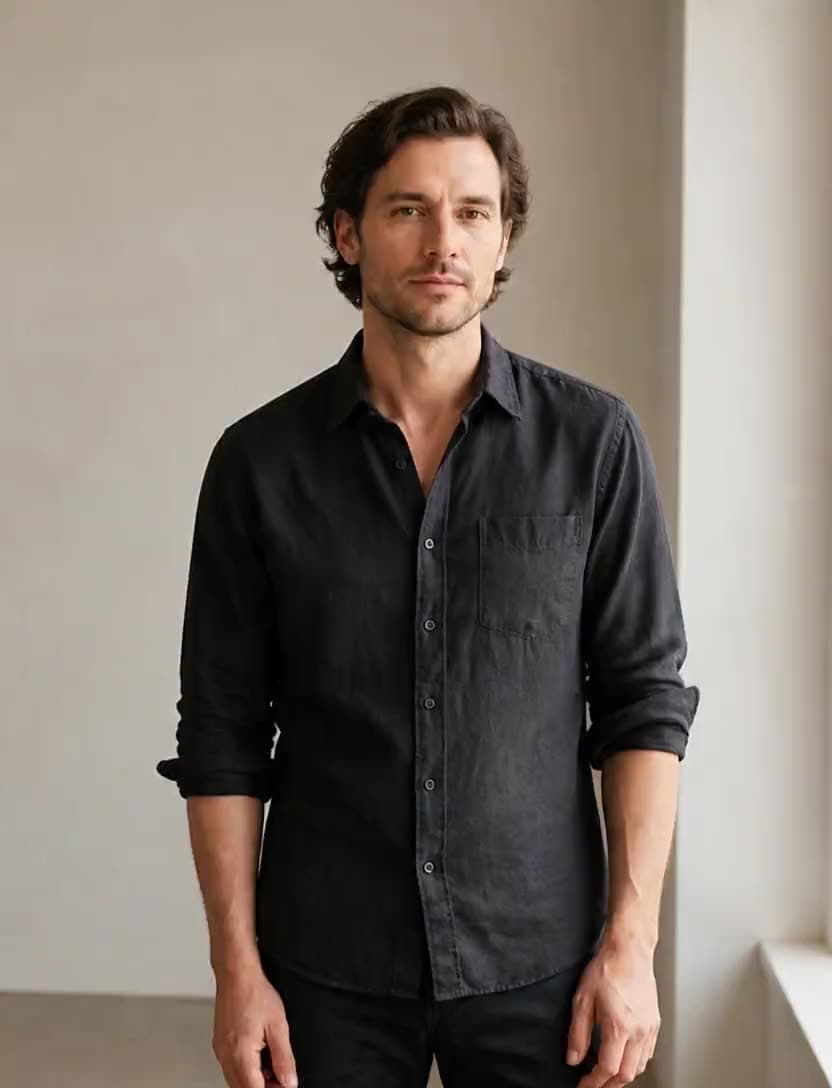
The input photo
Draft pass at 480p
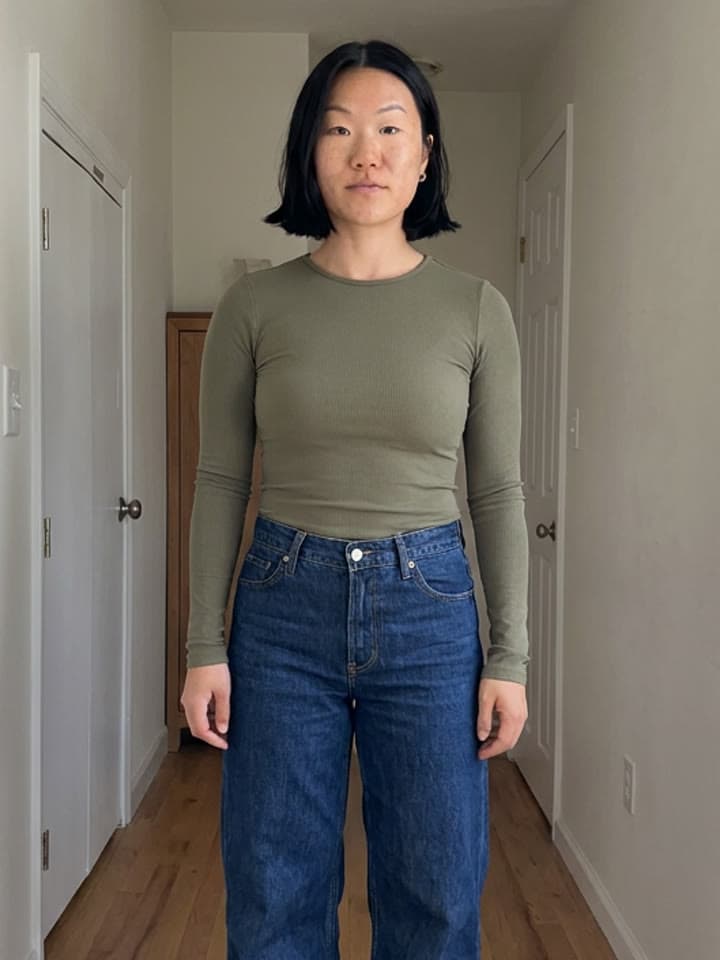
The second input photo
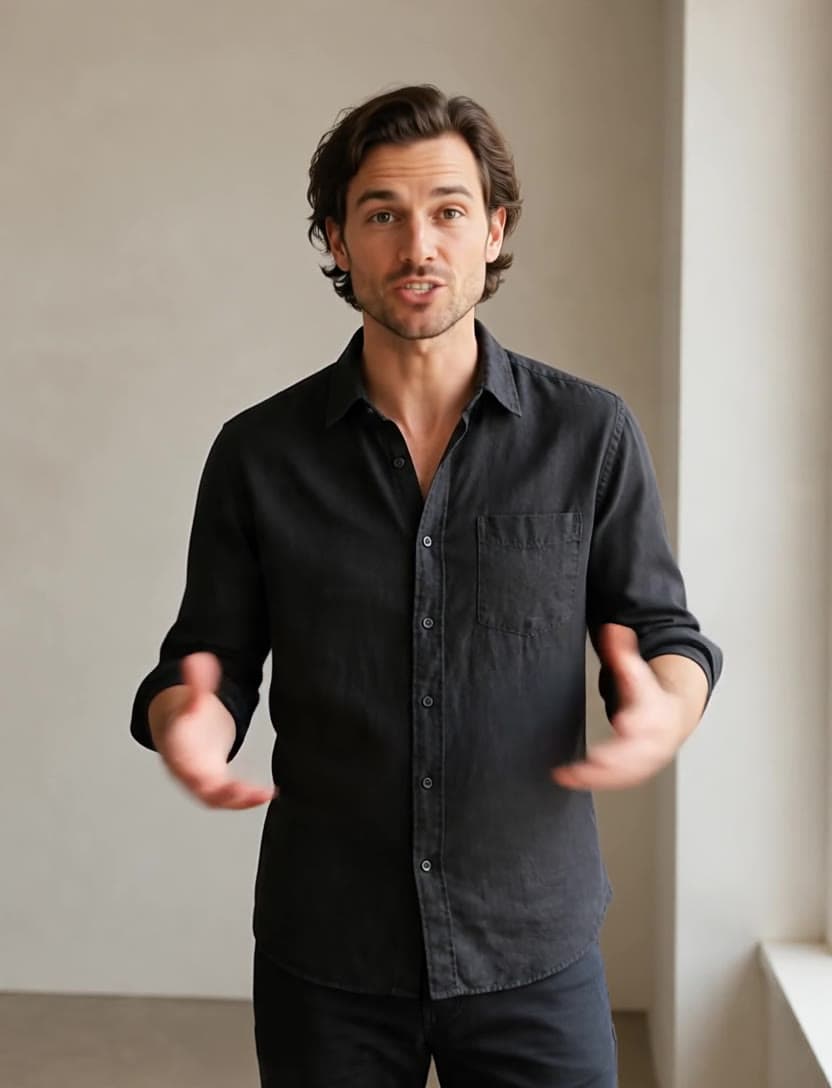
Output frame at 720p
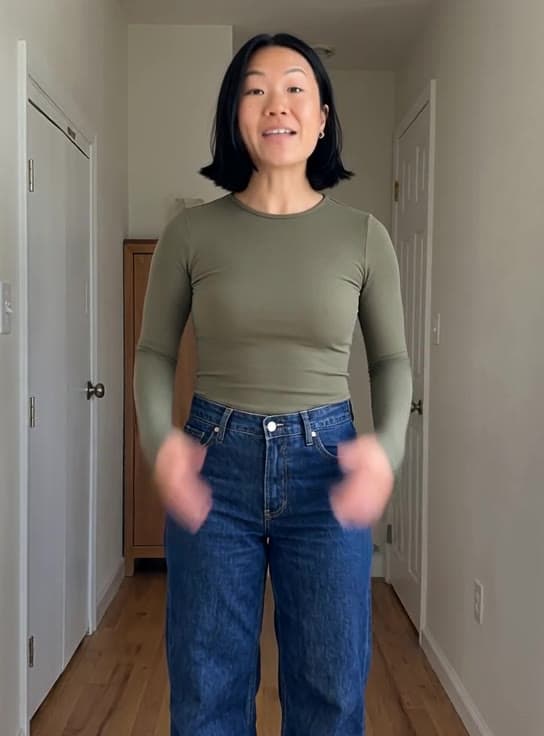
Output frame at 480p
Where VEED Fabric 1.0 fits best
Best uses
- Talking-head videos from a single portrait photo
- Spokesperson and UGC-style clips without filming
- Voiceover-driven avatars for products and explainers
- Localizing one face across many recorded scripts
Limits to know
- Output length equals the audio length, billed per output second — 0.8 credits at 480p and 1.5 at 720p — so long tracks scale the price linearly.
- It animates the person in the photo; it cannot add camera moves, scene changes, or a second speaker.
Specifications in Made
These are the controls exposed by Made, which may be narrower than a provider’s full API.
- Aspect ratios
- Matches the input photo
- Resolution
- 480p or 720p (Made defaults to 480p)
- Duration
- Matches the audio track
- Output formats
- MP4 with audio
- Reference images
- 1
- Processing
- Scales with audio length; progress appears in the generation view.
How to use VEED Fabric 1.0 in Made
- 1
Add one photo
Use a clear, front-facing portrait — the face drives the whole performance.
- 2
Add the audio
Upload the track to speak; the output video runs exactly as long as the audio.
- 3
Pick a resolution
Iterate at 480p (0.8 credits a second), then render the final at 720p (1.5 credits a second).
- 4
Review the delivery
Check mouth sync and head motion; a tighter crop on the face usually improves both.
Go deeper on VEED Fabric 1.0
Compare relevant models
video
Kling LipSync
Kling LipSync takes a video of a person and a new audio track and regenerates realistic lip movement to match — swap the script, the language, or the voice without reshooting a frame.
Explore model →video
Happy Horse 1.1
Happy Horse 1.1 is Alibaba’s flagship video model — a long-running #1 on the Artificial Analysis Video Arena — generating 3 to 15 second clips at 1080p with native audio and multilingual lip-sync.
Explore model →video
FLUX 3
FLUX 3 is Black Forest Labs’ first video model, generating 5 to 20 second clips with natively synchronized audio from a text prompt or a start image, in seven aspect ratios up to 2:1.
Explore model →Continue with a related tool
AI Video Generator
Turn any image into a captivating video. Upload a photo, describe the motion you want, and watch AI bring it to life with realistic movement, cinematic camera work, and professional quality.
See the tool →Image to Video Generator
Upload a still photo, describe the motion or pick a suggestion, and MiniMax H3 Max animates it into a five-second MP4 clip with camera movement and subject motion.
See the tool →AI Photo Editor
Skip the complex menus and toolbars. Edit Images With Text Prompts. Our AI photo editor understands what you want. Type "remove the background" or "make it brighter" and watch it happen instantly.
See the tool →It is VEED’s image-to-video talking-avatar model: one photo plus one audio track becomes a video of that person speaking the audio, with generated mouth movement and natural head motion.