Fast motion study
“A gentle camera push through an editorial scene, natural movement.”
Every prompt below was generated with WAN 2.2 Turbo in Made, and the output next to it is what came back — not a curated stock image. Copy a prompt as a starting point, then use the guide underneath to adapt it.
Original results
These examples use media produced for Made. Prompts are included when the production record allows them.
“A gentle camera push through an editorial scene, natural movement.”
“Bring the portrait to life with subtle wind and a slow handheld camera.”
“A cinematic reveal with controlled subject movement and atmospheric light.”
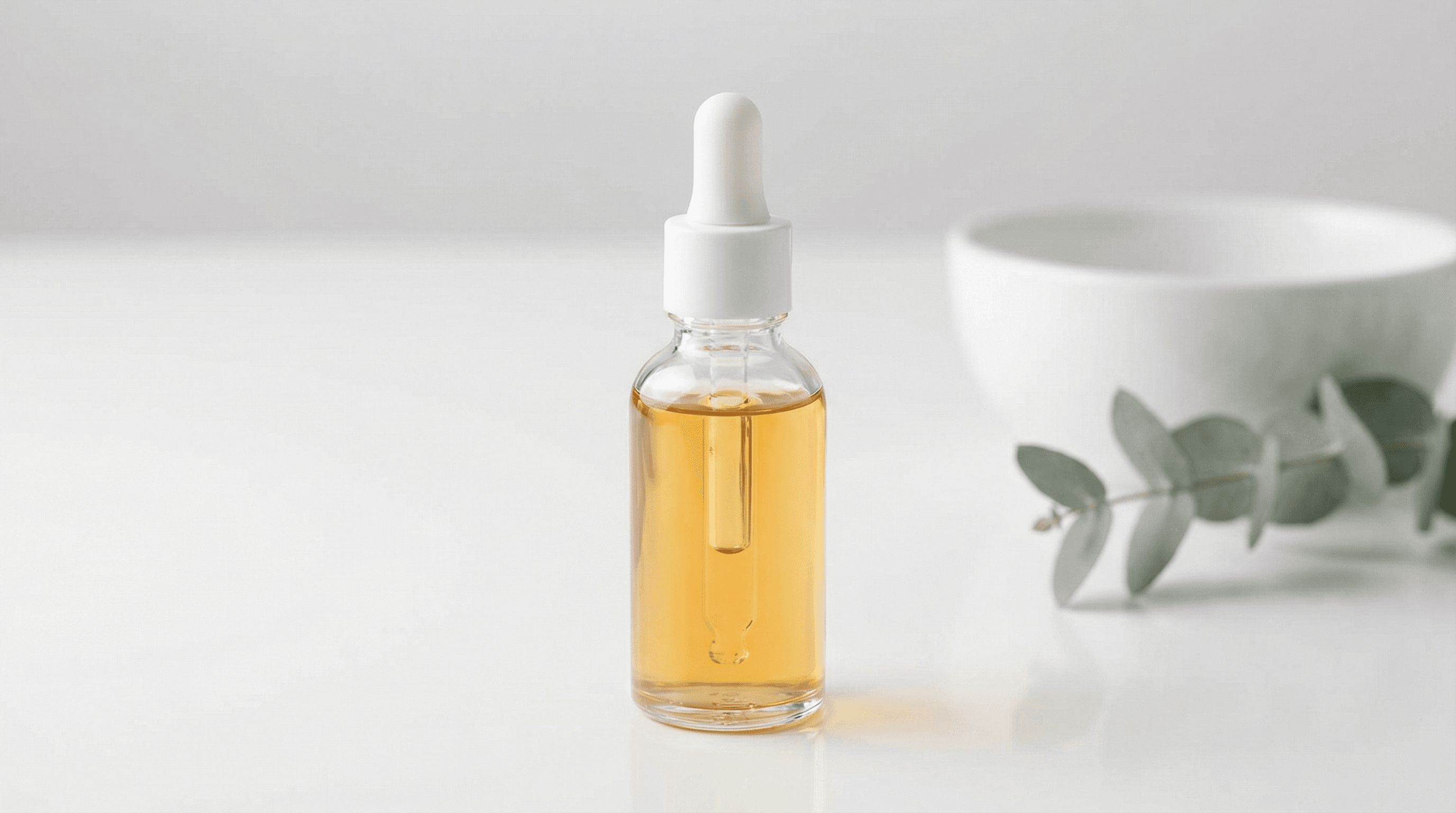
“Use this image as the opening composition.”
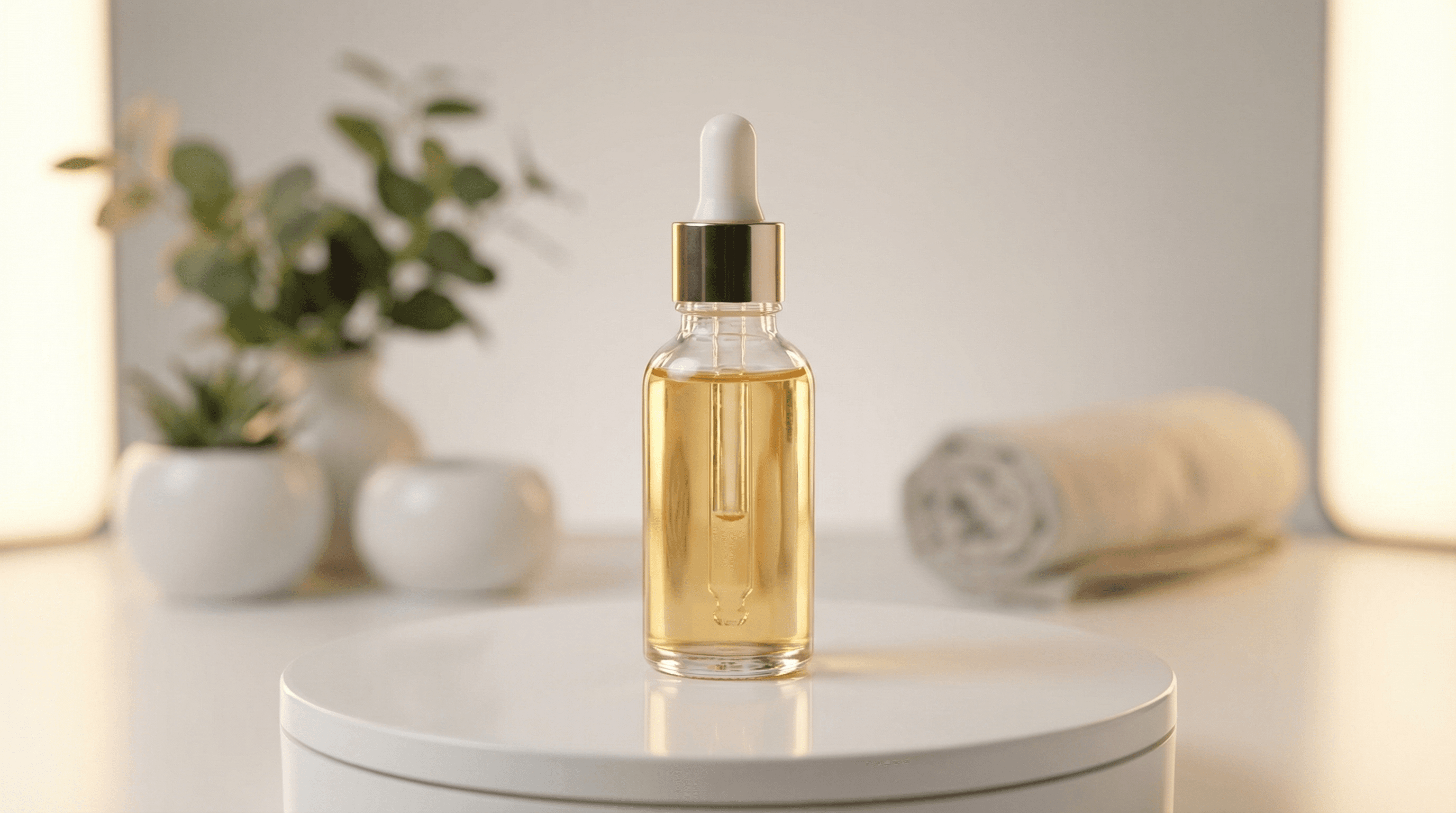
“Move naturally from the start composition toward this final frame.”
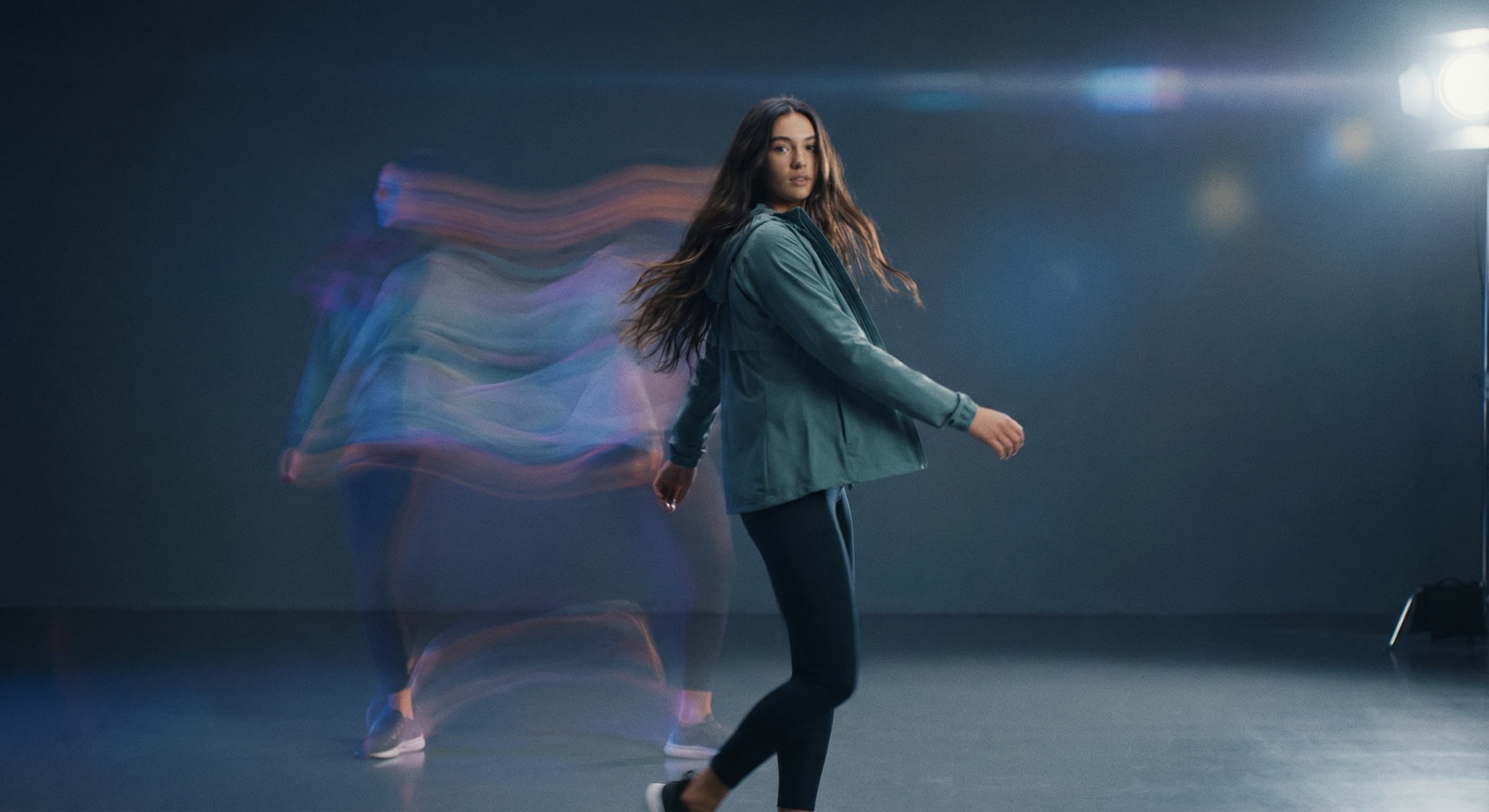
“Create a concise portrait-format scene from a written motion brief.”
Write a prompt by itself, or add a still image that establishes the opening frame.
State subject movement, camera movement, and the mood of the clip.
Choose an exposed aspect ratio and resolution. Add an end frame when the workflow offers it.
Preview the MP4, then revise one motion instruction at a time if needed.
Iteration is cheap here: WAN 2.2 Turbo costs 15 credits / video, so rewriting a prompt and rerunning it is a normal part of the workflow, not a budget decision. See the full WAN 2.2 Turbo pricing breakdown.
Yes. Made routes a prompt without an image to the text-to-video workflow.
More tested prompts across all models live in the prompt library, and the full WAN 2.2 Turbo capability rundown is on the model page.