Transparent Background Maker
Upload a photo and Made detects the foreground subject, removes everything behind it, and returns a PNG with a real alpha channel — a file you can layer over any design, color, or scene.
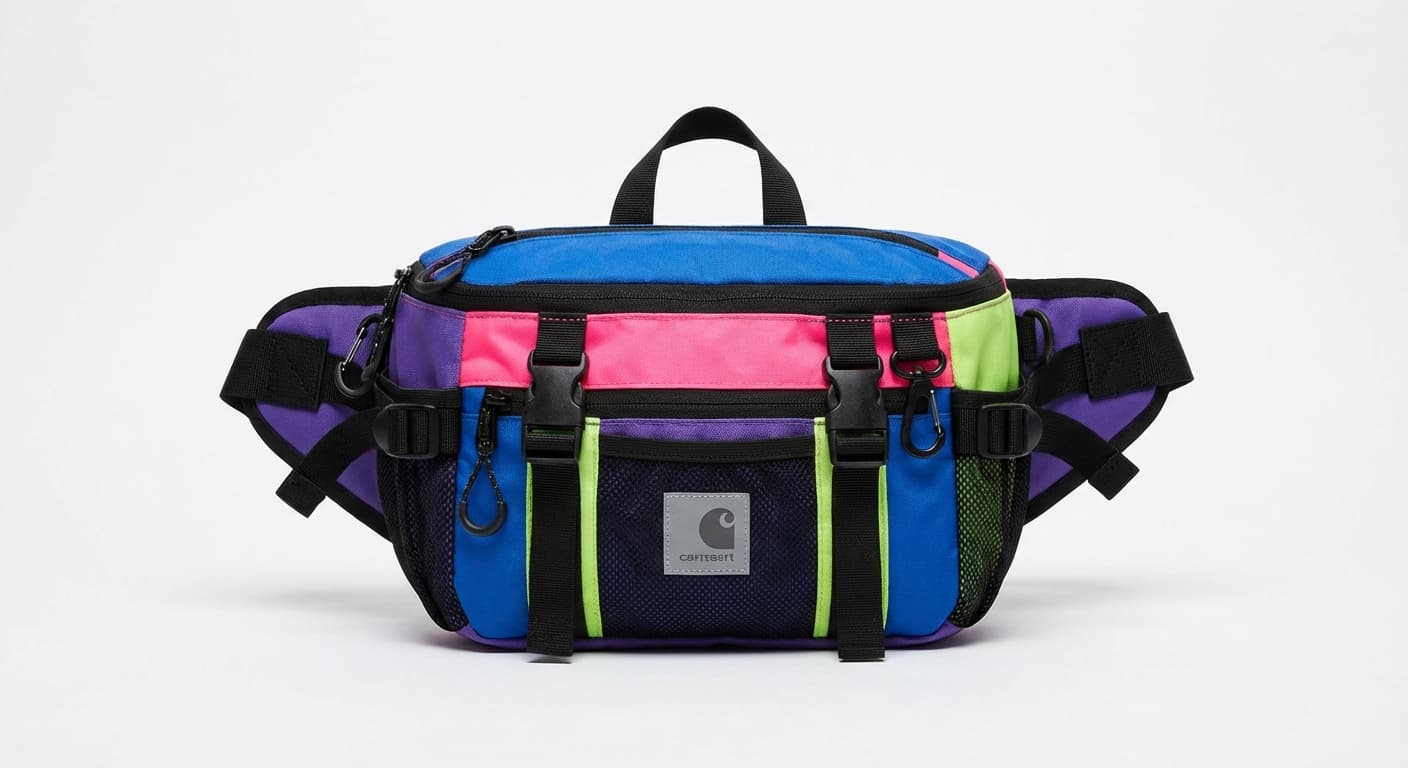
Product photosExamples
How to use Transparent Background Maker
- 1
Upload one image
Choose a JPEG, PNG, or WebP with a clearly visible foreground subject.
- 2
Ask for a transparent background
Say “make this background transparent.” Made removes everything the model identifies as background.
- 3
Check the alpha edges
Zoom in around hair, glass, and areas where the subject color matches the old background.
- 4
Download the PNG
The file keeps its alpha channel — layer it anywhere, or continue editing in Made.
Transparent Background Maker examples
Real results from Made. Add your own photo in the studio above.

Profile pictures

Design assets
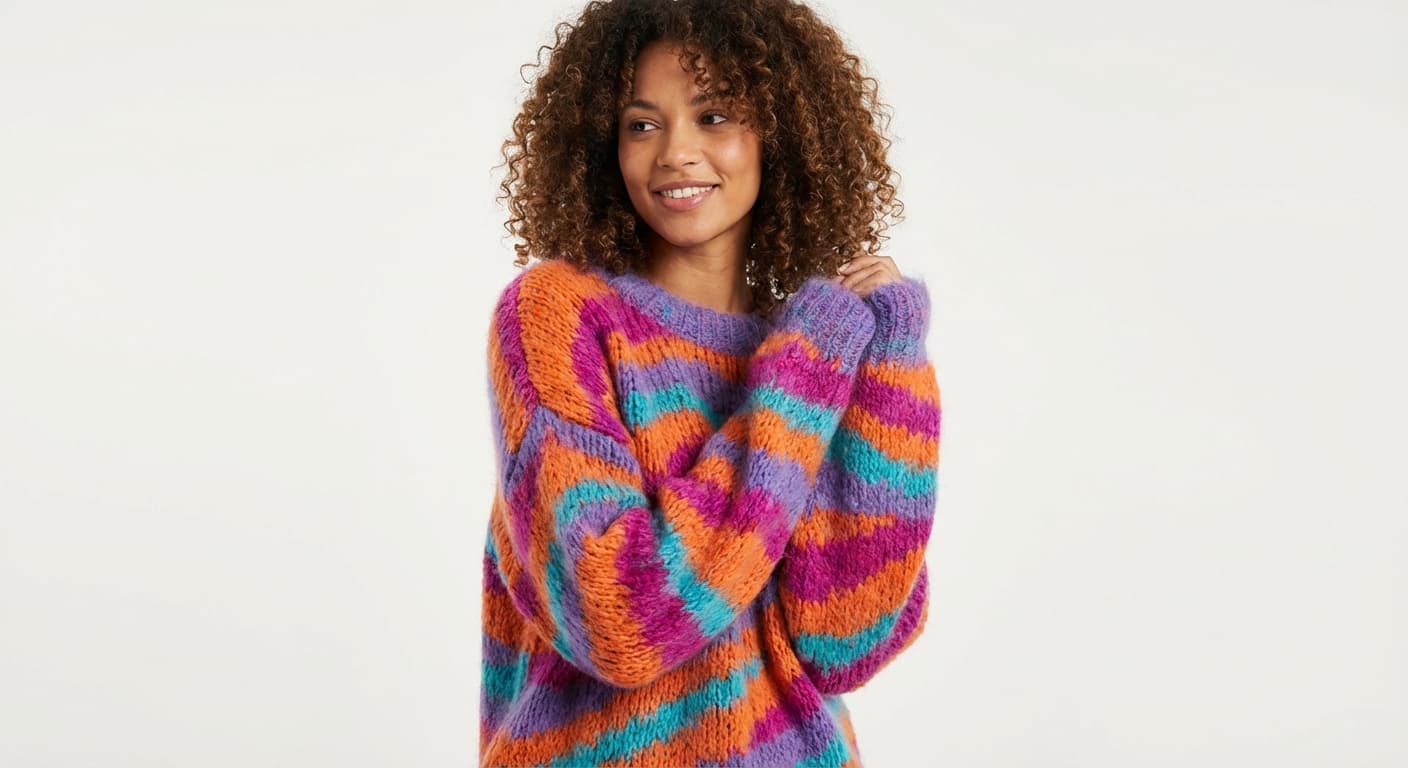
Social content

Detailed edges

Transparent output
What people use it for
- Logos and marksTurn a photographed or scanned logo into a transparent asset that sits cleanly on any surface.
- Product cutoutsCreate transparent product images you can drop onto banners, ads, and marketplace templates.
- Stickers and overlaysCut out subjects for stickers, thumbnails, and stream overlays with no background box.
- Design layersExtract people and objects as layers to compose into new scenes in any editor.
Make an image background transparent
What it does
- Input
- JPEG, PNG, or WebP image
- Output
- PNG with a true alpha channel — transparent wherever the background was
- How it works
- Made sends the image to the Bria RMBG 2.0 background-removal model on fal.ai and returns a PNG with a real alpha channel at the photo’s own size.
- Access
- Set up the request on this page. You sign in to run it, and each run is priced in credits before you start.
Formats and limits
- Input formats
- JPEG, PNG, WebP
- Output format
- PNG with transparency
- Images per request
- One
- Processing provider
- Bria RMBG 2.0 on fal.ai
- Edge limitations
- Hair, glass, motion blur, shadows, and low-contrast boundaries may need review
Checked against the running tool on 2026-08-13.
Questions about Transparent Background Maker
Is the output really transparent, or just white?
Really transparent. The result is a PNG with an alpha channel, and Made verifies the returned file contains transparency before delivering it. Checkerboard patterns you see in previews are just how editors display alpha.
Can I get a transparent JPG?
No — the JPG format has no alpha channel, which is why Made returns a PNG. If a destination demands JPG, the transparency will be flattened onto a solid color at that point.
Why does the background look white when I open the file?
Some viewers and messaging apps flatten transparency onto white for display. Open the PNG in an editor or place it over a colored layer to confirm the alpha channel is intact.
Does it handle hair and fine edges?
It retains many fine edges, but backlighting, motion blur, and background colors similar to the subject can leave imperfect fringes. Inspect those areas at full zoom before publishing.
What can I do with the transparent PNG afterwards?
Layer it in any design tool, or stay in Made — the AI Photo Editor can place the cutout into a new scene, and Image Resizer can produce the delivery sizes you need.
More Background Remover options
More photo fixes
Image Resizer
Resize for any platform or size
Image Upscaler
Sharpen and enlarge up to 4×
AI Photo Editor
Edit any photo by describing the change

Expand Image
Extend any photo past its edges
Object Remover
Erase people, cars or clutter
Edit Text
Change the words in any image
Photo Restoration
Repair scratches, tears and fading
Photo Colorizer
Natural color for black-and-white photos
Unblur Image
Sharpen soft and blurry photos
Text Remover
Erase captions, dates and watermarksRelated models
See what each one makes, then open it in Made.
