
Text Remover
Upload a photo with unwanted text: a caption, a date stamp, signage behind you, or an old overlay on a photo you own. Made erases the lettering and fills it in to match the background.
Product cleanupExamples
How to use Text Remover
- 1
Upload one image
Choose a JPEG, PNG, or WebP where the unwanted text is visible.
- 2
Press Remove text
No description needed: the model finds captions, stamps, and signs on its own.
- 3
Let Made erase and fill
The lettering is removed and the area is filled to match the surrounding scene.
- 4
Compare and download
Flip between Before and After, check where the text was, then download the PNG.
Text Remover examples
Real results from Made. Add your own photo in the studio above.

Date stamps

Background signage
What people use it for
- Captions and overlaysStrip a burned-in caption or sticker-style text from an export when you no longer have the clean original.
- Date stampsErase camera date stamps from scanned prints and older digital photos before sharing or framing them.
- Background signageClear distracting lettering on walls, signs, and vehicles behind your subject so the photo reads cleanly.
- Reusing your own assetsRemove outdated promo text from a marketing image you own so the underlying photo can be reused.
Remove text from an image
What it does
- Input
- One JPEG, PNG, or WebP image
- Output
- PNG at the photo’s shape, about 1 megapixel, with the text erased
- How it works
- Made sends the photo to FLUX Kontext text removal on fal.ai, which finds the lettering, erases it, and repaints the area to match what’s around it. No prompt needed.
- Access
- Sign in to run it. It’s paid in credits, shown before you run it.
Formats and limits
- Input formats
- JPEG, PNG, WebP, HEIC
- Output format
- PNG, about 1 megapixel at the photo’s shape
- Images per request
- One
- Processing model
- FLUX Kontext text removal on fal.ai
- Result review
- The fill is generated, so text over faces, patterns, or fine detail is worth a close look
Checked against the running tool on 2026-09-29.
Questions about Text Remover
How do I remove text from an image?
Upload the image and press Remove text. Made sends it to FLUX Kontext text removal on fal.ai, which erases the lettering and fills the area to match the background, then returns a PNG.
Do I have to say which text to remove?
No. The model finds captions, date stamps, signs, and overlays on its own and removes all of them. To remove one thing and keep other text, use Object Remover and name it.
Can I remove a watermark from a photo?
Only from images you own or have the rights to edit, for example an old overlay on your own marketing photo. Removing another creator’s watermark or copyright notice can break copyright law and platform terms.
Will the fill match the background?
Plain surfaces like sky, walls, and tabletops fill cleanly. Text over busy patterns, faces, or fine detail can leave traces, so compare Before and After.
What resolution is the result?
About 1 megapixel at your photo’s shape, as a PNG. For a larger file, run the result through Image Upscaler.
How much does it cost?
About 4 credits a photo, shown before you run it.
More photo fixes

Object Remover
Erase people, cars or clutter
AI Photo Editor
Edit any photo by describing the change
Background Remover
A clean transparent cutout in one step

Expand Image
Extend any photo past its edges

Image Upscaler
Sharpen and enlarge up to 4×

Edit Text
Change the words in any image
Photo Restoration
Repair scratches, tears and fading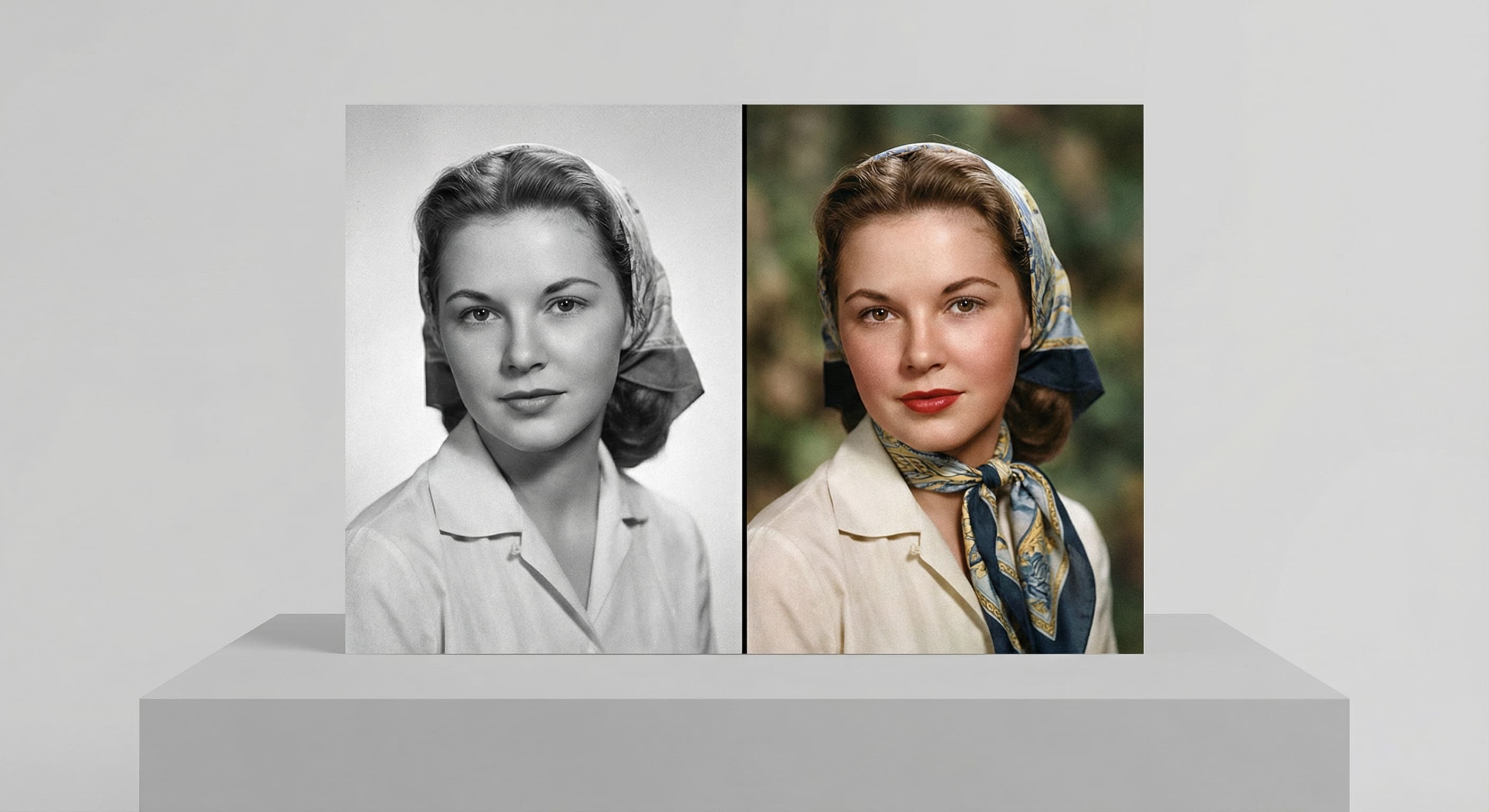
Photo Colorizer
Natural color for black-and-white photos
Unblur Image
Sharpen soft and blurry photos
Background Changer
Put your subject in a new sceneRelated models
See what each one makes, then open it in Made.