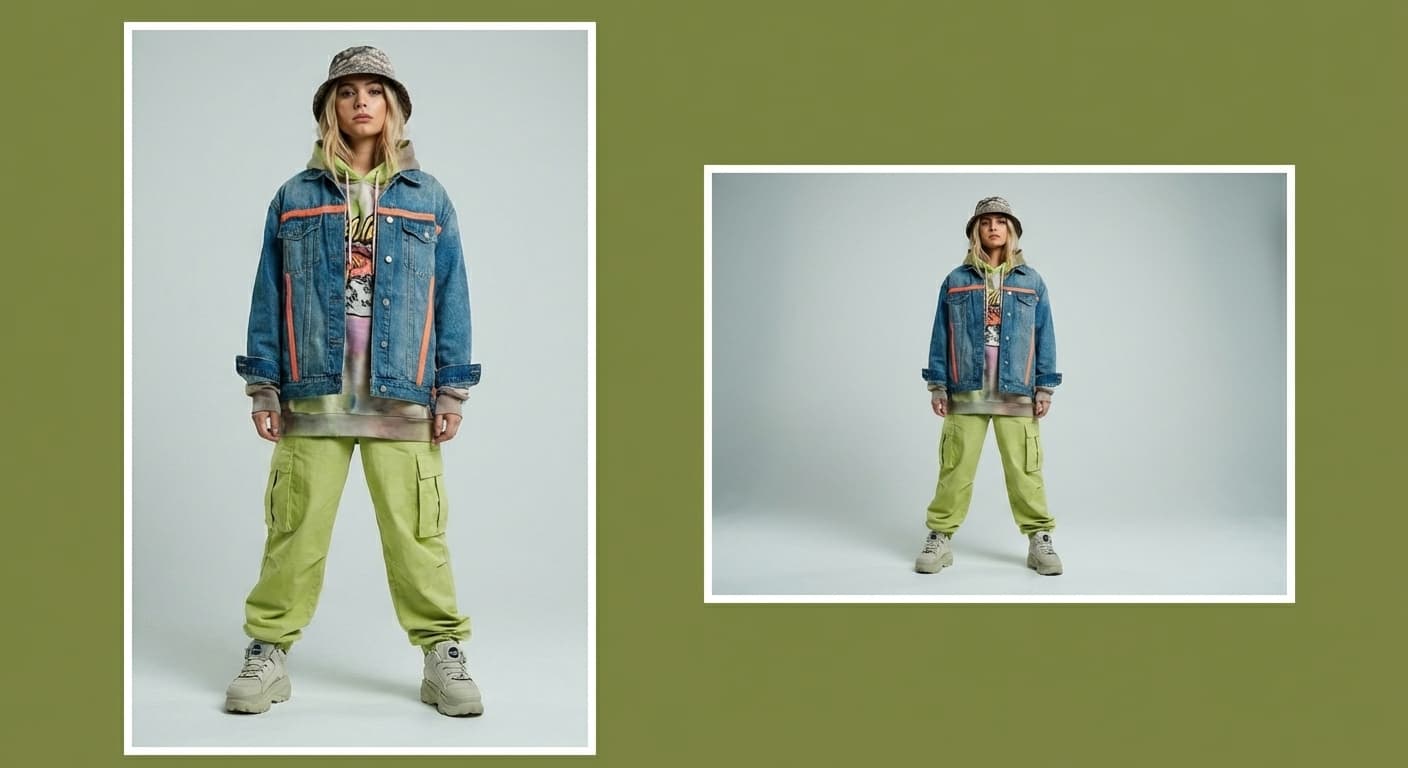
Compress Image to 20KB
20KB is an extreme target used by signature uploads, exam portals, and legacy systems, and usually requires small pixel dimensions to reach. Made re-encodes the file starting at quality 90 and lowers the quality only as far as needed to reach 20 kilobytes, then reports the final size and the quality it used.
Exact size targetsExamples
How to use Compress Image to 20KB
- 1
Upload one image
Choose the JPEG, PNG, or WebP file you need to shrink.
- 2
Ask for 20KB
Say “compress this image to under 20KB.” The target is applied exactly — compression stops as soon as the file fits.
- 3
Choose JPG or WebP
JPG is the default and works everywhere; WebP usually reaches the same target at higher visual quality.
- 4
Check the report
Made shows the original size, the final size, and the quality used. If the target was unreachable at the quality floor, it says so instead of silently degrading the image.
Compress Image to 20KB examples
Real results from Made. Add your own photo in the studio above.
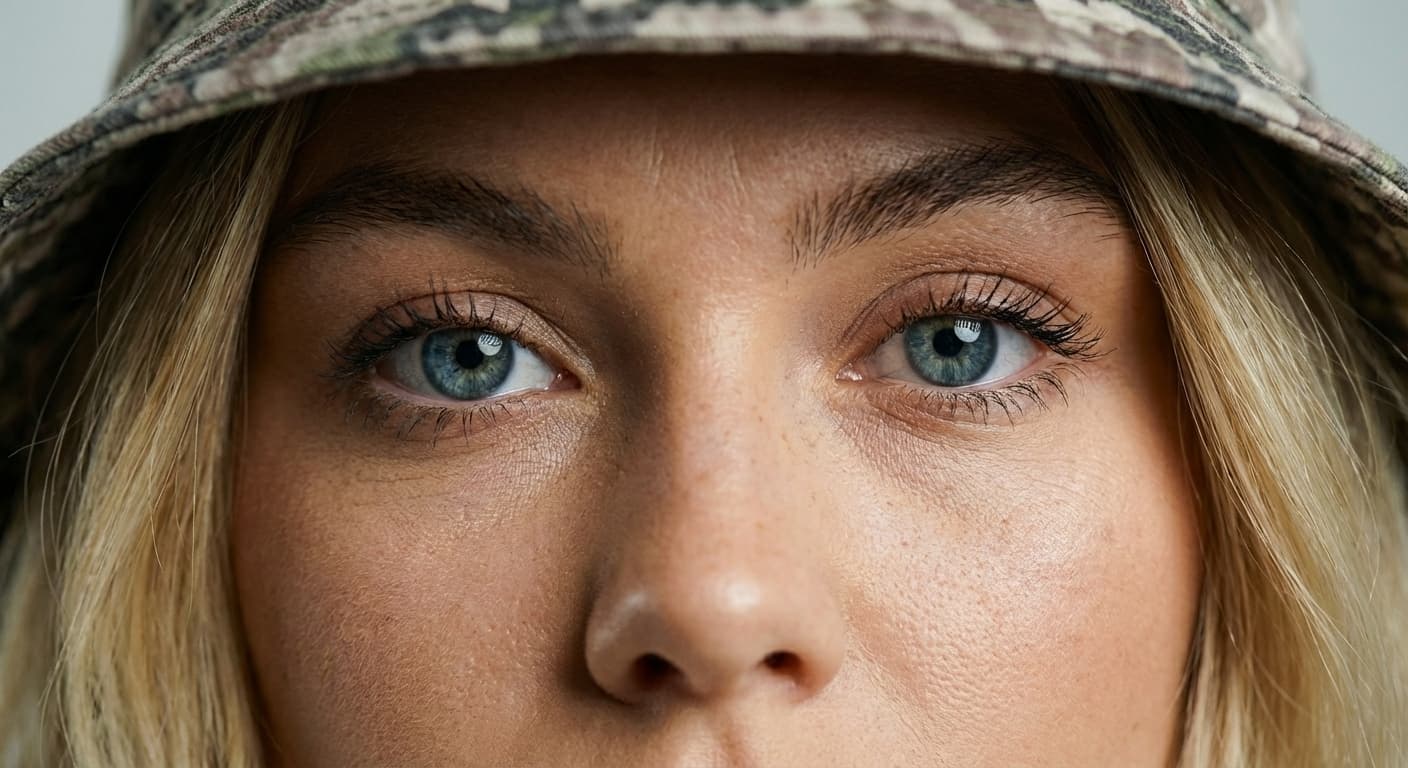
Quality preserved
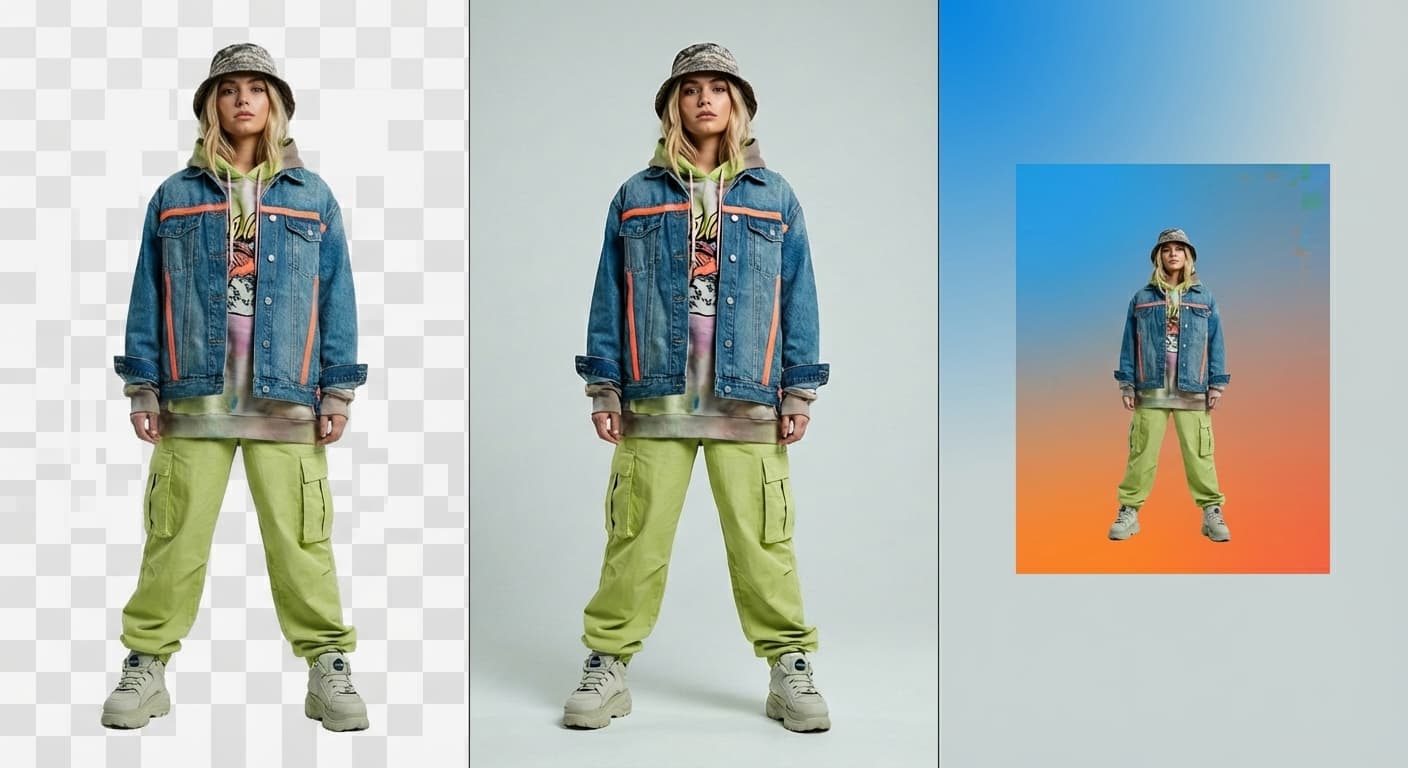
JPG or WebP output

Email attachments

Faster pages

Upload limits
What people use it for
- Signature and photo uploadsMeet the 10–20KB signature and photo limits common on exam and government application systems.
- Tiny thumbnailsProduce very light preview images for lists, tables, and emails.
- Icons from photosTurn a photographed logo or mark into a file small enough for legacy systems.
- Metered connectionsCreate the smallest sharable version of an image when every kilobyte counts.
Compress an image to 20KB
What it does
- Input
- JPEG, PNG, or WebP image
- Output
- JPG or WebP image at or under 20KB when the target is reachable
- How it works
- Made re-encodes the image with Sharp, starting at quality 90 and stepping the JPEG or WebP quality down until the file fits 20 kilobytes or reaches the minimum quality floor, then reports the final size and quality.
- Access
- Set up the request on this page. You sign in to run it, and each run is priced in credits before you start.
Formats and limits
- Input formats
- JPEG, PNG, WebP
- Output formats
- JPG (default) or WebP
- Target size
- 10KB to 10,000KB
- Quality floor
- Quality 40; below that the pixels shrink instead
- Images per request
- One; dimensions change only when the target needs it
Checked against the running tool on 2026-09-03.
Questions about Compress Image to 20KB
Why can’t my photo reach 20KB?
File size scales with pixel count. A full-resolution photo simply has too many pixels to encode in 20KB at acceptable quality, so Made stops at the quality floor and tells you. Resize to around 400–800 pixels on the long side first and 20KB becomes easy.
What is the best workflow for a 20KB target?
Resize first, compress second. Ask Made to resize the image to the dimensions the destination expects, then compress the result to 20KB — both steps run in the same conversation.
Is WebP worth it at 20KB?
Yes, more than at any other target. At extreme compression WebP artifacts are much less visible than JPG artifacts at the same size.
Will text in the image stay readable?
At 20KB, fine text survives only at small dimensions. If the image is mostly text — a signature or a stamp — resize so the text is the dominant content before compressing.
Does Made ever return a file worse than the quality floor?
No. The floor (default 20, adjustable 10 to 90) is a hard stop. You get the smallest file above it and a clear note if the target was not reached.
More Image Compressor options
More photo fixes

Image Resizer
Resize for any platform or size
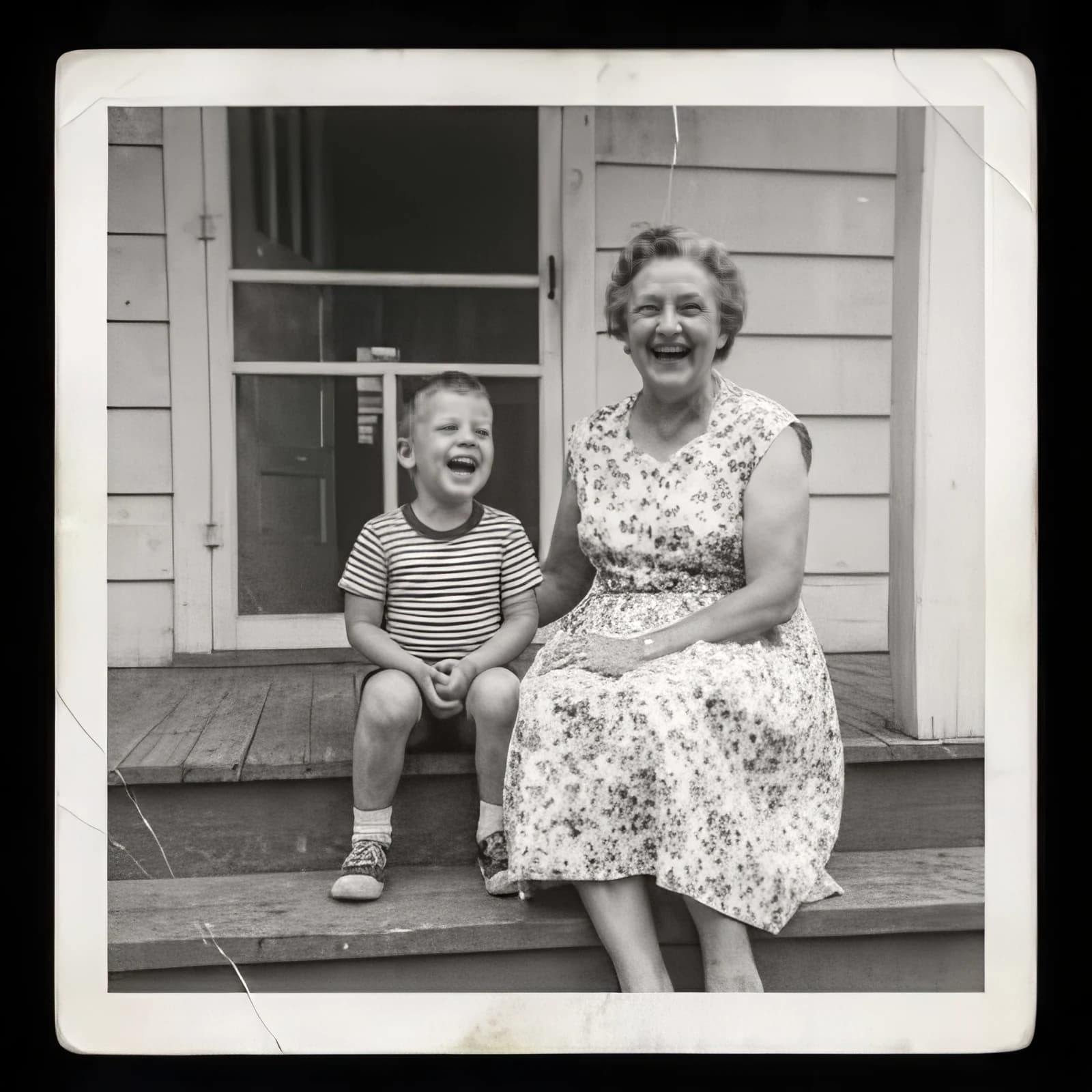
Image Upscaler
Sharpen and enlarge up to 4×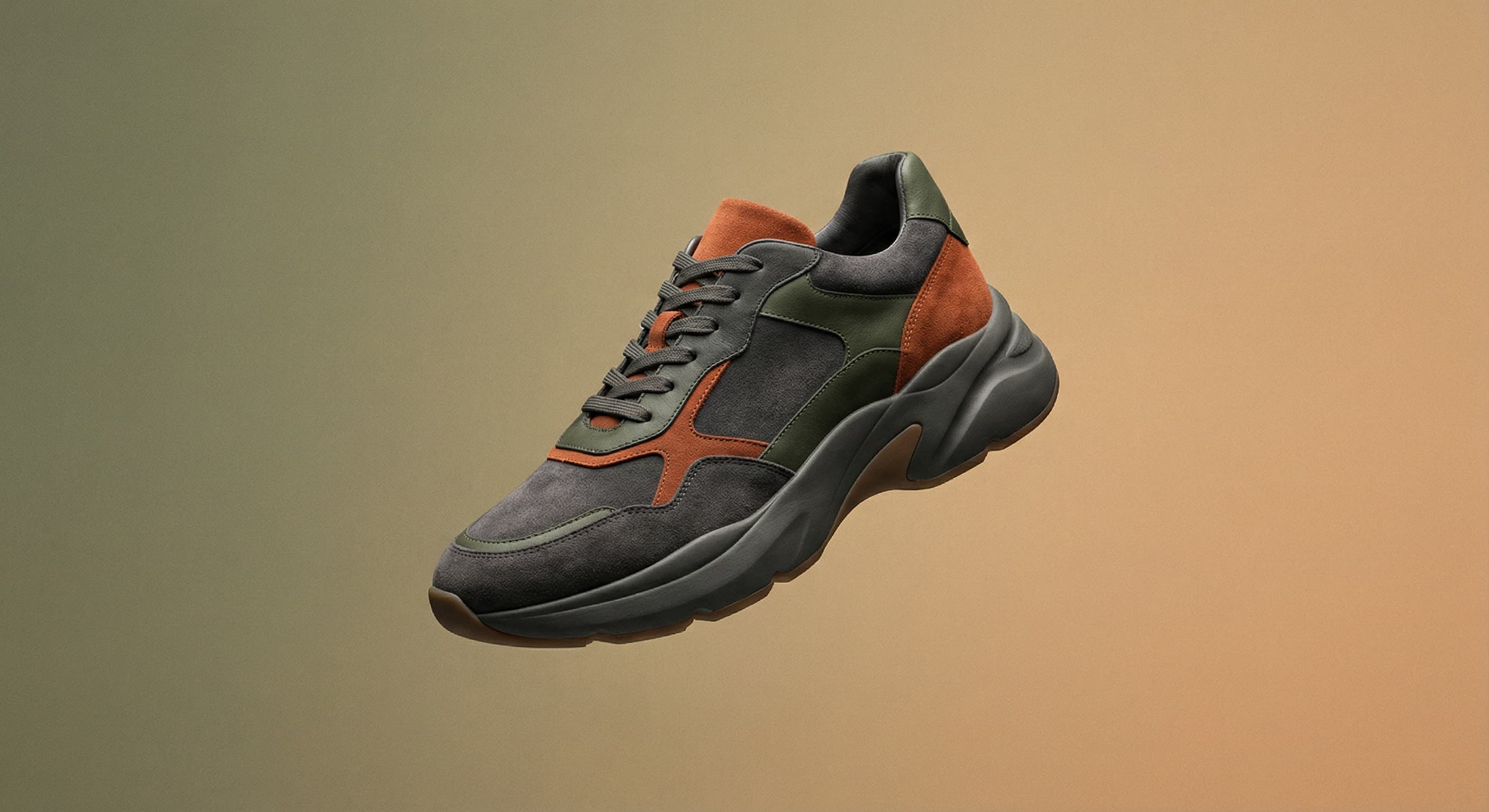
Background Remover
A clean transparent cutout in one step

Expand Image
Extend any photo past its edges
Object Remover
Erase people, cars or clutter

Edit Text
Change the words in any image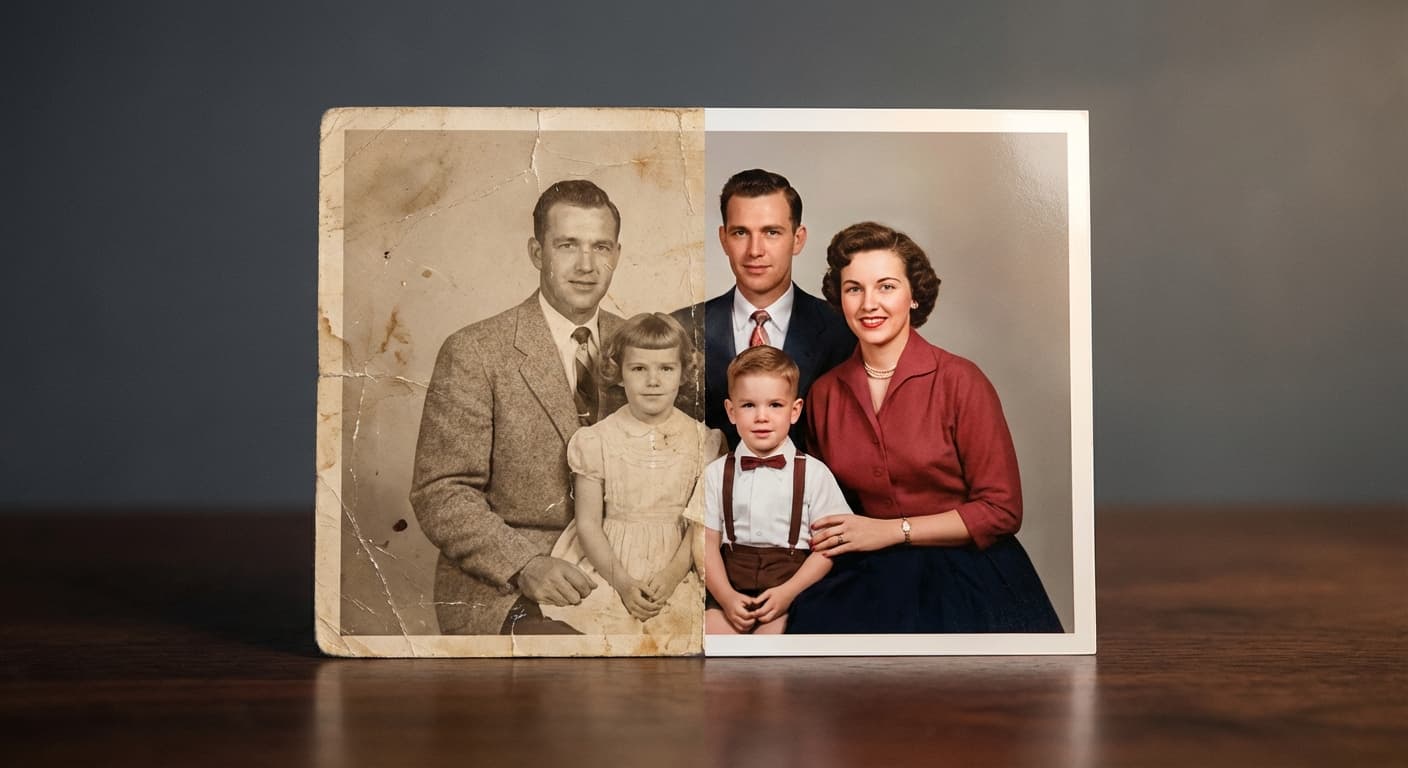
Photo Restoration
Repair scratches, tears and fading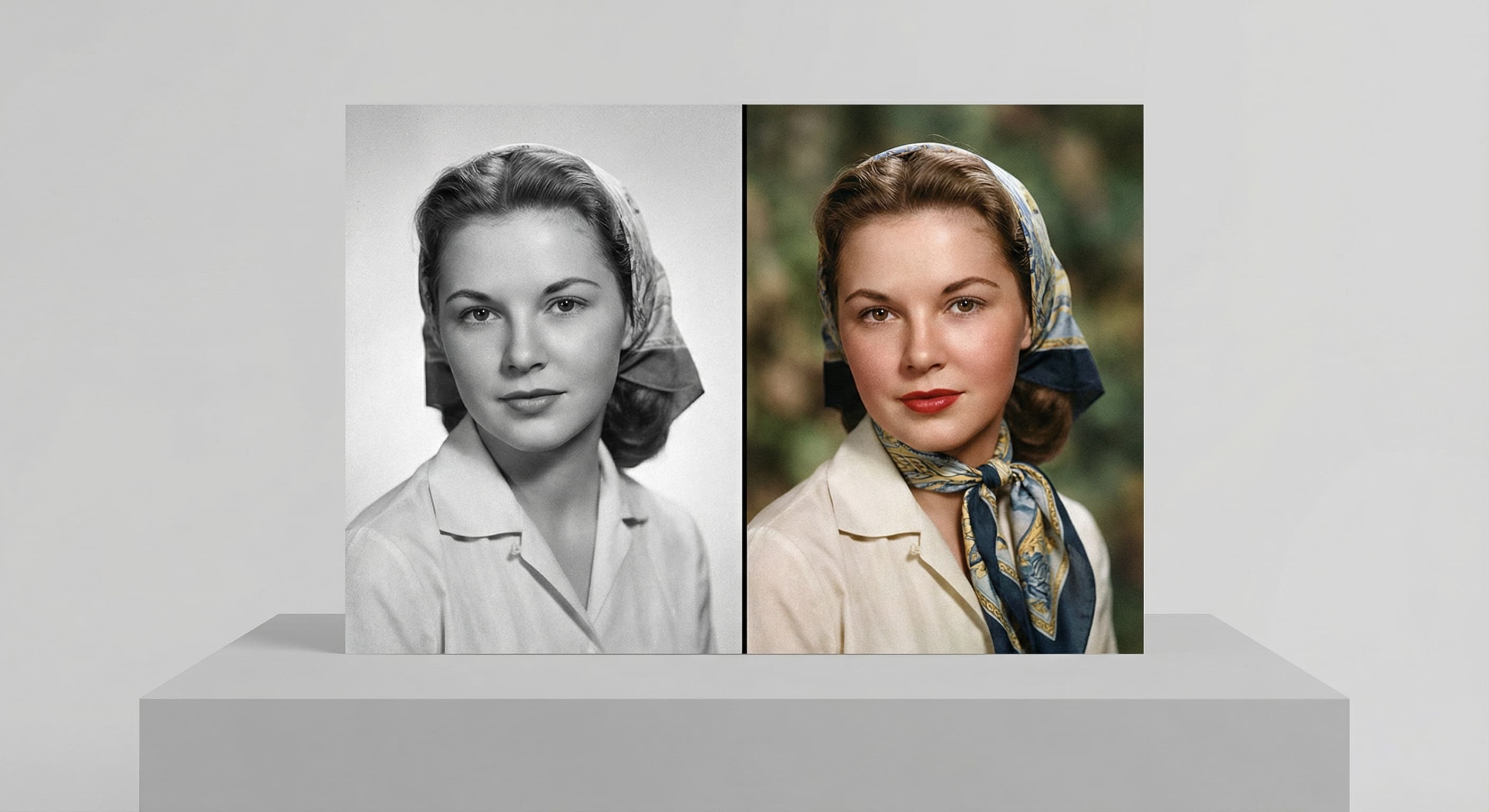
Photo Colorizer
Natural color for black-and-white photos
Unblur Image
Sharpen soft and blurry photos
Text Remover
Erase captions, dates and watermarksRelated models
See what each one makes, then open it in Made.