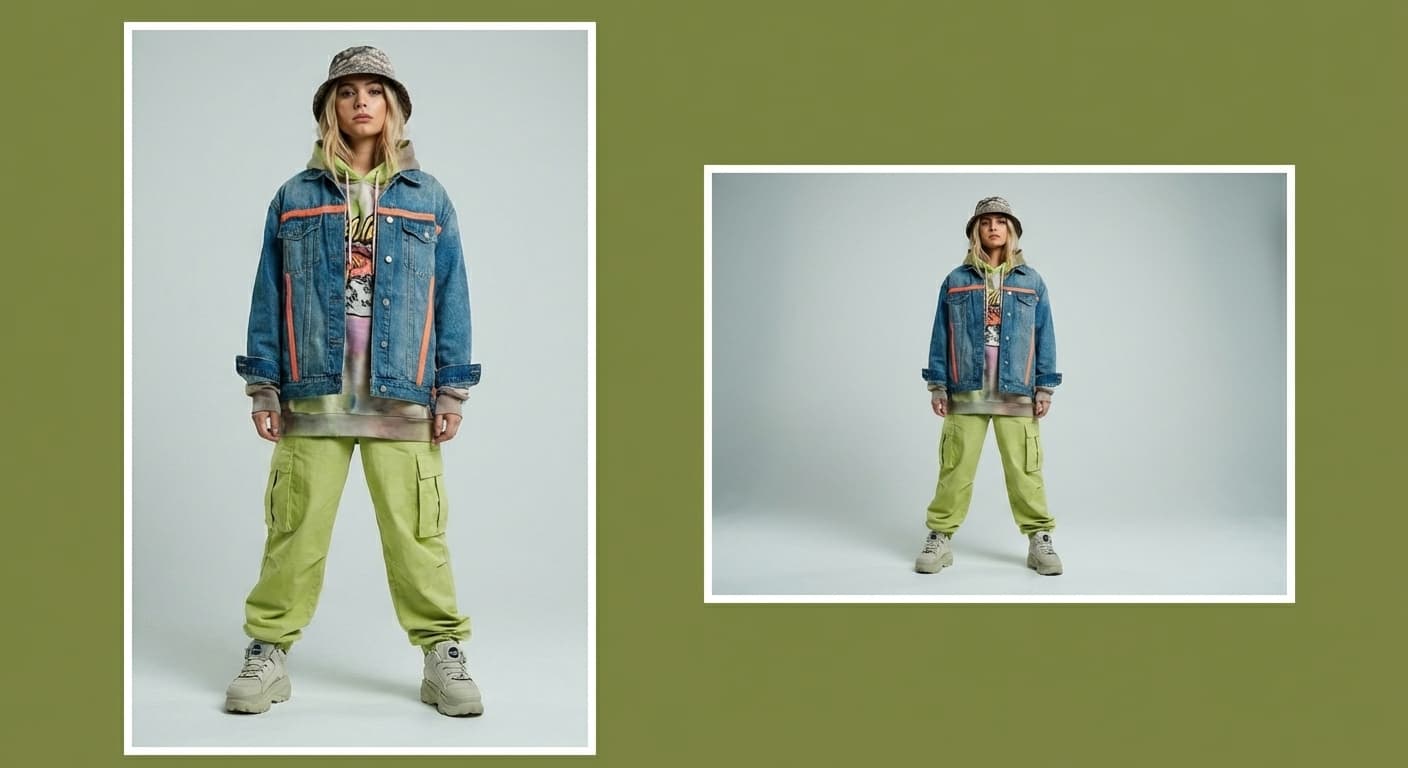
Compress Image to 50KB
50KB is a common ceiling on government portals, job applications, and document systems. Made re-encodes the file starting at quality 90 and lowers the quality only as far as needed to reach 50 kilobytes, then reports the final size and the quality it used.
Exact size targetsExamples
How to use Compress Image to 50KB
- 1
Upload one image
Choose the JPEG, PNG, or WebP file you need to shrink.
- 2
Ask for 50KB
Say “compress this image to under 50KB.” The target is applied exactly — compression stops as soon as the file fits.
- 3
Choose JPG or WebP
JPG is the default and works everywhere; WebP usually reaches the same target at higher visual quality.
- 4
Check the report
Made shows the original size, the final size, and the quality used. If the target was unreachable at the quality floor, it says so instead of silently degrading the image.
Compress Image to 50KB examples
Real results from Made. Add your own photo in the studio above.
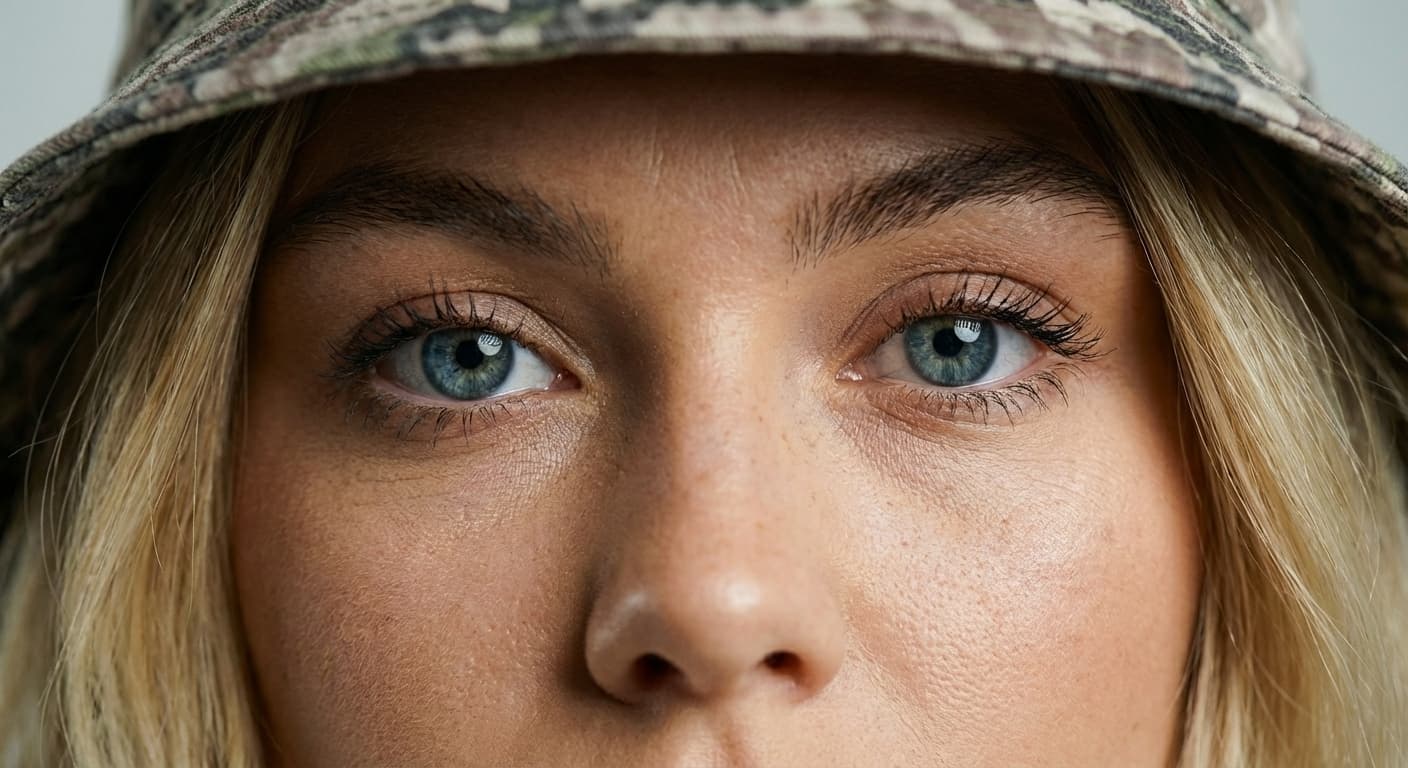
Quality preserved
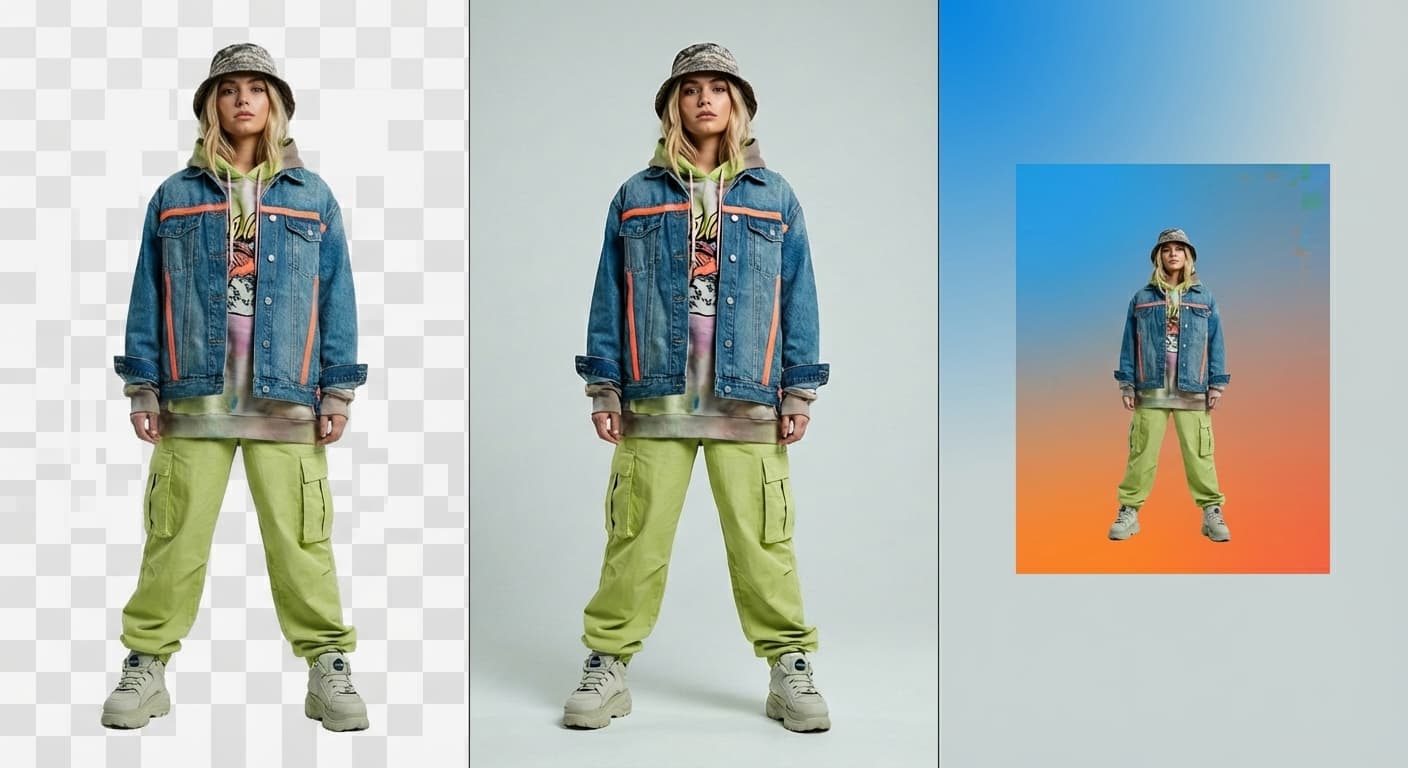
JPG or WebP output

Email attachments
Faster pages

Upload limits
What people use it for
- Application portalsMeet the strict photo limits on government, visa, and exam portals that reject anything over 50KB.
- Job and admission formsShrink a passport-style photo or scanned document image to the size the form actually accepts.
- Forum and app avatarsCreate a small, fast avatar file from a full-resolution portrait.
- Low-bandwidth sharingSend a usable version of a photo over slow or metered connections.
Compress an image to 50KB
What it does
- Input
- JPEG, PNG, or WebP image
- Output
- JPG or WebP image at or under 50KB when the target is reachable
- How it works
- Made re-encodes the image with Sharp, starting at quality 90 and stepping the JPEG or WebP quality down until the file fits 50 kilobytes or reaches the minimum quality floor, then reports the final size and quality.
- Access
- Set up the request on this page. You sign in to run it, and each run is priced in credits before you start.
Formats and limits
- Input formats
- JPEG, PNG, WebP
- Output formats
- JPG (default) or WebP
- Target size
- 10KB to 10,000KB
- Quality floor
- Quality 40; below that the pixels shrink instead
- Images per request
- One; dimensions change only when the target needs it
Checked against the running tool on 2026-09-03.
Questions about Compress Image to 50KB
Is 50KB reachable for a full-resolution photo?
Often, but not always. A 4,000-pixel photo may hit the quality floor before it fits 50KB. The reliable recipe is to resize to roughly 800–1,200 pixels on the long side first, then compress — at those dimensions 50KB is comfortable.
Why do portals ask for 50KB images?
Legacy storage and bandwidth constraints. The limit is enforced on file size, not dimensions, which is why an exact-target compressor works better than a quality slider you have to guess with.
Will Made go below the quality floor to force 50KB?
No. If 50KB cannot be reached above the minimum quality (20 by default), Made returns the smallest acceptable file and tells you the target was not met, instead of handing you a ruined image.
JPG or WebP for 50KB?
WebP holds up visibly better at aggressive targets like 50KB. Use JPG only when the portal explicitly requires it — many older portals do.
Does this change my image dimensions?
No, only the encoding quality changes. Pair it with Image Resizer if the portal also specifies pixel dimensions.
More Image Compressor options
More photo fixes

Image Resizer
Resize for any platform or size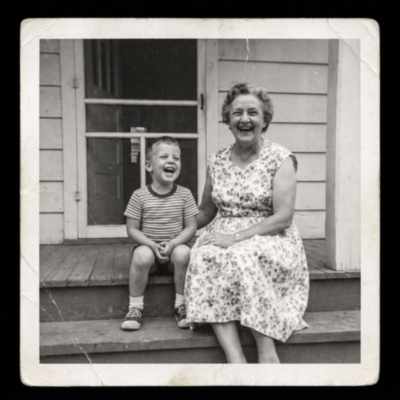
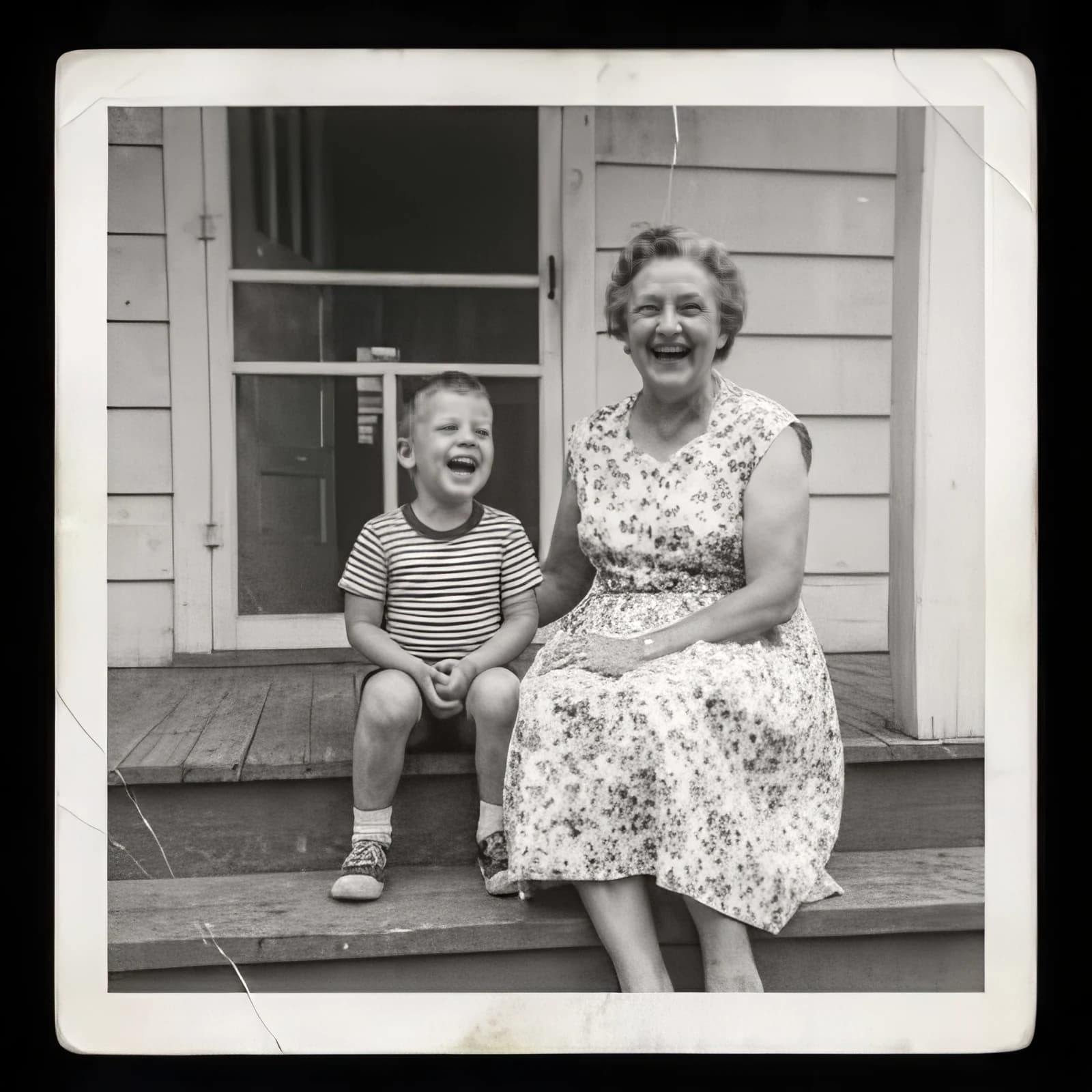
Image Upscaler
Sharpen and enlarge up to 4×
Background Remover
A clean transparent cutout in one step

Expand Image
Extend any photo past its edges
Object Remover
Erase people, cars or clutter
Edit Text
Change the words in any image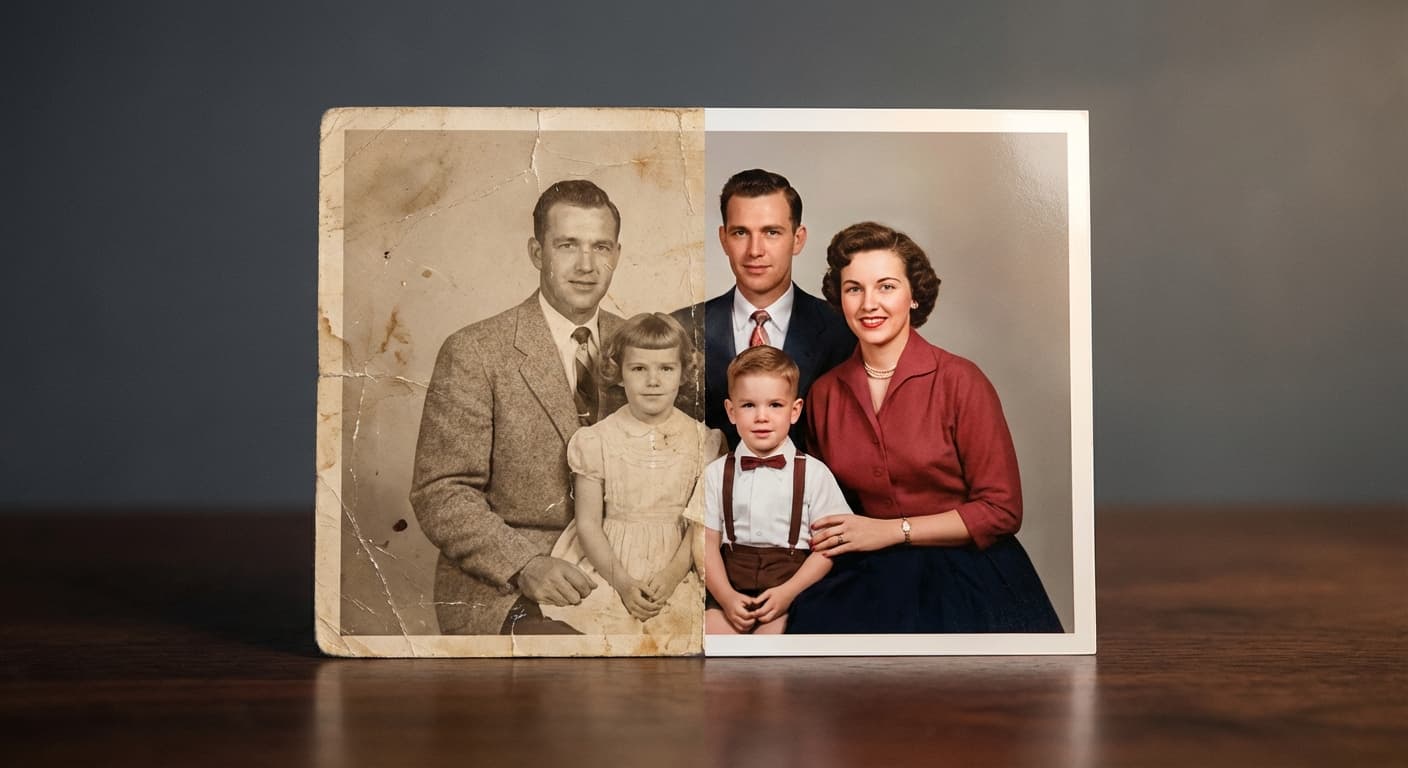
Photo Restoration
Repair scratches, tears and fading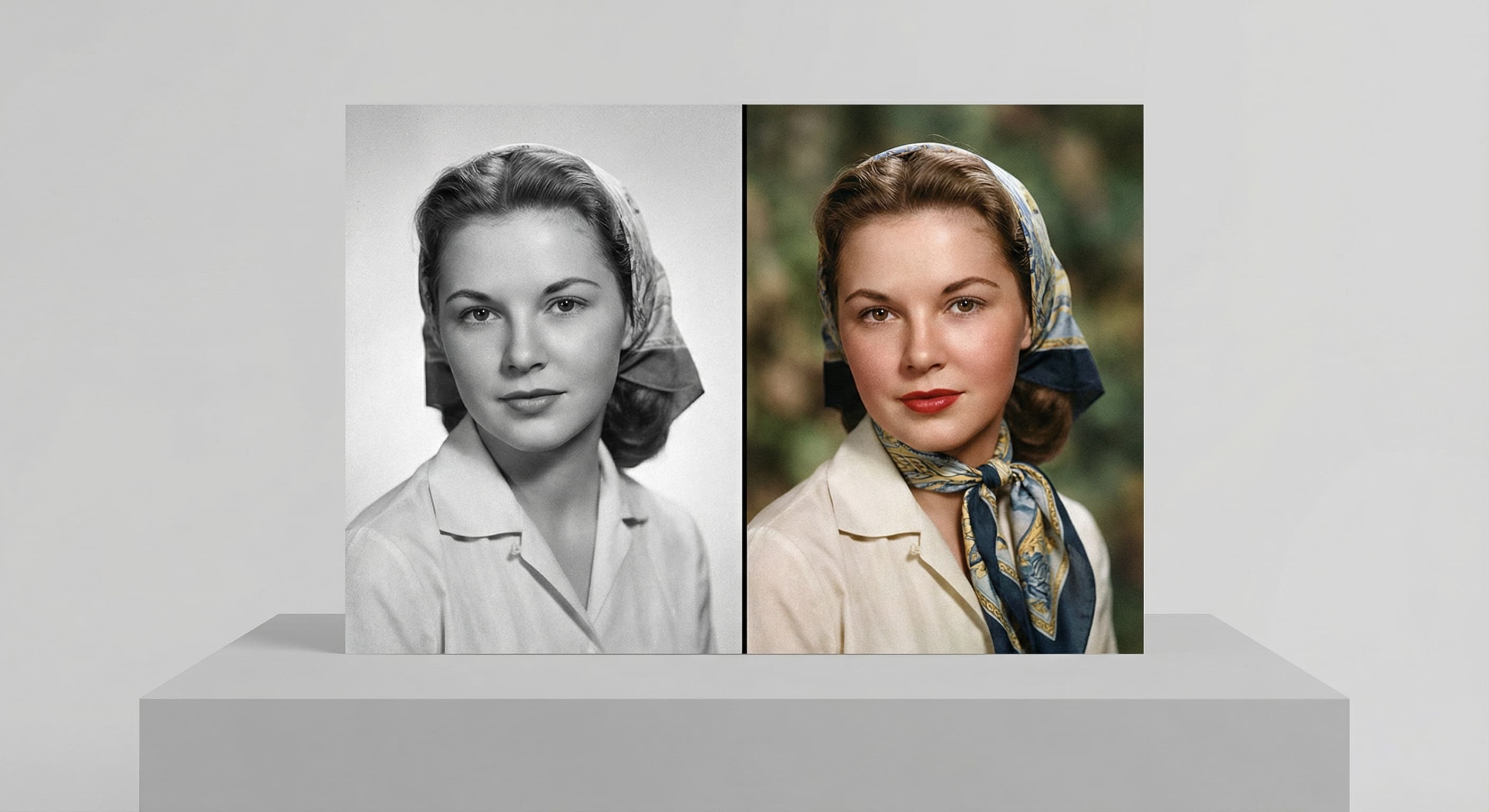
Photo Colorizer
Natural color for black-and-white photos
Unblur Image
Sharpen soft and blurry photos
Text Remover
Erase captions, dates and watermarksRelated models
See what each one makes, then open it in Made.