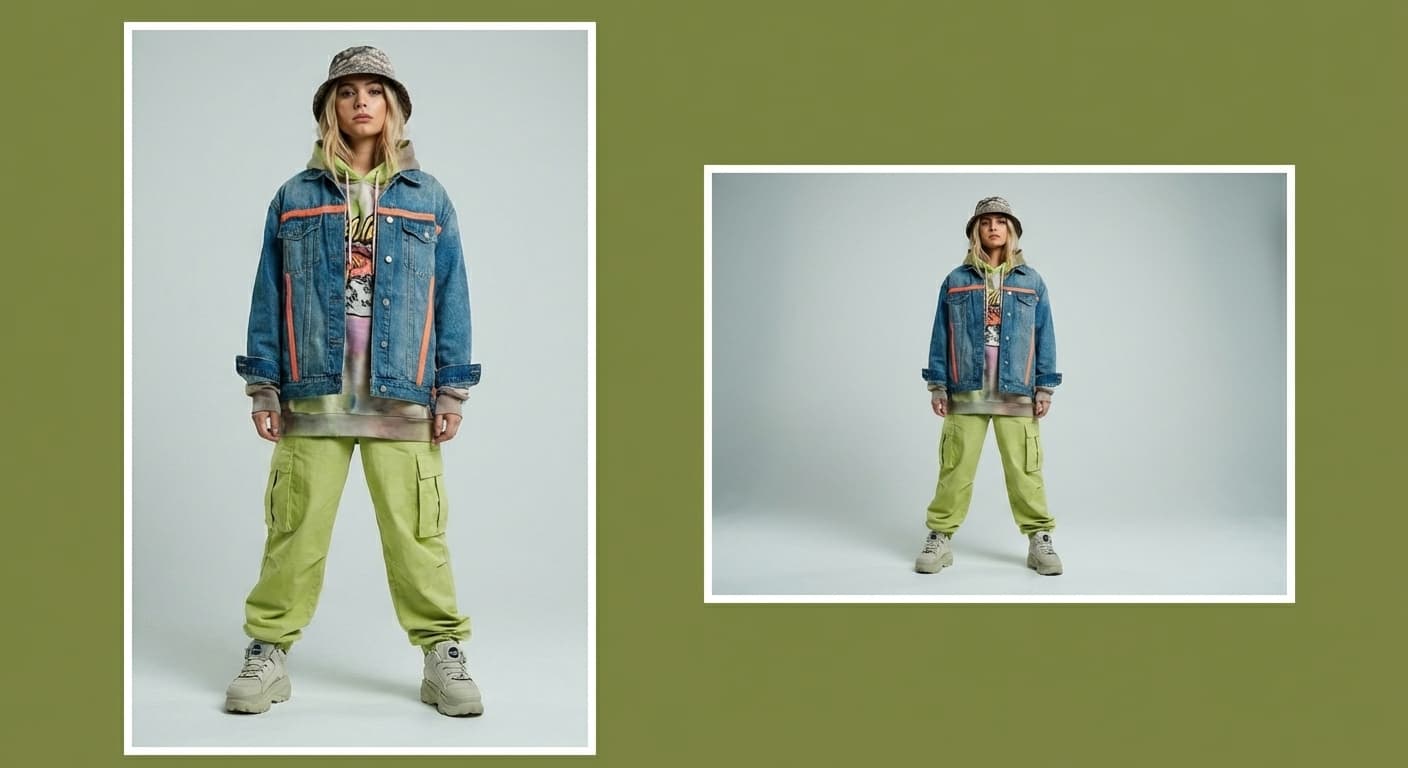
Compress Image to 200KB
200KB is the practical budget for hero images and content photos on a fast website. Made re-encodes the file starting at quality 90 and lowers the quality only as far as needed to reach 200 kilobytes, then reports the final size and the quality it used.
Exact size targetsExamples
How to use Compress Image to 200KB
- 1
Upload one image
Choose the JPEG, PNG, or WebP file you need to shrink.
- 2
Ask for 200KB
Say “compress this image to under 200KB.” The target is applied exactly — compression stops as soon as the file fits.
- 3
Choose JPG or WebP
JPG is the default and works everywhere; WebP usually reaches the same target at higher visual quality.
- 4
Check the report
Made shows the original size, the final size, and the quality used. If the target was unreachable at the quality floor, it says so instead of silently degrading the image.
Compress Image to 200KB examples
Real results from Made. Add your own photo in the studio above.
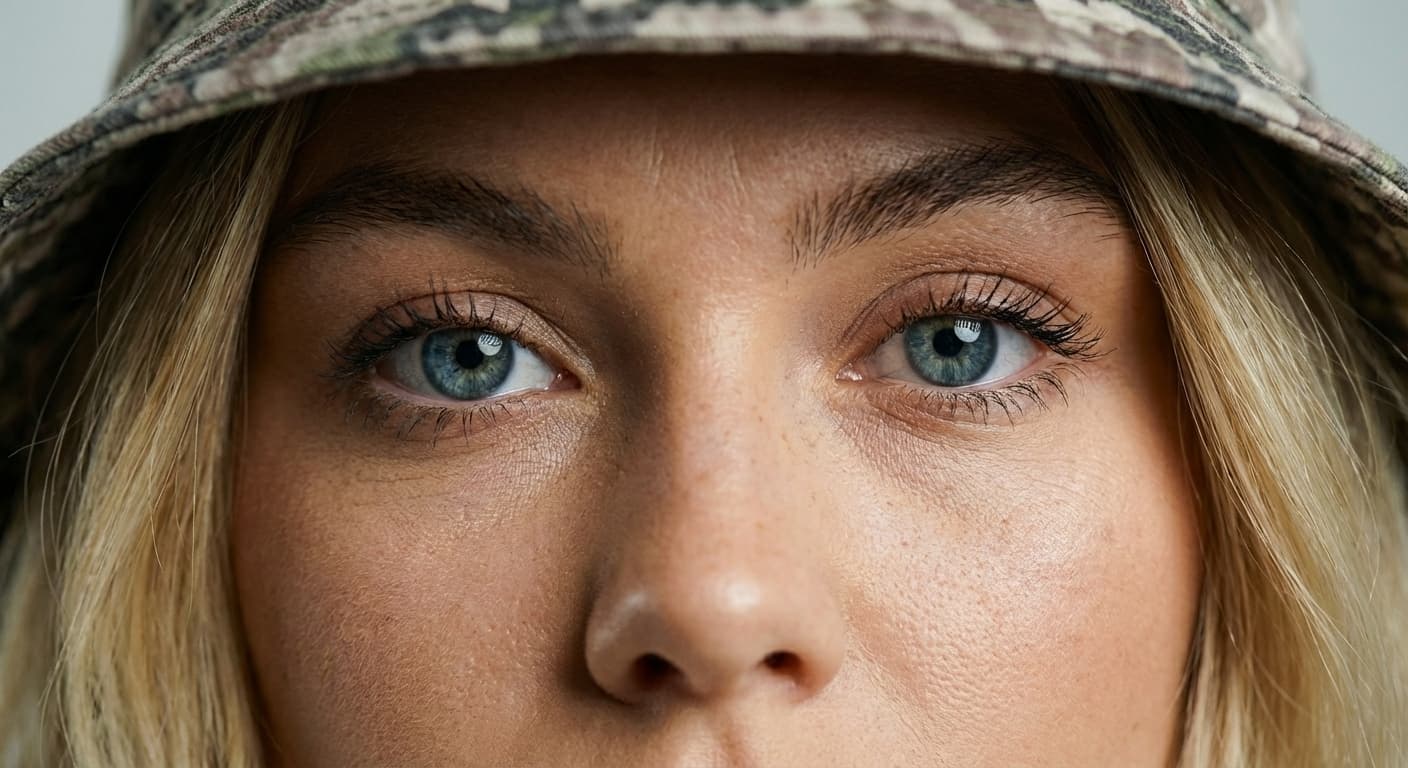
Quality preserved
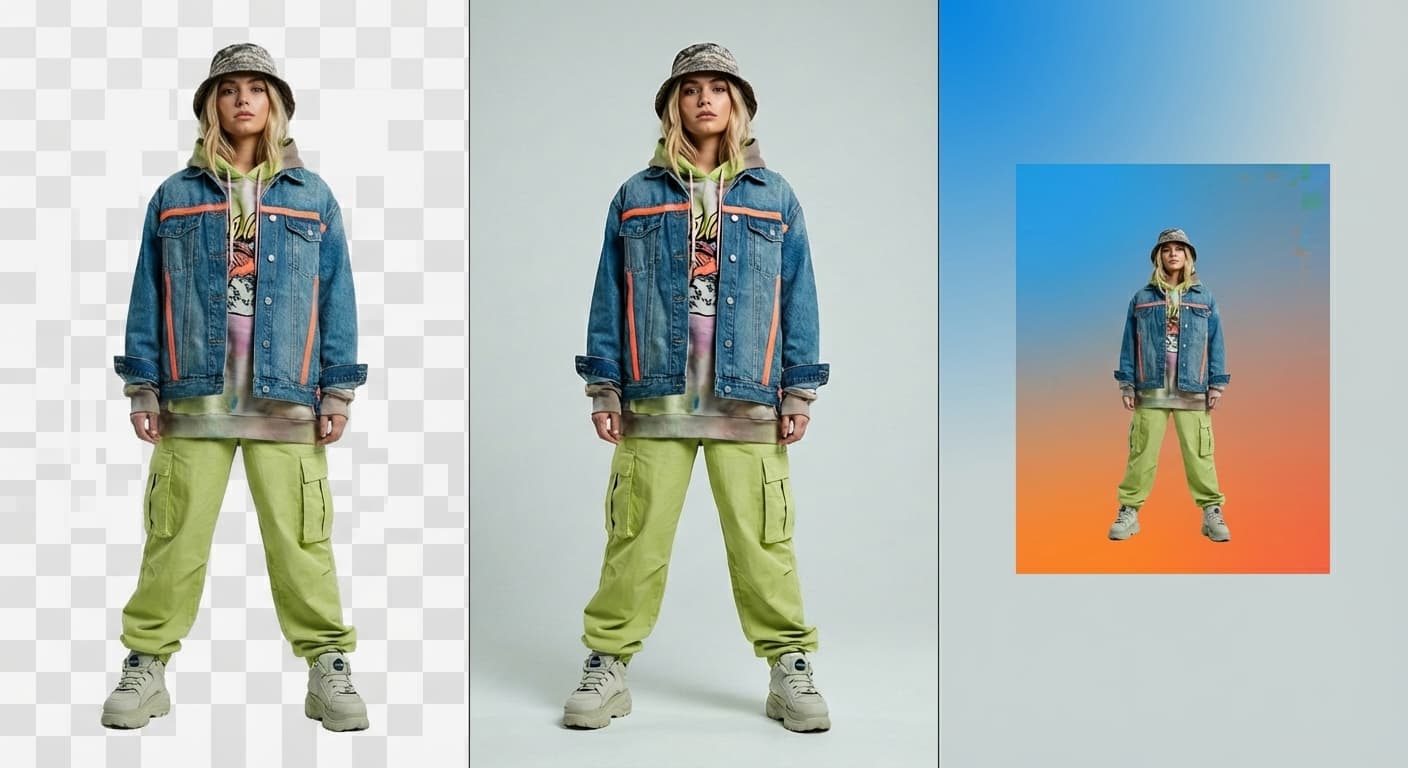
JPG or WebP output

Email attachments

Faster pages

Upload limits
What people use it for
- Website hero imagesKeep large banner and hero photos inside a 200KB budget so the page stays fast on mobile.
- Listing photosMeet marketplace and classifieds upload limits while keeping the product crisp.
- Blog and CMS imagesStandardize content images to a size that never drags page speed scores down.
- Portfolio imagesPublish visibly sharp work at a fraction of the original file size.
Compress an image to 200KB
What it does
- Input
- JPEG, PNG, or WebP image
- Output
- JPG or WebP image at or under 200KB when the target is reachable
- How it works
- Made re-encodes the image with Sharp, starting at quality 90 and stepping the JPEG or WebP quality down until the file fits 200 kilobytes or reaches the minimum quality floor, then reports the final size and quality.
- Access
- Set up the request on this page. You sign in to run it, and each run is priced in credits before you start.
Formats and limits
- Input formats
- JPEG, PNG, WebP
- Output formats
- JPG (default) or WebP
- Target size
- 10KB to 10,000KB
- Quality floor
- Quality 40; below that the pixels shrink instead
- Images per request
- One; dimensions change only when the target needs it
Checked against the running tool on 2026-09-03.
Questions about Compress Image to 200KB
Is 200KB small enough for good page speed?
For most content images, yes — at typical display sizes a 200KB JPG or WebP is indistinguishable from the original while loading several times faster than an unoptimized photo.
Will I see any quality difference at 200KB?
Rarely. Most photos reach 200KB at a high quality setting, and compression stops as soon as the target is met, so no extra quality is sacrificed.
Should hero images be JPG or WebP?
WebP, if your platform serves it — same 200KB budget, visibly cleaner gradients and edges. All modern browsers support WebP.
Can I batch-compress a whole folder to 200KB?
The published workflow compresses one image per request. Upload the next image and repeat the same instruction to work through a set.
Does this replace responsive image sizing?
No — it complements it. Use Image Resizer to create the right dimensions for each breakpoint, then compress each output to your KB budget.
More Image Compressor options
More photo fixes

Image Resizer
Resize for any platform or size
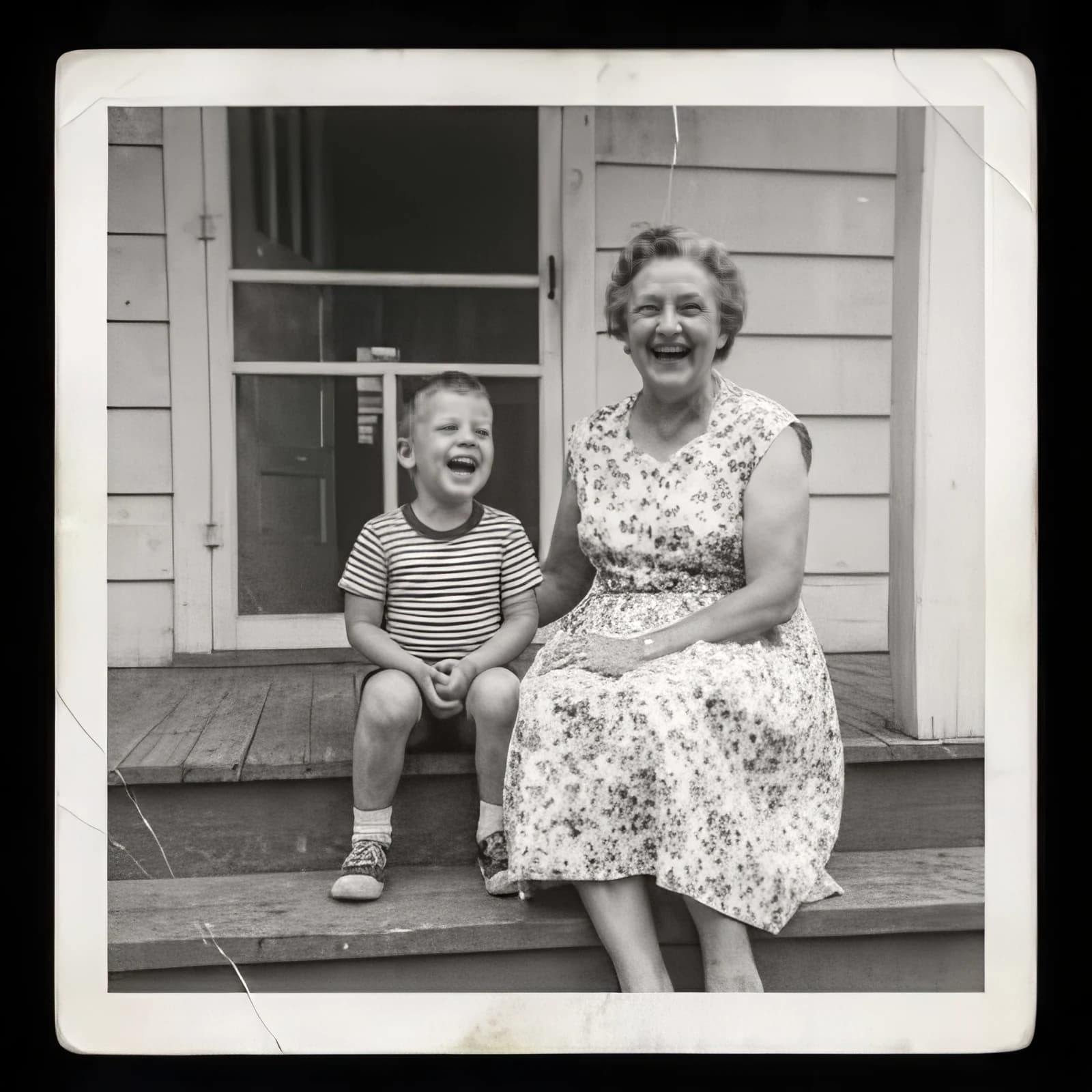
Image Upscaler
Sharpen and enlarge up to 4×
Background Remover
A clean transparent cutout in one step

Expand Image
Extend any photo past its edges
Object Remover
Erase people, cars or clutter

Edit Text
Change the words in any image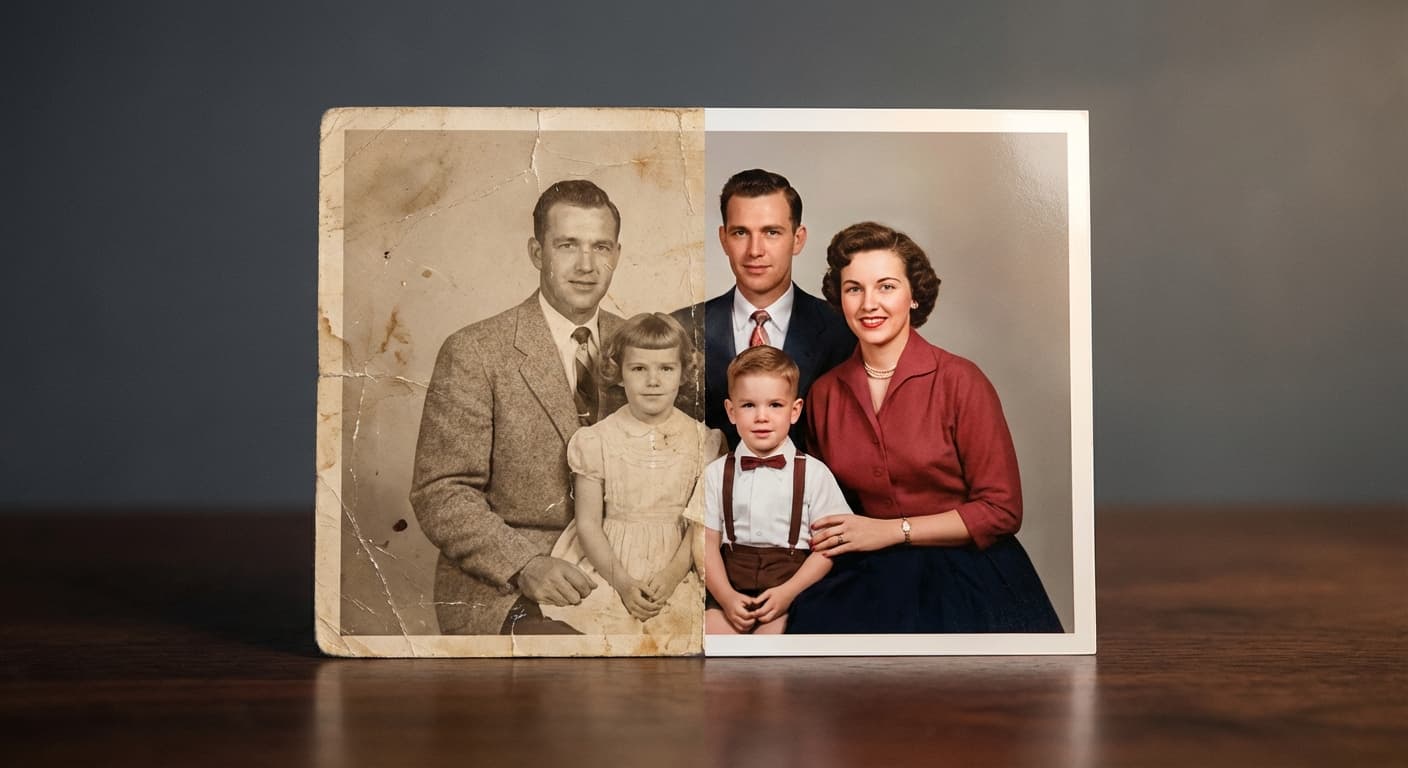
Photo Restoration
Repair scratches, tears and fading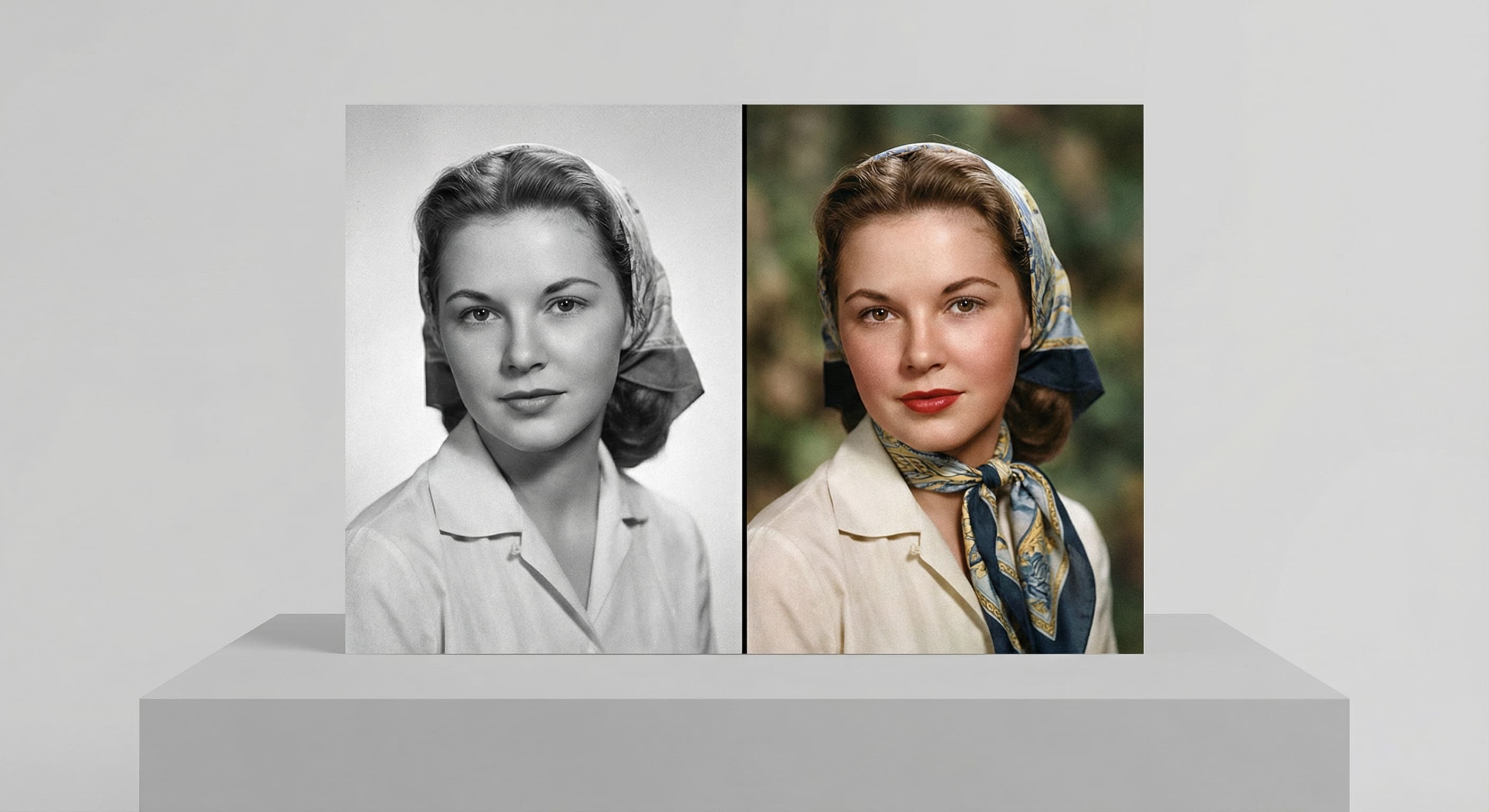
Photo Colorizer
Natural color for black-and-white photos
Unblur Image
Sharpen soft and blurry photos
Text Remover
Erase captions, dates and watermarksRelated models
See what each one makes, then open it in Made.