Photo Inverter
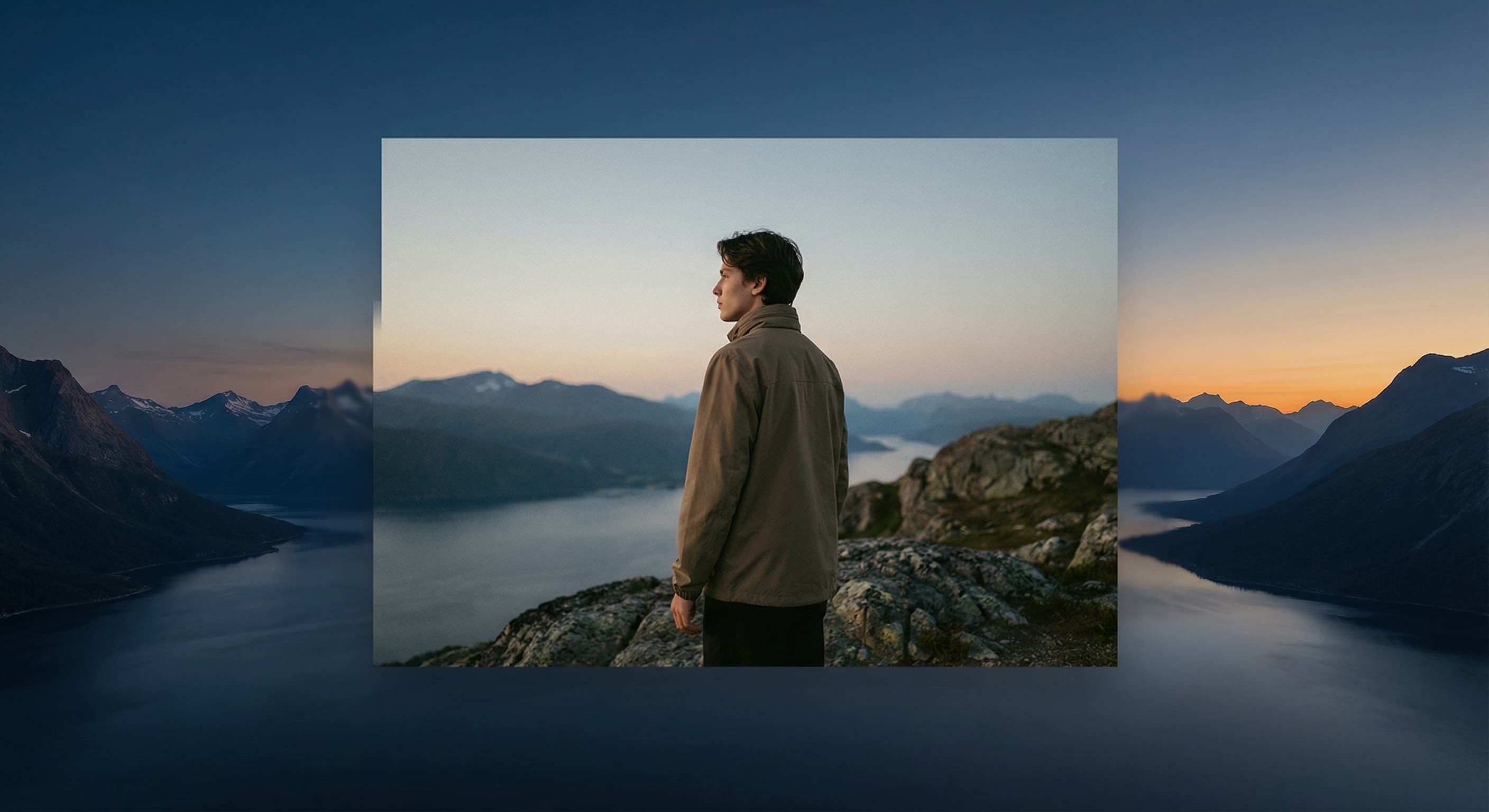
Create professional photo inversions with our advanced photo inverter tool. Transform ordinary photos into stunning artistic pieces with negative effects, selective color inversion, and multiple creative presets - completely free.
Create stunning inverted photo effects with advanced controls. Perfect for artistic and creative photography.
Max 10 MB / [jpg, png, webp]
Create Stunning Inverted Photo Effects
Instant Color Inversion
Transform your photos instantly by inverting all colors. Our advanced photo inverter creates striking negative effects that turn your ordinary photos into eye-catching artistic pieces perfect for creative projects and social media campaigns.
Advanced Inversion Controls
Fine-tune your inversion with intensity controls, selective color targeting, and multiple effect presets. Our photo inverter offers professional-grade controls that let you create exactly the look you want with precision.
Maintain Image Quality
Our photo inverter uses advanced algorithms to maintain the original image quality while applying color inversion effects, ensuring your transformed photos look crisp, professional, and ready for any platform.
Professional Photo Inverter Features
Multiple Inversion Styles
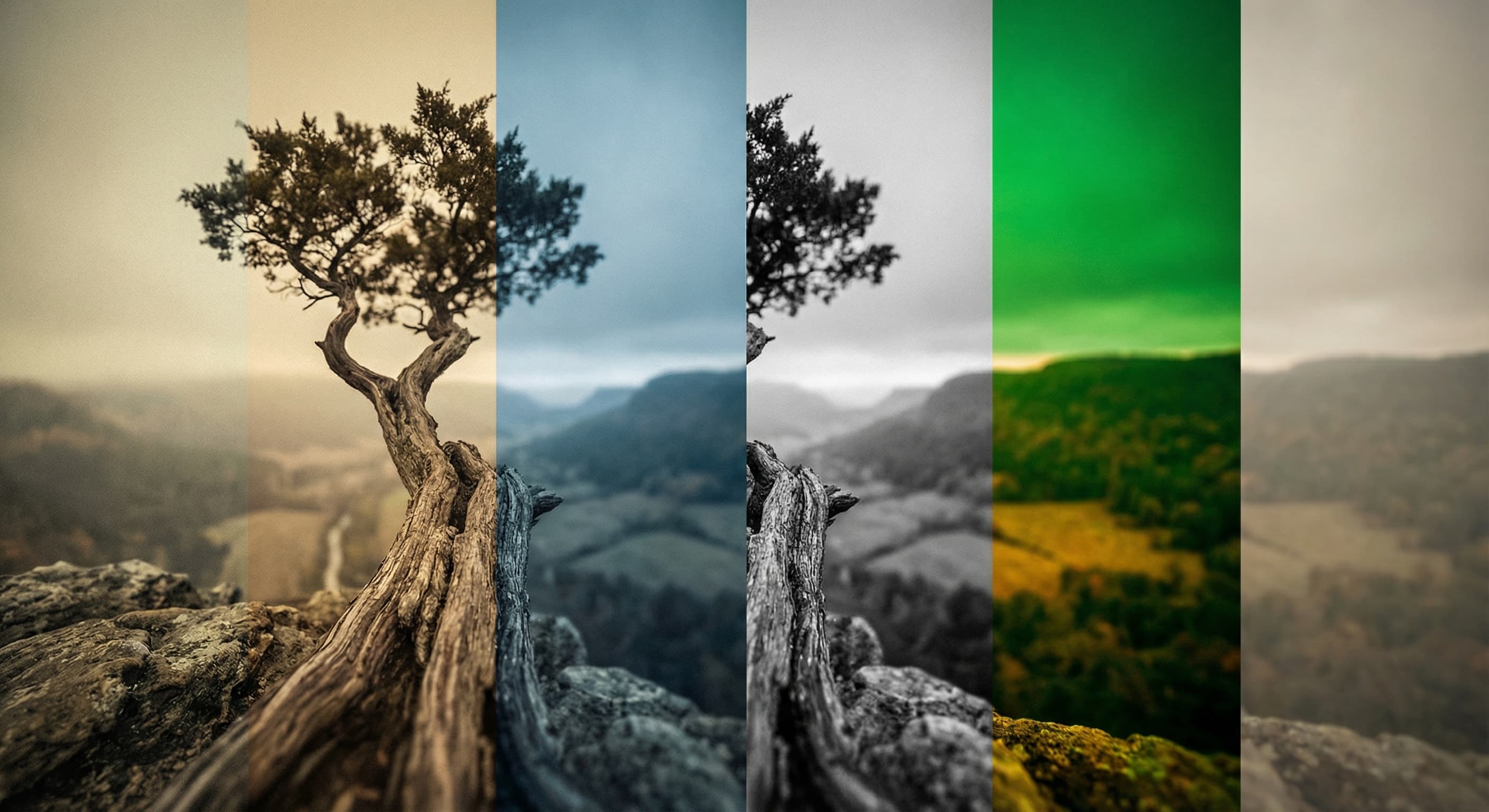
Choose from various photo inverter presets including full inversion, negative film effects, selective color pop, and high contrast modes. Each style offers unique artistic possibilities for different creative projects.
Selective Color Inversion
Our photo inverter allows you to target specific colors for inversion while keeping others unchanged. Perfect for creating dramatic artistic effects, highlighting specific elements, or achieving unique color combinations.
Real-time Preview
See your photo inversion effects instantly with our real-time preview feature. Adjust settings and see immediate results, making it easy to perfect your inverted photo before downloading.
Why Choose Our Photo Inverter
Free and Easy to Use
Our photo inverter is completely free to use with no watermarks, registration requirements, or hidden fees. Simply upload your image and start creating stunning inverted photo effects immediately.
Works on Any Device
Access our photo inverter from any device - desktop, tablet, or mobile. The responsive design ensures you can create inverted photos wherever inspiration strikes, with all features available on every platform.
Privacy Protected
Your photos are processed securely and never stored on our servers. Our photo inverter respects your privacy, automatically deleting uploaded images after processing to keep your creative work confidential.
How to use our photo inverter tool?
- 1
Step 1: Upload Your Photo
Choose the image you want to invert from your computer, tablet, or mobile device. Our photo inverter supports JPEG, PNG, and WebP formats up to 10MB.
- 2
Step 2: Select Inversion Style
Choose from multiple photo inverter presets: full inversion, negative film effect, selective color pop, or high contrast mode. Each offers unique artistic possibilities.
- 3
Step 3: Customize Settings
Fine-tune your photo inverter settings by adjusting intensity levels, selecting specific colors for selective inversion, or experimenting with different effect combinations.
- 4
Step 4: Preview and Adjust
Use the real-time preview to see your inverted photo effects instantly. Switch between before and after views to perfect your photo inversion results.
- 5
Step 5: Download Your Creation
Download your professionally inverted photo in high quality. Use it for social media, creative projects, or continue editing with our other photo tools.
Users Love Our Photo Inverter
One of my go-to apps
Great app for filtering photos and even greater app for sizing pictures for not only posts but story photos as well... love this app I mainly use insta size for all my posts now ;)
Fast and Straightforward
Resizing photos for social media should be a cinch, but most editing programs are a pain to use. Of the dozen I’ve used, Made is the fastest, easiest and most consistent...
Great Sizes
Perfect app for the exact social media picture sizes. Love it. I use it daily. & I like the premade options they give you for different social medias!
I love made
Its the best app. for sizing photos to fit for Instagram or other forms of social media. You can also edit photos and create collages with multiple photos. It’s had been my friend for several years!
Always helpful
Always helpful when needing to resize photos
Huge fan
I love this app. Makes posting all types of photos. Love how it makes them fit on different formats
I’ve been using for years. Can’t work without it.
I use this app everyday to perfectly resize images for all of my social media platforms
LOVE
This app saved the day for me! I’m finally able to resize my photos for IG....effortlessly
Great App
We use this App weekly to resize pics for social media posts. Very user friendly, easy to use program when you want to get in and out quickly...
One of my go-to apps
Great app for filtering photos and even greater app for sizing pictures for not only posts but story photos as well... love this app I mainly use insta size for all my posts now ;)
Fast and Straightforward
Resizing photos for social media should be a cinch, but most editing programs are a pain to use. Of the dozen I’ve used, Made is the fastest, easiest and most consistent...
Great Sizes
Perfect app for the exact social media picture sizes. Love it. I use it daily. & I like the premade options they give you for different social medias!
I love made
Its the best app. for sizing photos to fit for Instagram or other forms of social media. You can also edit photos and create collages with multiple photos. It’s had been my friend for several years!
Always helpful
Always helpful when needing to resize photos
Huge fan
I love this app. Makes posting all types of photos. Love how it makes them fit on different formats
I’ve been using for years. Can’t work without it.
I use this app everyday to perfectly resize images for all of my social media platforms
LOVE
This app saved the day for me! I’m finally able to resize my photos for IG....effortlessly
Great App
We use this App weekly to resize pics for social media posts. Very user friendly, easy to use program when you want to get in and out quickly...
One of my go-to apps
Great app for filtering photos and even greater app for sizing pictures for not only posts but story photos as well... love this app I mainly use insta size for all my posts now ;)
Fast and Straightforward
Resizing photos for social media should be a cinch, but most editing programs are a pain to use. Of the dozen I’ve used, Made is the fastest, easiest and most consistent...
Great Sizes
Perfect app for the exact social media picture sizes. Love it. I use it daily. & I like the premade options they give you for different social medias!
I love made
Its the best app. for sizing photos to fit for Instagram or other forms of social media. You can also edit photos and create collages with multiple photos. It’s had been my friend for several years!
Always helpful
Always helpful when needing to resize photos
Huge fan
I love this app. Makes posting all types of photos. Love how it makes them fit on different formats
I’ve been using for years. Can’t work without it.
I use this app everyday to perfectly resize images for all of my social media platforms
LOVE
This app saved the day for me! I’m finally able to resize my photos for IG....effortlessly
Great App
We use this App weekly to resize pics for social media posts. Very user friendly, easy to use program when you want to get in and out quickly...
Photo Inverter FAQ
Can't find what you're looking for? Contact support
A photo inverter reverses all the colors in your image, creating a negative effect where light areas become dark, dark areas become light, and all colors are replaced with their complementary colors on the color wheel. This creates striking artistic effects perfect for creative projects.
One subscription. Unlimited access to all AI models.
Create without limits. Get full access to every premium AI model and our entire suite of tools with a single plan.
Free
Essential tools for casual creators.
- 1 slow generation at a time
- AI Chat Editing
- All AI image models
AI Image Generator for Every Creative Need
Generate from text, expand photos, remove backgrounds, and upscale to 4K