Cinematic motion
“A climber pulls over the final ledge of a windy summit at golden hour, rope trailing, the camera craning up past them to reveal the range below, wind roaring.”
Every prompt below was generated with Kling 3 Pro in Made, and the output next to it is what came back — not a curated stock image. Copy a prompt as a starting point, then use the guide underneath to adapt it.
Original results
These examples use media produced for Made. Prompts are included when the production record allows them.
“A climber pulls over the final ledge of a windy summit at golden hour, rope trailing, the camera craning up past them to reveal the range below, wind roaring.”
“Inside a car on a rainy night drive, wipers keeping time, city lights smearing across the windshield, lo-fi radio murmur, a slow rack focus from droplets to the road.”
“Hundreds of paper lanterns rise over a valley festival at dusk, crowd murmur and drums below, the camera drifting upward among the lights.”
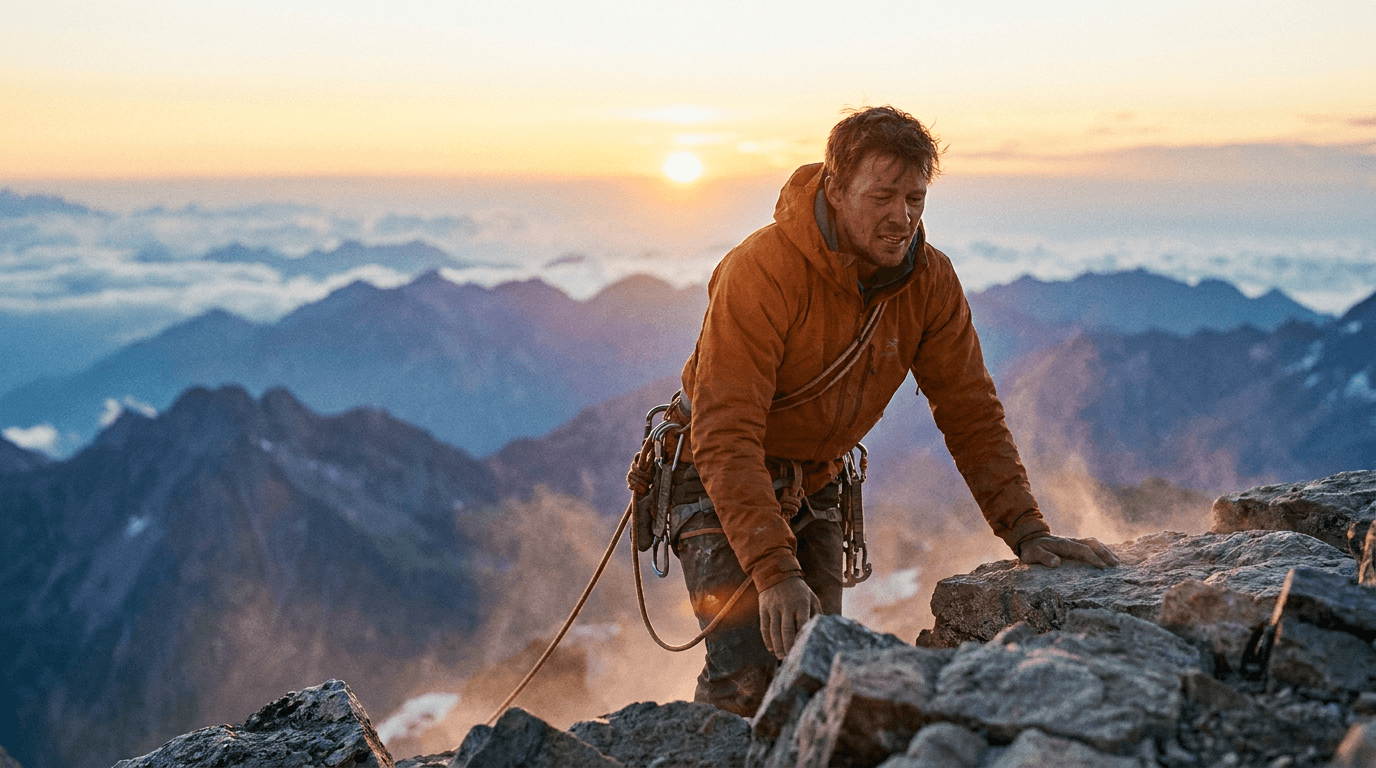
“Plan the frame as a still, then describe its motion to the model.”
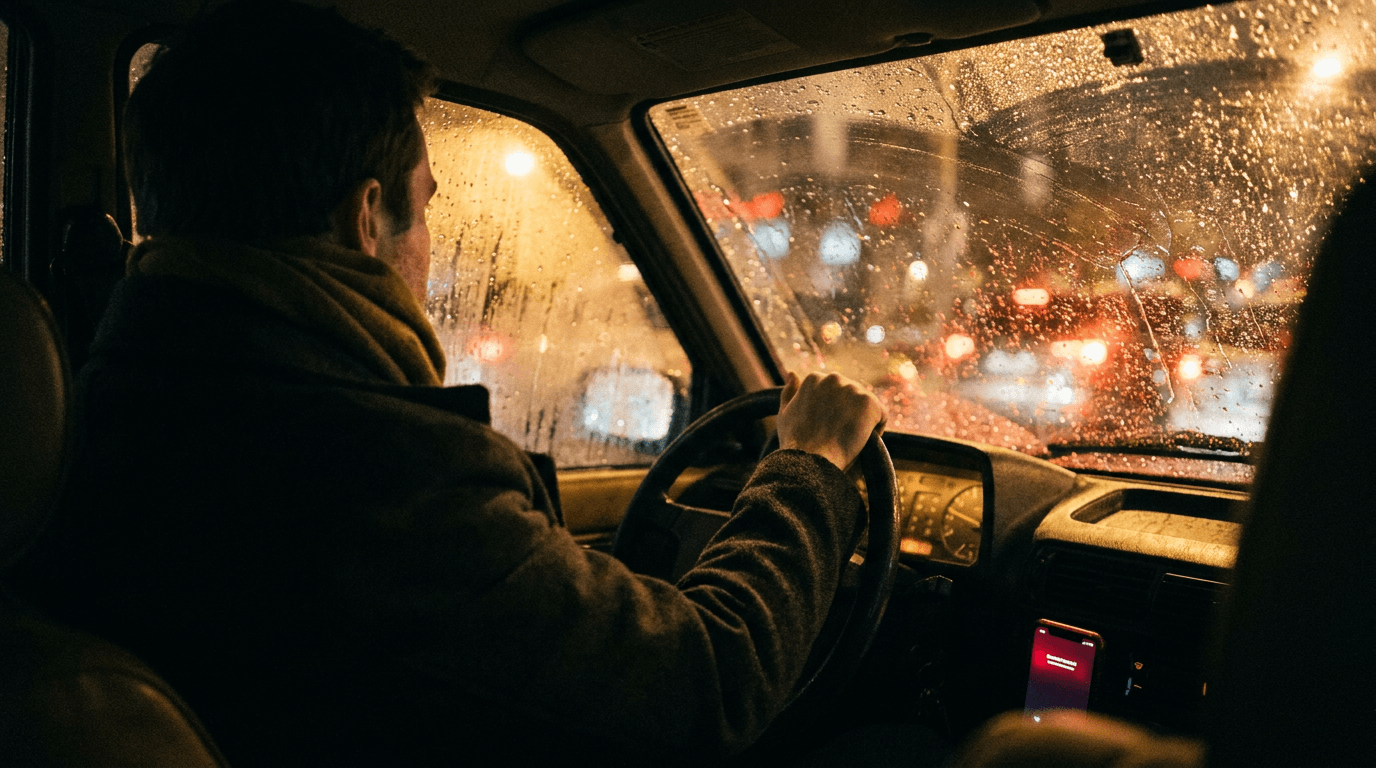
“Establish framing and light before handing the motion to the model.”
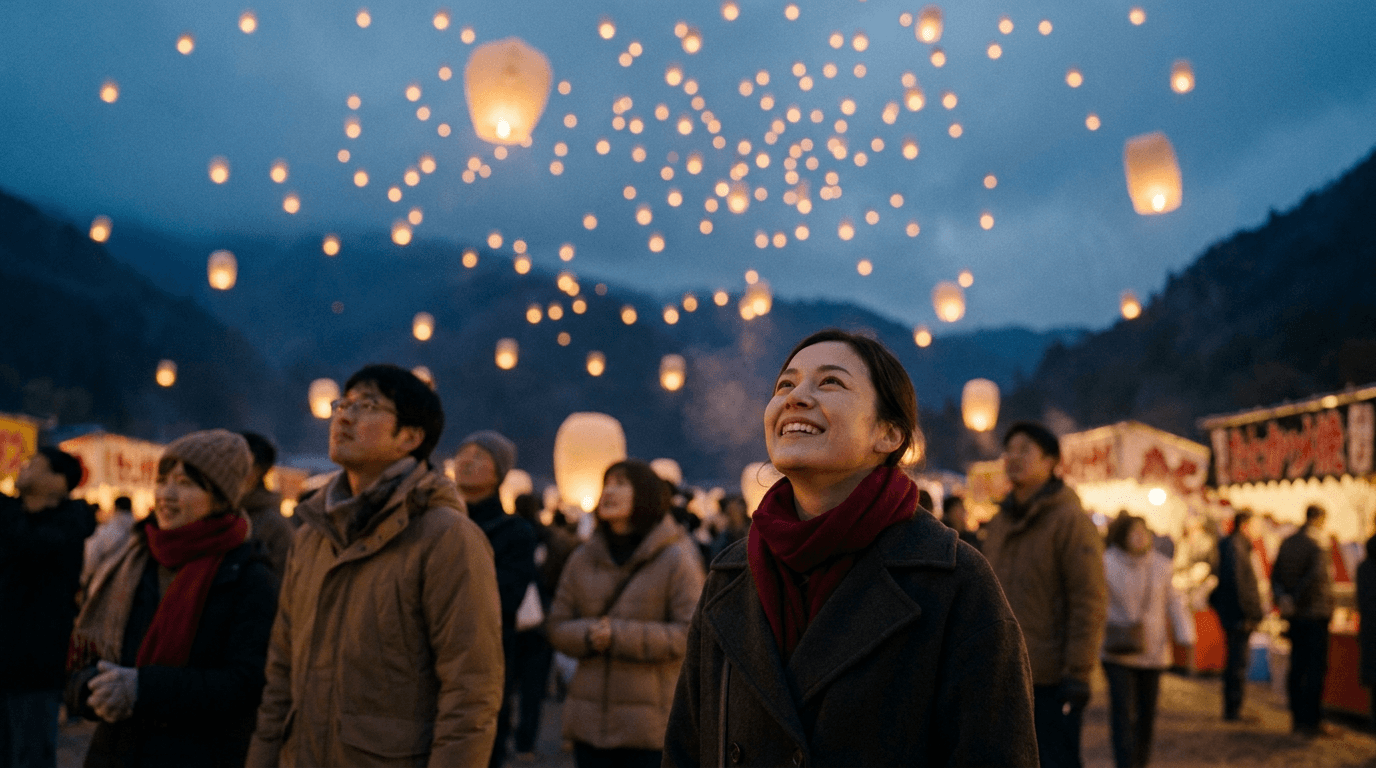
“Set the scene as a still before describing camera and sound.”
Describe the subject, action, camera move, and the sound the scene should carry — then turn Audio on.
Pick 16:9, 9:16, or 1:1 and a duration between 3 and 15 seconds.
Check motion physics, audio, and continuity against the brief.
Adjust a single instruction — camera, pacing, or sound — per iteration for controlled results.
Iteration is cheap here: Kling 3 Pro costs from 0.99 credits / second, so rewriting a prompt and rerunning it is a normal part of the workflow, not a budget decision. See the full Kling 3 Pro pricing breakdown.
It is the professional tier of Kling AI’s third-generation video model — the tier most quality benchmarks reference — with native audio generation.
More tested prompts across all models live in the prompt library, and the full Kling 3 Pro capability rundown is on the model page.