Realism study
“A barista pours latte art in a bright cafe, milk folding into a rosetta, hands steady, the camera locked off at counter height with shallow focus.”
Every prompt below was generated with Kling O3 Pro in Made, and the output next to it is what came back — not a curated stock image. Copy a prompt as a starting point, then use the guide underneath to adapt it.
Original results
These examples use media produced for Made. Prompts are included when the production record allows them.
“A barista pours latte art in a bright cafe, milk folding into a rosetta, hands steady, the camera locked off at counter height with shallow focus.”
“Animate the scene with subtle believable motion: steam curls from the cup, the barista finishes the pour, natural cafe light holds steady.”
“Tide pools at low tide, anemones swaying as a gentle wave washes through, the camera gliding low across the rocks in one continuous move.”
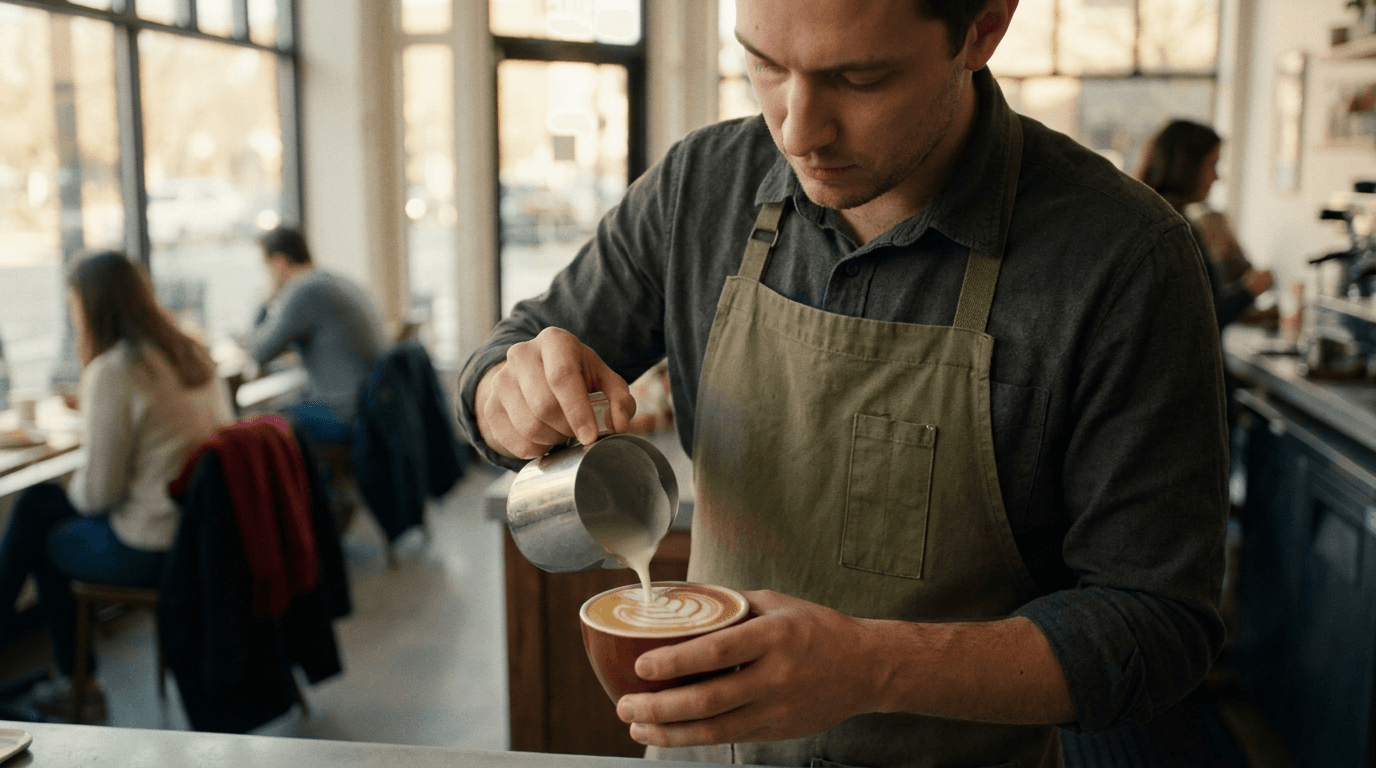
“Use this image as the opening composition.”
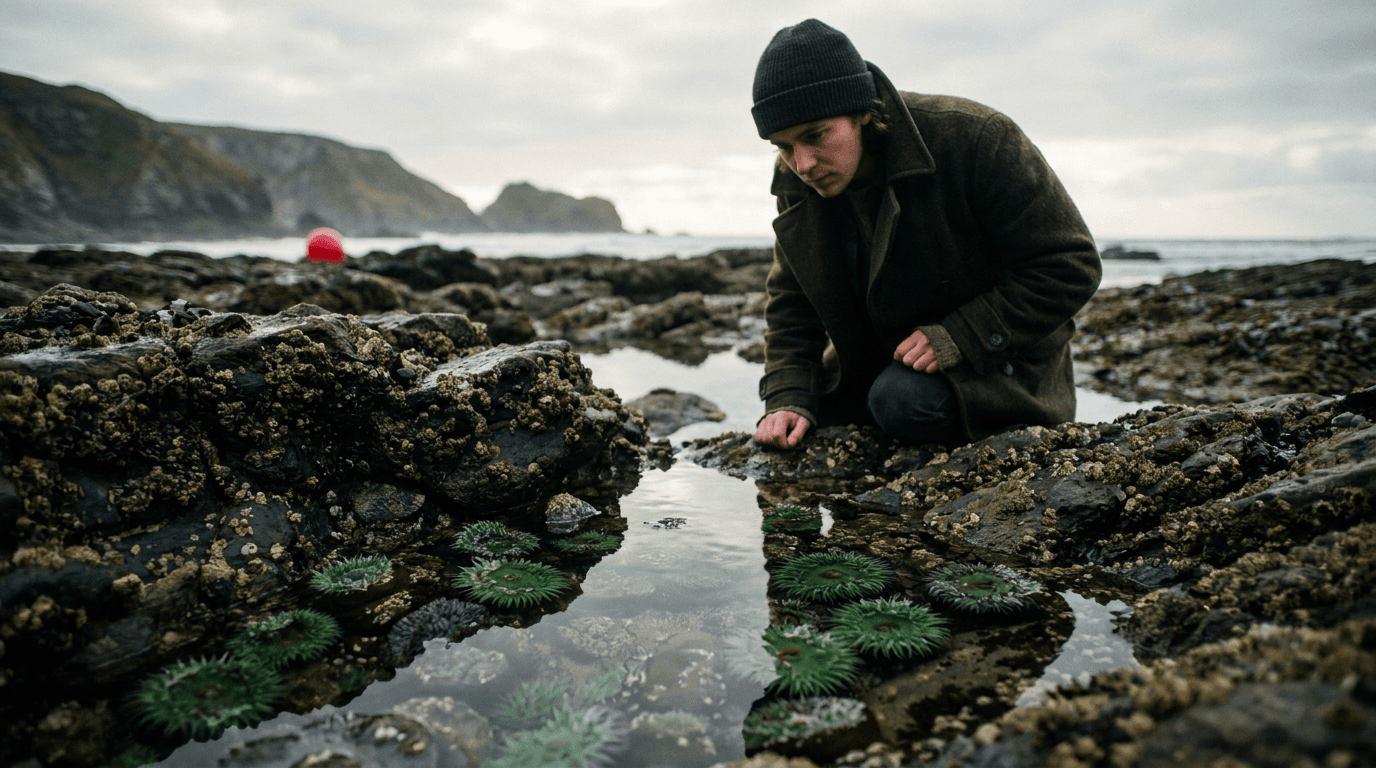
“Set the scene as a still before describing its motion.”
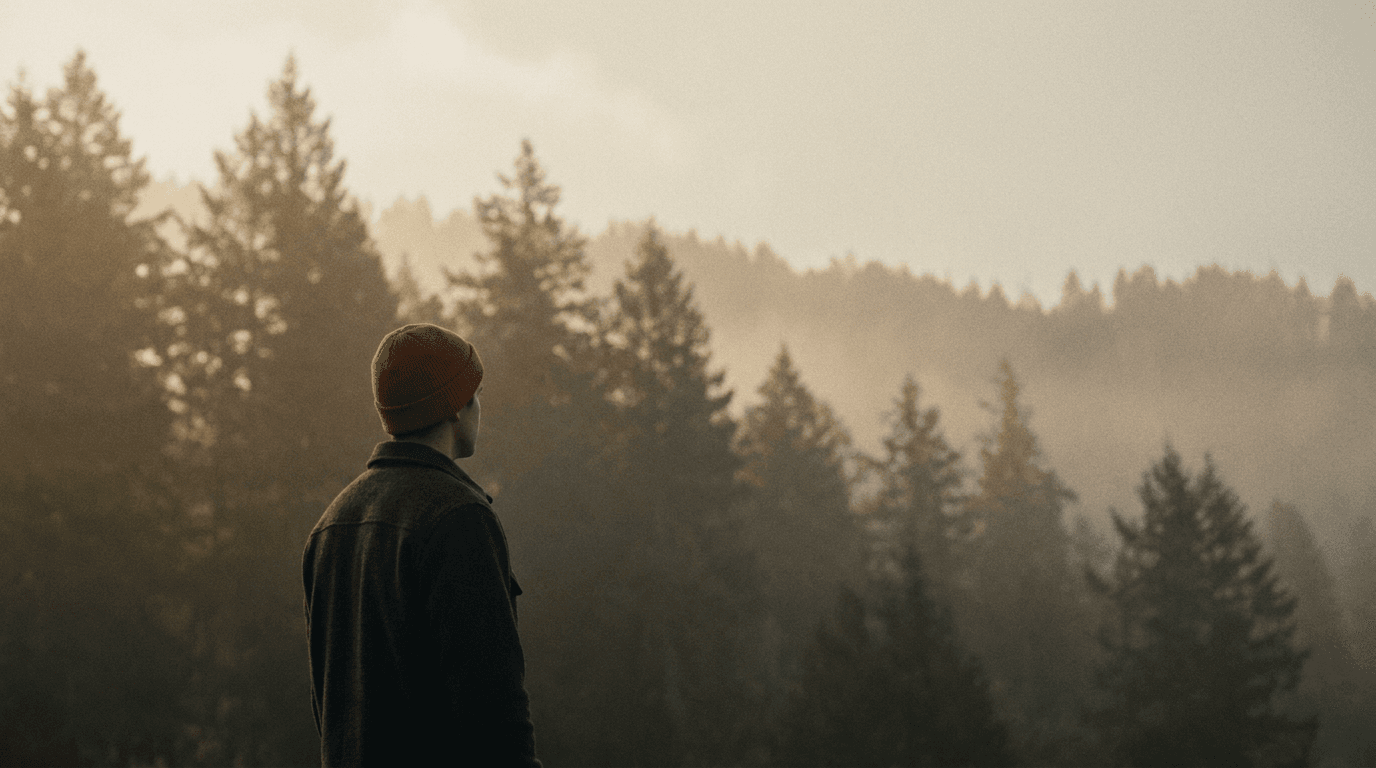
“Plan the shot as a still, then hand the motion to the model.”
Write a prompt on its own, or add a start image — and optionally an end frame — to anchor both ends of the clip.
O3 rewards physically plausible direction: name the movement, speed, and camera path plainly.
Pick 16:9, 9:16, or 1:1 and a duration between 3 and 15 seconds.
Check physics and continuity, then adjust one instruction at a time.
Iteration is cheap here: Kling O3 Pro costs from 1.12 credits / second, so rewriting a prompt and rerunning it is a normal part of the workflow, not a budget decision. See the full Kling O3 Pro pricing breakdown.
It is the professional tier of Kling AI’s O3 line, a family tuned for realism and physical plausibility rather than stylized motion.
More tested prompts across all models live in the prompt library, and the full Kling O3 Pro capability rundown is on the model page.