Motion study with audio
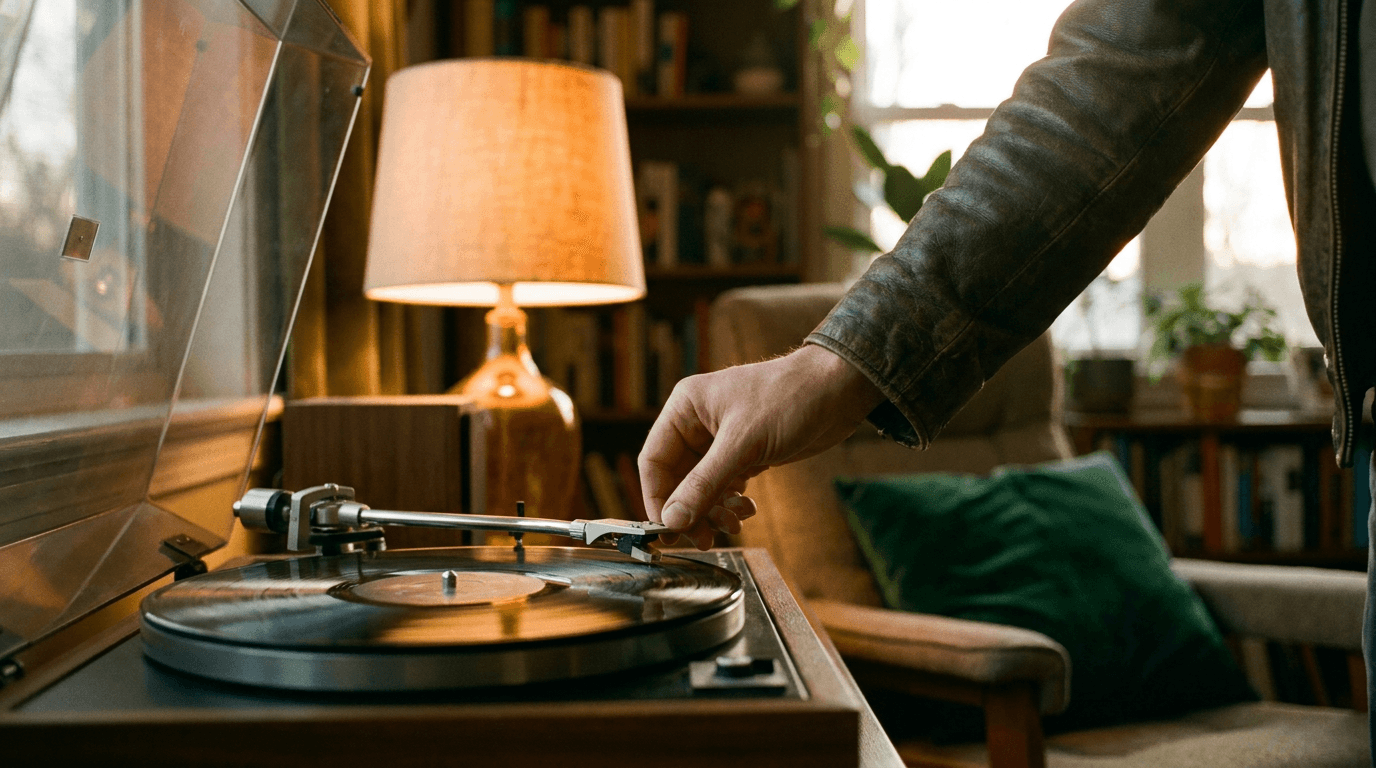
“A hand drops the needle onto a spinning vinyl record in a warm-lit listening room, crackle giving way to soft jazz, the camera pushing in past the tonearm.”
Every prompt below was generated with LTX-2.5 Fast in Made, and the output next to it is what came back — not a curated stock image. Copy a prompt as a starting point, then use the guide underneath to adapt it.
Original results
These examples use media produced for Made. Prompts are included when the production record allows them.
“A hand drops the needle onto a spinning vinyl record in a warm-lit listening room, crackle giving way to soft jazz, the camera pushing in past the tonearm.”
“Animate the scene: the record spins up, the needle settles into the groove, room tone and vinyl crackle rise.”
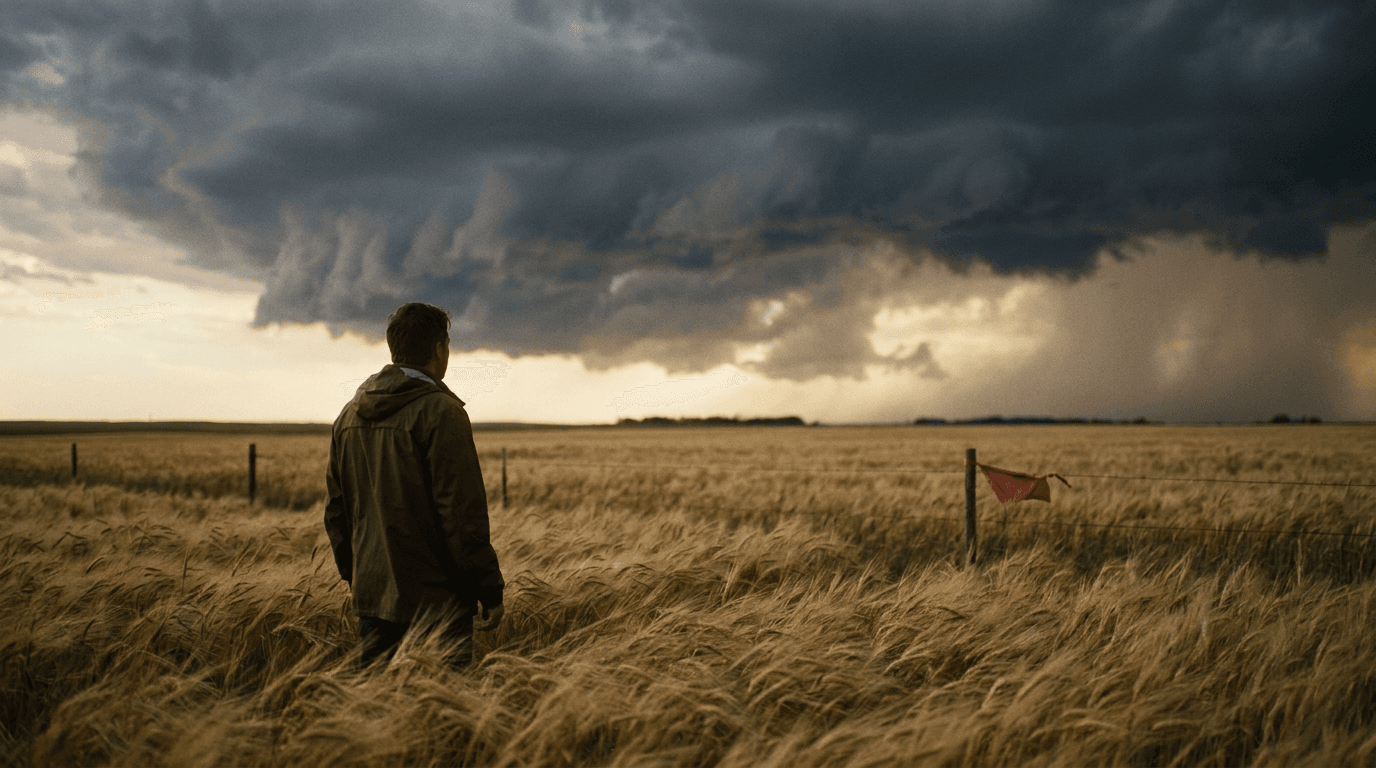
“A thunderstorm rolls over golden wheat fields, stalks bending in waves as thunder rumbles closer, a slow aerial pull-back revealing the storm front.”
“Use this image as the opening composition.”
“Set the scene as a still before describing its motion and sound.”

“Plan the shot as a still, then hand the motion to the model.”
Describe subject, motion, camera, and audio — sound is native at every resolution.
Upload a still to animate; an optional end frame guides the closing composition.
Choose 16:9 or 9:16 and a length from 6 to 20 seconds in steps of two.
Check audio sync and motion, then adjust one instruction at a time.
Iteration is cheap here: LTX-2.5 Fast costs from 0.9 credits / second, so rewriting a prompt and rerunning it is a normal part of the workflow, not a budget decision. See the full LTX-2.5 Fast pricing breakdown.
It is the fast tier of Lightricks’ LTX-2.5 open audio-video model, generating clips with native synchronized sound at every resolution.
More tested prompts across all models live in the prompt library, and the full LTX-2.5 Fast capability rundown is on the model page.