Motion study
“A cyclist weaves through light morning traffic on a bridge, breath visible in the cold air, the camera tracking alongside at wheel height.”
Every prompt below was generated with MiniMax H3 Max Turbo in Made, and the output next to it is what came back — not a curated stock image. Copy a prompt as a starting point, then use the guide underneath to adapt it.
Original results
These examples use media produced for Made. Prompts are included when the production record allows them.
“A cyclist weaves through light morning traffic on a bridge, breath visible in the cold air, the camera tracking alongside at wheel height.”
“Bring the scene to life: the cyclist starts pedaling, flags ripple on the bridge cables, a slow tracking move begins.”
“Popcorn kernels pop in slow motion against a deep teal backdrop, butter glistening, a macro camera drifting through the burst.”
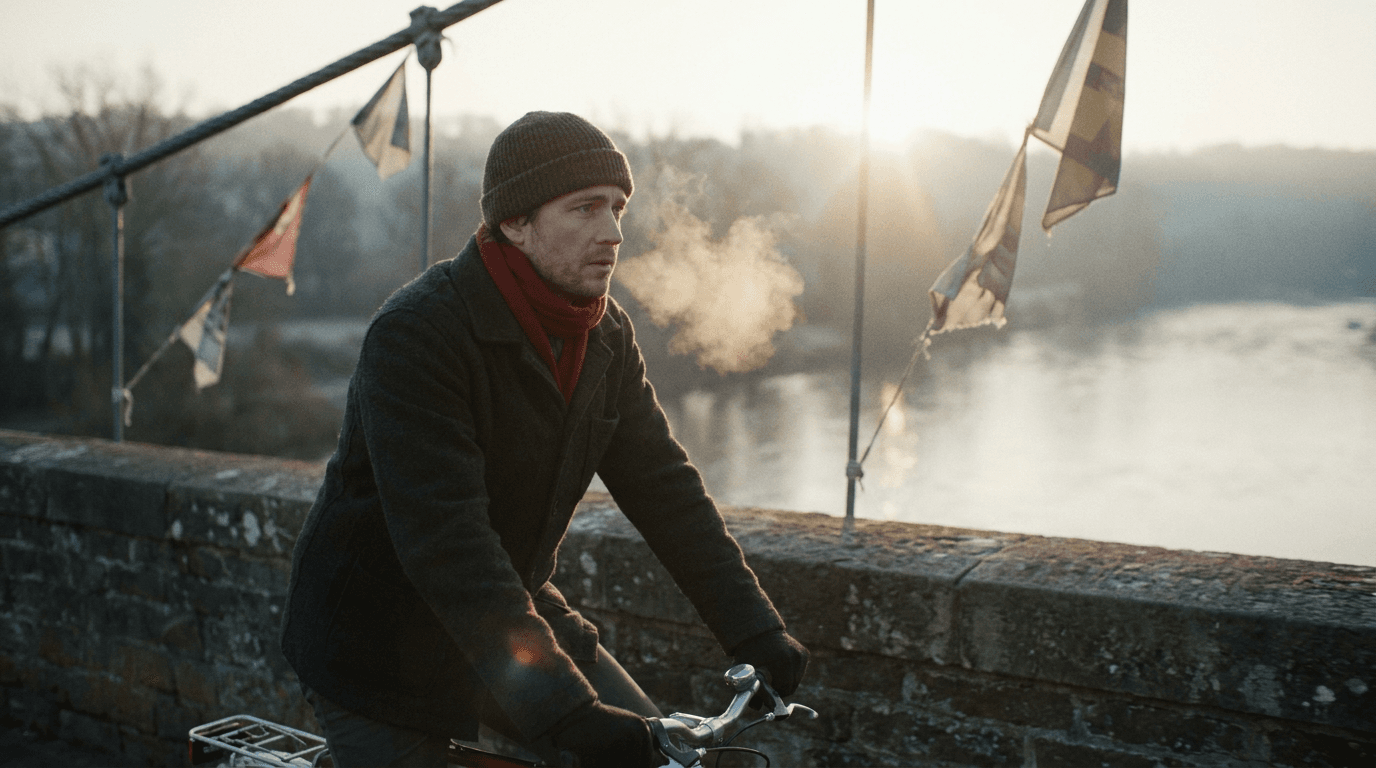
“Use this image as the opening composition.”
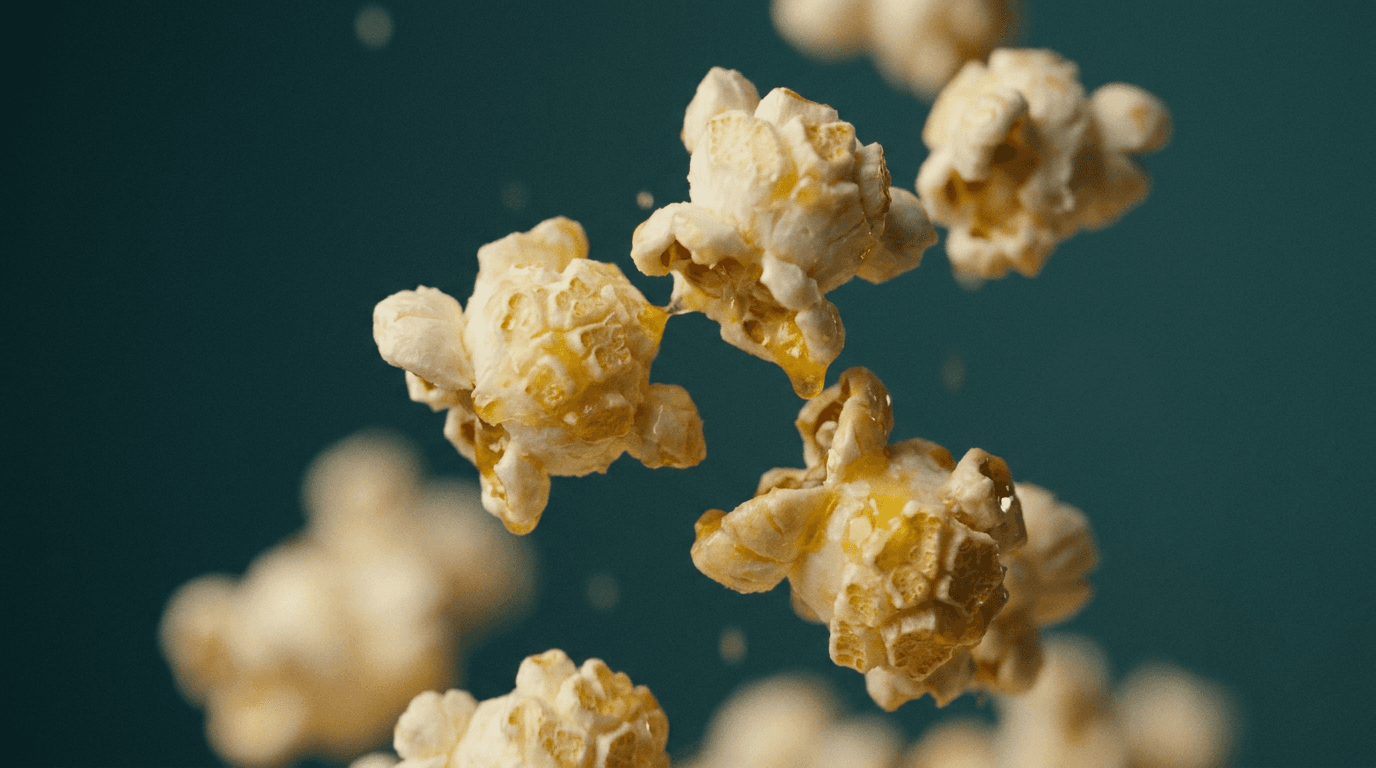
“Establish the framing and light before describing the motion.”
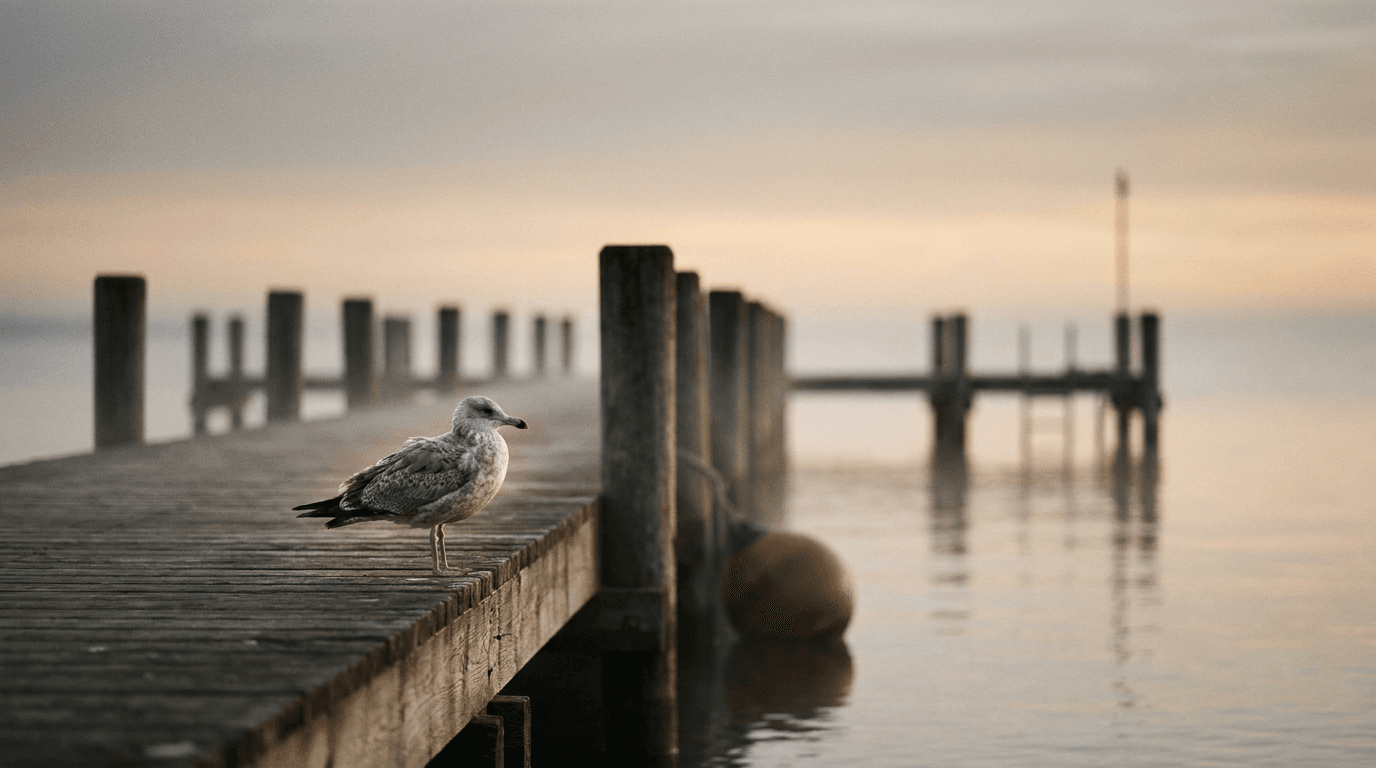
“Plan the shot as a still, then hand the motion to the model.”
Write a prompt on its own, or add a start image — and optionally an end frame — to anchor the clip.
Name the subject movement, camera path, and pacing; precise language matters with prompt expansion enabled.
Pick an aspect ratio and a duration between 5 and 15 seconds; output renders at 768P.
At this cost per second, explore several motion directions before committing a premium model to the final.
Iteration is cheap here: MiniMax H3 Max Turbo costs 0.4 credits / second, so rewriting a prompt and rerunning it is a normal part of the workflow, not a budget decision. See the full MiniMax H3 Max Turbo pricing breakdown.
It is a fal-exclusive fast tier of MiniMax’s H3 Max video model, tuned for generation speed and the lowest per-second cost in the Made library.
More tested prompts across all models live in the prompt library, and the full MiniMax H3 Max Turbo capability rundown is on the model page.