Motion study with audio
“Clip: autumn leaves spiral down a temple stairway as a monk climbs through them, camera gliding upward”
Every prompt below was generated with Seedance 2.0 Fast in Made, and the output next to it is what came back — not a curated stock image. Copy a prompt as a starting point, then use the guide underneath to adapt it.
Original results
These examples use media produced for Made. Prompts are included when the production record allows them.
“Clip: autumn leaves spiral down a temple stairway as a monk climbs through them, camera gliding upward”
“The rider whips the bike sideways mid-air and lands in a dust plume, camera low and tracking”
“Macro clip: molten sugar stretches into a glossy amber ribbon between gloved hands, studio light”
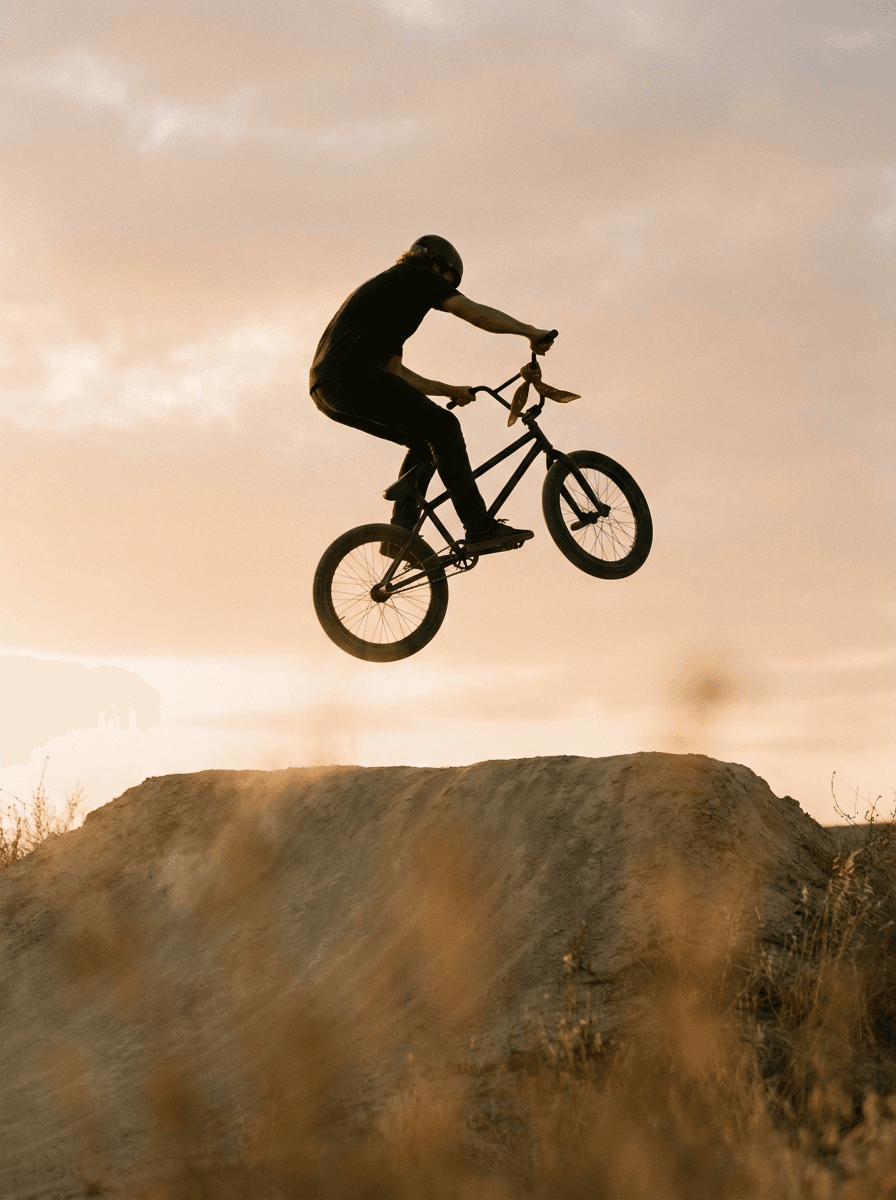
“Use this image as the opening composition.”
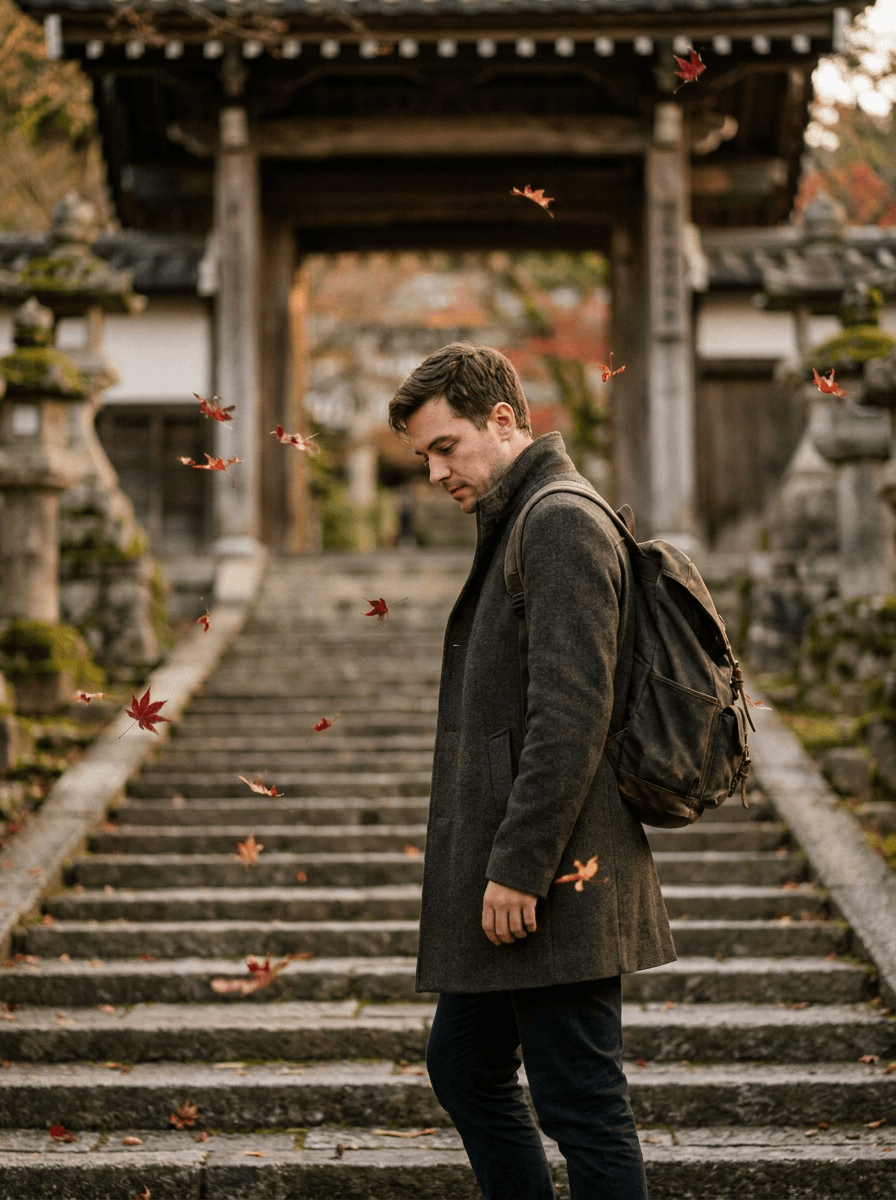
“Set the scene as a still before describing its motion and sound.”
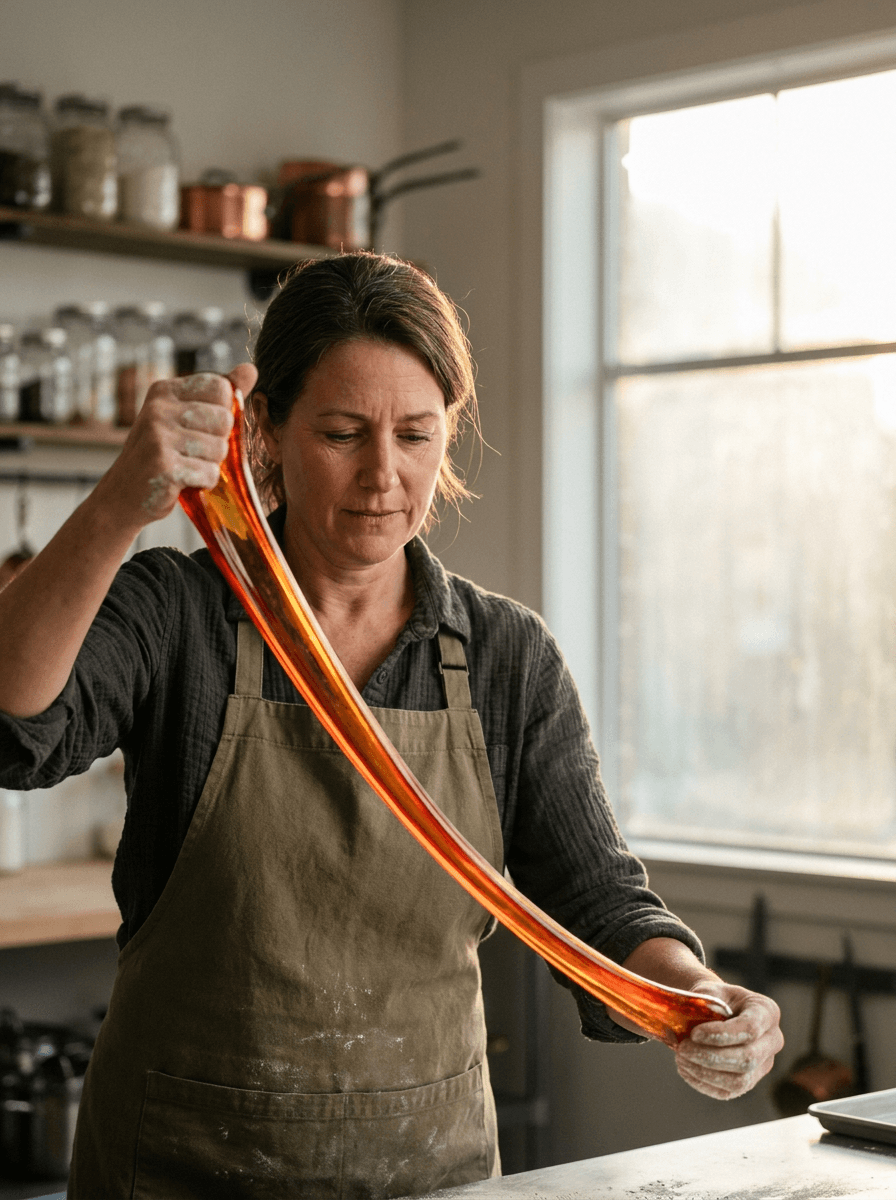
“Plan the shot as a still, then hand the motion to the model.”
Describe the subject, motion, camera, and the ambient audio — sound is generated natively.
Upload a still to animate; Fast keeps its composition while adding motion and audio.
Pick an aspect ratio from 21:9 to 9:16 (or auto) and a duration between 4 and 15 seconds.
Iterate here at the lower rate, then re-run winning briefs on flagship Seedance 2.0 or 2.5.
Iteration is cheap here: Seedance 2.0 Fast costs from 0.57 credits / second, so rewriting a prompt and rerunning it is a normal part of the workflow, not a budget decision. See the full Seedance 2.0 Fast pricing breakdown.
It is the speed-focused tier of ByteDance’s Seedance 2.0 family — the same 4-to-15-second range and native audio as the flagship, at roughly 20% less per second.
More tested prompts across all models live in the prompt library, and the full Seedance 2.0 Fast capability rundown is on the model page.