Motion study
“A skater practices flat-ground tricks in an empty parking garage at dusk, wheels echoing, the camera circling slowly at knee height.”
Every prompt below was generated with Seedance 2.0 Mini in Made, and the output next to it is what came back — not a curated stock image. Copy a prompt as a starting point, then use the guide underneath to adapt it.
Original results
These examples use media produced for Made. Prompts are included when the production record allows them.
“A skater practices flat-ground tricks in an empty parking garage at dusk, wheels echoing, the camera circling slowly at knee height.”
“Bring the scene to life: fluorescent lights flicker softly, a loose flyer skitters across the concrete, the camera drifts forward slowly.”
“Paper boats drift down a rain-fed gutter stream past reflected shop lights, rain pattering, a low tracking shot following the lead boat.”
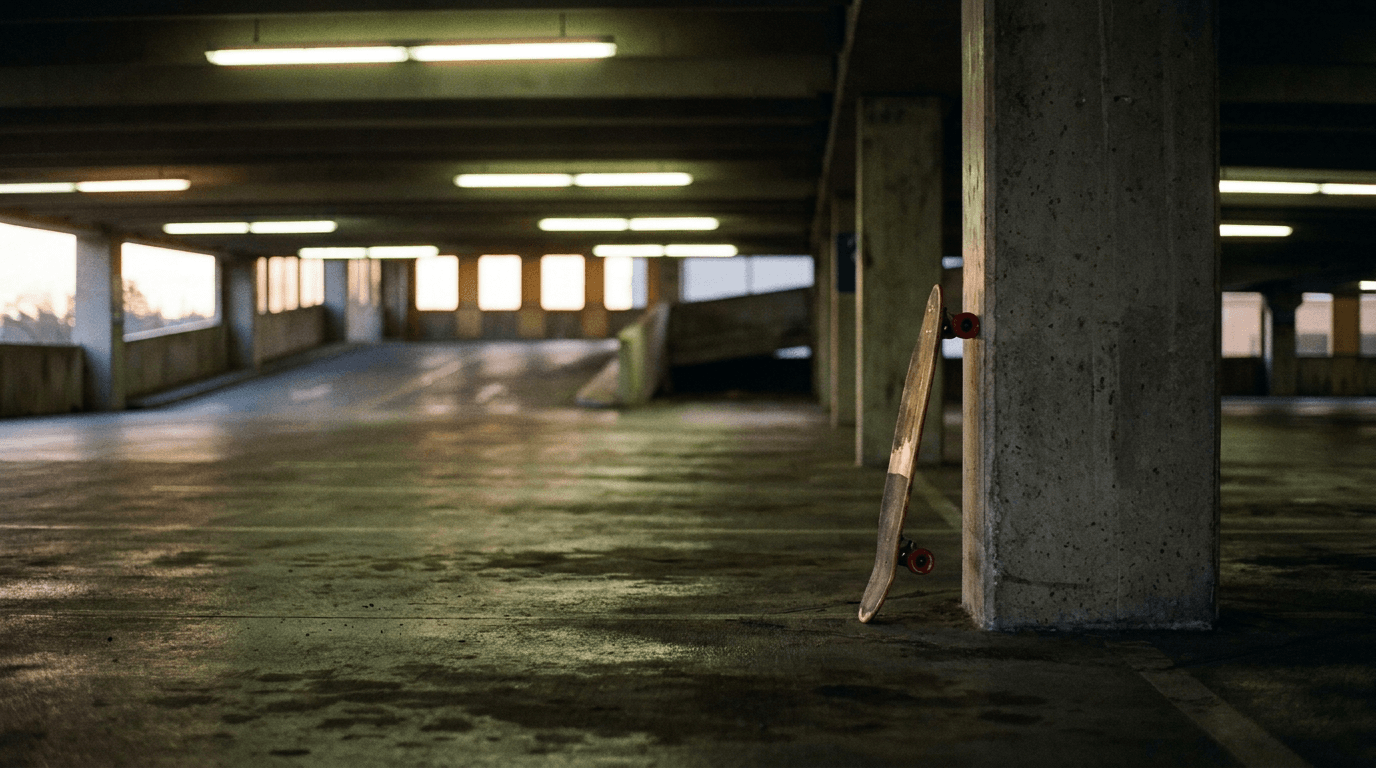
“Use this image as the opening composition.”
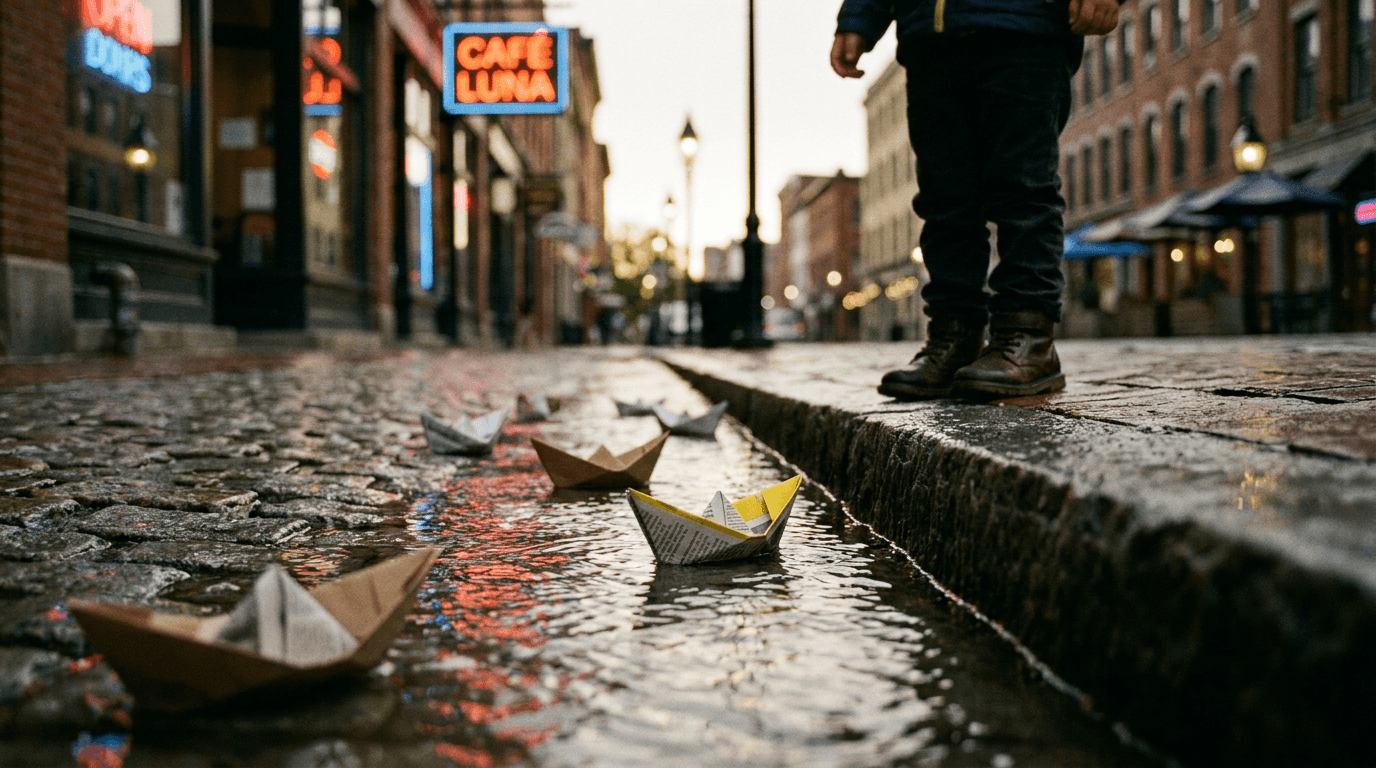
“Set the scene as a still before describing its motion.”
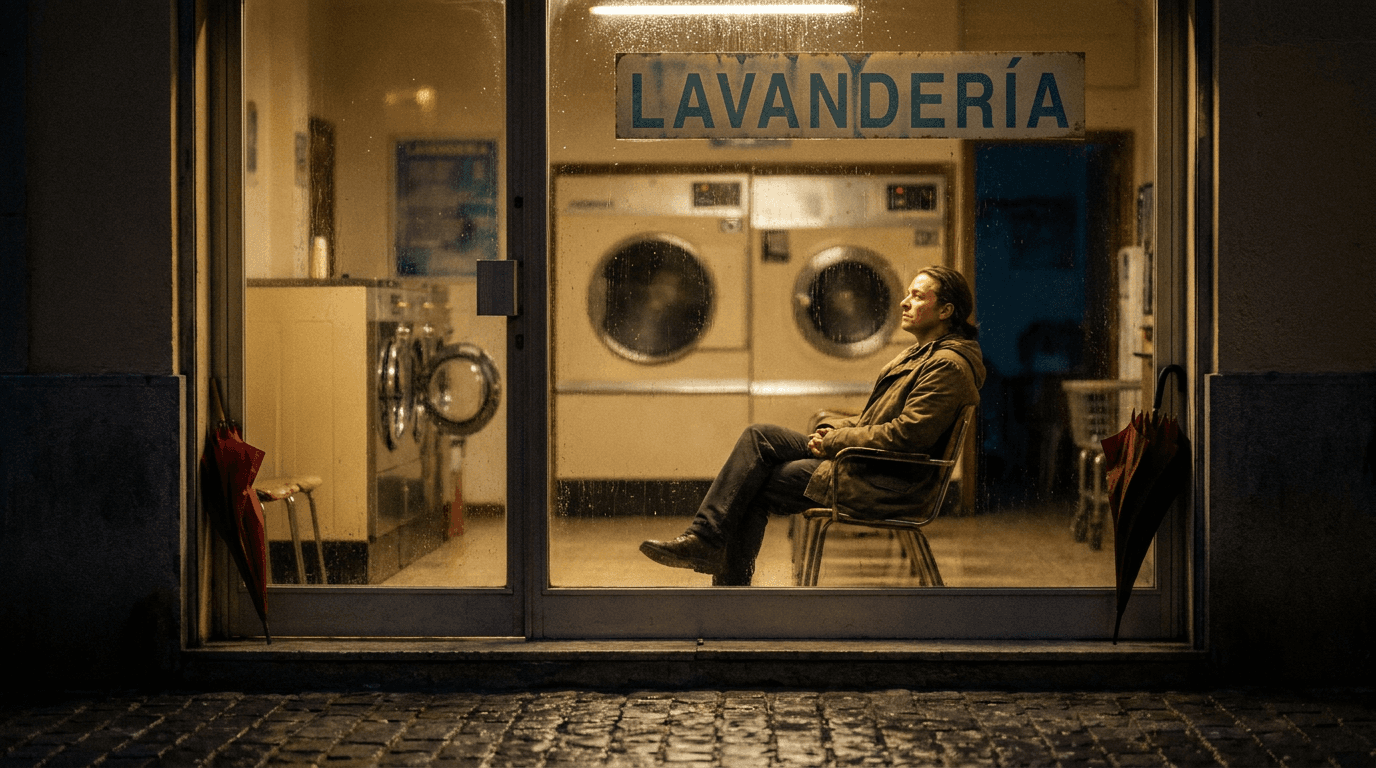
“Plan the shot as a still, then hand the motion to the model.”
Write a prompt on its own, or add a start image — and optionally an end frame — to anchor the clip.
Use Mini to explore motion and framing directions cheaply before a flagship pass.
Pick an aspect ratio, a duration between 4 and 15 seconds, and 480p or 720p; Made starts at 480p.
Re-run the winning brief on Seedance 2.5 or a premium model for the final master.
Iteration is cheap here: Seedance 2.0 Mini costs from 0.36 credits / second, so rewriting a prompt and rerunning it is a normal part of the workflow, not a budget decision. See the full Seedance 2.0 Mini pricing breakdown.
It is the fast, low-cost tier of ByteDance’s Seedance 2.0 video model — same 4-to-15-second range, about half the flagship per-second rate.
More tested prompts across all models live in the prompt library, and the full Seedance 2.0 Mini capability rundown is on the model page.