Motion study with audio
“Clip with ambient sound: a bookshop cat stretches on a windowsill, dust in the light, street sounds muffled outside”
Every prompt below was generated with Veo 3.1 Lite in Made, and the output next to it is what came back — not a curated stock image. Copy a prompt as a starting point, then use the guide underneath to adapt it.
Original results
These examples use media produced for Made. Prompts are included when the production record allows them.
“Clip with ambient sound: a bookshop cat stretches on a windowsill, dust in the light, street sounds muffled outside”
“The paper boat sails across the puddle as rain rings spread, neon reflections wobbling, soft rain audible”
“Clip with audio: balloon burners roar and glow in the pre-dawn mist as one balloon slowly lifts off”

“Use this image as the opening composition.”

“Set the scene as a still before describing its motion and sound.”
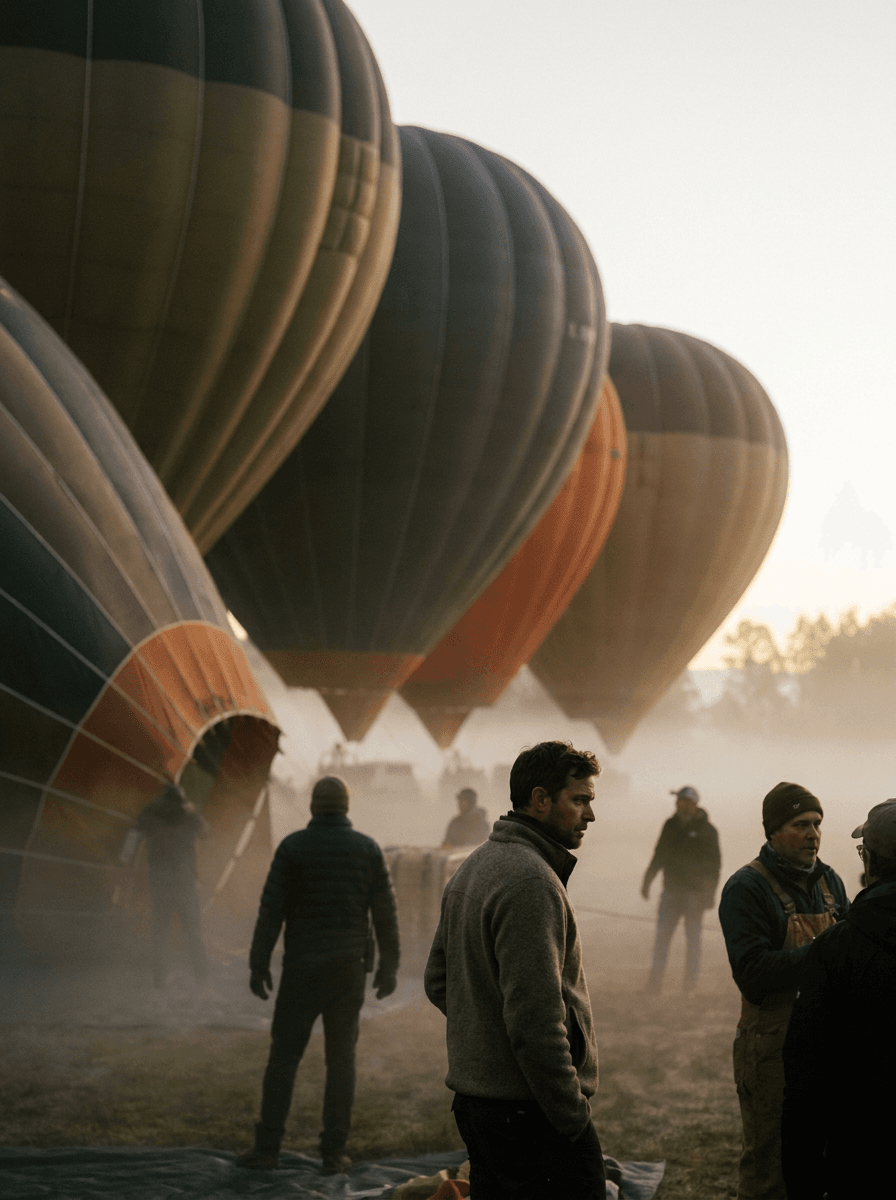
“Plan the shot as a still, then hand the motion to the model.”
Describe the subject, movement, camera, and the audio the clip should carry — sound is generated natively.
Upload a still to animate; Veo 3.1 Lite keeps its composition and adds matching motion and audio.
Pick 16:9 or 9:16 and a duration of 4, 6, or 8 seconds.
Iterate cheaply here, then re-run the strongest prompt on Veo 3.1 for the hero version.
Iteration is cheap here: Veo 3.1 Lite costs from 0.5 credits / second, so rewriting a prompt and rerunning it is a normal part of the workflow, not a budget decision. See the full Veo 3.1 Lite pricing breakdown.
It is the cost-efficient tier of Google’s Veo 3.1 family, generating 720p clips with synchronized audio from text or a start image at a much lower per-second rate than the flagship.
More tested prompts across all models live in the prompt library, and the full Veo 3.1 Lite capability rundown is on the model page.