Motion study
“A glassblower turns molten glass at the furnace mouth, heat shimmer rising, the camera arcing slowly from the flame to their focused face.”
Every prompt below was generated with WAN 3.0 in Made, and the output next to it is what came back — not a curated stock image. Copy a prompt as a starting point, then use the guide underneath to adapt it.
Original results
These examples use media produced for Made. Prompts are included when the production record allows them.
“A glassblower turns molten glass at the furnace mouth, heat shimmer rising, the camera arcing slowly from the flame to their focused face.”
“Animate the scene: the glass glows and turns, sparks drift, furnace roar fills the room, the camera holds a slow arc.”
“Hot air balloons lift off over terraced fields at dawn, burners firing in turn, a slow aerial drift among the envelopes as mist burns off below.”
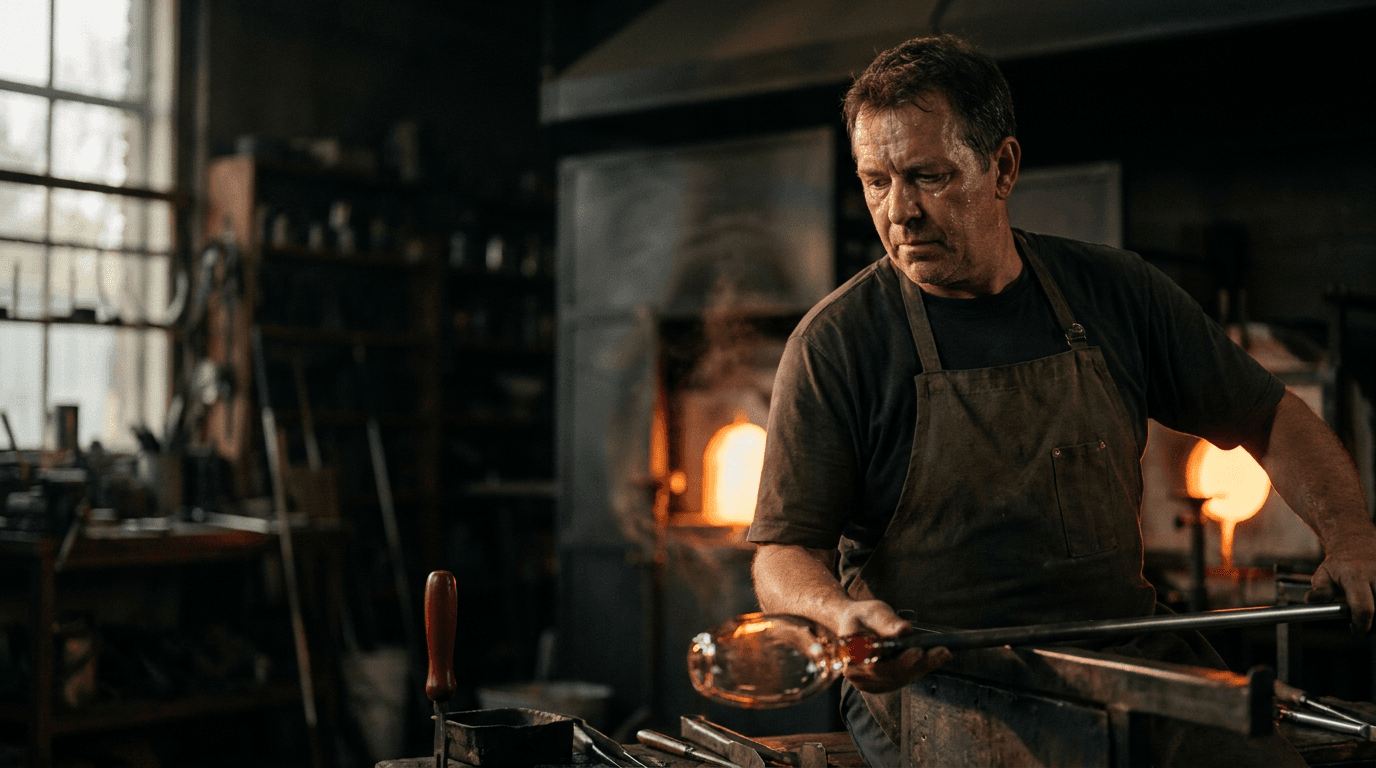
“Use this image as the opening composition.”
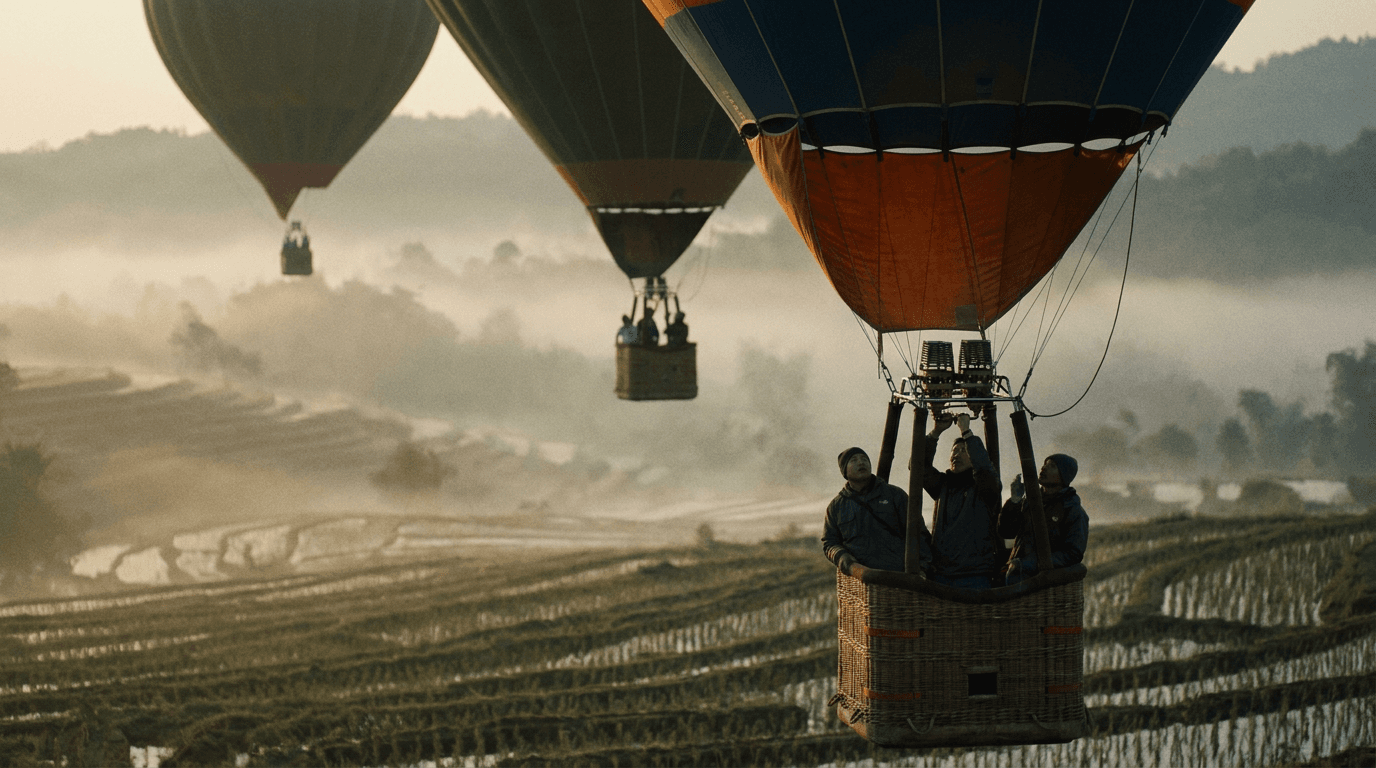
“Set the scene as a still before describing its motion.”
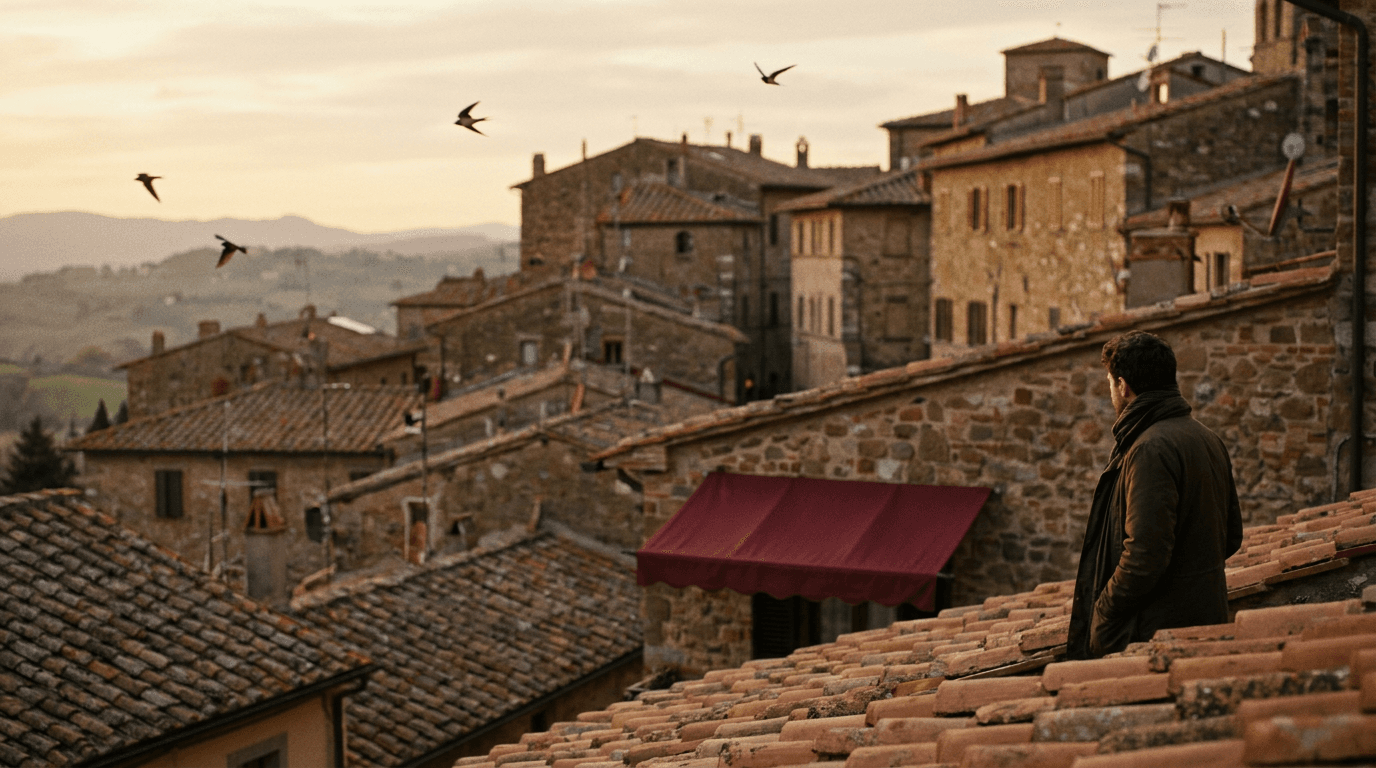
“Plan the shot as a still, then hand the motion to the model.”
Write a prompt on its own, or add a start image — and optionally an end frame — to anchor the clip.
Durations run from 2 to 30 seconds; describe how the shot evolves over longer takes.
Pick a fixed aspect ratio, or adaptive to follow the input image’s shape.
Check motion stability across the take, then adjust one instruction at a time.
Iteration is cheap here: WAN 3.0 costs from 0.5 credits / second, so rewriting a prompt and rerunning it is a normal part of the workflow, not a budget decision. See the full WAN 3.0 pricing breakdown.
It is Alibaba’s WAN 3.0 video model at its standard speed and price, with the same inputs and 30-second ceiling as WAN 3.0 Prime.
More tested prompts across all models live in the prompt library, and the full WAN 3.0 capability rundown is on the model page.