Put the product on a person
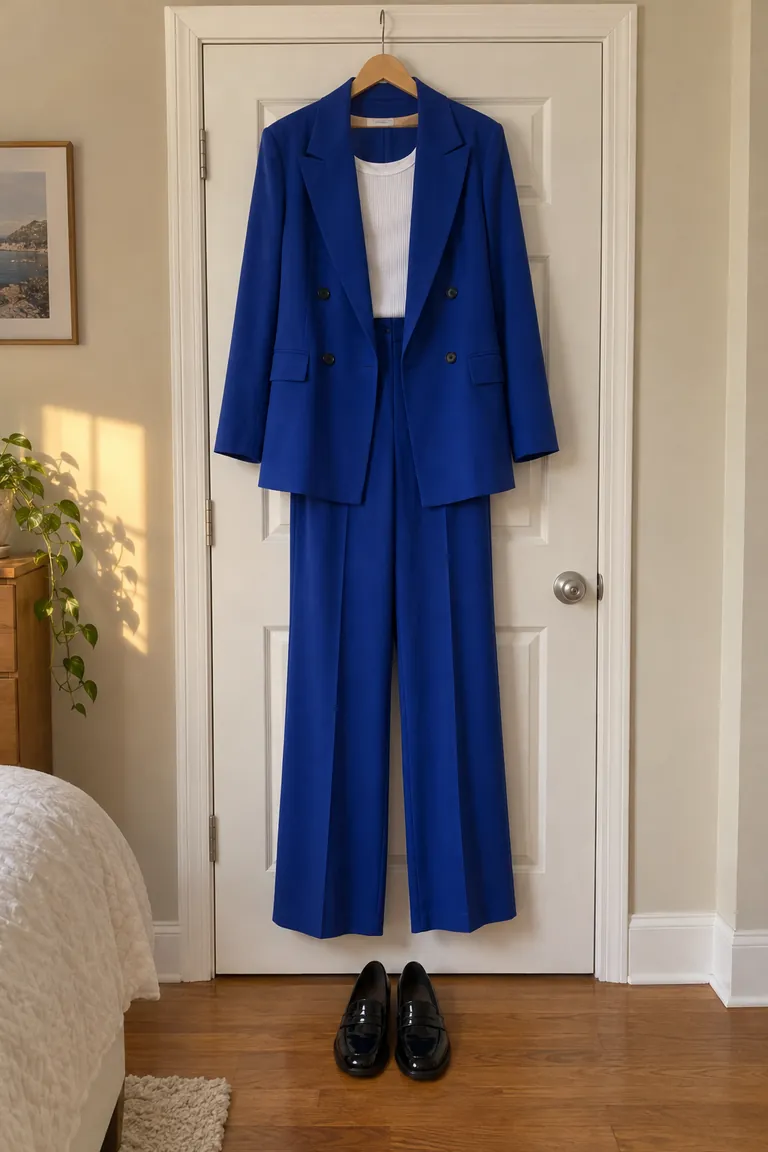
Sellers: photograph it flat or on a hanger, then show it worn, on anyone. For Etsy, Depop and TikTok Shop listings.
Upload your photo and a photo of the outfit. Made dresses you in it and keeps your face, pose and background.
See the price before you pay. Failed swaps are refunded.
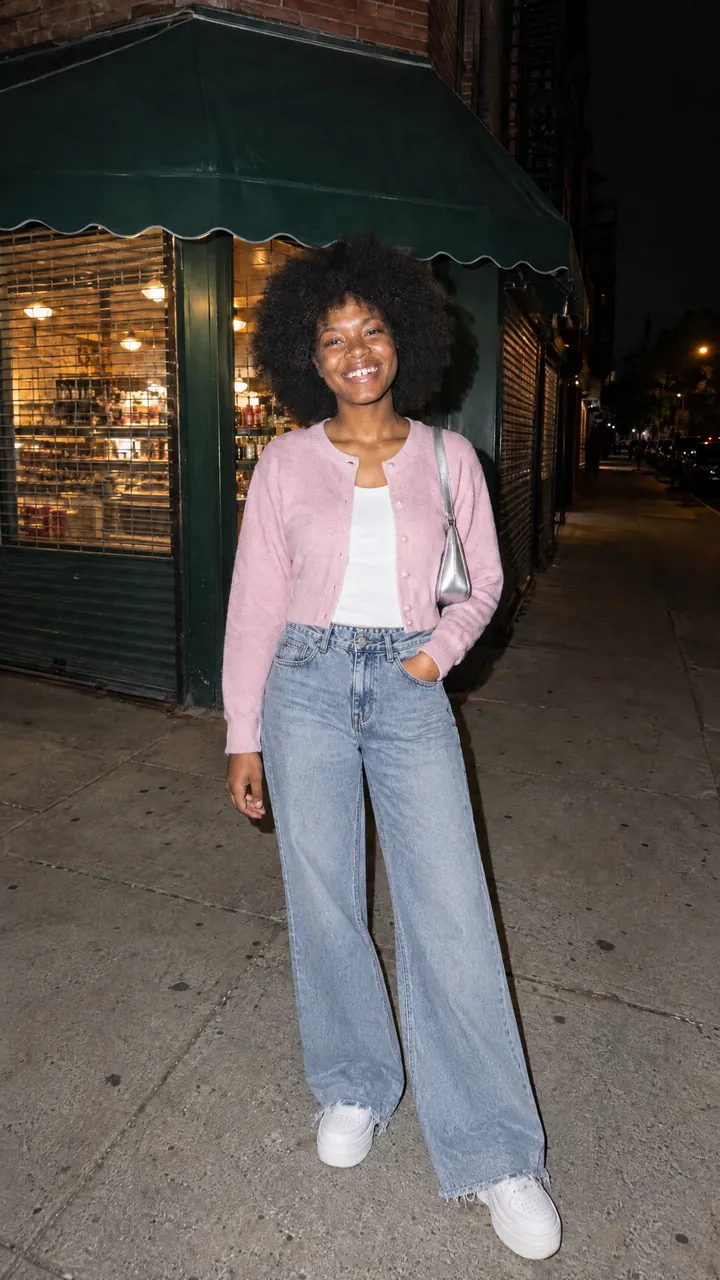
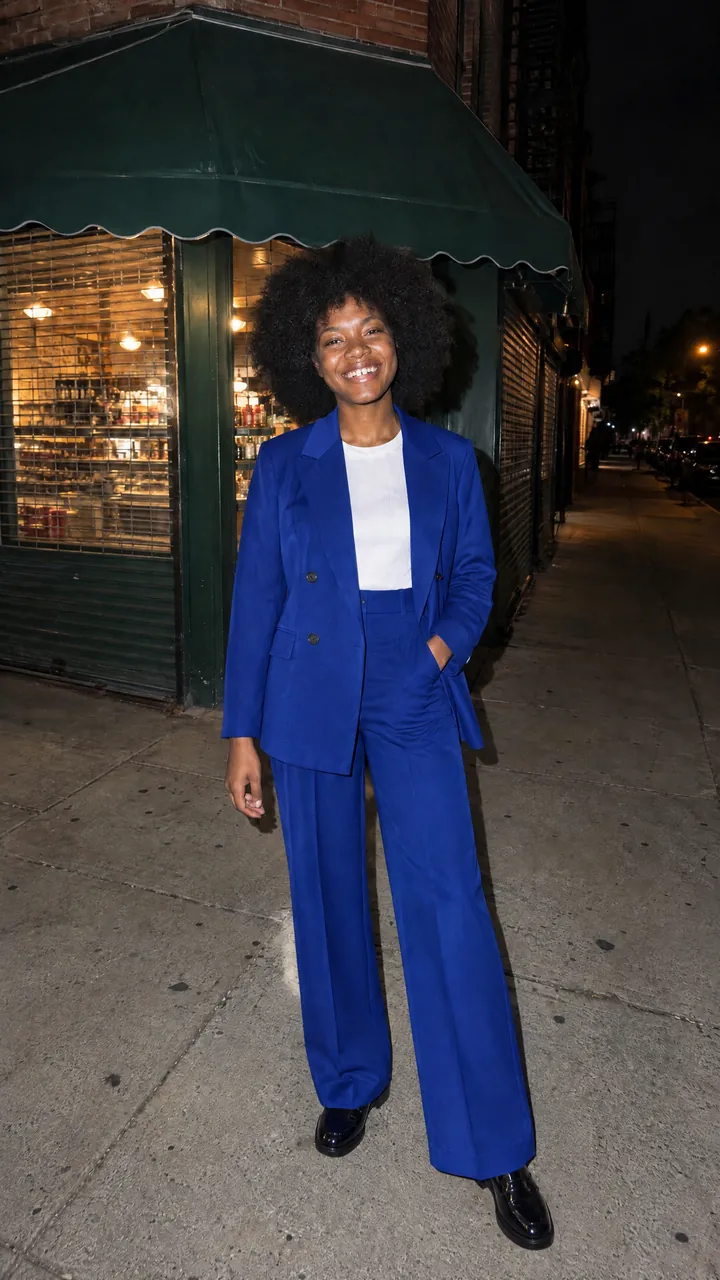
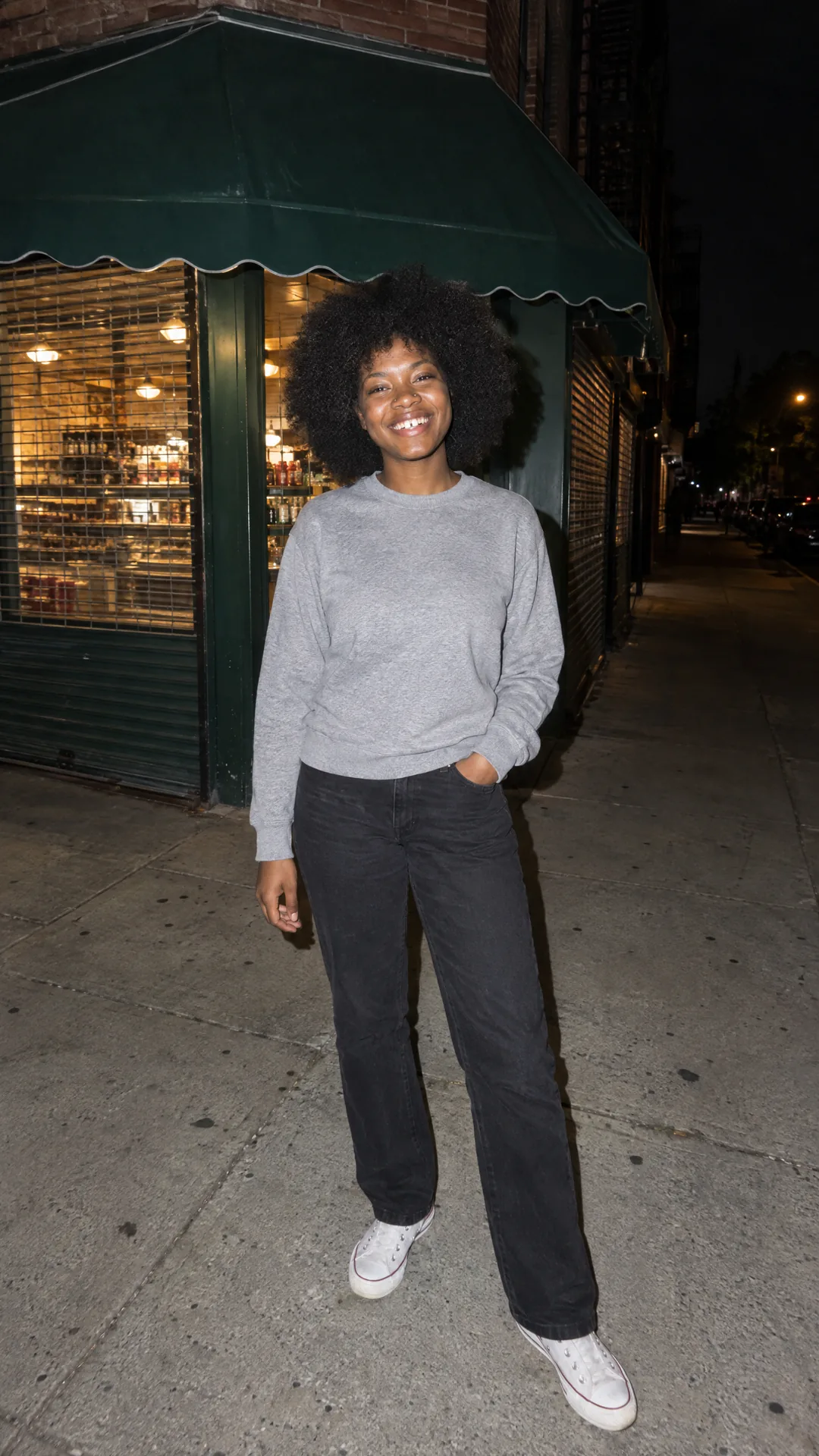
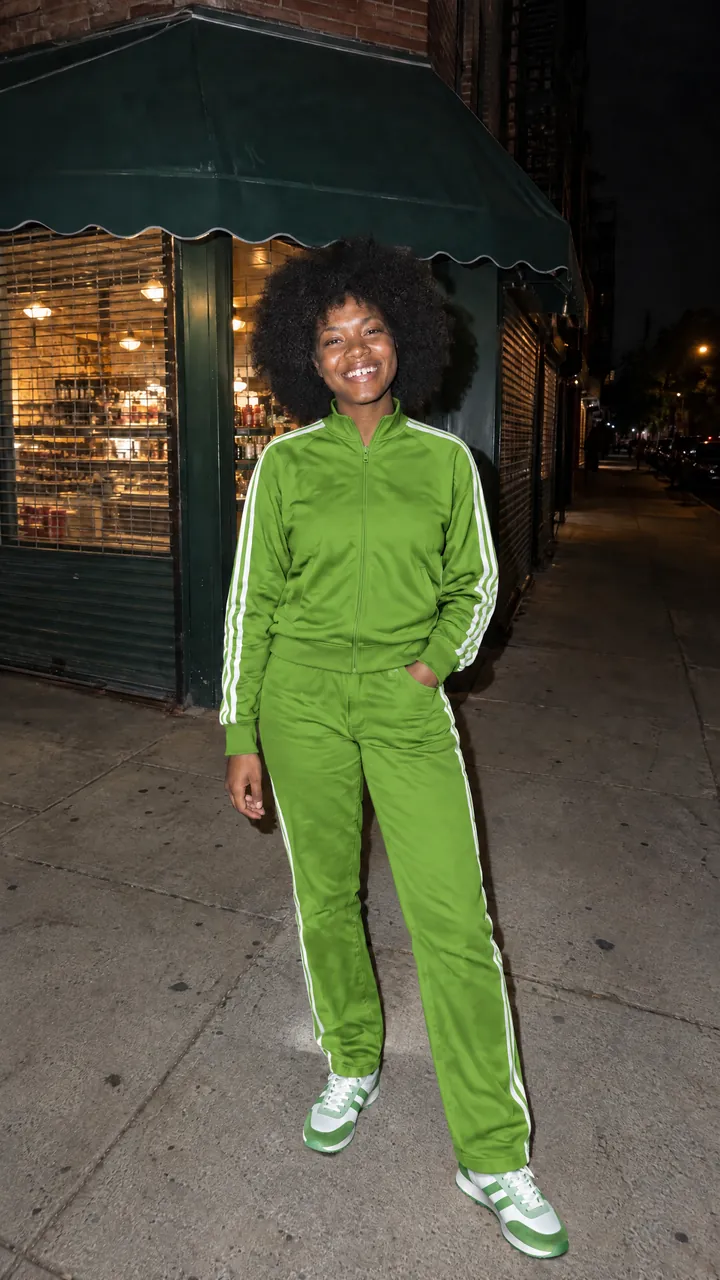
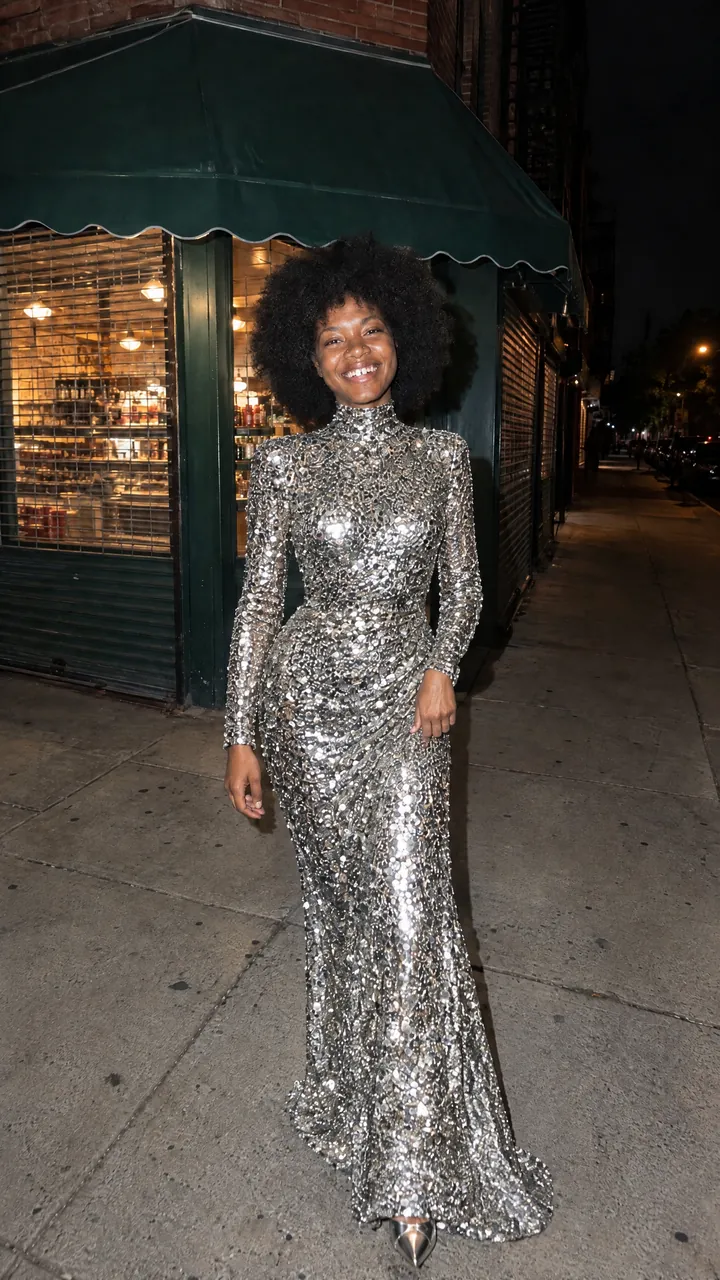
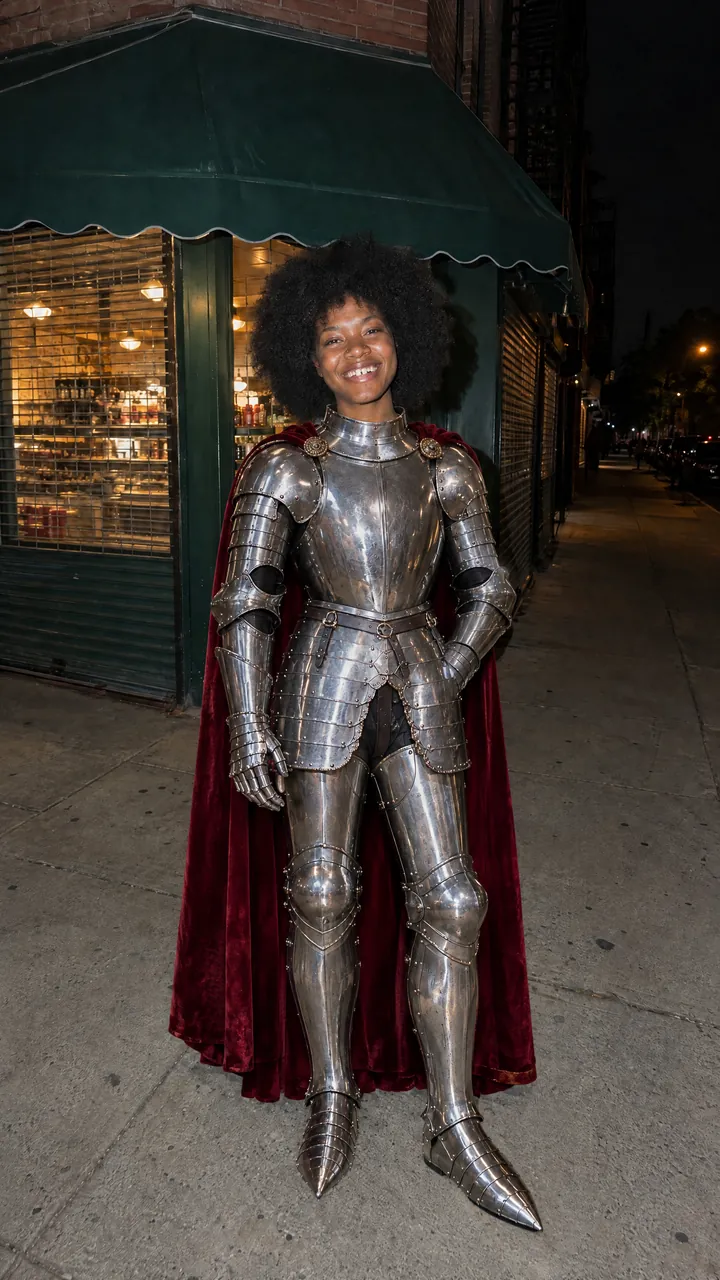
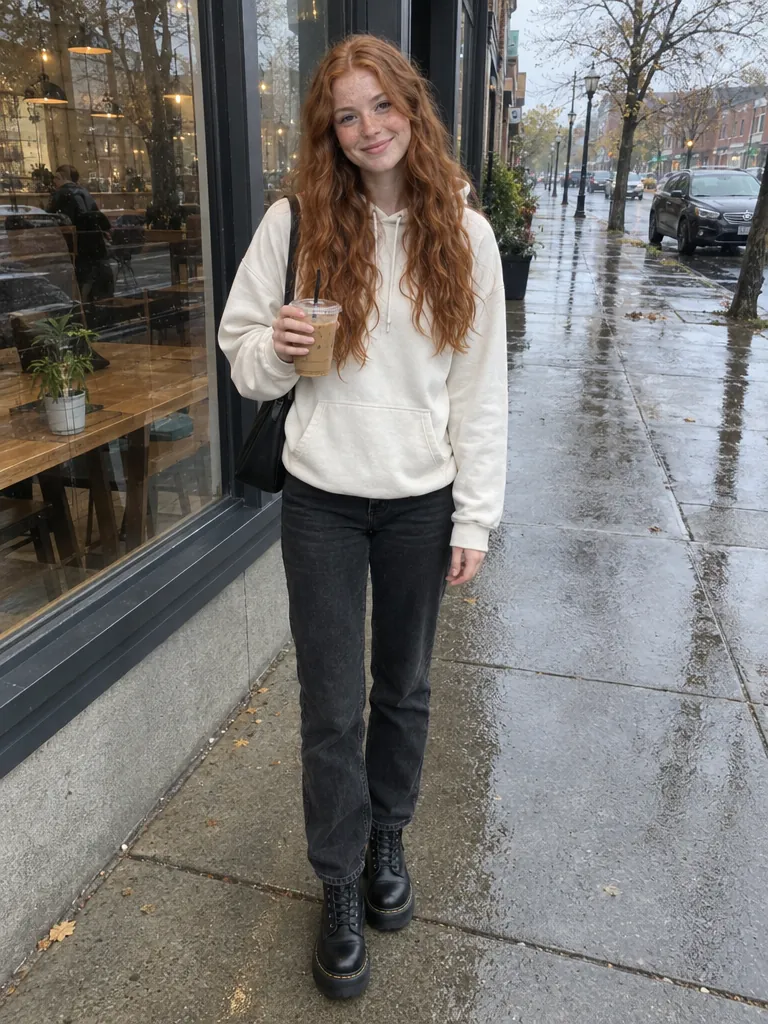
Every swap here came from the tool, at the settings you get. Each card keeps its outfit photo in the corner.
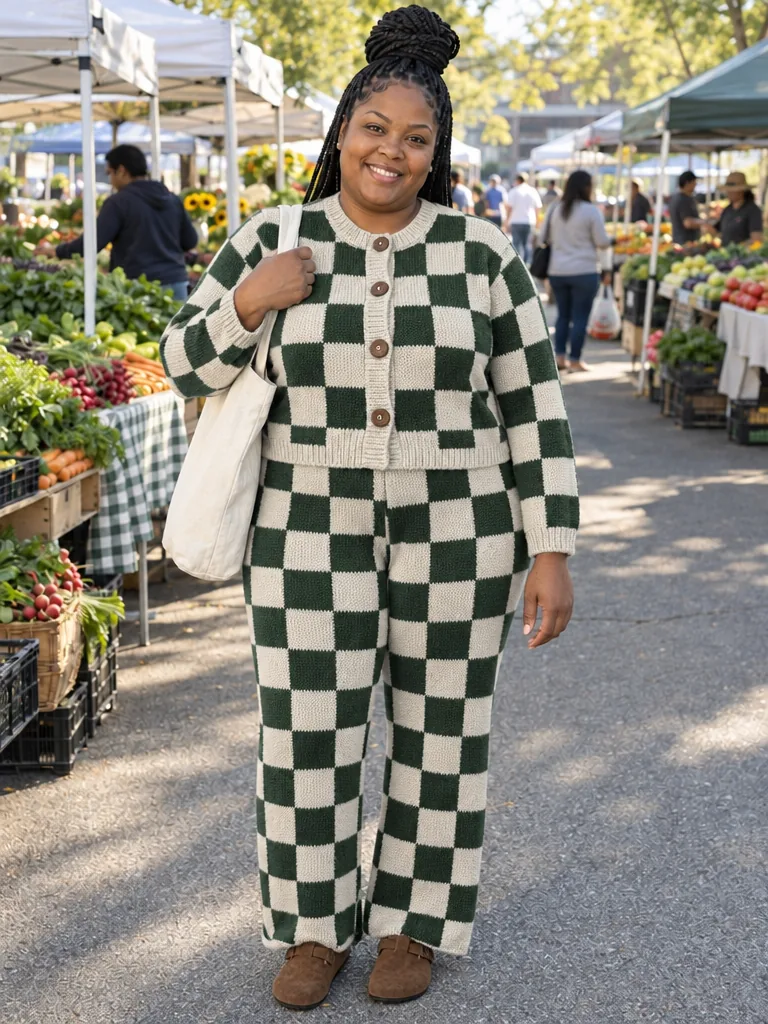
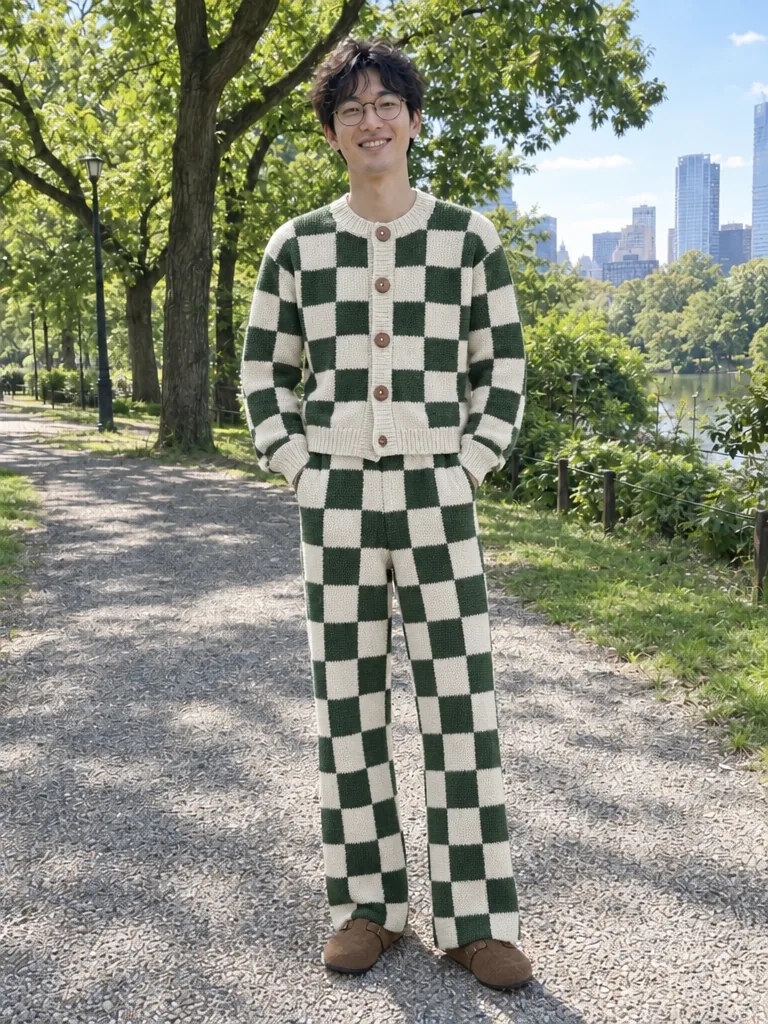
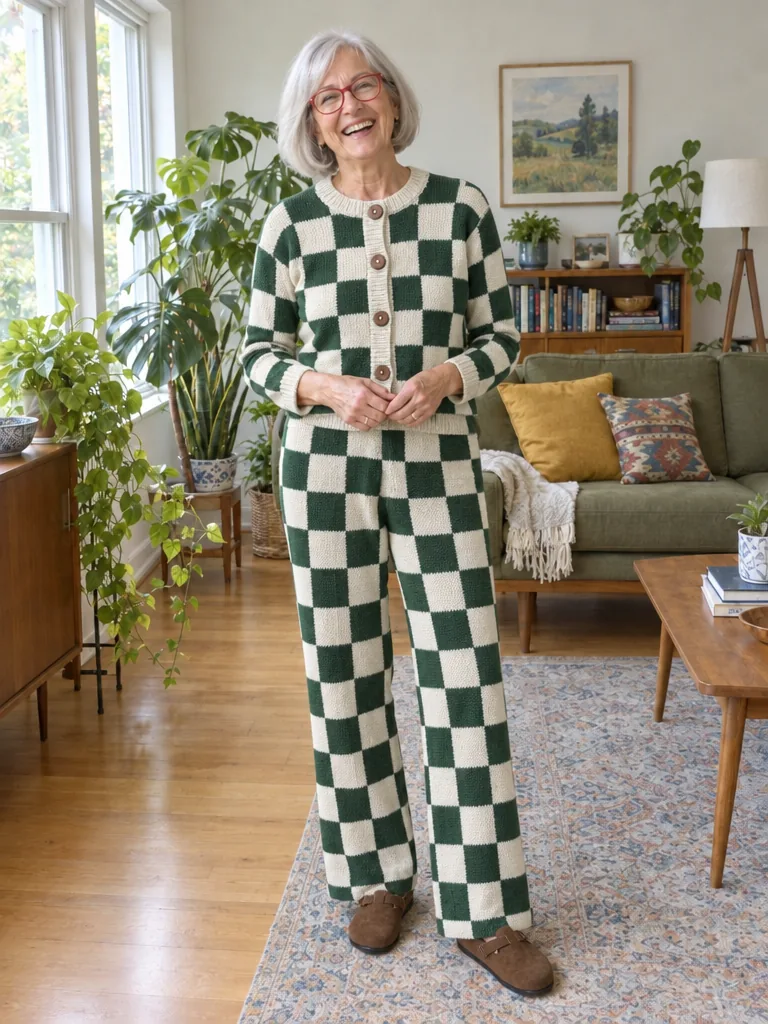
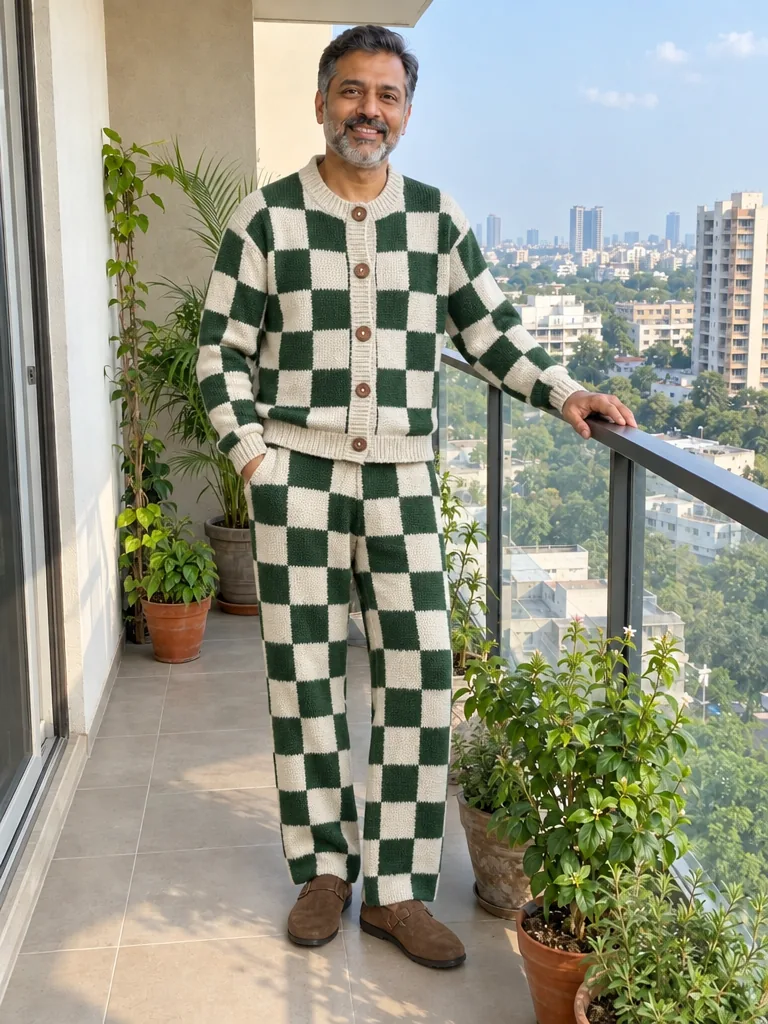
One product photo of a knit set, put on five people’s own photos. The checkerboard, the wooden buttons and the clogs carry over. Each person keeps their face, pose and place.
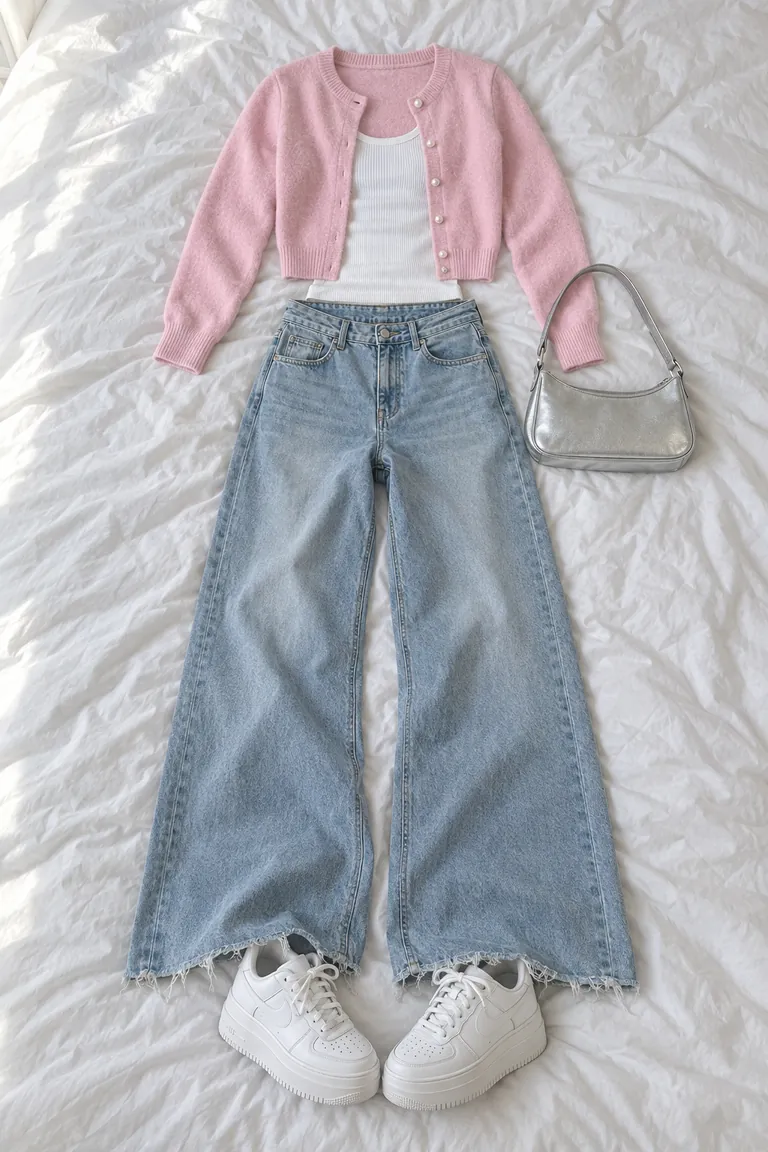
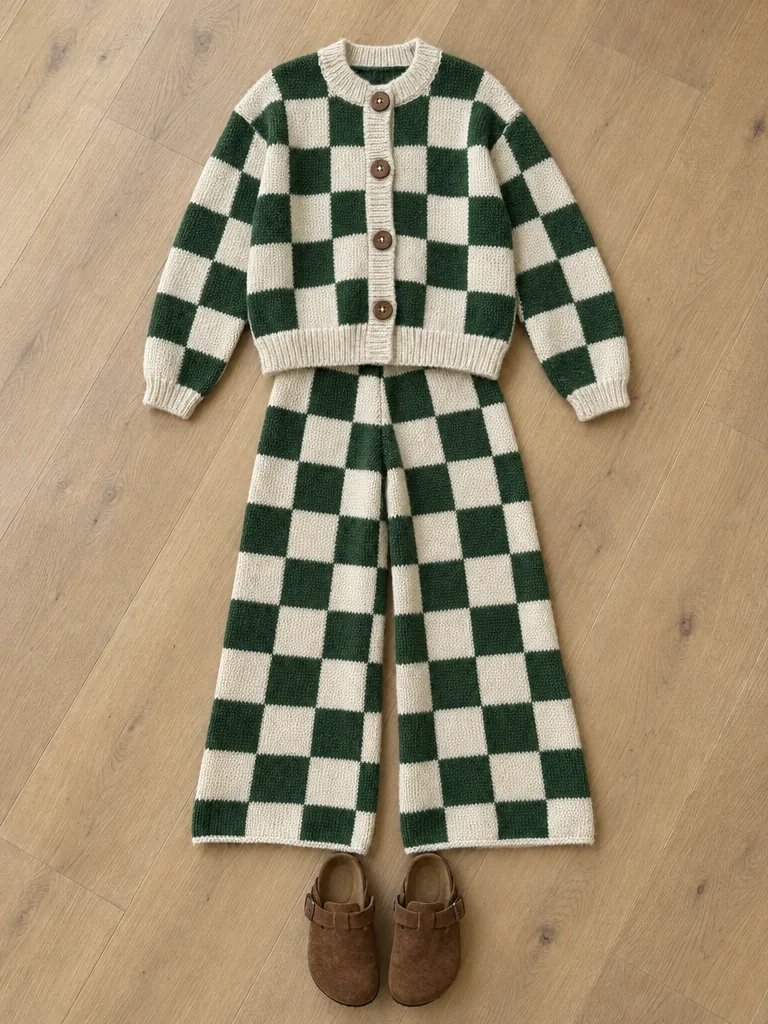 Outfit photoA flat lay on the floor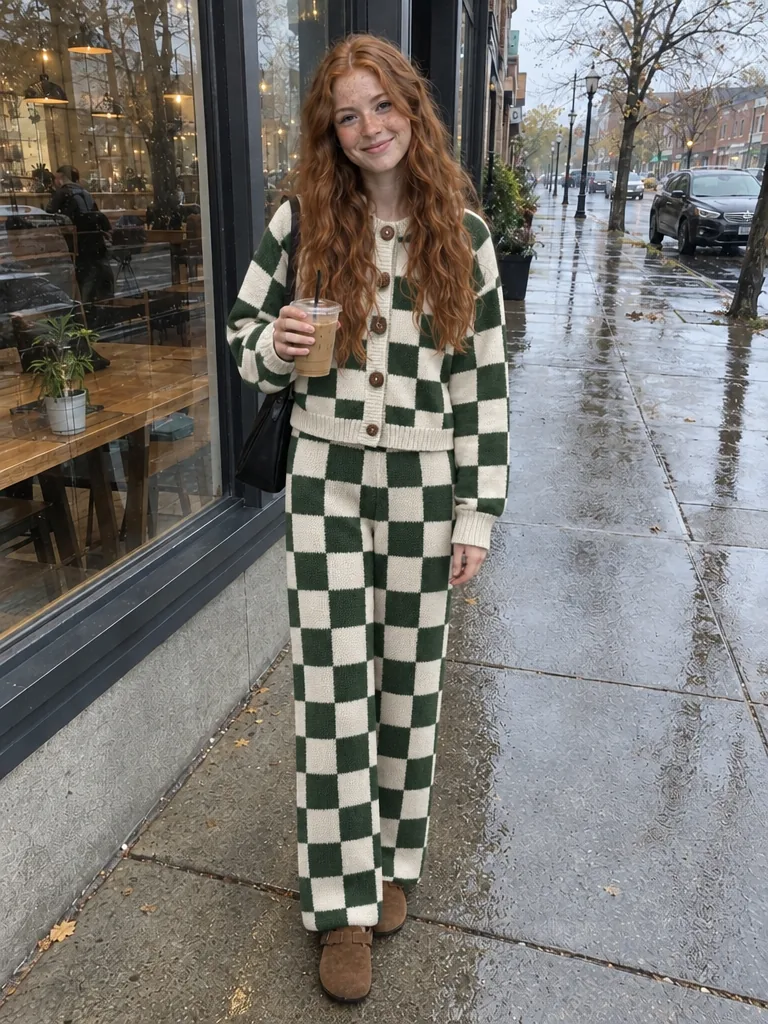
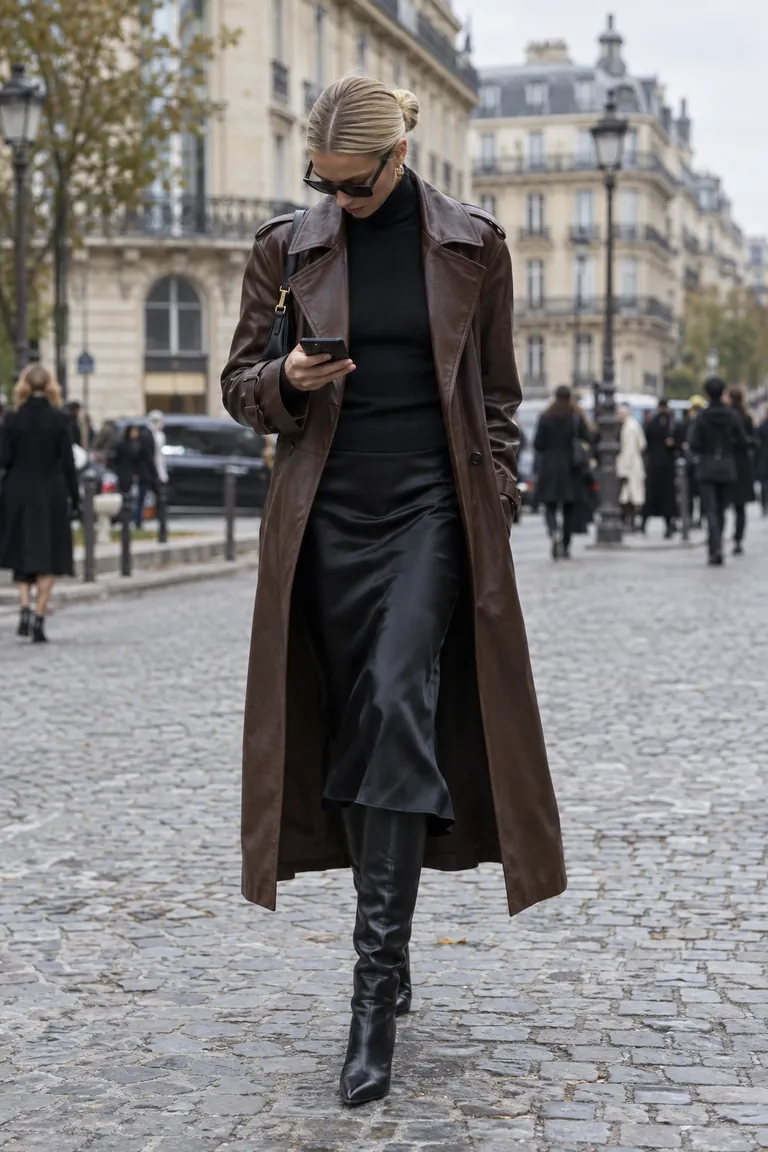
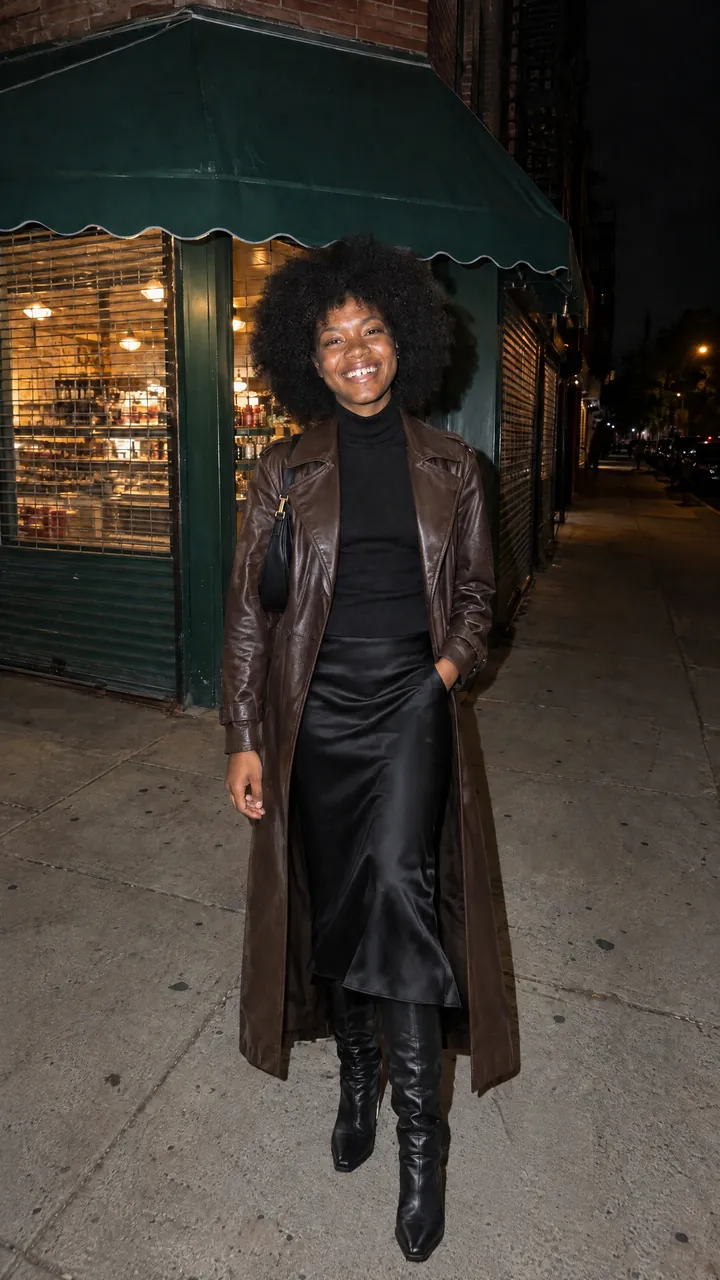
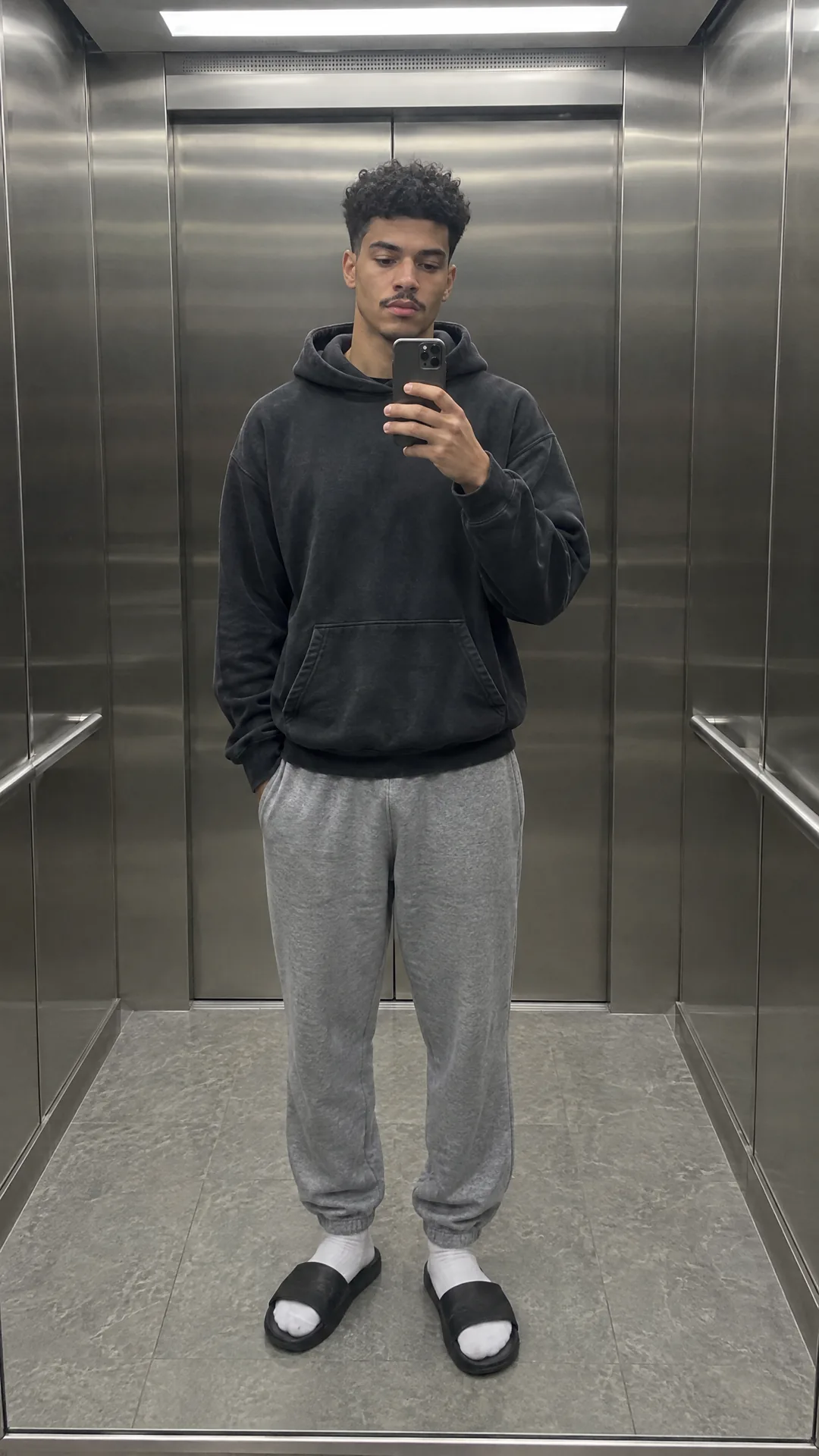
Drag across the mirror selfie. The face, the hand on the phone, the elevator and the light are the original photo’s. The coat, the turtleneck and the boots come from a street-style shot of someone else.
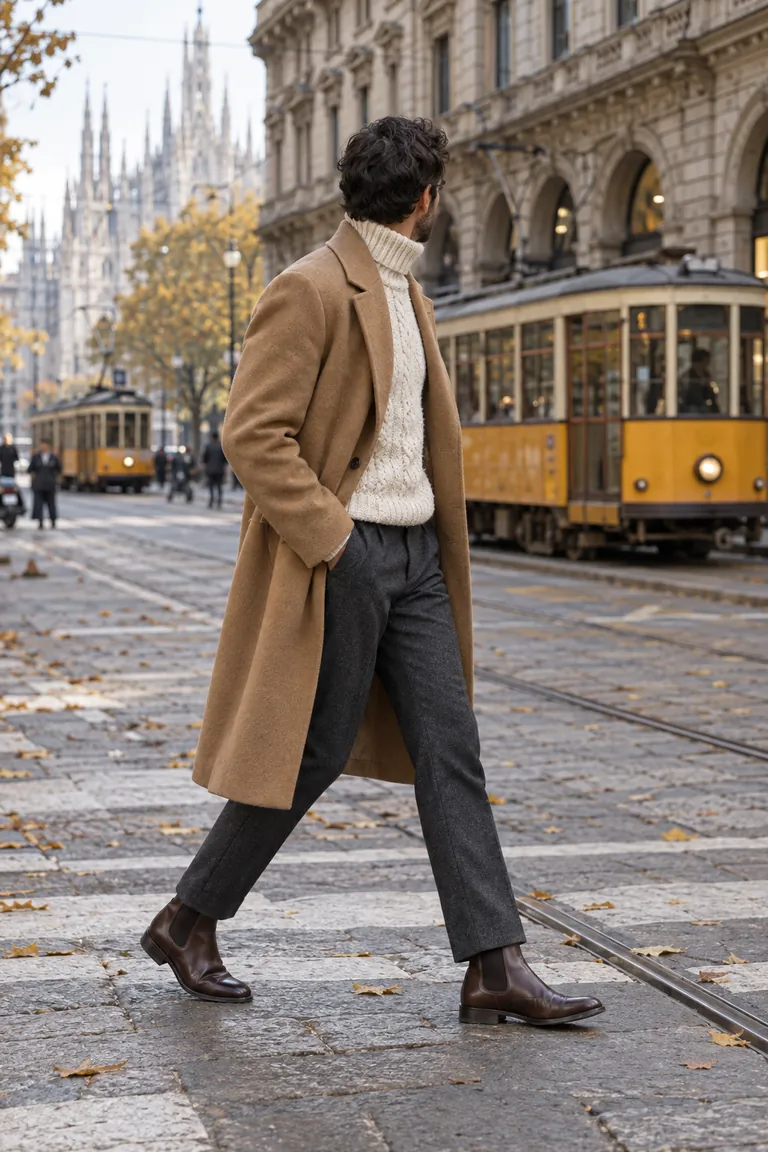 Outfit photoSomeone else’s look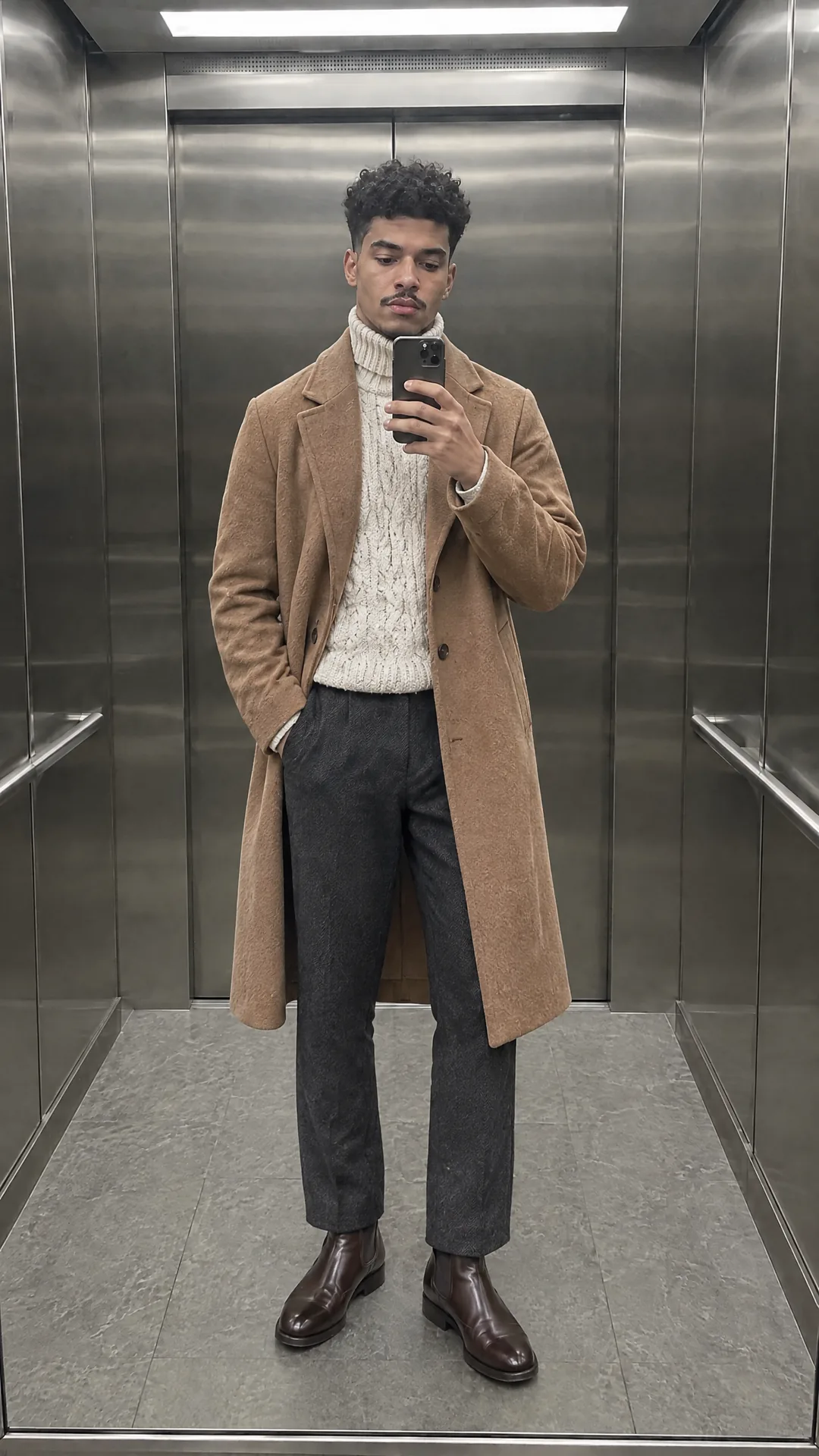
Sellers: photograph it flat or on a hanger, then show it worn, on anyone. For Etsy, Depop and TikTok Shop listings.
Post the “which one?” carousel without buying the haul. Your face and your spot stay the same in every slide.
Keep the face and the photo, and put your character in a new outfit for every post.
Stylists and social managers: mock up an outfit on the client’s own photo before the shoot or the order.
A clear photo of yourself. Head to toe changes your shoes and trousers too; a waist-up selfie changes what’s in frame.
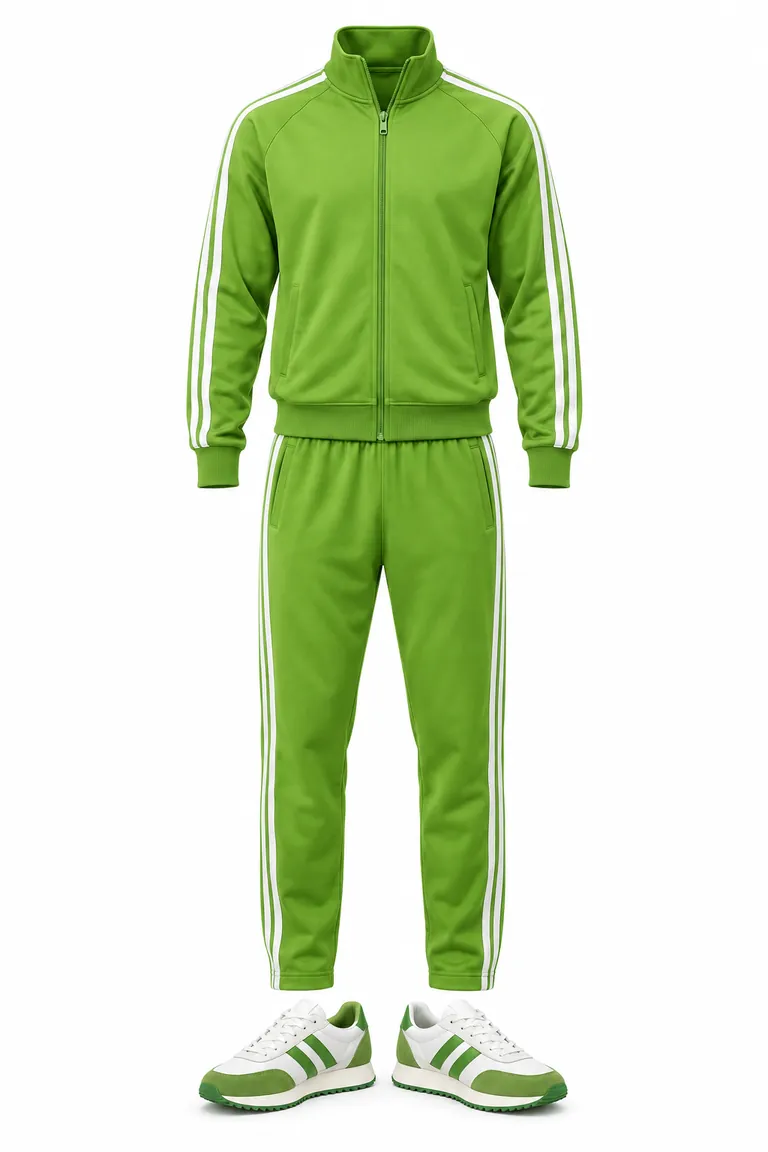
Any photo of the look: someone wearing it, a flat lay, a hanger, a mannequin or a product page. One outfit per photo works best.
In about a minute you get the full photo of you in the outfit. Download it, or keep your photo and try the next look.
You upload two photos: one of you and one of an outfit. Made sends both to GPT Image 2.5 Flare with instructions to change only your clothes. Your face, hair, body, pose, and background come from your photo. The garments come from the outfit photo.
Anything that shows the clothes clearly: a person wearing them, a flat lay, a product photo on a mannequin, or clothes on a hanger. Use one outfit per photo. If a photo shows several people, Made uses the most prominent person’s outfit.
That’s the point. The edit is built to change only the clothes. It’s still a generative edit, so check the face, hands, and small details like logos before you post.
The price is on the Generate button before you start, the same at every photo size, and failed swaps are refunded.
Use it as a style preview, not a fitting. It shows a garment on your photo, but it can’t tell you how a real size will sit on your body.
Only use photos of yourself or of adults who agreed. Outfit Swap doesn’t accept photos of children or nudity, and underwear and lingerie can’t be used as the outfit. Swimwear is fine. Photos are checked when you add them.
Every swap is saved to Assets in your Made account. You can leave the tool while it runs and come back to download the full-resolution image.
The AI Clothes Changer dresses you in an outfit you describe in words. Outfit Swap copies a real outfit from a photo, so the exact colors, prints, and cut carry over.
Yes. Quick Change re-dresses you in a video you film once and flips between up to twelve looks, and Object Swap changes the outfit in a clip you already have.