Log inUpgrade

Kling AI · video model

Kling 4Generate AI video

from 1.5 credits / second · every plan · price breakdown · API playground

Start from your own image →

Made with Kling 4 · Action and camera

Kling 4 is Kling AI’s fourth-generation video model. It makes 3 to 30 second clips with native sound at 720p or 1080p, from a text prompt or from a start image, with an optional end frame.

Original results

Kling 4 examples made in Made

These examples use media produced for Made. Prompts are included when the production record allows them.

Action and camera

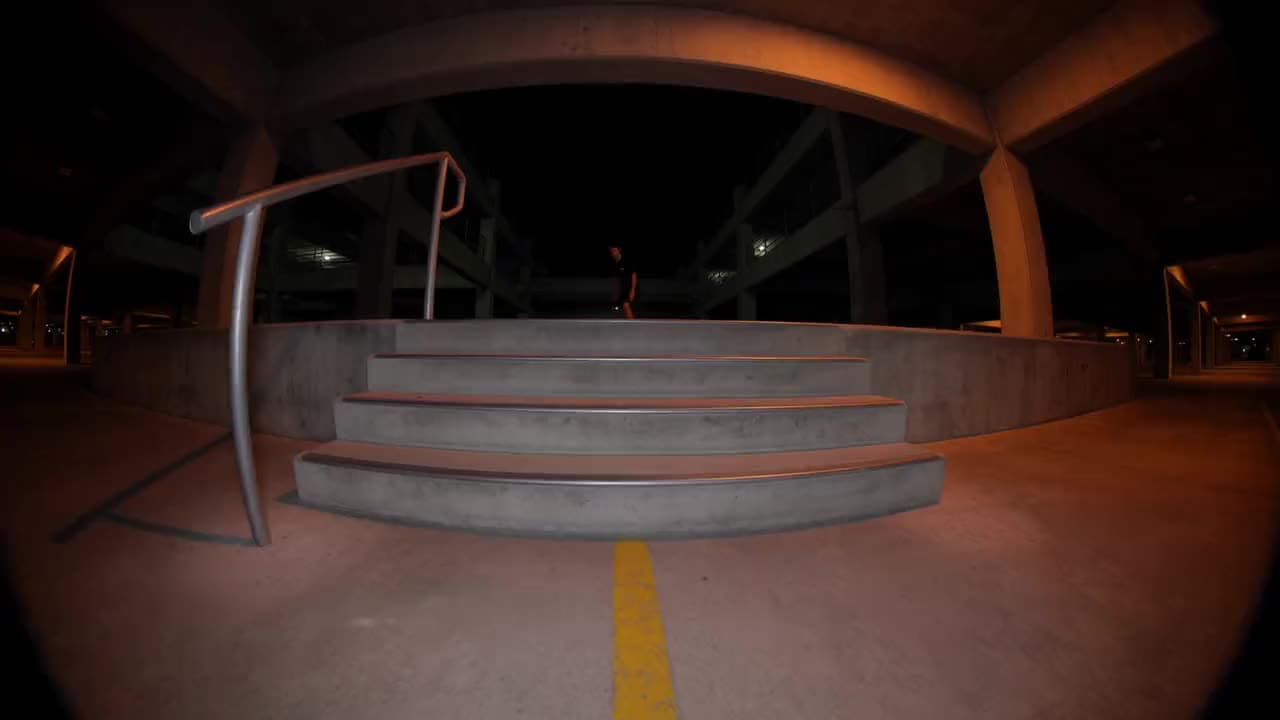
“A skateboarder kickflips down five concrete stairs in an empty parking garage at night, lands clean and rolls straight at the camera, sodium lights strobing overhead, the crack of the board and the roar of the wheels echoing, low handheld fisheye follow.”
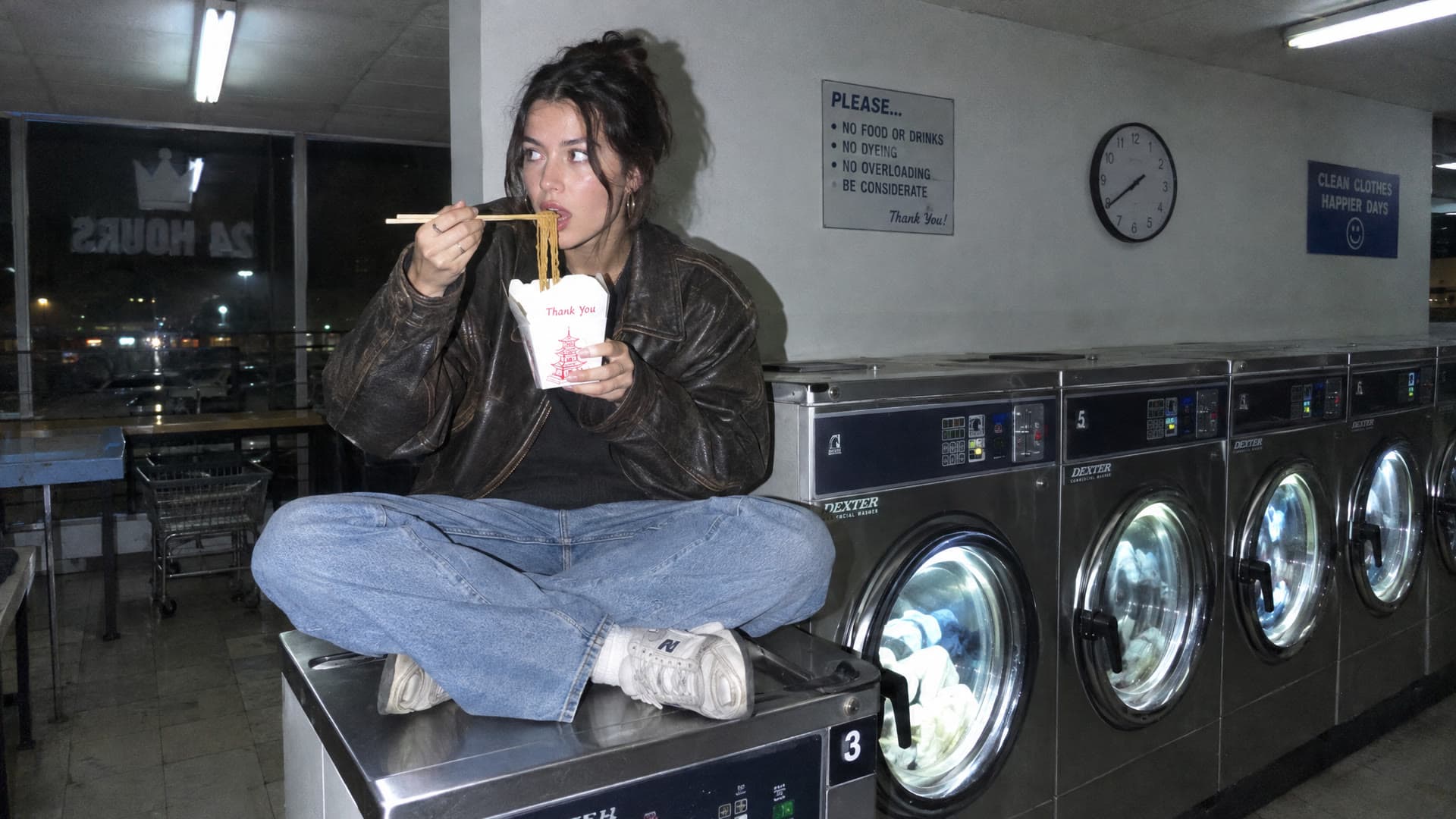
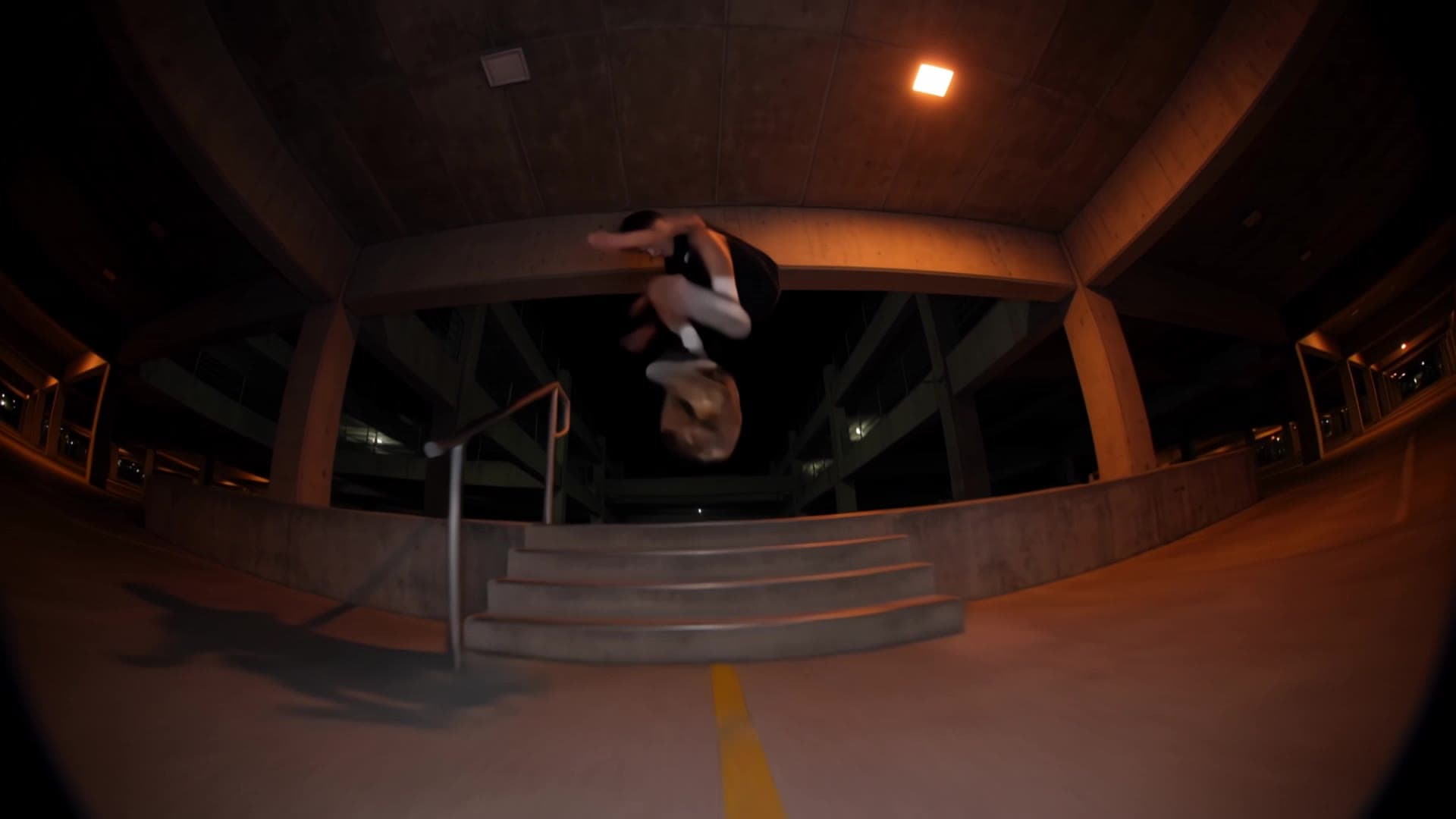
Image-to-video

“She slurps the noodles, bursts out laughing and points the chopsticks at the camera as the washer behind her starts to spin, a fluorescent tube flickers, the hum of the machines and the clink of chopsticks, handheld phone camera.”

10 second scene with cuts

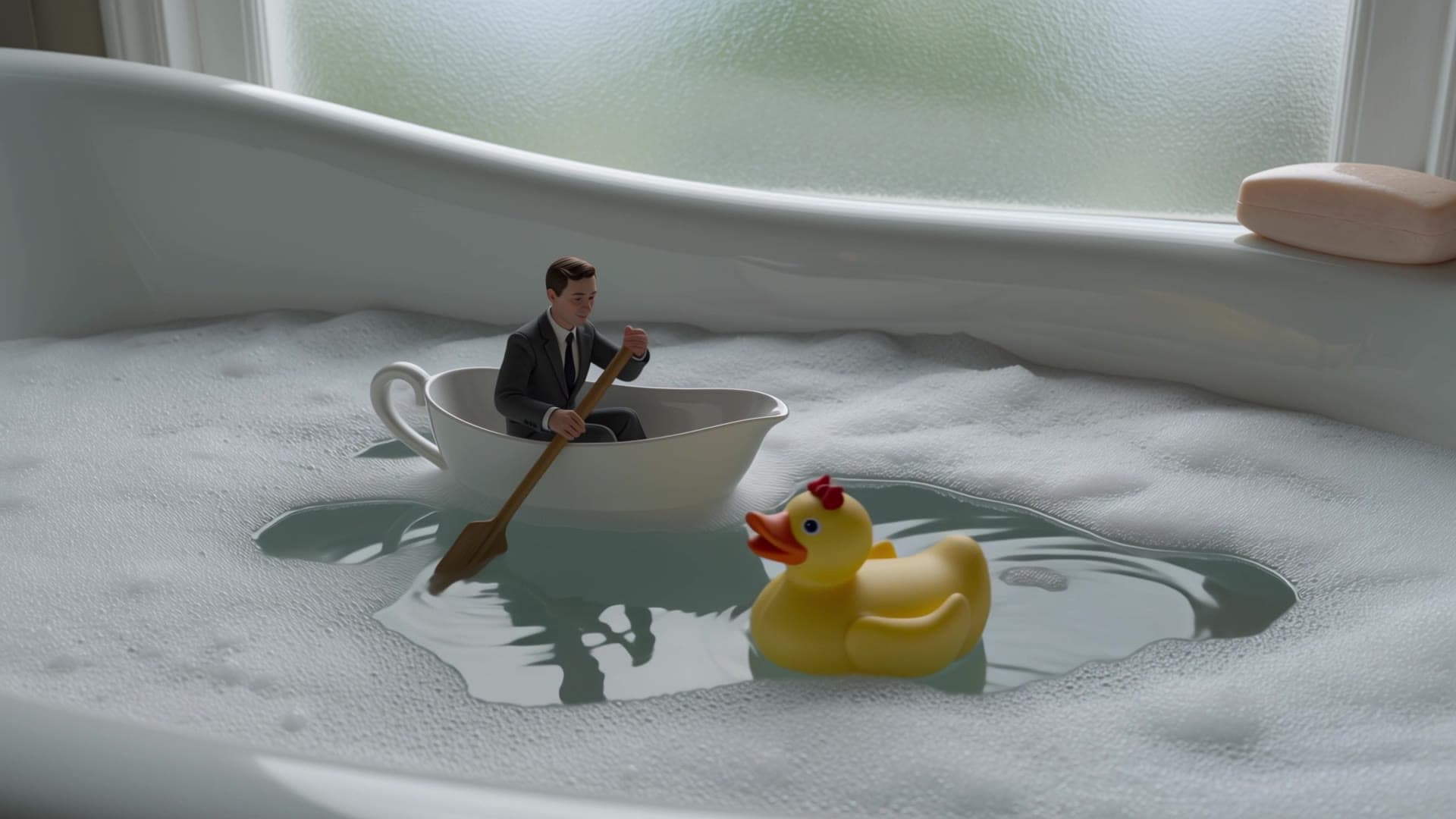
“Wide shot: a thumb-sized man in a grey business suit rows a white teacup across a bubble bath as if it were a lake, a yellow rubber duck drifting past like a ship. Cut to a close-up of his little oar splashing through the foam. The camera pushes in as he looks up and waves at a giant hand reaching for the soap. Soft bathroom window light, water lapping, a faint whistled tune.”

Flash photo of a woman eating noodles on a laundromat washer, the start frame for a Kling 4 clip

Start-frame control

“Use this image as the opening composition.”

A frame from the Kling 4 skateboarding clip, mid-kickflip over the stairs

Frame from the action clip

“A single frame from the clip above, straight from Kling 4.”

A frame from the Kling 4 teacup clip, the tiny rower in the bubble bath

Frame from the 10 second scene

“A single frame from the clip above, straight from Kling 4.”

Where Kling 4 fits best

Best uses

  • Long takes: up to 30 seconds in one generation
  • Fast action such as skating, sports, and dance, with camera moves that follow it
  • Bringing a photo to life with a start image, and an end frame when you know where the shot should land
  • Clips that need sound, since audio is generated with every video

Limits to know

  • Audio is always on. There is no silent mode, and no negative prompt or guidance setting.
  • Image-to-video follows the start image’s framing, so the aspect ratio setting applies to text-to-video only. 1080p costs more per second than 720p.

Specifications in Made

These are the controls exposed by Made, which may be narrower than a provider’s full API.

Aspect ratios
16:9, 9:16, 1:1, 21:9
Resolution
720p, 1080p
Duration
3–30 seconds
Output formats
MP4
Reference images
2
Processing
About two to four minutes for a 5 second clip; progress appears in the generation view.

How to use Kling 4 in Made

  1. 1

    Choose text or image input

    Write a prompt on its own, or add a start image (and optionally an end frame) to anchor the clip.

  2. 2

    Direct the action and the sound

    Say what moves, how the camera follows it, and what we hear. Kling 4 generates audio with every clip.

  3. 3

    Set format and length

    Pick 16:9, 9:16, 1:1, or 21:9 for text-to-video, and any length from 3 to 30 seconds.

  4. 4

    Draft at 720p, finish at 1080p

    Clips start at 720p. Switch to 1080p for the take you keep.

Questions, answered

Kling 4 FAQ

Need a specific answer? Contact support

It is Kling AI’s fourth-generation video model, made by Kuaishou, and the newest Kling in Made.