Motion study
“Cinematic clip: wild horses gallop through shallow tide water under a storm sky, spray freezing in backlight”
Every prompt below was generated with WAN 2.7 in Made, and the output next to it is what came back — not a curated stock image. Copy a prompt as a starting point, then use the guide underneath to adapt it.
Original results
These examples use media produced for Made. Prompts are included when the production record allows them.
“Cinematic clip: wild horses gallop through shallow tide water under a storm sky, spray freezing in backlight”
“The brush completes a sweeping character in one take, ink bleeding into the paper fibers, macro camera”
“Cinematic clip: a ramen chef torches chashu in a dark counter bar, flames flaring, smoke curling into the spotlight”
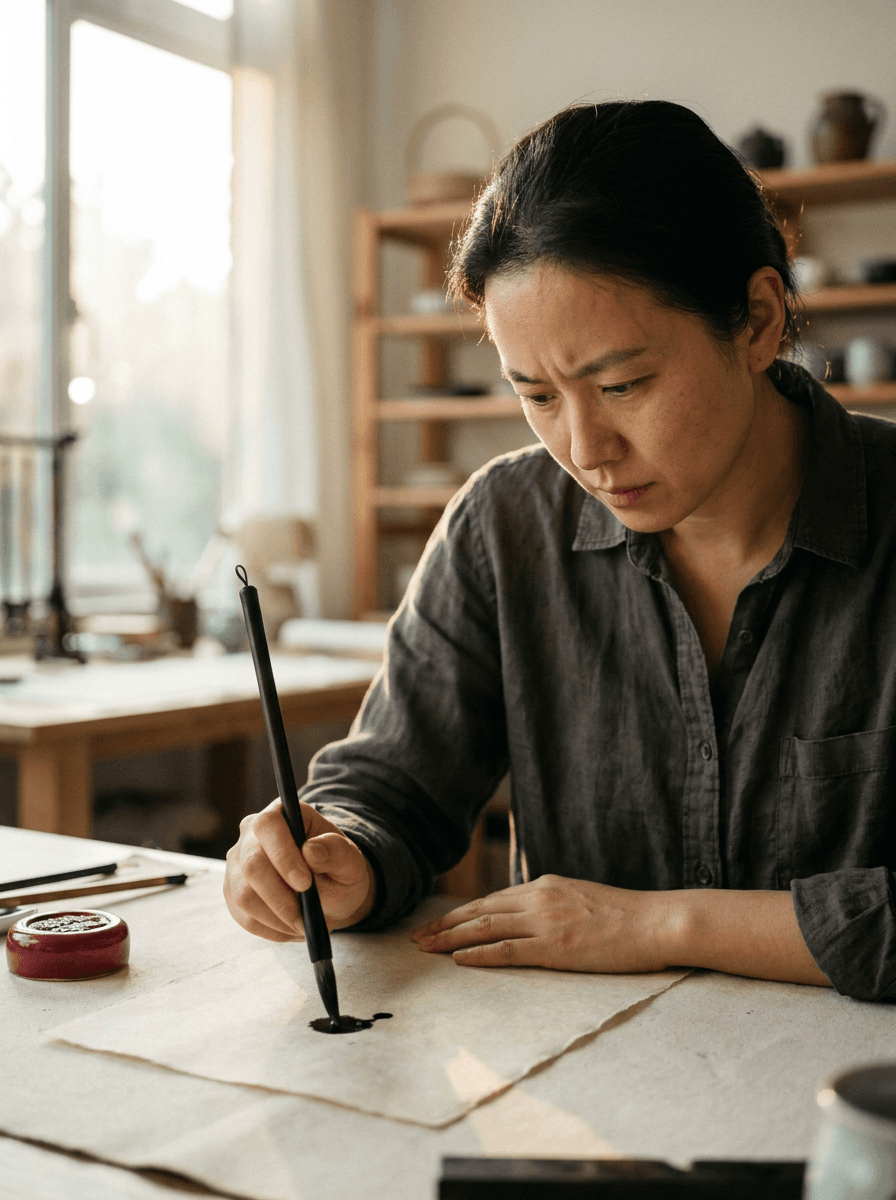
“Use this image as the opening composition.”
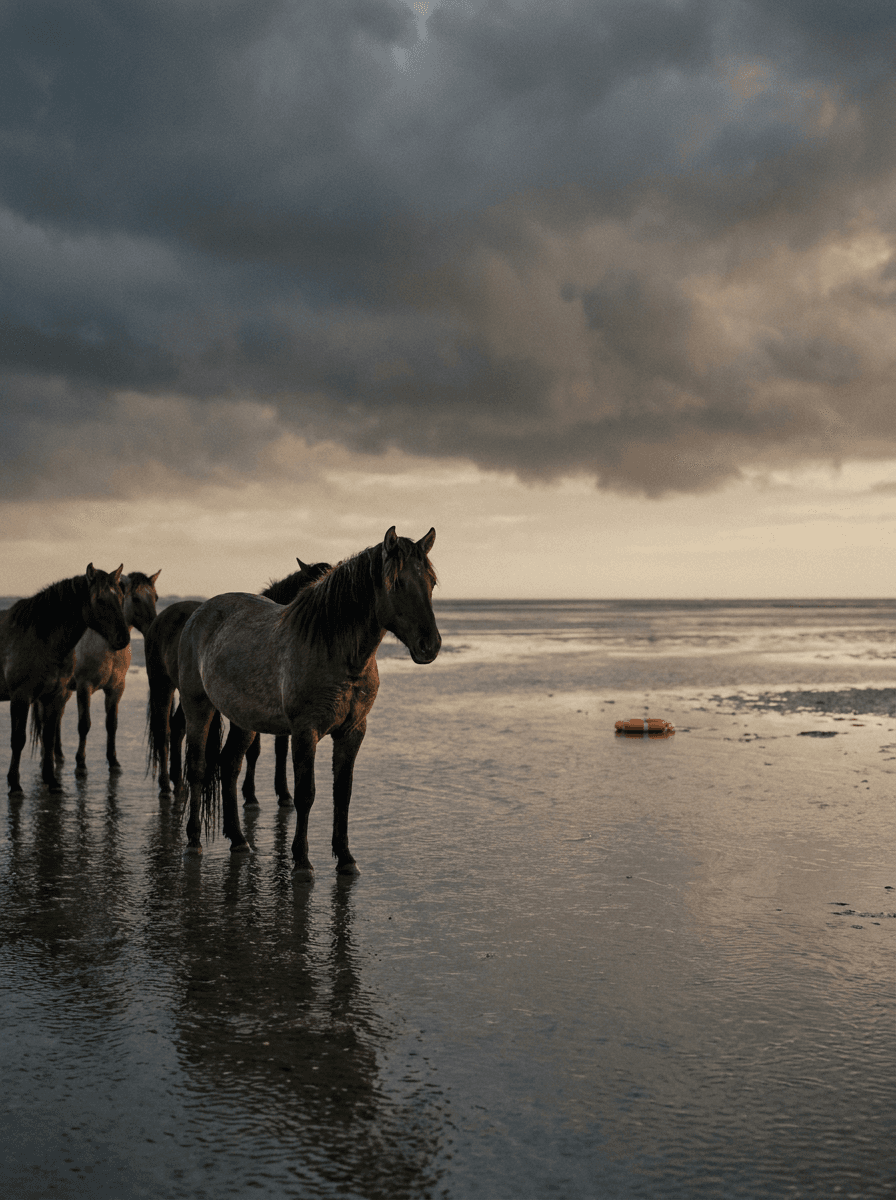
“Set the scene as a still before describing its motion and sound.”
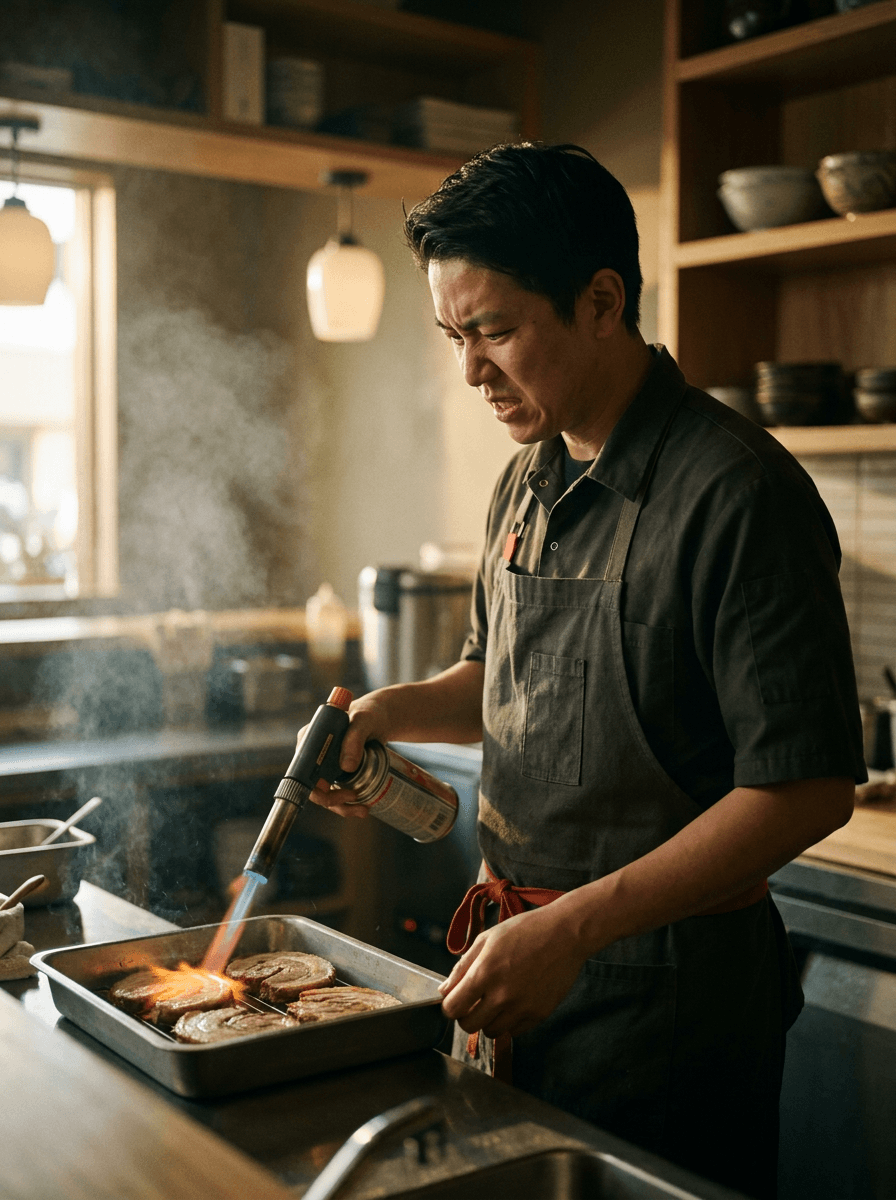
“Plan the shot as a still, then hand the motion to the model.”
Describe the subject, motion, camera path, and the audio the clip should carry — sound is generated with the picture.
Upload a still to animate; WAN 2.7 keeps its composition, which is also how you control framing.
Pick any duration from 2 to 15 seconds and 720p or 1080p.
Check motion, audio, and continuity, then adjust one instruction at a time.
Iteration is cheap here: WAN 2.7 costs from 1 credit / second, so rewriting a prompt and rerunning it is a normal part of the workflow, not a budget decision. See the full WAN 2.7 pricing breakdown.
It is Wan AI’s current-generation video model, generating clips at up to 1080p with synchronized audio from text or a start image.
More tested prompts across all models live in the prompt library, and the full WAN 2.7 capability rundown is on the model page.