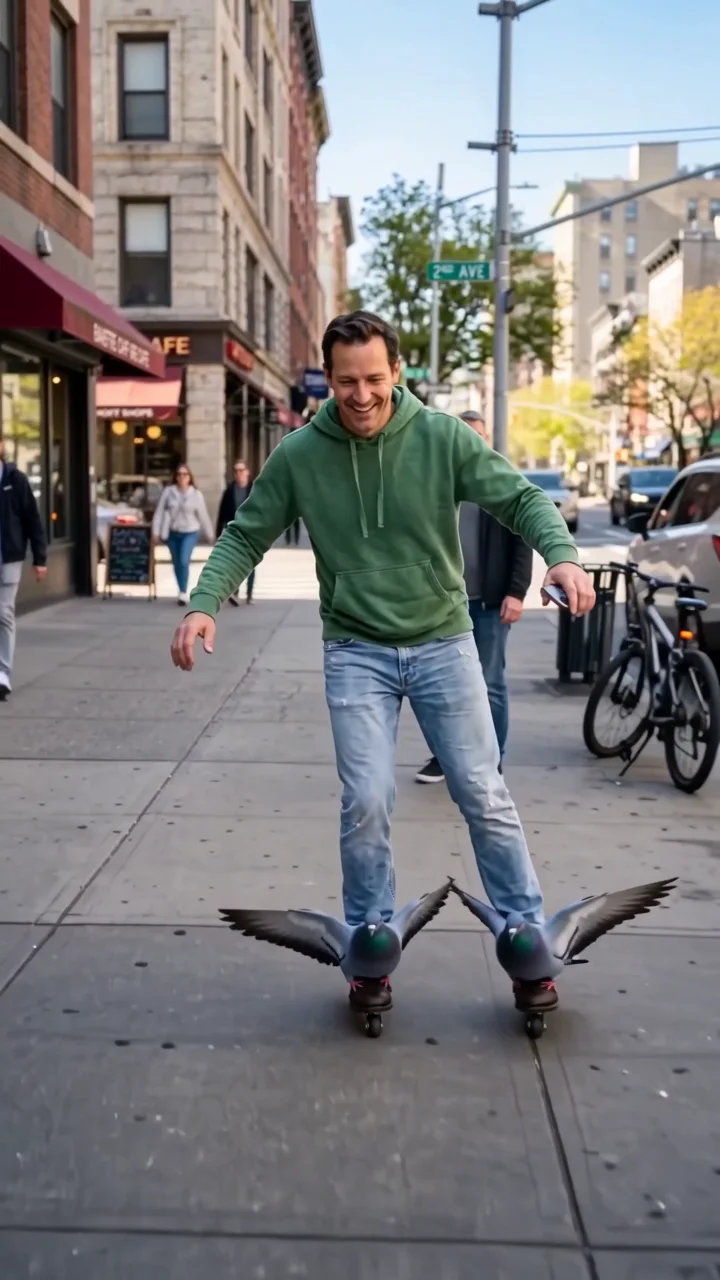
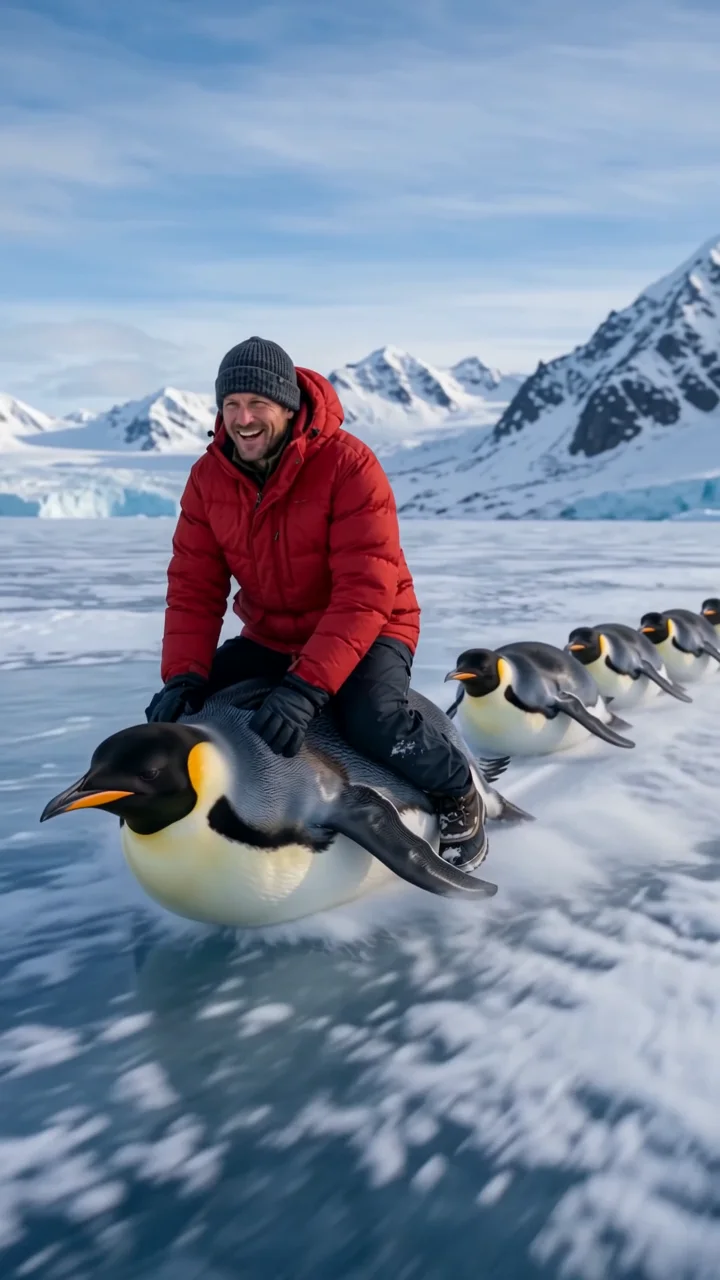
Dolphin surf effect
Dolphin surf puts your subject on the back of a dolphin like a surfboard. Knees bent and arms out, they ride across sparkling waves while the dolphin glides through the swell and the camera tracks alongside at water level.
- 6-second clip
- 480p, 720p or 1080p
- WAN 3.0 Prime
Sign in to run it. The price shows on the Generate button before you start.
How to make a Dolphin surf video
- 1
Add your photo
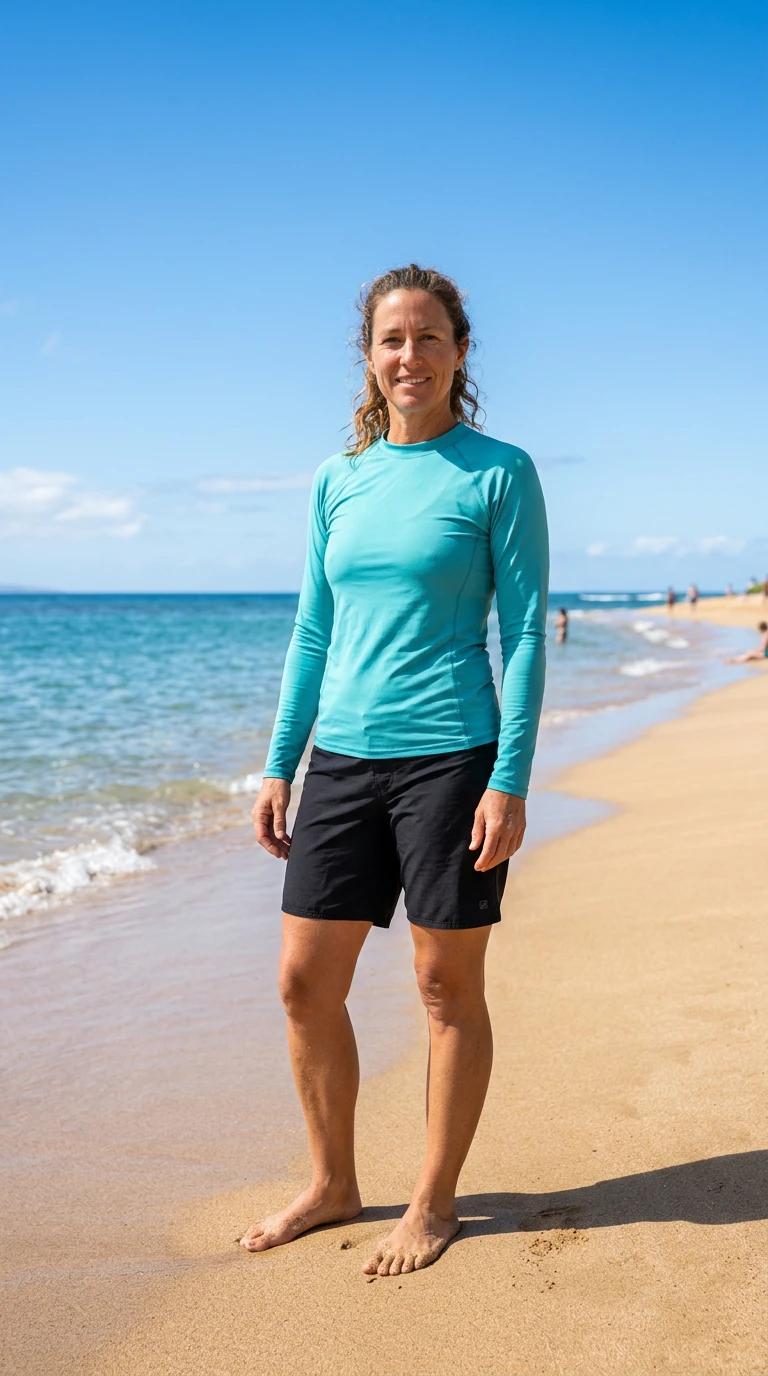
Upload one character image. JPG, PNG, or WebP up to 10 MB each.
- 2
Generate your Dolphin surf video
Pick a resolution and aspect ratio, add an optional prompt, and review the exact price before you start. A 6-second clip at 480p, 720p or 1080p.
- 3
Download and share
Your video saves to Assets. Play it, download the MP4, and post it anywhere.
What it is good for
- Summer contentBright, sunny, and joyful.
- Travel editsA beach day nobody else had.
- ComedyAn absurd hook.
Tips for a better result
- A full-body photo in beach or active wear fits best.
- Any clear photo works; the ocean comes from the effect.
- Try "at sunset" in the prompt for golden light.
Questions
Do I need a beach photo?
No. The ocean comes from the effect; your photo provides the person.
Is the dolphin harmed?
No. The direction specifies no harm to the animal.
How much does the Dolphin surf effect cost?
It is priced per video, in credits, by its length (six seconds) and the resolution you pick. The exact price is on the Generate button before you start.
Whose photos can I use?
Use photos of yourself, or of people who have agreed to be in the video. Do not upload photos of other people without their permission.