AI video effects
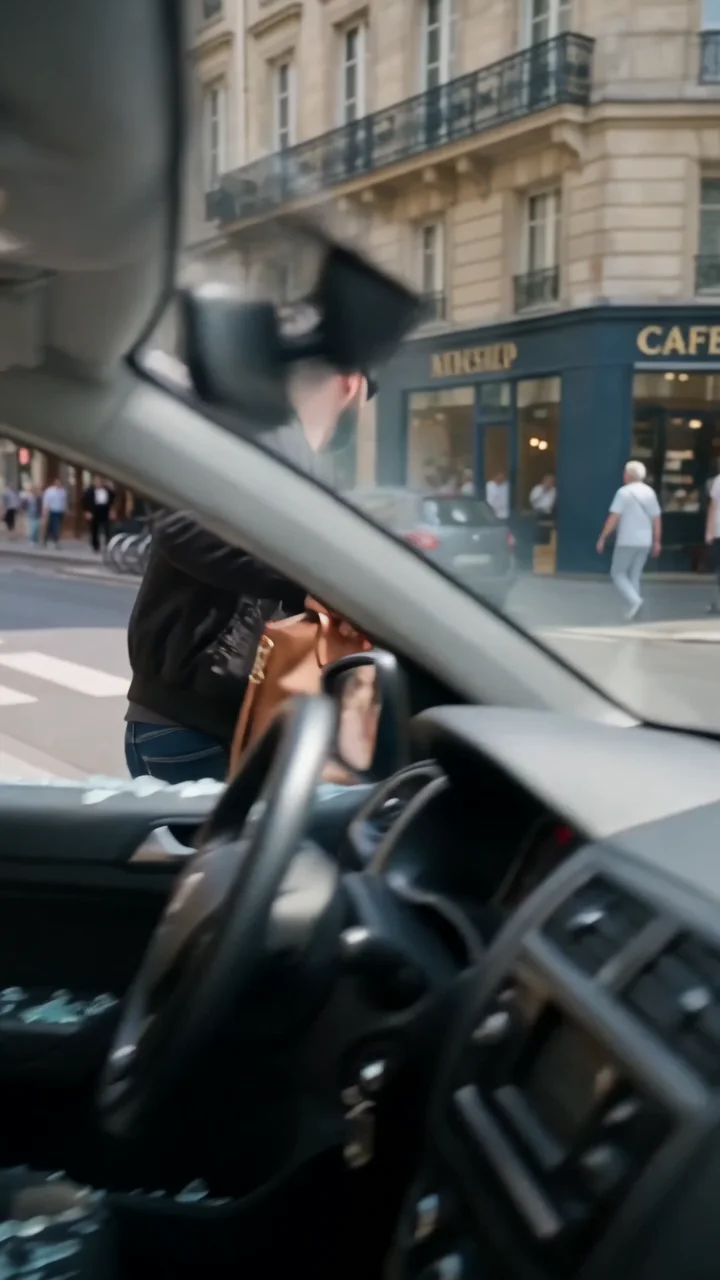
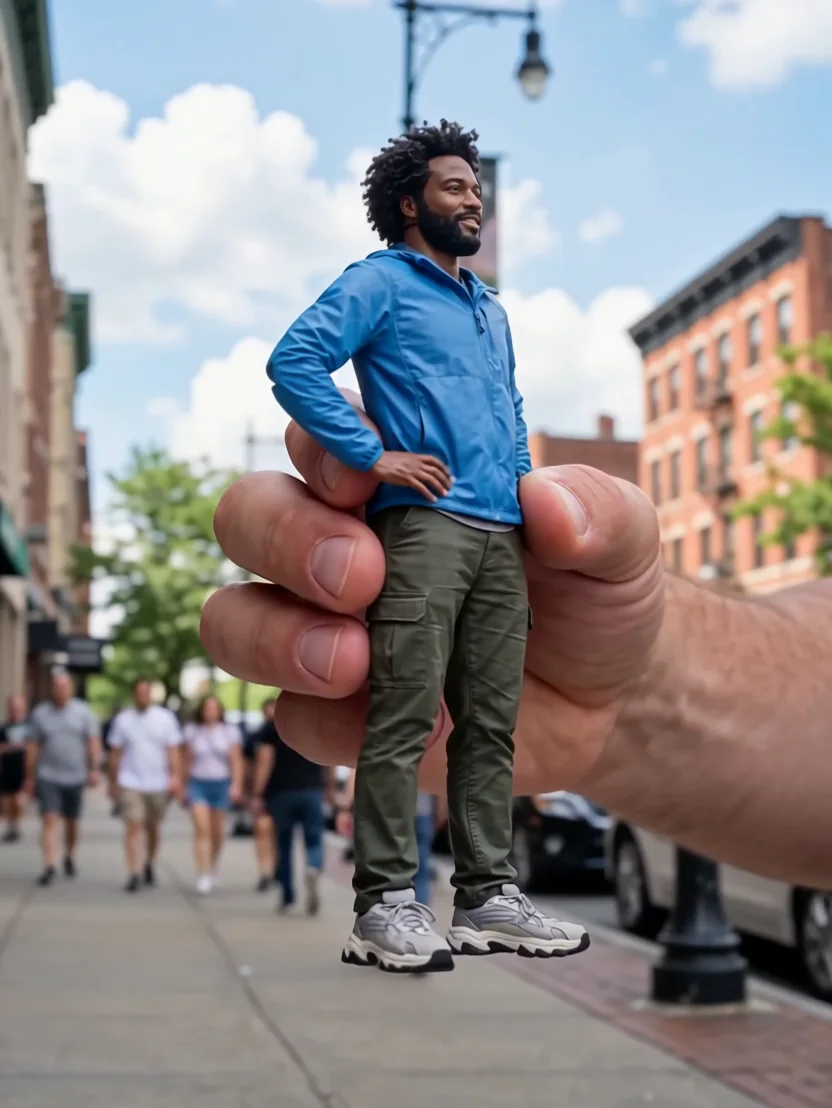
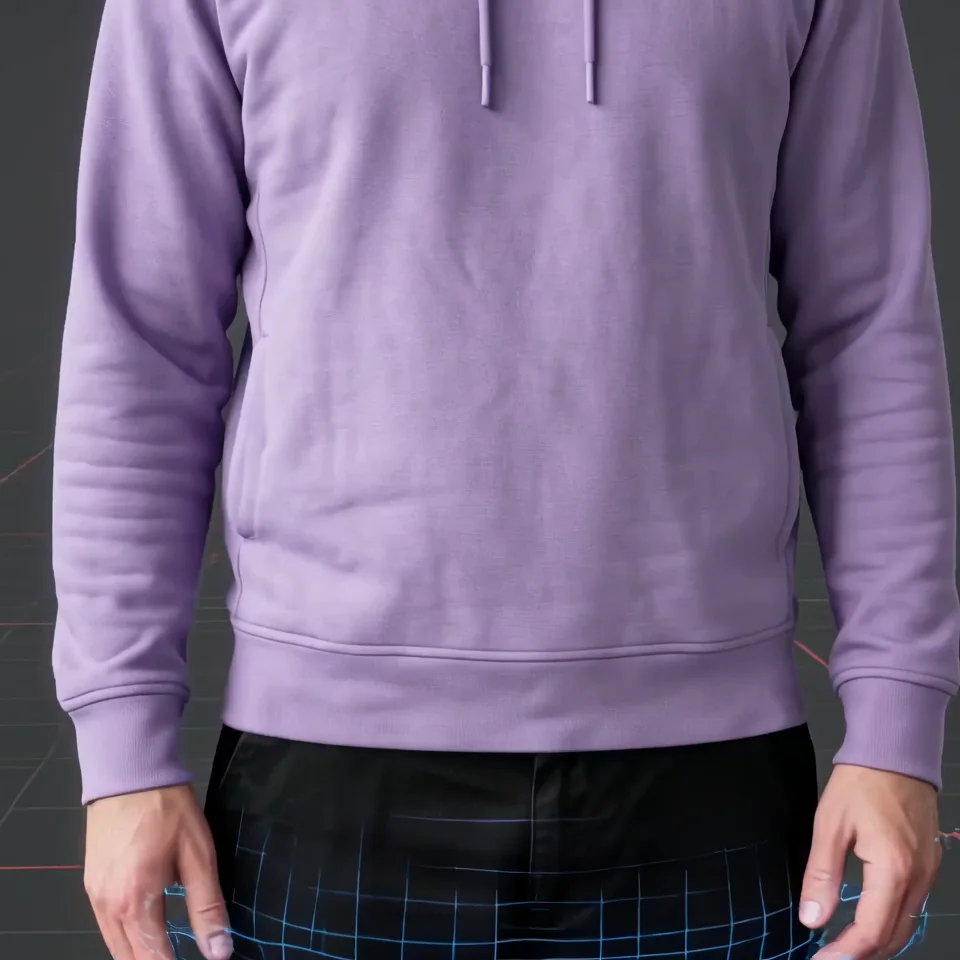
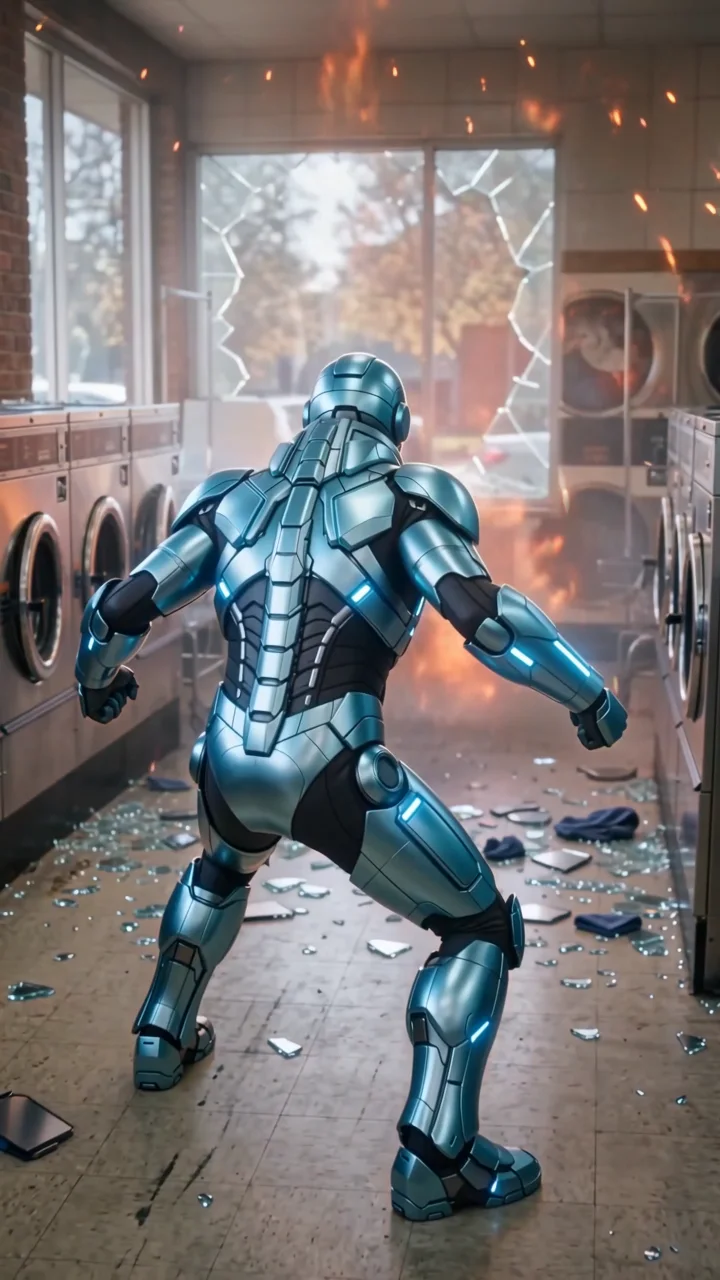
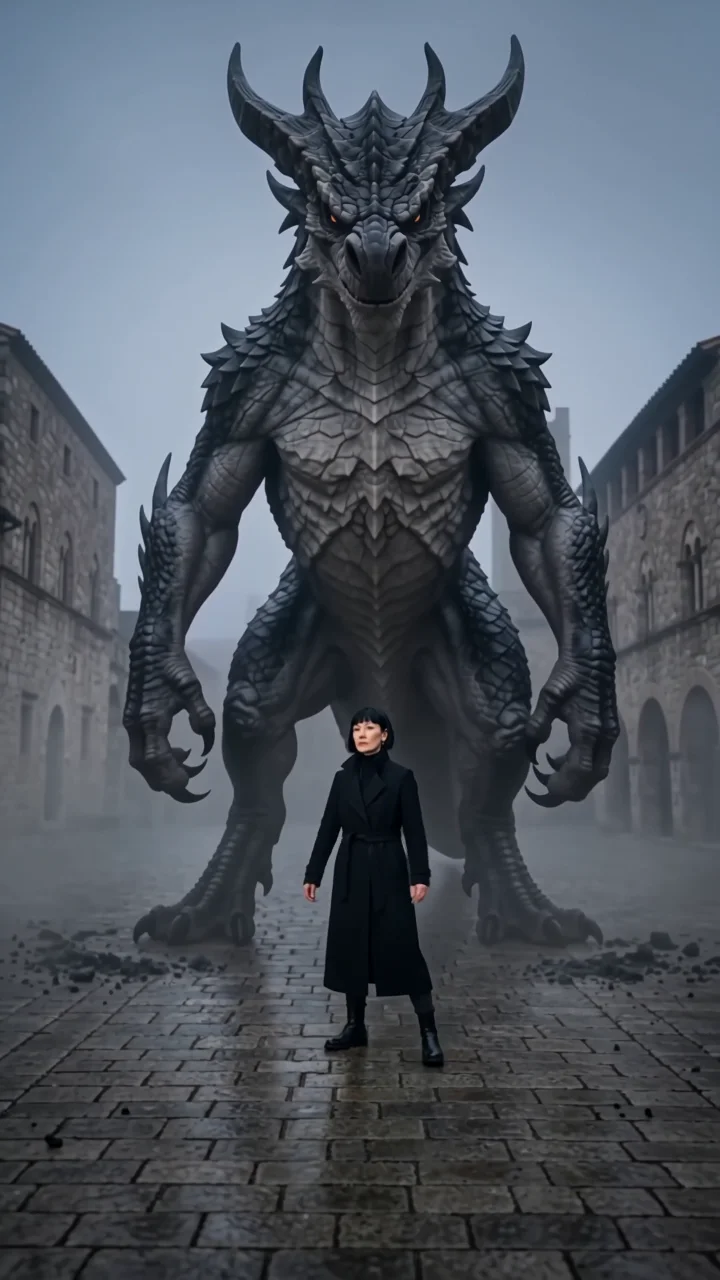
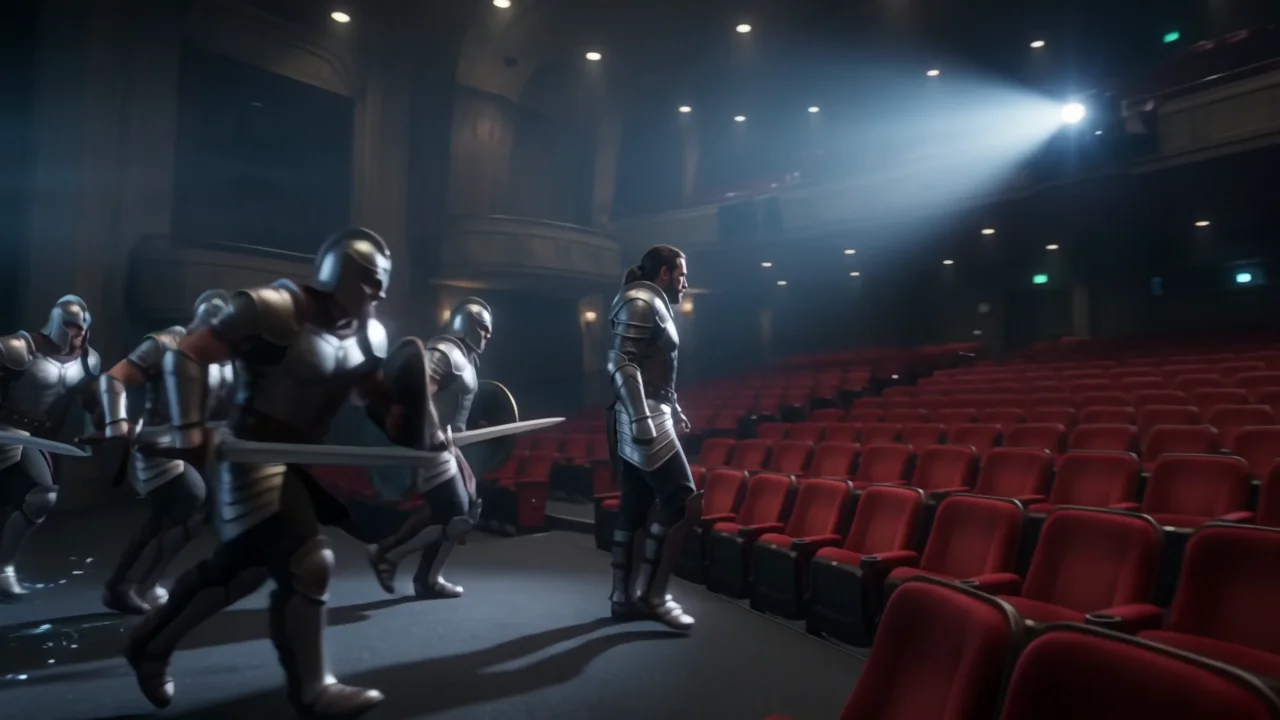
Pick an effect, add a photo, and get a short video. Every clip on this page was made with the effect it shows, from the photo it started with, on the same model the tool runs.
Sign in to run it. The price shows on the Generate button before you start.
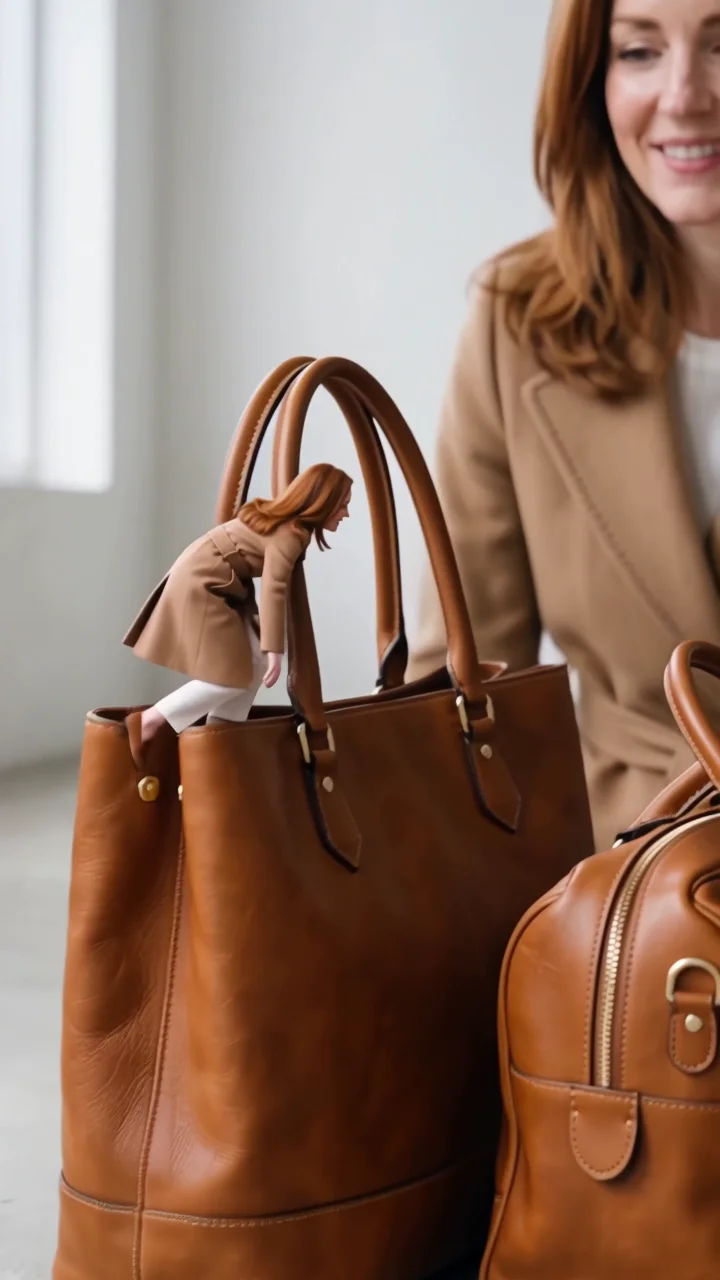
Product reveal effects
Put what you sell in the shot.

Camera move effects
Orbits, dives, flips, and zooms.
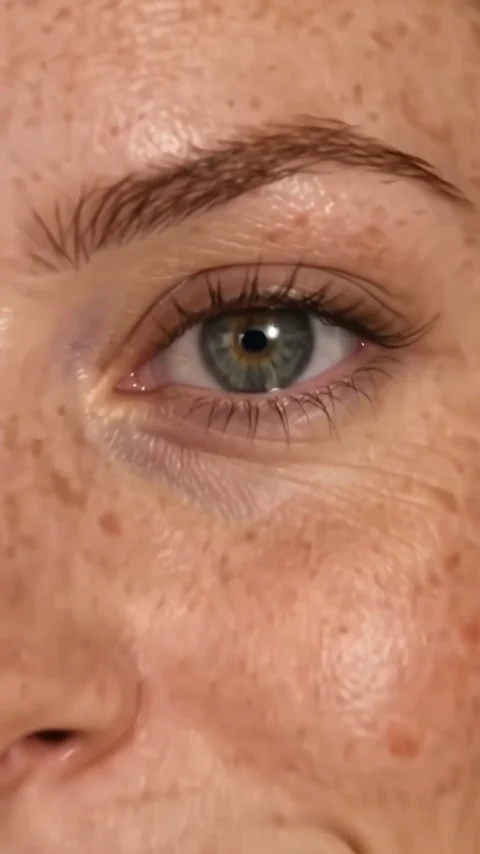 Eyes inA cinematic push into the eye.
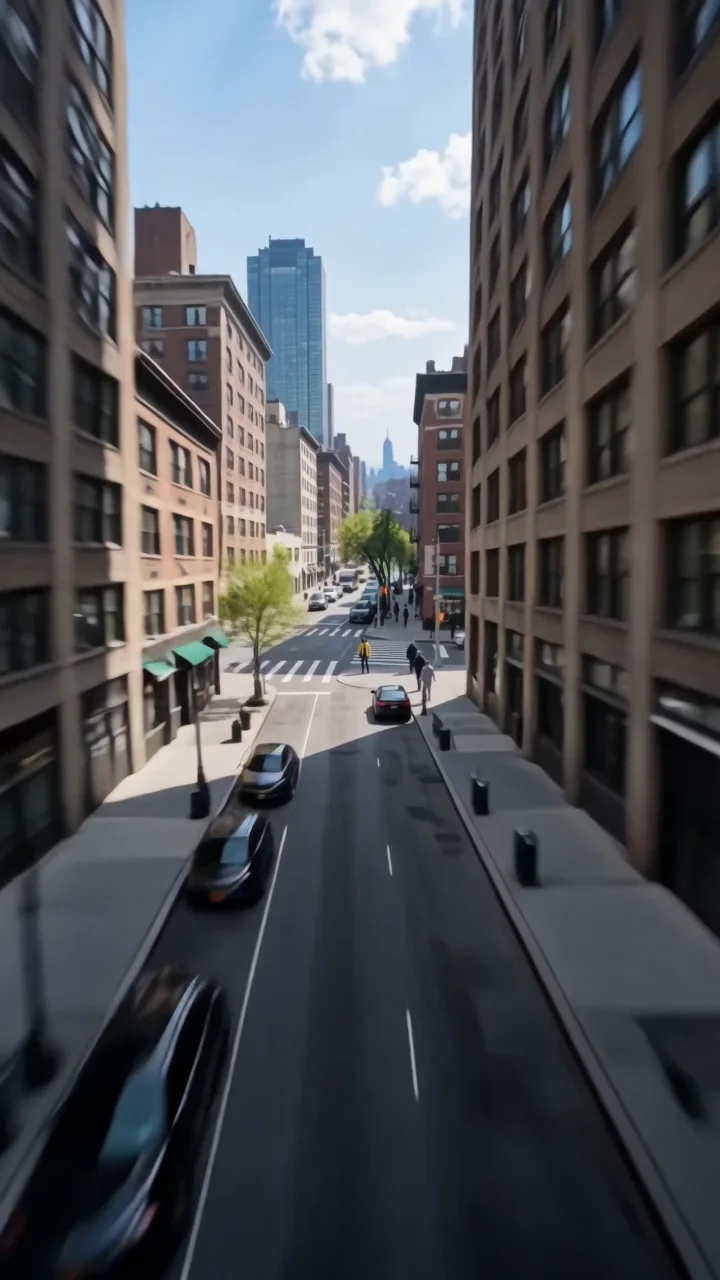 Earth zoomDive from orbit all the way down to you.
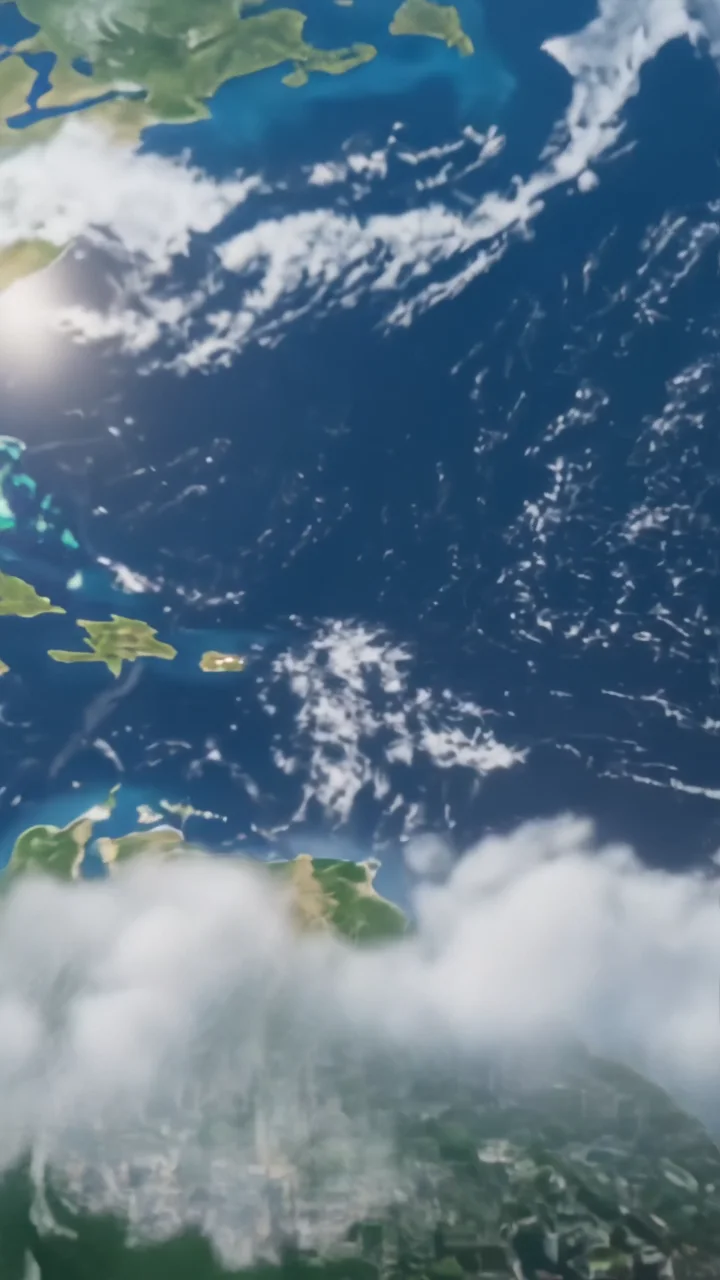 Earth zoom outPull back from you all the way to space.
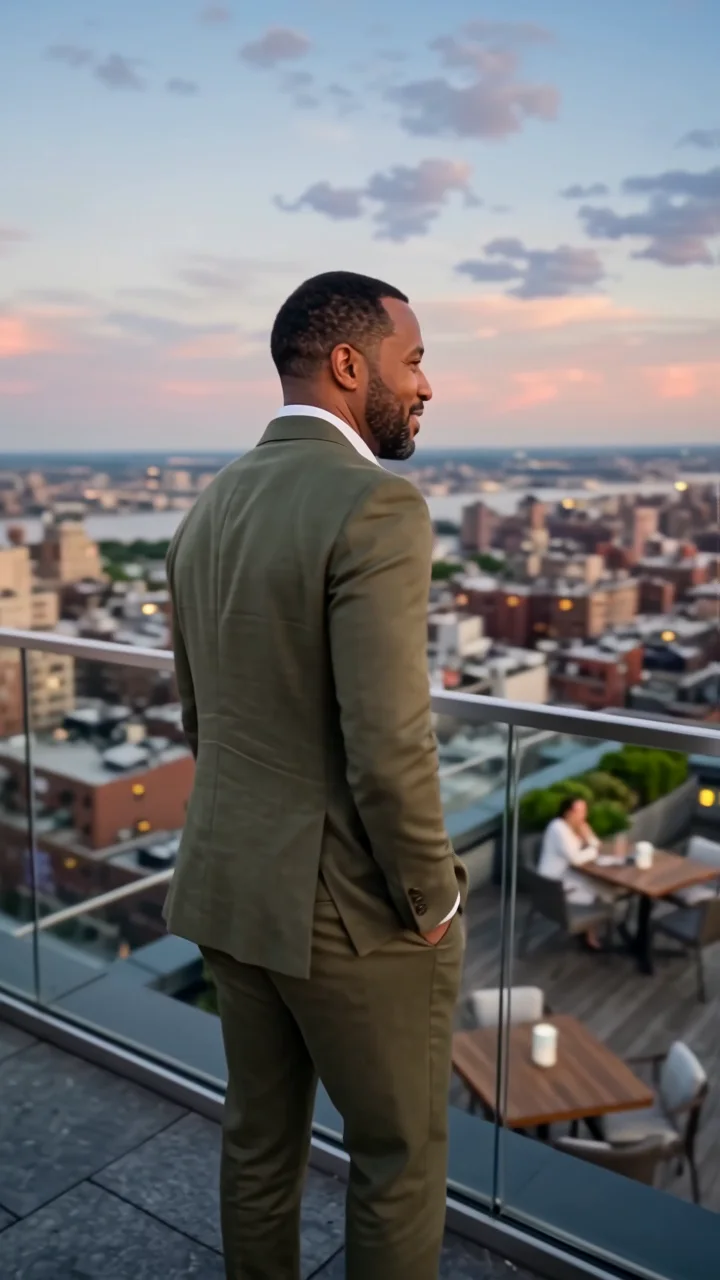 Orbit 360A smooth 360-degree camera orbit around you.
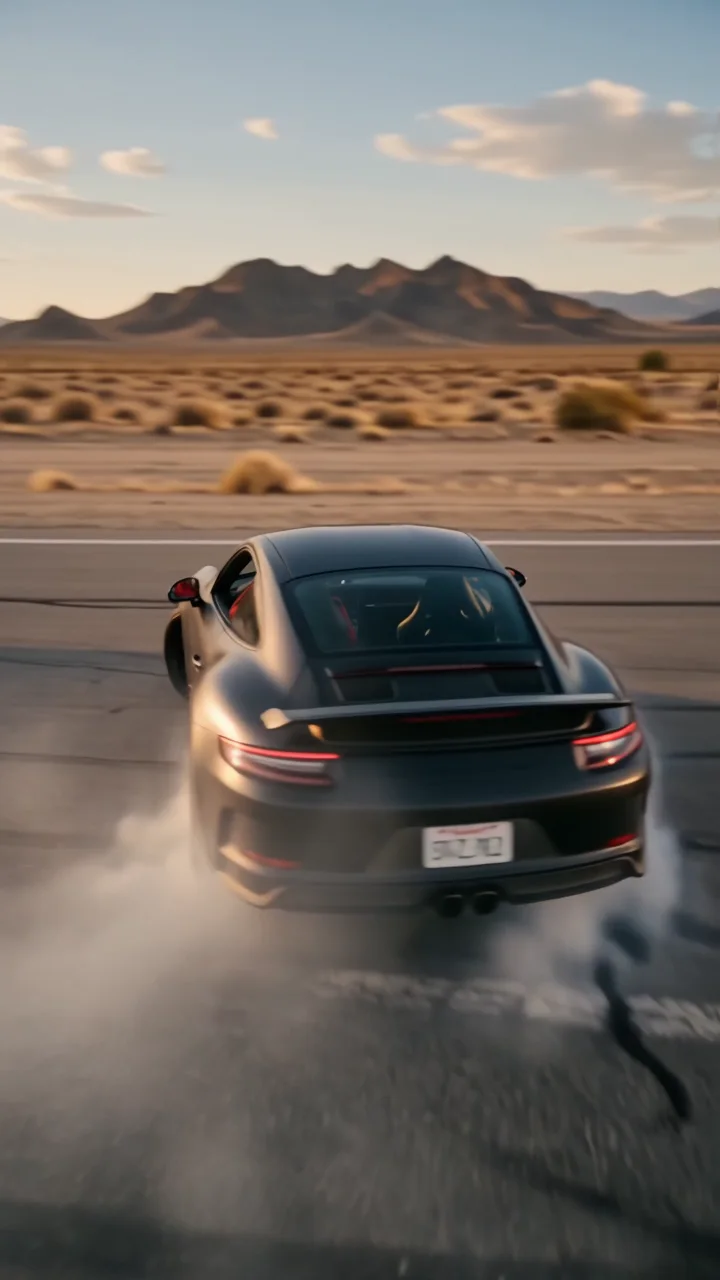 Wild rideA high-speed orbit around a drifting car.
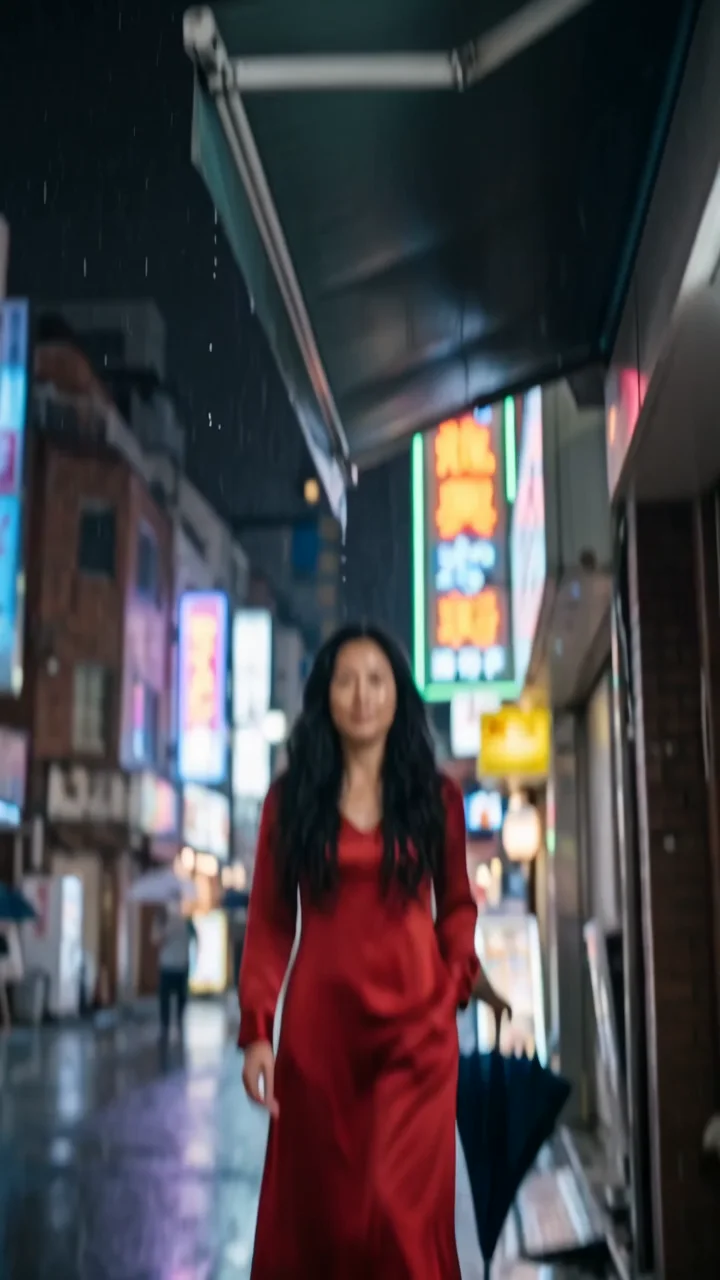 High flipFlip overhead and land in a new scene.
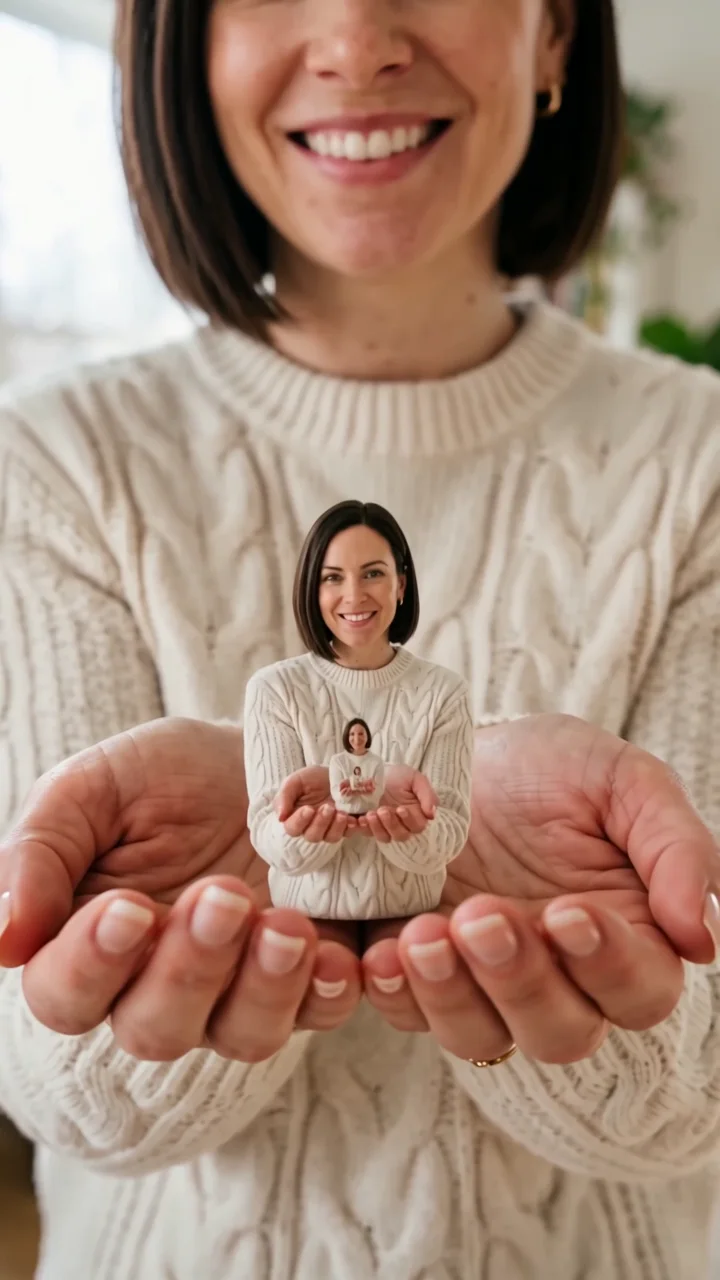 Infinite zoomZoom into a tiny you, again and again.
Clone and twin effects
Doubles, twins, and copies of your subject.
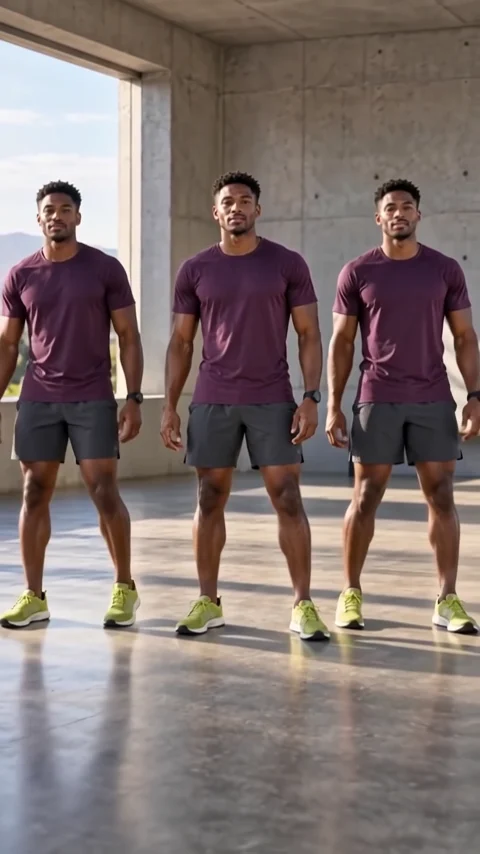 ClonesOne subject becomes a perfectly matched crowd.
 Studio slideA smooth reveal from one set to the next.
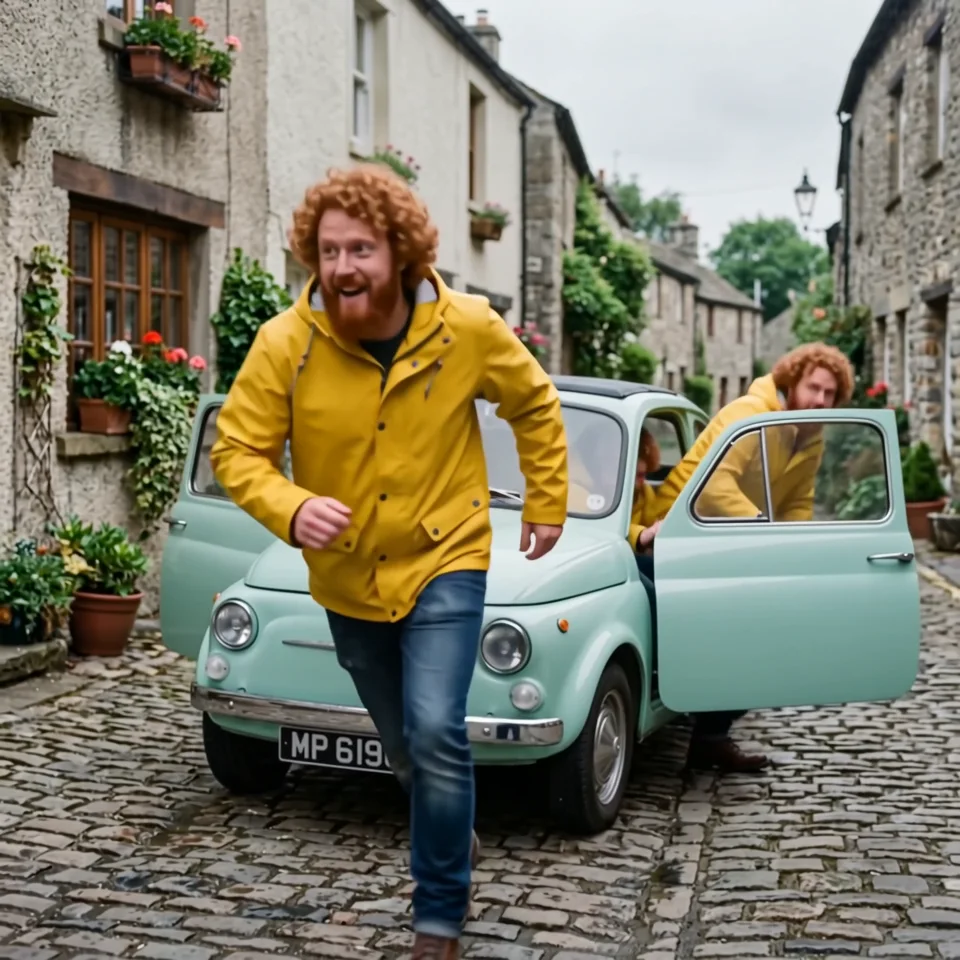 Infinite clonesEndless copies pour out of a tiny car.
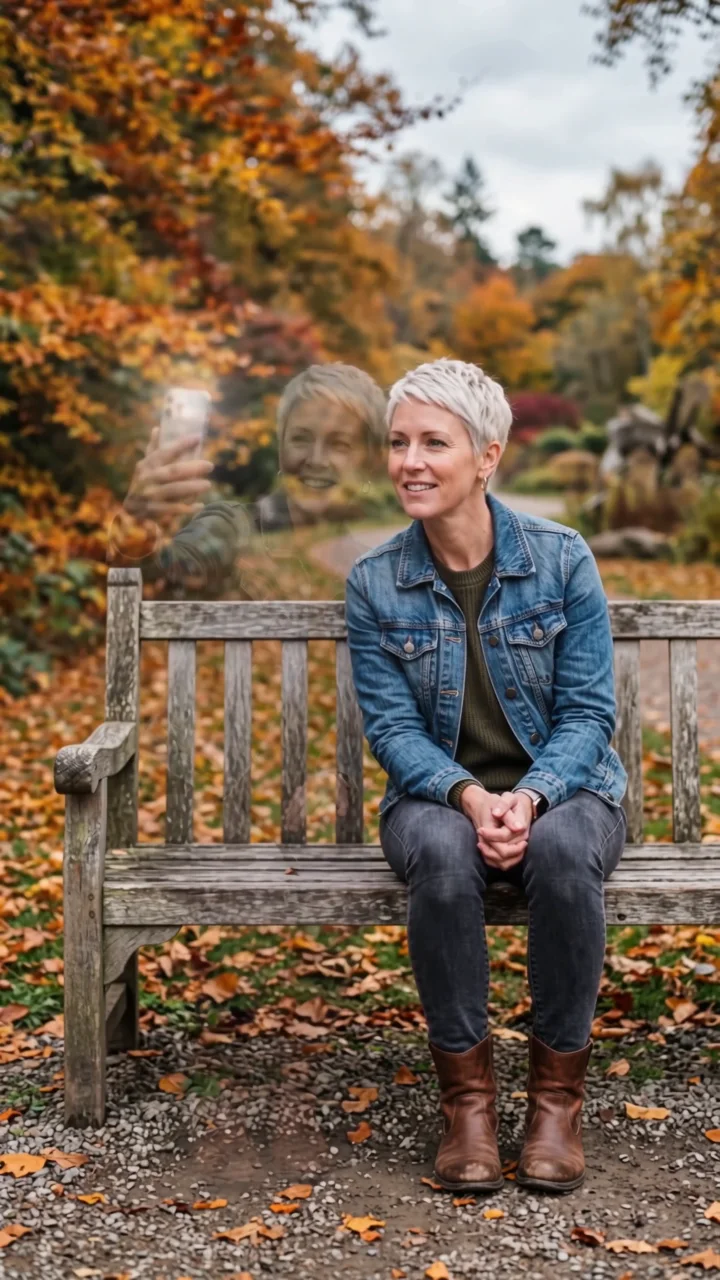 Selfie twinYour double sits down, takes a selfie, vanishes.
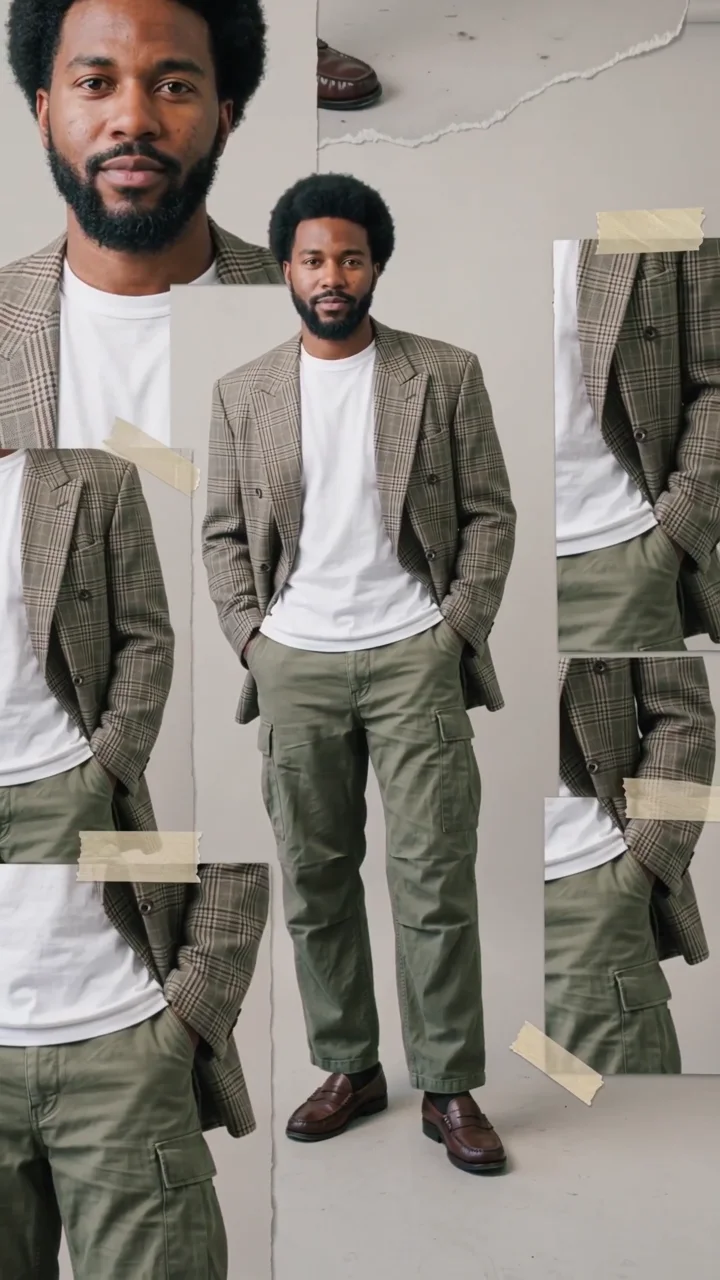 Scrapbook collageYour look in a moving scrapbook layout.
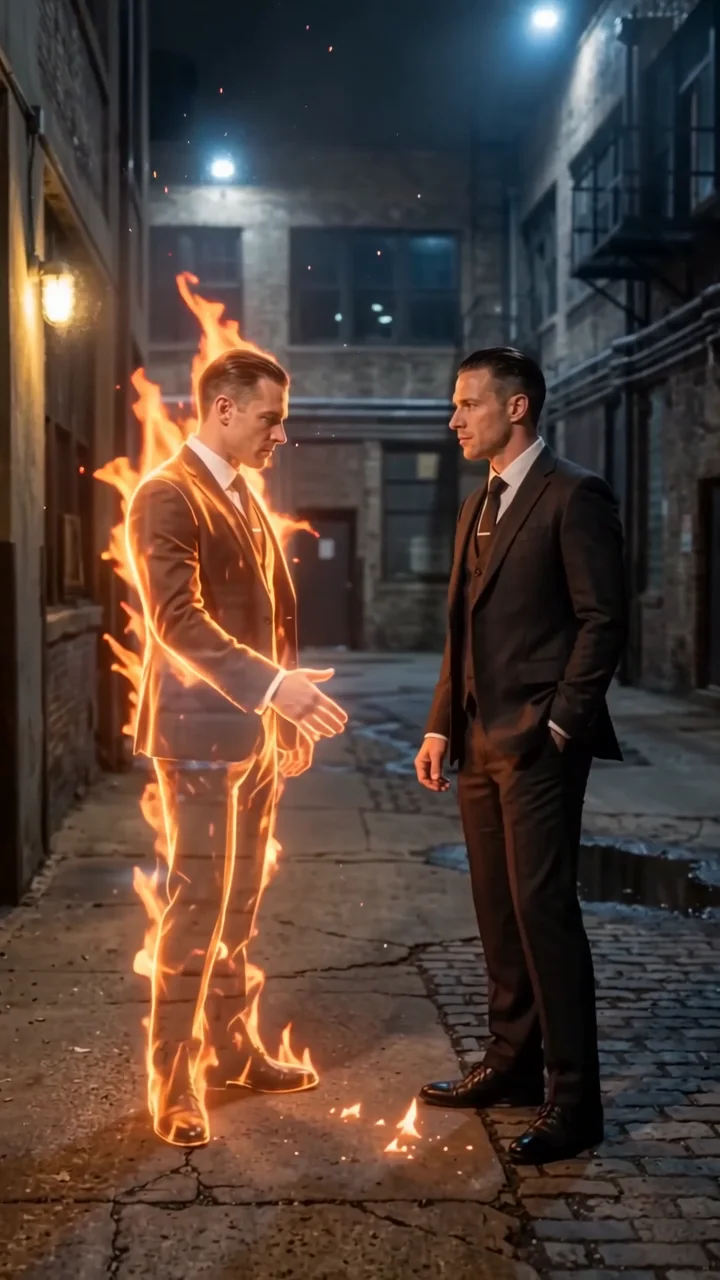 Flame twinA burning double reaches out to shake your hand.
Time freeze effects
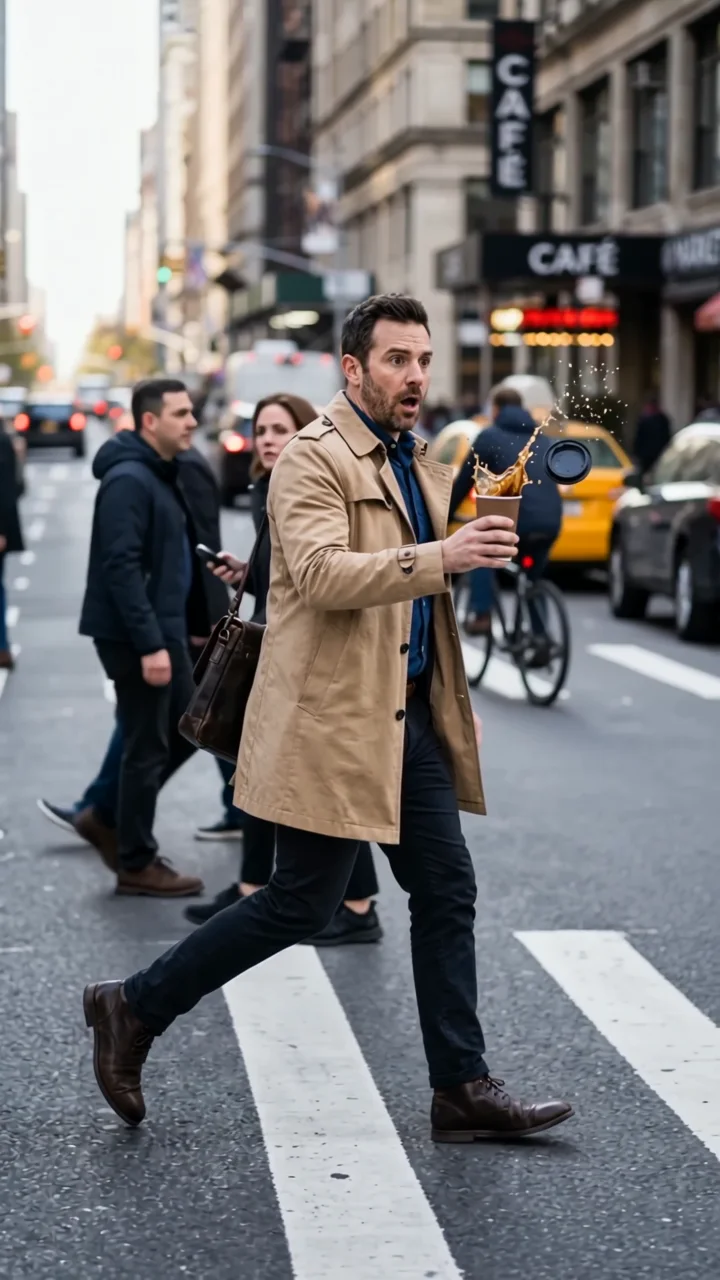
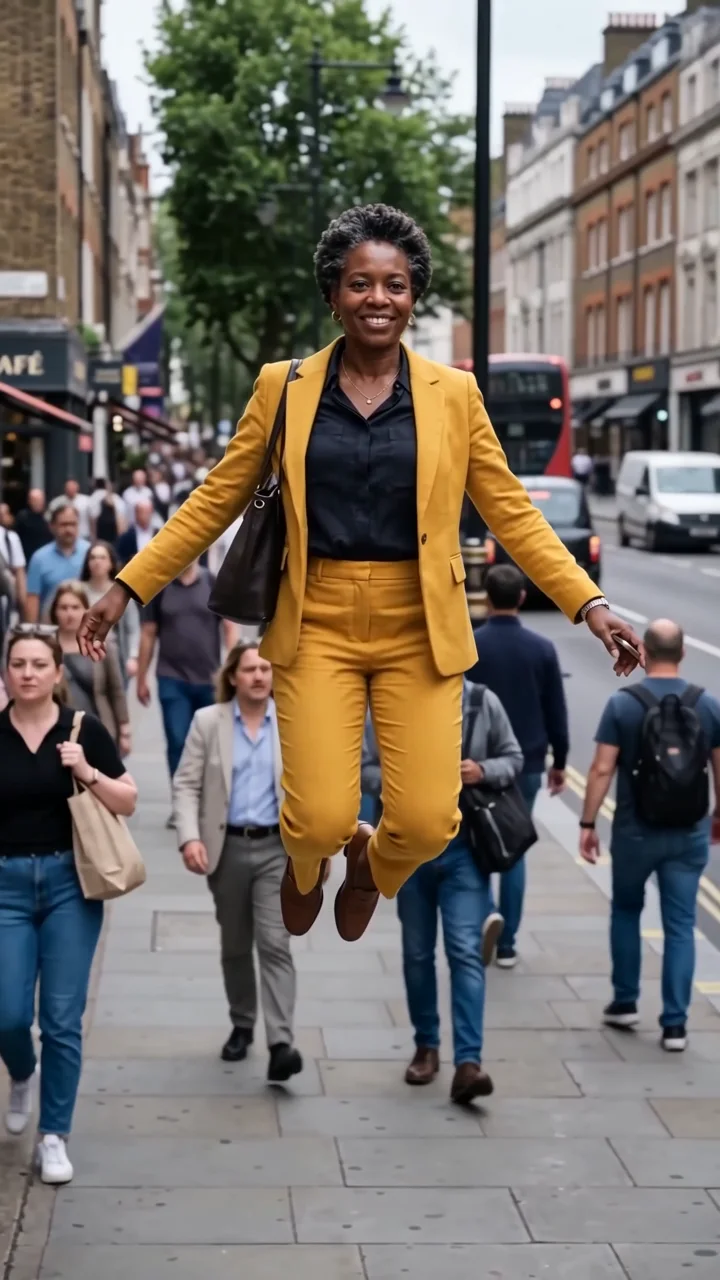
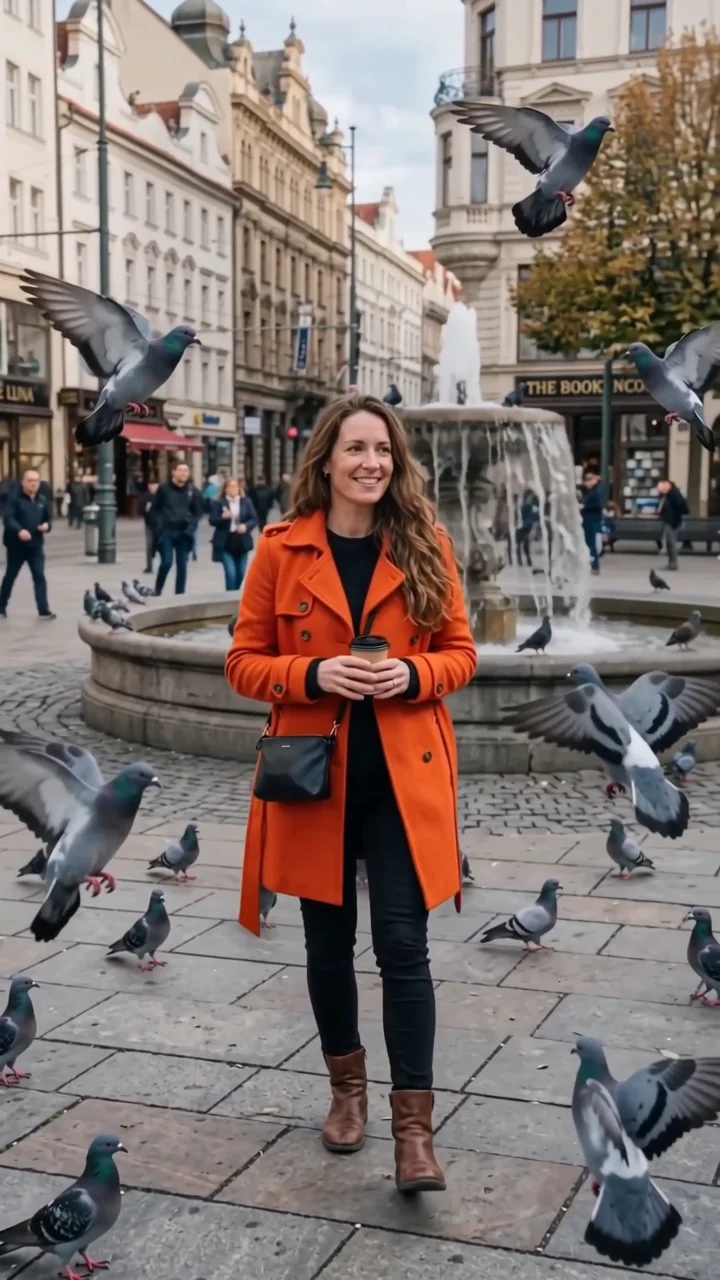
Time stops around you, or for you.
Surreal effects
The world bends, floods, folds, or scans around you.
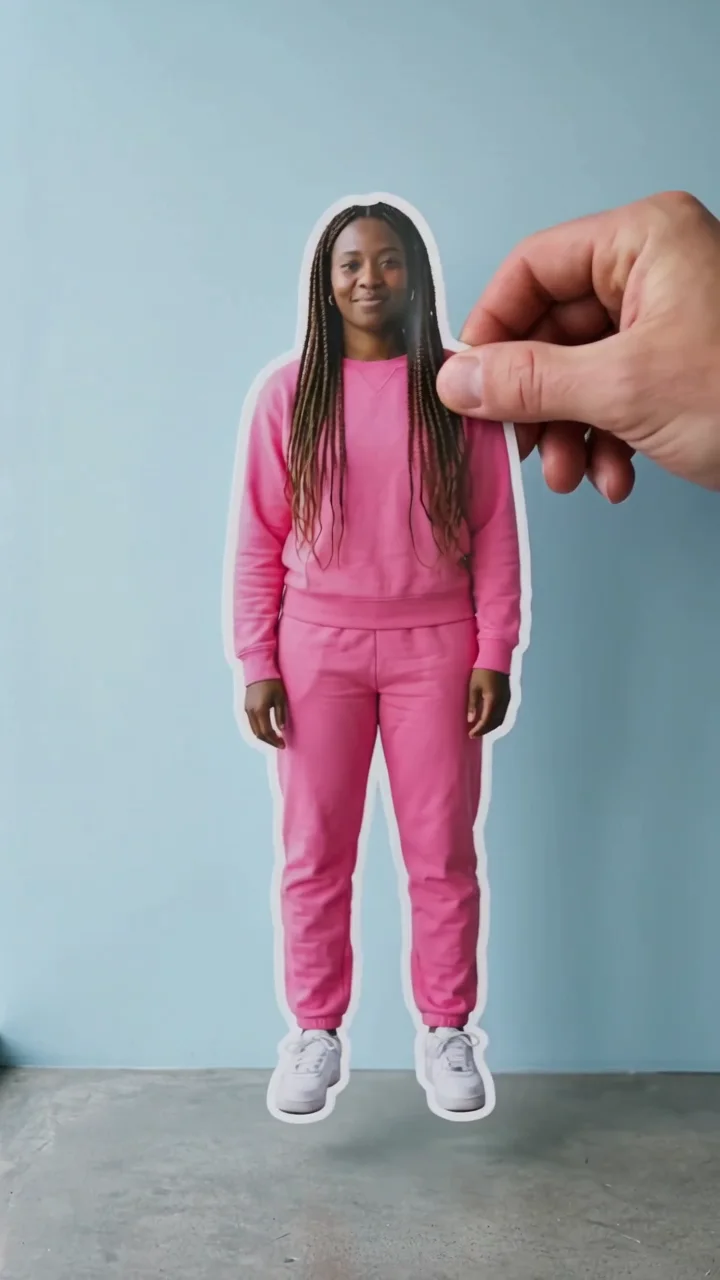
 CutoutStep out of the scene as a paper cutout.
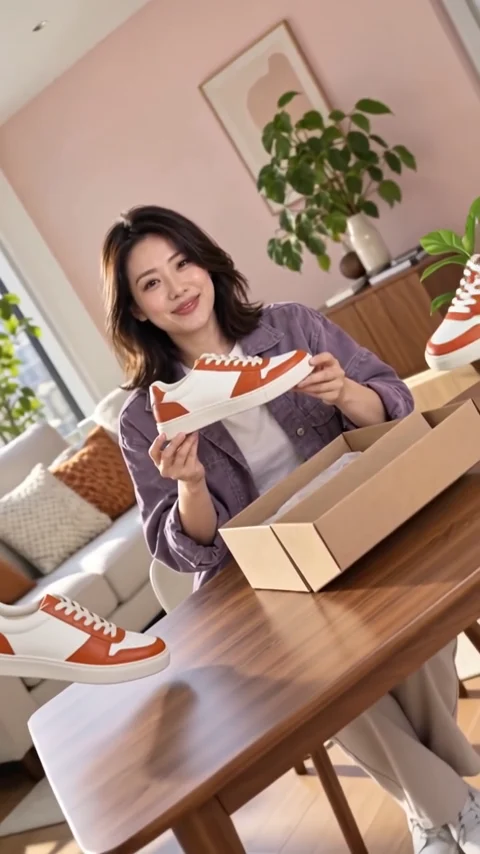 InclineTilt the world. Keep your balance.
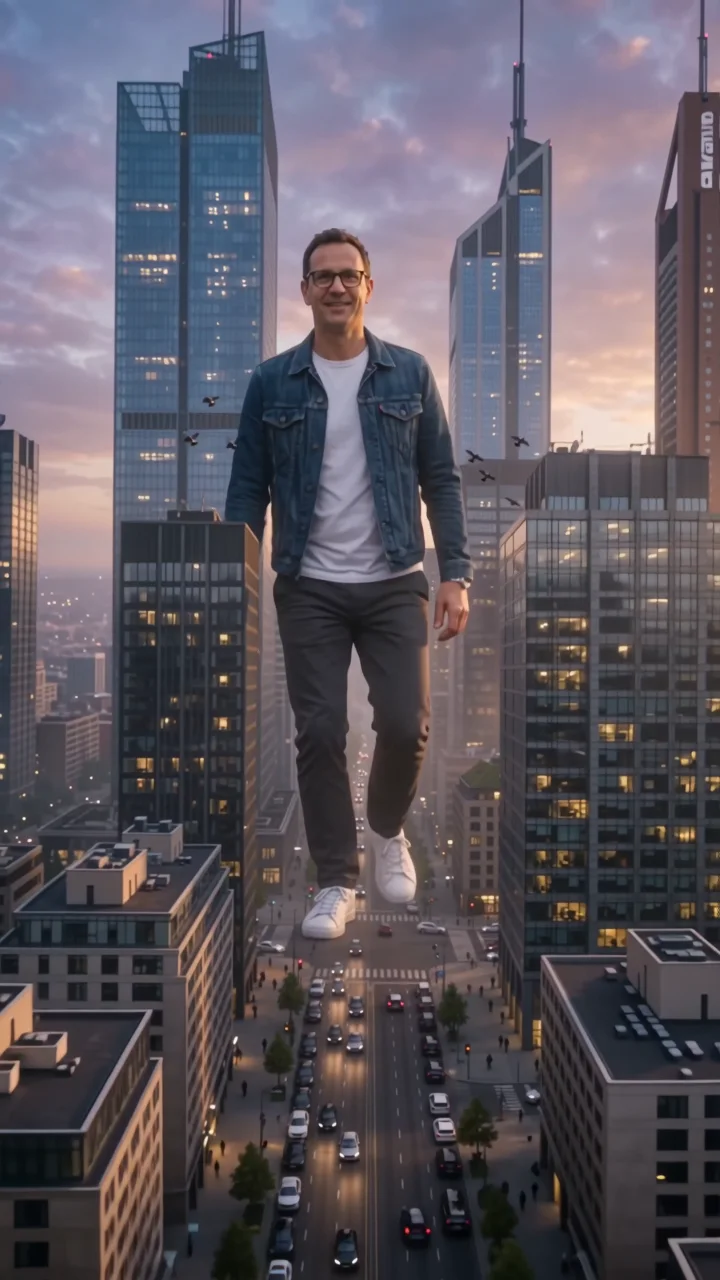 City giantTower over the skyline like a colossus.
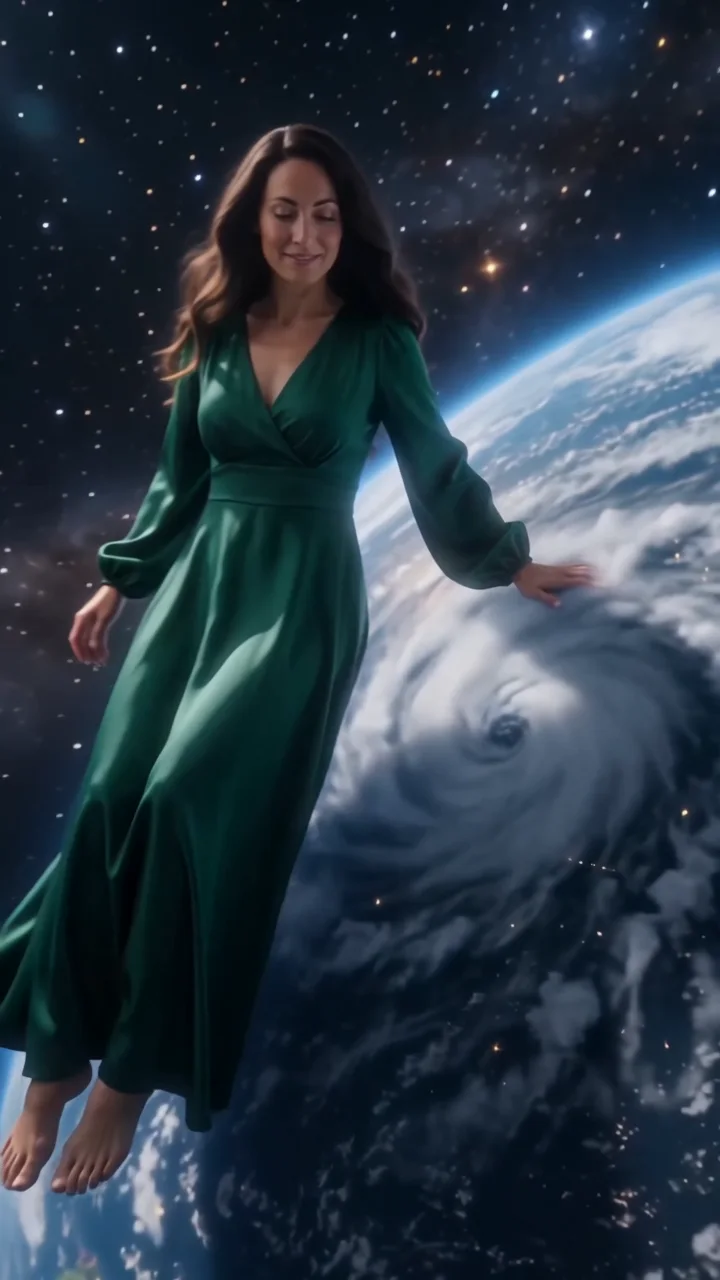 Cosmic giantCalm a hurricane, then sit on the Earth.
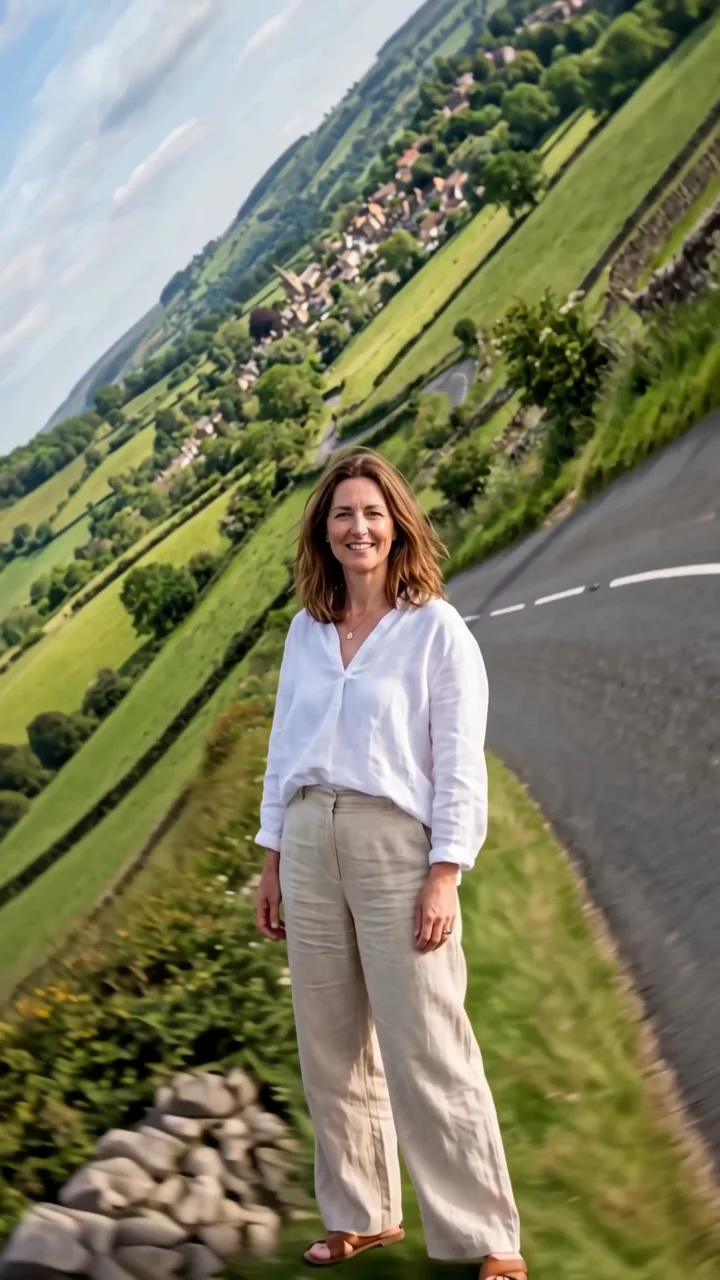 World foldThe landscape folds up and around you.
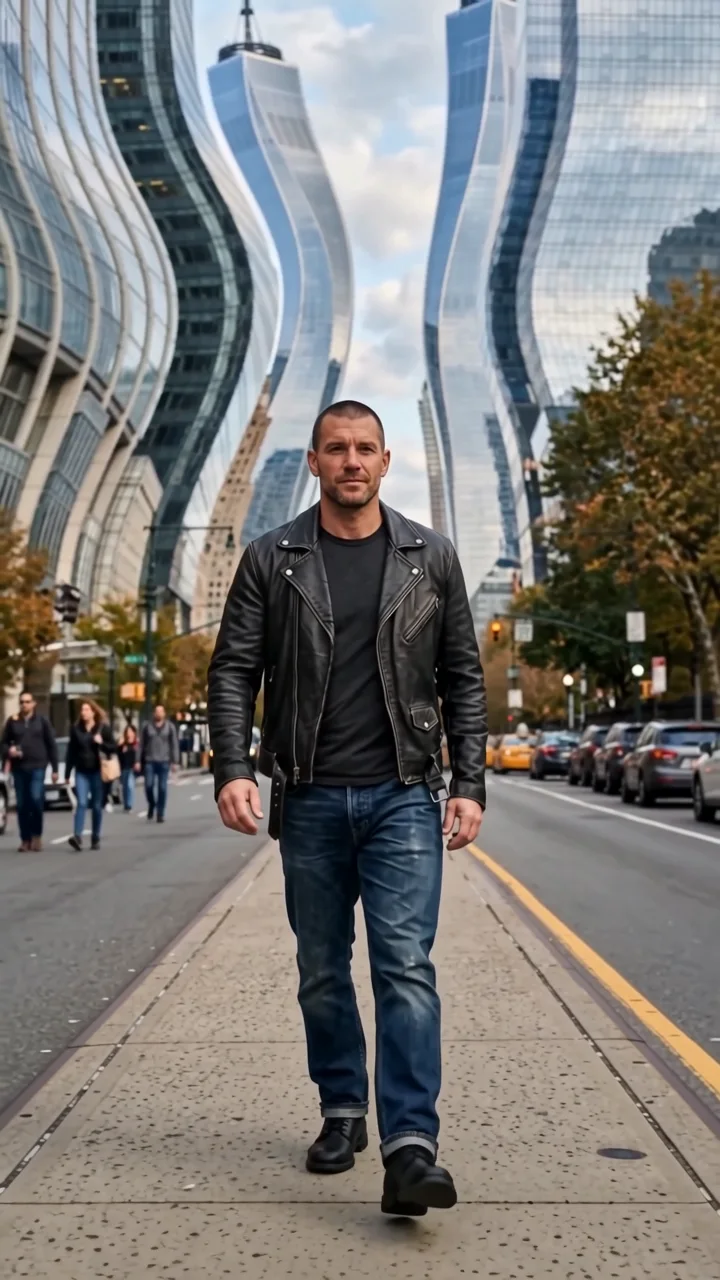 Architecture waveThe city ripples like liquid behind you.
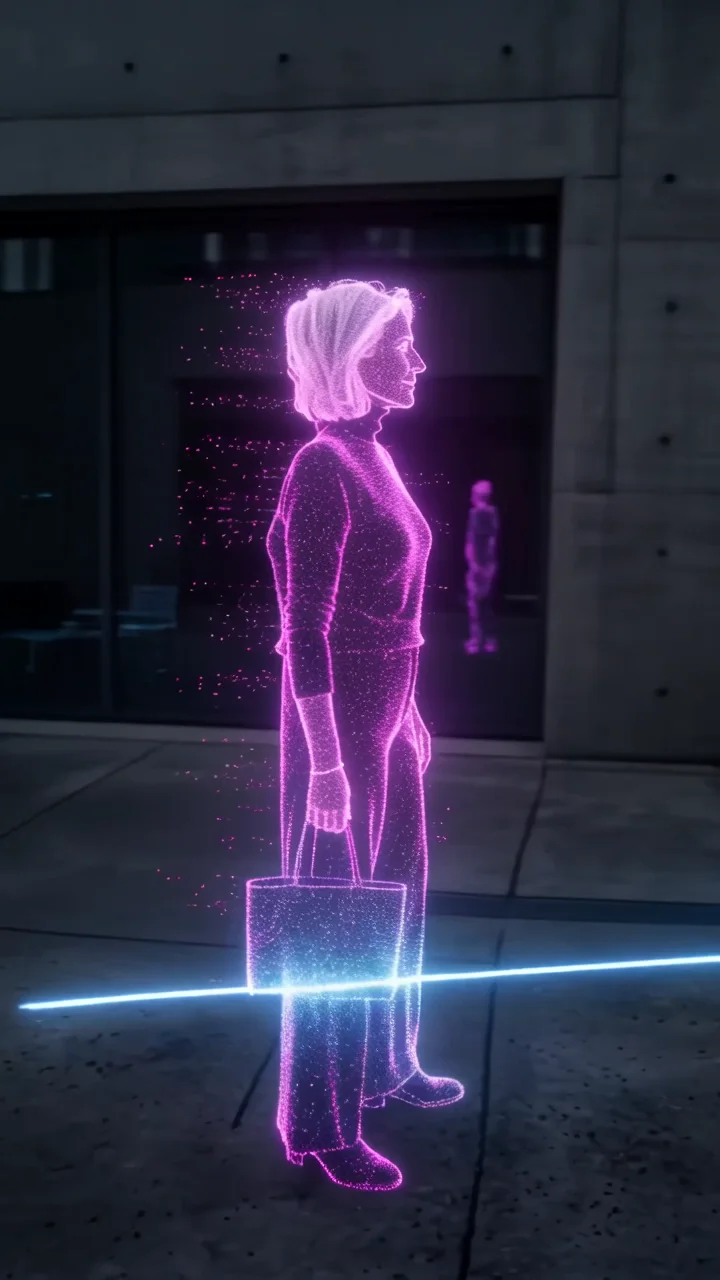 LiDAR scanThe world turns into a glowing 3D scan.
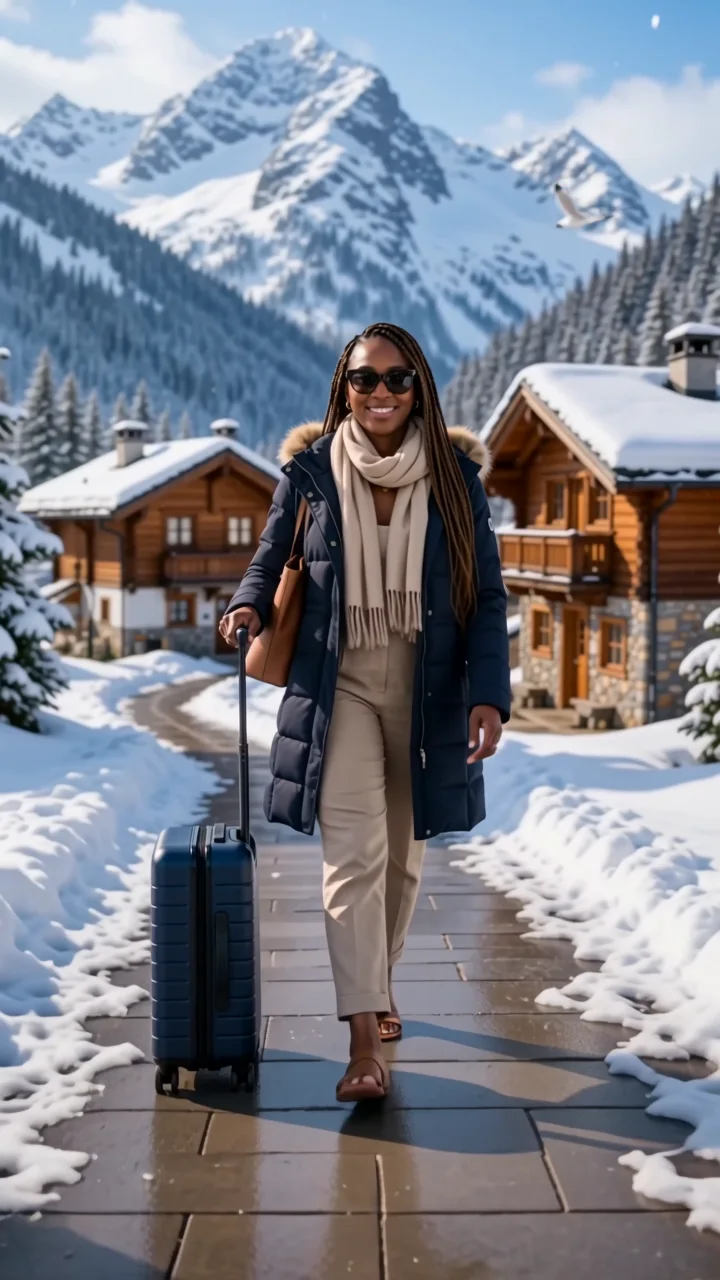 Boarding passWalk through giant tickets to new destinations.
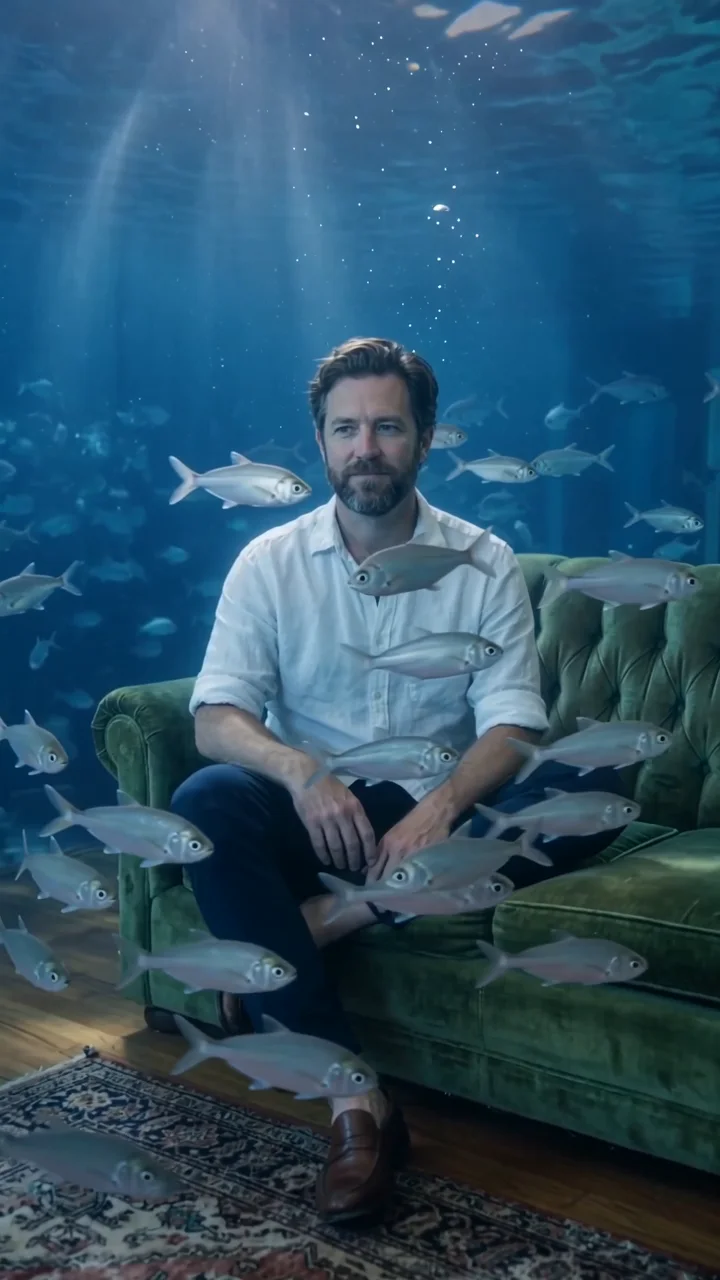 Blue depthYour scene floods with deep water and fish.
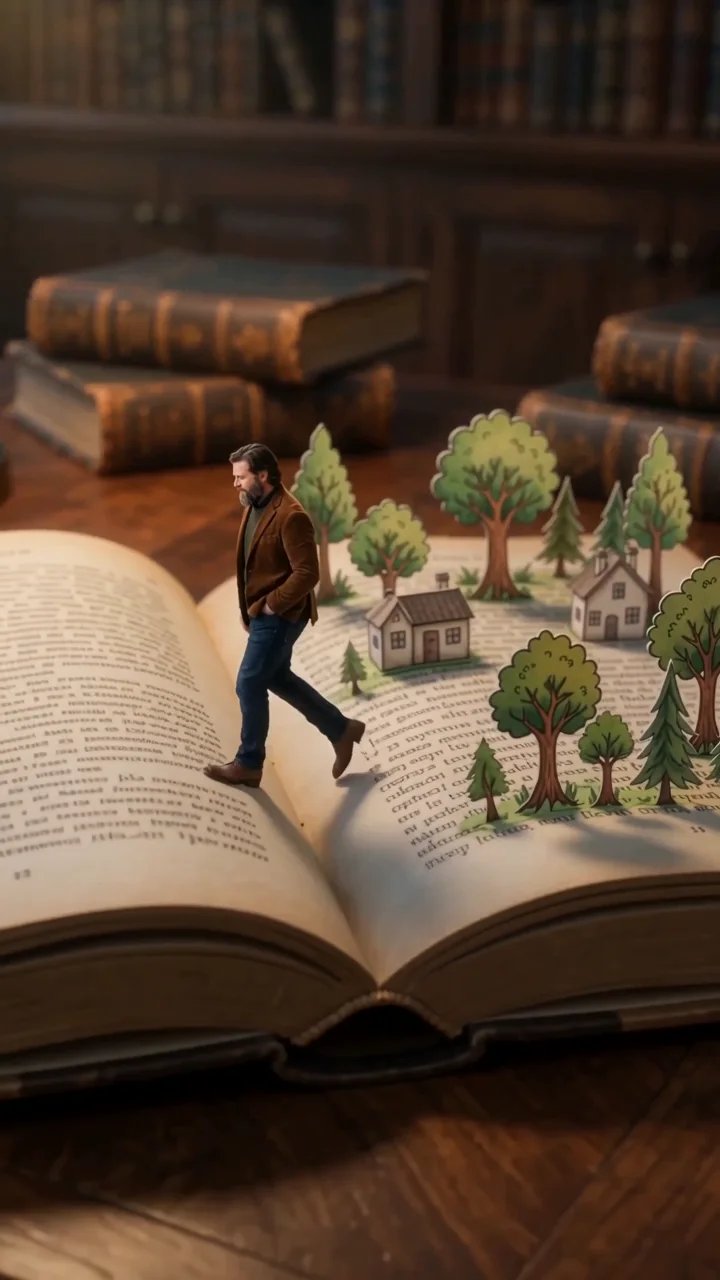 Lost in a bookShrink down and wander through the pages.
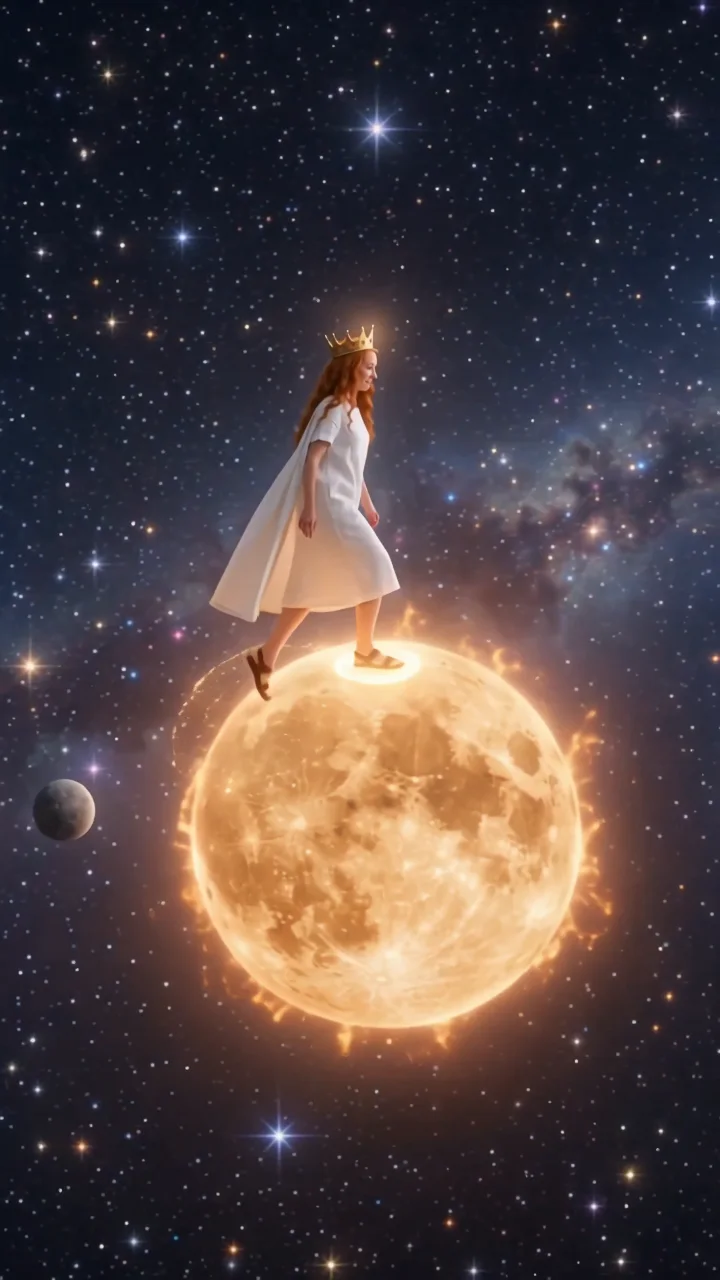 MoonwalkA crowned wanderer crosses the Moon and Sun.
Transformation effects
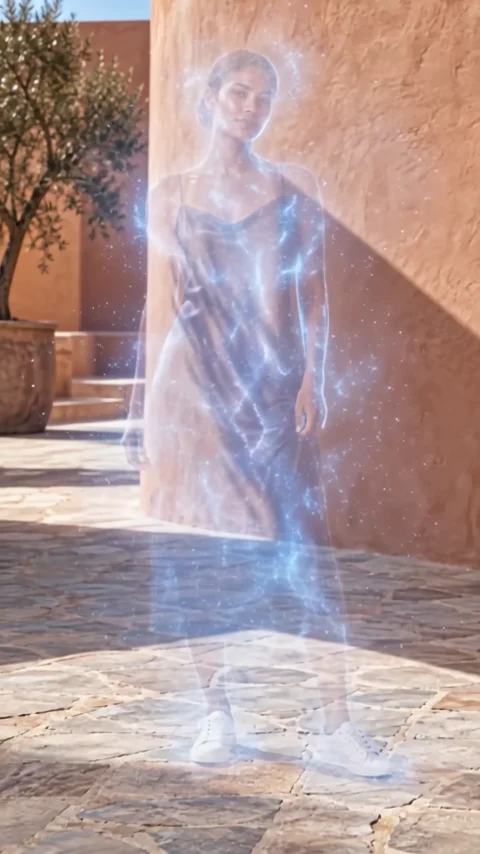
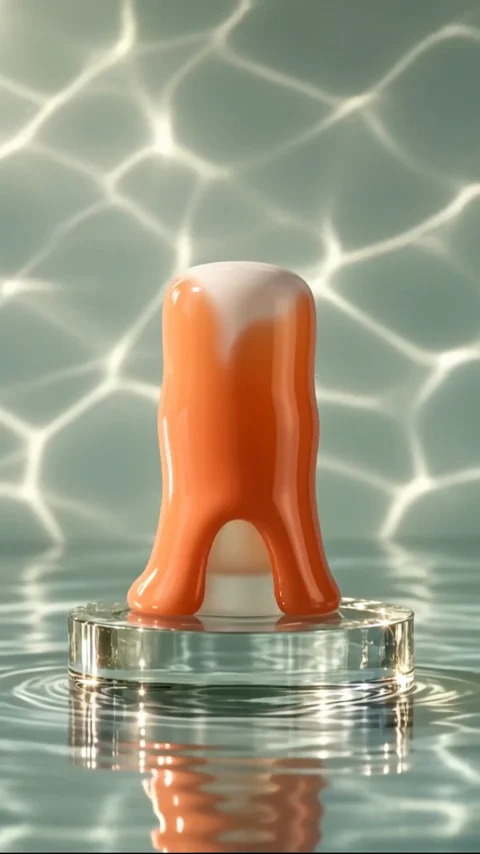
You turn into something else, then back.
Fantasy effects
Knights, monsters, castles, and heroes.
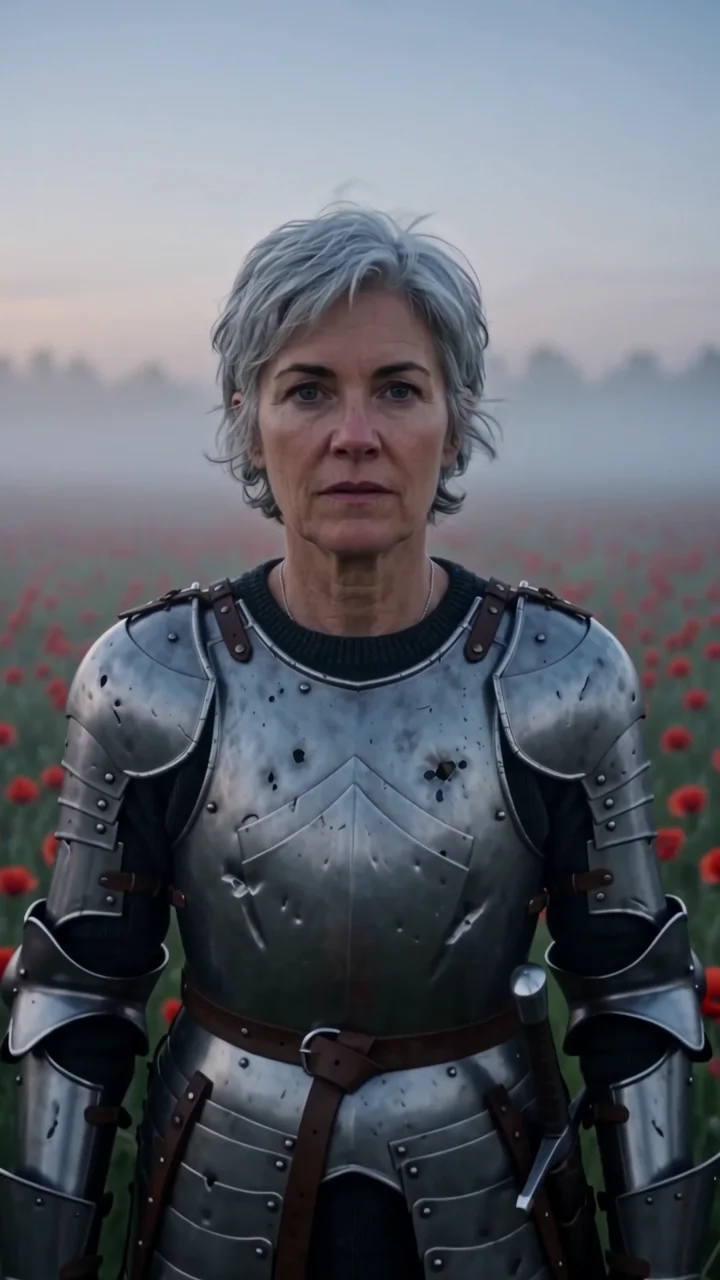
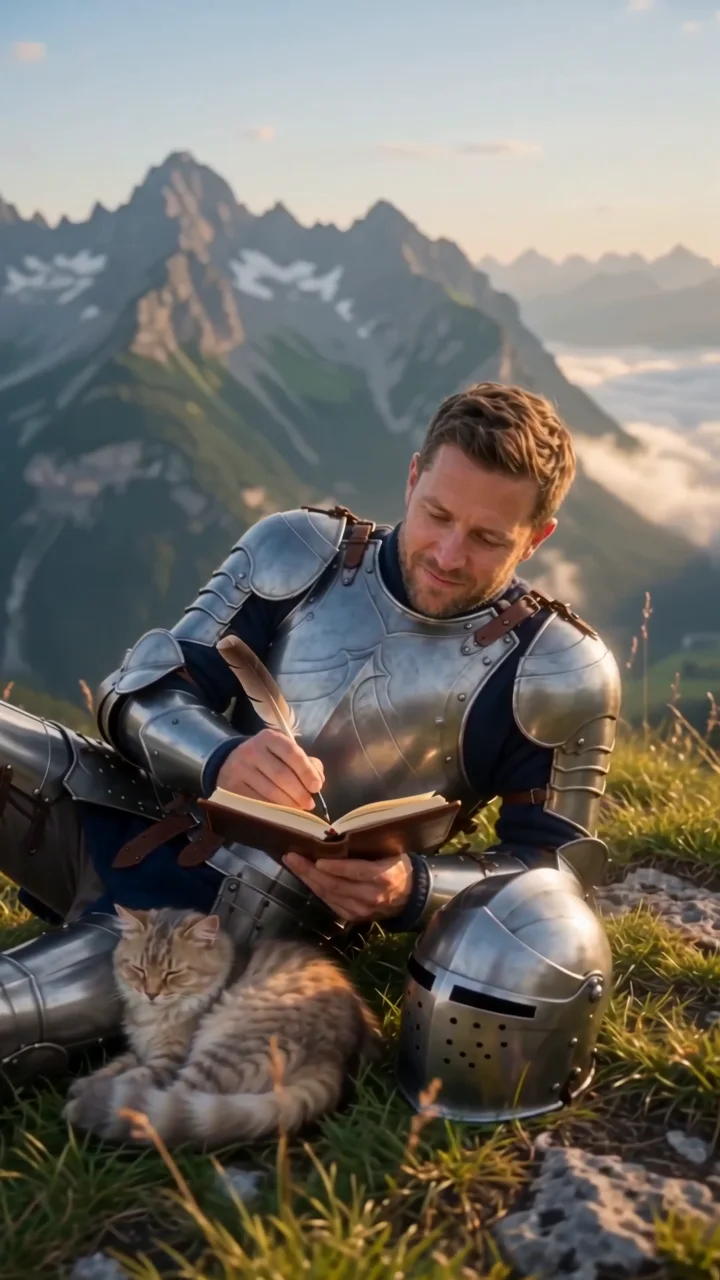
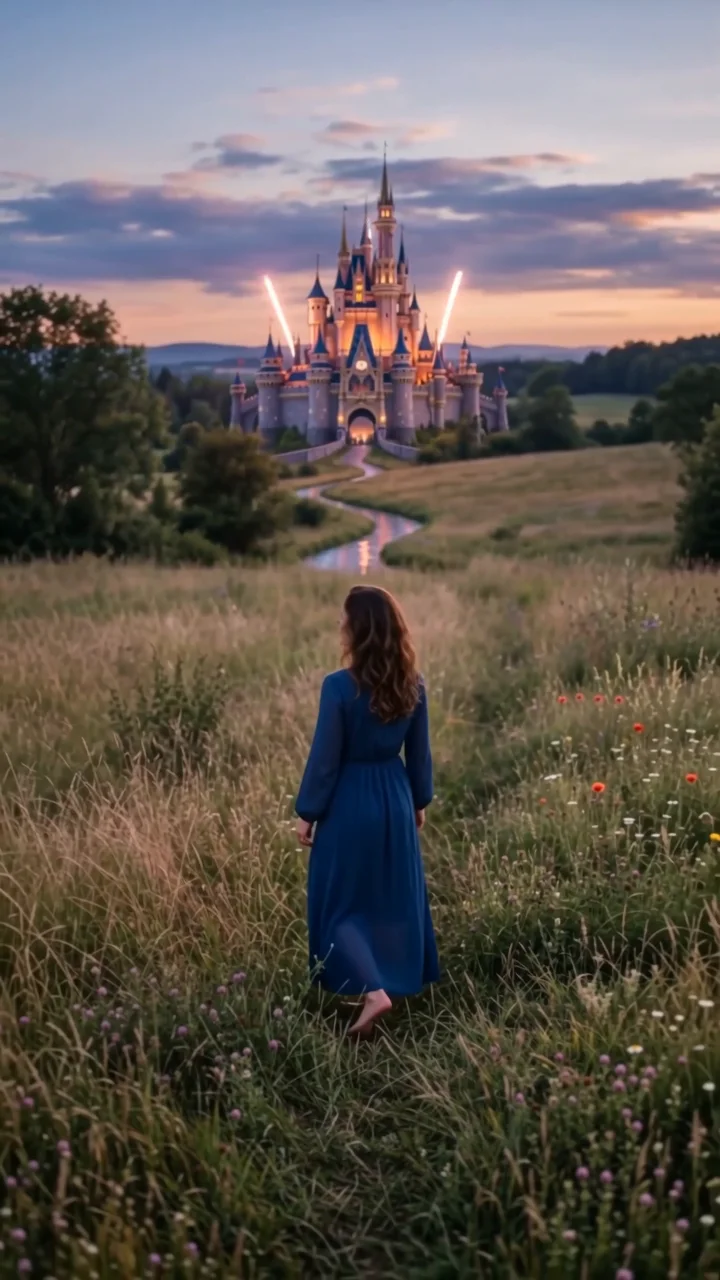
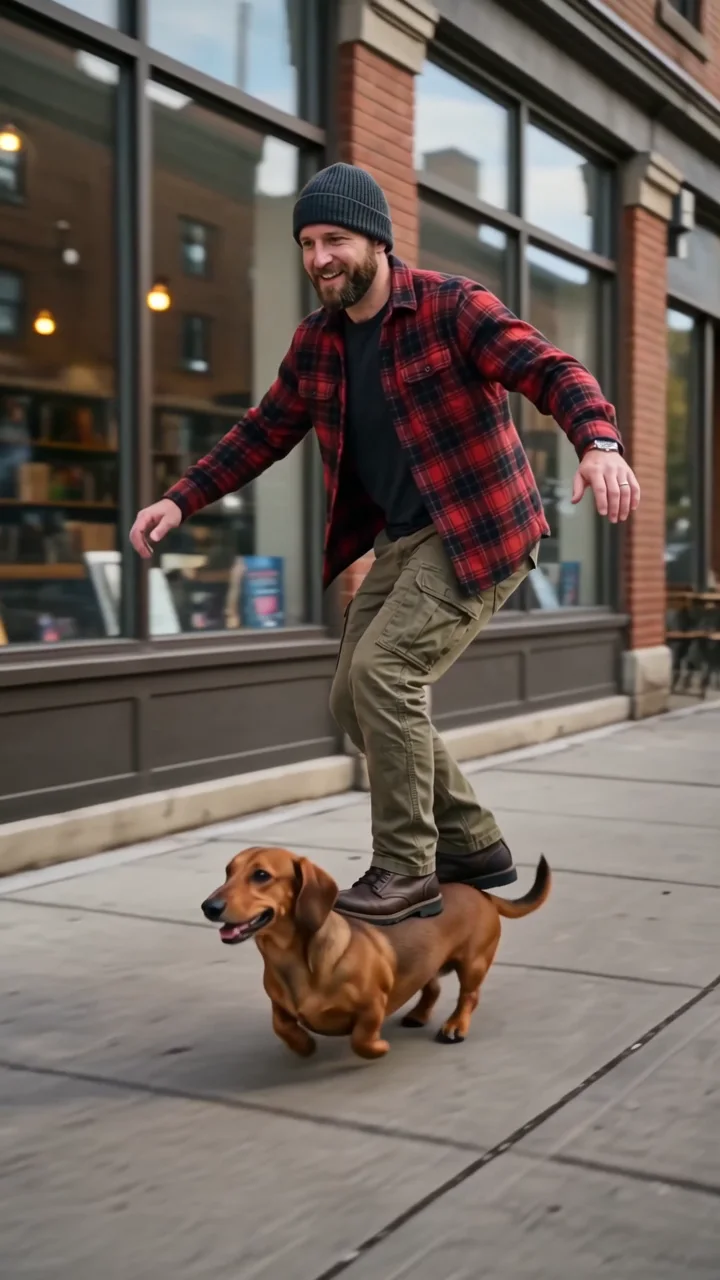
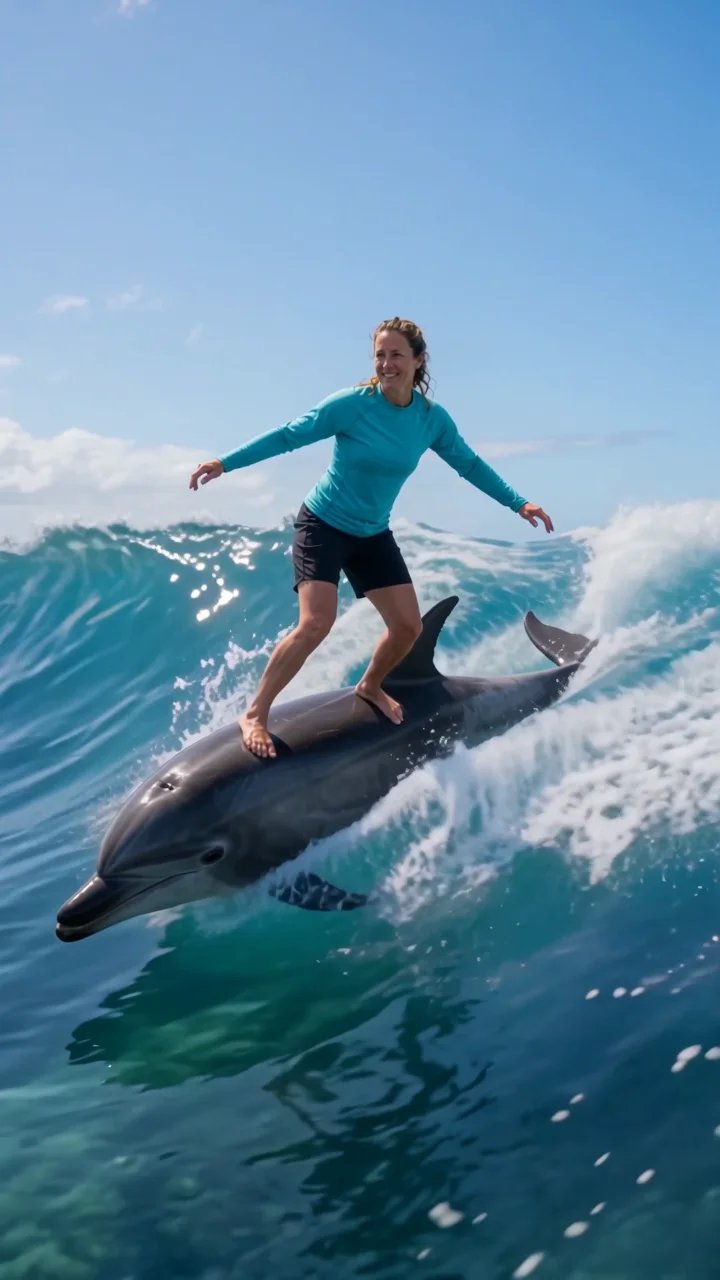
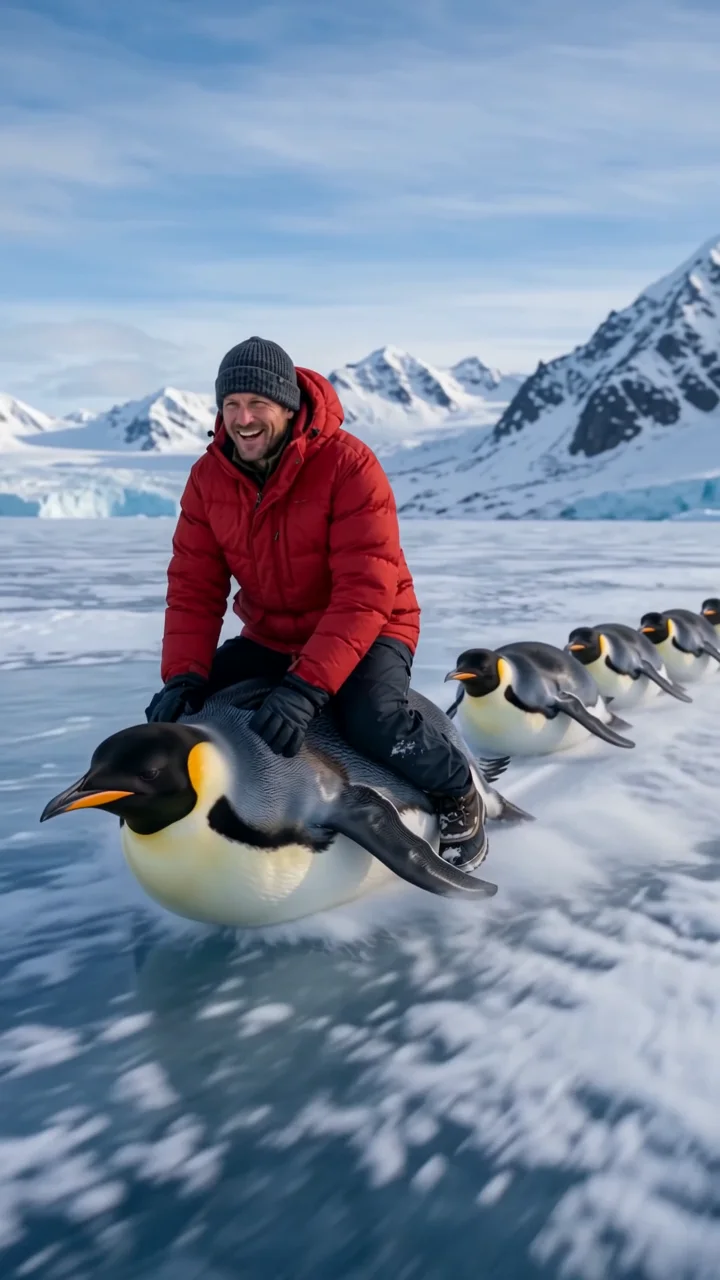
Funny animal ride effects
Absurd rides built to stop the scroll.
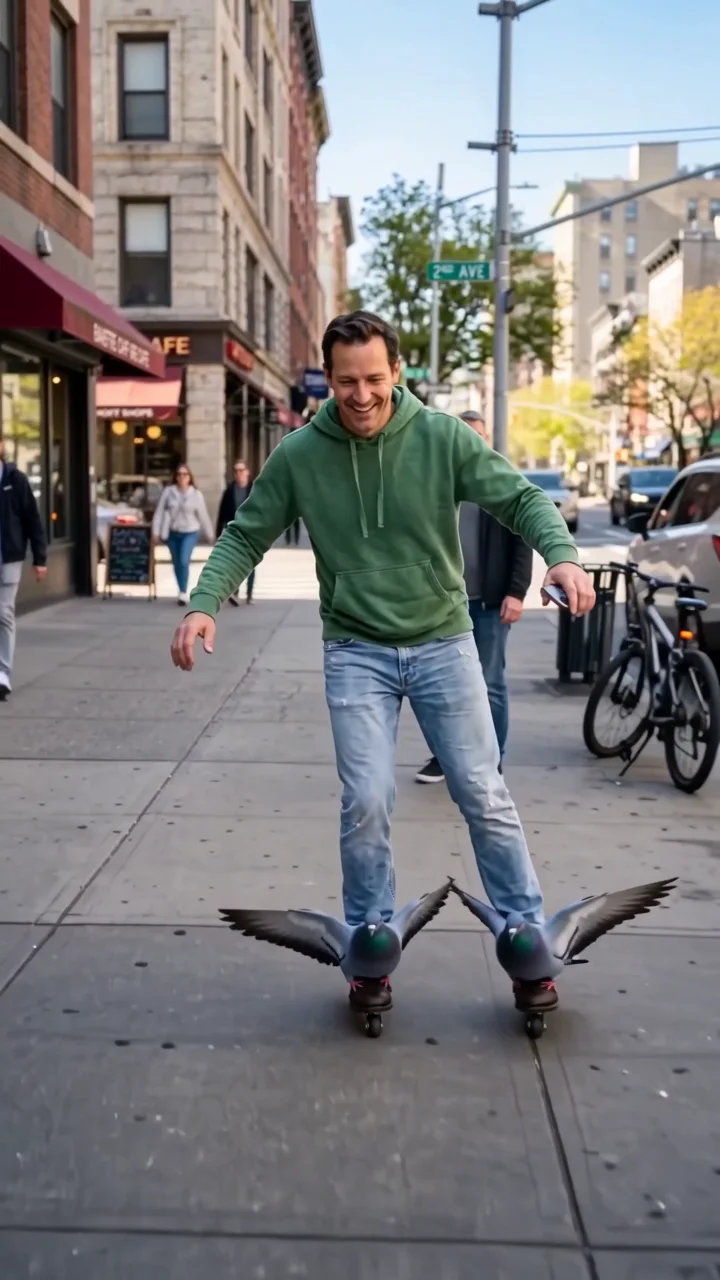
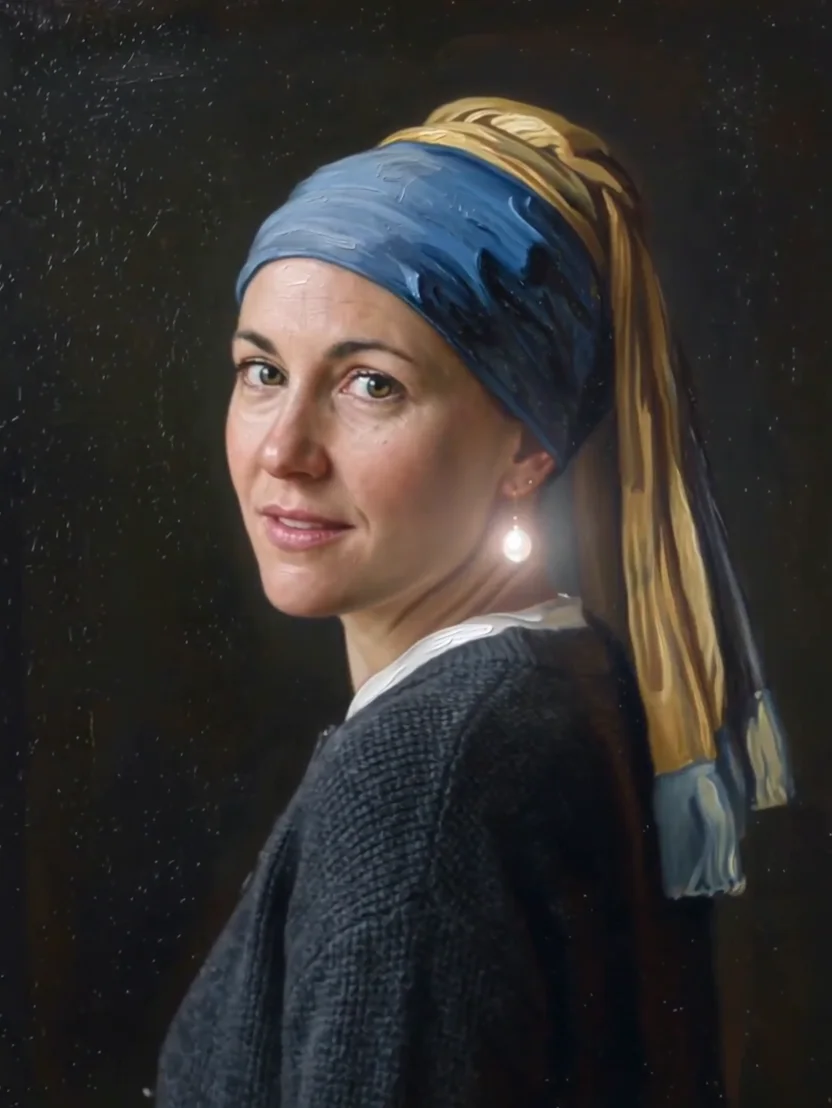
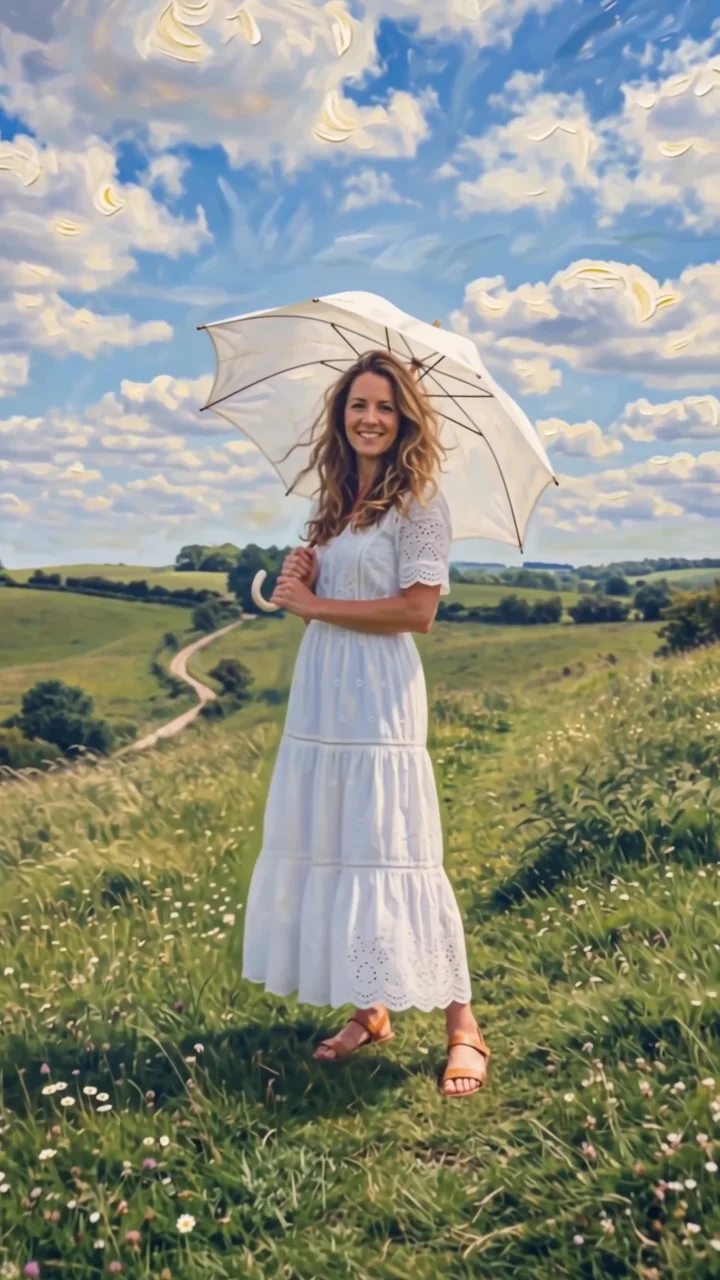
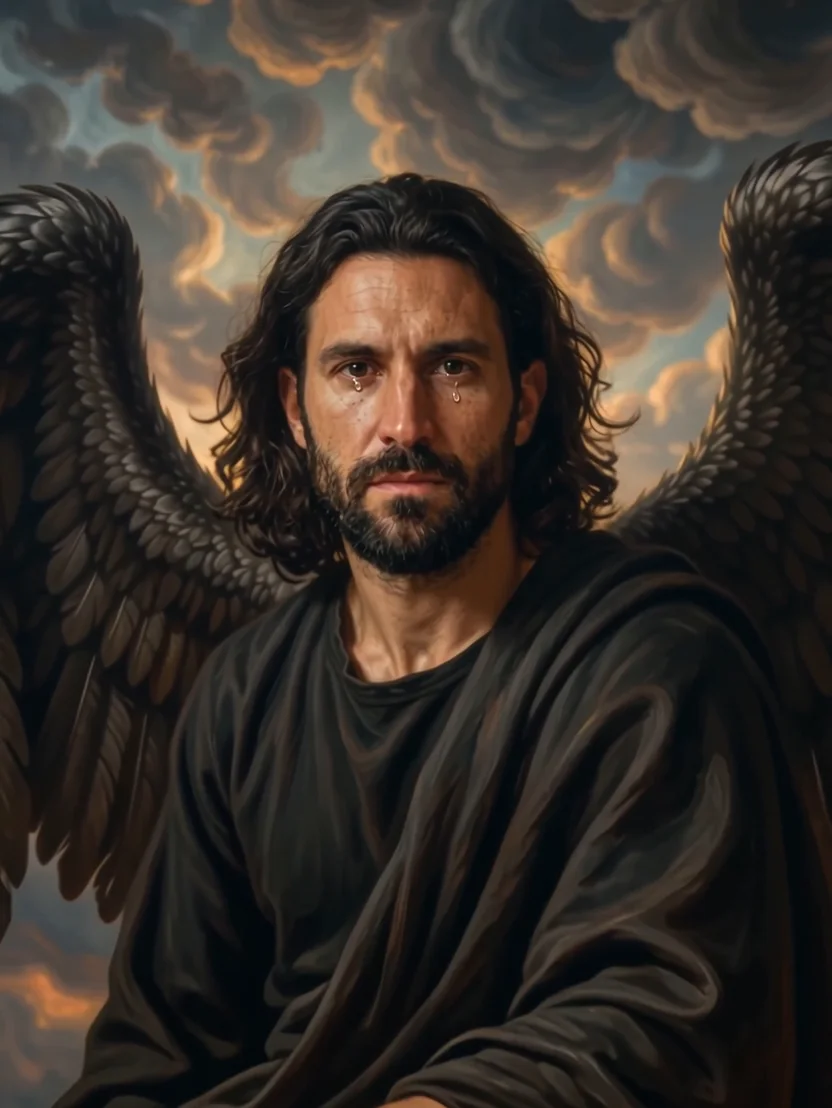
Painting effects
Step into famous painting styles.
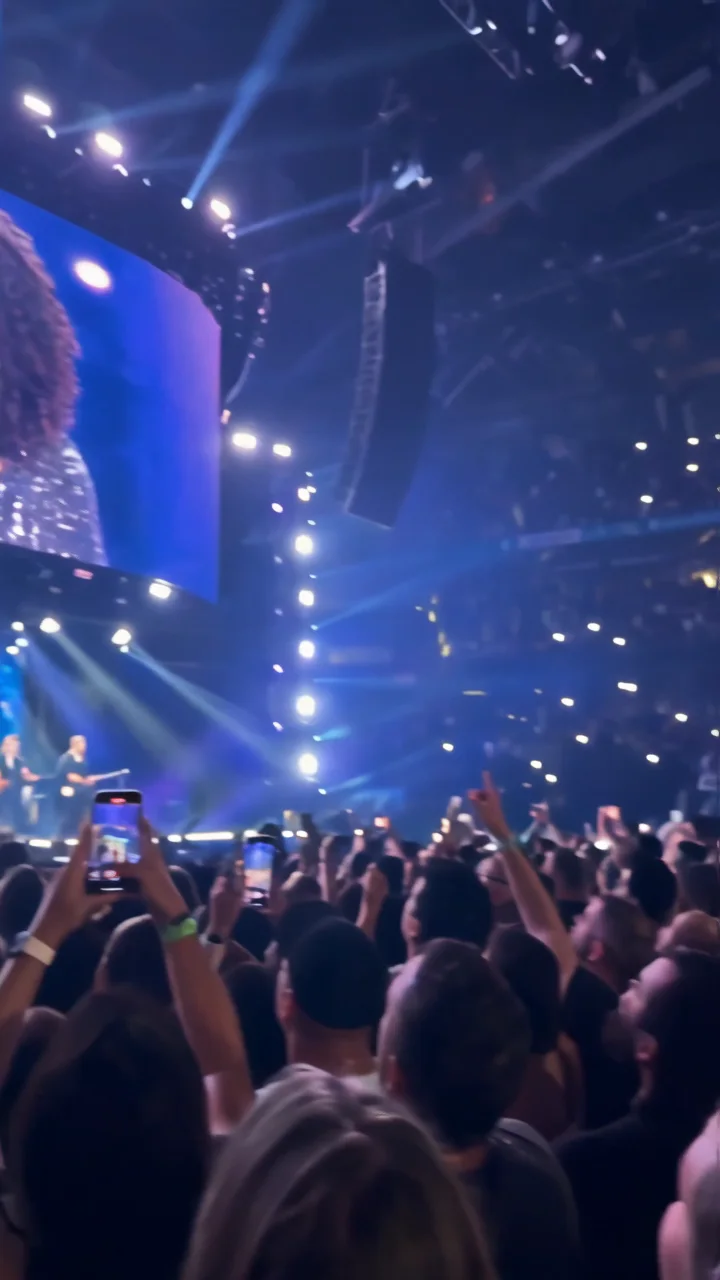
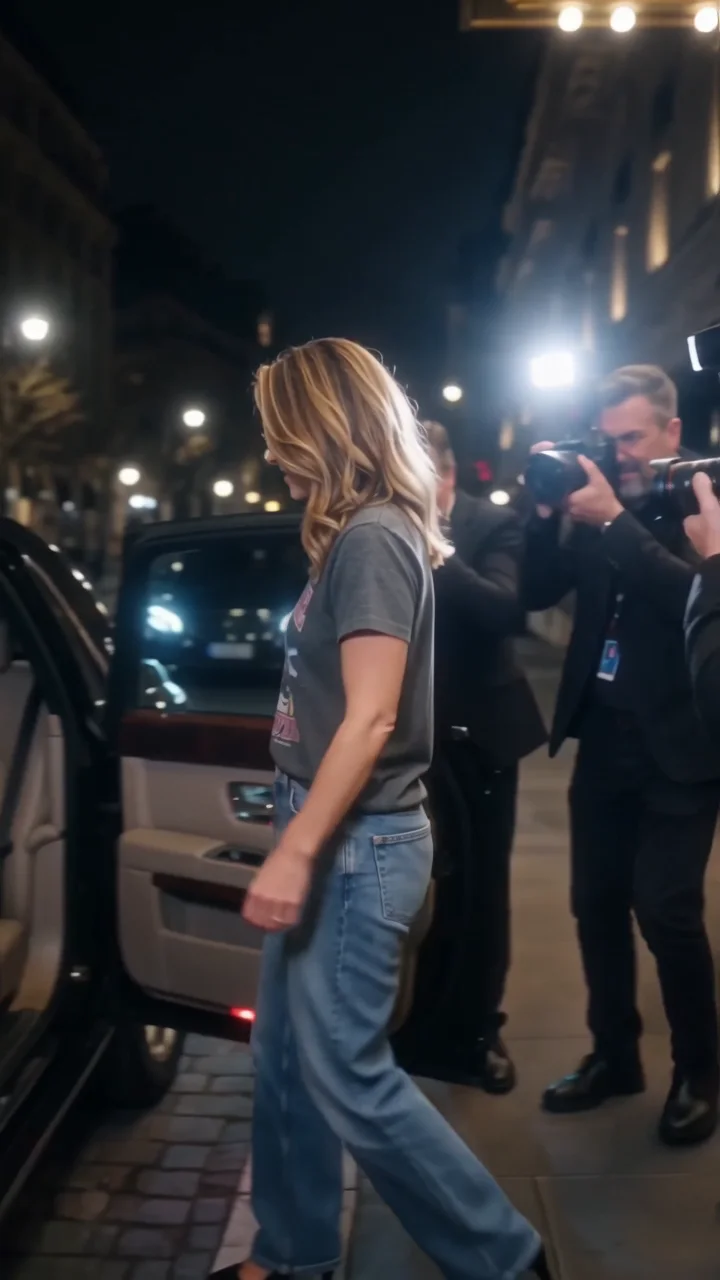
Celebrity effects
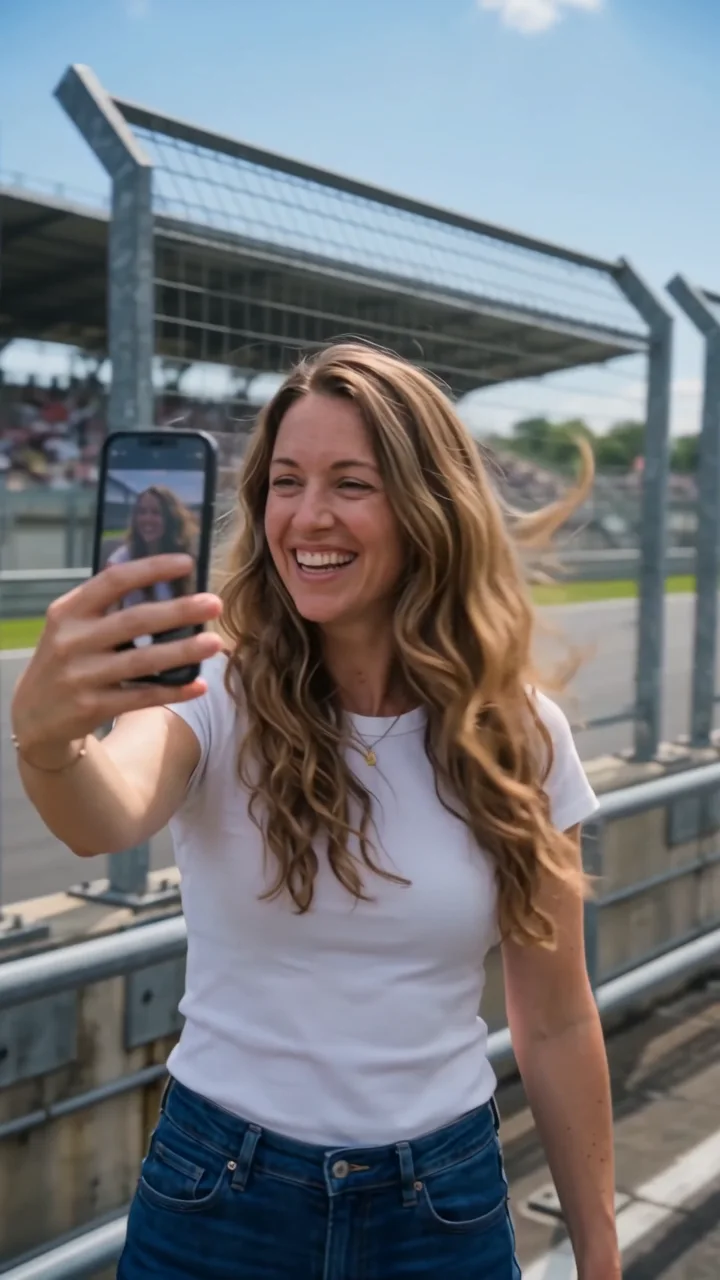
Stadium screens, paparazzi, and race tracks.
Questions
How do AI video effects work?
Each effect is a written motion direction. Your photo, plus an optional location and product images, goes to WAN 3.0 Prime reference-to-video with that direction, and you get a short video back.
How much do the effects cost?
Each clip is priced in credits by the effect’s length (5 to 8 seconds) and the resolution you pick. You see the exact price on the Generate button before you start.
Which photo works best?
A sharp, well-lit photo where the subject is clearly visible. Full-body photos suit effects that move the camera or the body; portraits are enough for effects that restyle the scene, like the painting effects.
Whose photos can I use?
Use photos of yourself, or of people who have agreed to be in the video. Do not upload photos of other people without their permission.