Upload your images
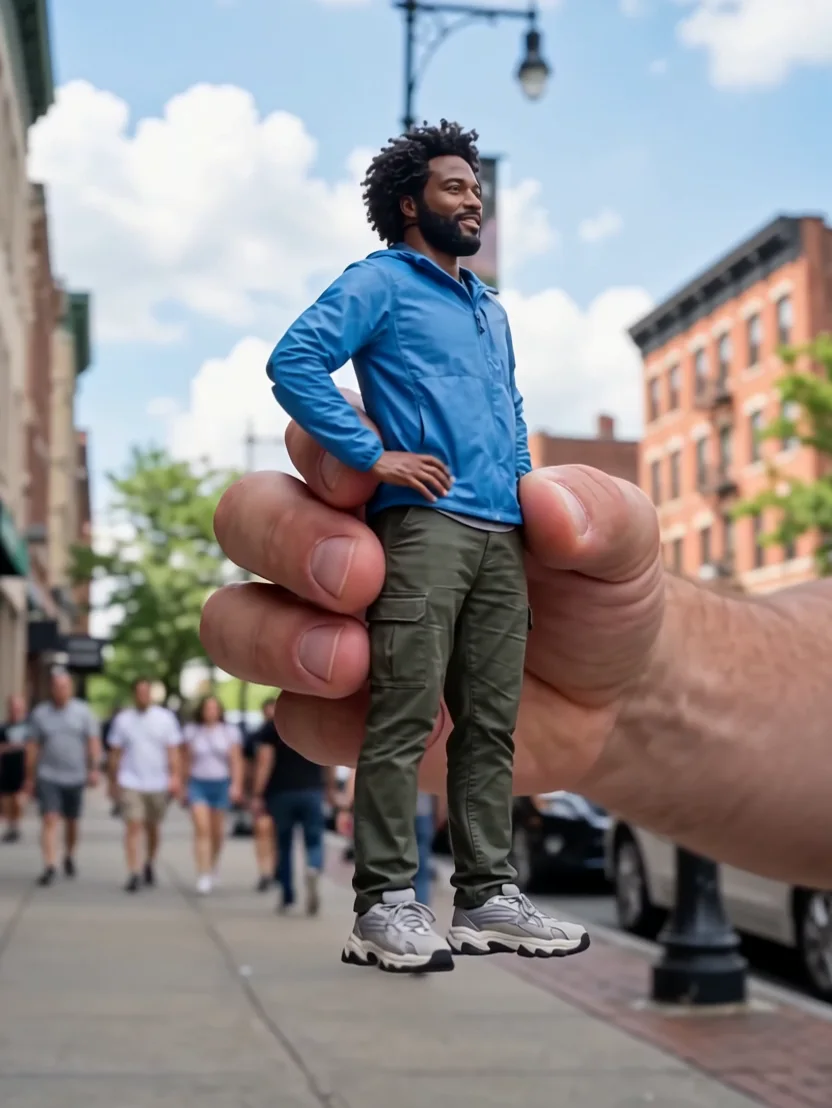
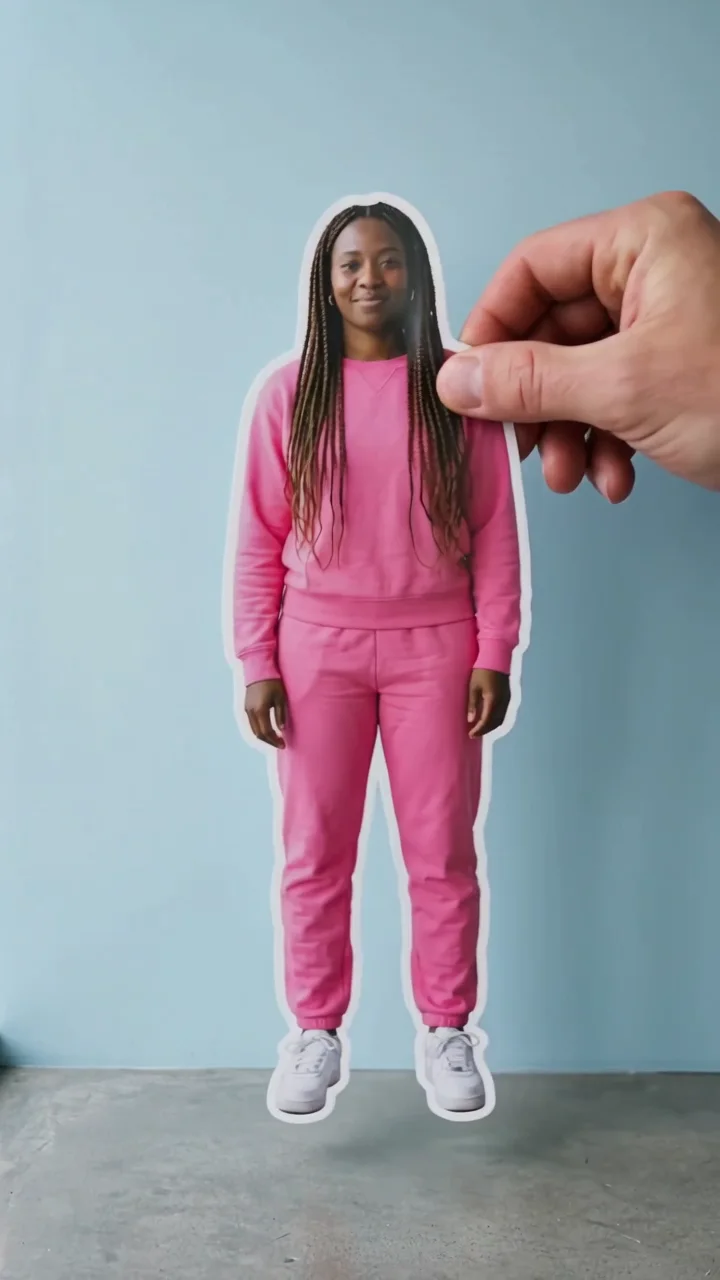
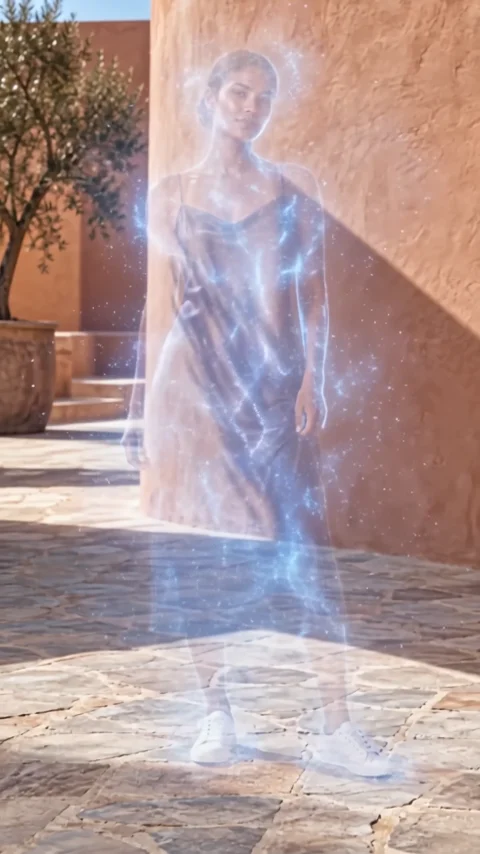
Start with a character. Some effects also take a location or products to make the scene your own.
Floating fall effect
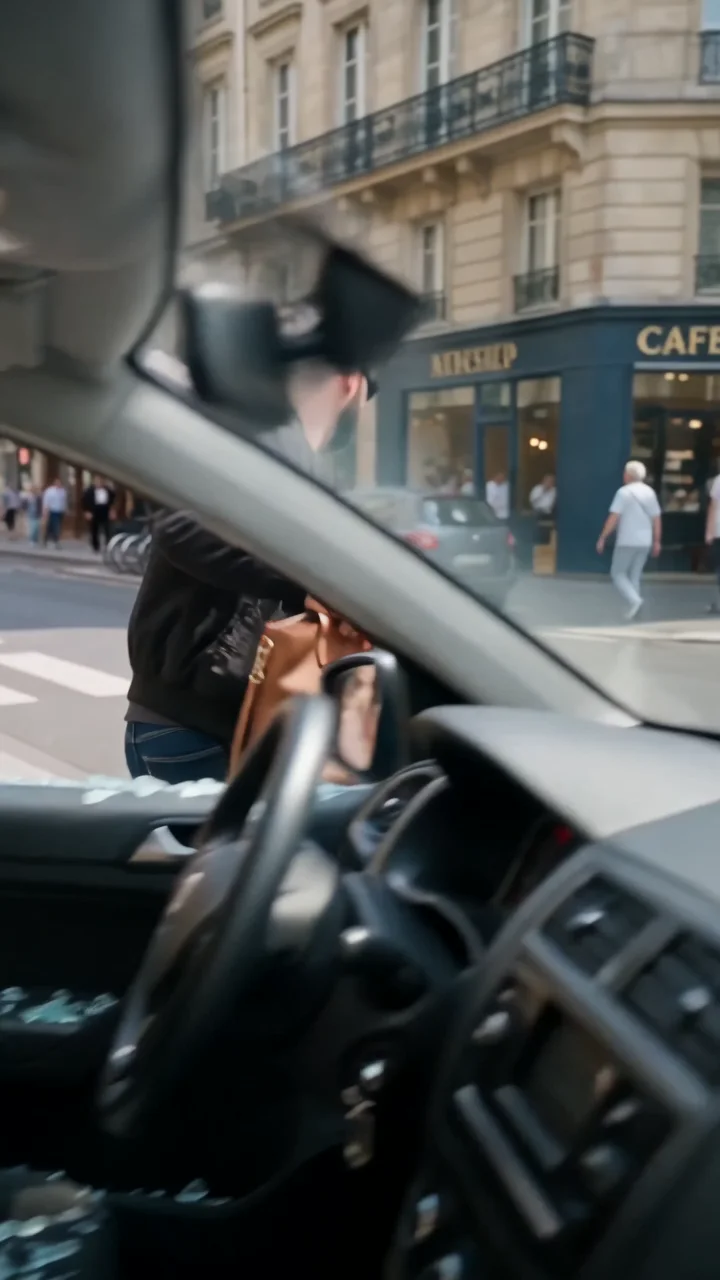
Floating fall slows gravity down. Your subject leans back and drifts through the air in a weightless slow-motion fall, and anything you add as a product floats alongside them. It takes a location and up to four product images, so it works as a product reveal as much as a portrait.
- 5-second clip
- 480p 34 credits
- 720p 70 credits
- 1080p 140 credits
One photo in, one video out
This clip was made with the Floating fall effect from the photo beside it, on WAN 3.0 Prime at 720p, the same model and settings this page runs.
How to make a Floating fall video
- 1
Add your photo
Upload one character image, an optional location image and up to four product images. JPG, PNG, or WebP up to 10 MB each.
- 2
Generate your Floating fall video
Pick a resolution and aspect ratio, add an optional prompt, and review the exact price before you start. A 5-second clip is 34 credits at 480p or 70 credits at 720p.
- 3
Download and share
Your video saves to History on this page. Play it, download the MP4, and post it anywhere.
What it is good for
- Product revealsUp to four product photos levitate next to your subject.
- Lifestyle adsA calm, dreamy motion that suits beauty, fashion, and tech.
- Slow-motion editsA suspended moment to cut into a faster reel.
Tips for a better result
- Use a full-body photo with some space above the head so the fall has room.
- Product cutouts on a plain background read best when they float.
- Add a location photo to stage the fall somewhere specific, like a bedroom or a street.
Questions
Can I add my own products to the floating fall effect?
Yes. Add up to four product images. Each one is passed to the model as its own reference and floats near your subject with its shape, colors, and branding kept.
Does the subject hit the ground?
No. The direction ends with your subject still suspended in midair, so there is no impact or injury in the clip.
How much does the Floating fall effect cost?
34 credits at 480p, 70 credits at 720p, 140 credits at 1080p for a 5-second clip. You pay per video in credits and see the exact price before generating.
Whose photos can I use?
Use photos of yourself, or of people who have agreed to be in the video. Do not upload photos of other people without their permission.