
Upload your images
Start with a character. Some effects also take a location or products to make the scene your own.
Eyes in effect
Eyes in is a single, fast push from a medium portrait into an extreme macro of one eye. The face stays true to your photo, skin detail holds up, and the clip ends with the iris filling the whole frame, ready to cut into your next scene.
- 5-second clip
- 480p 34 credits
- 720p 70 credits
- 1080p 140 credits
One photo in, one video out
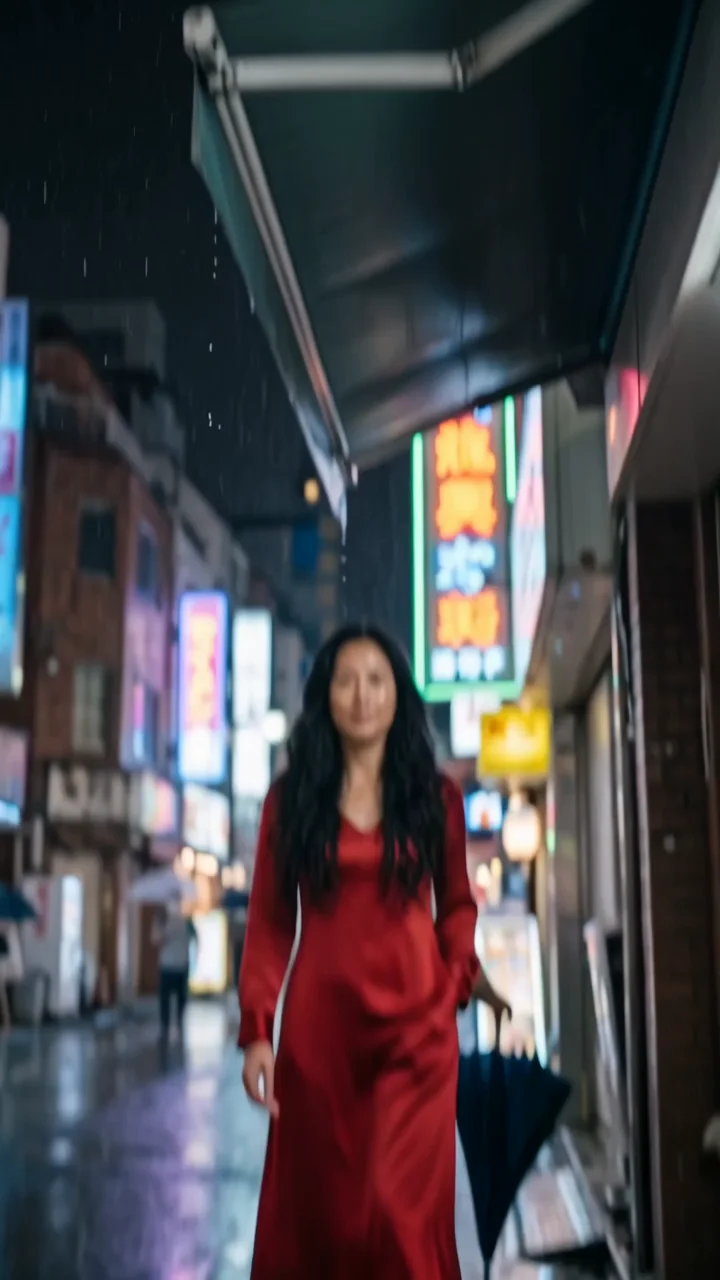
This clip was made with the Eyes in effect from the photo beside it, on WAN 3.0 Prime at 720p, the same model and settings this page runs.
How to make an Eyes in video
- 1
Add your photo
Upload one character image, an optional location image and up to four product images. JPG, PNG, or WebP up to 10 MB each.
- 2
Generate your Eyes in video
Pick a resolution and aspect ratio, add an optional prompt, and review the exact price before you start. A 5-second clip is 34 credits at 480p or 70 credits at 720p.
- 3
Download and share
Your video saves to History on this page. Play it, download the MP4, and post it anywhere.
What it is good for
- Music videosA dramatic push that lands on a beat.
- Story transitionsEnd on the iris and cut to what the character sees.
- Beauty close-upsShow lashes, liner, or colored lenses in detail.
Tips for a better result
- Use a sharp, well-lit portrait facing the camera.
- Eyes that are open and clearly visible zoom best; avoid sunglasses.
- Add a prompt such as "the iris reflects a city at night" to set up your next shot.
Questions
Which photos work best for the eyes in effect?
A front-facing portrait with both eyes open, in focus, and evenly lit. The closer the photo already is, the more detail the final macro keeps.
Can the zoom end inside another scene?
Describe it in the prompt, for example a reflection in the iris. The base direction ends on the iris filling the frame.
How much does the Eyes in effect cost?
34 credits at 480p, 70 credits at 720p, 140 credits at 1080p for a 5-second clip. You pay per video in credits and see the exact price before generating.
Whose photos can I use?
Use photos of yourself, or of people who have agreed to be in the video. Do not upload photos of other people without their permission.
More effects like Eyes in
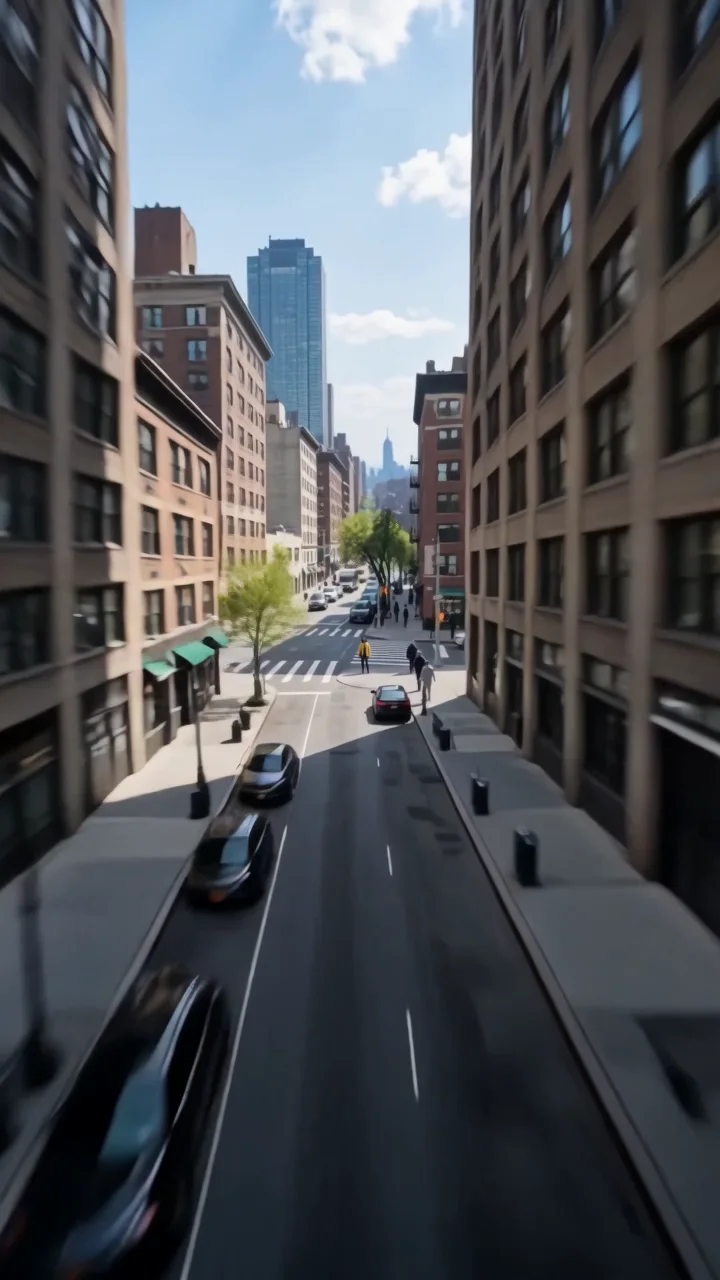 Earth zoomDive from orbit all the way down to you.
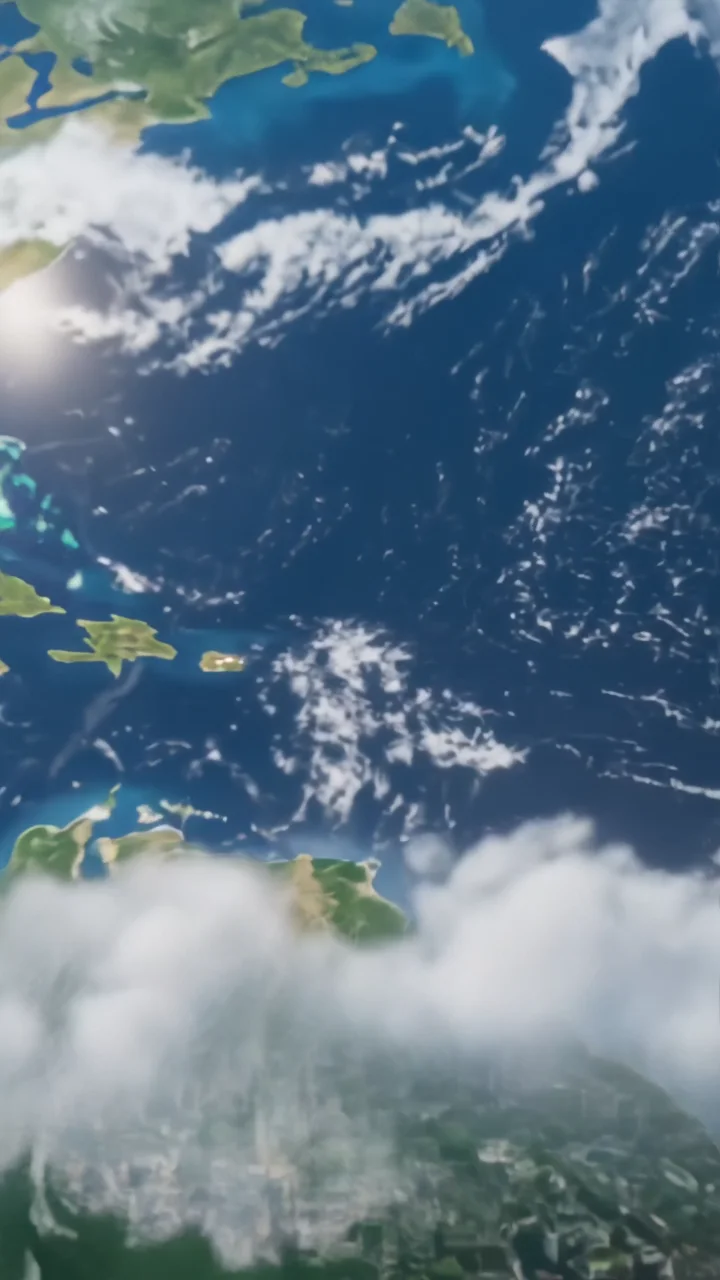 Earth zoom outPull back from you all the way to space.
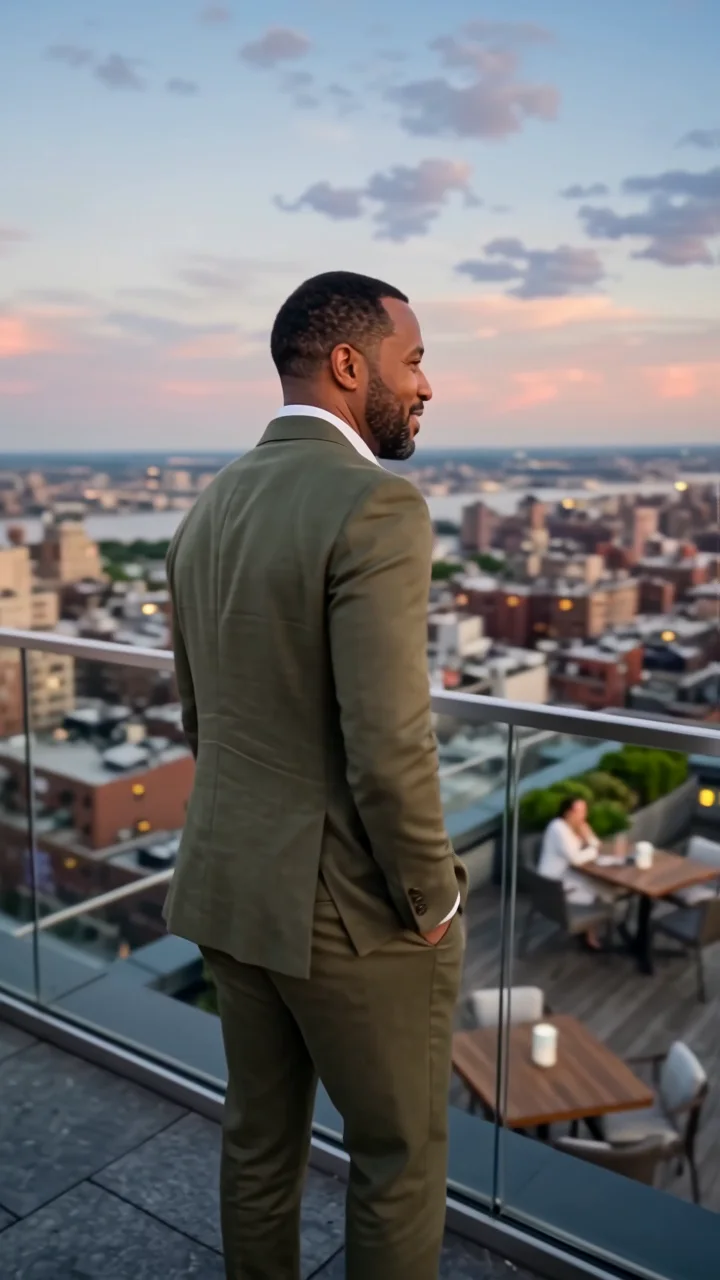 Orbit 360A smooth 360-degree camera orbit around you.
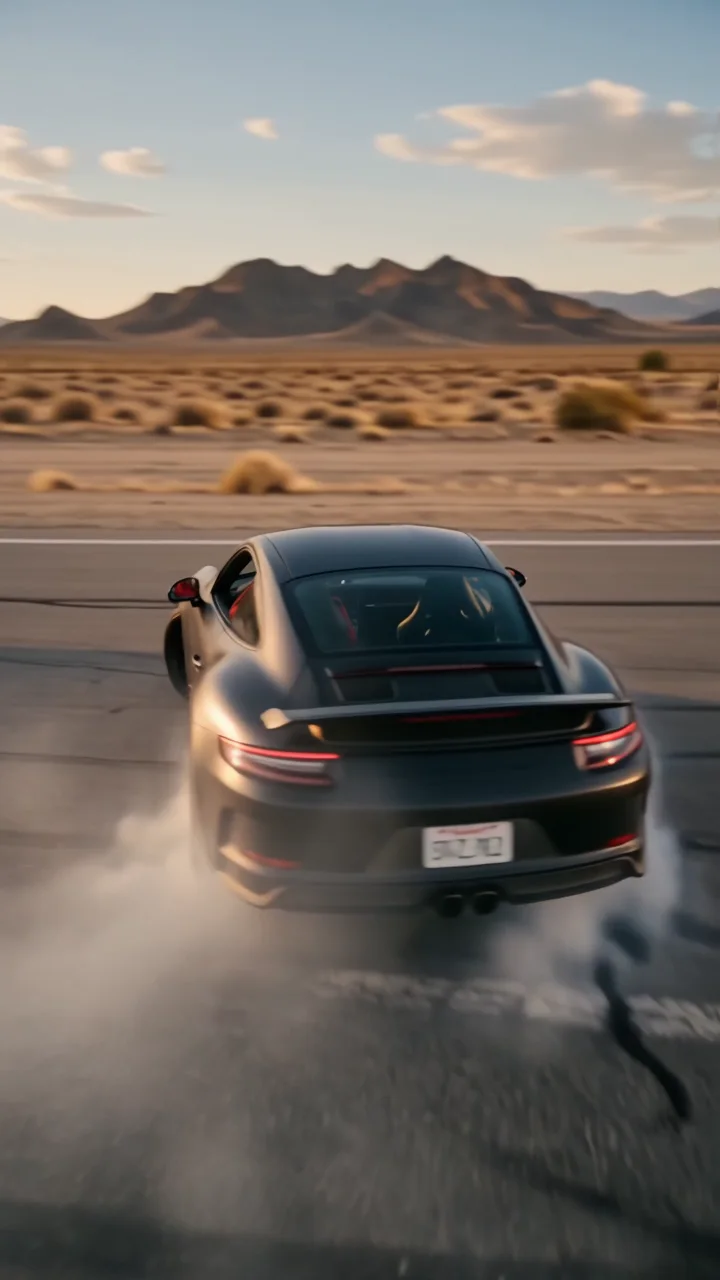 Wild rideA high-speed orbit around a drifting car.
 High flipFlip overhead and land in a new scene.
 Infinite zoomZoom into a tiny you, again and again.