Clone effect
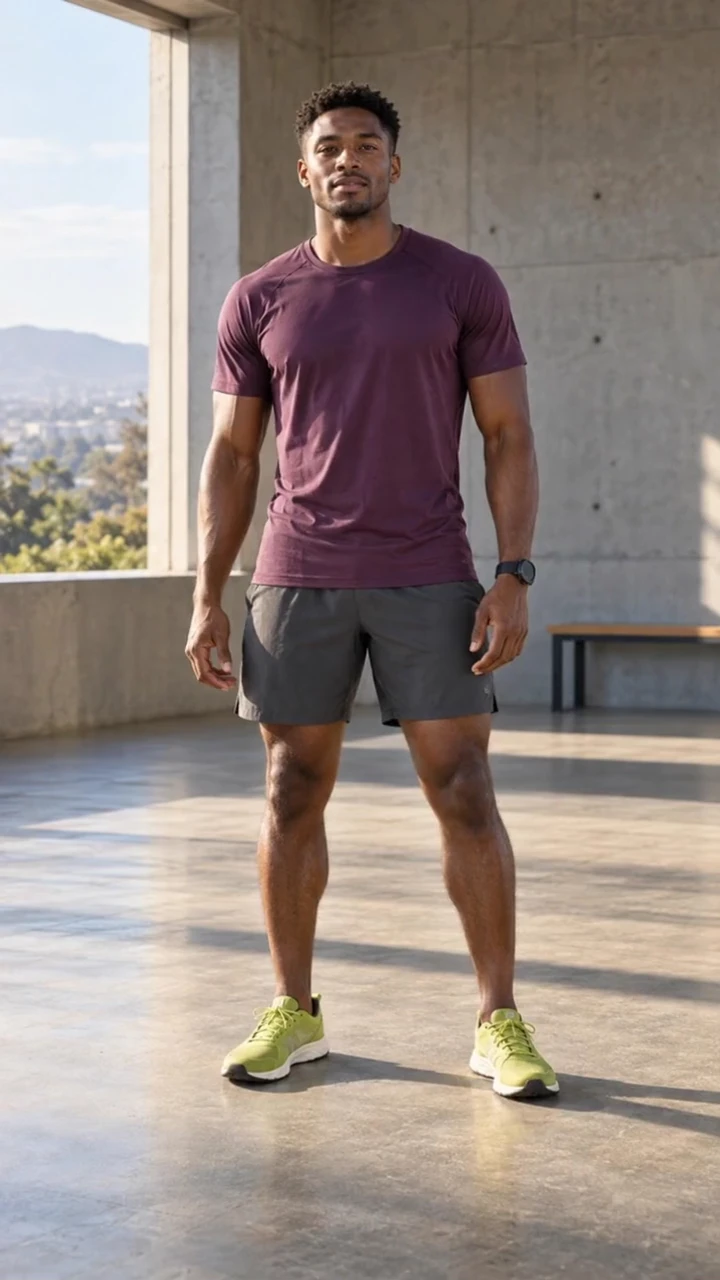
Clones starts with one subject in the frame. Two identical copies step out from behind them, one on each side, and all three move together in synchronized slow motion while the camera pulls back to show them side by side.
- 5-second clip
- 480p, 720p or 1080p
- WAN 3.0 Prime
Sign in to run it. The price shows on the Generate button before you start.
How to make a Clones video
- 1
Add your photo
Upload one character image, an optional location image and up to four product images. JPG, PNG, or WebP up to 10 MB each.
- 2
Generate your Clones video
Pick a resolution and aspect ratio, add an optional prompt, and review the exact price before you start. A 5-second clip at 480p, 720p or 1080p.
- 3
Download and share
Your video saves to Assets. Play it, download the MP4, and post it anywhere.
What it is good for
- Dance and fitnessThree of you in perfect sync.
- Fashion dropsShow an outfit from three angles at once.
- ComedyA simple double-take that reads instantly.
Tips for a better result
- Use a full-body photo with space on both sides of the subject.
- Plain, even backgrounds make the copies blend in naturally.
- Describe a move in the prompt, for example "all three raise their arms together".
Questions
How many clones does the effect make?
Three subjects in total: the original plus two identical copies, one on each side.
Do the clones wear the same outfit?
Yes. All three match your reference face, clothes, and any product you add.
How much does the Clones effect cost?
It is priced per video, in credits, by its length (five seconds) and the resolution you pick. The exact price is on the Generate button before you start.
Whose photos can I use?
Use photos of yourself, or of people who have agreed to be in the video. Do not upload photos of other people without their permission.
More effects like Clones
 Studio slideA smooth reveal from one set to the next.
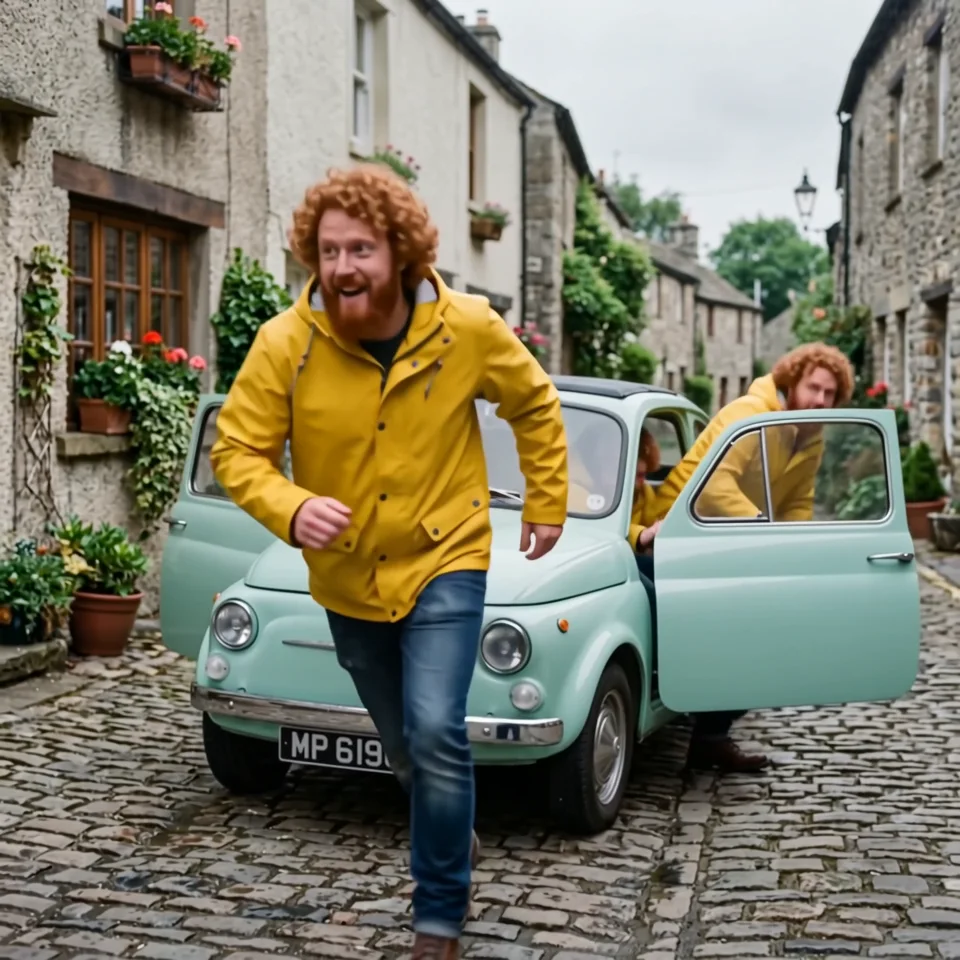 Infinite clonesEndless copies pour out of a tiny car.
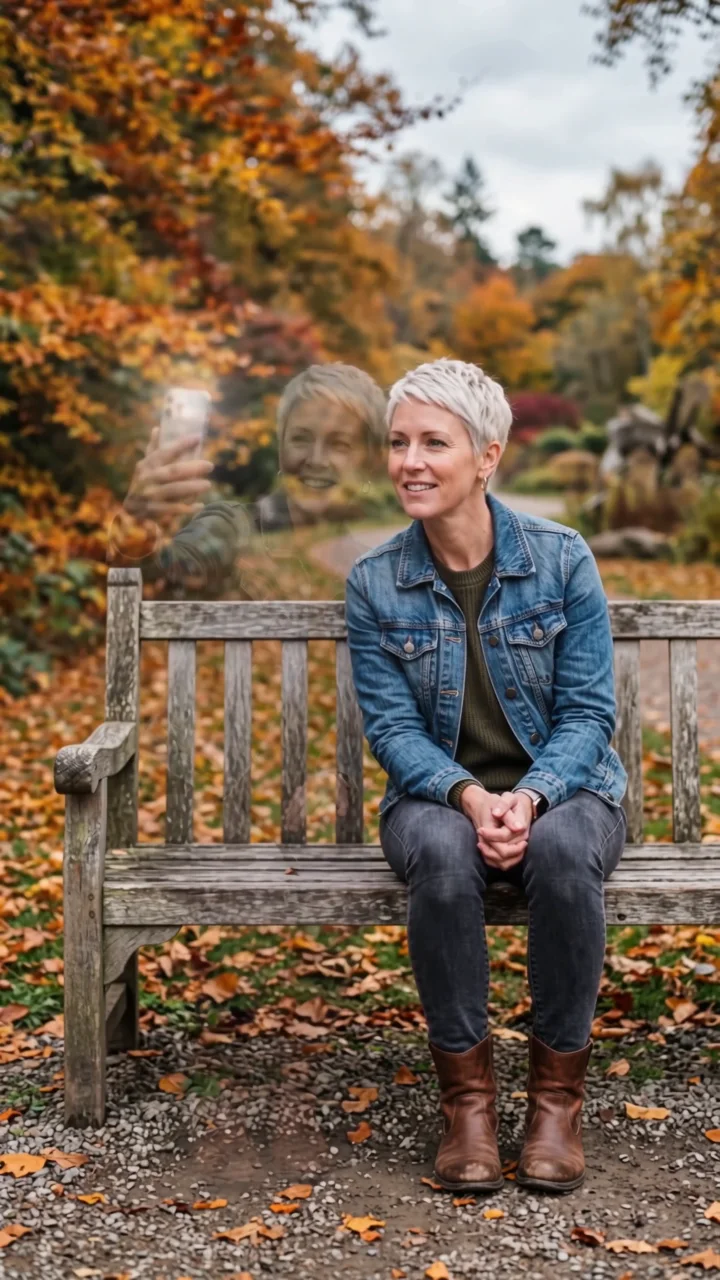 Selfie twinYour double sits down, takes a selfie, vanishes.
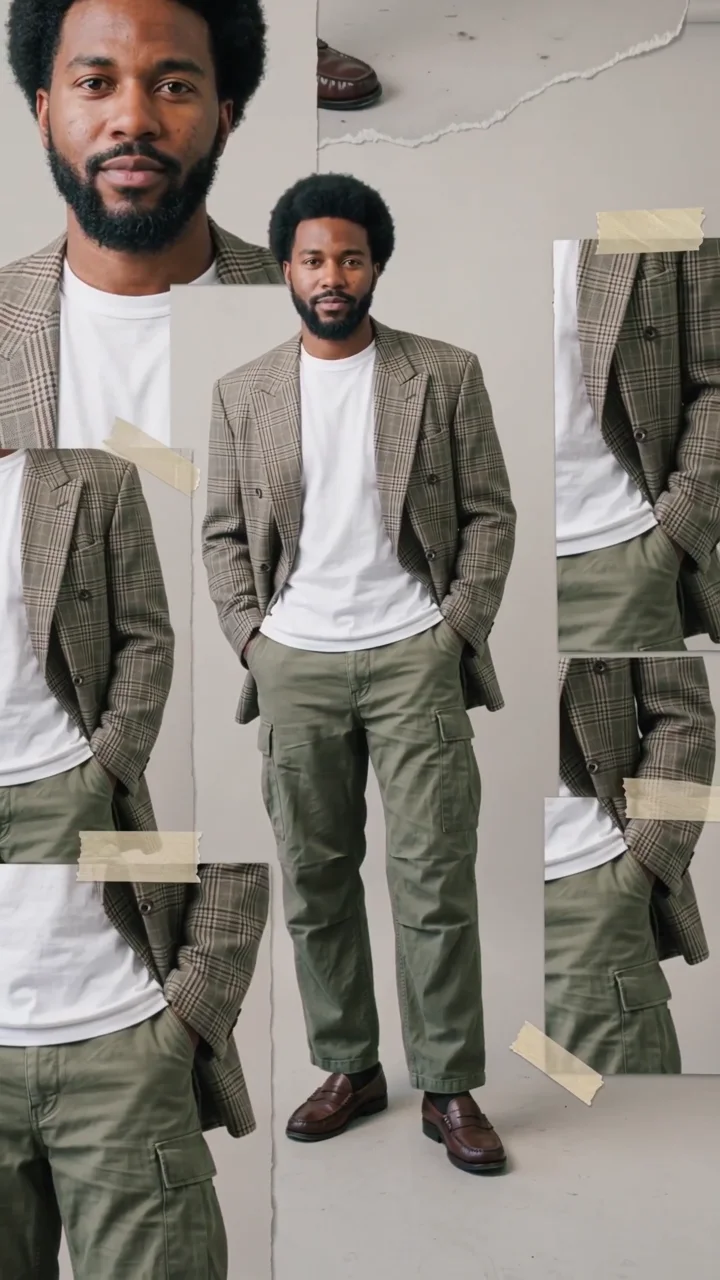 Scrapbook collageYour look in a moving scrapbook layout.
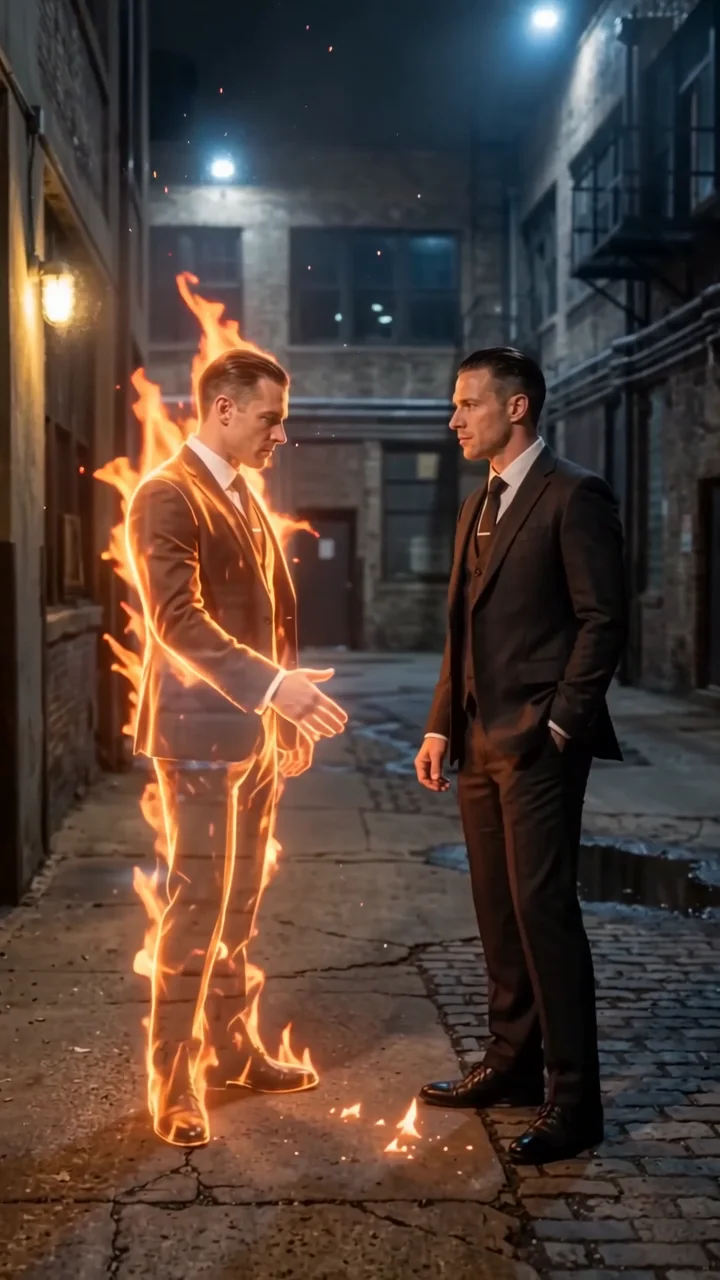 Flame twinA burning double reaches out to shake your hand.
 InclineTilt the world. Keep your balance.