Studio slide effect
Studio slide is a clean lateral camera move that slides your subject into a polished photography studio, with softboxes and a seamless background moving into place around them. Add a location image and that becomes the final set instead.
- 5-second clip
- 480p, 720p or 1080p
- WAN 3.0 Prime
Sign in to run it. The price shows on the Generate button before you start.

How to make a Studio slide video
- 1
Add your photo
Upload one character image, an optional location image and up to four product images. JPG, PNG, or WebP up to 10 MB each.
- 2
Generate your Studio slide video
Pick a resolution and aspect ratio, add an optional prompt, and review the exact price before you start. A 5-second clip at 480p, 720p or 1080p.
- 3
Download and share
Your video saves to Assets. Play it, download the MP4, and post it anywhere.
What it is good for
- LookbooksA premium editorial reveal for each outfit.
- Brand introsPlace a founder or creator in a polished set.
- Before and afterSlide from an everyday photo to a studio finish.
Tips for a better result
- Use a photo where the subject is well lit and clearly separated from the background.
- Add a location image of your own studio or store to end there.
- Products you add stay consistent through the slide.
Questions
Can I choose the studio the effect slides into?
Yes. Upload a location image and the move ends on that set. Without one, it builds a clean photography studio.
Does the studio slide effect cut between shots?
No. It is one continuous lateral move with parallax.
How much does the Studio slide effect cost?
It is priced per video, in credits, by its length (five seconds) and the resolution you pick. The exact price is on the Generate button before you start.
Whose photos can I use?
Use photos of yourself, or of people who have agreed to be in the video. Do not upload photos of other people without their permission.
More effects like Studio slide
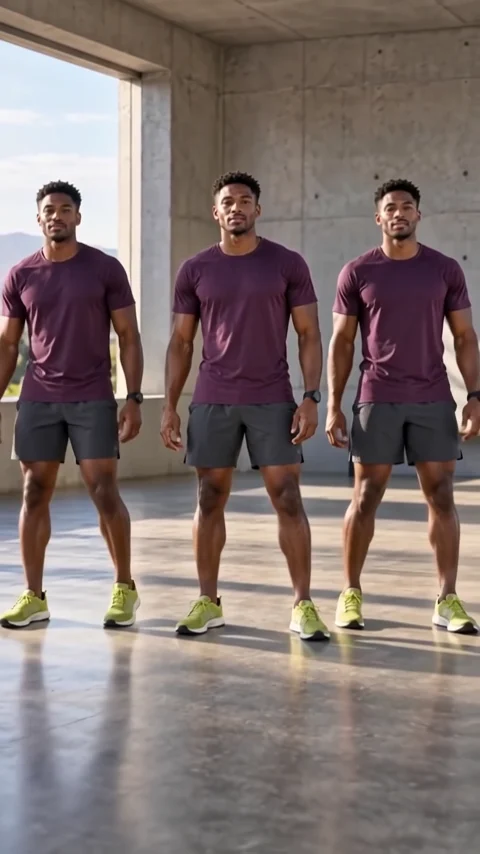 ClonesOne subject becomes a perfectly matched crowd.
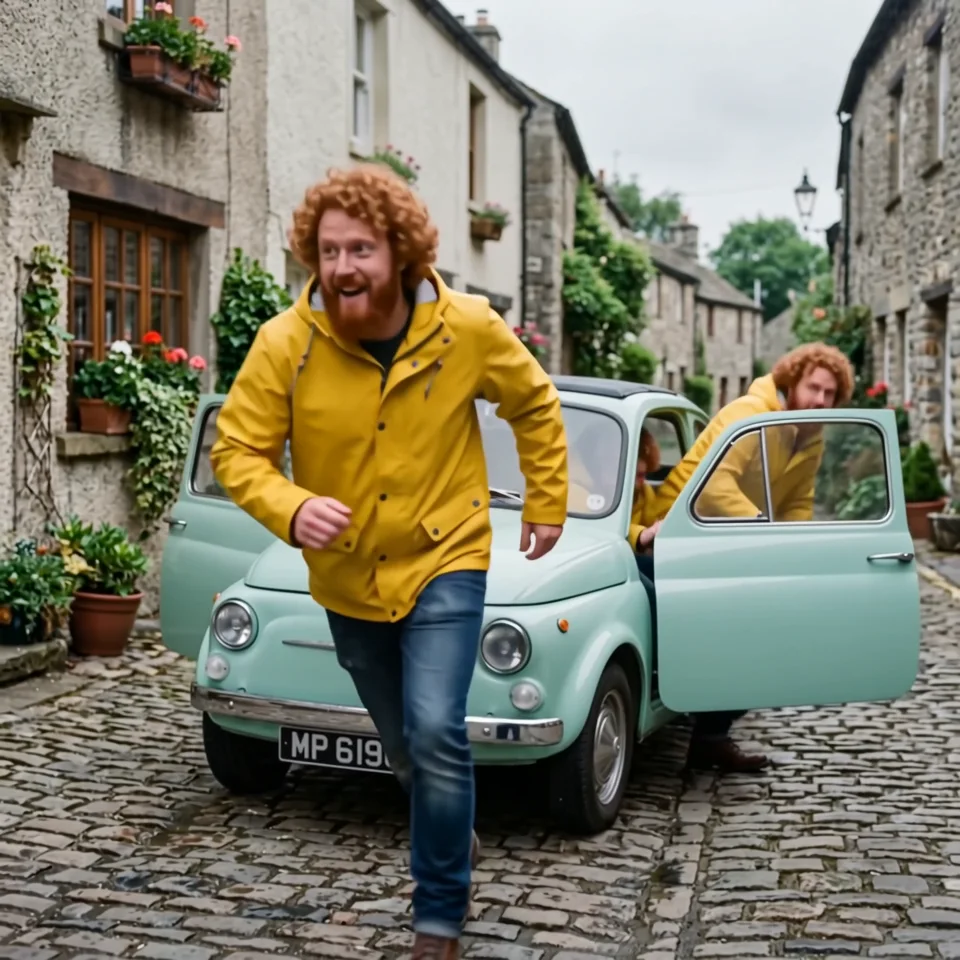 Infinite clonesEndless copies pour out of a tiny car.
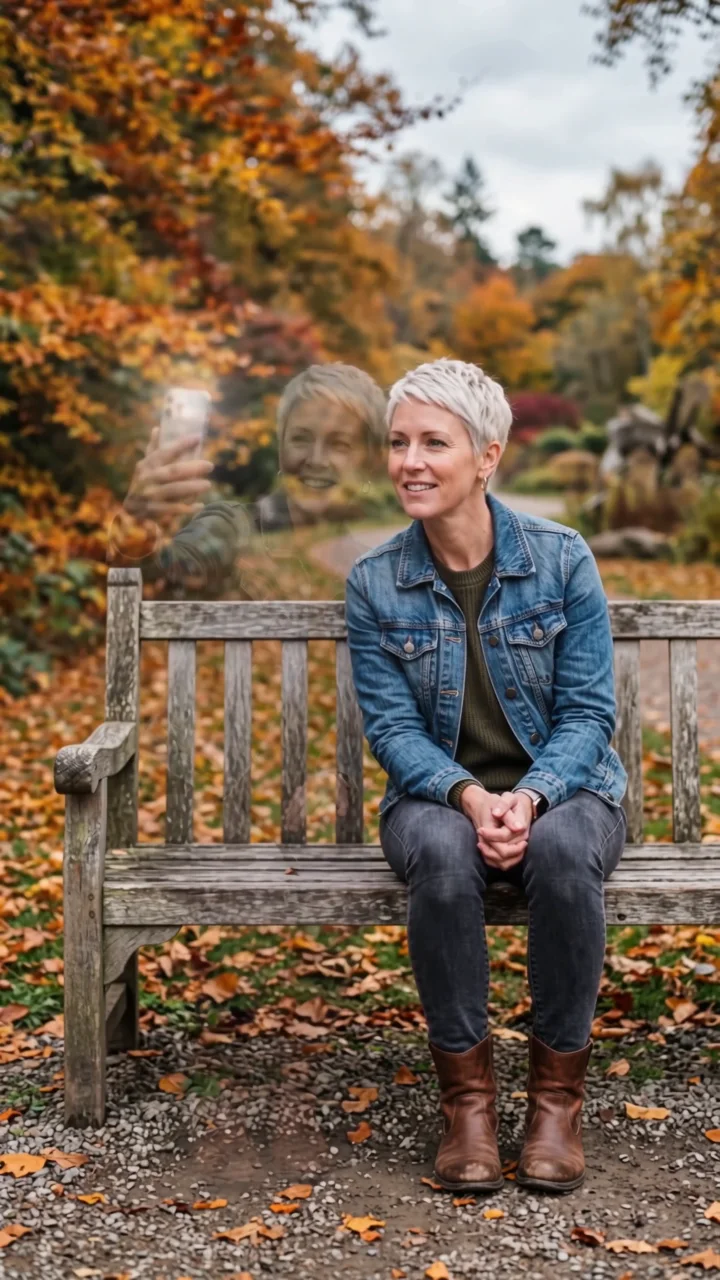 Selfie twinYour double sits down, takes a selfie, vanishes.
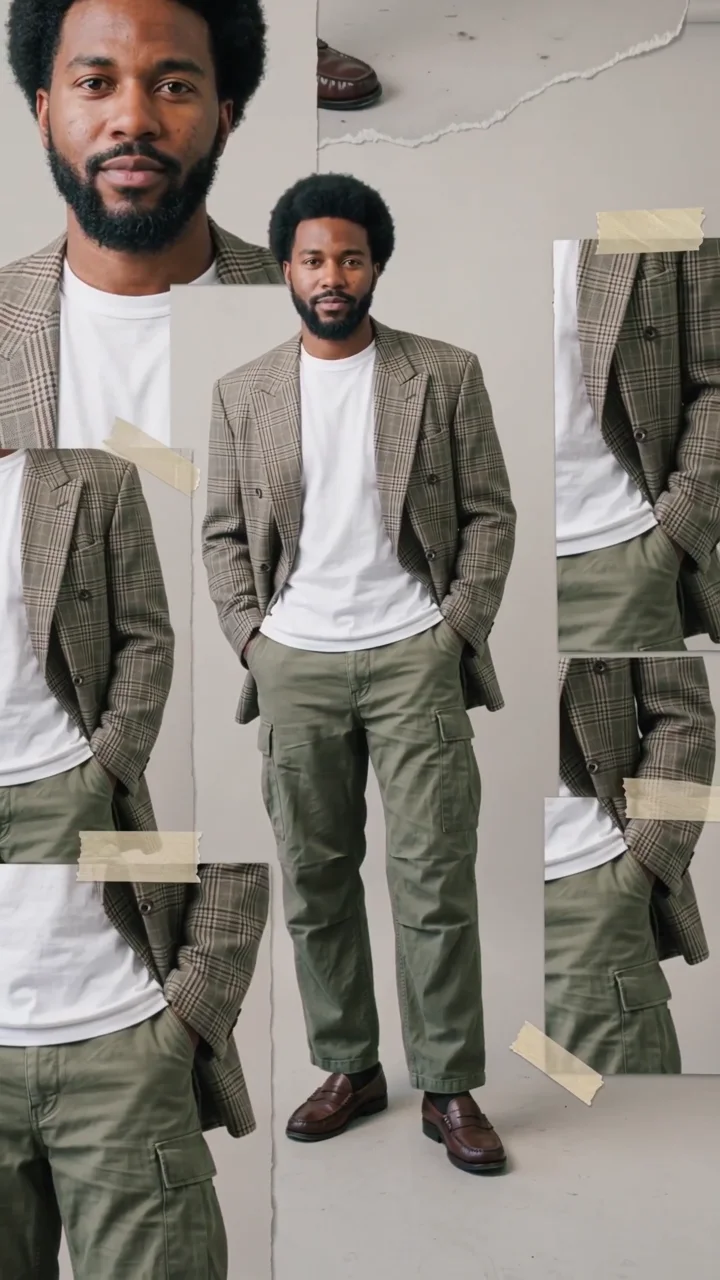 Scrapbook collageYour look in a moving scrapbook layout.
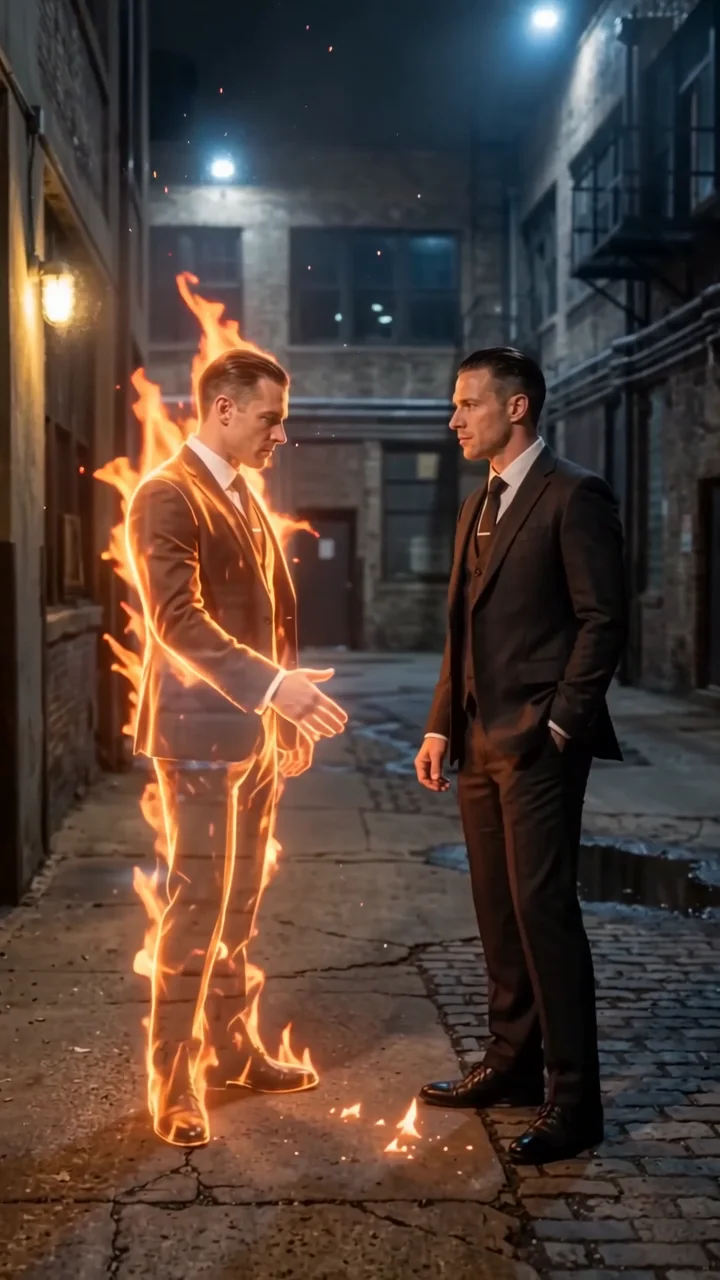 Flame twinA burning double reaches out to shake your hand.
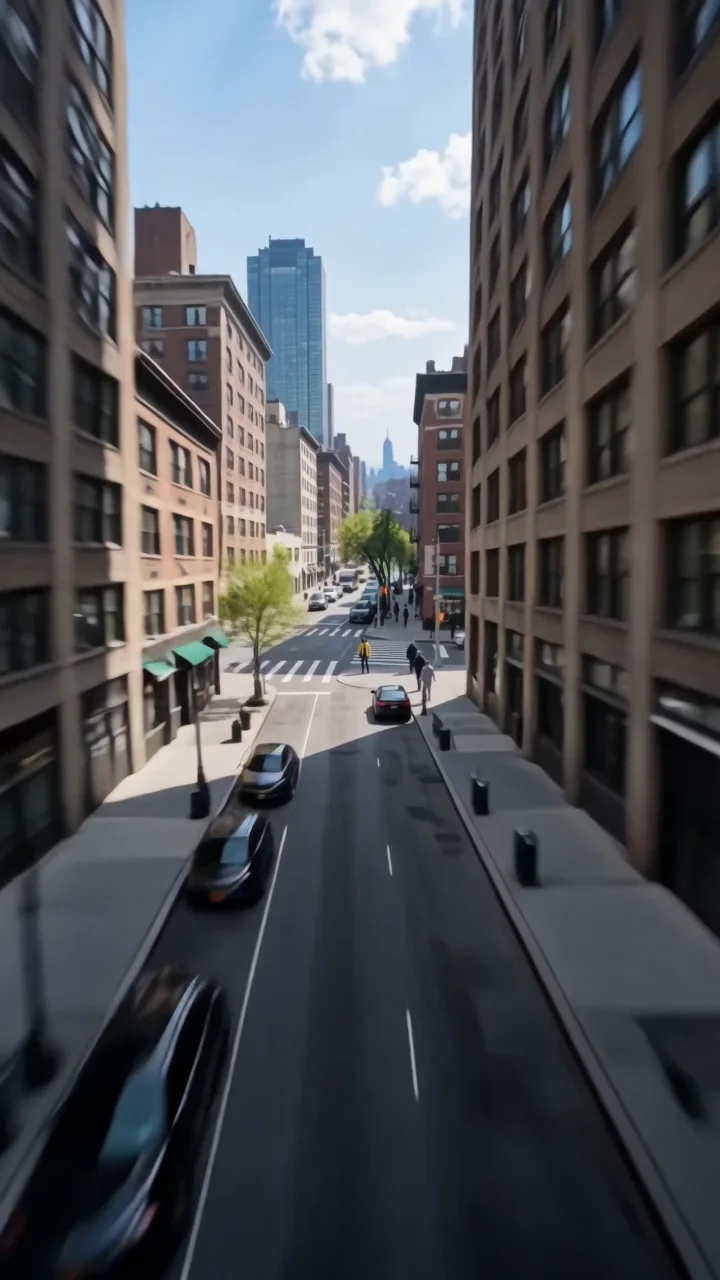 Earth zoomDive from orbit all the way down to you.